

Leaderboard
-
Hopstretch
High Rollers7Points16821Posts -
mikeymad
High Rollers6Points13883Posts -
blessingx
High Rollers4Points17838Posts -
swt61
High Rollers3Points22273Posts




Popular Content
Showing content with the highest reputation on 03/18/25 in Posts
-
I've been thinking about it for a few decades now, and this is still my absolute favorite song.4 points
-
2 pointsNew Podcast started today. Yeah you can find it on your phone, but the YT fun is just too fun, even before Tina joins.2 points
-
2 pointsHeavy stuff, but done so well. Absolutely worth the watch.
 2 points
 -
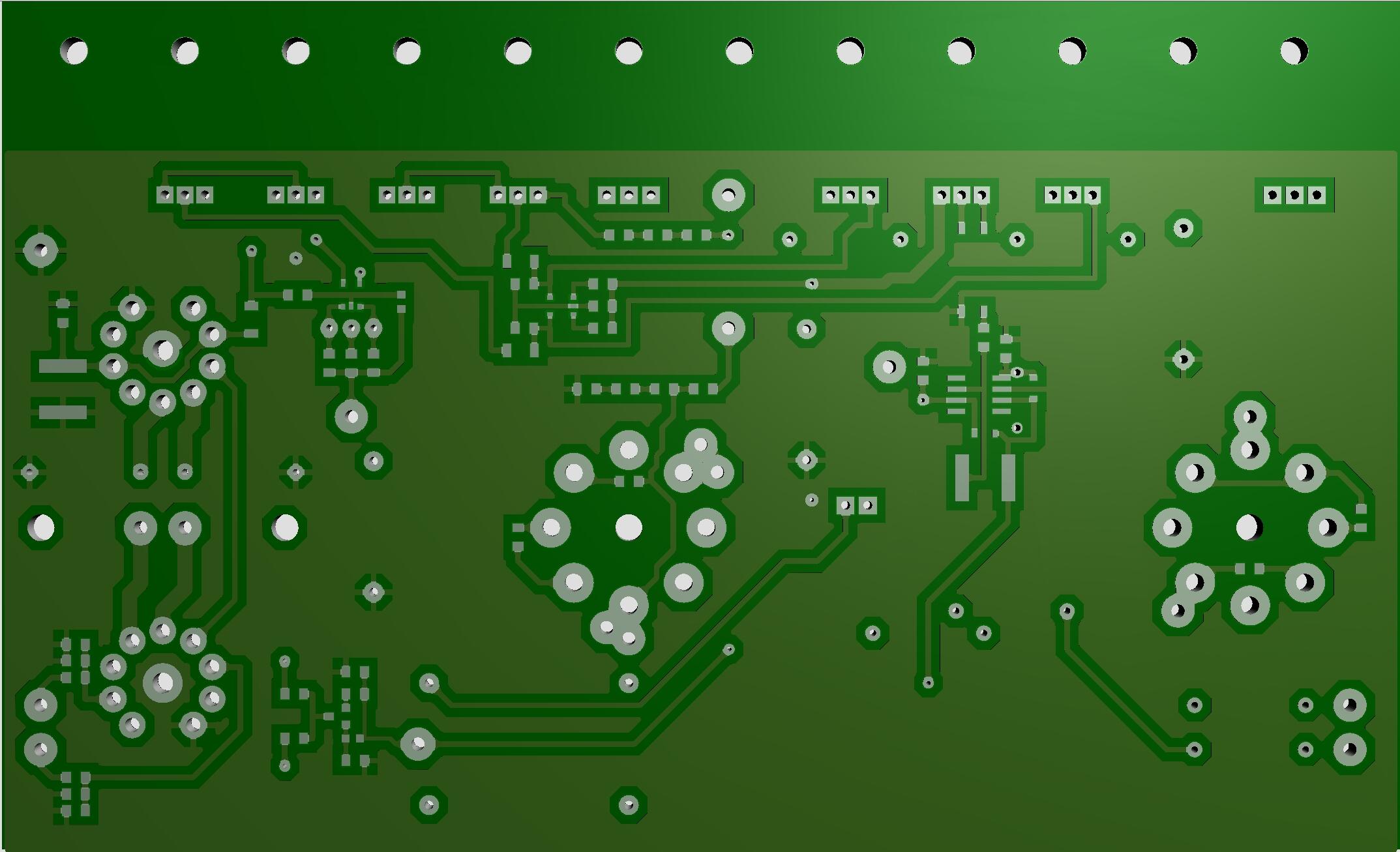
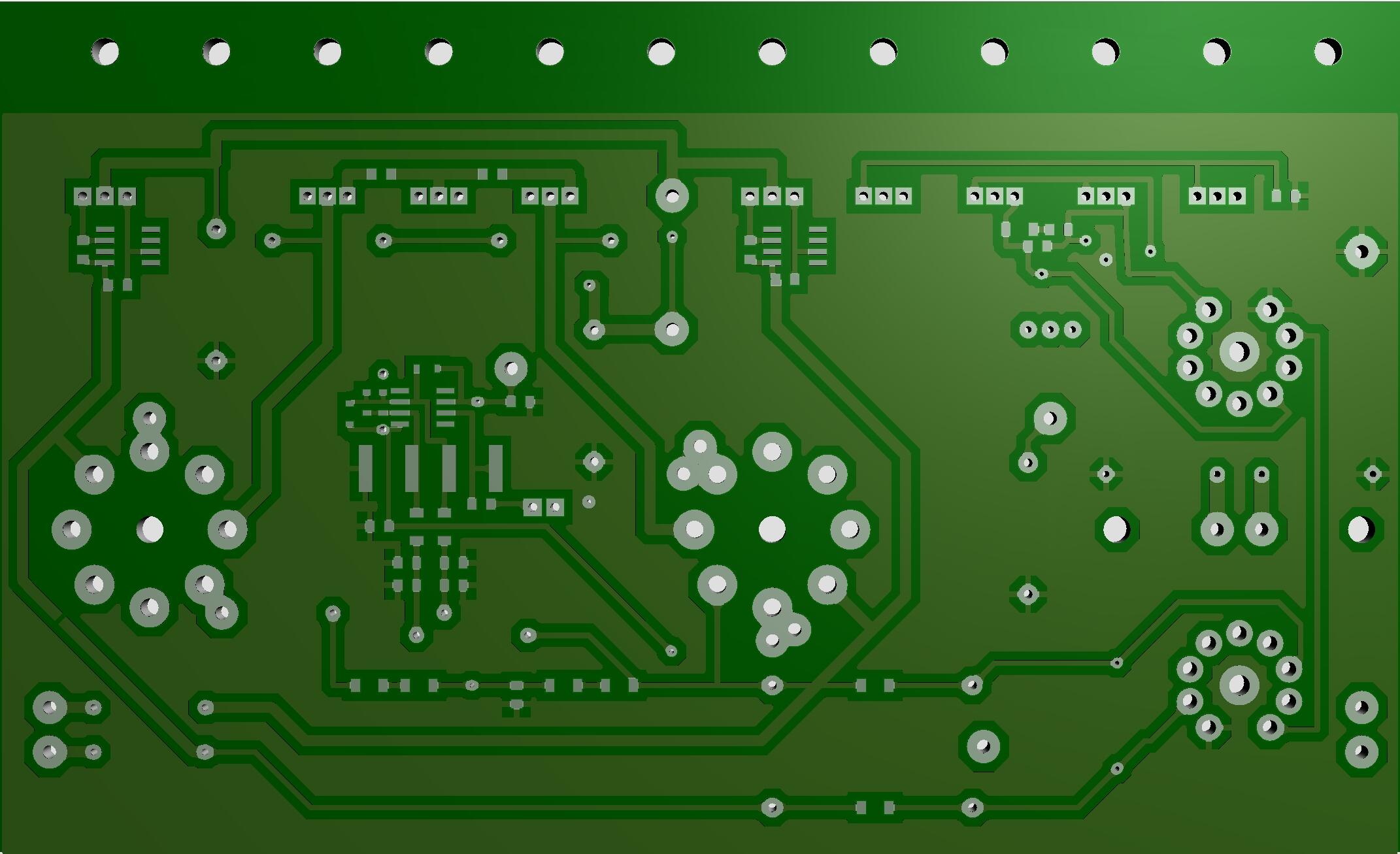
1 pointGlad you found a solution to the hum problem. I don’t have any empty board left – last one sent to Finland a week ago Below print screen from my PCB software, silk screen disabled, version .24.
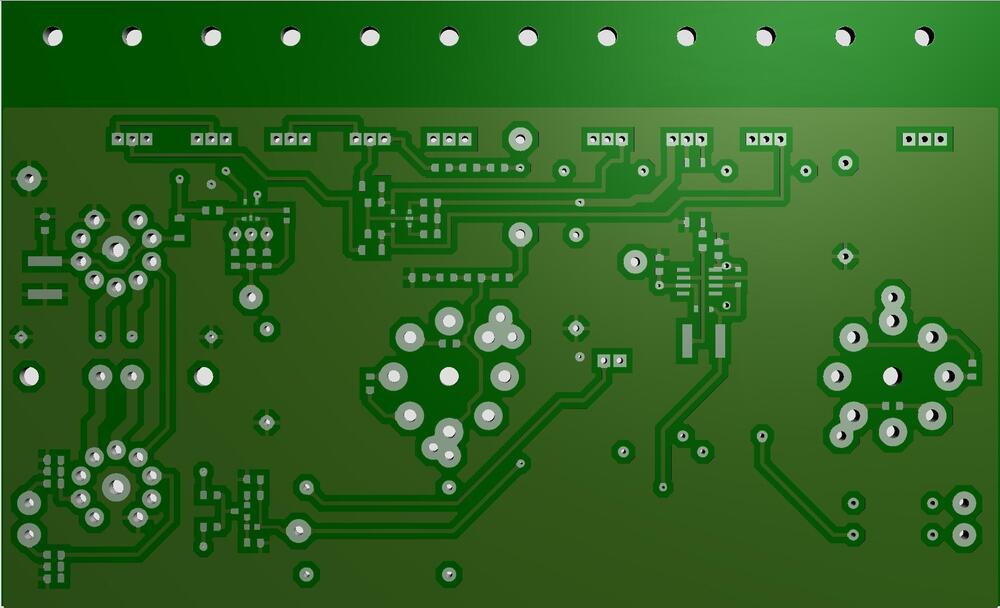
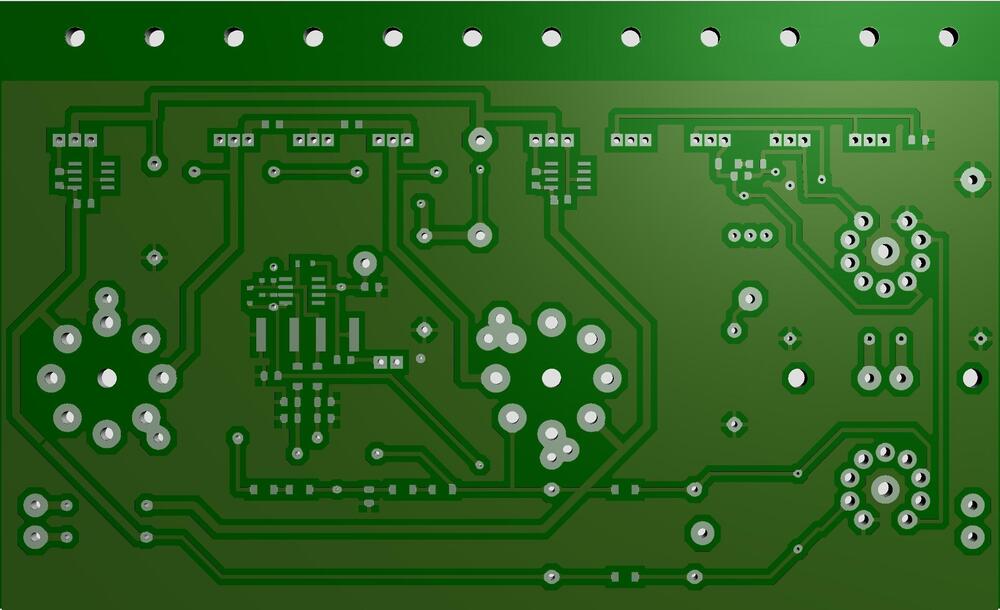 1 point
 -
The Incredible Jazz Guitar Of Wes Montgomery by Wes Montgomery (1960) https://album.link/sn0dthrqvkqbb Example: I don't feel I listen to Wes enough.. and this was just a reminder...1 point
-
1 pointI moved into the new place this weekend. Moving sucks, but hopefully that was the last move I need to make in a good while.1 point
-
1 point1 pointMy favorite version of my favorite song by REM. I saw this concert and the extra drumstick on the chair was really effective live1 point1 pointI can only imagine @Grahame is extremely hyped for this? https://www.apple.com/uk/newsroom/2025/03/apple-music-announces-the-kings-music-room-with-king-charles-iii/ Nice to hear he's going to fit some Grace Jones in there. Probably not this one?1 pointI think season 2 is better than 1...It could be the addition of a new writer...MY SISTER!...

 1 point1 point* Cheery upbeat background music * * Friendly reassuring voice * "And in this week's podcast we discuss planning for dystopian events in your neighborhood."1 point









Important Information
By using this site, you agree to our Terms of Use.
Account
Navigation
Search
Configure browser push notifications
Chrome (Android)
- Tap the lock icon next to the address bar.
- Tap Permissions → Notifications.
- Adjust your preference.
Chrome (Desktop)
- Click the padlock icon in the address bar.
- Select Site settings.
- Find Notifications and adjust your preference.
Safari (iOS 16.4+)
- Ensure the site is installed via Add to Home Screen.
- Open Settings App → Notifications.
- Find your app name and adjust your preference.
Safari (macOS)
- Go to Safari → Preferences.
- Click the Websites tab.
- Select Notifications in the sidebar.
- Find this website and adjust your preference.
Edge (Android)
- Tap the lock icon next to the address bar.
- Tap Permissions.
- Find Notifications and adjust your preference.
Edge (Desktop)
- Click the padlock icon in the address bar.
- Click Permissions for this site.
- Find Notifications and adjust your preference.
Firefox (Android)
- Go to Settings → Site permissions.
- Tap Notifications.
- Find this site in the list and adjust your preference.
Firefox (Desktop)
- Open Firefox Settings.
- Search for Notifications.
- Find this site in the list and adjust your preference.