

tin ear
Returning Member
-
Joined
-
Last visited
-
That's incredible. I insist that my leather be faux.
-
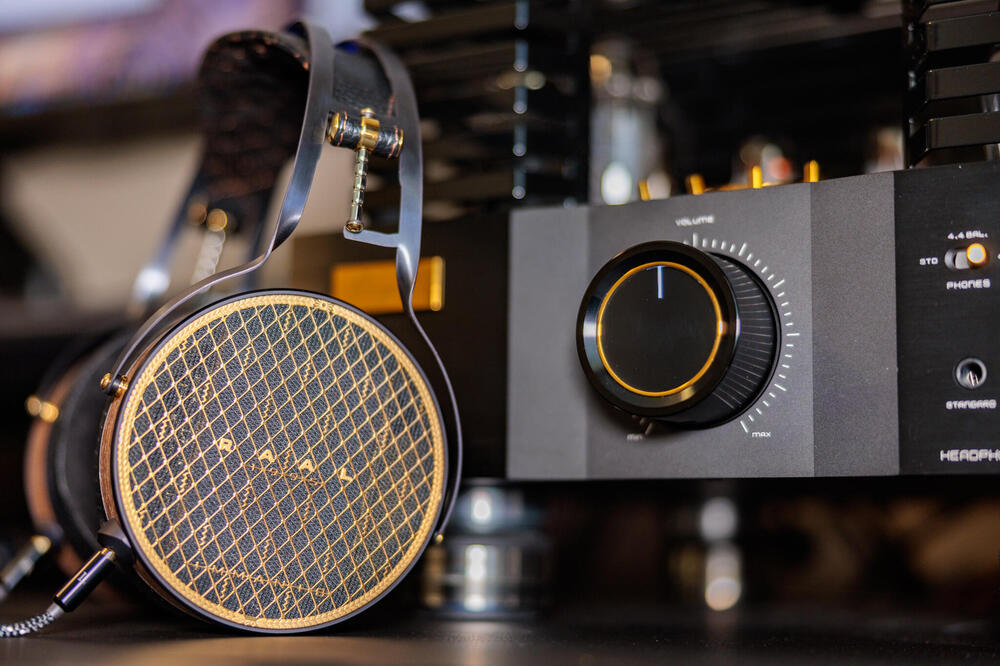
'one of the headphones of all time' pic poached from the other place some deets from the manufacturer's website: MOTOR Specifications Configuration Complimentary Tuned Triple Ribbon Ribbon Type Corrugated Pure Aluminum (True-Ribbon) with Viscodamp™ “Silent Metal” Viscosity Dampening Surface Area 25.2 cm² (3.9 in²) Excursion +/- 4mm (0.157 in) Maximum SPL 118dB Impedance 0.057Ω Impedance with Specialized HP Cable 0.29Ω aaand it requires a proprietary converter and cable for use with amplifiers, weighs in at a hefty 626g, costs an eye watering $9,757usd for the 'full package' and $ 7,589 for the headphone alone
-
i think it's a terrific headphone. i still audition other totl offerings and then wonder why i bother after returning to the utopia.
-
i was just starting out. i don't use hot glue anymore.
-
the sock appears uncoloured if not neutralthat's disappointing and a pain but it is covered by a five year warrantyi was so excited to try these but my pair arrived with the legs missingme likey utopia most alwaysjust shows to go ya that not everyone is expendable. innerfidelity continued in name only without Tyll. i deleted the bookmark today without a second thought.We hear them similarly. I found the Clear boring coming from the Utopia tbh.the poll is statistically meaningless. the guy who started it has acknowledged that and tried to have it removed without success.




Important Information
By using this site, you agree to our Terms of Use.