guzziguy
High Rollers
-
Joined
-
Last visited
Everything posted by guzziguy
-
Happy Birthday, John! Have a wonderful day.
-
Congrats. Looks like you had a lot of fun.
-
Good luck, Nate. Have a great ride!
-
-
Sorry for your loss, Steve. RIP Shaun Kitka. #fuckcancer
-
Were those long tons or short tons?
-
Indeed! Very, very nice.
-
Happy Birthday, Jack!
-
Is her biggest hit "Ore than a feeling"?
-
In.
-
Happy Birthday, Ian!
-
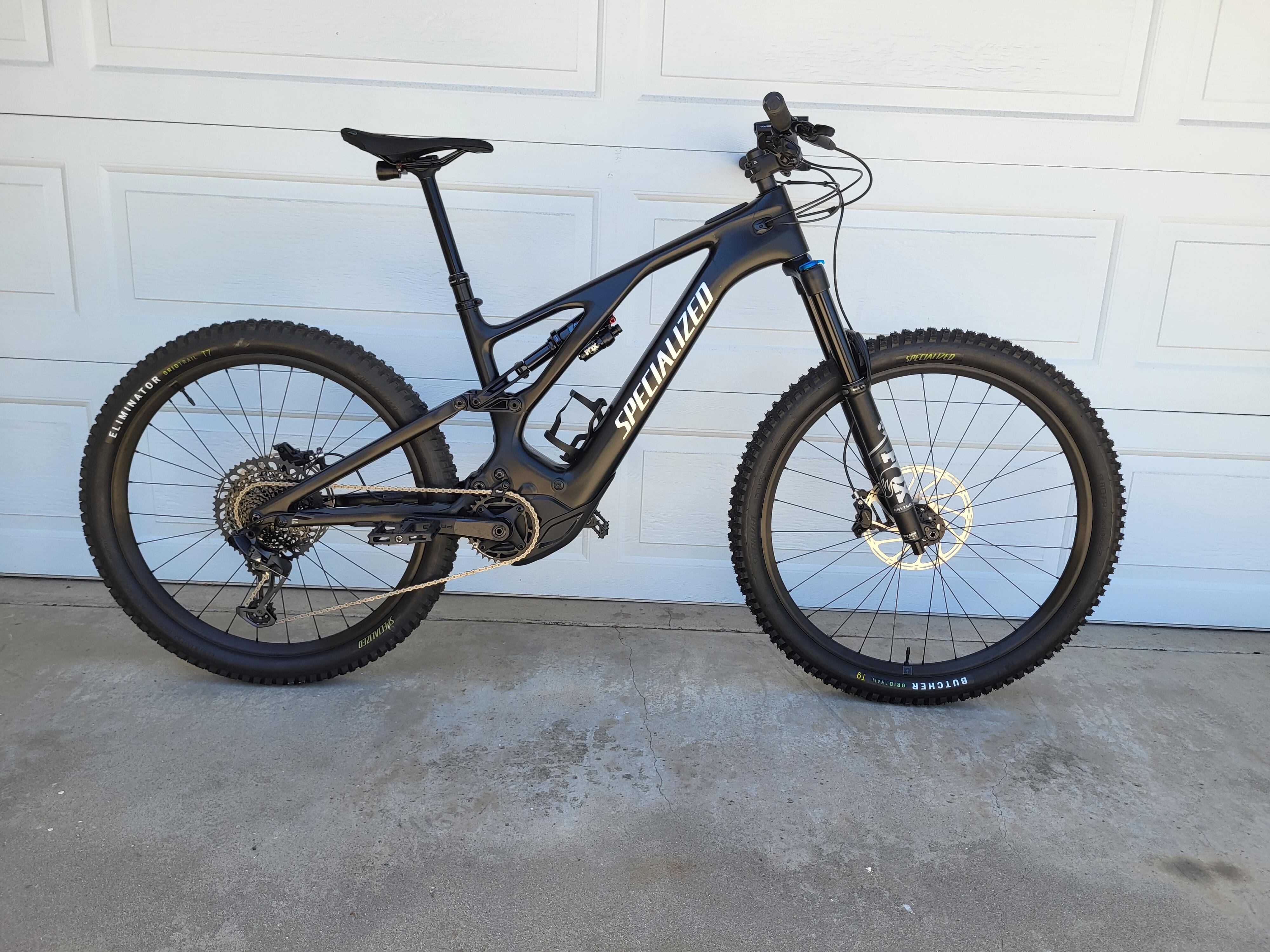
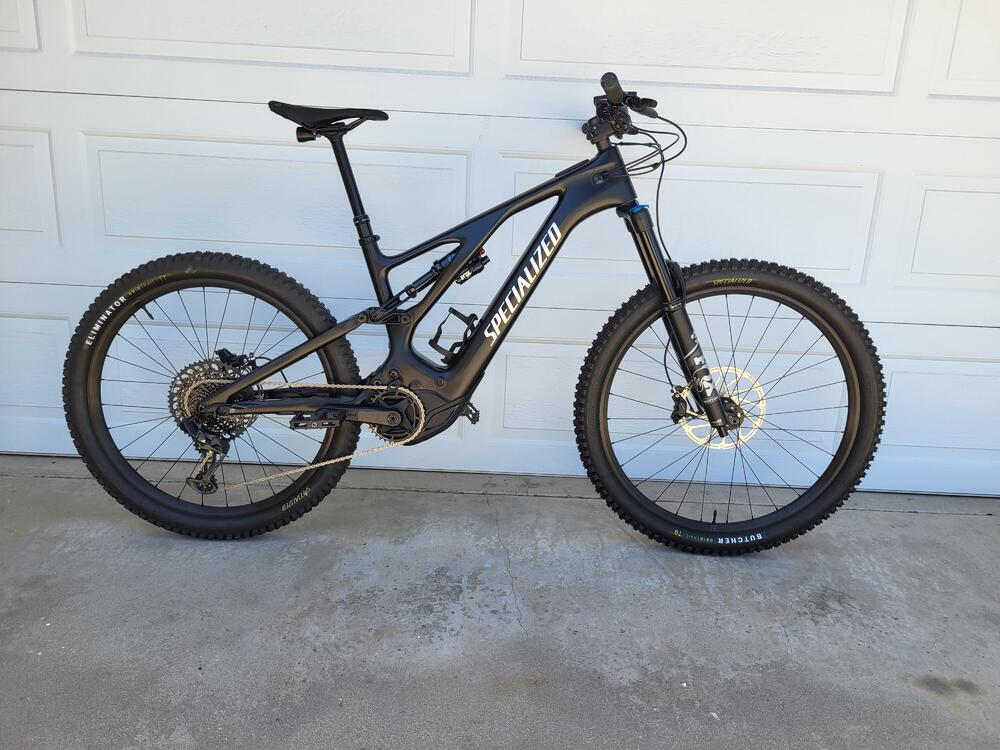
Picked this up yesterday. I blame Andy @blubliss. 😜
-
RIP Olivia. Sorry Oz, you're having a tough week.
-
RIP Judith Durham of the Seekers. There will never be another you. This one really hurts.
-
Happy Birthday, Todd! Have a wonderful day.
-
RIP Isabella. I'm sure that she thanks you for giving her a good life.
-
-
Happy Birthday, Antonio! Have a wonderful day.
-
@blubliss Is that a Turbo Levo or Kenovo? Looks great, whichever.
-
So sorry, Chris. RIP Jeffrey.
-
Re the John Oliver video. It's either laugh or cry about the contents. I chose laugh. I sure hope that there is intelligent life somewhere in the galaxy. It sure isn't here.
-
Happy Birthday, Jose! May there be a lot of riding in the upcoming year.
-
Happy Birthday, Birgir! Hope it's been a great day.
-
Happy Birthday, Greg! Have a great one.
-
Happy Birthday, Justin! Have a wonderful day.