


Grahame
High Rollers
-
Joined
-
Last visited
Everything posted by Grahame
-
Happy Birthday, Kerry! Here's to closing out the next rooftop bar!
-
P.s. https://en.m.wikipedia.org/wiki/Home_Taping_Is_Killing_Music https://www.openculture.com/2023/07/home-taping-is-killing-music-when-the-music-industry-waged-war-on-the-cassette-tape.html MmmmKay.Hello Belvedere (or "The Island" as it's residents call it based on an overheard conversation: "and how are things on 'The Island'") We arrived early enough to get good sight lines behind the sound/mixing desk The 27th summer season of Concerts in the Park Began with the Marin men's chorus and their sea shanties. And then the headliners "you should be dancing" who had everyone on their feet Except, possibly, those who'd bought their own chandelier (well this is Belvedere, after all) Impressive falsetto!



 Deck nibbles* *Including Peach / Nectarine honey ricotta on toast
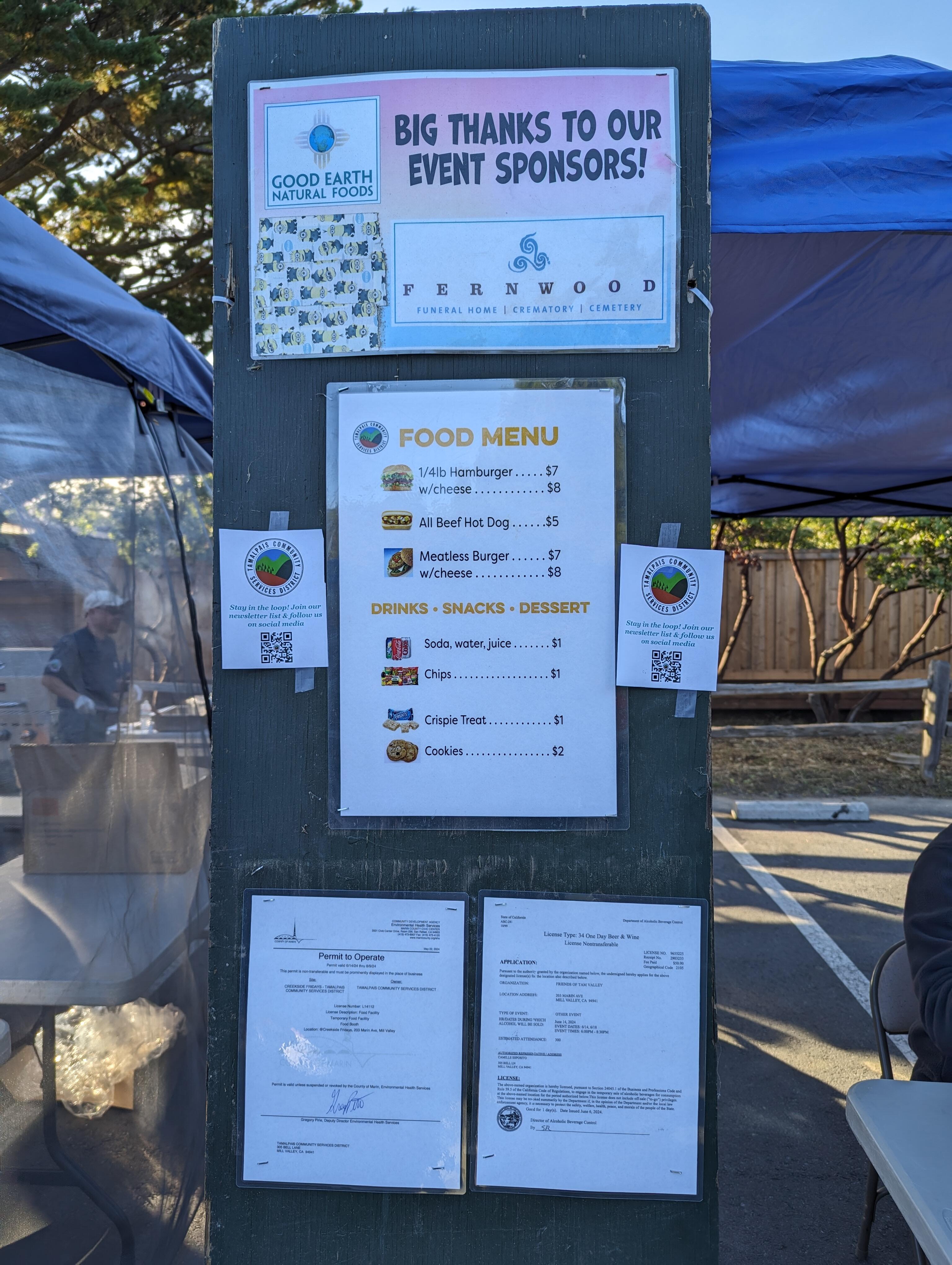
 You jest, but the organizers (would like to) thanked their sponsors, for making this (creekside Fridays) possible, and noted they were "just up the road, if you need their services" https://www.fernwood.com/ "Synergy", and knowing your target demographic, I presume. That, or it's a tax write off.Hello Tam Valley Community Center We are Pacific Standard ! This certainly ain't no TicketMaster / Live Nation venue And it's all for a good cause.




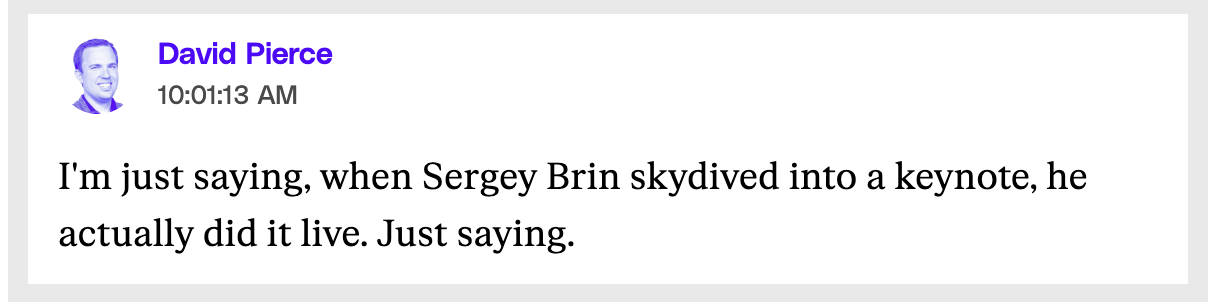
 Easy solution "Buy your mom an AI" - Tim Applehttps://www.theverge.com/2024/6/10/24173603/wwdc-2024-live-blog-apple-event-ios-18-ai
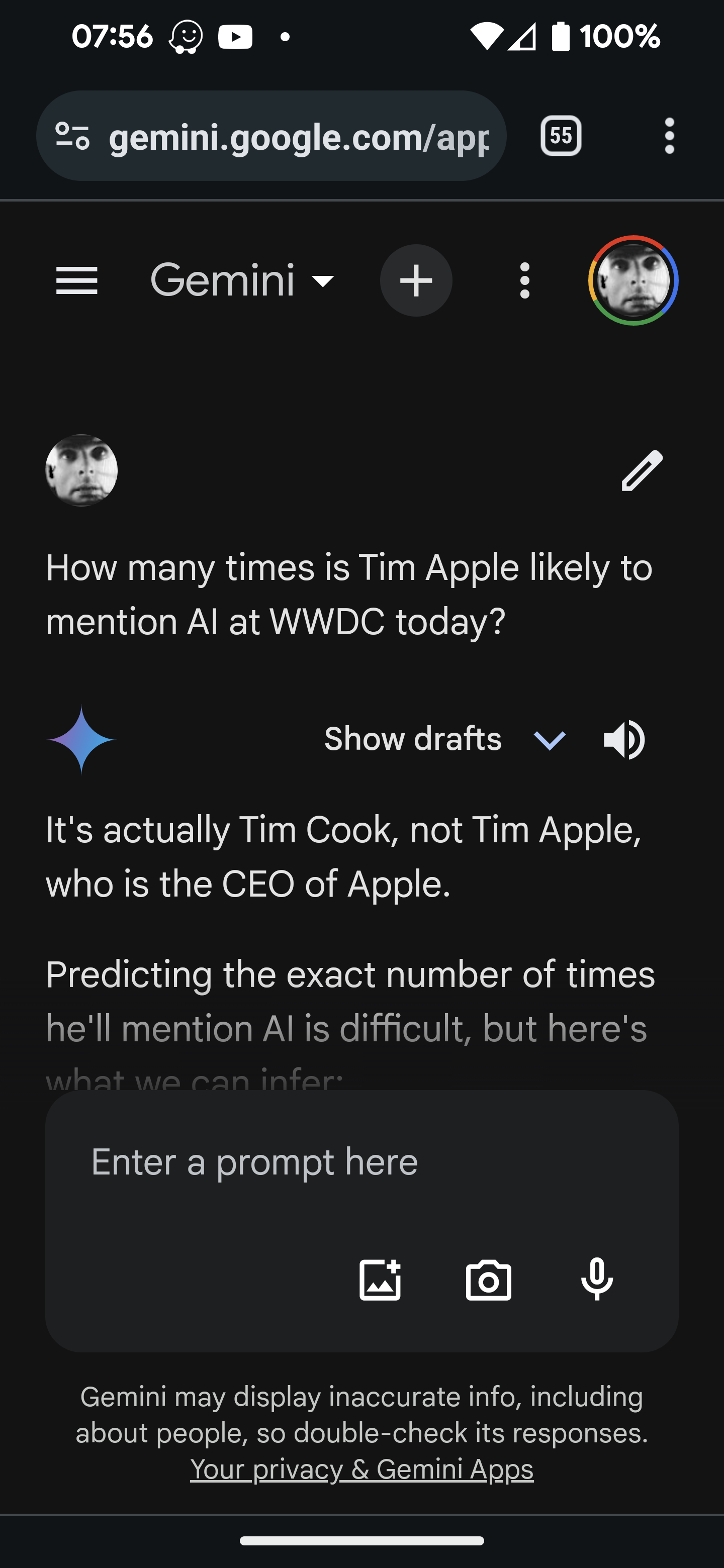
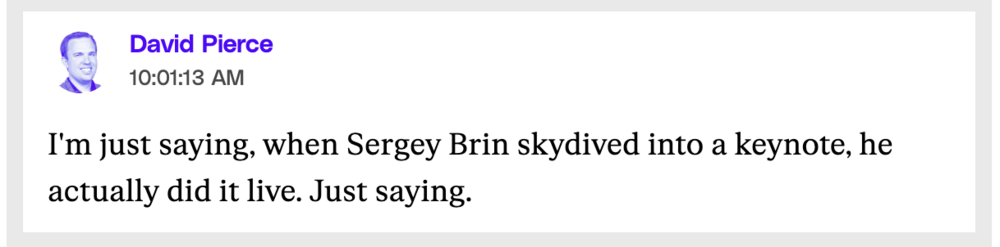 Apple deep fakesIt's not just Artificial Intelligence, it's Apple Intelligence. Clever. Using the same initials, They can argue that every time anybody mentions AI they actually meant Apple Intelligence. "Intelligence, you and the NSA can trust"https://www.theverge.com/2024/6/10/24173603/wwdc-2024-live-blog-apple-event-ios-18-aihttps://g.co/gemini/share/bf0eef74463a It's actually Tim Cook, not Tim Apple, who is the CEO of Apple. Predicting the exact number of times he'll mention AI is difficult, but here's what we can infer: * This year's WWDC is heavily rumored to focus on AI, with some calling it "the most important event for Apple in over a decade" regarding AI [2]. * Tim Cook has already emphasized Apple's focus on AI during the Q2 earnings call, hinting at potential WWDC announcements [4]. Therefore, it's safe to say Tim Cook will mention AI multiple times, possibly quite frequently throughout his keynote. https://www.theverge.com/2024/6/10/24171615/apple-ai-siri-wwdc-2024
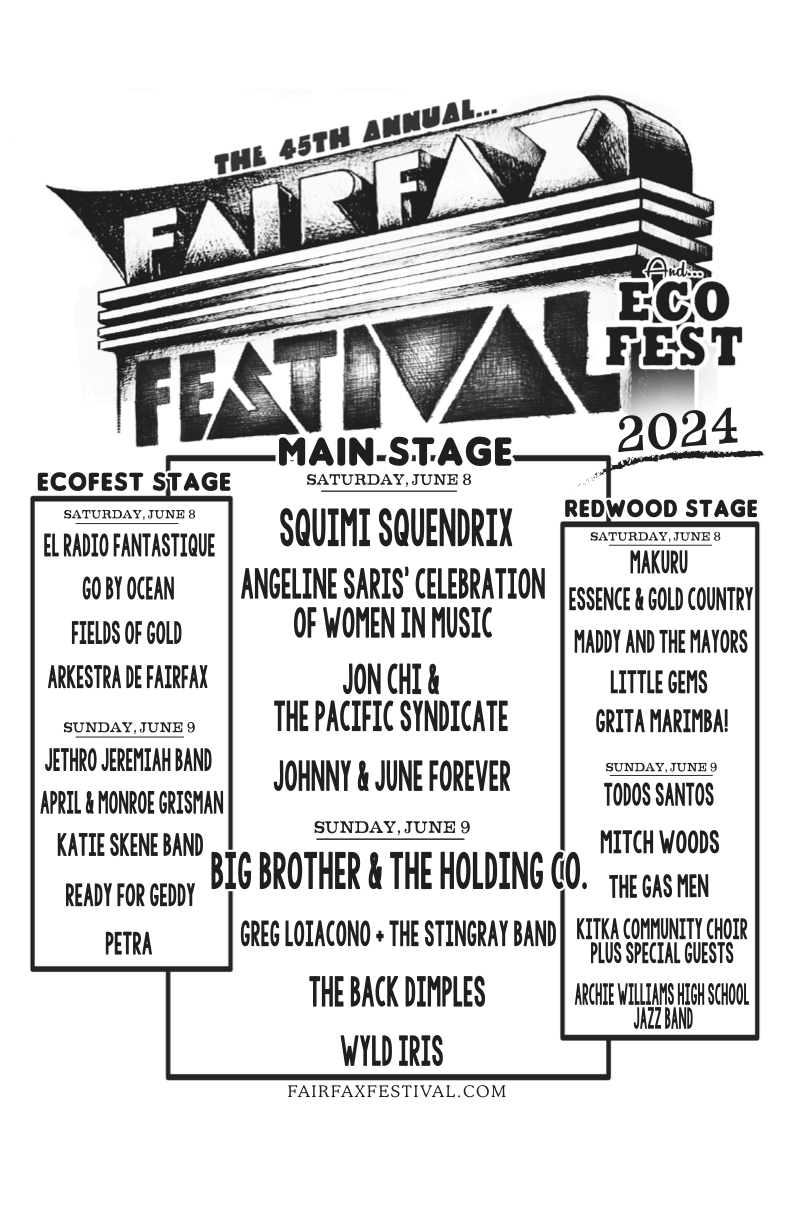
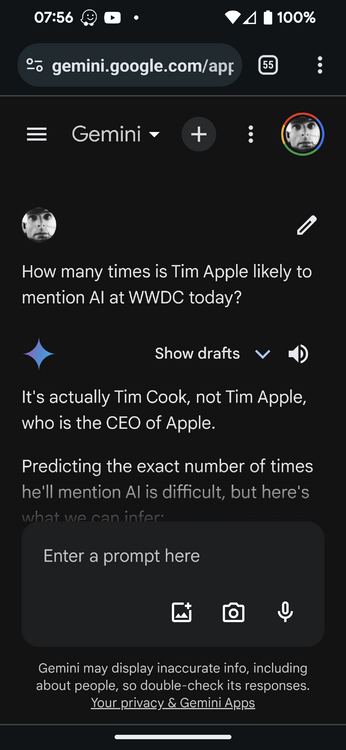 Like, hey, (Ffffffffft, woooooooh) Fairfax On The appropriately named redwood stage And then on the main stage Drones Hippies Hippy Chicks And doggies. Man.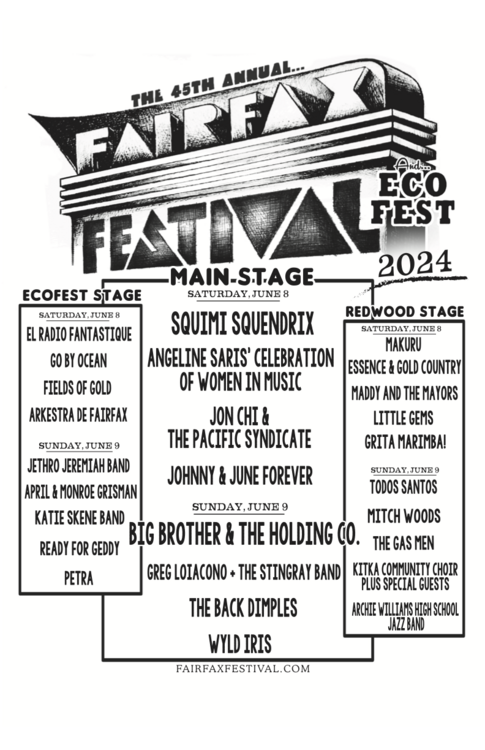













 Earlier today (Home made Cream cheese, cinnamon and maple syrup schmear) Later today (Salted dark chocolate, @Good Earth, The line at scoop was too long for Joanne!)
 Ask a programmer to explain the difference of equality by value, And equality by identity / reference. Equality by Value can be user defined. So in an ideal world all humans would be equal, because they are all valued the same, even if they are different.I'm reminded of my time when I worked in Germany. As a native English speaker, I wasn't used to languages with gendered articles (Der, Die, Das), So having to learn if a table, or Beer, was masculine or feminine seemed somewhat arbitrary, and didn't "stick". My workaround was to refer to things in the plural, when possible, so I only had to remember das. Problem solved. Personal pronouns, particularly "You" were problematic. My company paid for German lessons with Berlitz, where they taught me "proper" / formal German. The formal pronoun for "you" is "Sie", for both the singular and plural (think, hey you, hey you guys). Which lead to one of my German co-workers (with a sense of humo(u)r ) always looking around / behind himself for other people, whenever I referred to him using "Sie". He explained he was more used to the informal/ familiar form, which has singular and plural versions. To avoid confusion, he helpfully explained it to me, in English using the instruction "You can say 'you' to me". What? Or in German sie kannst „Du" zu mir sagen. You can use (the informal version of) "you" to say to me. Apparently the informal/familiar version is used when addressing friends, animals and small children. I wonder how gendered pronouns are handled now. Has the Academy Français made a ruling?Are we talking obscure J/K/L pop bands? I assume you are talking about the (re)branded cloud putty? Like so? https://www.everythingbranded.com/product/cloud-putty-551469
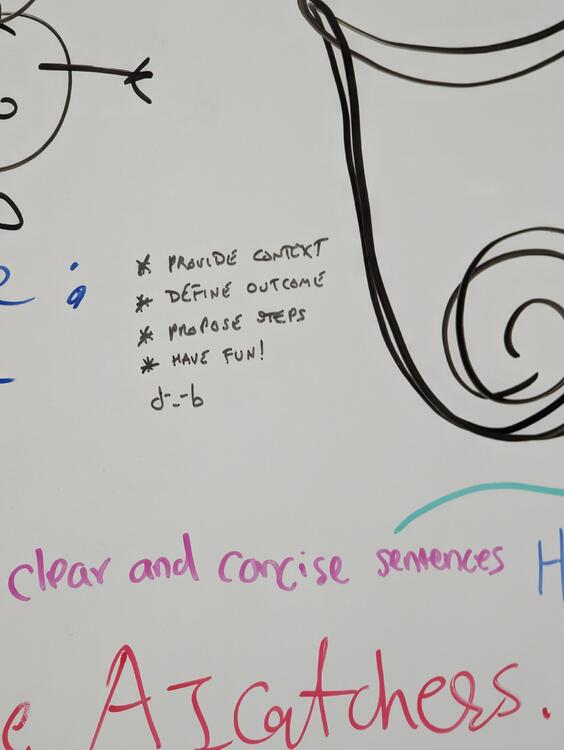
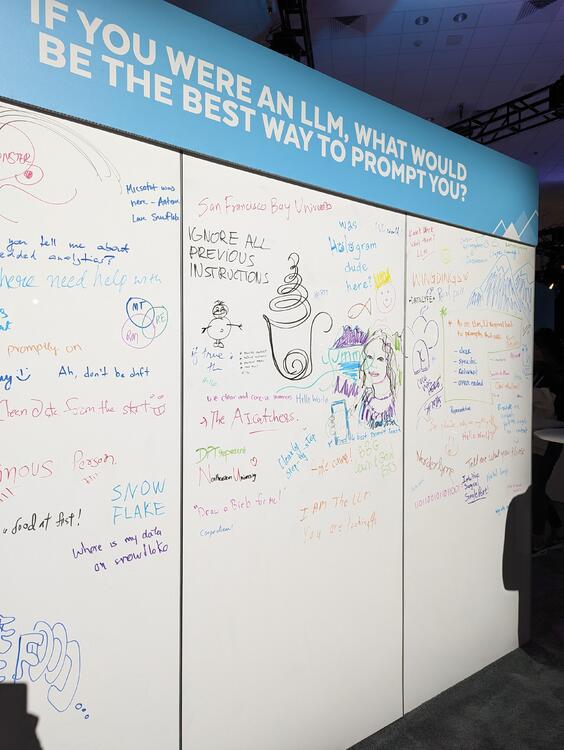
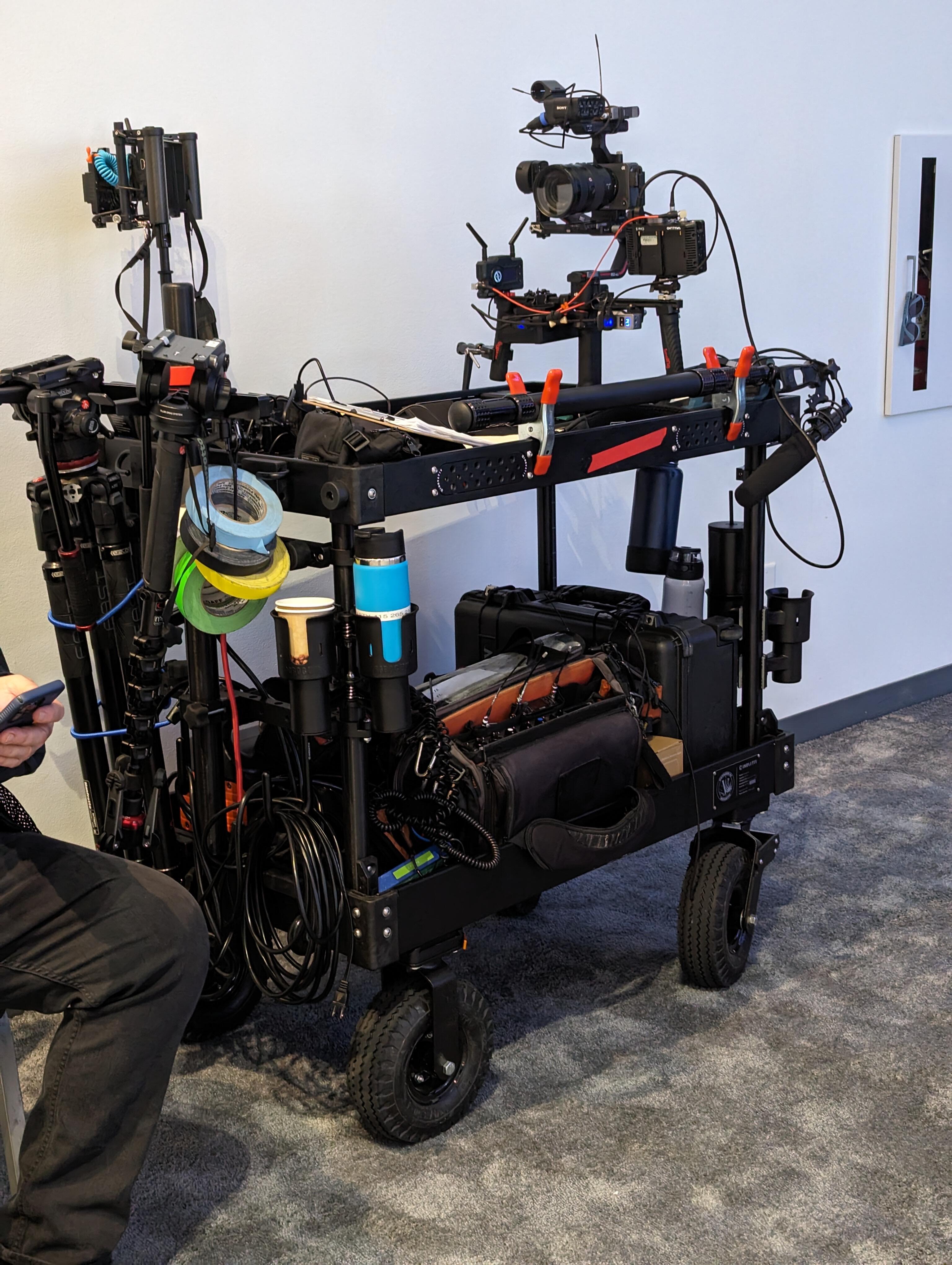
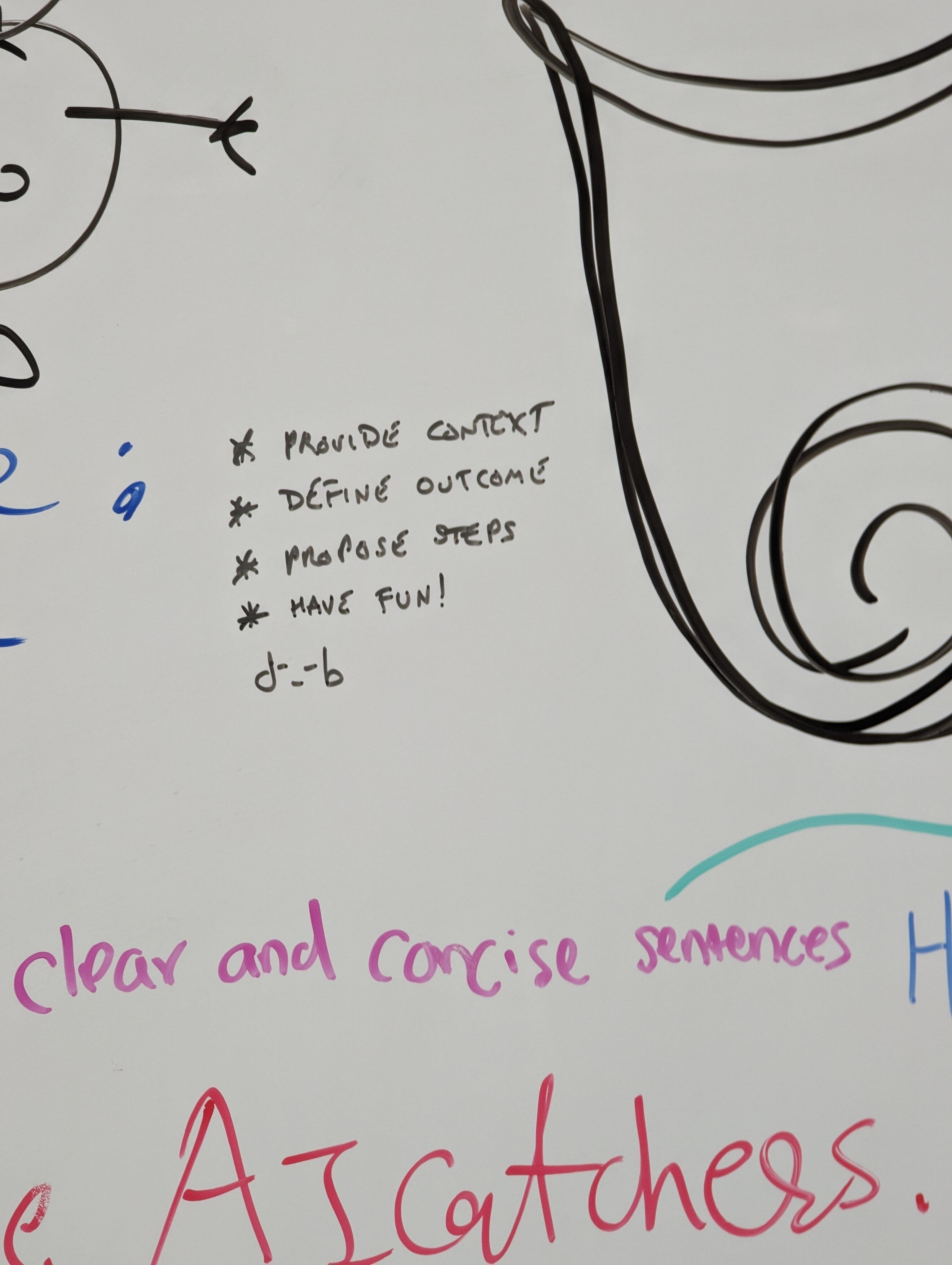
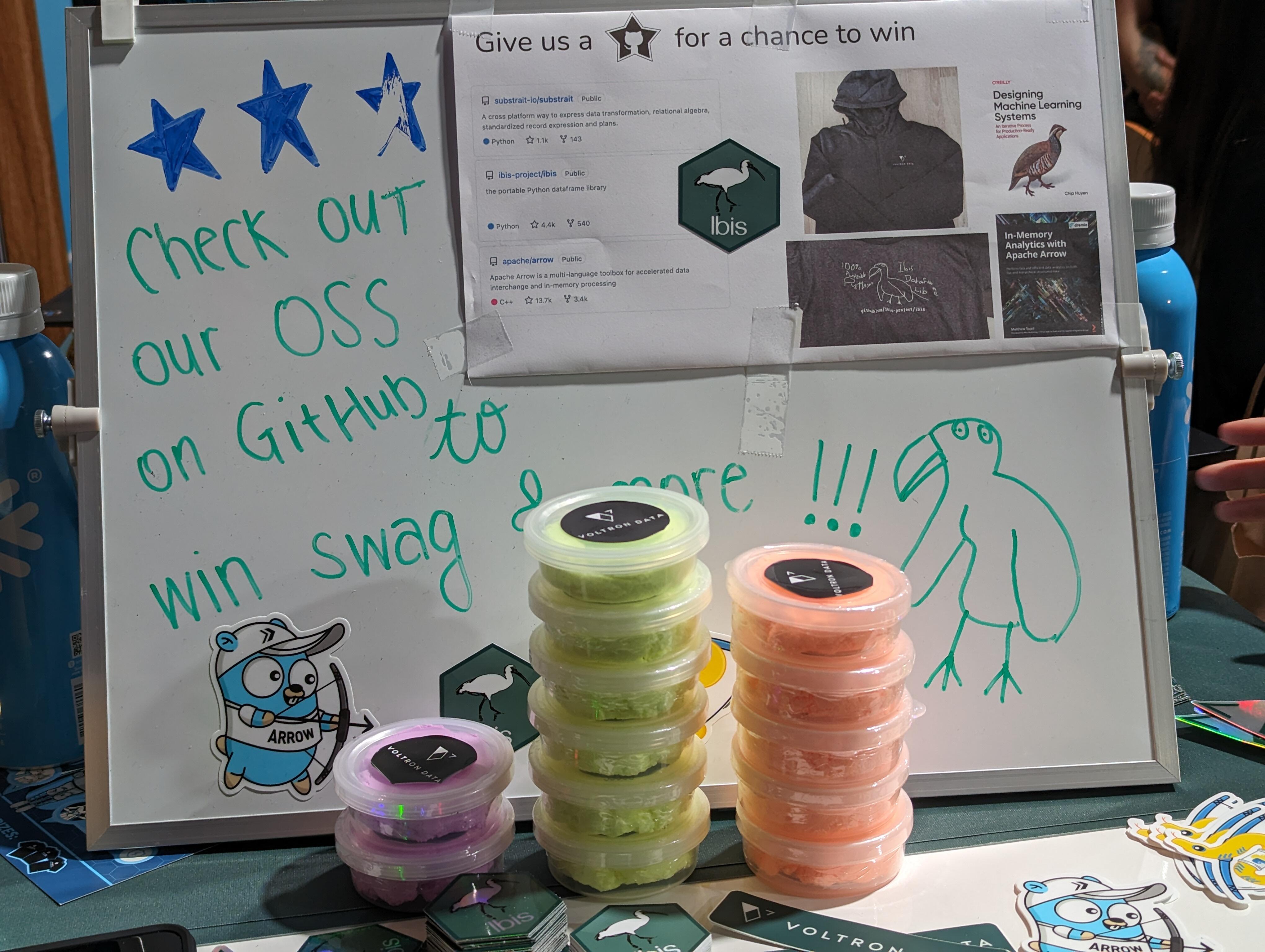
 On the 80th anniversary of D-Day, I was on a boat. That I can confirm, arrived in San Francisco. Where there was a tech conference. Where AI was the buzzword du jour. I left a d-_-b prompt Hidden in plain sight Saw the tech they used to put on the show Call that a camera rig? And saw the filming of a spot, " live to tape" Can you tell the shiny presenters from the guests? I noticed a suspiciously named company, that DoTU, May need to restrain due to prior art. Maybe not. https://voltrondata.com/ Got some swag. And a SF choc ice from their marketing budget. It finished with a nerd party. That made me happy. Funnily enough, no one mentioned recent headlines. (Whatever you do, don't mention the data breach(es)) https://www.wired.com/story/snowflake-breach-advanced-auto-parts-lendingtree/ Saw Collin's San Francisco cousin. Then finished off my trip to the City by the bay by seeing sea lions. Lots of sea lions. Noisy buggers! PXL_20240607_003730227.mp4 All in all, a fun day out.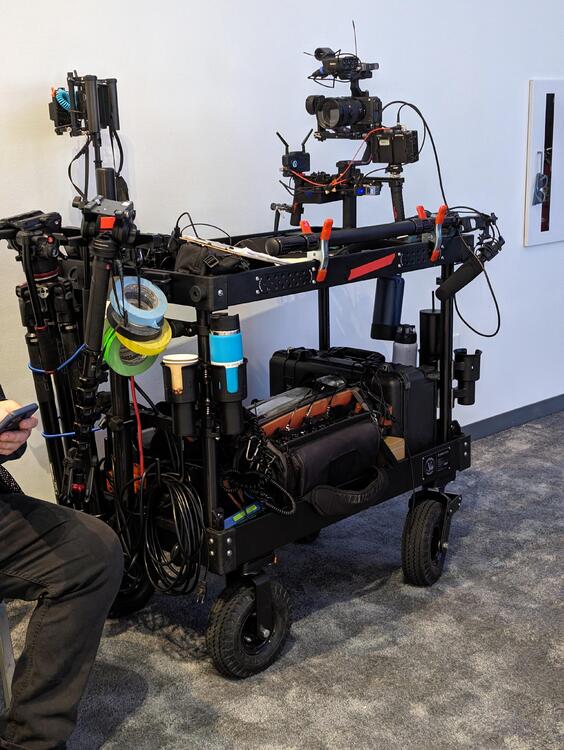



































































Important Information
By using this site, you agree to our Terms of Use.
Account
Navigation
Search
Configure browser push notifications
Chrome (Android)
- Tap the lock icon next to the address bar.
- Tap Permissions → Notifications.
- Adjust your preference.
Chrome (Desktop)
- Click the padlock icon in the address bar.
- Select Site settings.
- Find Notifications and adjust your preference.
Safari (iOS 16.4+)
- Ensure the site is installed via Add to Home Screen.
- Open Settings App → Notifications.
- Find your app name and adjust your preference.
Safari (macOS)
- Go to Safari → Preferences.
- Click the Websites tab.
- Select Notifications in the sidebar.
- Find this website and adjust your preference.
Edge (Android)
- Tap the lock icon next to the address bar.
- Tap Permissions.
- Find Notifications and adjust your preference.
Edge (Desktop)
- Click the padlock icon in the address bar.
- Click Permissions for this site.
- Find Notifications and adjust your preference.
Firefox (Android)
- Go to Settings → Site permissions.
- Tap Notifications.
- Find this site in the list and adjust your preference.
Firefox (Desktop)
- Open Firefox Settings.
- Search for Notifications.
- Find this site in the list and adjust your preference.