Forza AudioWorks
Returning Member
-
Joined
-
Last visited
-
Not too much for such a repair, hm?
-
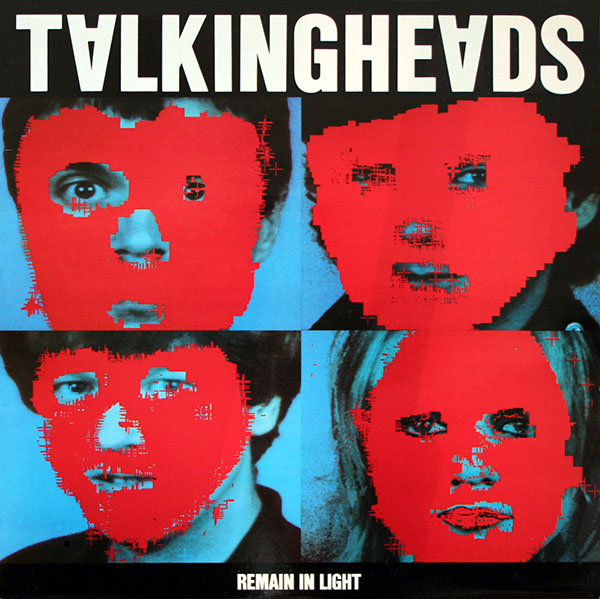
Since David Byrne will be on tour again, it's time to go with this:
-
Hah, my bet is that to remove this glass will be the first thing people will try.
-
This is VERY cool.
-
I thought that perhaps later revisions (if there are any) of their already available goods were improved. But this aside, do you think that even in the context of their price they suck big time?
-
Brilliant this one is. And since KingSound was mentioned here, how you good people here find their headphones these days as far as their price goes?
-
That one on the right, this would do it for me I think.
-
Very, very nice.
-
Newborn + me + hospital. Daily routine for several days now.
-
Defiant Ones - documentary about Jimmy Iovine and Dr Dre. Very good stuff, about four hours long, divided into four episodes.
-
Looks good. Cheers. You happy with it?
-
-
R.I. P. Mr Bowie. And Happy B-Day.
-
Fever Ray - Plunge

-
Damn, this looks tasty.