Skip to content
View in the app

A better way to browse. Learn more.

www.Head-Case.org

A full-screen app on your home screen with push notifications, badges and more.

To install this app on iOS and iPadOS
  1. Tap the Share icon in Safari
  2. Scroll the menu and tap Add to Home Screen.
  3. Tap Add in the top-right corner.
To install this app on Android
  1. Tap the 3-dot menu (⋮) in the top-right corner of the browser.
  2. Tap Add to Home screen or Install app.
  3. Confirm by tapping Install.

Leaderboard

Popular Content

Showing content with the highest reputation on 07/15/13 in all areas

  1. I love my CAAD 10 sure ill eventually trade up but I'm sure it's more bike than I'll ever need.
  2. One of the guys in my club posted this over the weekend: "I have a CAAD10 and an Evo and the Evo has 136 miles and the CAAD10 has 10,000". That says something, particularly from that guy as he's a picky PITA.
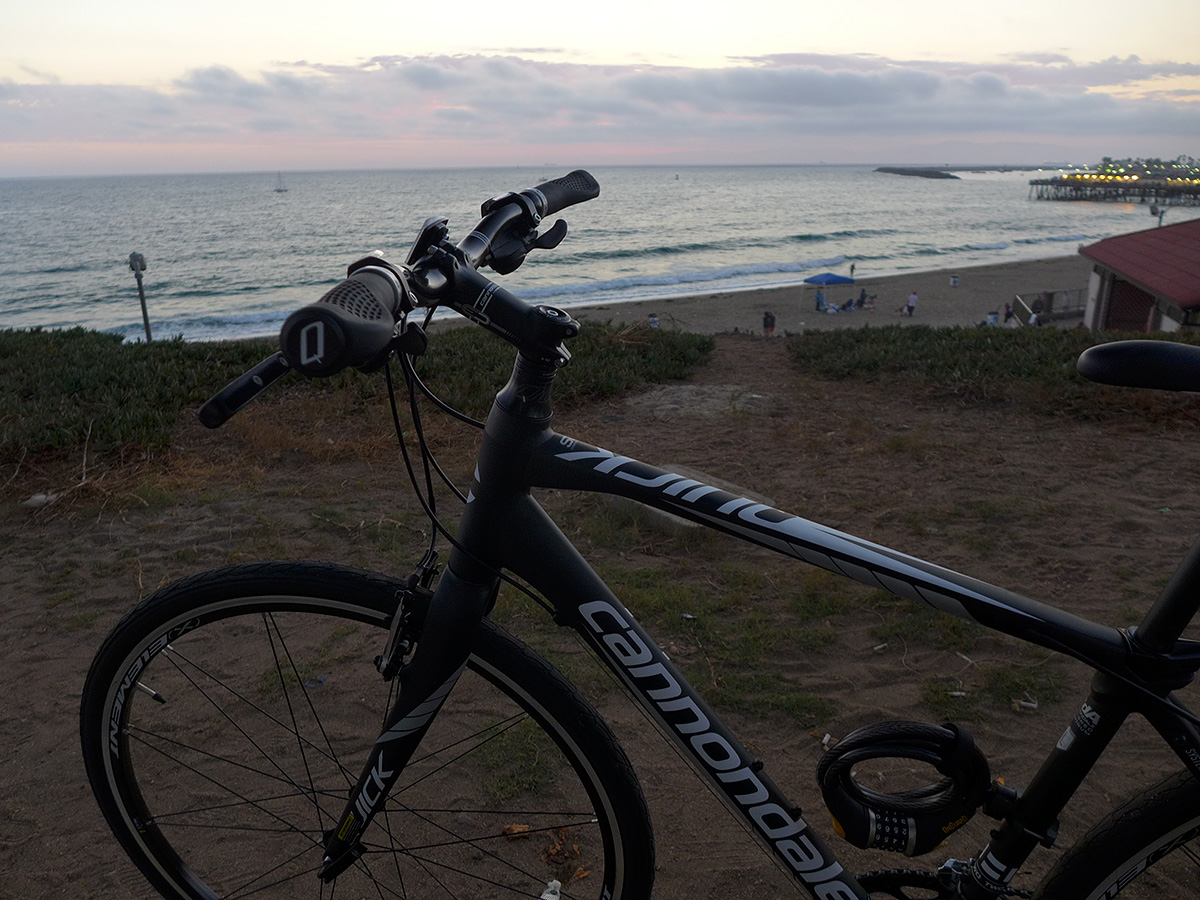
  3. Finally got myself a bike today! Canondale Quick SL-2, and I'm loving it. I don't know how I haven't had a bike in over five years, but tonight's ride was as much fun as I've had in a long time! 7 miles down to the beach, and it felt like a breeze! Now, to find a mount for my Garmin Orgeon GPS
  4. Jeff, that sounds disgusting.
  5. "Always buy the top model or you lose points." VPI 2011

Important Information

By using this site, you agree to our Terms of Use.

Account

Navigation

Search

Search

Configure browser push notifications

Chrome (Android)
  1. Tap the lock icon next to the address bar.
  2. Tap Permissions → Notifications.
  3. Adjust your preference.
Chrome (Desktop)
  1. Click the padlock icon in the address bar.
  2. Select Site settings.
  3. Find Notifications and adjust your preference.