Leaderboard



Popular Content
Showing content with the highest reputation on 04/02/14 in all areas
-
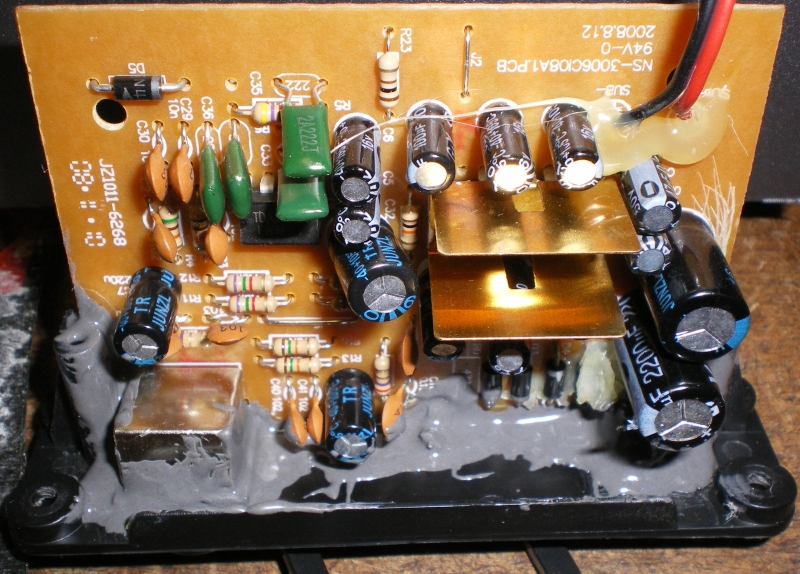
3 pointsa tube amp should make the EMI noises more warm, mellow, and bassy. also try flats.3 points
-
3 pointsJust found out that my graduate student got a very prestigious NSF Graduate Research Fellowship!!! This is the first one we have had in our department in the last couple of decades. I am very excited and proud.3 points
-
1 point
-
1 pointCongrats, Shelly! Now I know where to come if I need a math tutor.1 point
-
1 pointLet the water ovening continue. NY strip for me and sirloin strip for Debbie. After sear with asparagus and raspberry sauce. A bit more than medium rare but very juicy and delicious. A great first try at steak.1 point
-
1 point
-
1 point
-
1 point
-
1 pointI'll be there, will have some gear but for non-audio stuff will bring something nice for a toast to Tom. If you care to jump on H-F you'll see the list, some good folks will be there.1 point
-
1 point
-
1 point