Leaderboard




Popular Content
Showing content with the highest reputation on 10/27/14 in all areas
-
2 points
-
2 pointsJust back from very northern NJ for my wife's reunion. She was very nervous about going, none of her closest friends from HS were attending; so I was dragged along despite prior agreements about not taking spouses. In any case, very happy to report I was left alone most of the night. Had a nice chat with the also-nearly-abandoned husband of her classmate, and also got to see a come-back spanking by the Giants in the bar. She was still glowing about it this morning....very happy for her!2 points
-
1 point
-
1 point
-
1 pointMy team is losing 68 to 213 but I still have one player left to play tonight so maybe I'll catch up.1 point
-
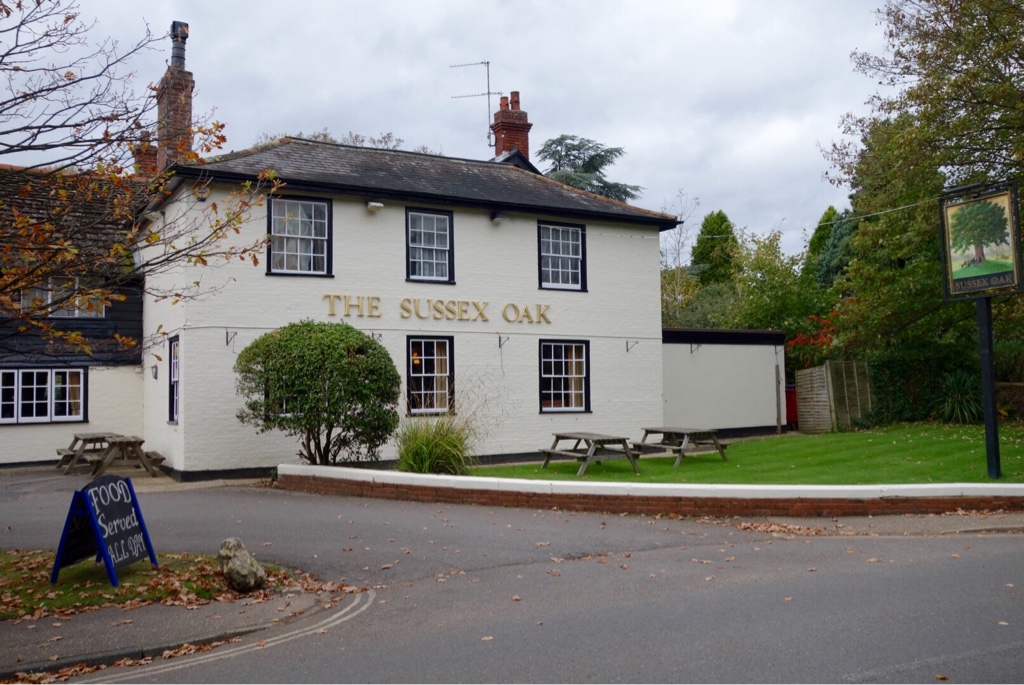
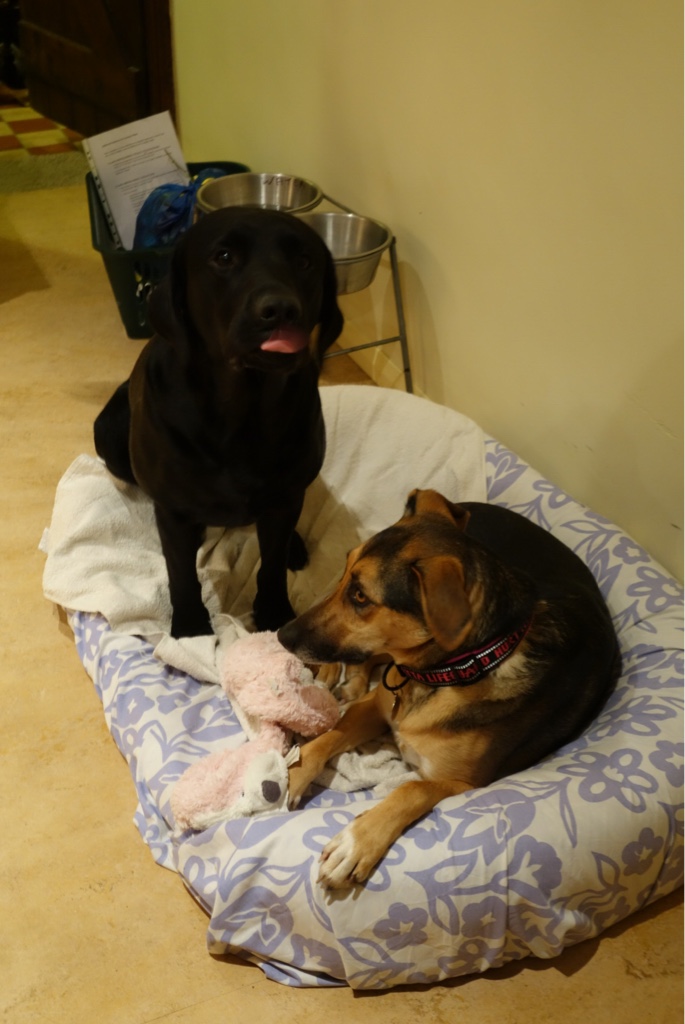
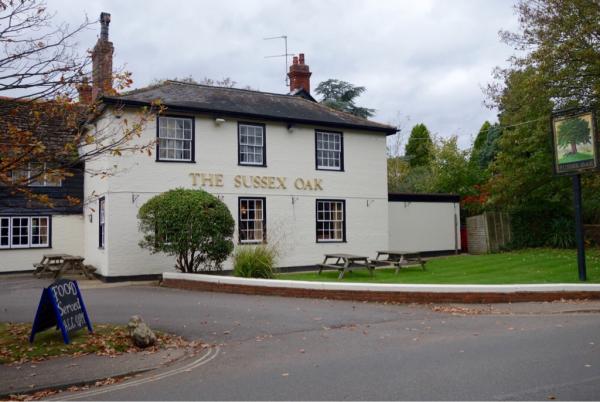
1 pointMet a friend for lunch, But the 13th century pub was booked, so we had to put up with This And this Now, just finished "IT Troubleshooting" for sister in laws husband.... Pro Tip: Airport bandwidth on iMac sub optimal, when at other end of house, And on metal table Dogs not impressed


 1 point