

Leaderboard
-
Dreadhead
High Rollers7Points8820Posts -
Knuckledragger
High Rollers5Points16414Posts -
mikeymad
High Rollers4Points13710Posts -
Grahame
High Rollers3Points16723Posts




Popular Content
Showing content with the highest reputation on 04/04/19 in Posts
-
I'm not crying. You're the one who's crying.3 points
-
2 pointsVery cool Jose! Finished my latest composition. This time I wanted to use plenty of notes,.. and marimbas too! Memories of a care free day at Giffis Sculpture Park in upper state NY.2 points
-
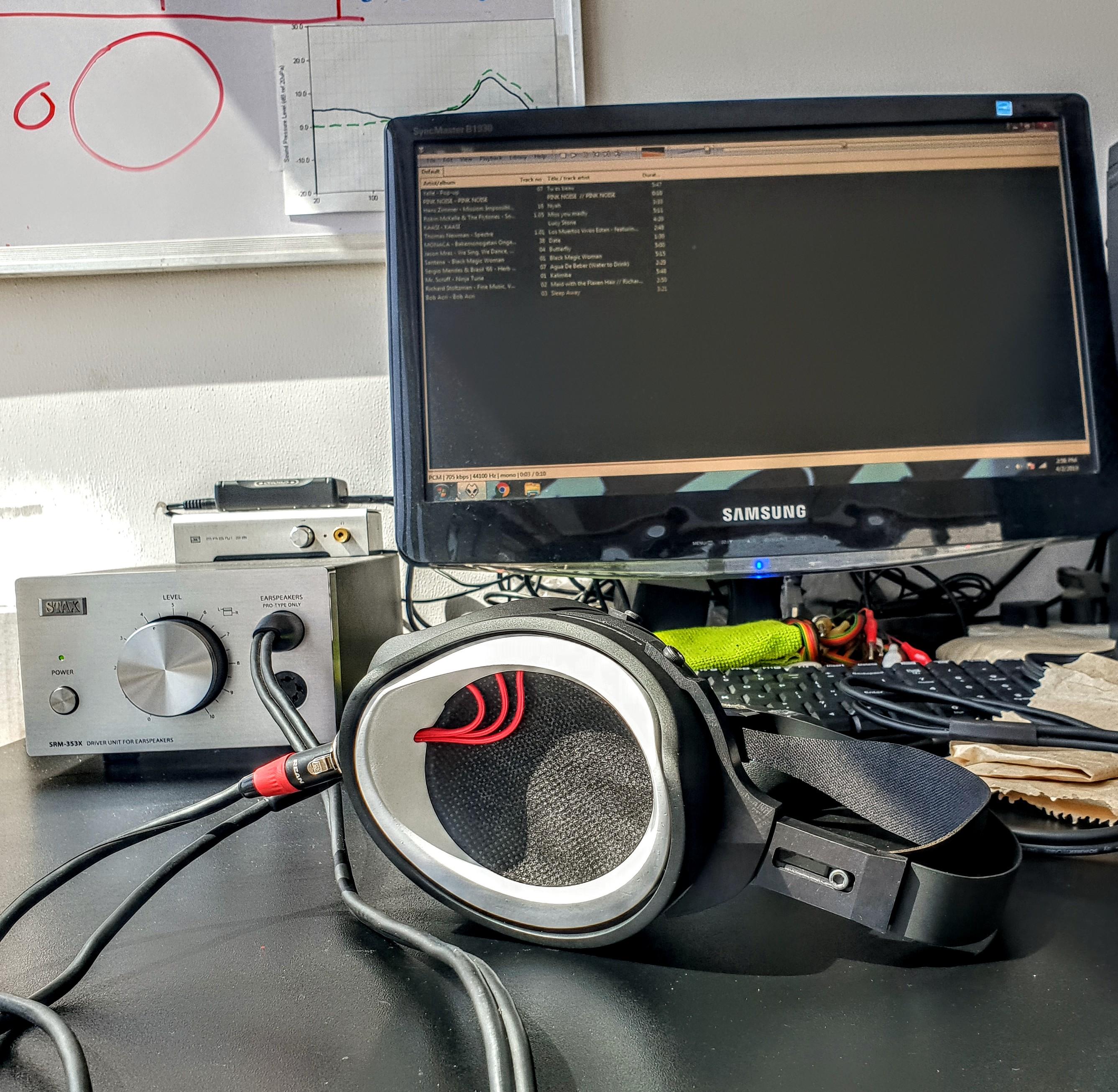
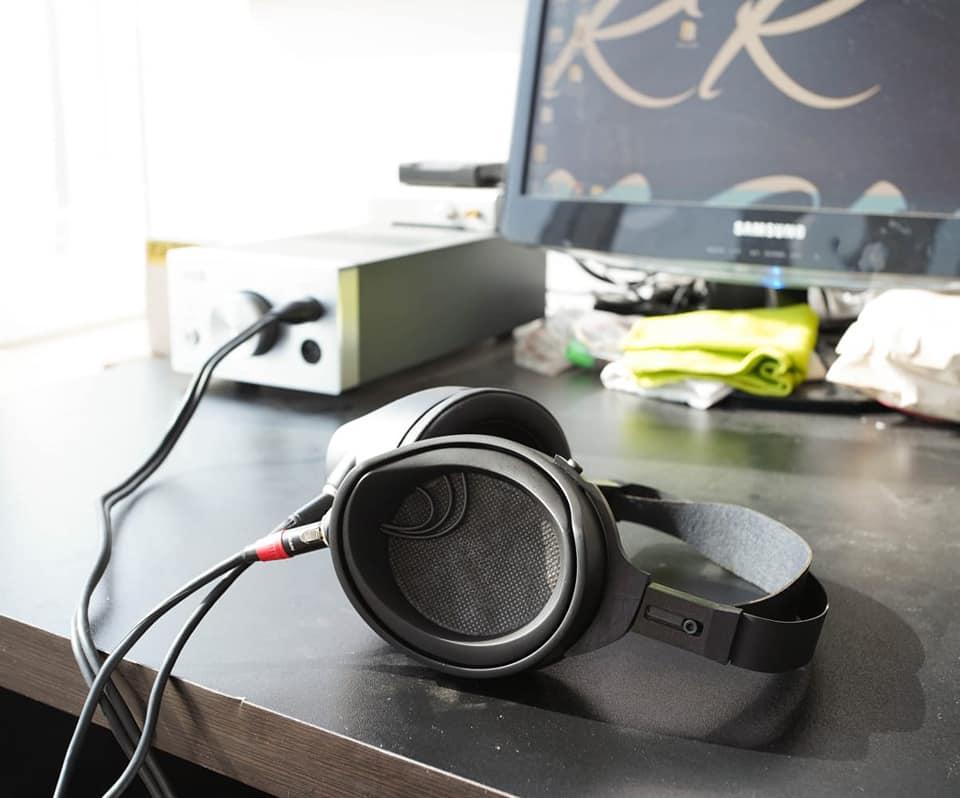
2 pointsBeth Gibbons and the Polish National Radio Symphony Orchestra, Górecki, Symphony No. 3 (Symphony of Sorrowful Songs), on Primephonic.1 point1 point1 point1 point1 pointThe Live Series: Songs of Hope The quality is a bit up-and-down, but the good cuts are real good. If the Boss had never been a musician he still would have made a hell of a writer.1 point1 pointThis is what a "Bespoke" RR1 could look like, this is just a pretty random spec I came up with. Anything is possible, really. This is the regular production spec (full stealth) -
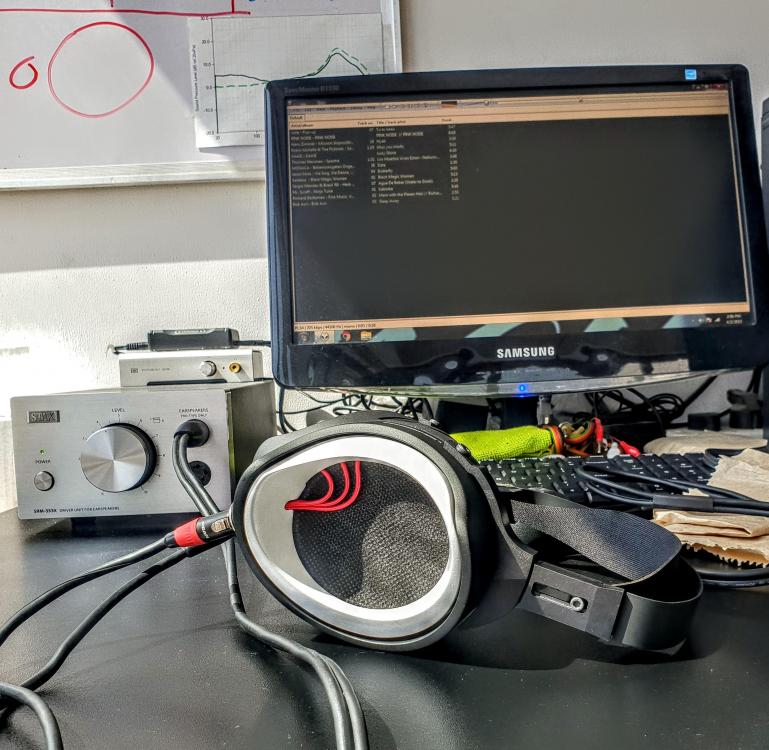
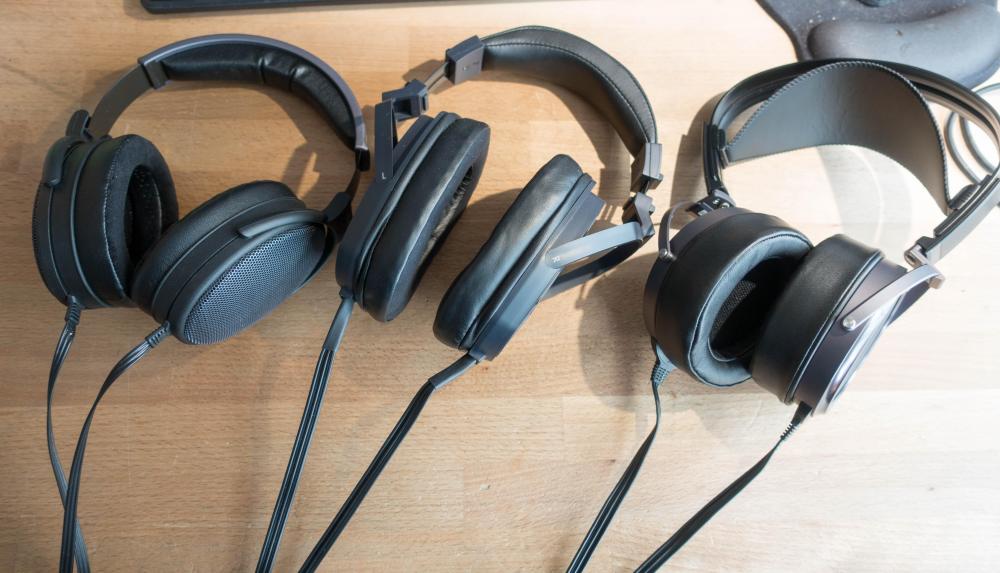
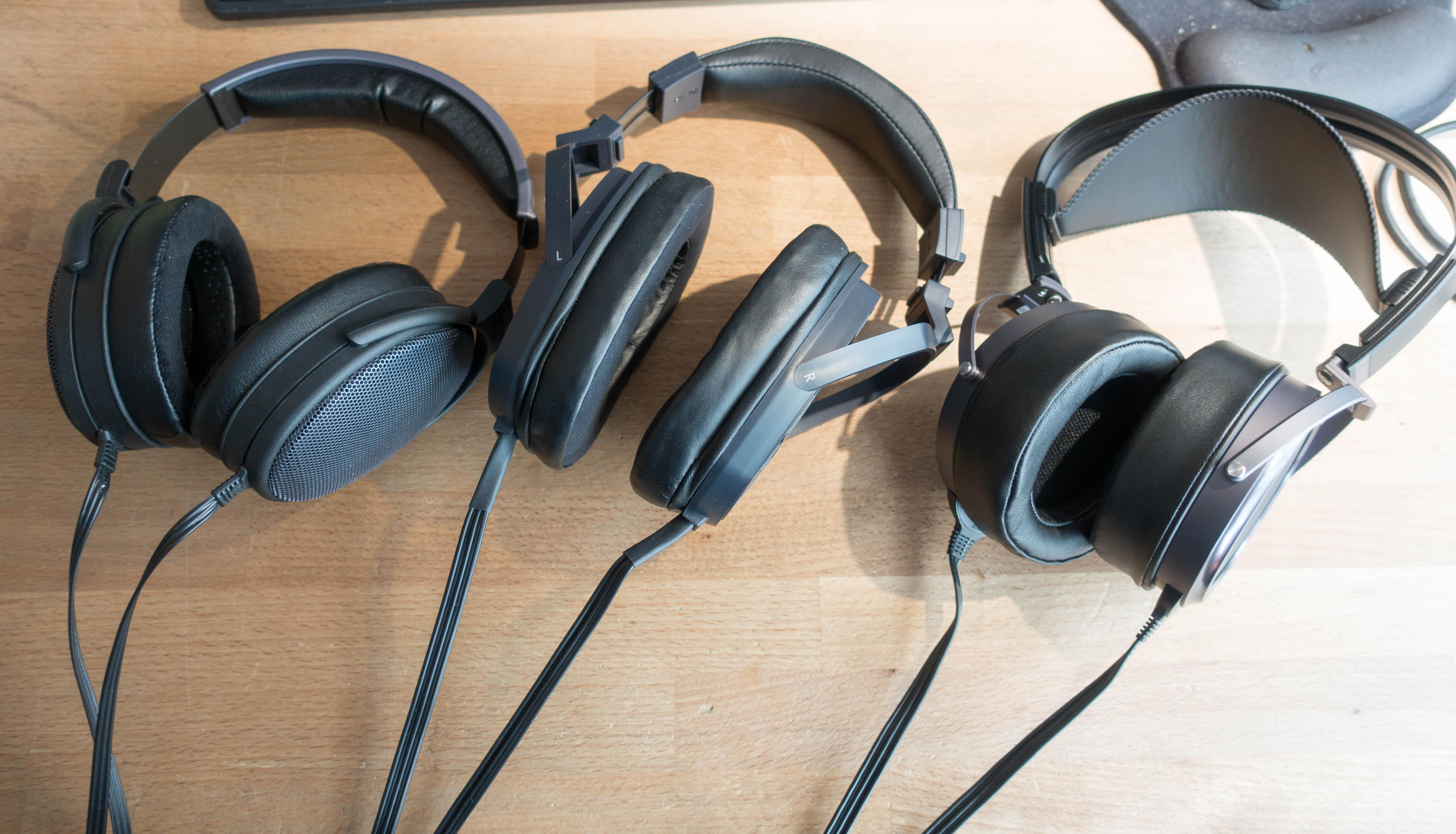
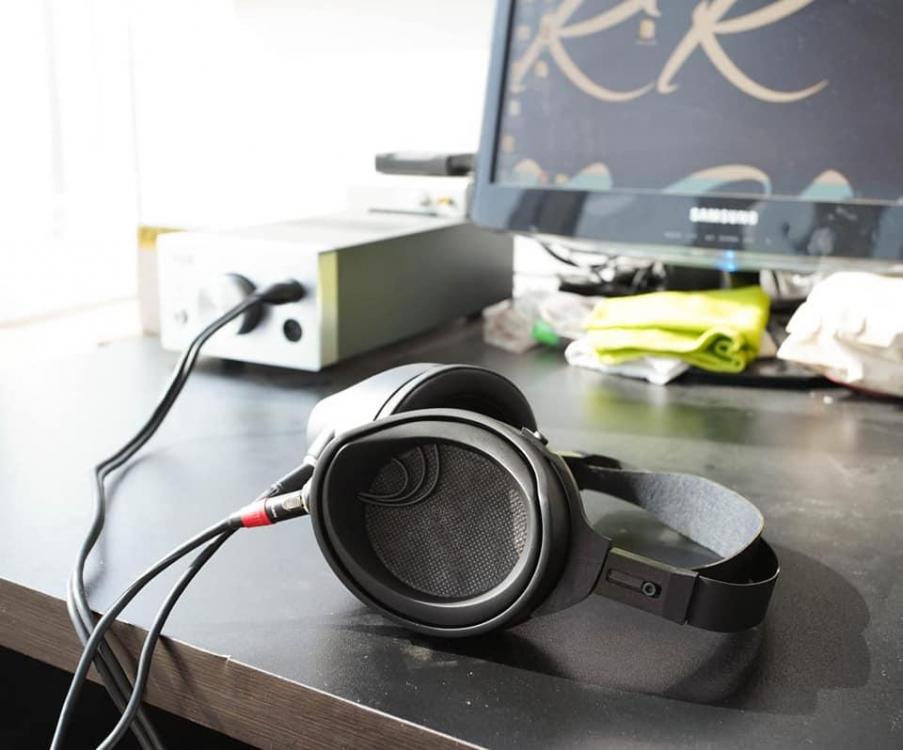 1 point1 point1 pointSo I guess blue is the new black? I broke down and got a 009BK... I know I'm weak but we all knew this would happen. What's funny is that after 6 sets of 009's that have gone through here, these are a bit different. They are still bright and the bass is mehhh but they are not as bright as my other set and the bass is improved. Could be unit to unit variation but that's not the norm with Stax so I'm curios if they have updated the 009's a bit. More listening to come...
 1 point1 point









Important Information
By using this site, you agree to our Terms of Use.
Account
Navigation
Search
Configure browser push notifications
Chrome (Android)
- Tap the lock icon next to the address bar.
- Tap Permissions → Notifications.
- Adjust your preference.
Chrome (Desktop)
- Click the padlock icon in the address bar.
- Select Site settings.
- Find Notifications and adjust your preference.
Safari (iOS 16.4+)
- Ensure the site is installed via Add to Home Screen.
- Open Settings App → Notifications.
- Find your app name and adjust your preference.
Safari (macOS)
- Go to Safari → Preferences.
- Click the Websites tab.
- Select Notifications in the sidebar.
- Find this website and adjust your preference.
Edge (Android)
- Tap the lock icon next to the address bar.
- Tap Permissions.
- Find Notifications and adjust your preference.
Edge (Desktop)
- Click the padlock icon in the address bar.
- Click Permissions for this site.
- Find Notifications and adjust your preference.
Firefox (Android)
- Go to Settings → Site permissions.
- Tap Notifications.
- Find this site in the list and adjust your preference.
Firefox (Desktop)
- Open Firefox Settings.
- Search for Notifications.
- Find this site in the list and adjust your preference.