

Leaderboard
-
Voltron
High Rollers11Points34632Posts -
mikeymad
High Rollers6Points13887Posts -
Hopstretch
High Rollers6Points16822Posts -
n_maher
Administrators3Points27522Posts




Popular Content
Showing content with the highest reputation on 11/20/19 in Posts
-
The guitar solo was worth the listen.. Sent me down a rat hole of listening to about 9 live versions of this from the 70s. I found this one fun - Not a super long solo (but good) And da Funk! - and fun to see the changes from 75 and 77 Both boots - and not great sound.3 points
-
Amanda Fucking Palmer making fun of Brexit2 points
-
^^^ My brother was at that Boston show....he said it was one of the best concerts he's seen.....2 points
-
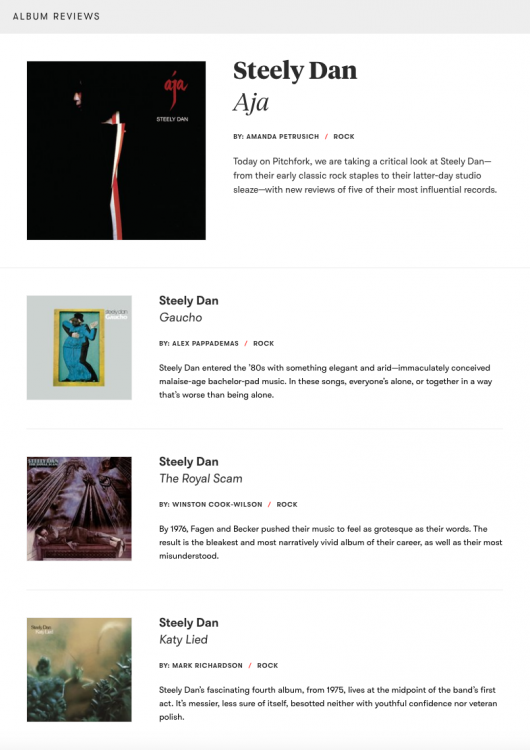
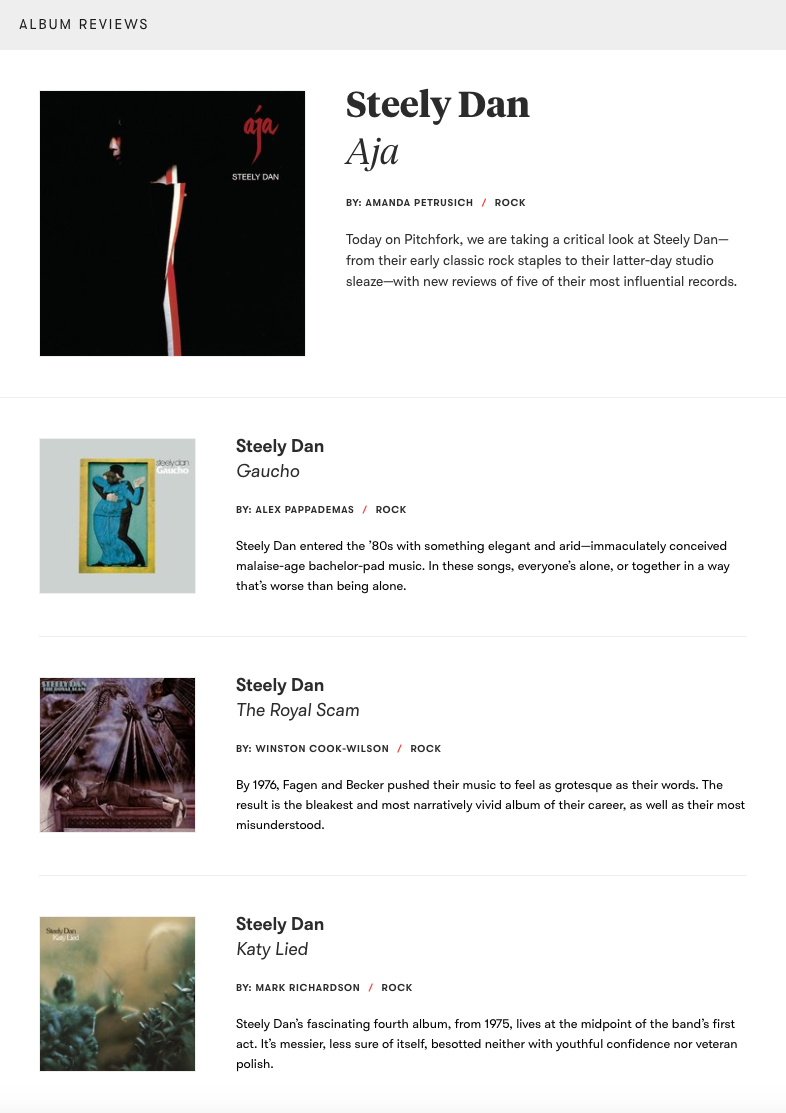
Celebrating the Dan today on Pitchfork? As if I needed an excuse!
 2 points
 -
2 points2 pointsBloodhound LSR completes its program for this year with a 628mph run. So back to base to fit the rockets for 800mph+2 points1 point1 point1 pointHappy birthday to our resident Cuban! ¡Salud, por que la belleza sobra! (That translates as "to your health, since you're already so beautiful" for you gringos.)
 1 pointNext time my better half moans about my collection of classic era test equipment, I'm gonna show here this https://www.cbsnews.com/news/worlds-largest-collection-fighter-jets-france-wine-country-michel-pont/ A collection of 110 fighter jets.1 point1 point







Important Information
By using this site, you agree to our Terms of Use.