

Leaderboard




Popular Content
Showing content with the highest reputation on 06/09/21 in Posts
-
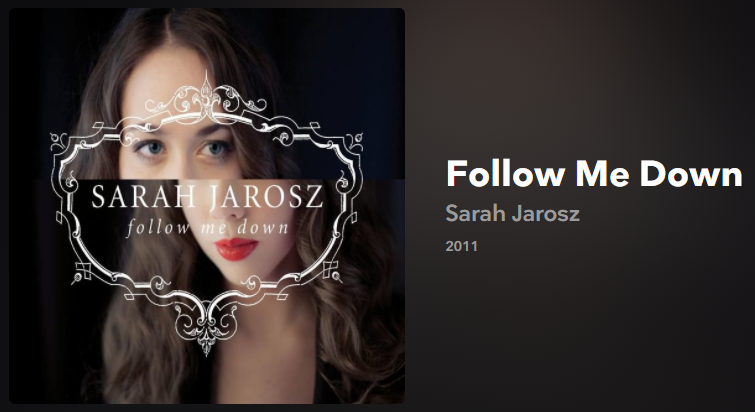
5 points5 points2 pointsJust watched the first episode of Mildred Pierce (HBO) and it's really good. if you didn't see the mini-series when it was originally released and liked Mare and want more Winslet (and Pearce) check it out.2 points2 pointsI do need a planar... but HD800S are amazing with the CFA2. Comparative to the mini dynalo it’s more refined, open, bass has better detail and impact. I’ve not heard the HD800S sound this good, not quite as good as the SR-007 with a Carbon, but could be very content with the small compromises.2 points2 pointsPlaying a few from this one, one of my mother-in-law's favorites. I used The Way You Look Tonight in a photo/video compilation for her 75th, we'll play it at her memorial service/life celebration tomorrow.....
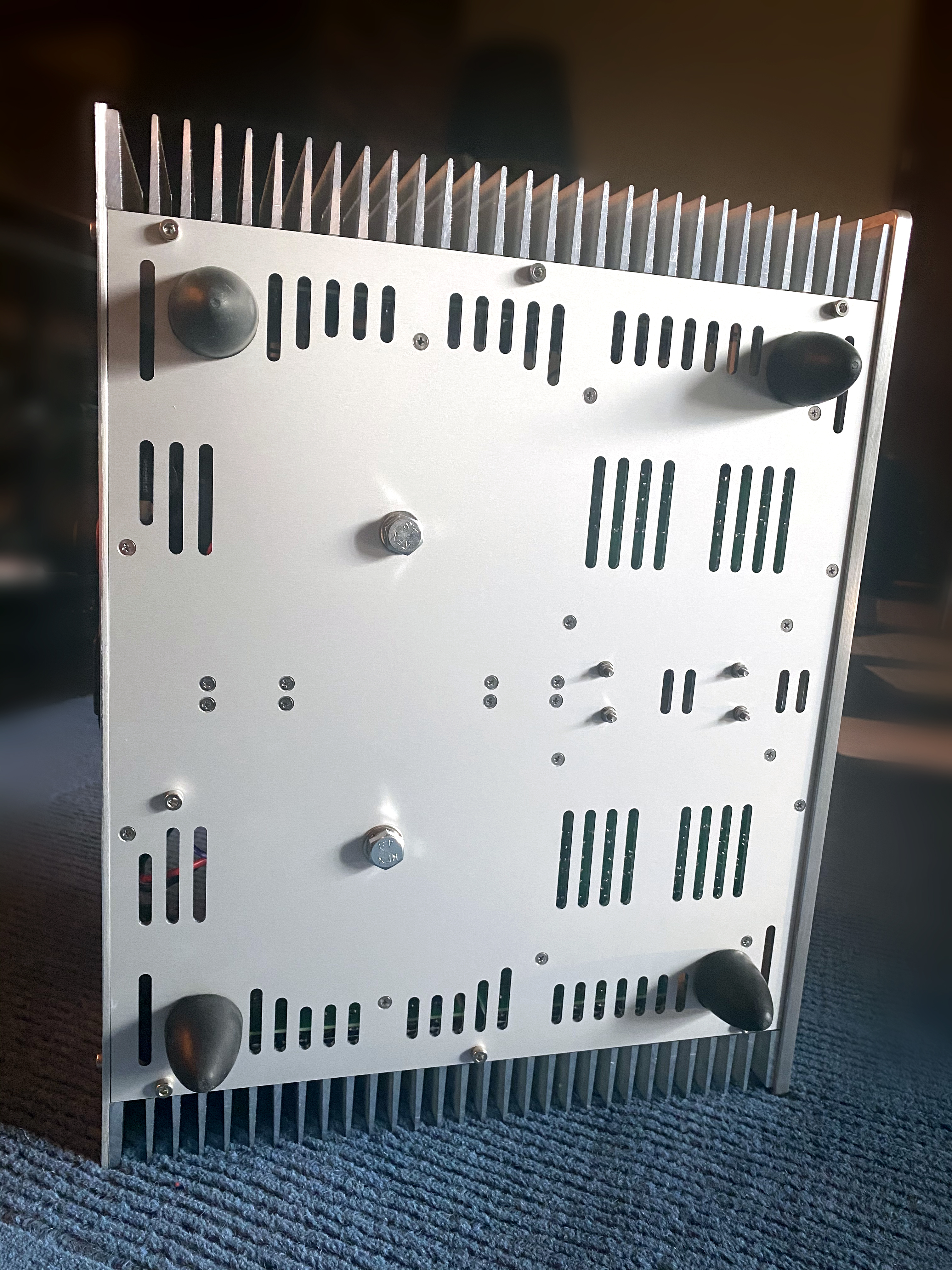
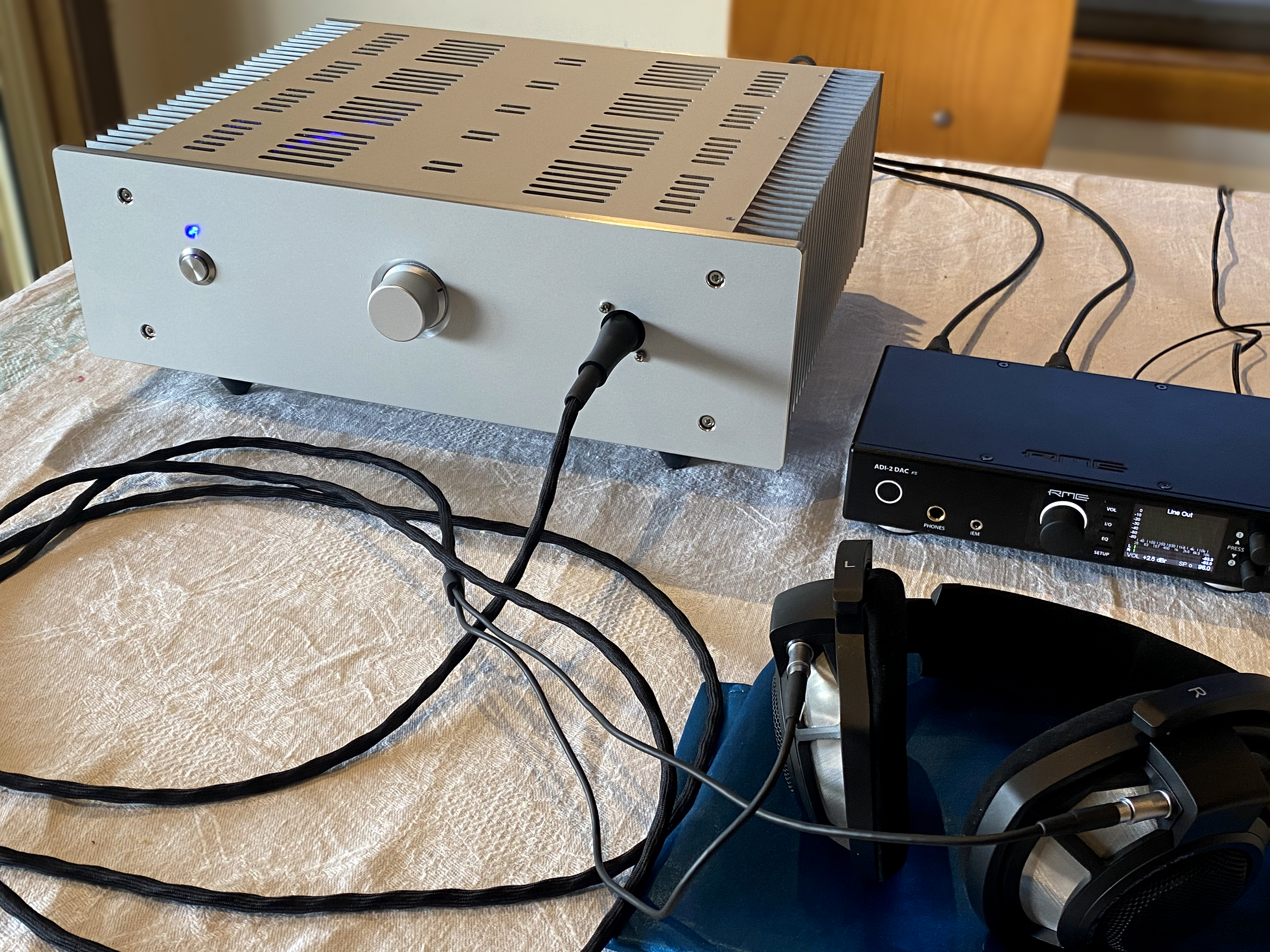
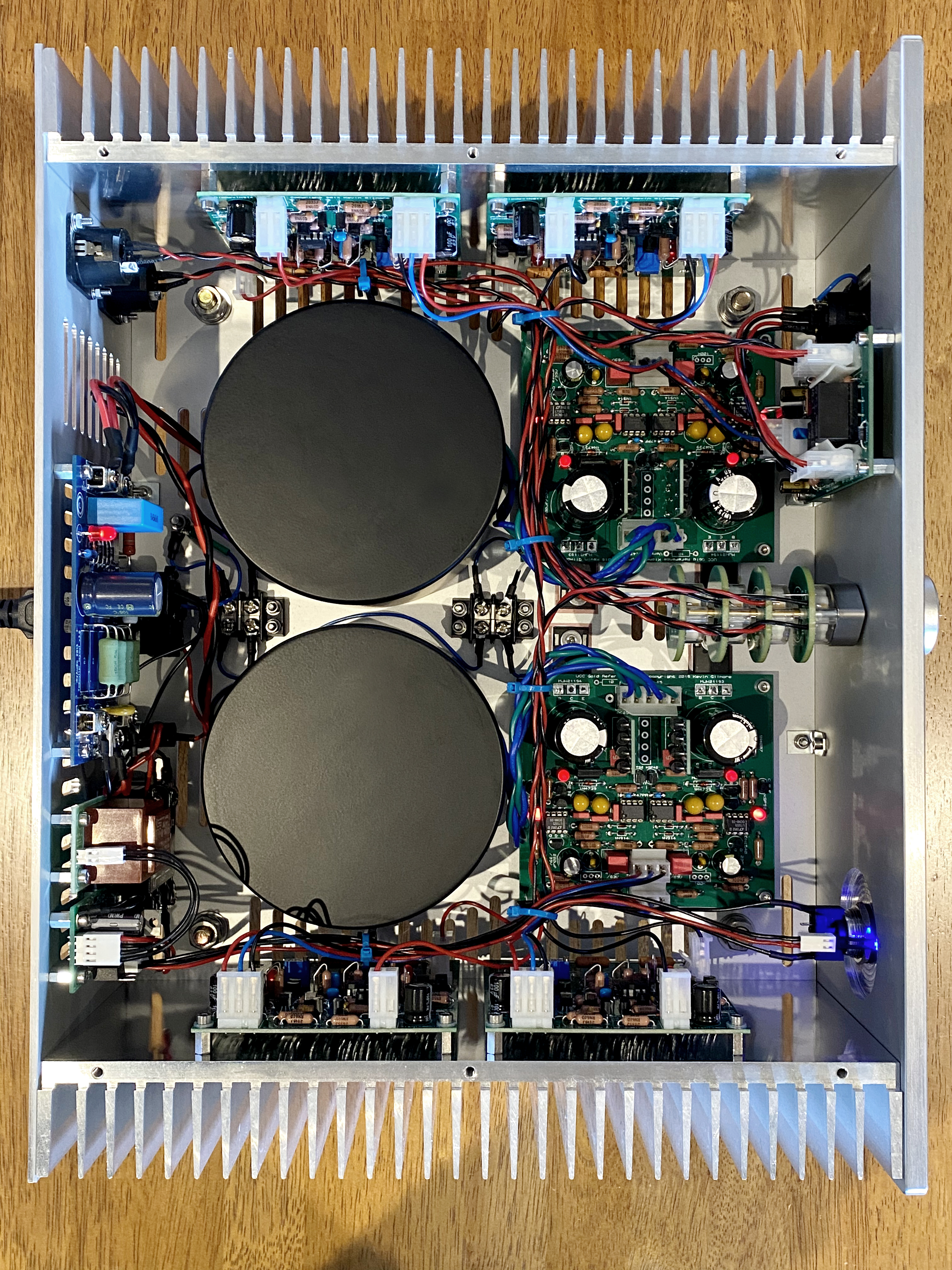
 2 pointsYou only need to watch the first 2 1/2 minute.1 point1 point1 pointThere's always the macOS sidebar Do Not Disturb is a quick way to get temporarily get rid of notifications.1 point1 pointhttps://www.macstories.net/news/eddy-cue-on-why-spatial-audio-is-a-game-changer/ The view from Apple HQ.1 point1 pointA CFA2 balanced. Finished this a whiles back.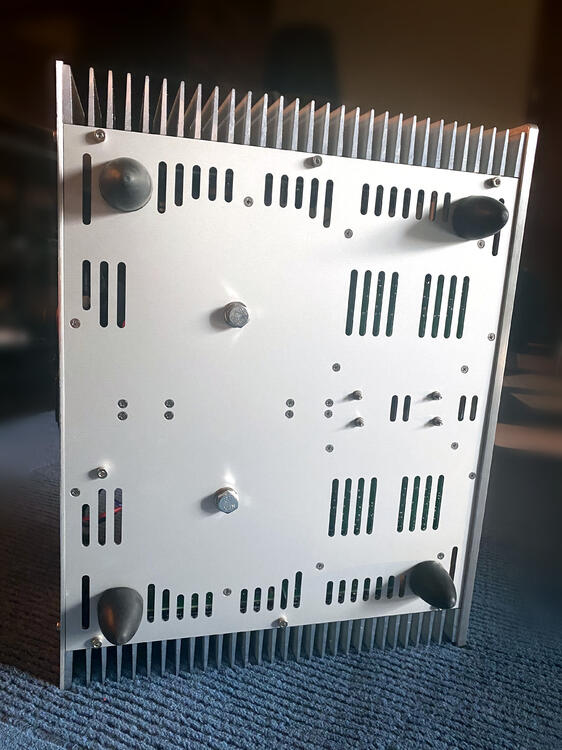

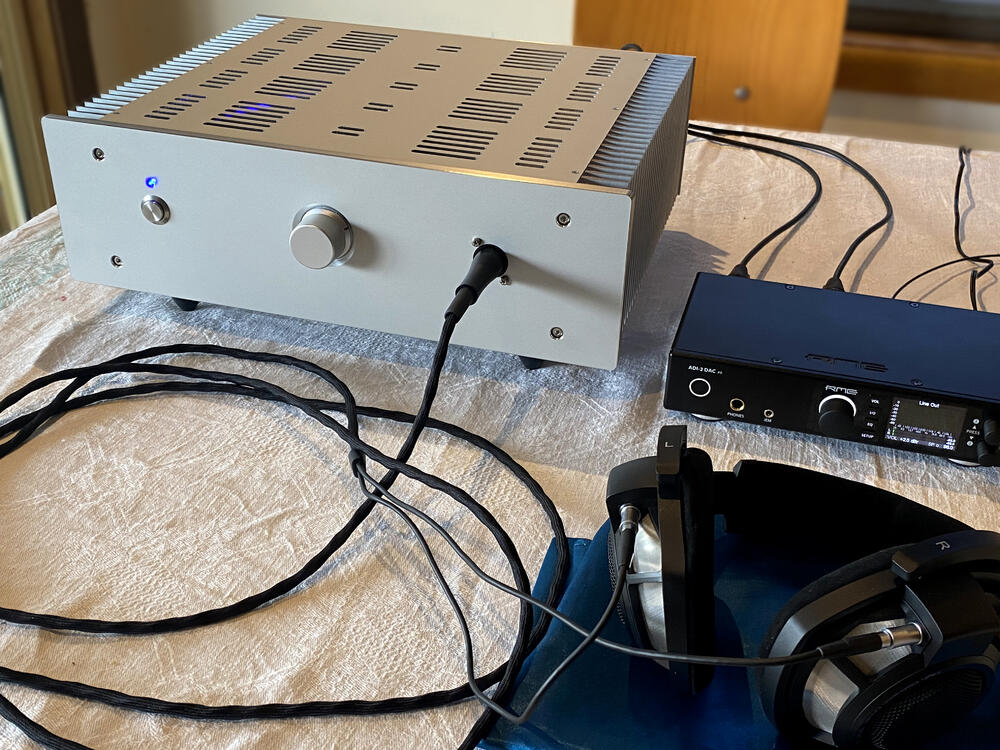
 1 pointThink about it. 95 year old Dick Van Dyke and his kitty. The British airship R33 in its hangar as it prepares for its first-ever flight at an aerodrome in Barlow, Yorkshire. 1919.1 point1 point










Important Information
By using this site, you agree to our Terms of Use.
Account
Navigation
Search
Configure browser push notifications
Chrome (Android)
- Tap the lock icon next to the address bar.
- Tap Permissions → Notifications.
- Adjust your preference.
Chrome (Desktop)
- Click the padlock icon in the address bar.
- Select Site settings.
- Find Notifications and adjust your preference.
Safari (iOS 16.4+)
- Ensure the site is installed via Add to Home Screen.
- Open Settings App → Notifications.
- Find your app name and adjust your preference.
Safari (macOS)
- Go to Safari → Preferences.
- Click the Websites tab.
- Select Notifications in the sidebar.
- Find this website and adjust your preference.
Edge (Android)
- Tap the lock icon next to the address bar.
- Tap Permissions.
- Find Notifications and adjust your preference.
Edge (Desktop)
- Click the padlock icon in the address bar.
- Click Permissions for this site.
- Find Notifications and adjust your preference.
Firefox (Android)
- Go to Settings → Site permissions.
- Tap Notifications.
- Find this site in the list and adjust your preference.
Firefox (Desktop)
- Open Firefox Settings.
- Search for Notifications.
- Find this site in the list and adjust your preference.