Leaderboard




Popular Content
Showing content with the highest reputation on 02/27/24 in all areas
-
4 pointsmy experience is the first half takes 90% of the time. Then half of what’s left takes 90% of the time. And so on until the heat death of the universe. i hate moving.4 points
-
3 pointsI always underestimate how stressful and emotionally draining packing is. Even more so as I'm slightly downsizing this time around. Movers come Thusday!3 points
-
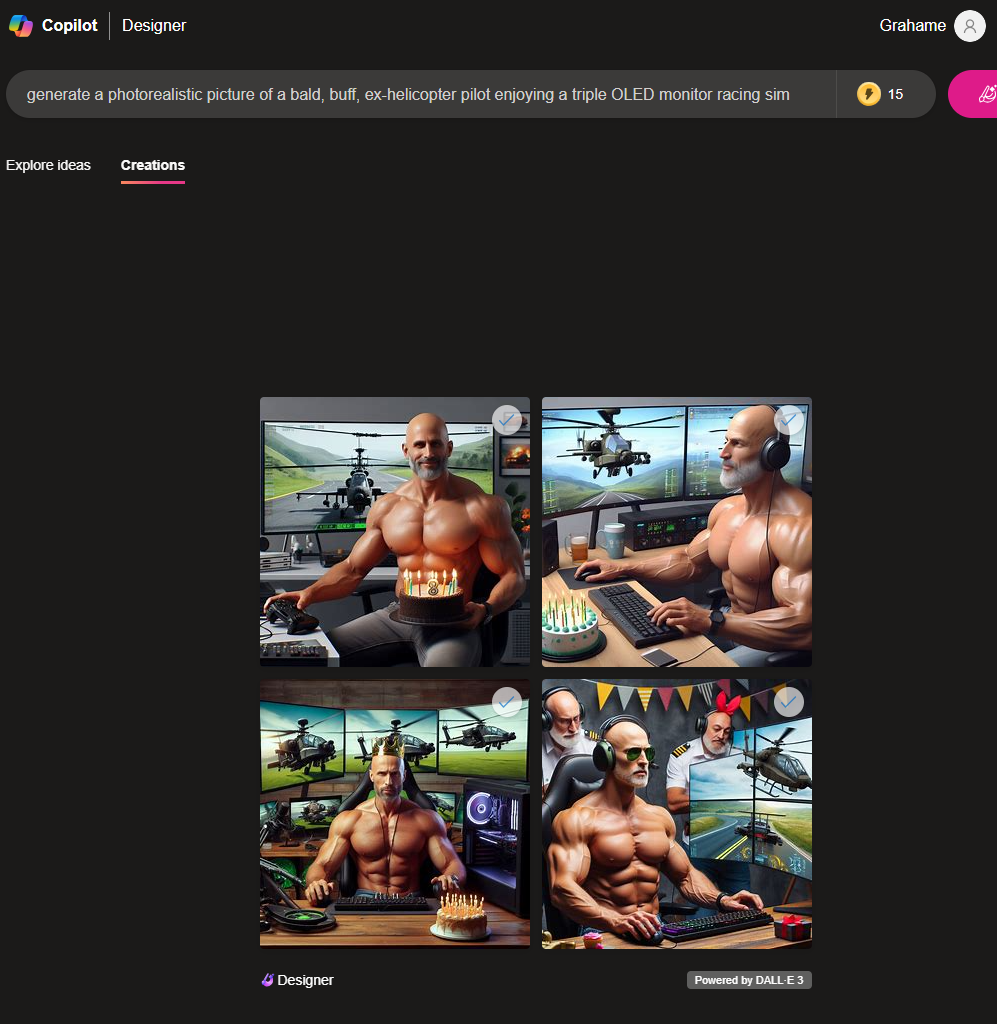
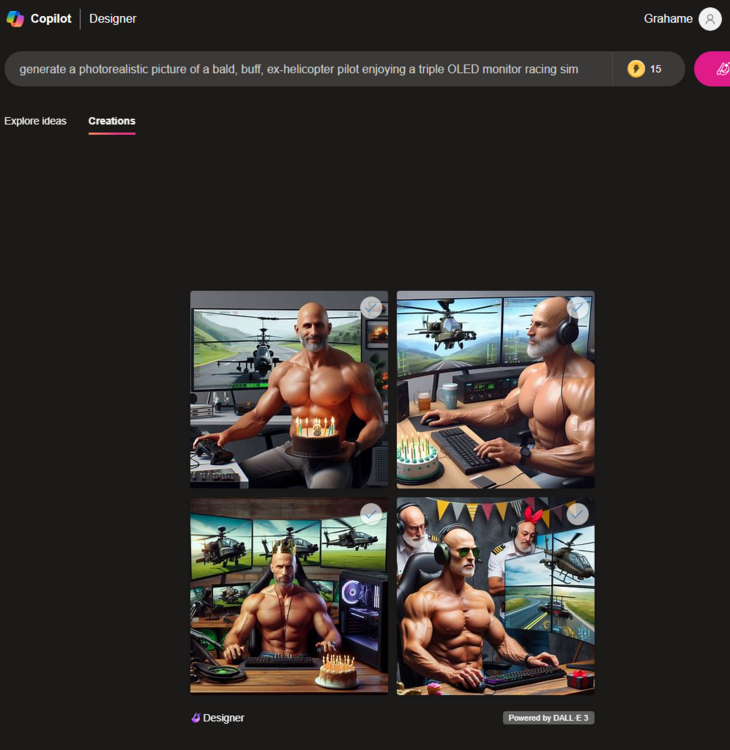
2 pointsHappy Birthday, Naaman! Gemini / Bard is having a bit of a lie down right now when it comes to generating images of people. But there are other sources! "generate a photorealistic picture of a bald, buff, ex-helicopter pilot enjoying a triple OLED monitor racing sim rig on their birthday." It's almost like we are there! Bing ? oh yes, and Have a great day.





 2 points
 -
1 point50% off Criterion discs for 20 more hours, including collector box sets. https://www.criterion.com/shop/browse/list?sort=spine_number&popular=collectors-sets%2Cin-print
 1 point
 -
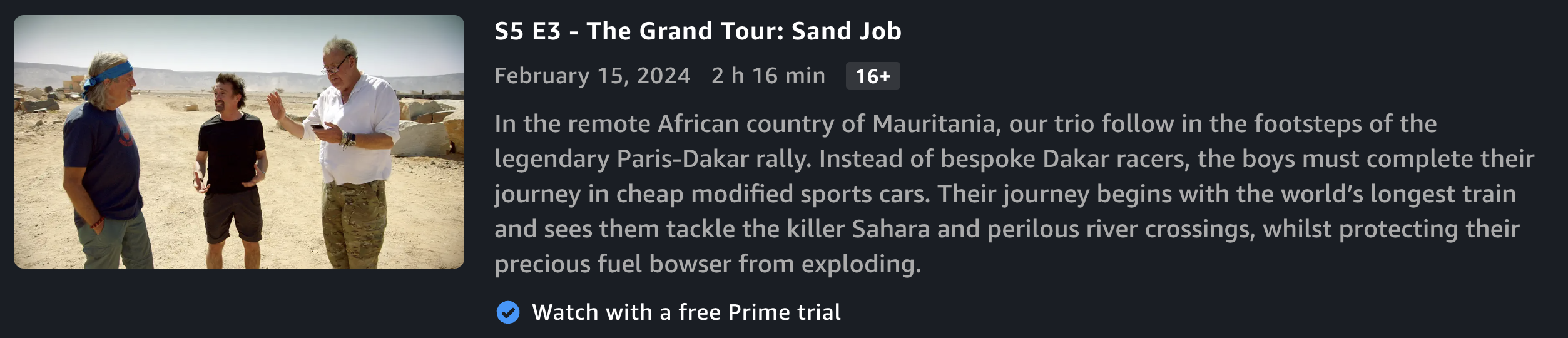
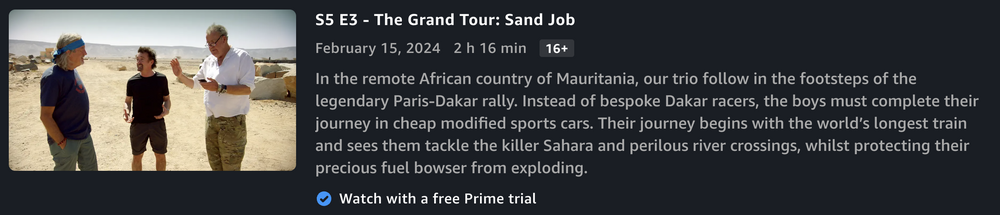
Took another break from packing to watch this. A+ effort from the lads, as usual. They do such an amazing job with these.
 1 point
 -
1 pointThe Genius of Narrow Wide Chainrings - Why they work! (Mountain Bikes) How one company owns color (Pantone) Why Clip Art Was Everywhere... Until It Wasn't1 point
-
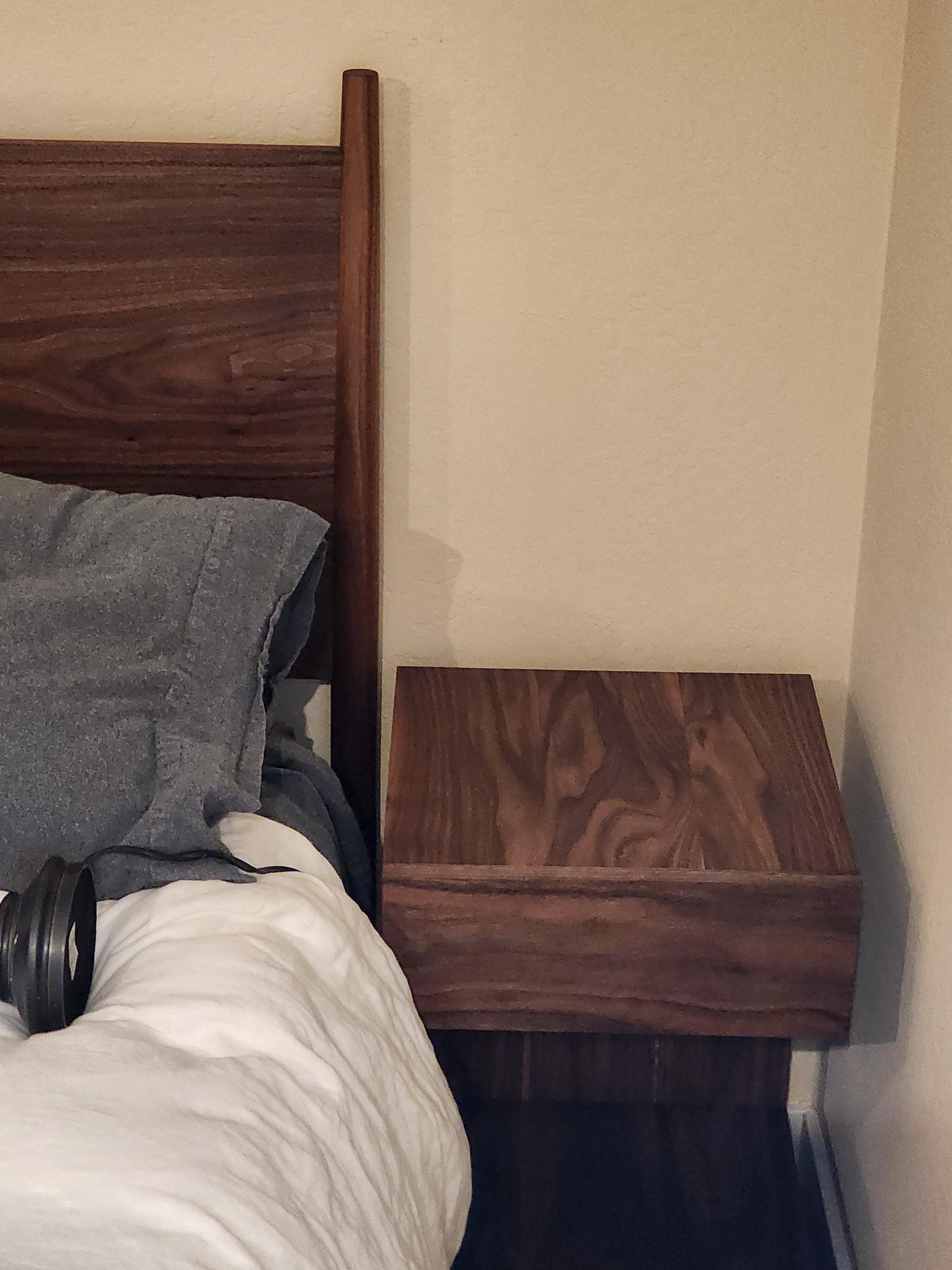
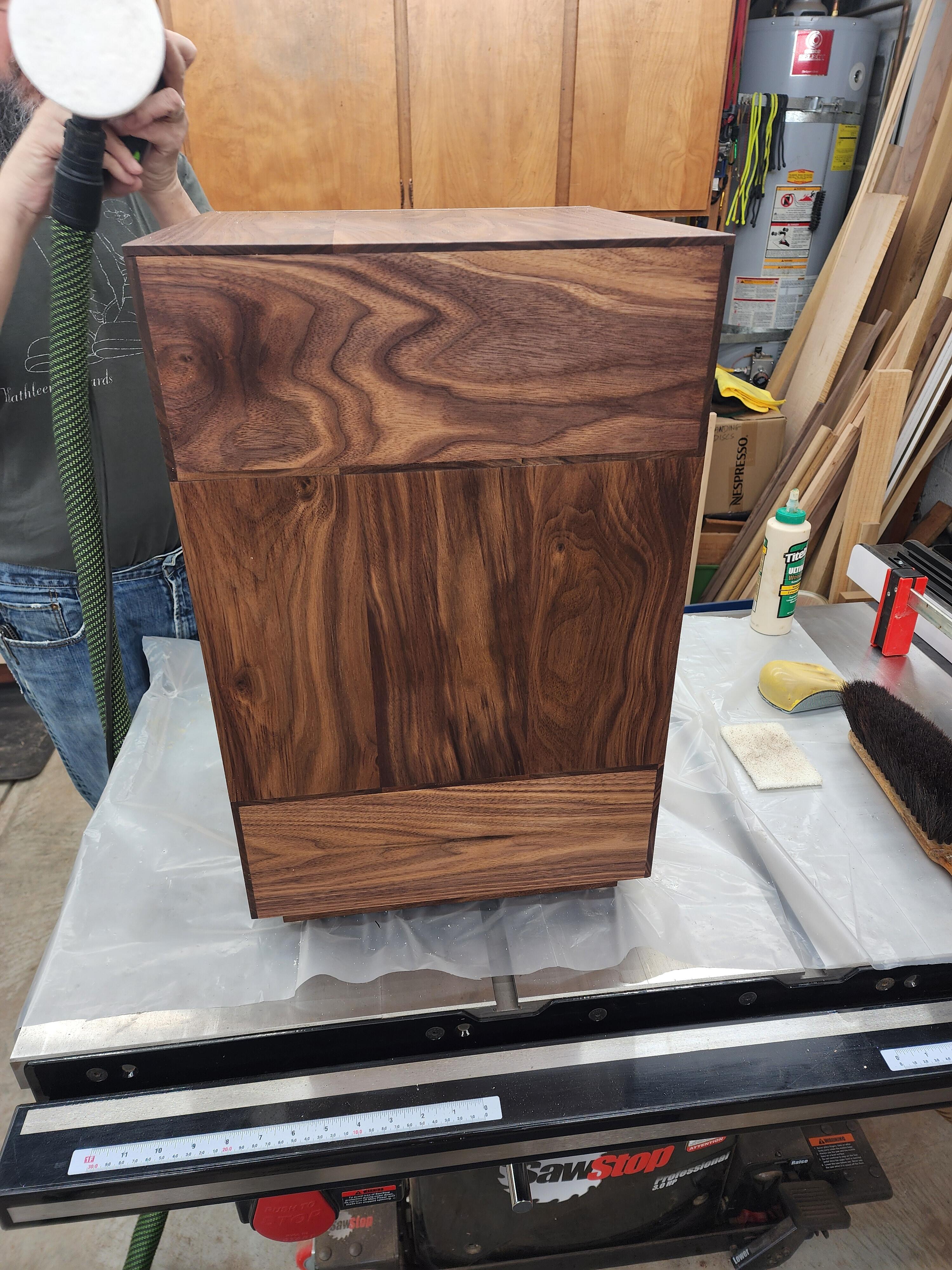
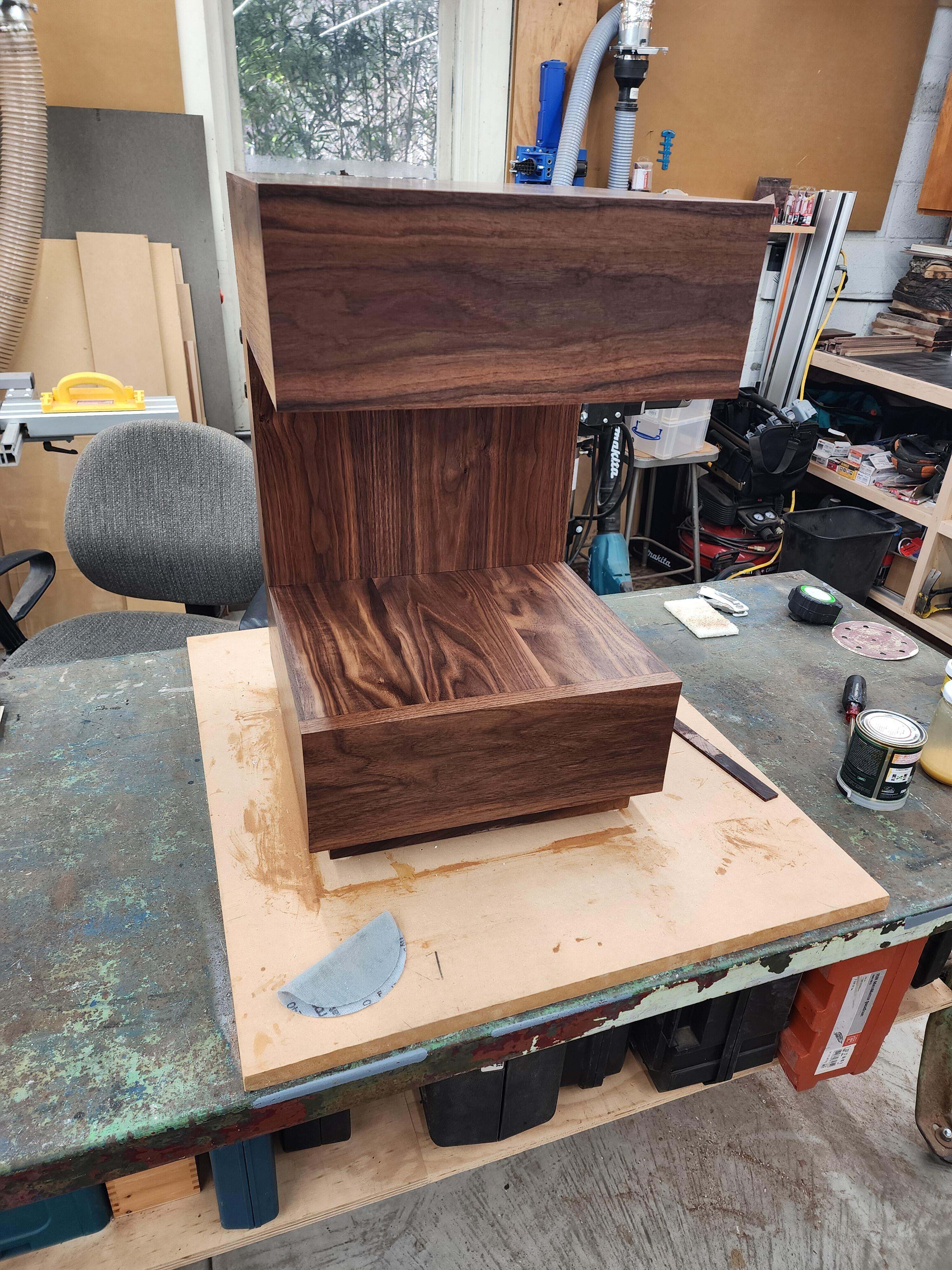
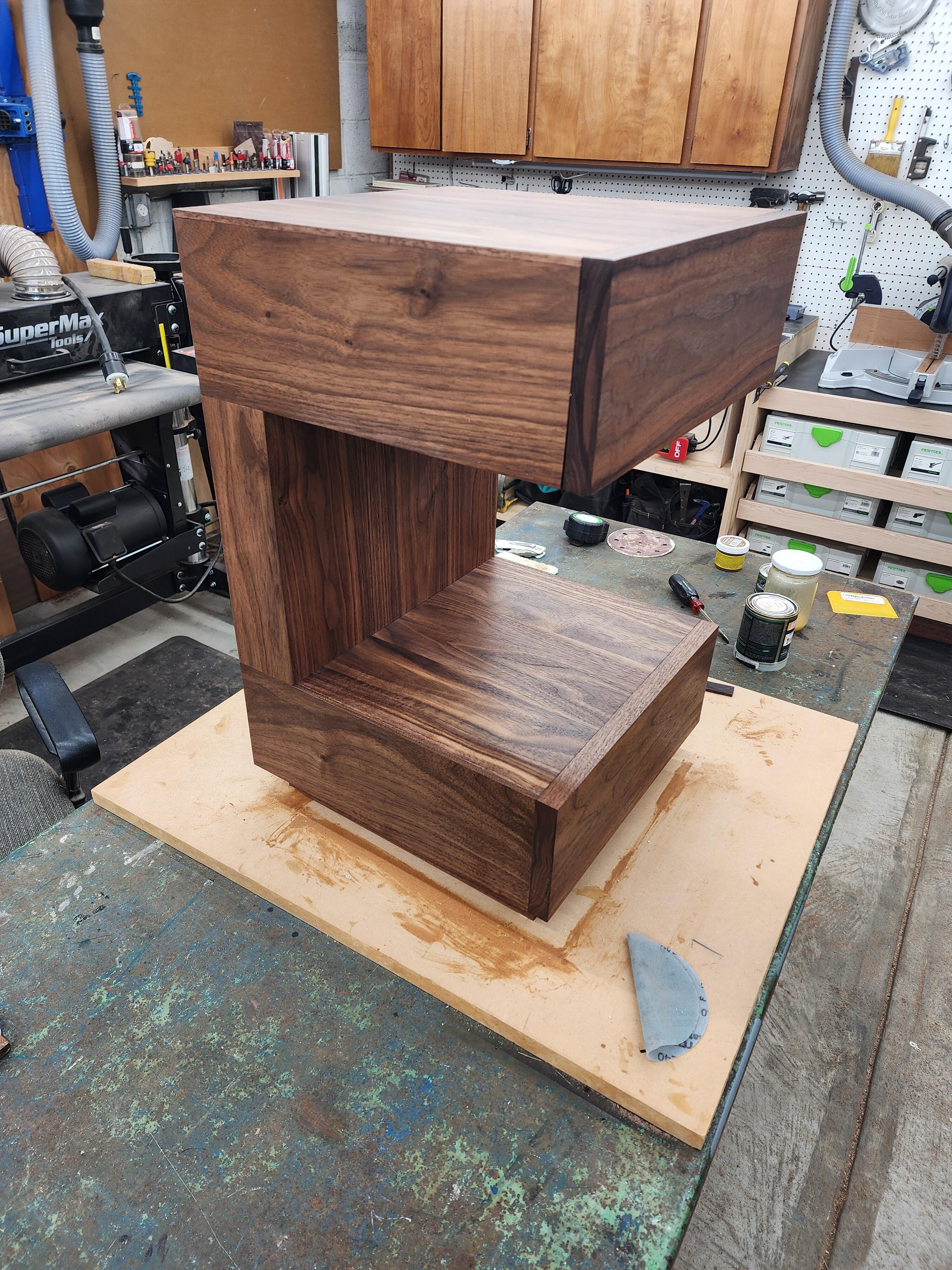
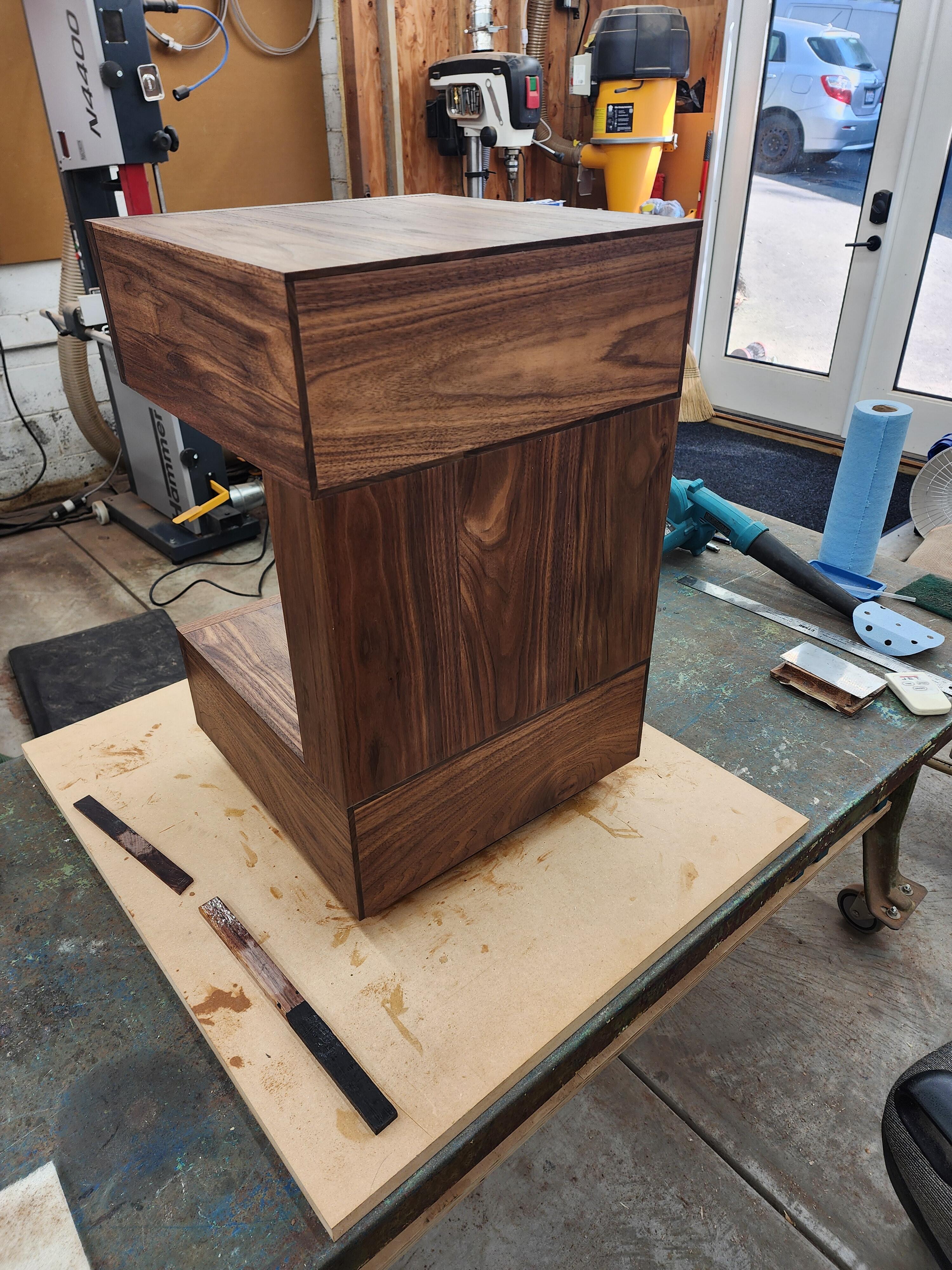
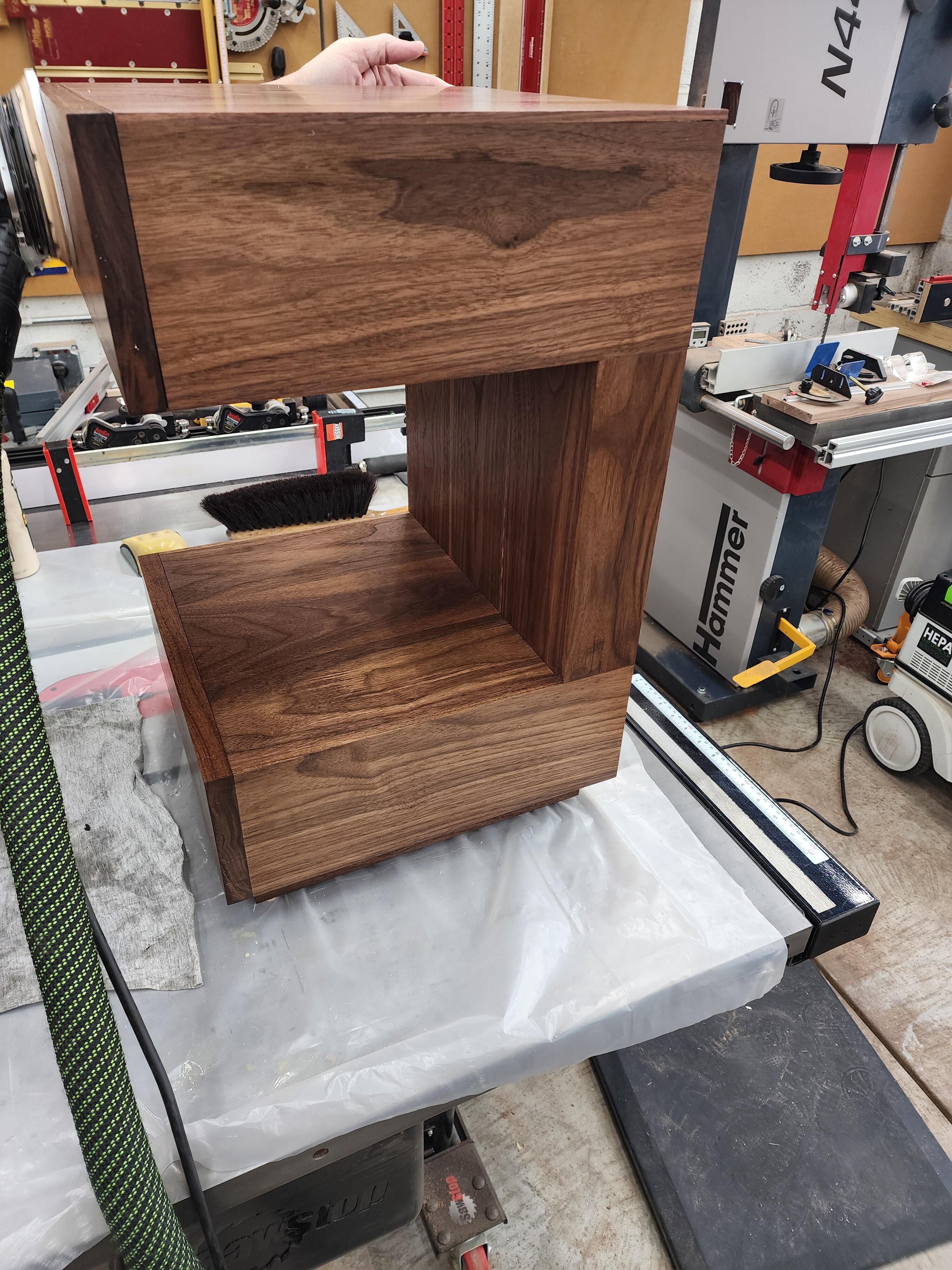
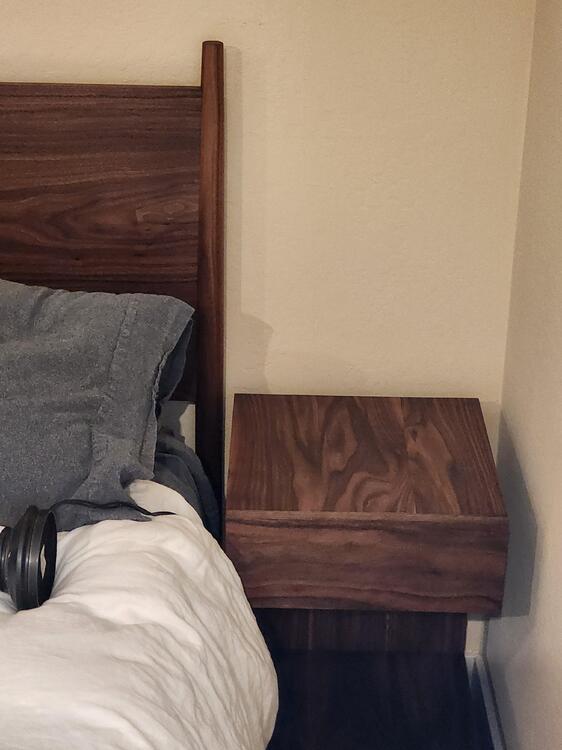
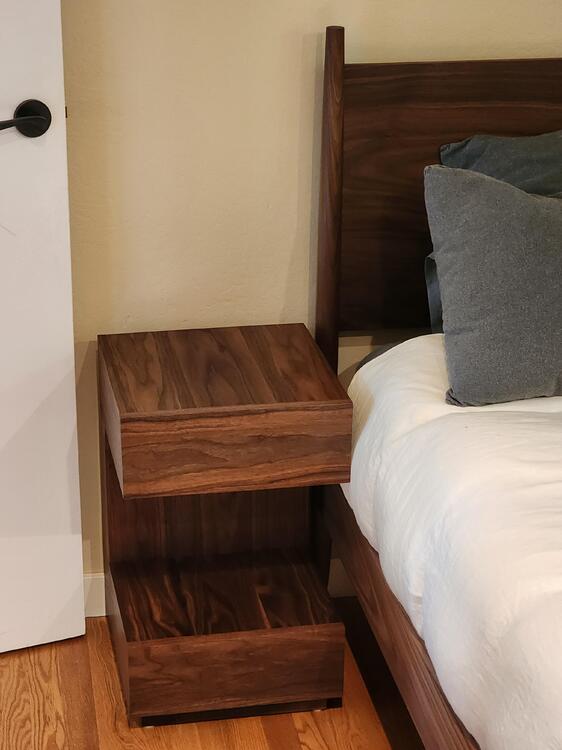
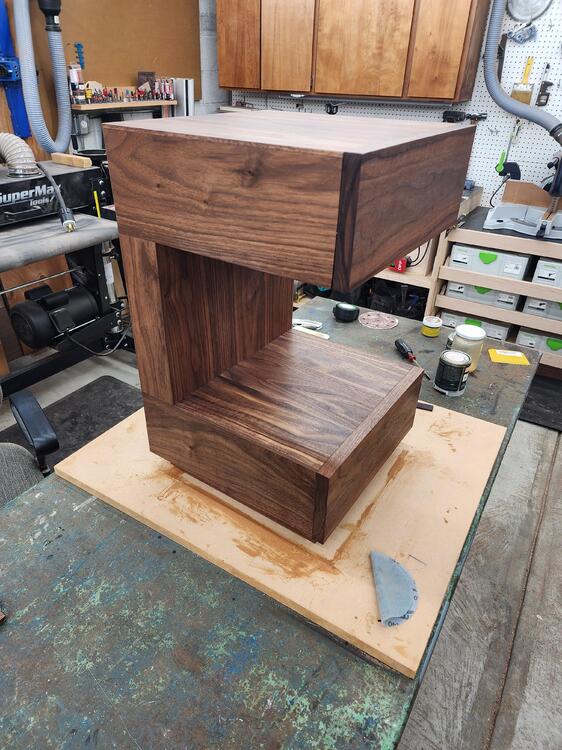
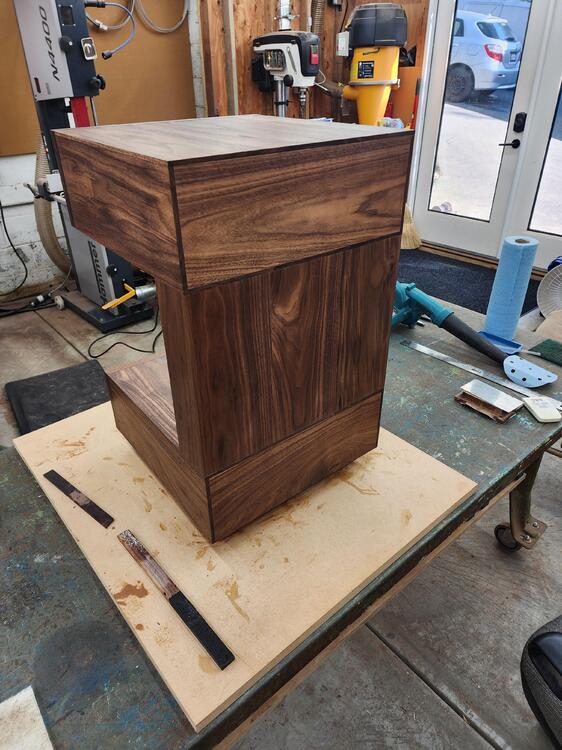
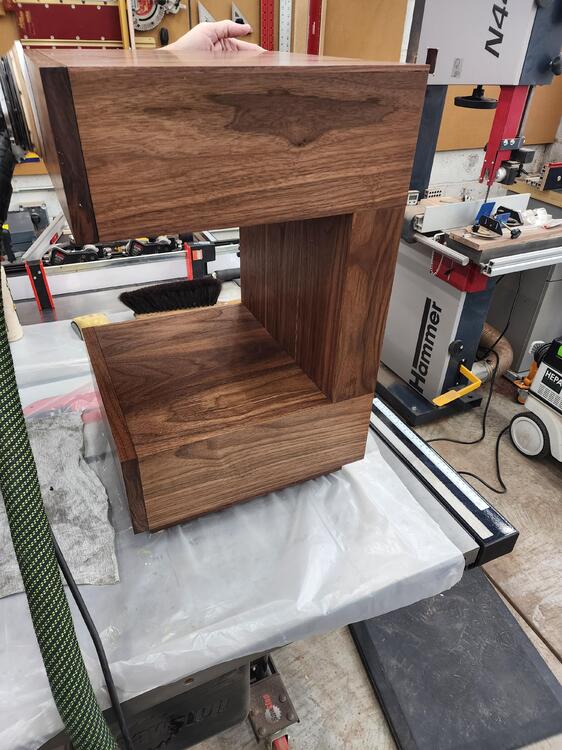
1 pointThe finish matches their existing headboard/frame quite well.
 1 point
 -
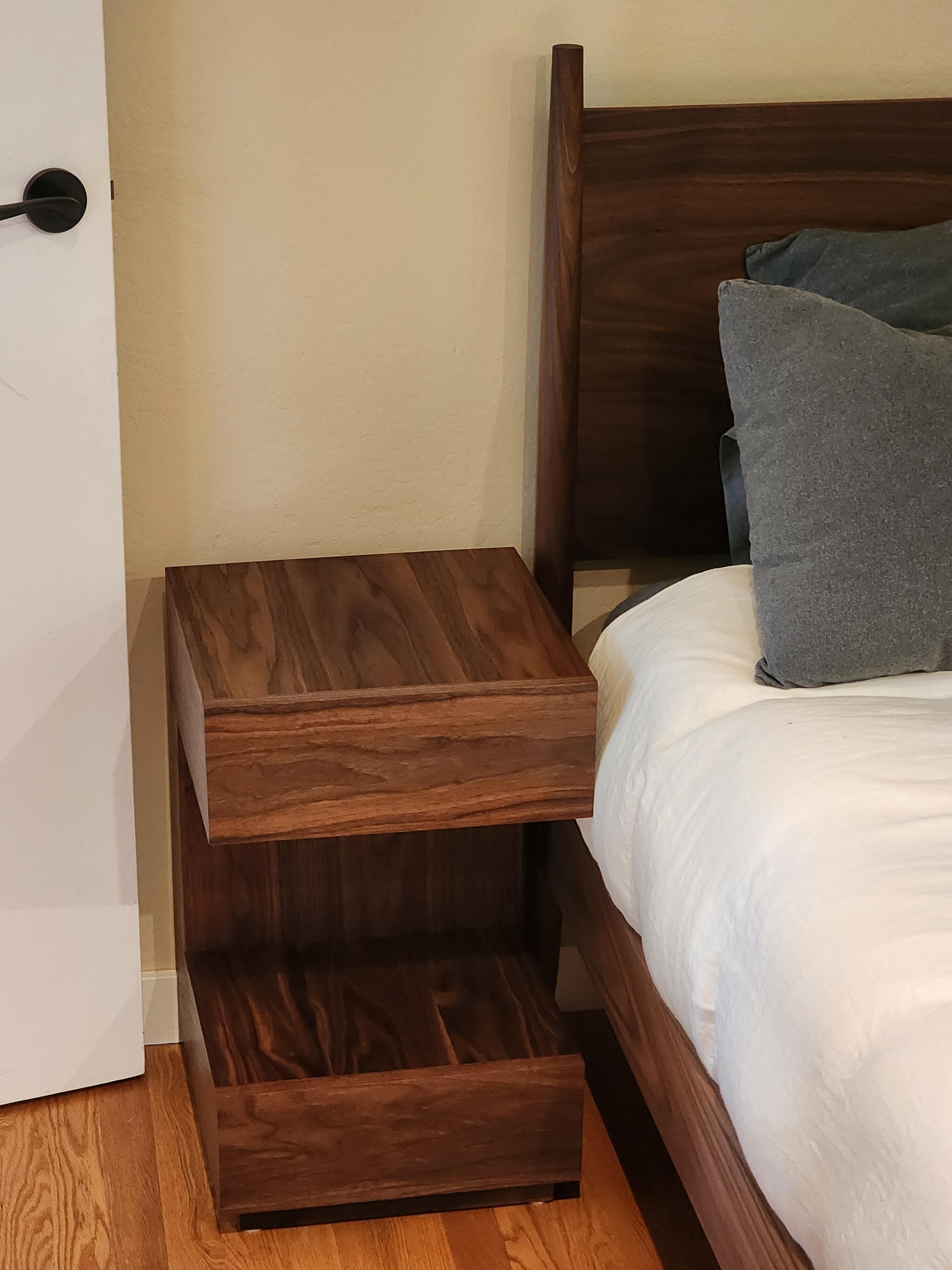
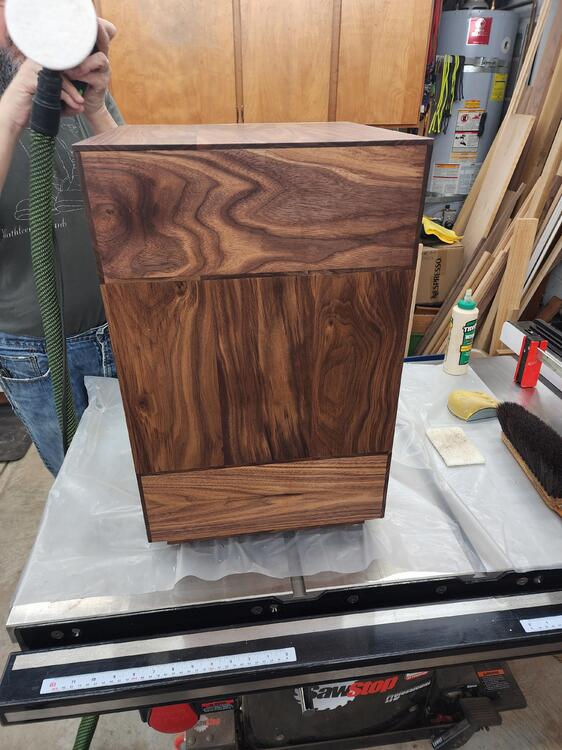
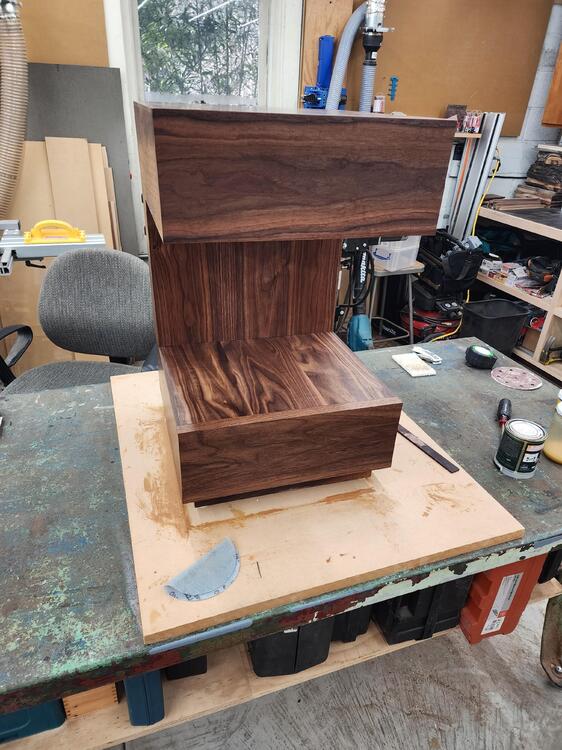
1 pointTo say that I'm happy with the finished product is an understatement. What I really want to do is keep these for myself and tell Al's Sisters in law that they were just too messed up Certainly the nicest Milo & Otis product to date IMO. We're going to sneak these into their house and wait for them to discover tonight.
 1 point