Leaderboard
-
blessingx
High Rollers5Points17838Posts -
Hopstretch
High Rollers5Points16821Posts -
acidbasement
High Rollers5Points2988Posts -
skullguise
High Rollers3Points8927Posts




Popular Content
Showing content with the highest reputation on 11/02/24 in all areas
-
The Cure did a live stream from London tonight of their new album, which is ... fine, honestly. But after playing that, they then spent another 2+ hours blistering through their back catalog and it was something else! Robert Smith still in great voice, the band tight, A++ live sound mixing. This 80s kid highly recommends! The retrospective starts about an hour in after the first intermission.5 points
-
i think it's a terrific headphone. i still audition other totl offerings and then wonder why i bother after returning to the utopia.2 points
-
2 points
-
2 points
-
https://www.threads.net/@sweet_leaf718/post/DB1_WWXvHWS?xmt=AQGzH5NI0wJUVXlNe4T2gWaljR6duNzcYknXVMWJLXRCyw
 1 point
 -
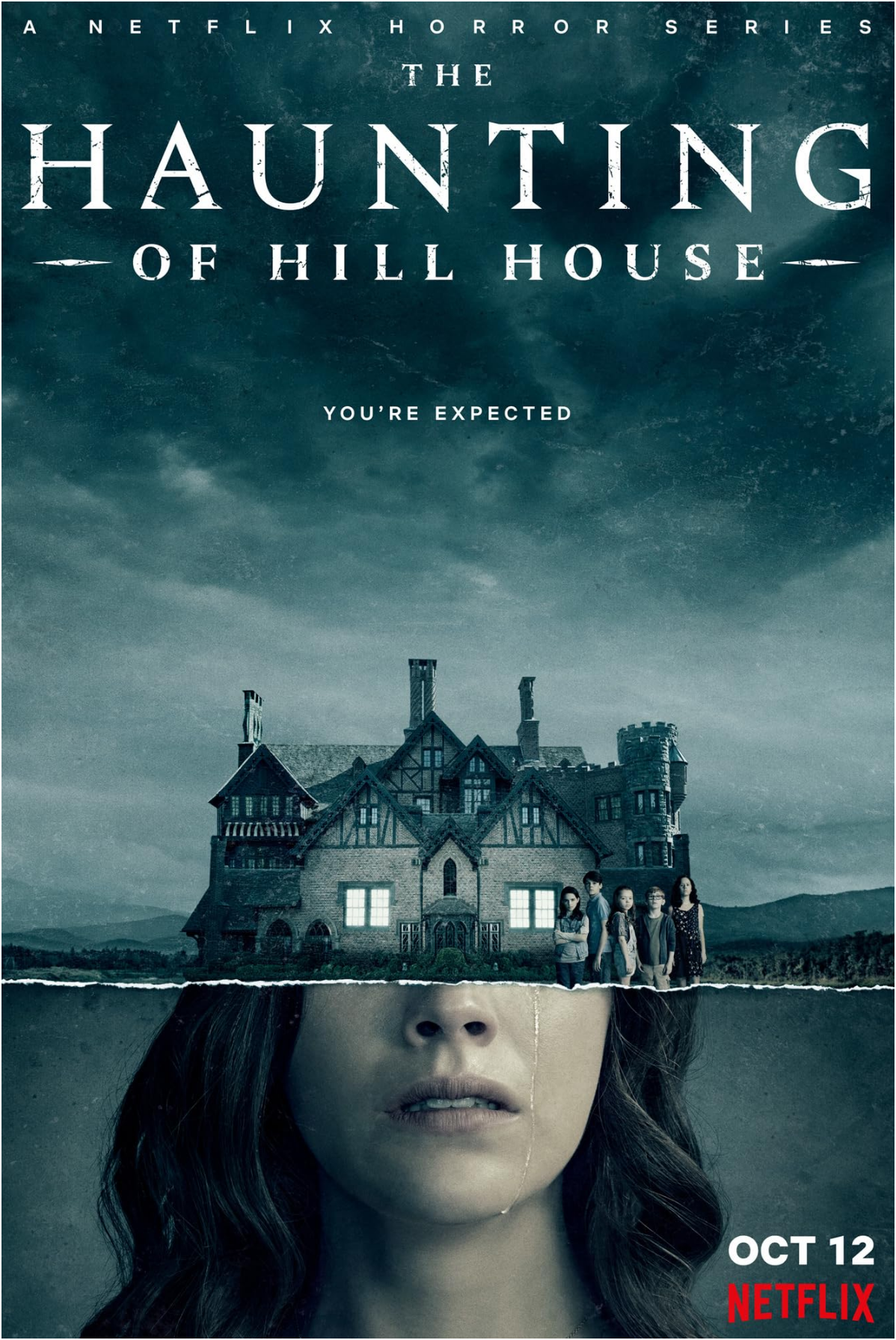
The Haunting of Hill House (2018) I know I am late to this and it is a little on the nose for Halloween viewing - but it was also good.
 1 point
 -
Y'all know the phrase "Not the flex you think it is?" None of these are Photoshopped.1 point
-
Valencia, Spain has experienced some biblical flooding and mudslides.0 points