Leaderboard




Popular Content
Showing content with the highest reputation on 11/06/24 in all areas
-
3 points
-
3 pointsSomething that's a winner, what ever the outcome, or however bananas & curry poll with the general public.
 3 points
 -
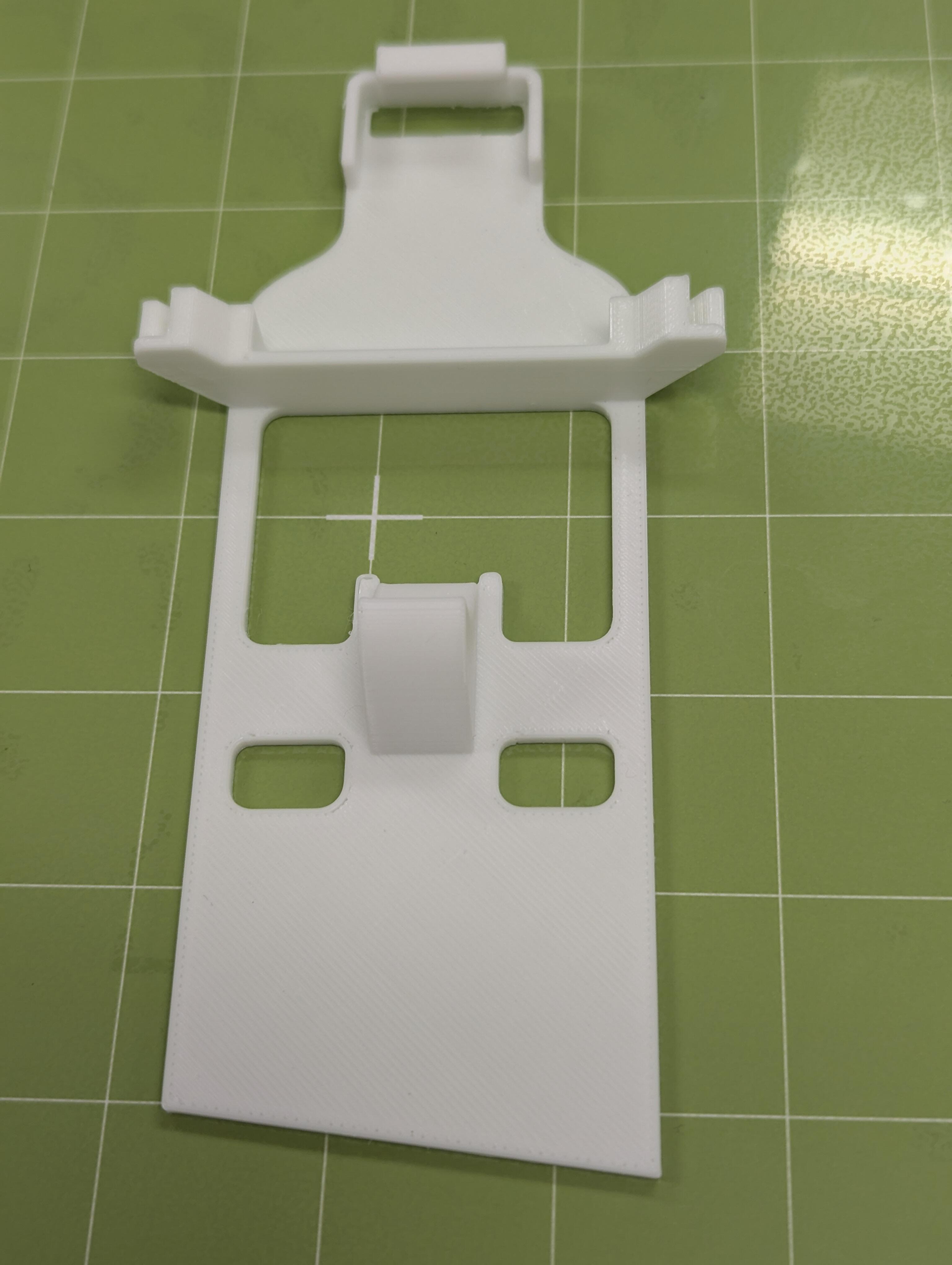
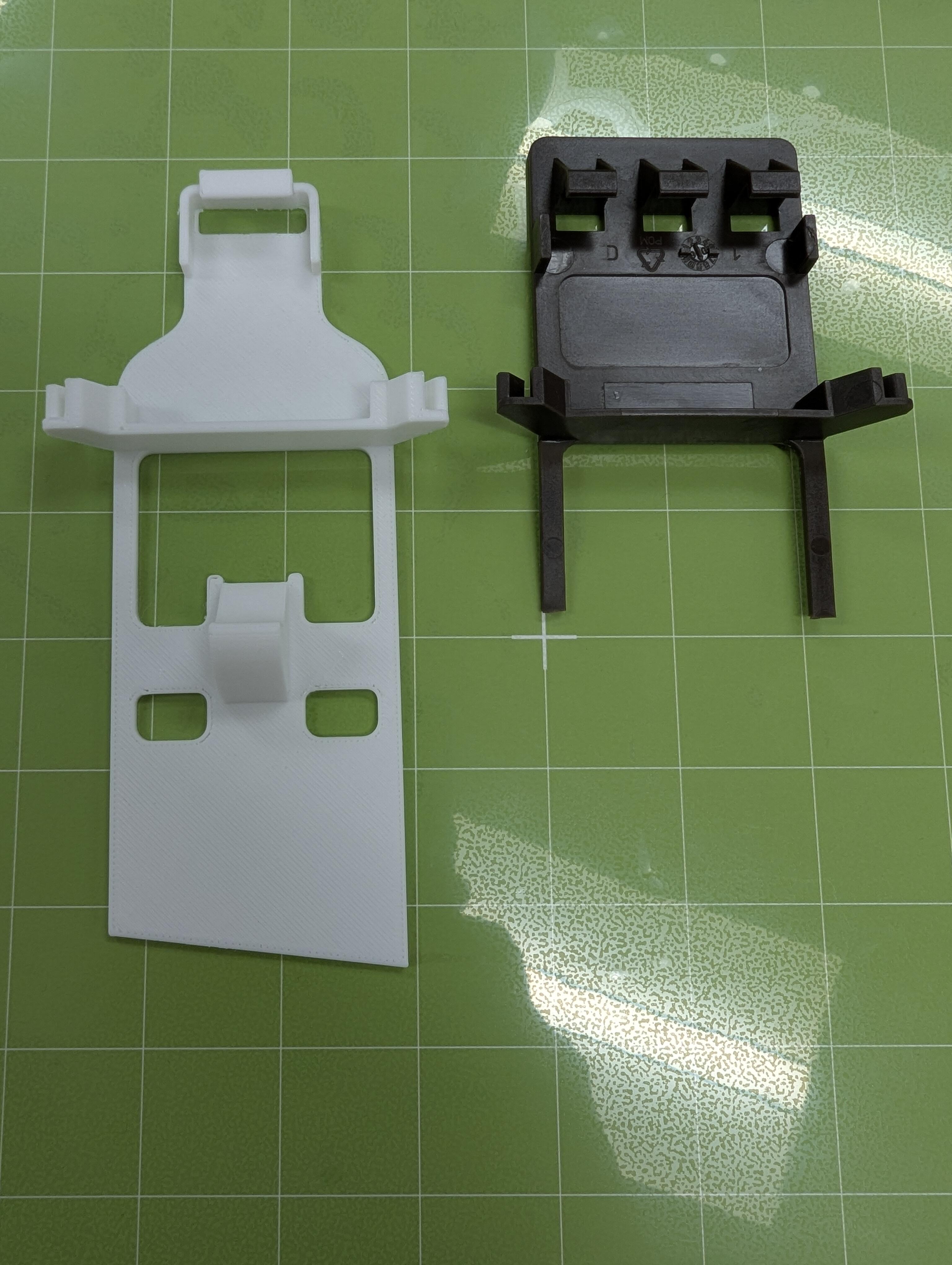
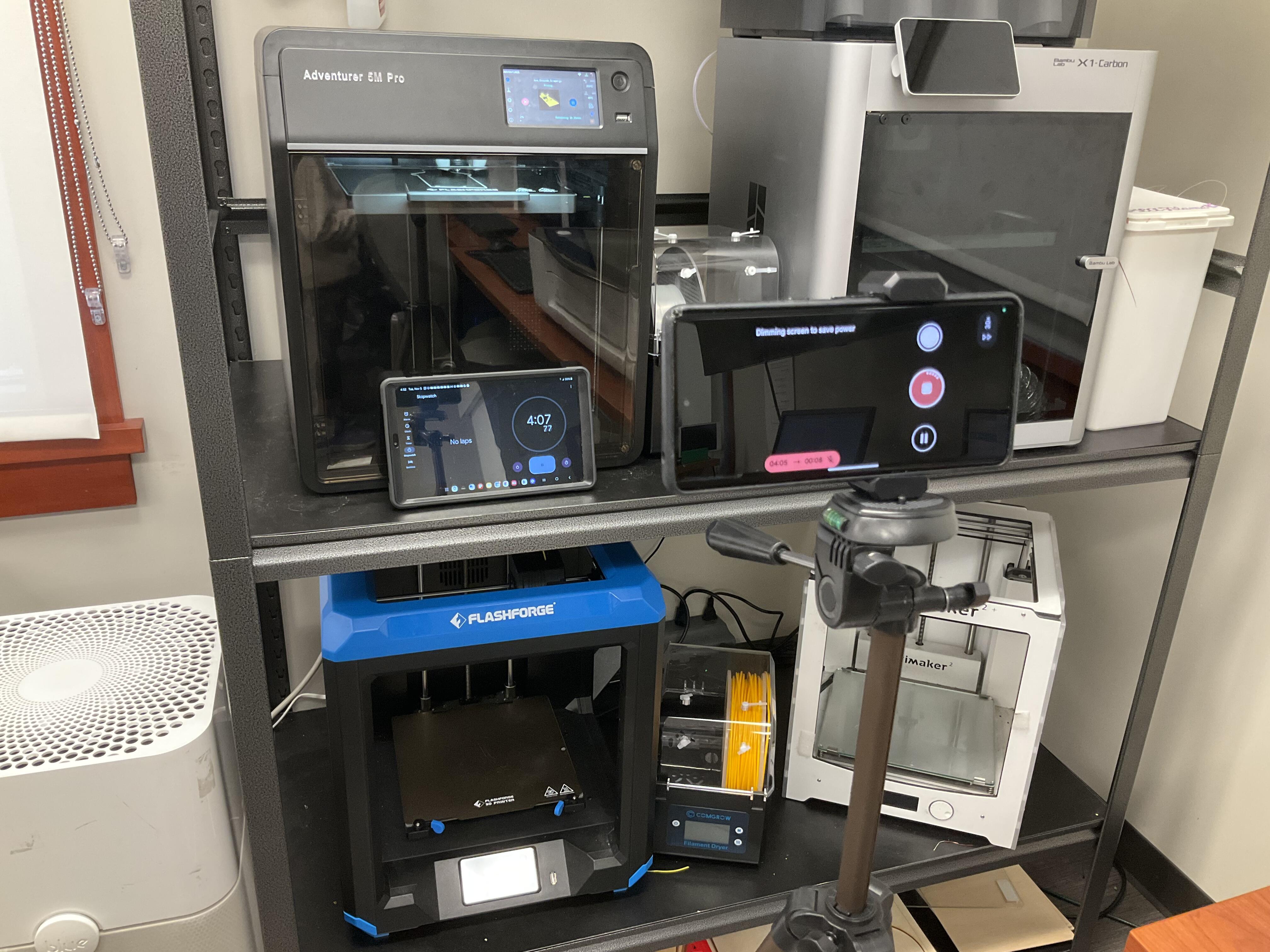
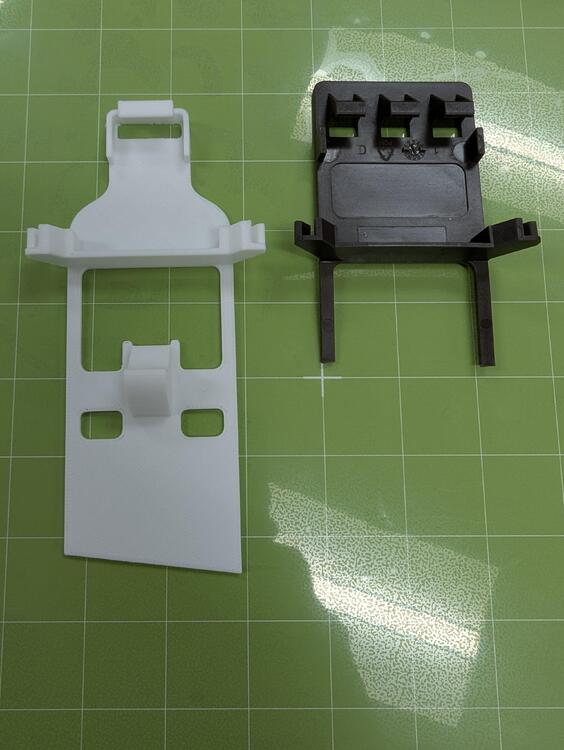
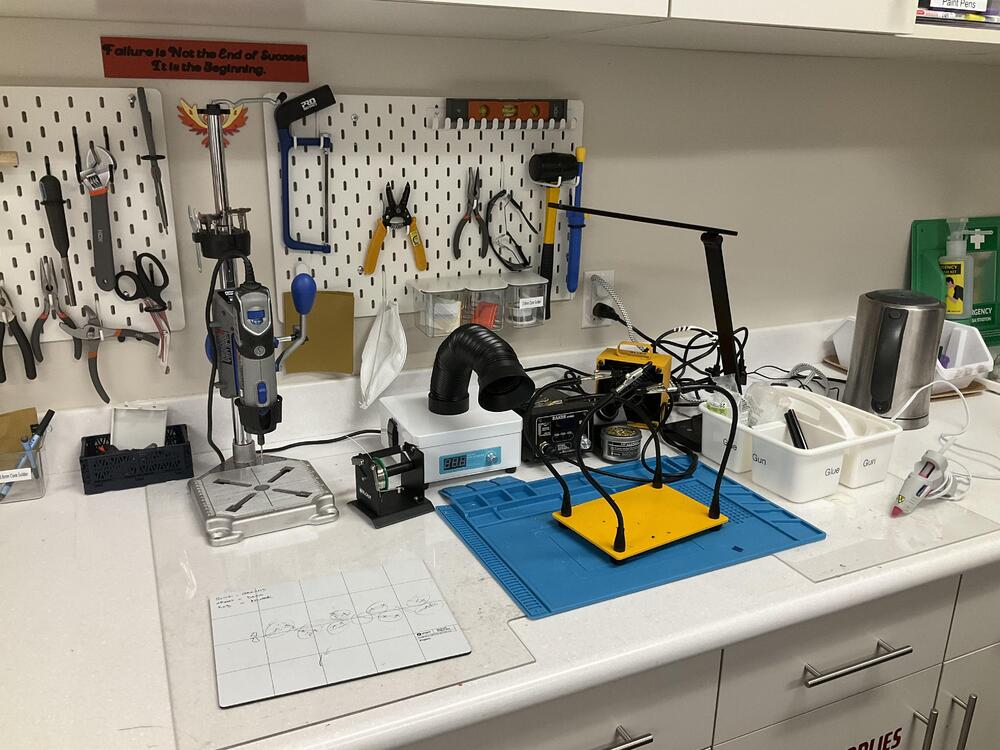
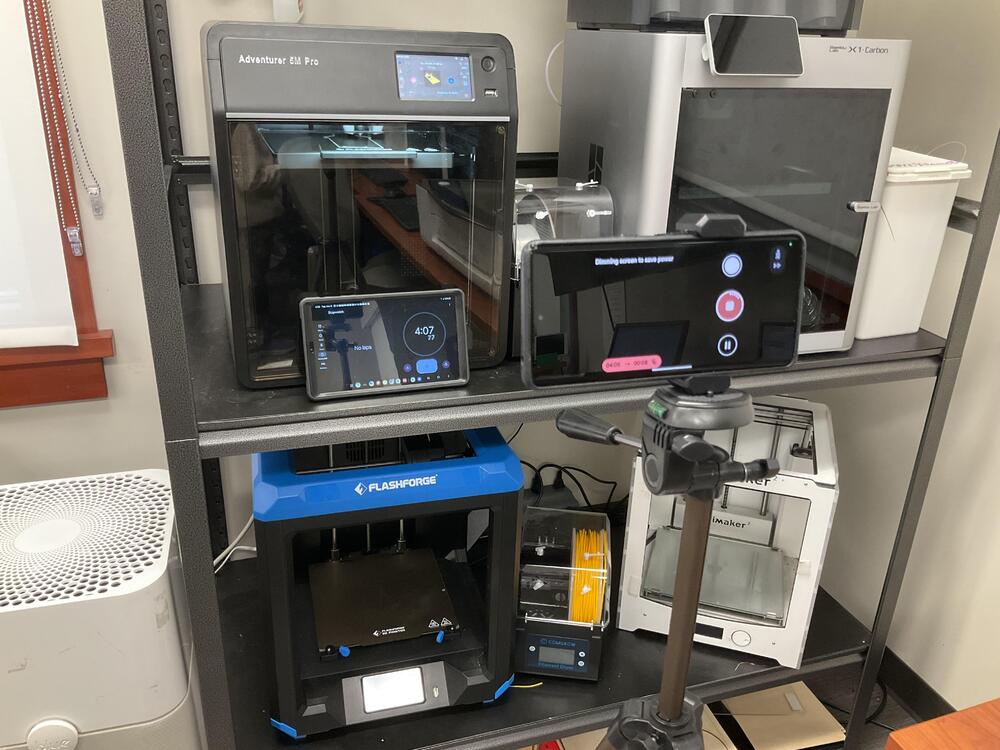
2 pointsTo do something different for Guy Fawkes night (and as distraction from other events today), This: Here : https://www.beltiblibrary.org/plan-your-visit/makerspace https://www.beltiblibrary.org/plan-your-visit/makerspace/digital-fabrication-station Producing Because EDIT: They have a nice collection of 3D printers . and a Nice soldering station. I particularly appreciate the addition of a kettle as vital equipment.
 2 points
 -
1 pointI just bought the XIII remake. It was $2. When it came out (4 year ago) it was universally panned. Not only because it was a ruinous remake a of a beloved original, but also because it was plain bad. Apparently it's had a major patch since then and I'm morbidly curious enough to try it out.1 point
-
Don't know why I needed to listen to this today... Destroyer by Kiss (1976) https://album.link/i/1440854205 Example: So there was that...1 point
-
0 points