

Leaderboard
-
TMoney
High Rollers8Points4705Posts -
mikeymad
High Rollers4Points13883Posts -
Craig Sawyers
High Rollers3Points5524Posts -
Voltron
High Rollers3Points34627Posts




Popular Content
Showing content with the highest reputation on 12/06/24 in all areas
-
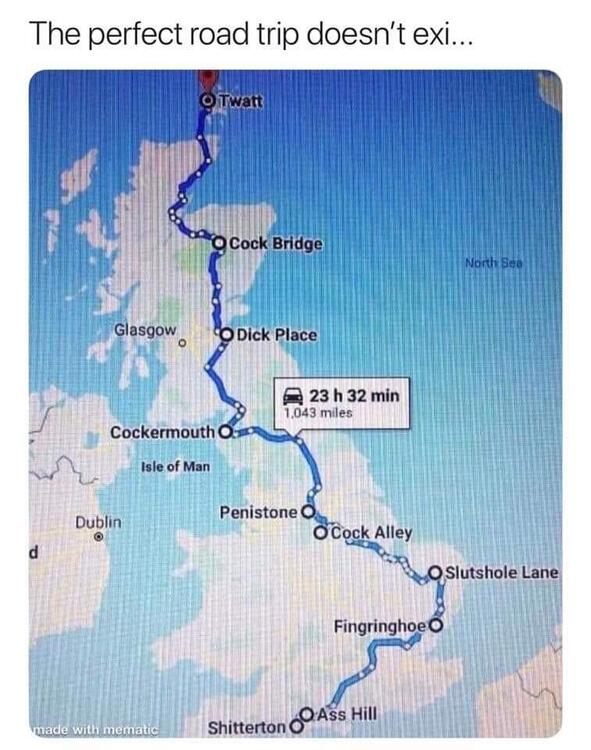
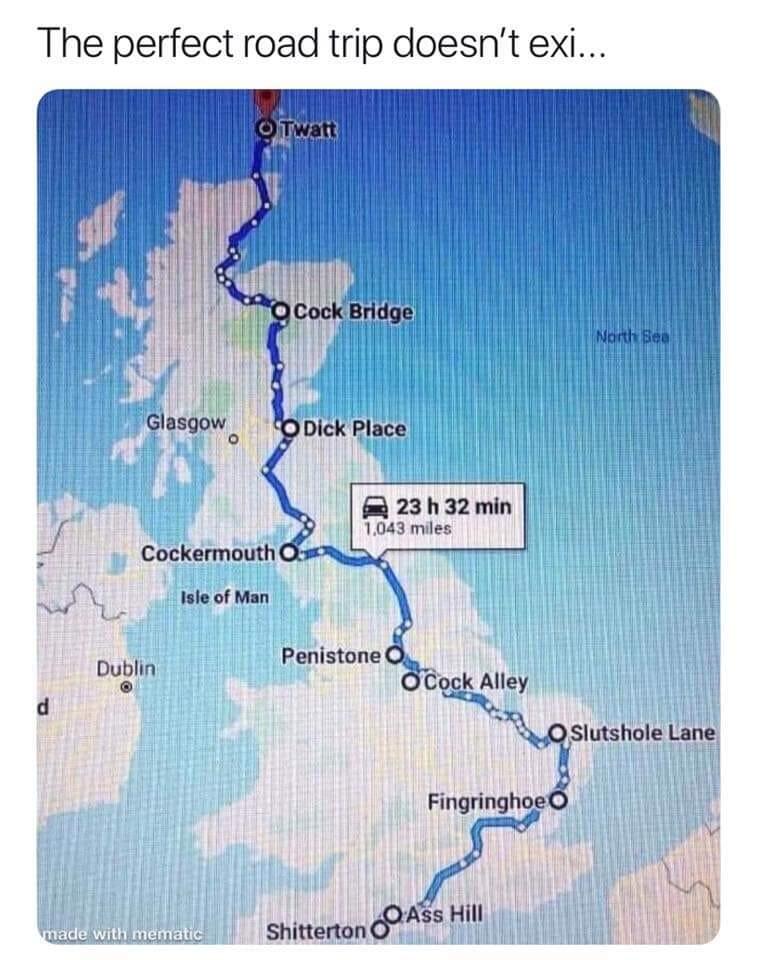
Those names are absolutely true. I have personally been to both Penistone and Cockermouth.3 points
-
1 point
-
1 point4K or "4K" ? https://www.howtogeek.com/4k-blu-rays-have-an-ai-upscaling-problem-buyer-beware/1 point
-
1 pointThanks much. I actually picked it up yesterday, along with three Michelangelo Antonioni films (they'll probably never release a Blu-ray box set at this point), but that makes me feel even better (was still debating on the Sony UBP-X800M2 and its SACD support). Now to plug it into my old 1080 TV. Kinda strange it dropped another $50 from Friday.
 1 point
 -
Happy Thanksgiving all US HC-ers (and those who celebrate but elsewhere)!










 1 point
 -
0 points0 points0 pointsFor today's depressing read... ‘Lavender’: The AI machine directing Israel’s bombing spree in Gaza https://www.972mag.com/lavender-ai-israeli-army-gaza/?src=longreads0 points













Important Information
By using this site, you agree to our Terms of Use.