

Leaderboard
-
naamanf
High Rollers6Points6661Posts -
mikeymad
High Rollers6Points13883Posts -
TMoney
High Rollers4Points4705Posts -
Hopstretch
High Rollers3Points16821Posts




Popular Content
Showing content with the highest reputation on 01/30/25 in all areas
-
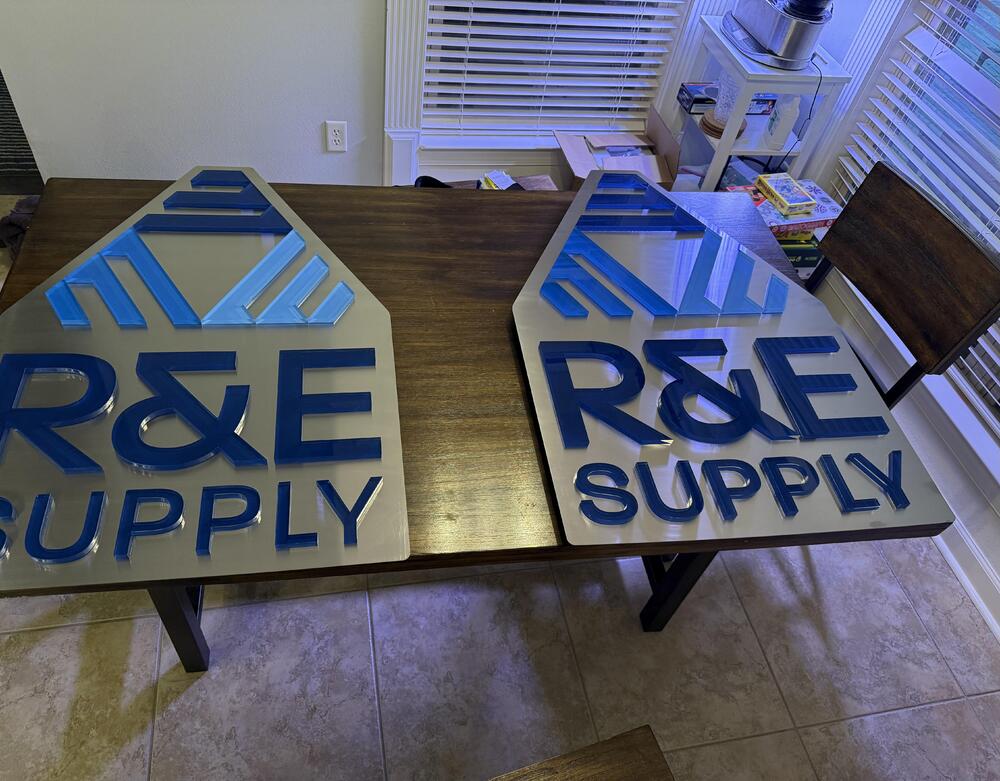
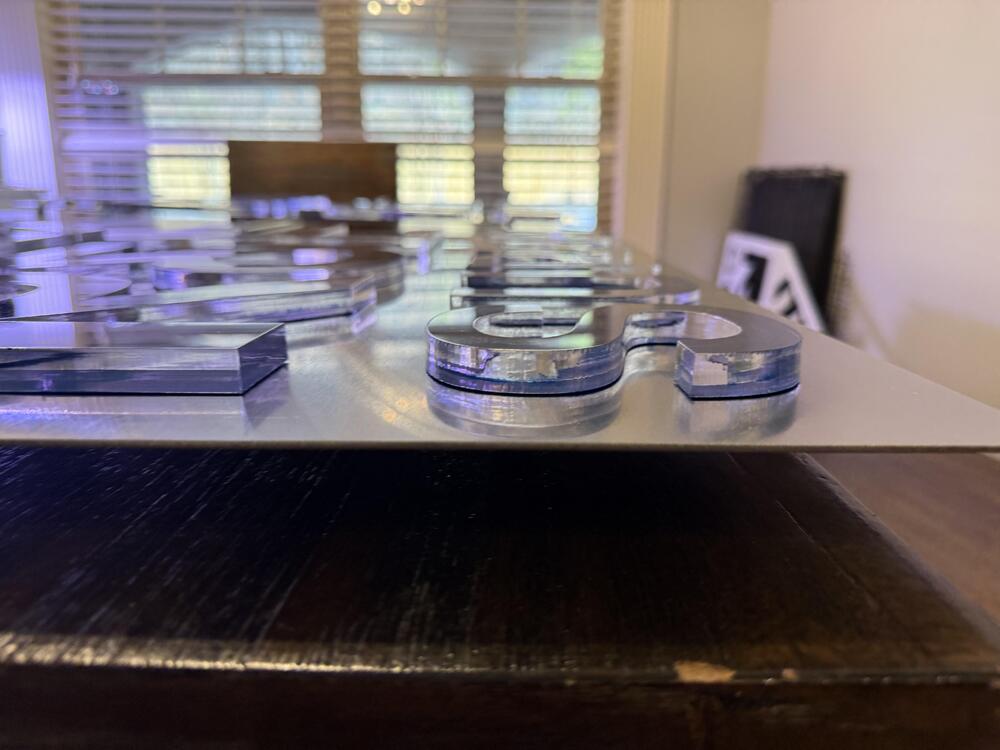
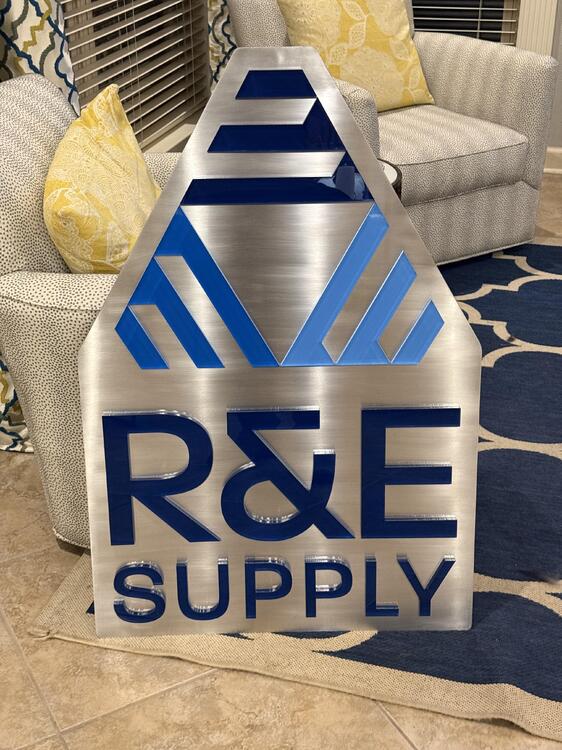
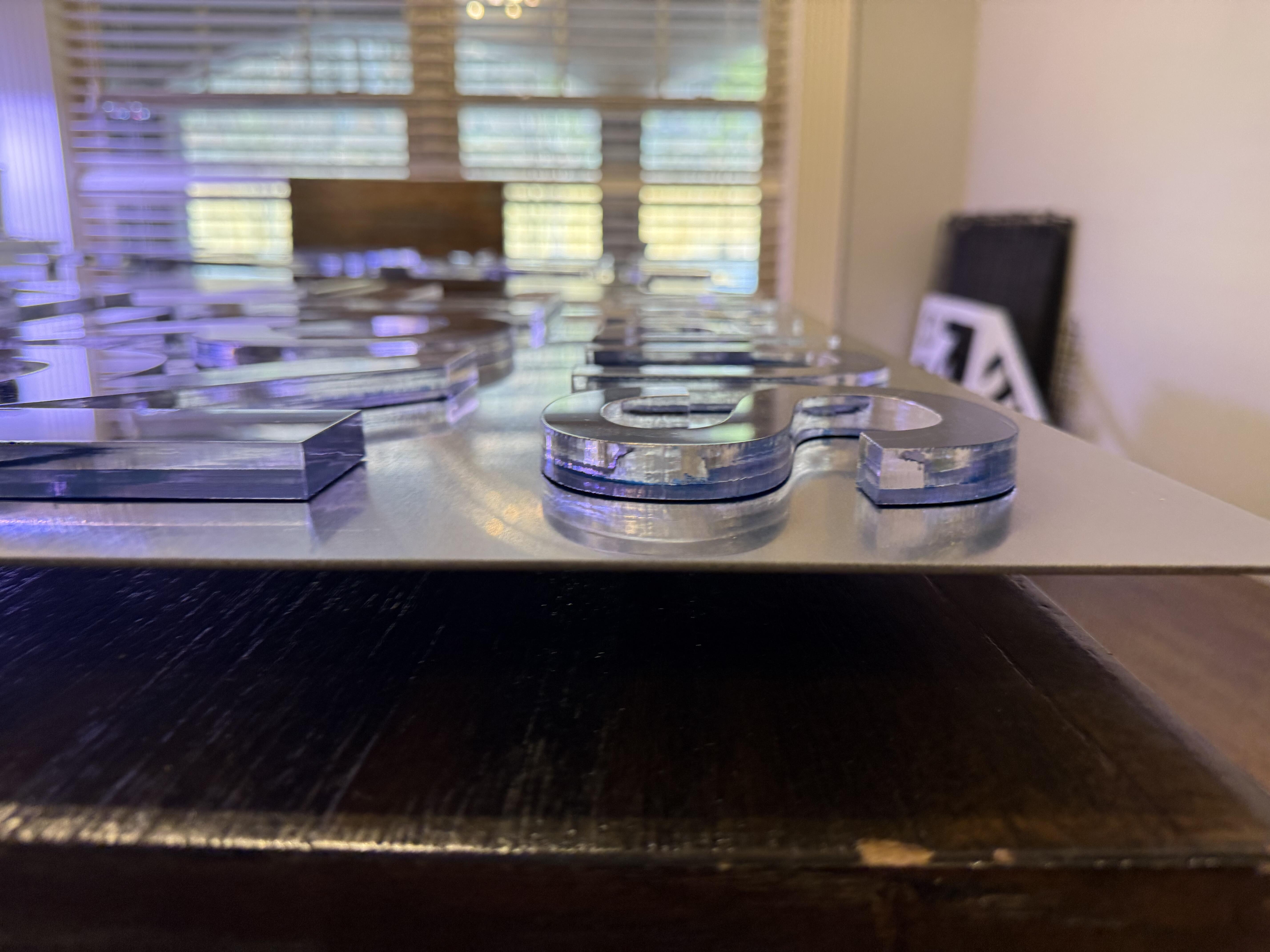
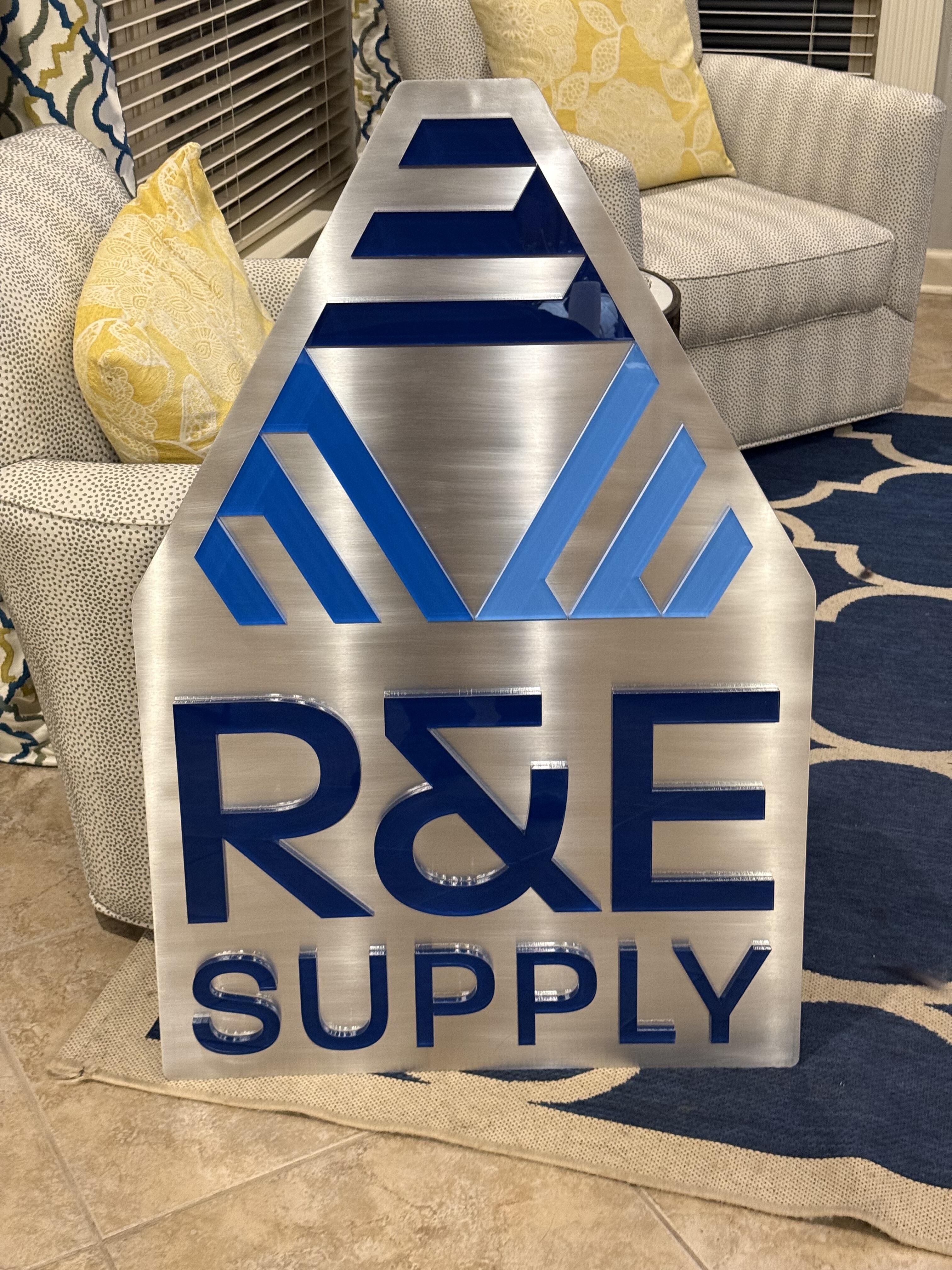
4 pointsAwesome work, Al! I’ve been pretty busy tearing apart a building, but I did manage to get these non-woodworking signs built for a local company.
 4 points
 -
2 pointsNo, magic 50Kwatt fiber laser table and magic 200w CO2 laser table.2 points
-
I don't listen to CPE Bach much, but I enjoyed this. The space it was recorded in comes through and creates a nice cozy environmnet.1 point
-
1 pointYou Jest, But Roco's Basilisk takes no prisoners. https://slate.com/technology/2014/07/rokos-basilisk-the-most-terrifying-thought-experiment-of-all-time.html https://en.m.wikipedia.org/wiki/Roko's_basilisk1 point
-
1 pointAs usual, I can never tell if it is me or Artificial Intelligence. In this case, I think Grahame's post could go either way...1 point
-
Sweet Rain by Stan Getz (1967) Only Apple for Link - so here is Qobuz Example: Very Pretty Album.1 point
-
Finally found out where that snippet is from at the start & end of this Pelageya song. It's Rachmaninoff.1 point




.thumb.jpg.e56950ebbdfabfb46c42ffd725ee1ba0.jpg)