

Leaderboard
-
Voltron
High Rollers19Points34627Posts -
cutestory
High Rollers5Points1644Posts -
mikeymad
High Rollers3Points13883Posts -
Hopstretch
High Rollers3Points16821Posts




Popular Content
Showing content with the highest reputation on 03/13/25 in all areas
-
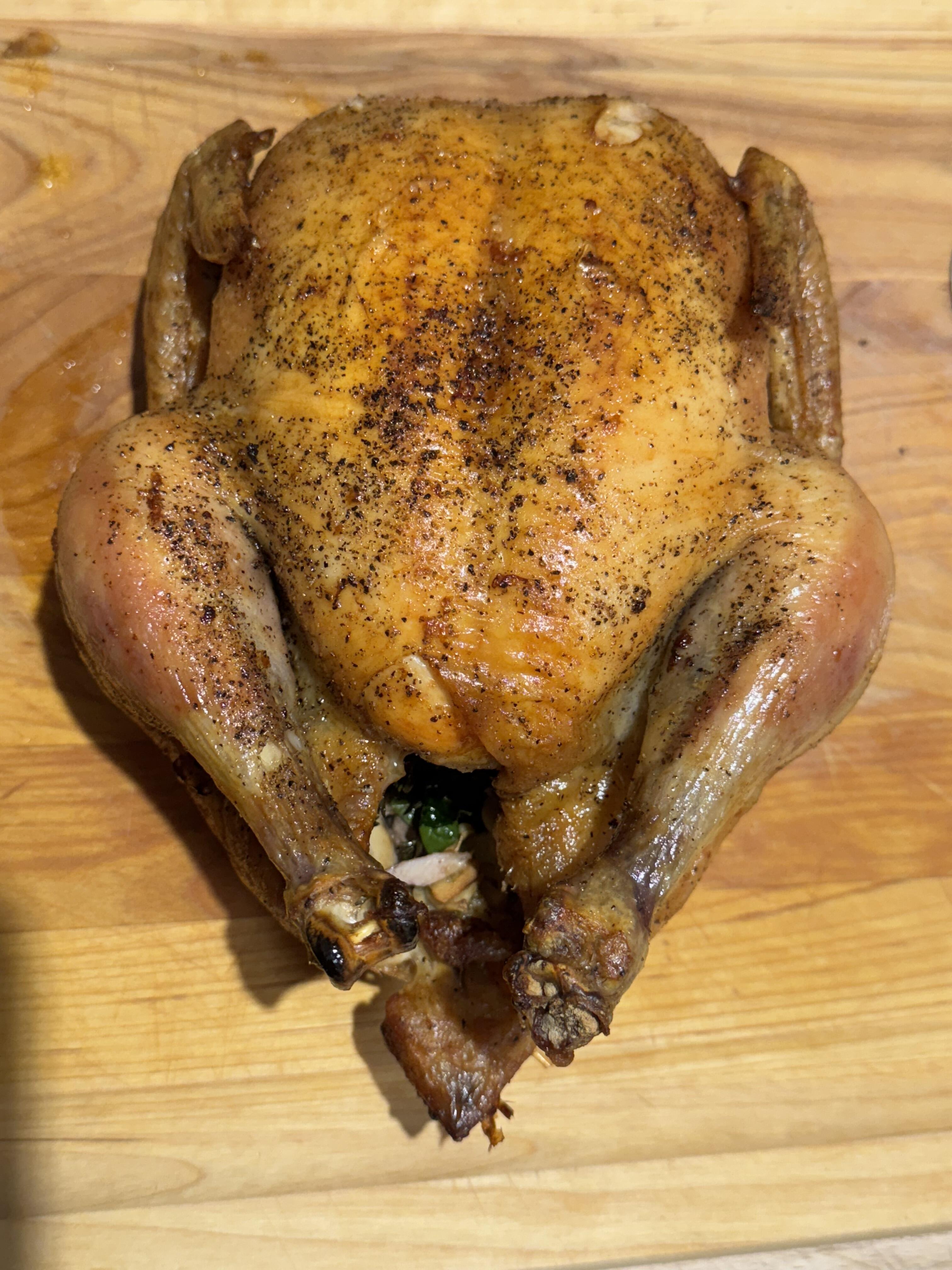
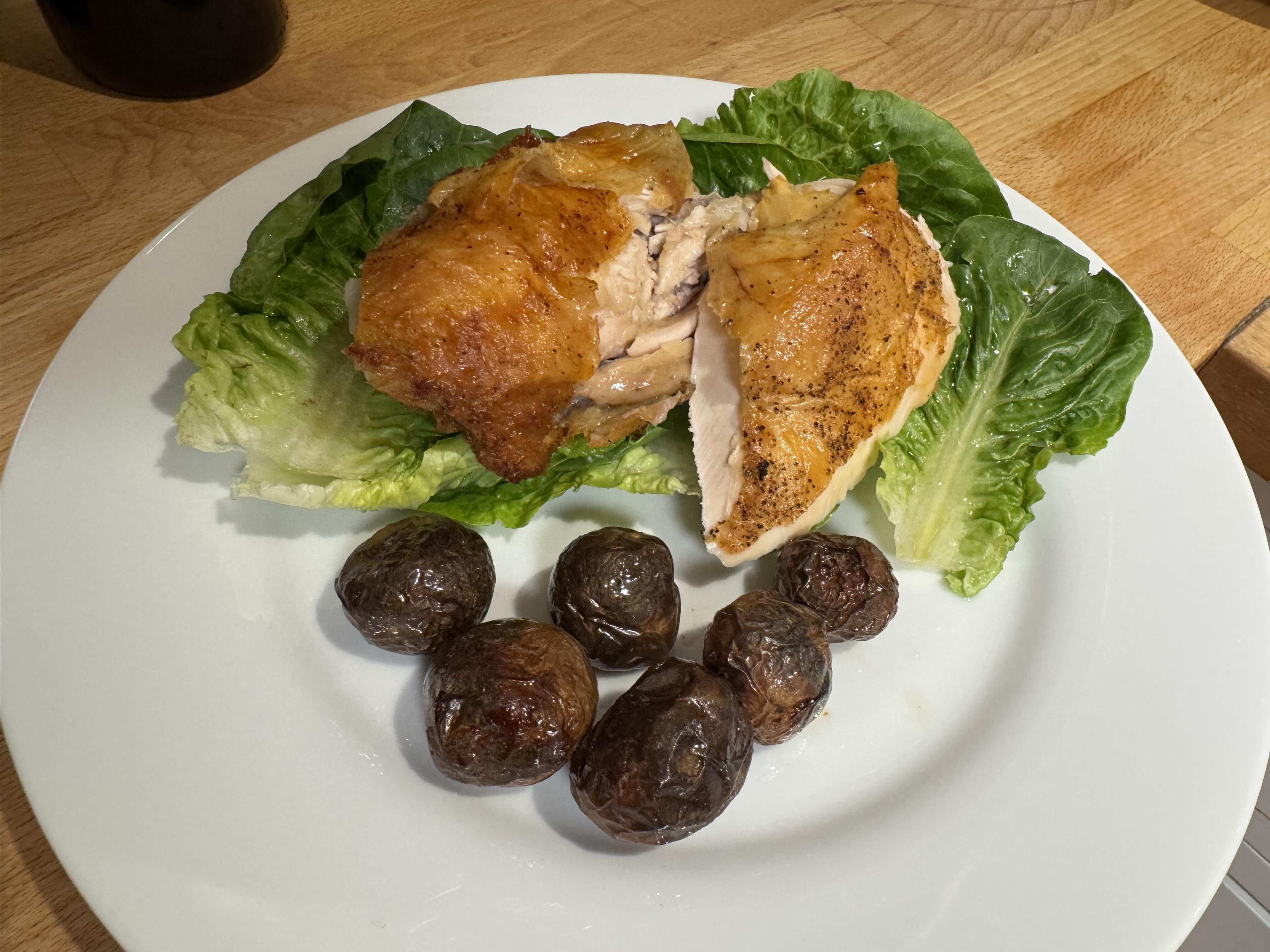
3 pointsA couple of dinners this week. First, roast chicken and new potatoes on a bed of little gems lettuce. And a pork cutlet rice bowl. I fried the cutlets normally with a light amount of oil then briefly fried them again in chili crisp.
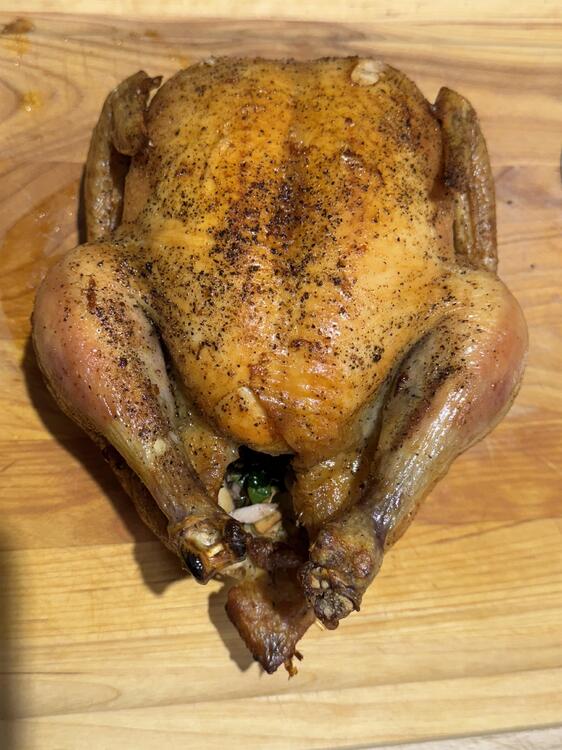
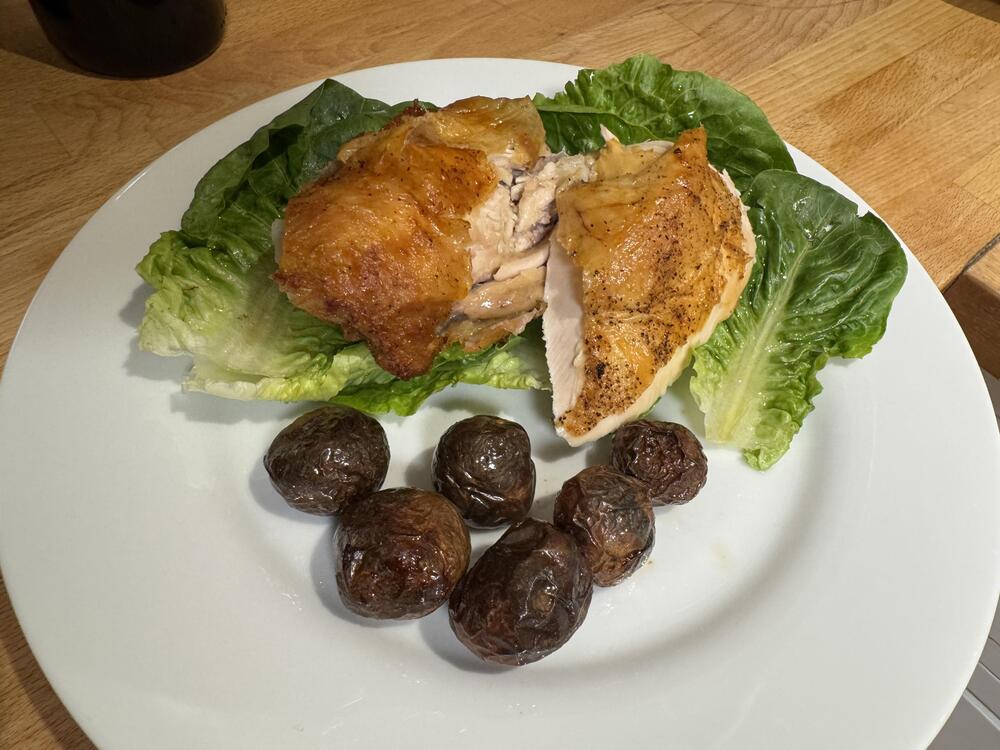
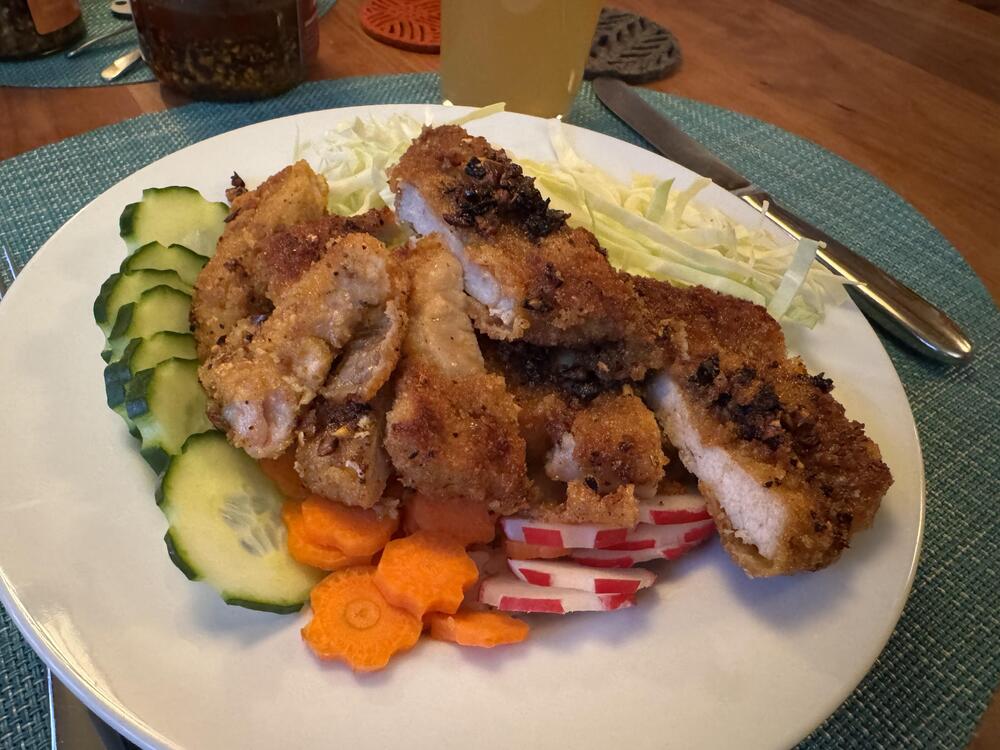 3 points
 -
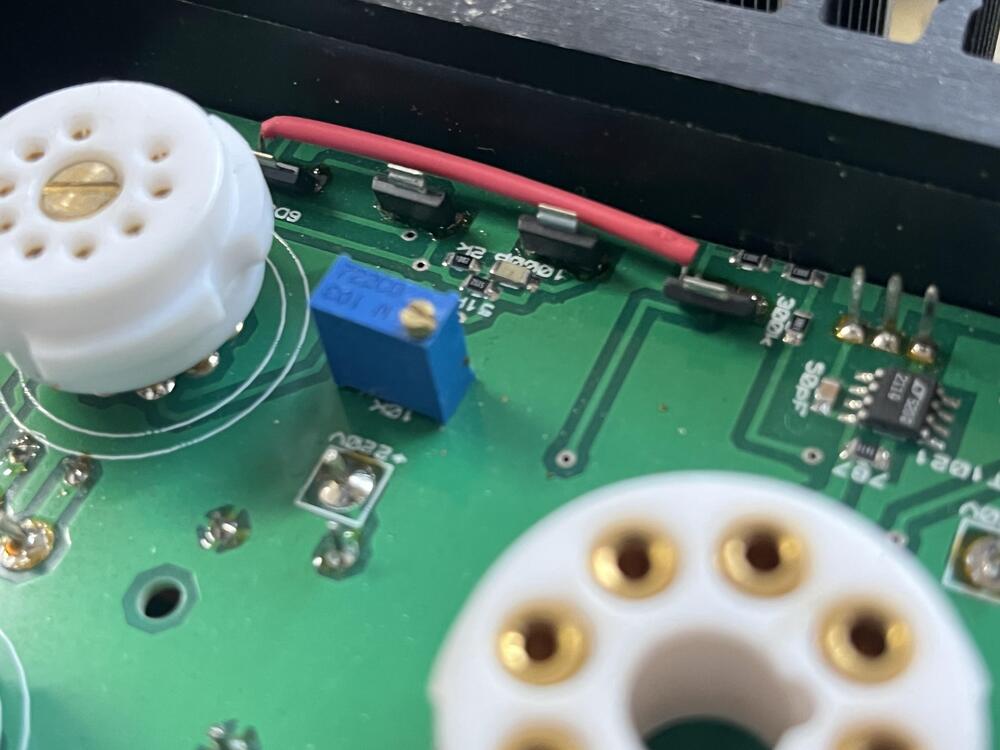
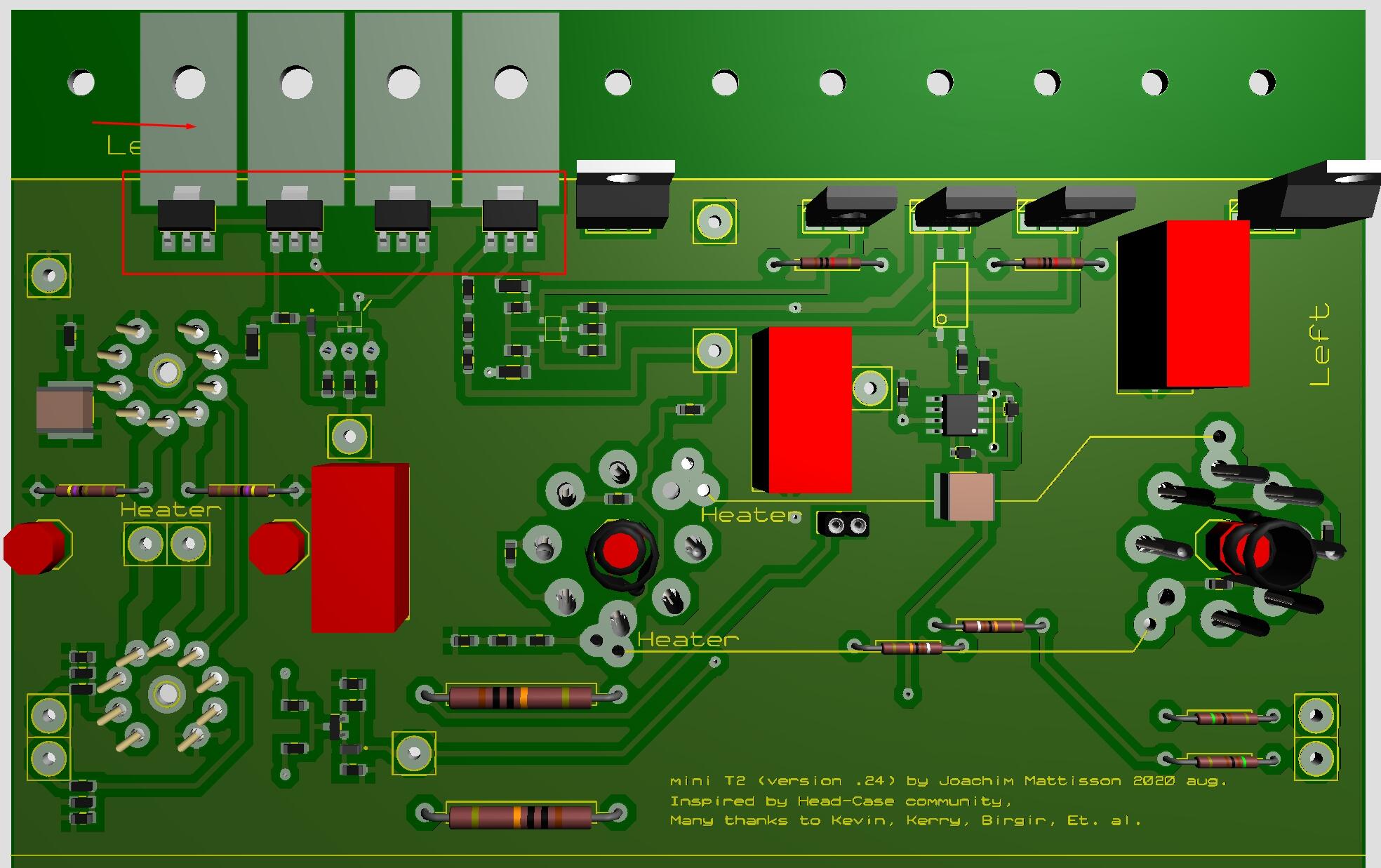
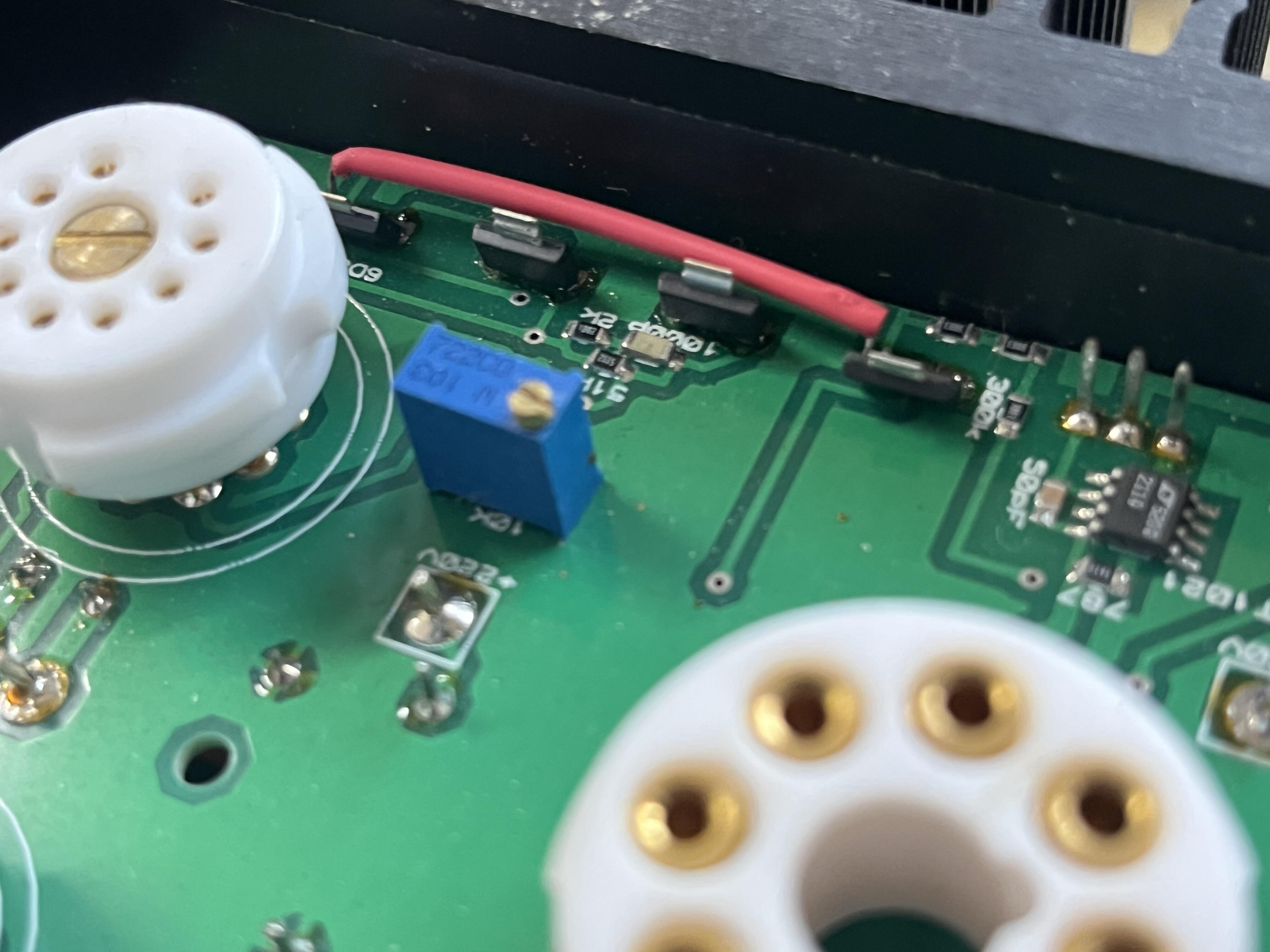
3 points2 pointsWow, I kind of lost track of these guys in the early 2000s. Looks like they have been recording for the last decade..1 pointAfter a hands on, you don't need this, right, @blessingx ?1 point1 pointThere is about 1/4 W each KSA1156. Below STN9360 (in red) replaced A1156. Bare copper (no solder resist) under the bracket. Put thin Sil-Pad to isolate bracket from the copper. Time will tell… if this is a good idea. And 2SC3324 is now 2SC2713 on silk screen, Thank you.
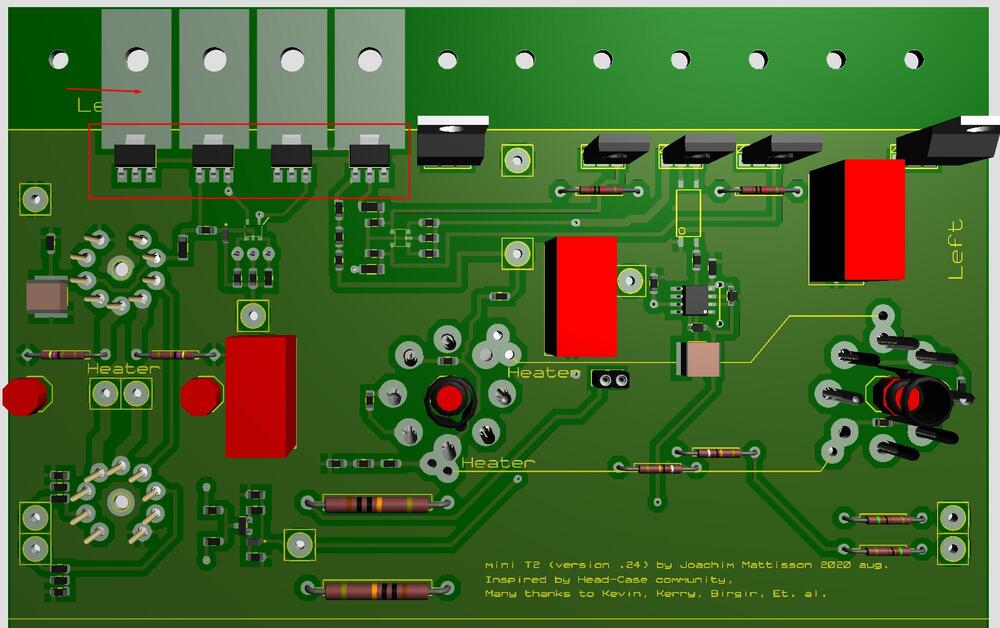 1 point1 pointYep, thanks a lot Shawn. It seems that KSA1156 has vanished from Mouser and other places. Mini T2 has a bunch of them. Today I’ve replaced one channel’s KSA1156 with STN9360. Surface mounted device, 90th between pins same as A1156. I soldered them in standing and power ON. Worked great – after two hour I measured something like 60+ degrees Celsius. Perhaps one can put the STN9360 on a small PCB board for cooling purpose. How about a board with aluminum substrate?
 1 point1 point





Important Information
By using this site, you agree to our Terms of Use.