Leaderboard
-
Grahame
High Rollers12Points16859Posts -
blessingx
High Rollers11Points17838Posts -
dsavitsk
High Rollers8Points4972Posts -
skullguise
High Rollers8Points8927Posts




Popular Content
Showing content with the highest reputation on 08/23/25 in all areas
-
Thanks everyone, really appreciate the support so far. Plan to hit the road again this weekend and log some more miles.2 points
-
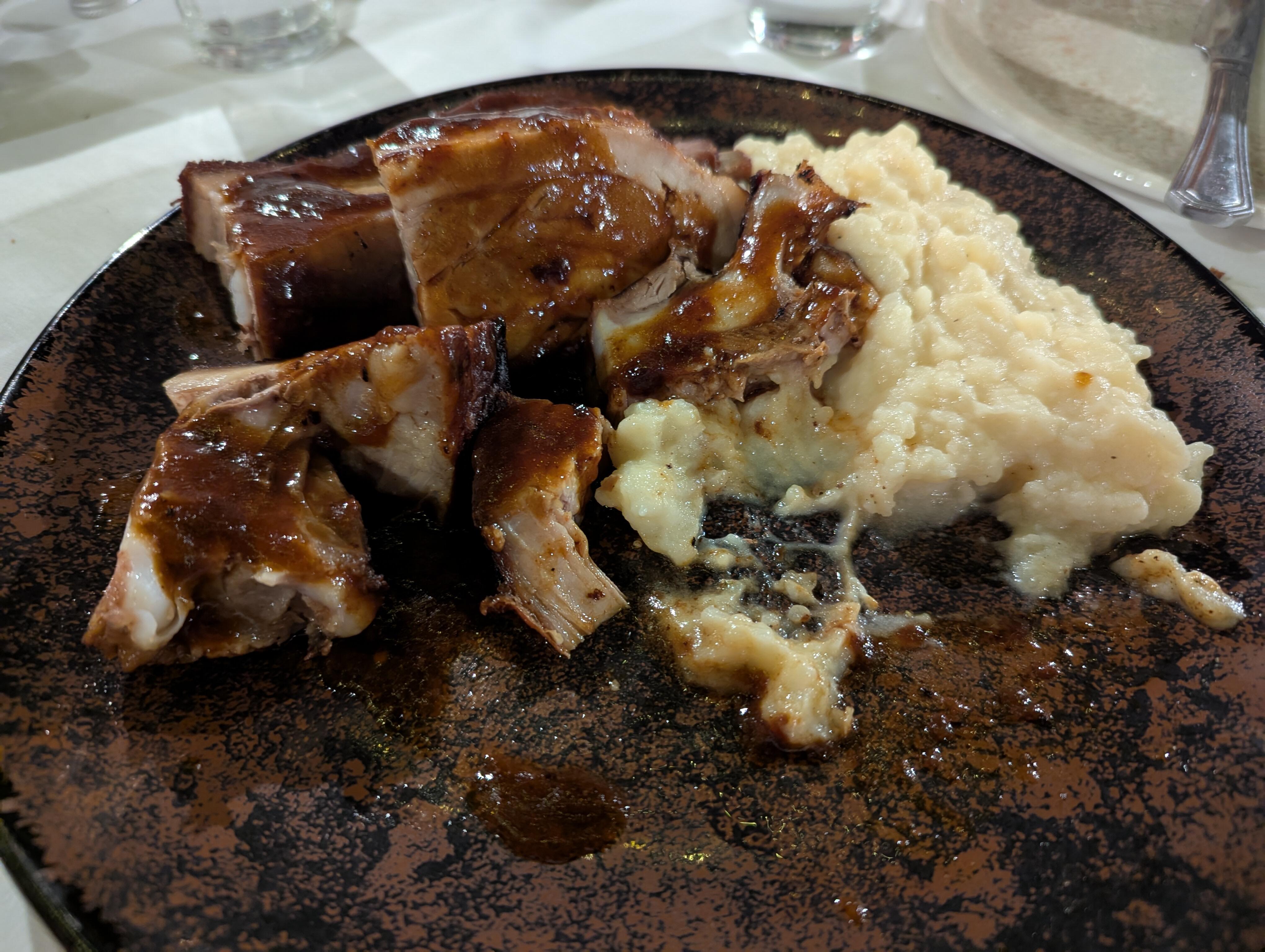
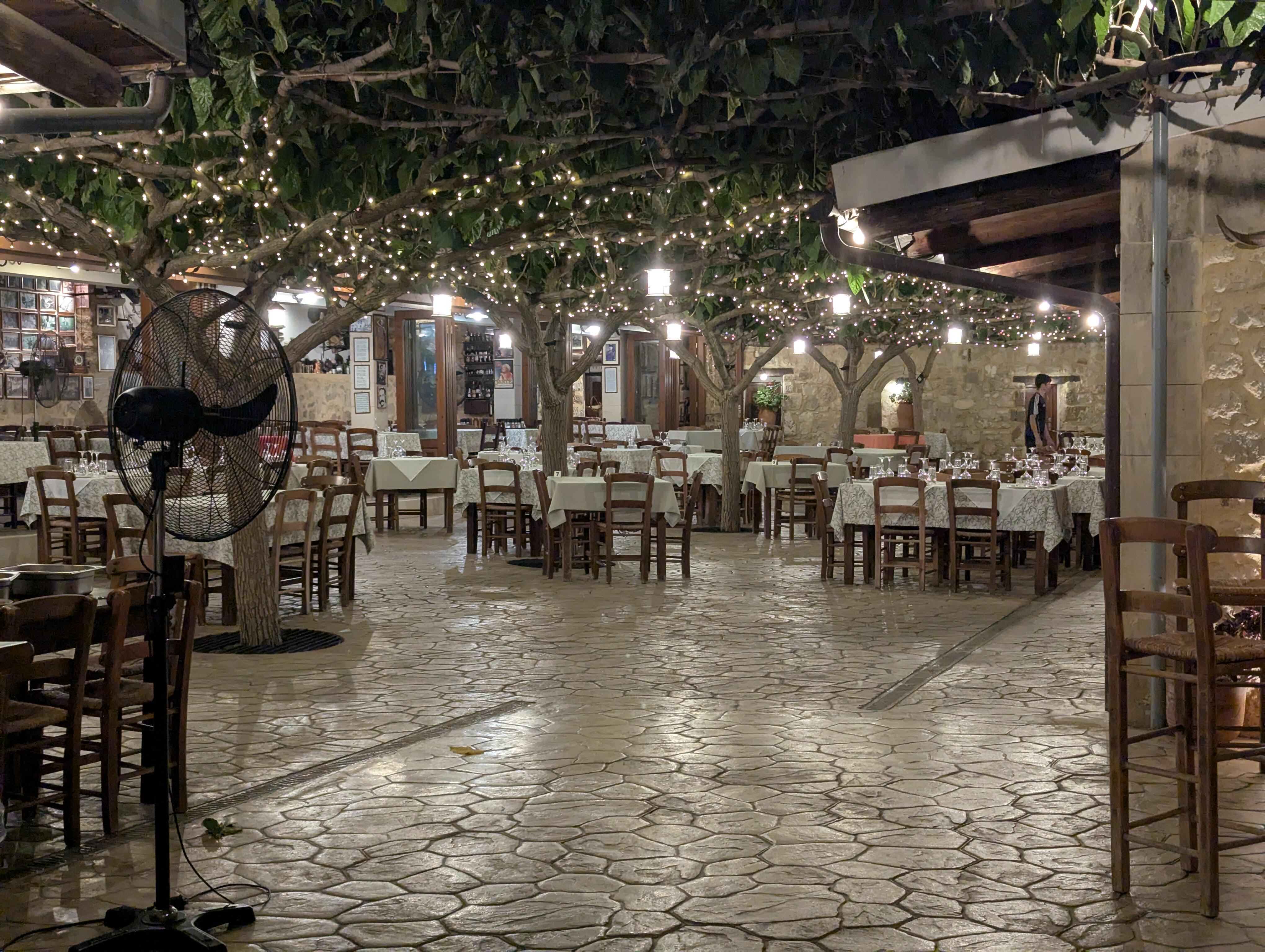
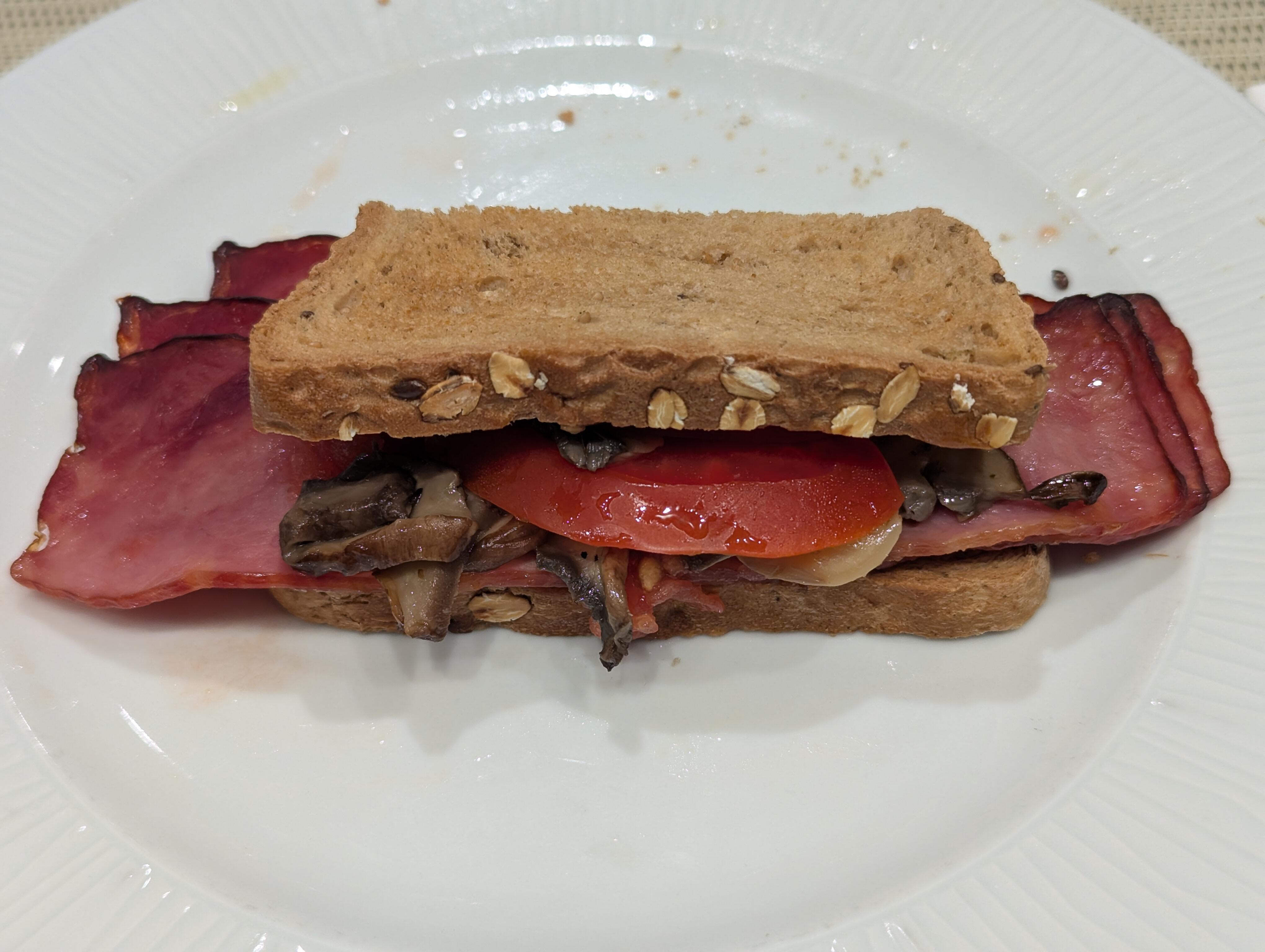
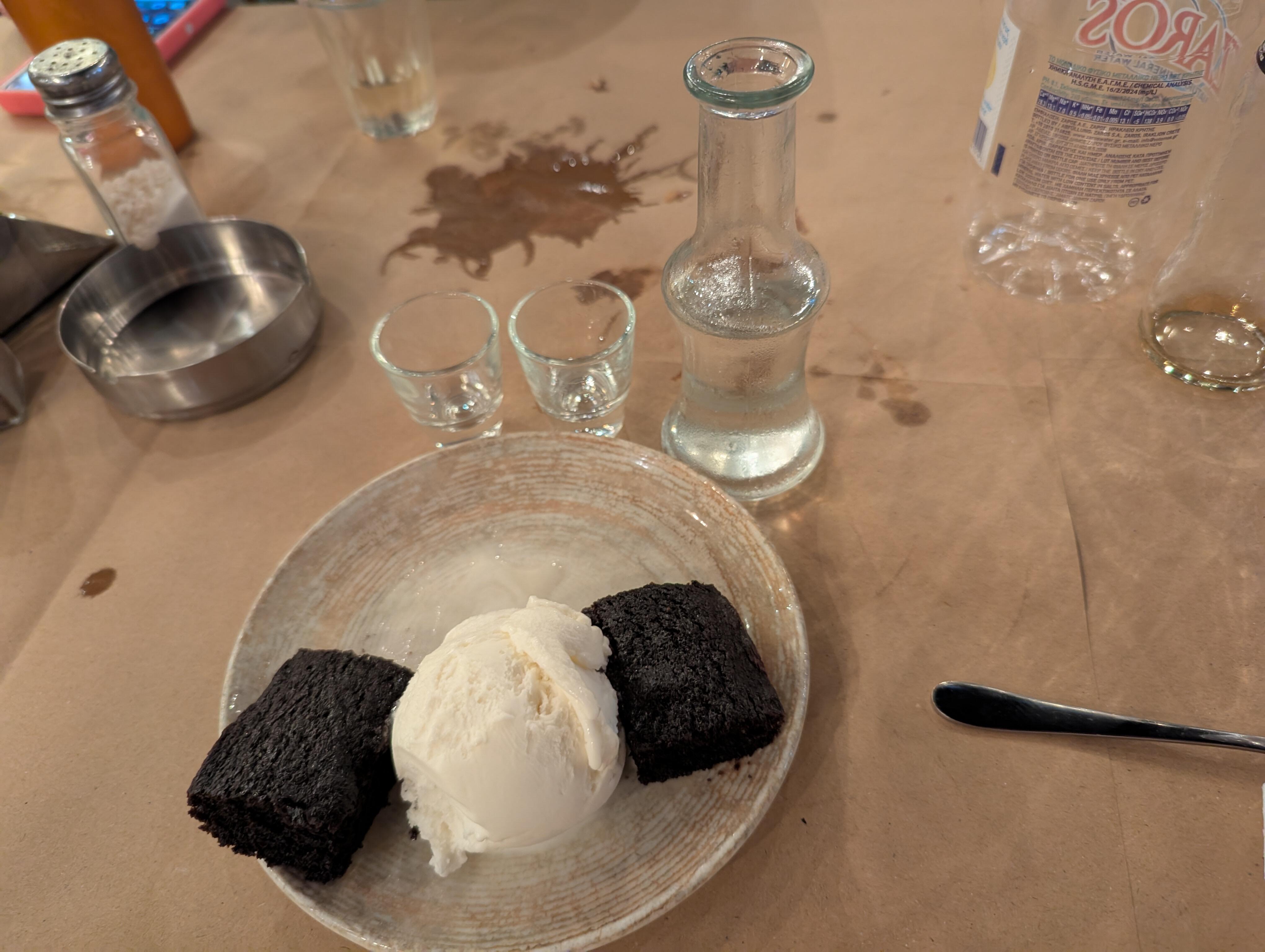
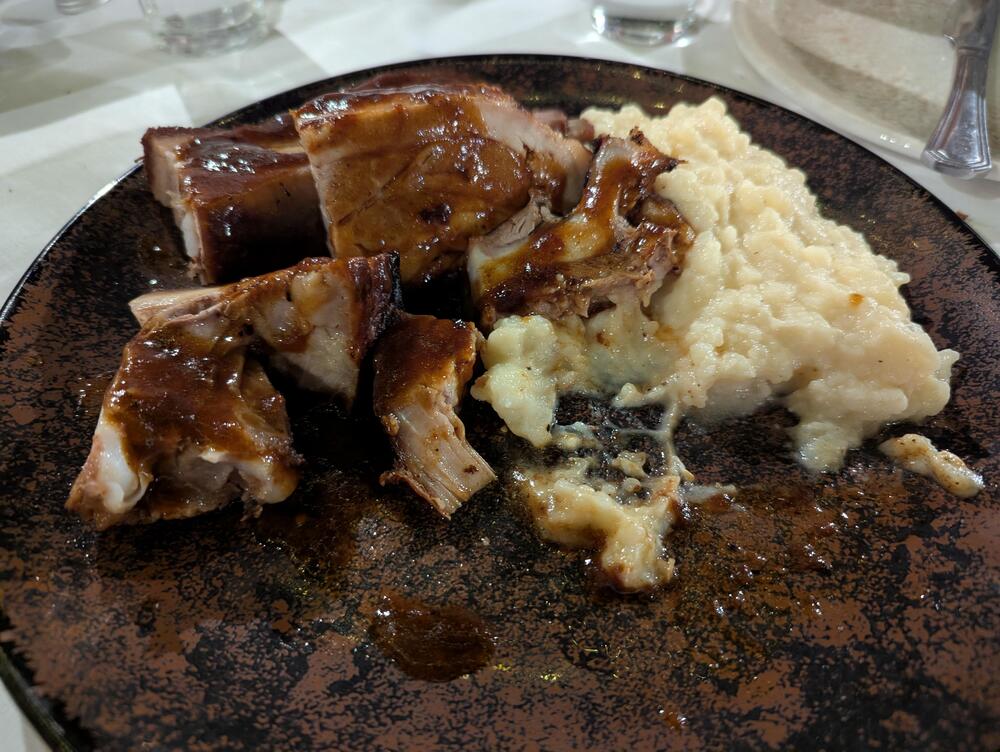
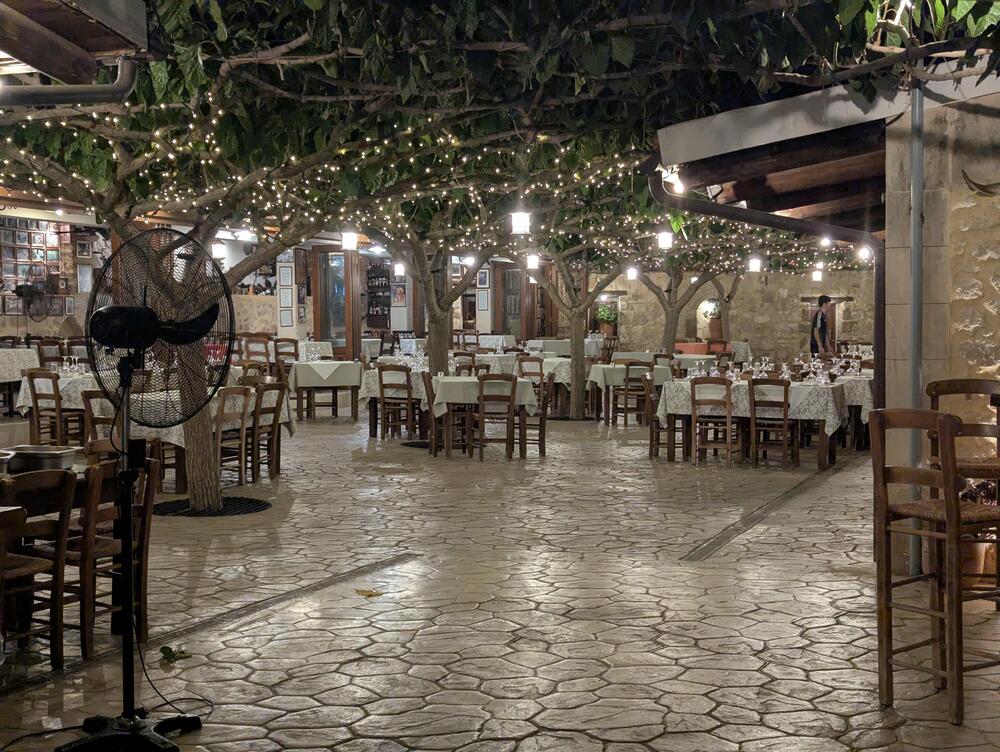
1 pointFollowed up the "facon" with some real "pancetta"/pork belly Not shown various other cooked meats that were very good. We will need to back and work through the menu. Nice al fresco location.
 1 point
 -
1 point
-
1 pointI like the Omega but, as with all rare items, it depends on how bad you want it. Also, have to factor in import fees depending on where you’re at along with running the risk that it could arrive and have an issue. Will you be outside the window to return (if there even is one)?1 point
-
1 point
-
1 pointI’ve had fun riding around on the local bike share bikes. Tailbone is getting used to being back on a bike seat. I love walking and hiking but the sense of speed you get on a bike is kind of intoxicating. Next step for me will be to do some weekend rentals of demo bikes from the local bike store. I’m going to try an e-bike and a gravel bike and see what takes.1 point
-
1 point
-
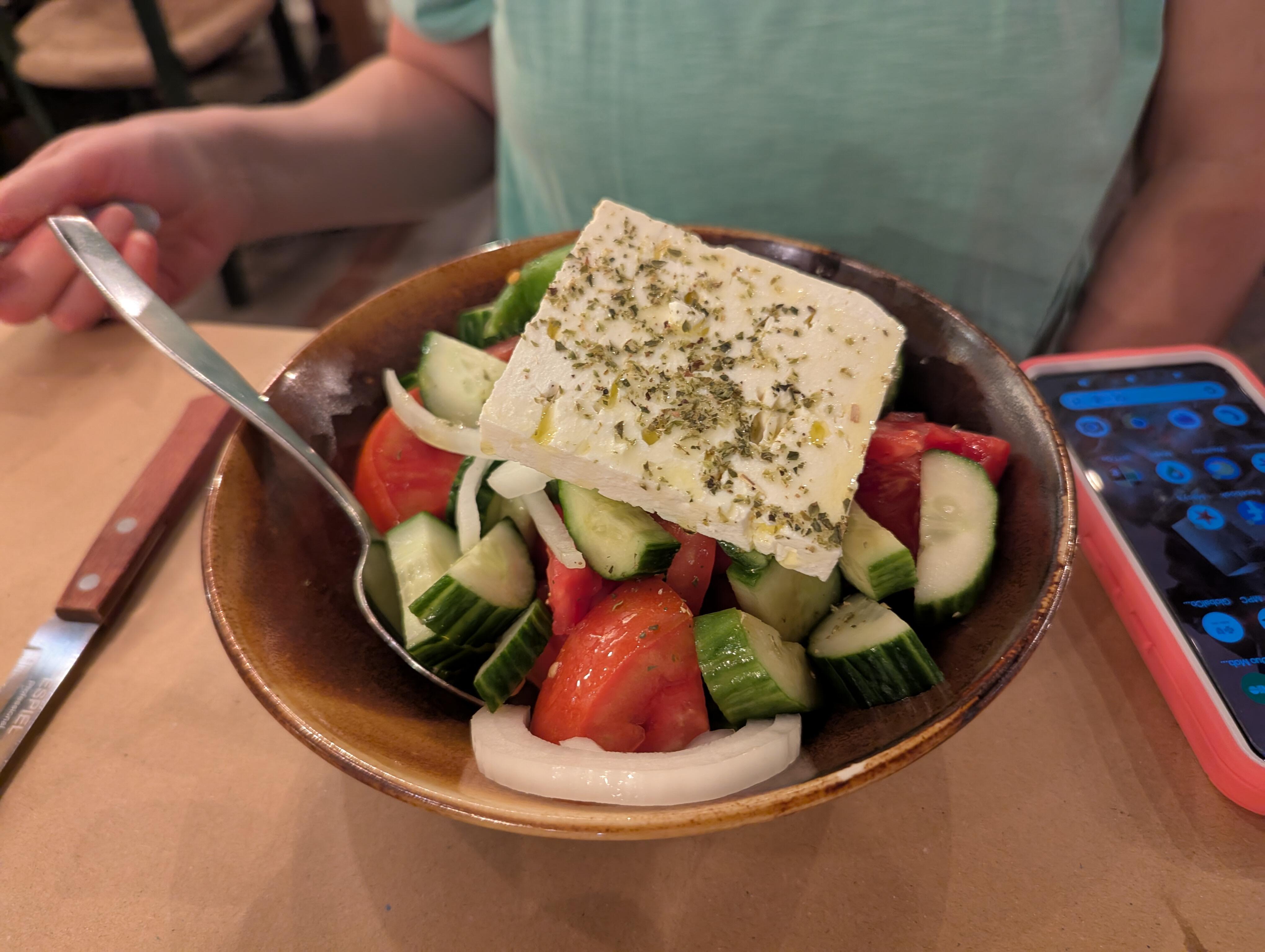
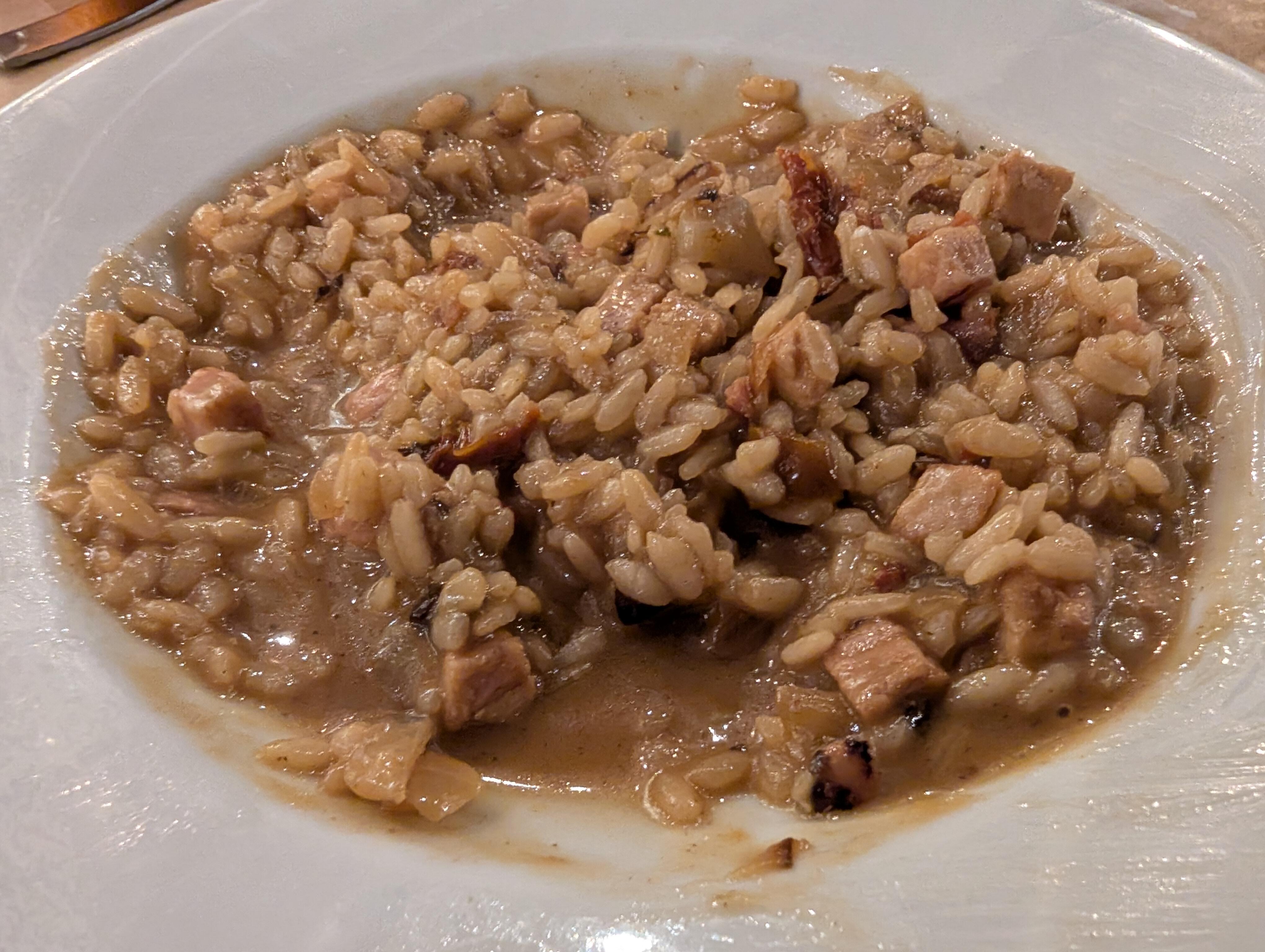
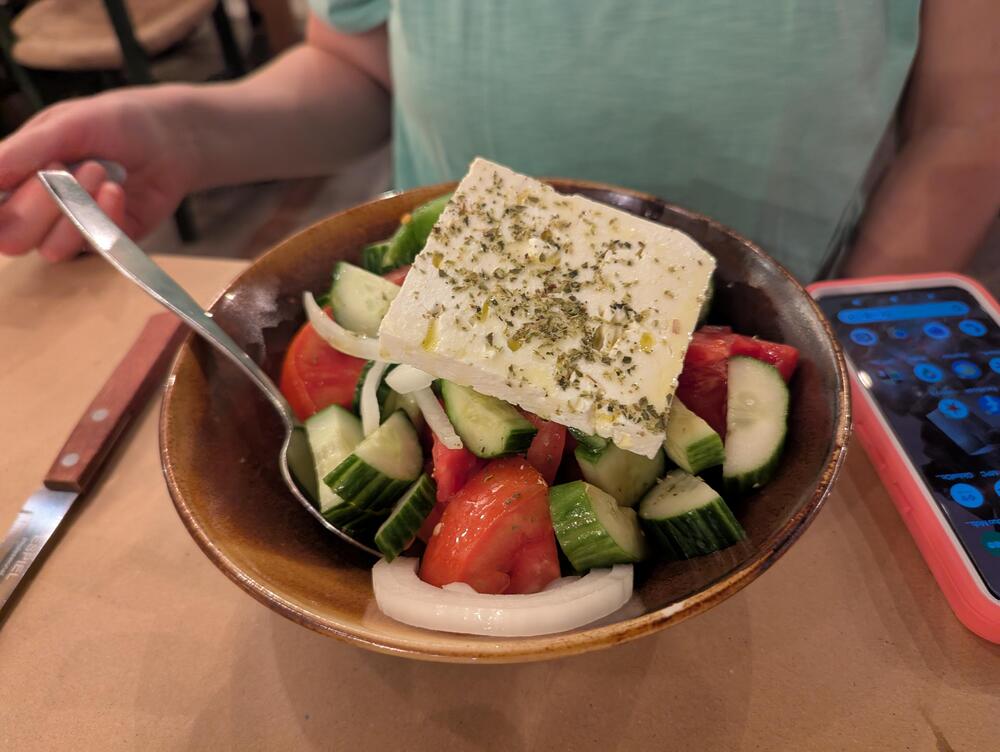
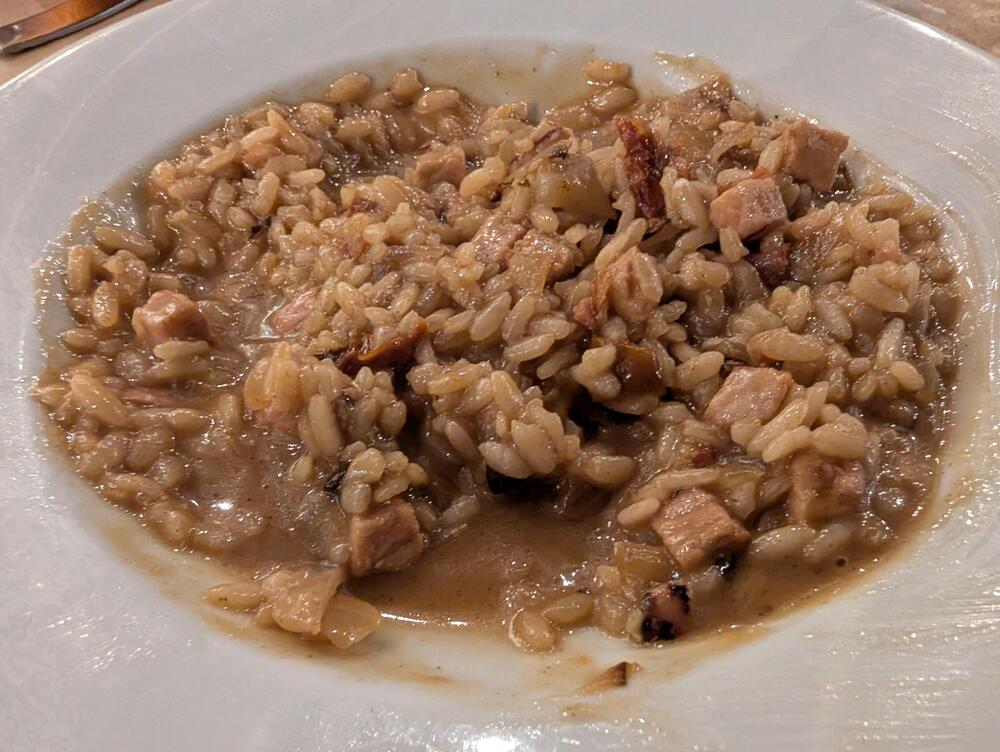
1 pointGreek Salad (from the source?) Smoked pork risotto. Both outside, gone nine (o'clock) and the place is jumping. (Well it is tolerably cooler now)
 1 point
 -
1 point
-
1 point