Leaderboard
-
Grahame
High Rollers11Points16859Posts -
robm321
High Rollers4Points4309Posts -
Knuckledragger
High Rollers3Points16523Posts -
mikeymad
High Rollers3Points13883Posts




Popular Content
Showing content with the highest reputation on 01/15/26 in all areas
-
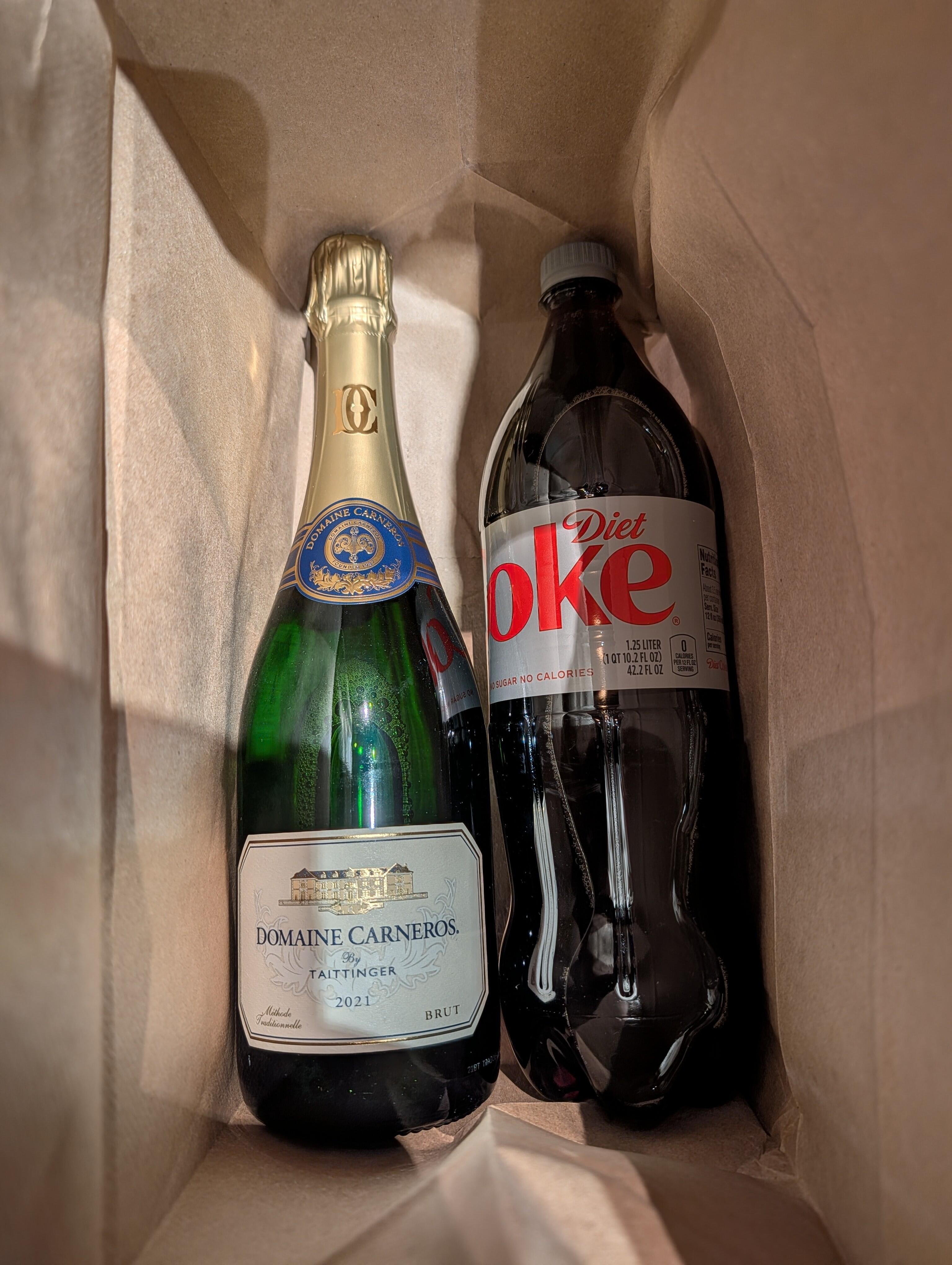
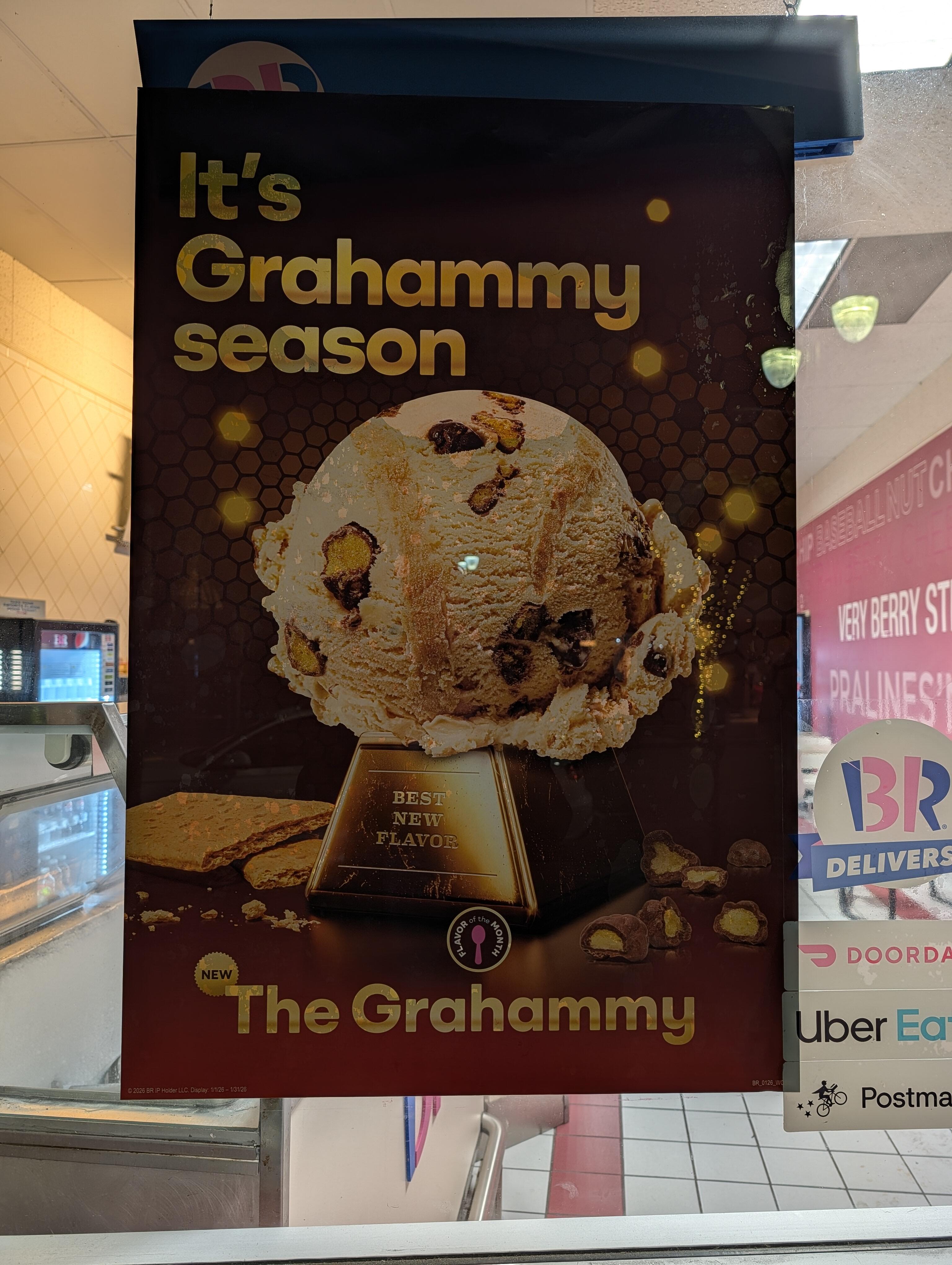
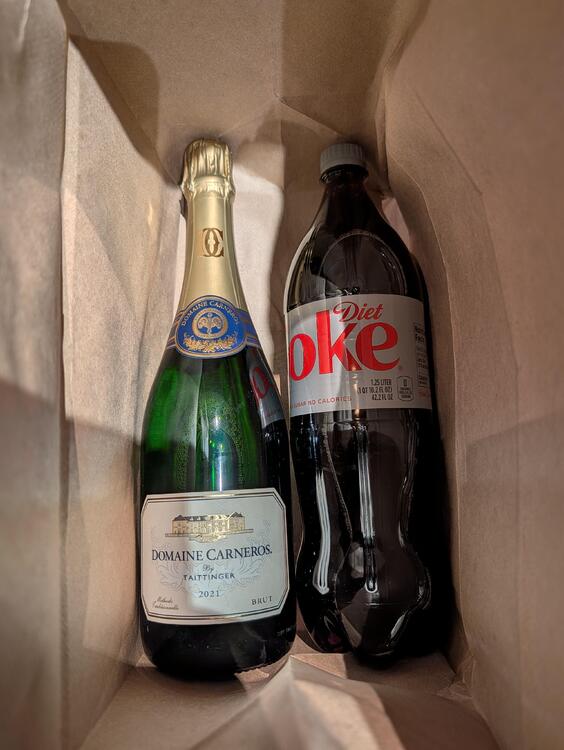
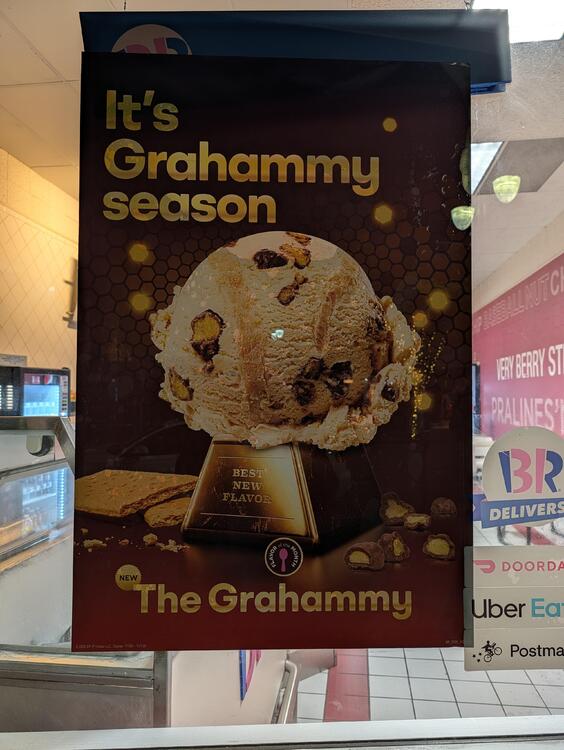
6 pointsAnd after all that headed down to Burlingame to catch up with Joannes tall Australian nephew to hear all about his project work for Nvidia before catching the red eye back to New York. He very kindly gave us his'n'hers house warming gifts from Joannes sisters and himself. Also spotted in Burlingame
 6 points
 -
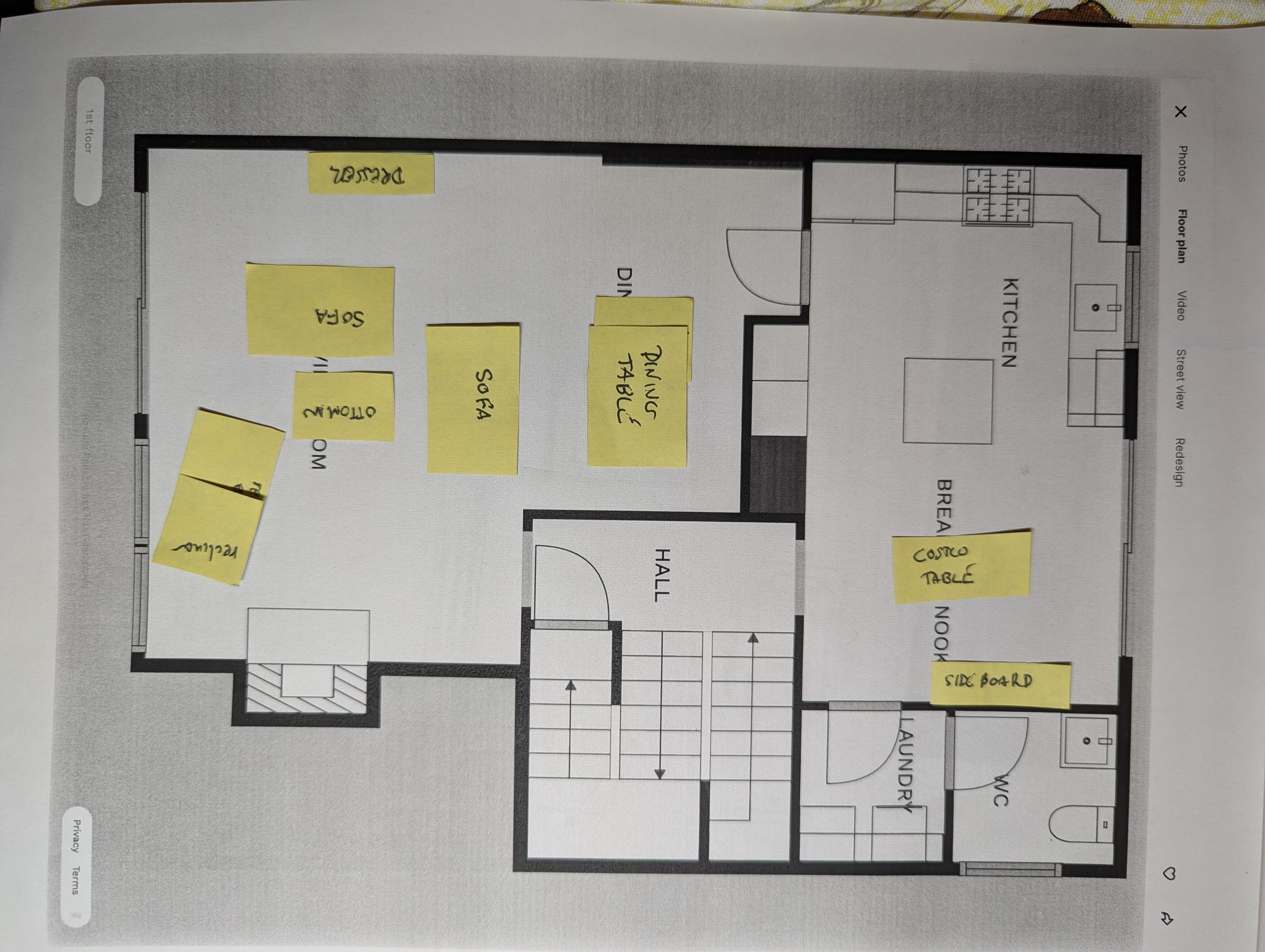
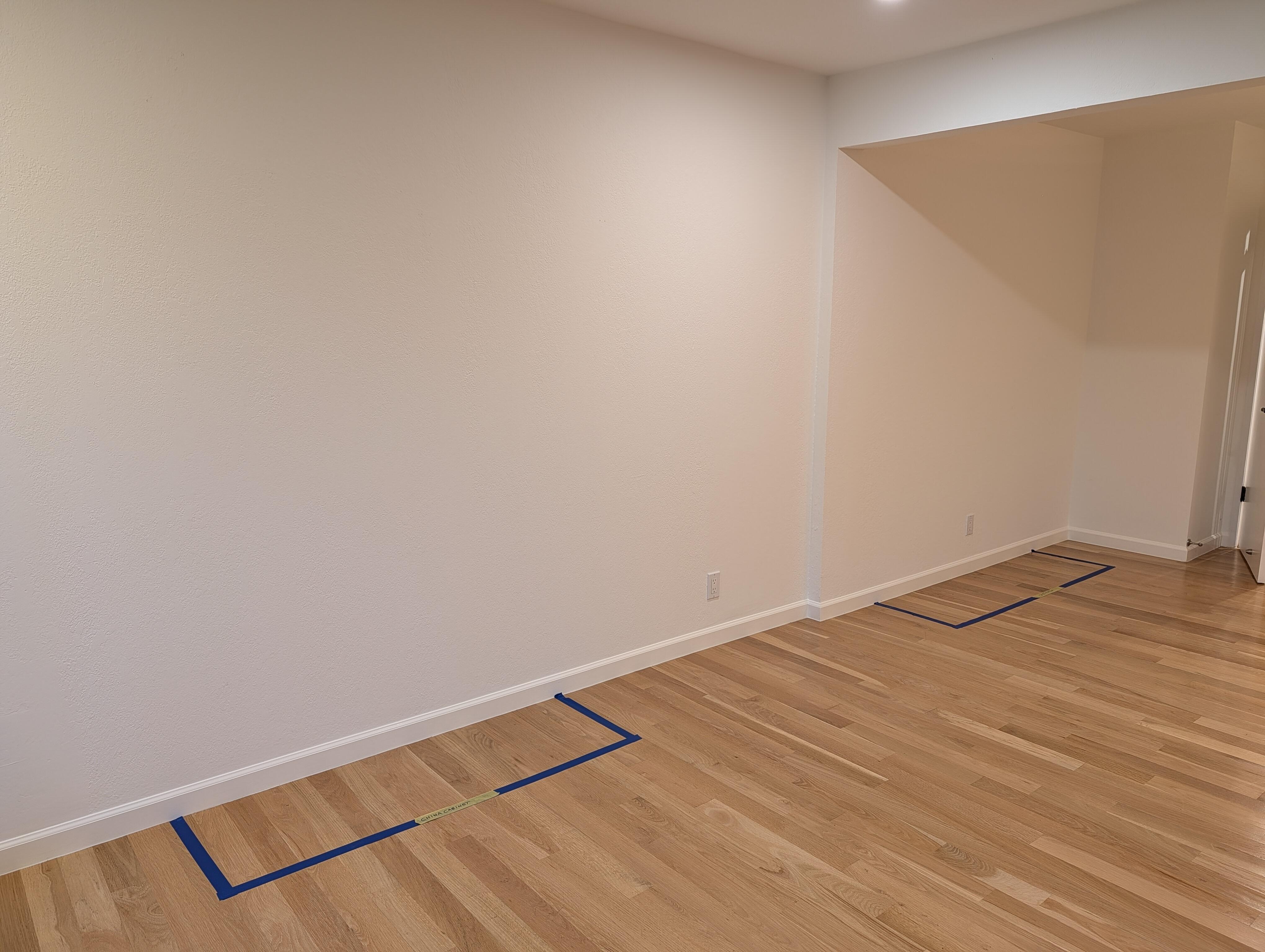
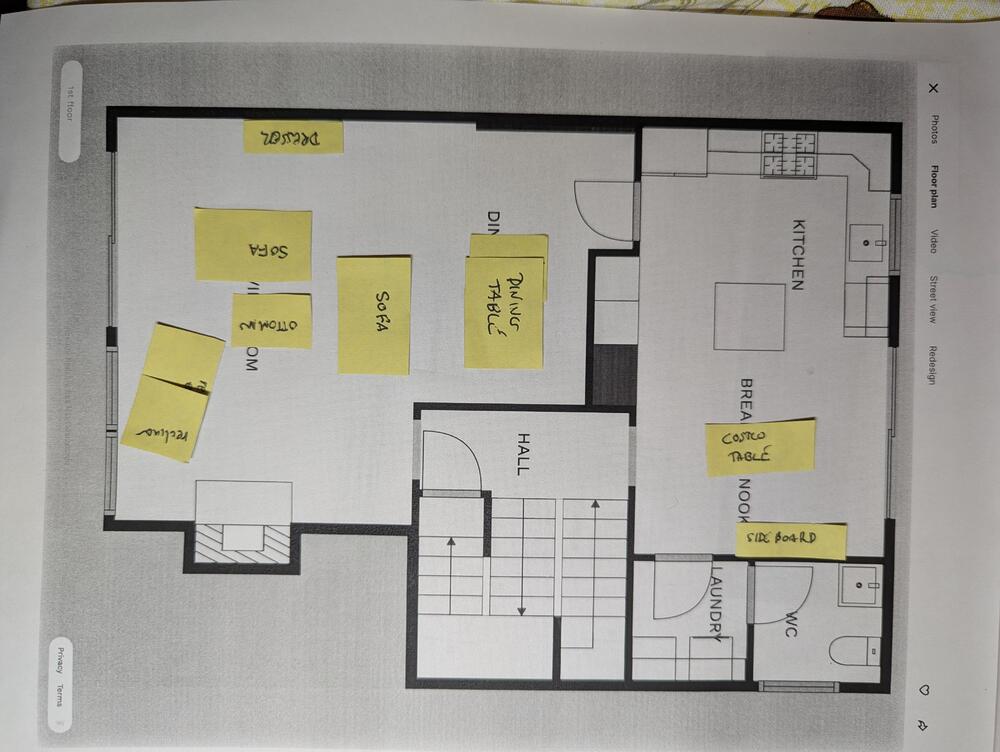
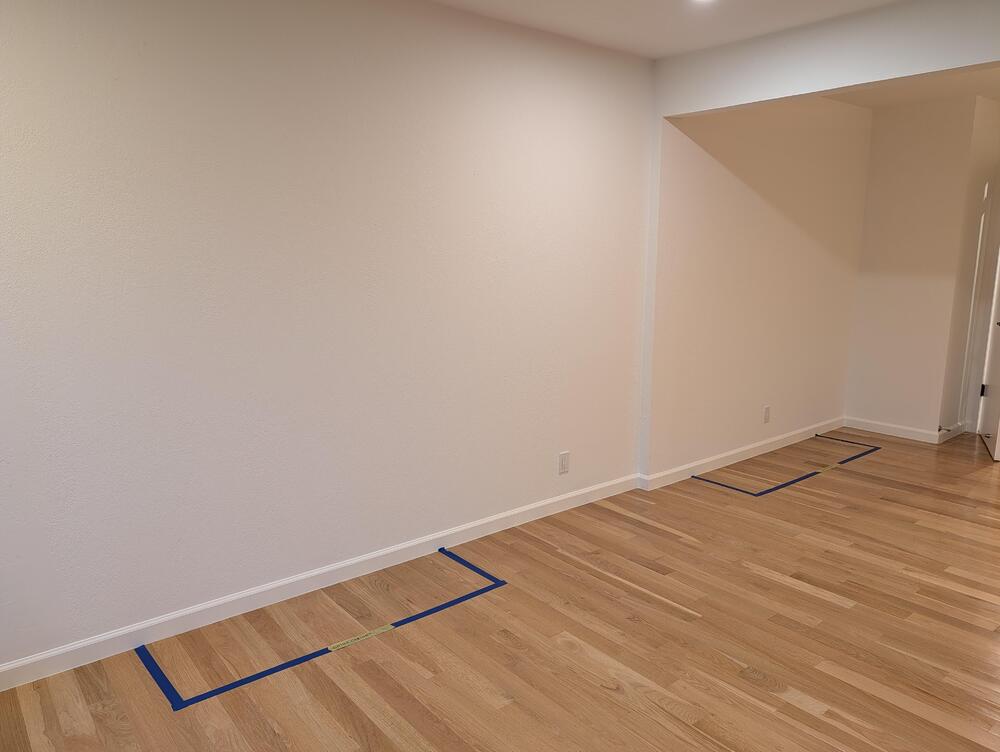
3 pointsRevised our plans ... To match reality For the big move tomorrow. The accent wall is on hold, for now.
 3 points
 -
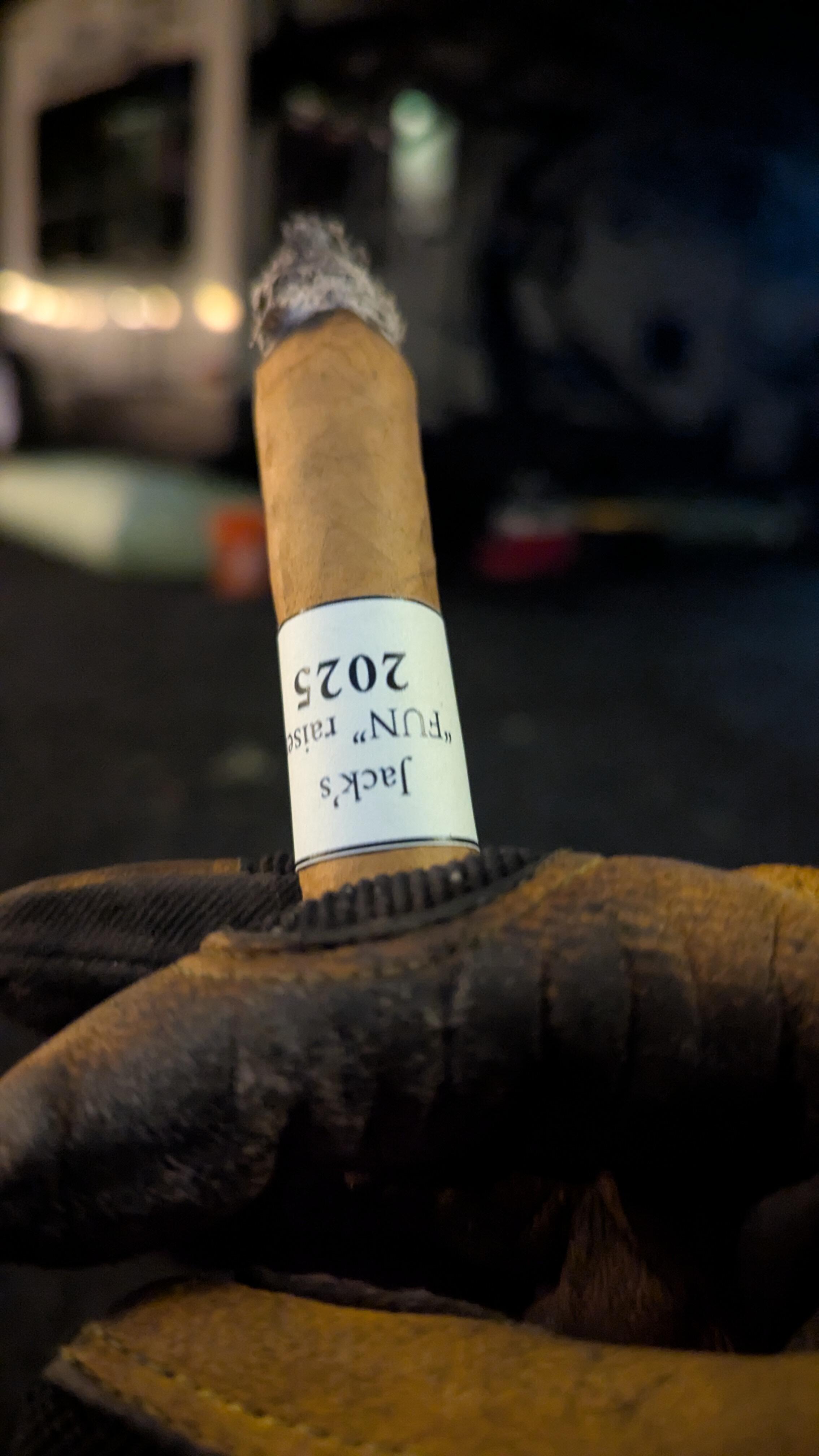
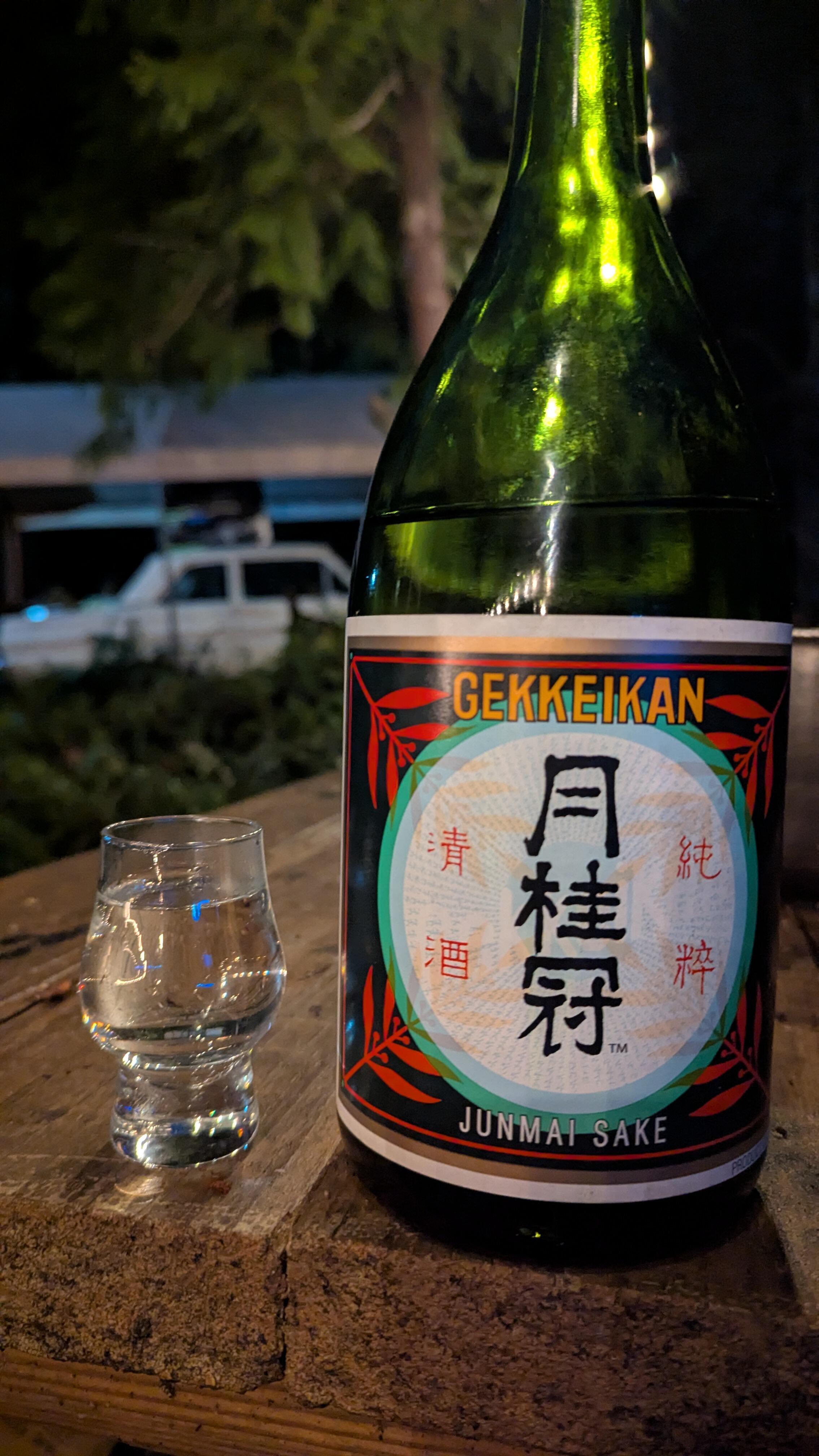
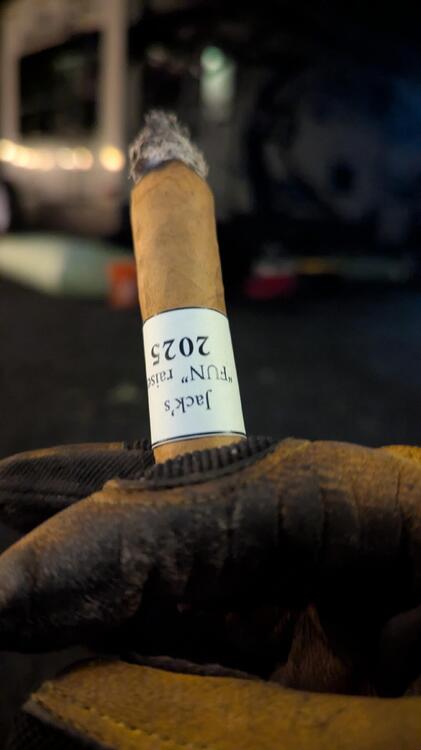
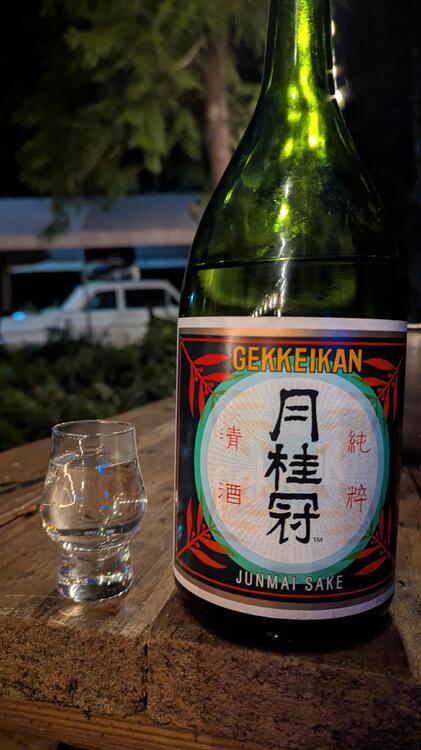
3 pointsa professionally hand rolled for a charity event last year that my friend passed along to me... a good smoke even if it had a little uneven burn to begin with. and I found that having little sips of cheap sake goes really well with a smoke...
 3 points
 -
2 pointsPeter Doig built a sound system using parts from old cinemas and then Brian Eno did a DJ set on it.2 points
-
1 point
-
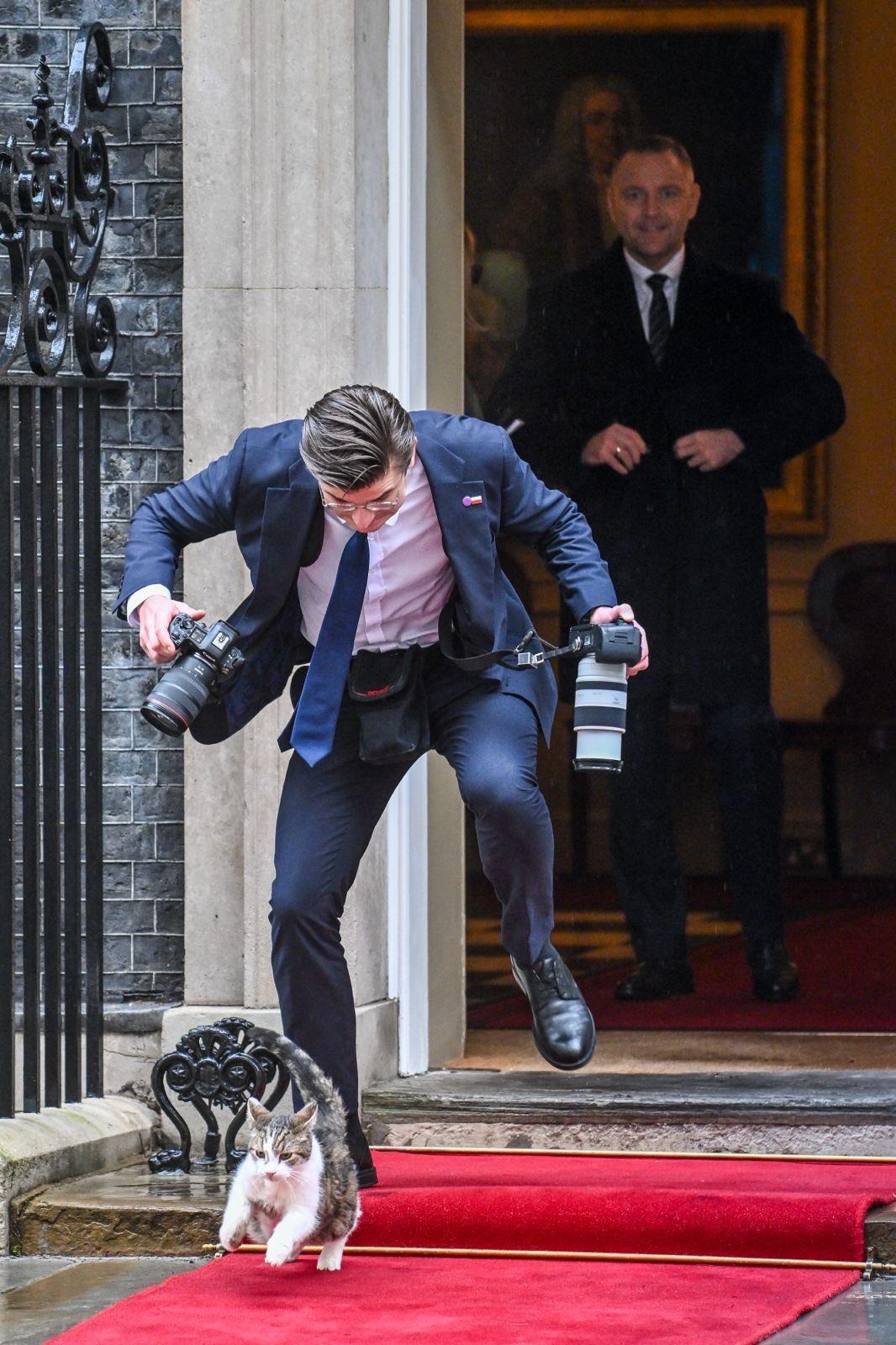
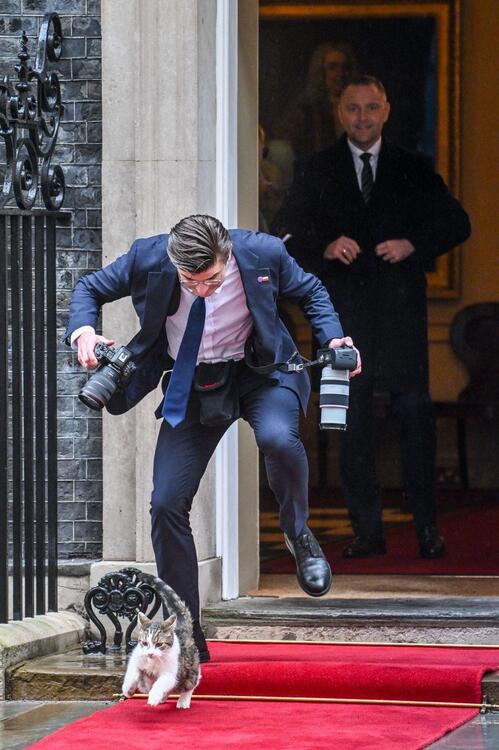
The official photographer for the president of Poland has a run-in with Larry the cat.
 1 point
 -
The younger generation absolutely nailing some of the older songs, respectfully.1 point
-
1 point
-
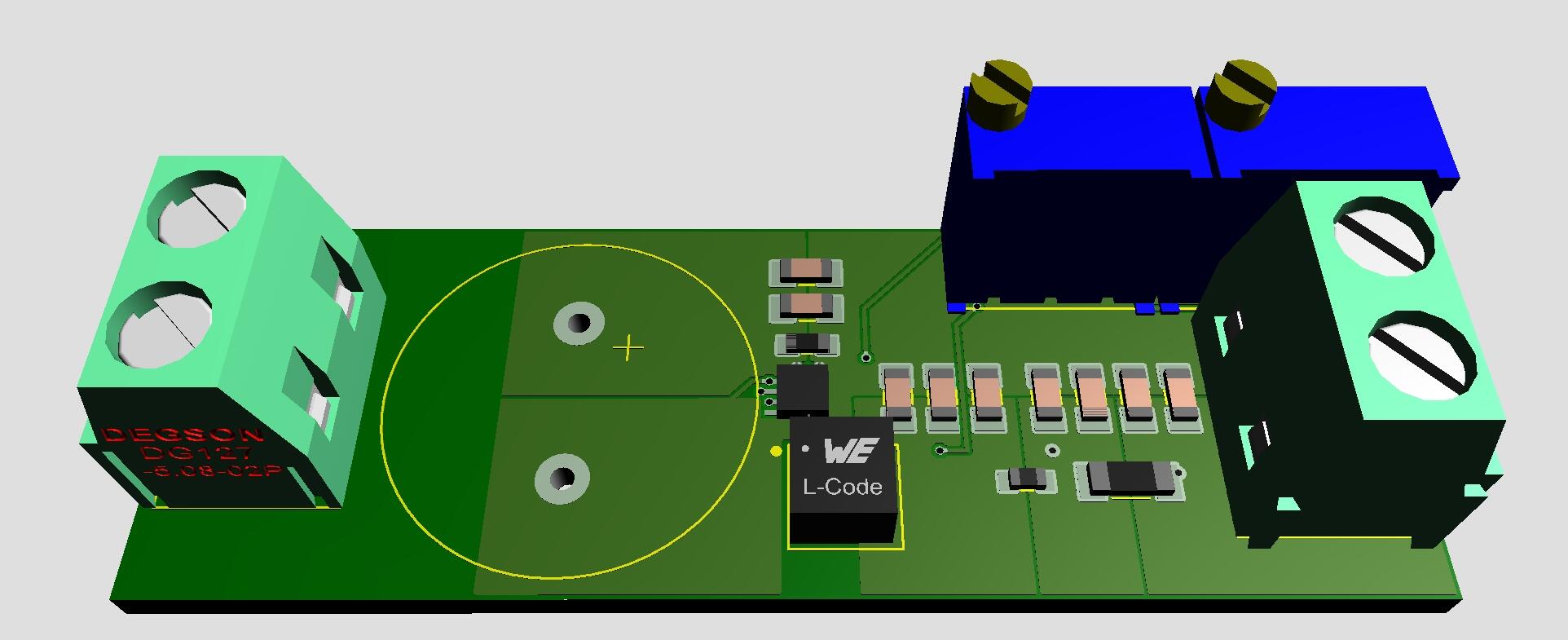
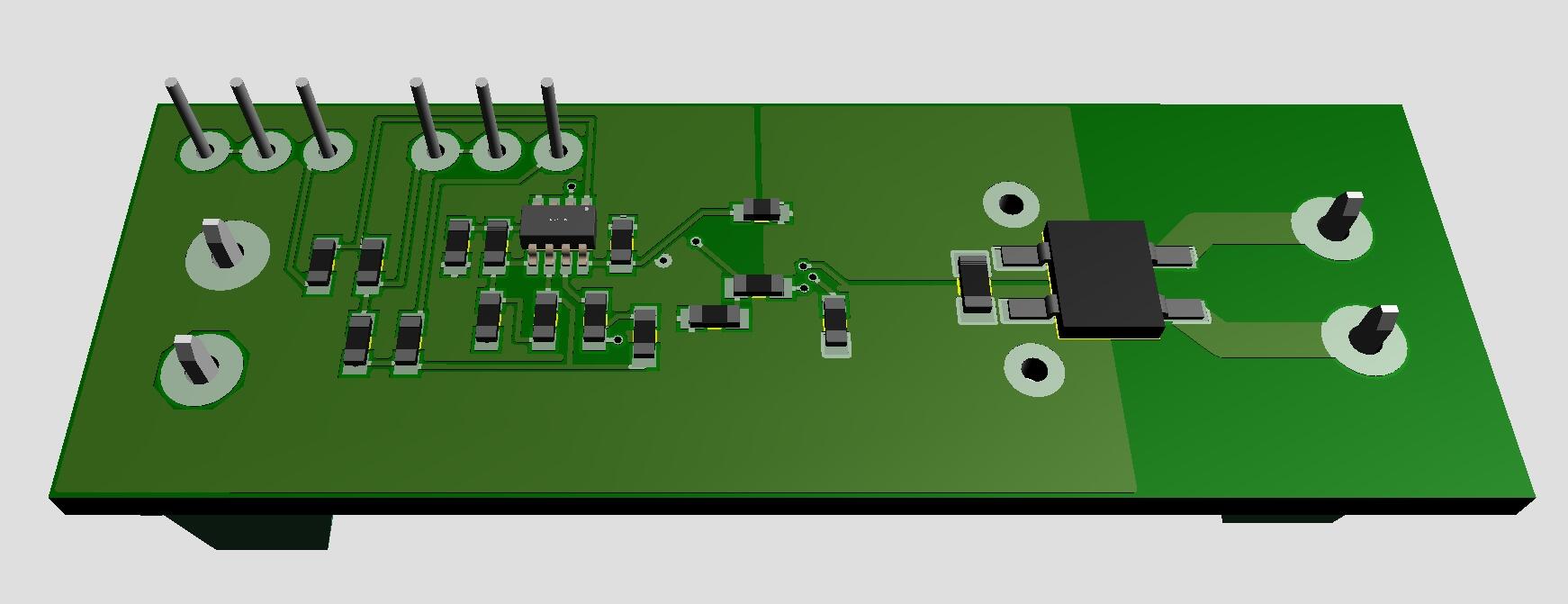
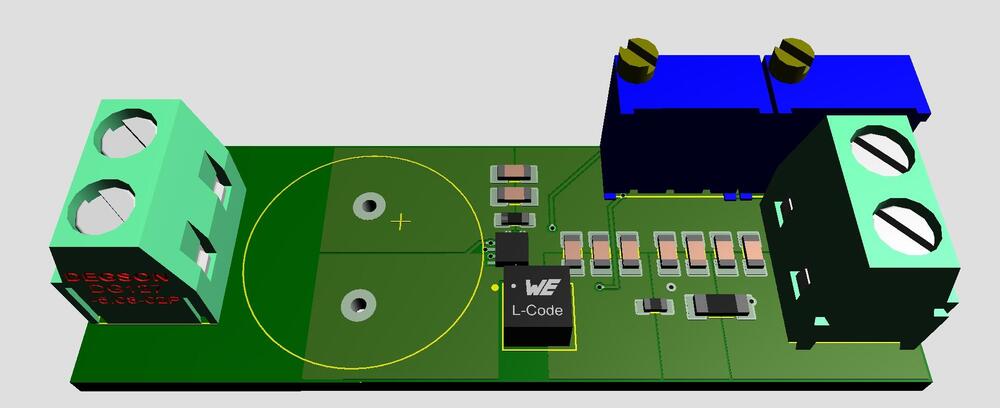
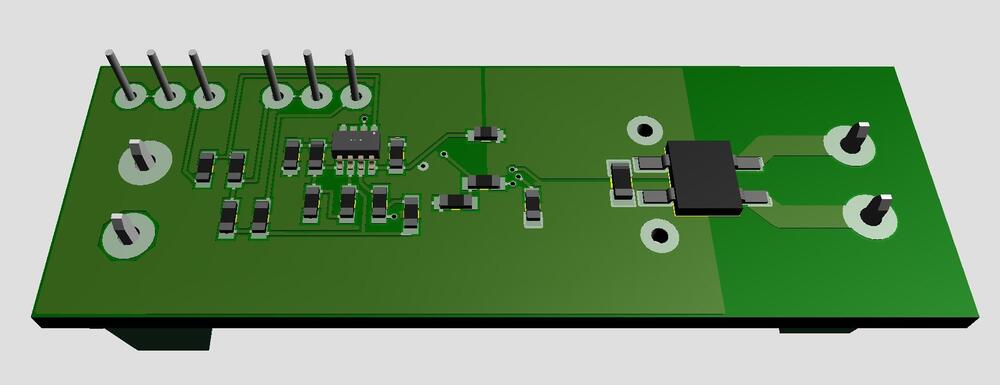
Only in fantasy world... Filament supply for DHT. 9VAC in and 2.5/5.0VDC out. Size 2.07in x 0.7in. All you need is to connect a transformer and a tube to heat.
 1 point