Leaderboard




Popular Content
Showing content with the highest reputation on 02/02/26 in all areas
-
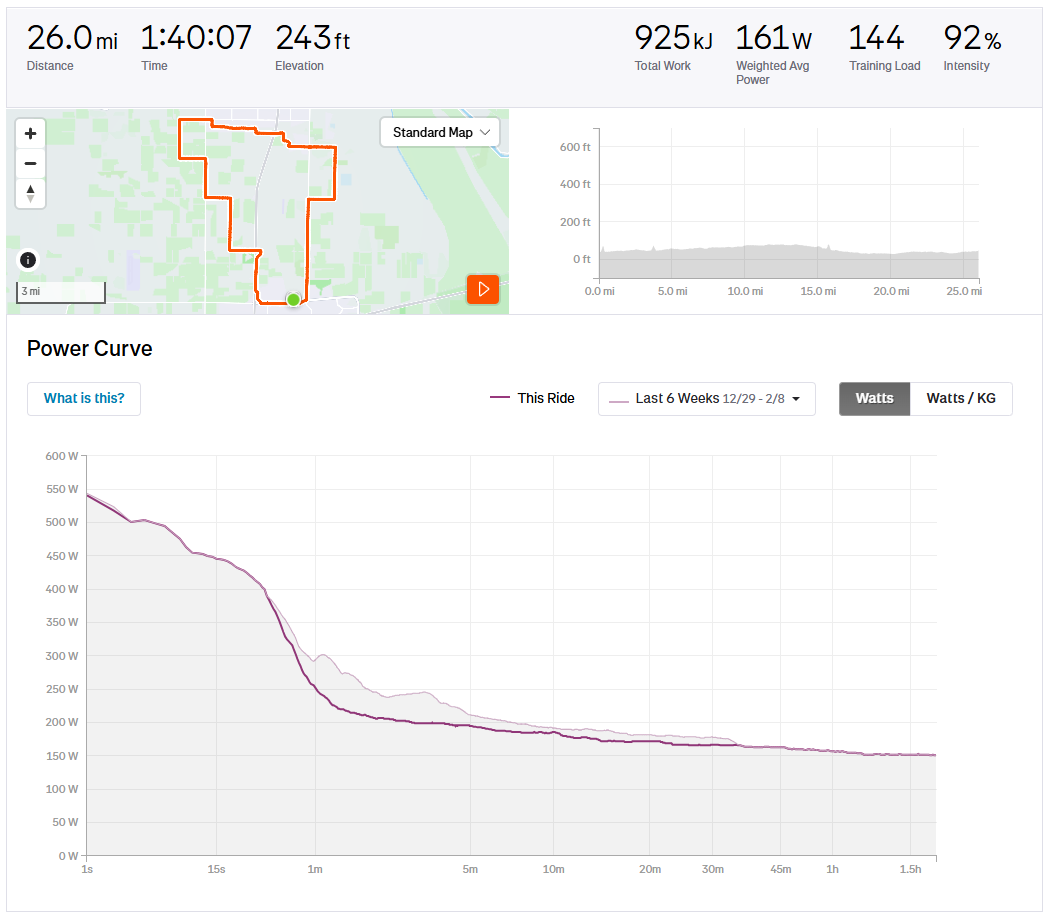
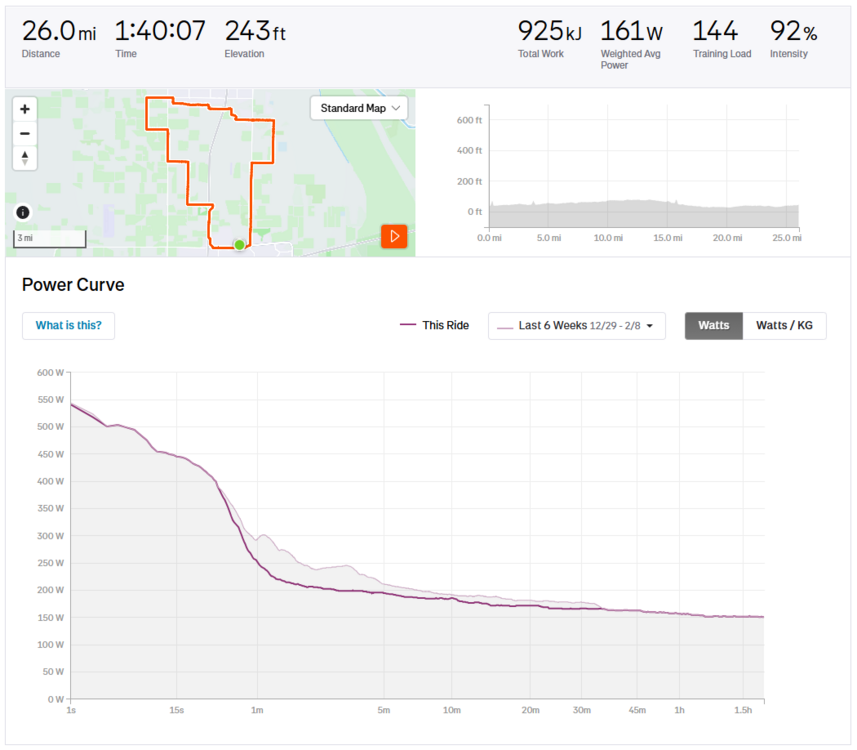
6 pointsSlowly but surely continuing to improve. I've got a long way to go before I can challenge Nate for FTW (w/kg I have no chance), but its amazing how much a little bit of regular riding improves your cardio.
 6 points
 -
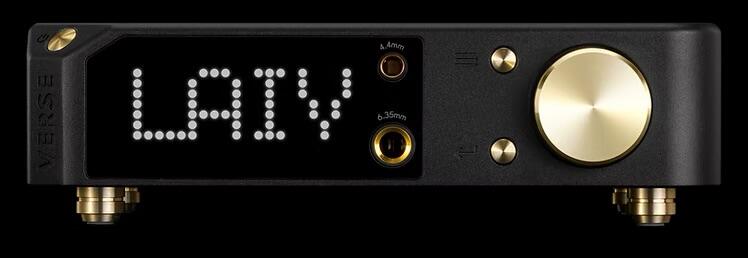
Damn you LAiV. Just after I’m satisfied with your Harmony µDDC and µDAC you release a new, cheap combo DAC-headphone amp. Yo Rob!
 4 points
 -
4 pointsHell yeah, Adam! The only advice I have is get after it and as someone else I follow on Strava would say, "This suffering is a privilege." Well, maybe one more thing - don't ever worry about comparisons to others. One of my good friends from 30+ years ago rides 8,000+ miles a year (pilot) and when he rides centuries with us barely breaks 140bpm at 50+ years old. I just can't be him. I'm a year younger but have always outweighed him by 40lbs even when we're both fit. He also doesn't know how to have fun, so as usual balance is the answer.4 points
-
4 points
-
1 pointThey are very different headphones and the ES-2a easily beats in terms of price but I'd lean more towards the 009D in terms of raw performance. The 009D is really growing on me and what amazes me is how Stax can release crap like the X9000 and the 007S and then this... Both the X9000 and 007S are headphones I'd never listen to for fun while I've been logging a lot of hours on the 009D.1 point
-
1 point