

Leaderboard




Popular Content
Showing content with the highest reputation on 02/14/26 in all areas
-
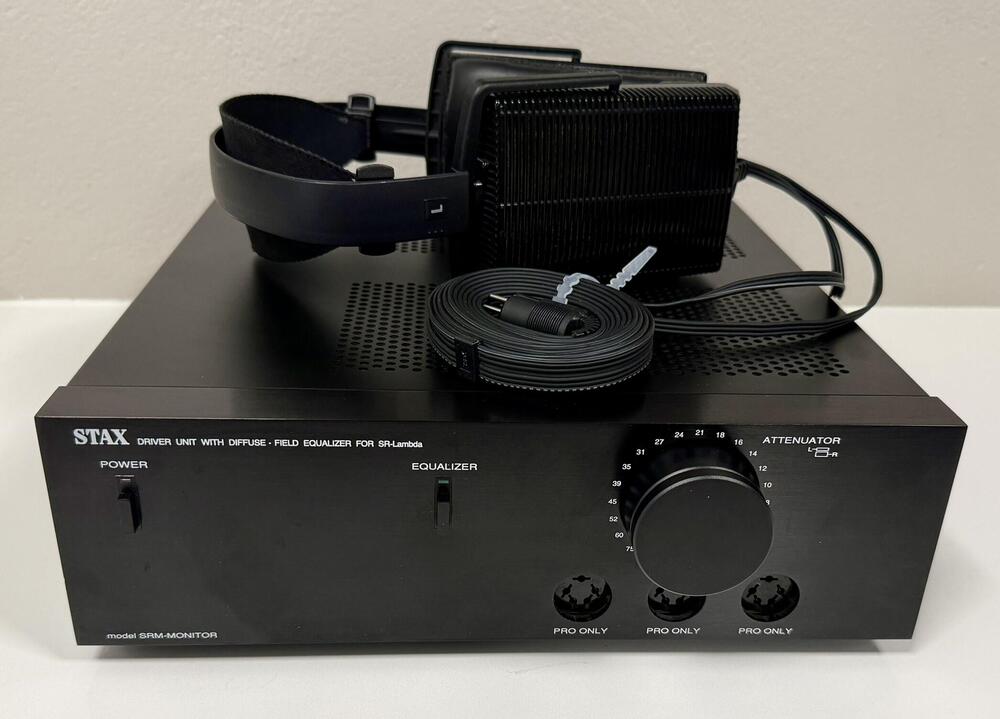
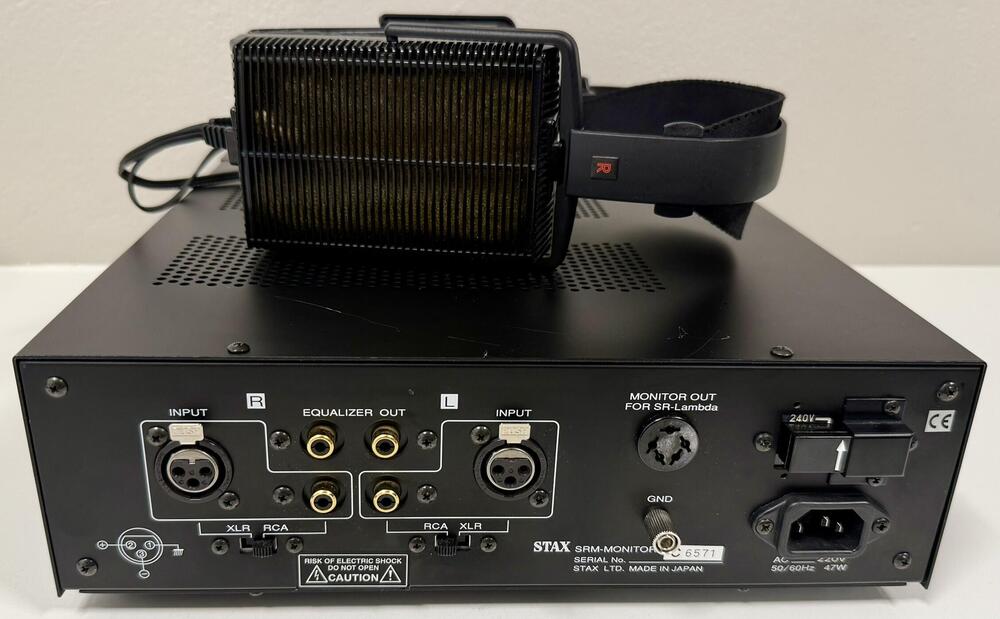
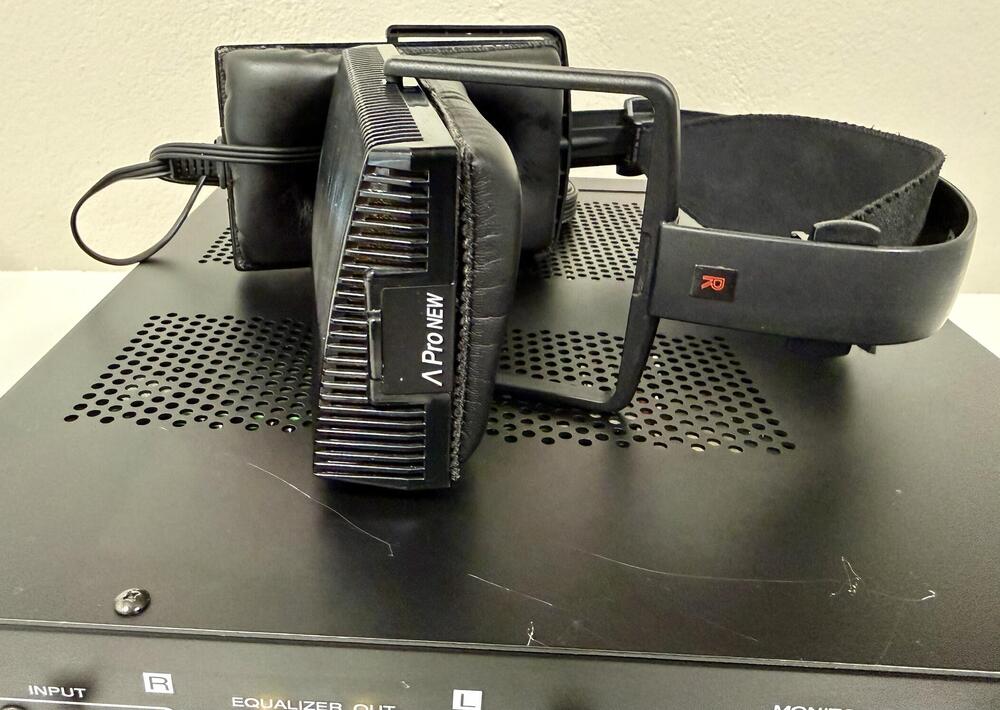
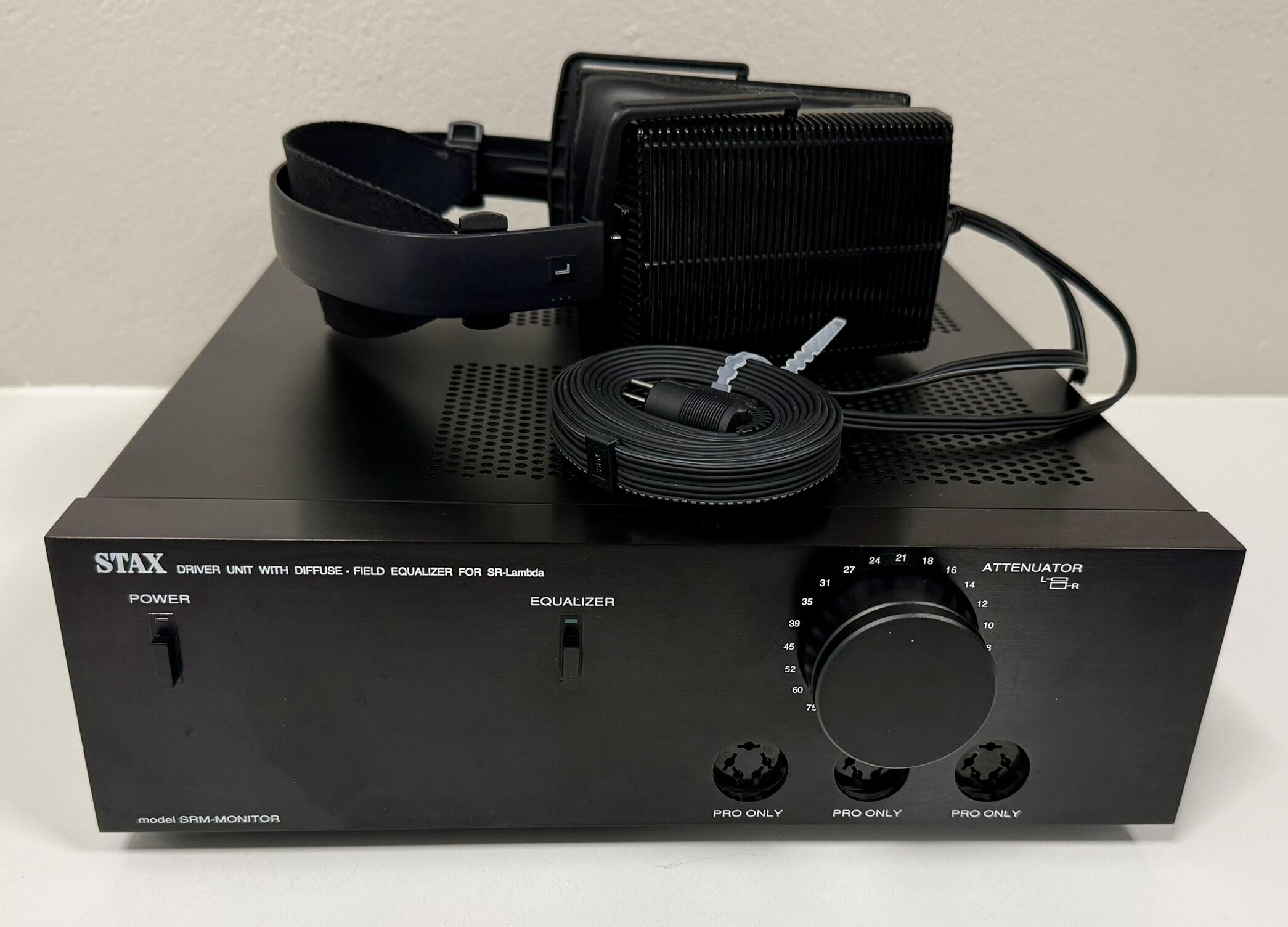
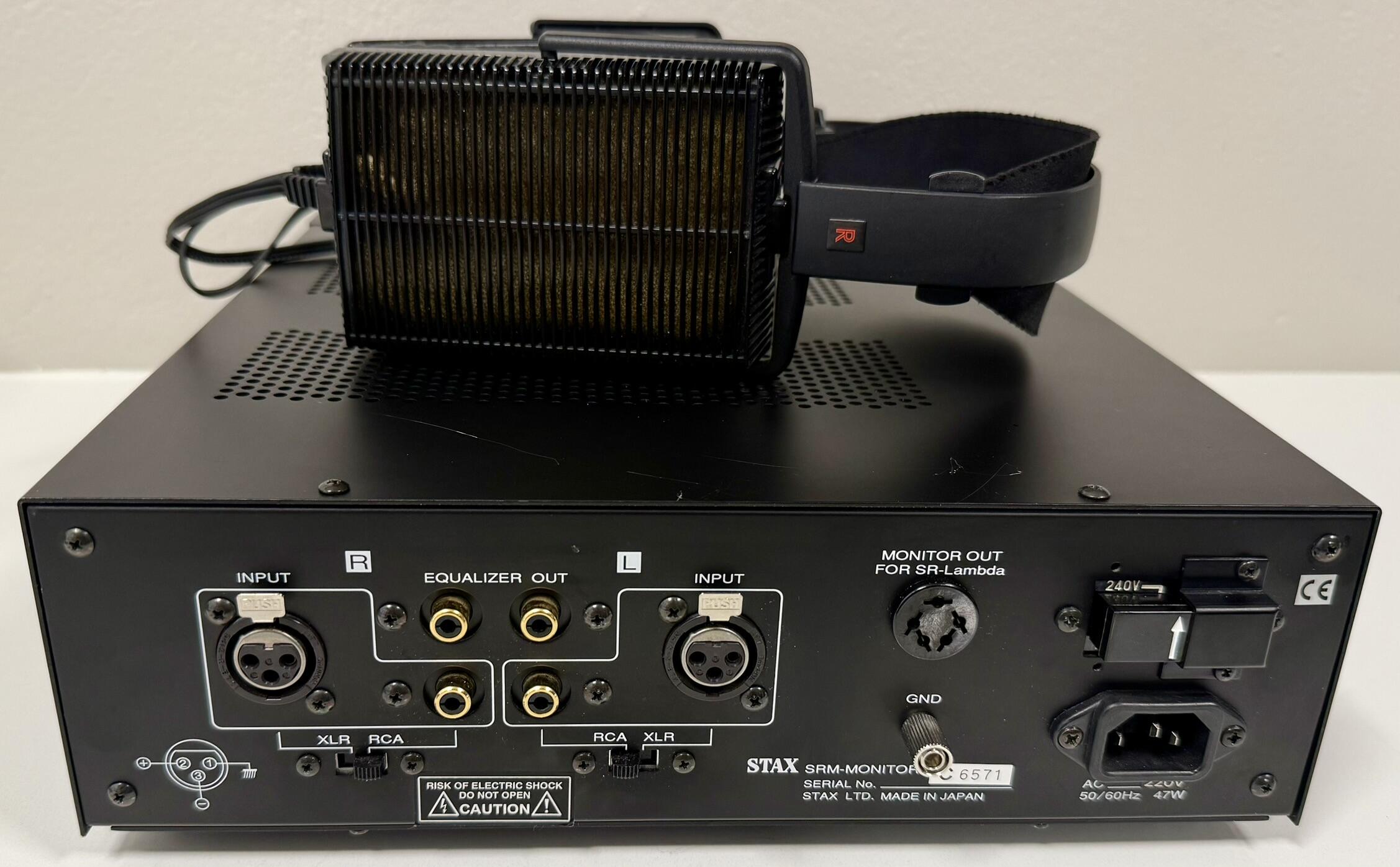
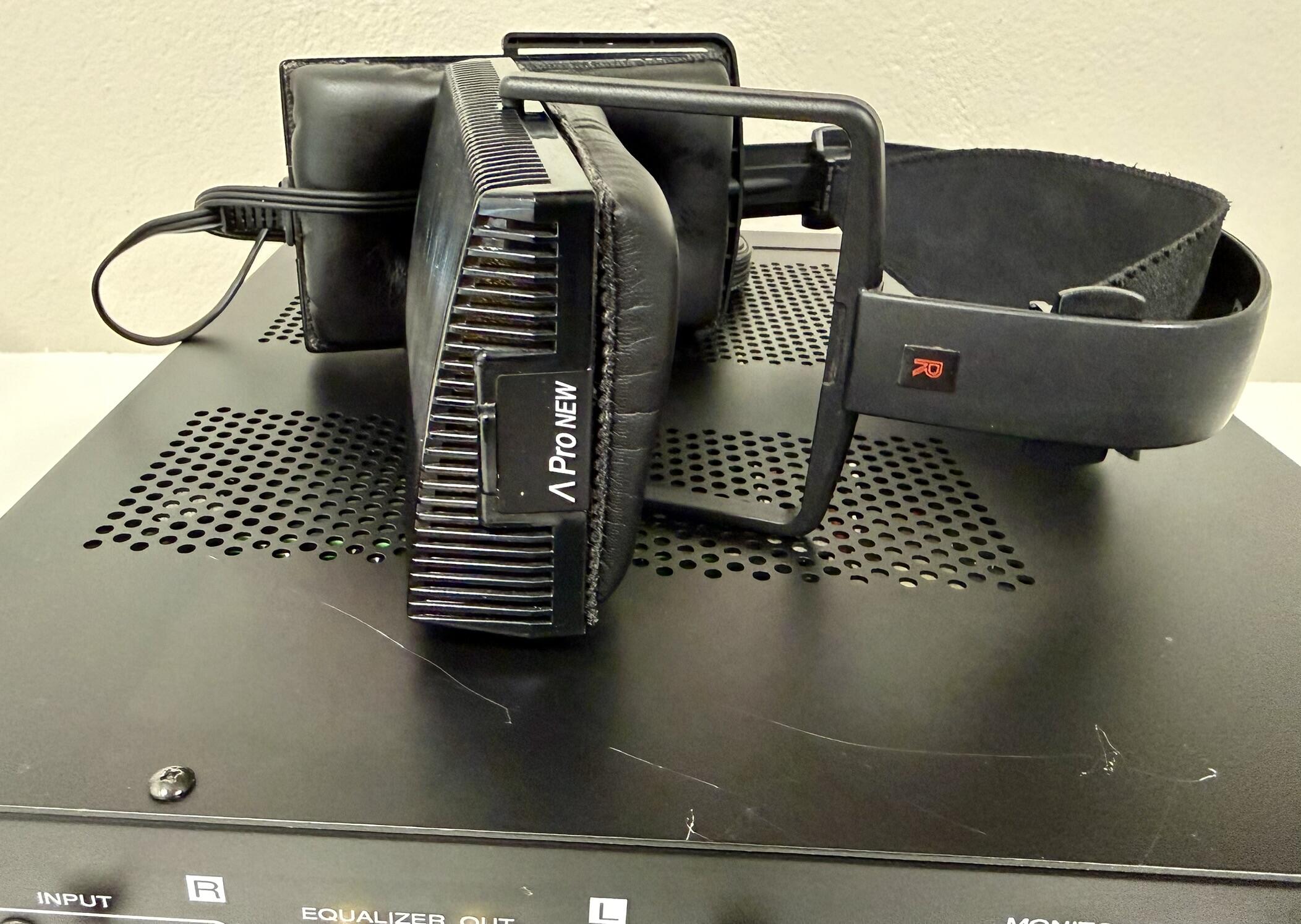
4 pointsSince I just got these, might be time to talk about possibly the rarest stuff Stax ever made. Let me introduce the SRM-Monitor Mk2 and the SR-Lambda Pro New: I've only seen a couple of these for sale over the years so very rare indeed. The headphones are basically the modern version of the Lambda Pro's but not the Spirit/Pro Classic, made later than that. The SRM-Monitor has been called the Mk2 but the changes are mostly to the chassis. Inside there is still a SRM-1 Mk2 and the ED-1 but with different parts. They are all Pro bias only and notice the extra output on the back. The volume knob is also similar to the SRM-T1S/W knob and not the SRM-1 Mk2 unit found of the original Monitors. I have no idea when these were made but I've heard late 90's and for special customers which wanted to replace their older Lambda Pro sets and SRM-Monitors. With these here the Lambda collection is almost complete...
 4 points
 -
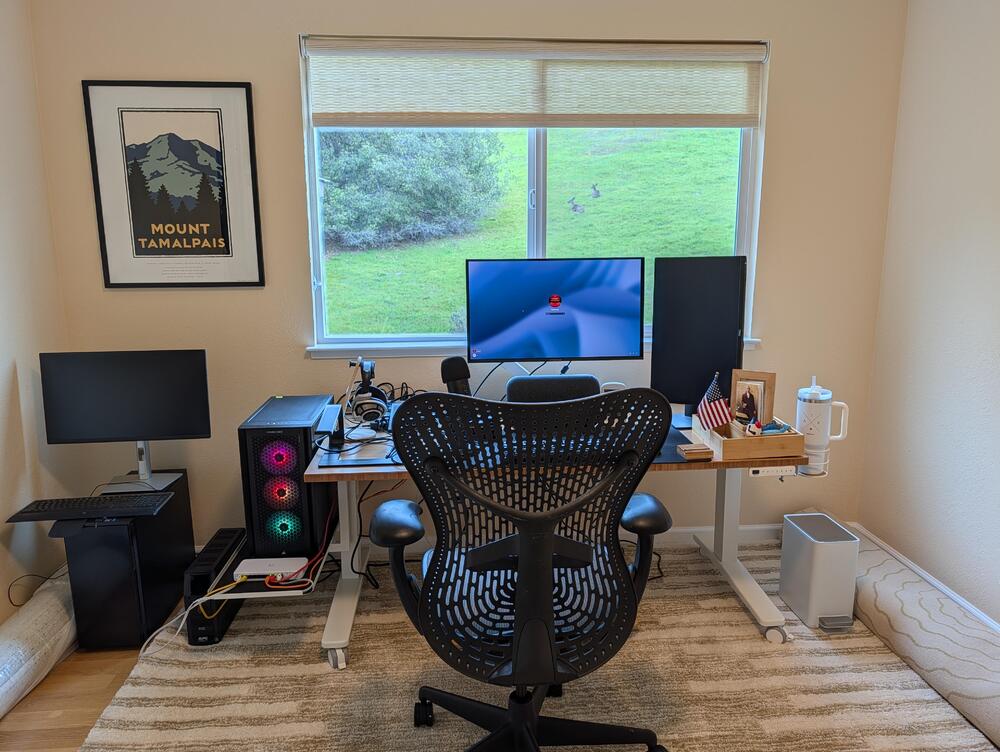
4 points2 pointsNice of the deer to pose for the shot. And I have my Mt. Tam. View back /s
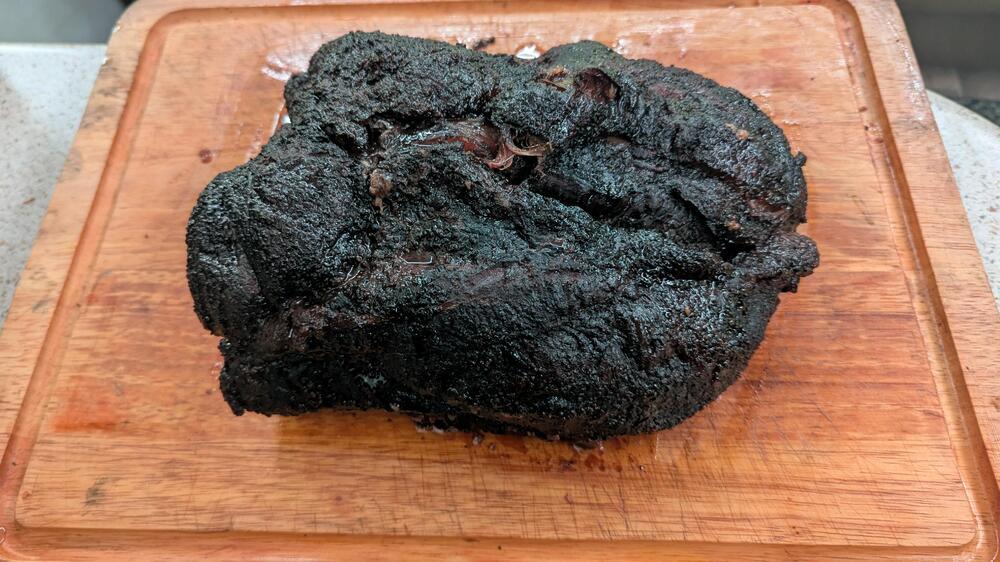
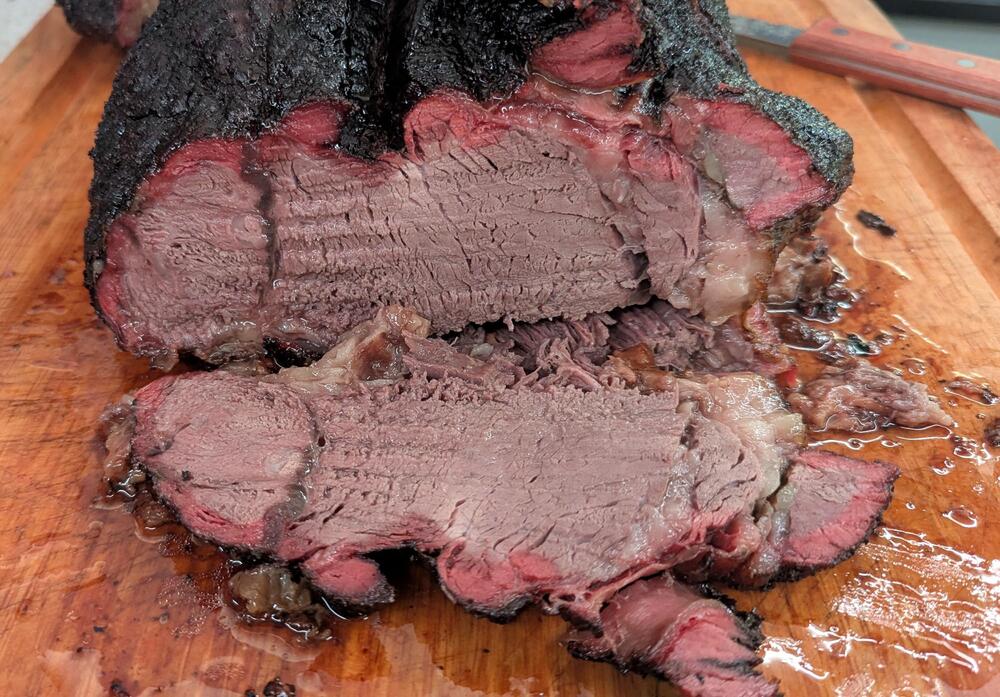
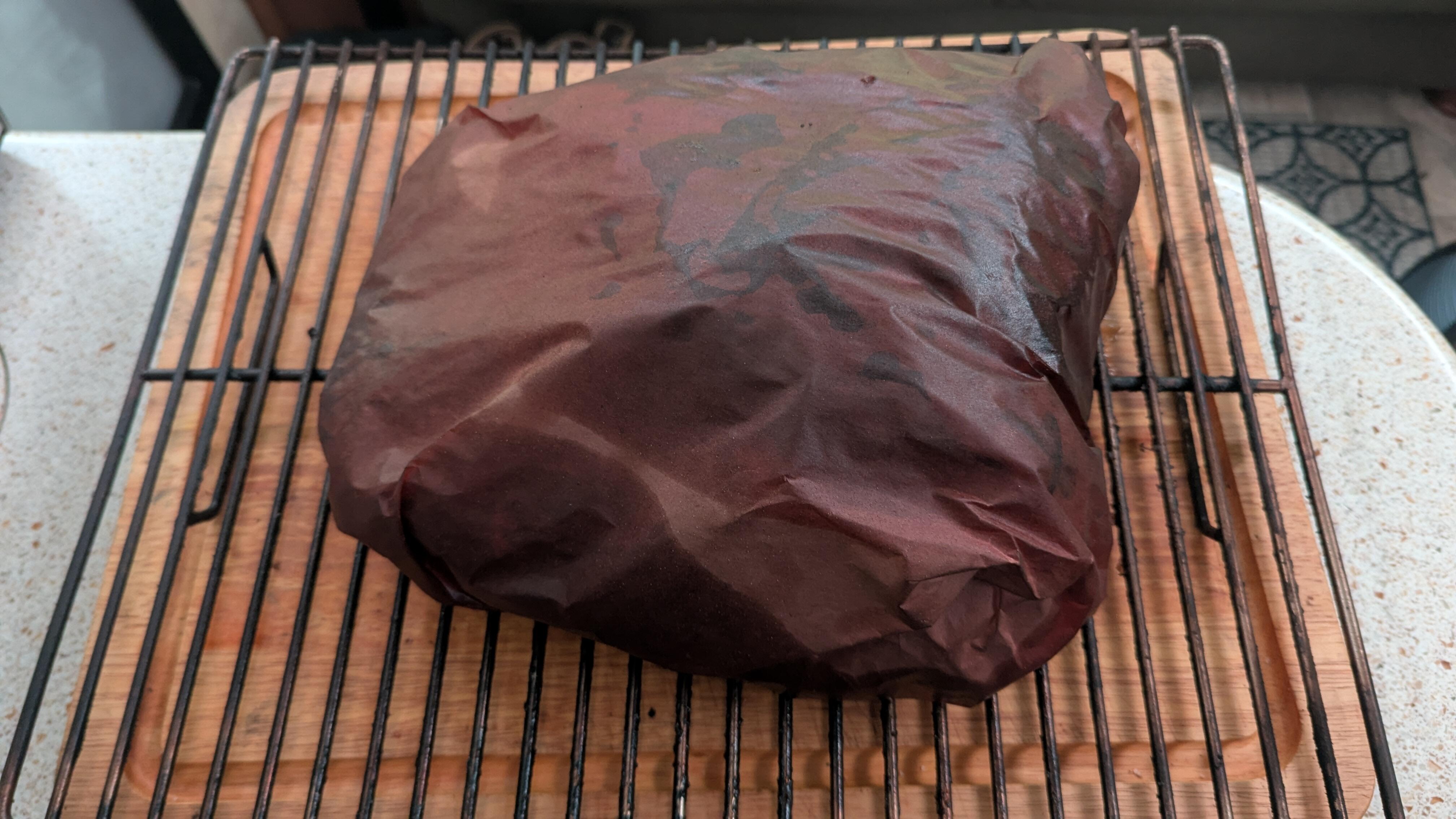
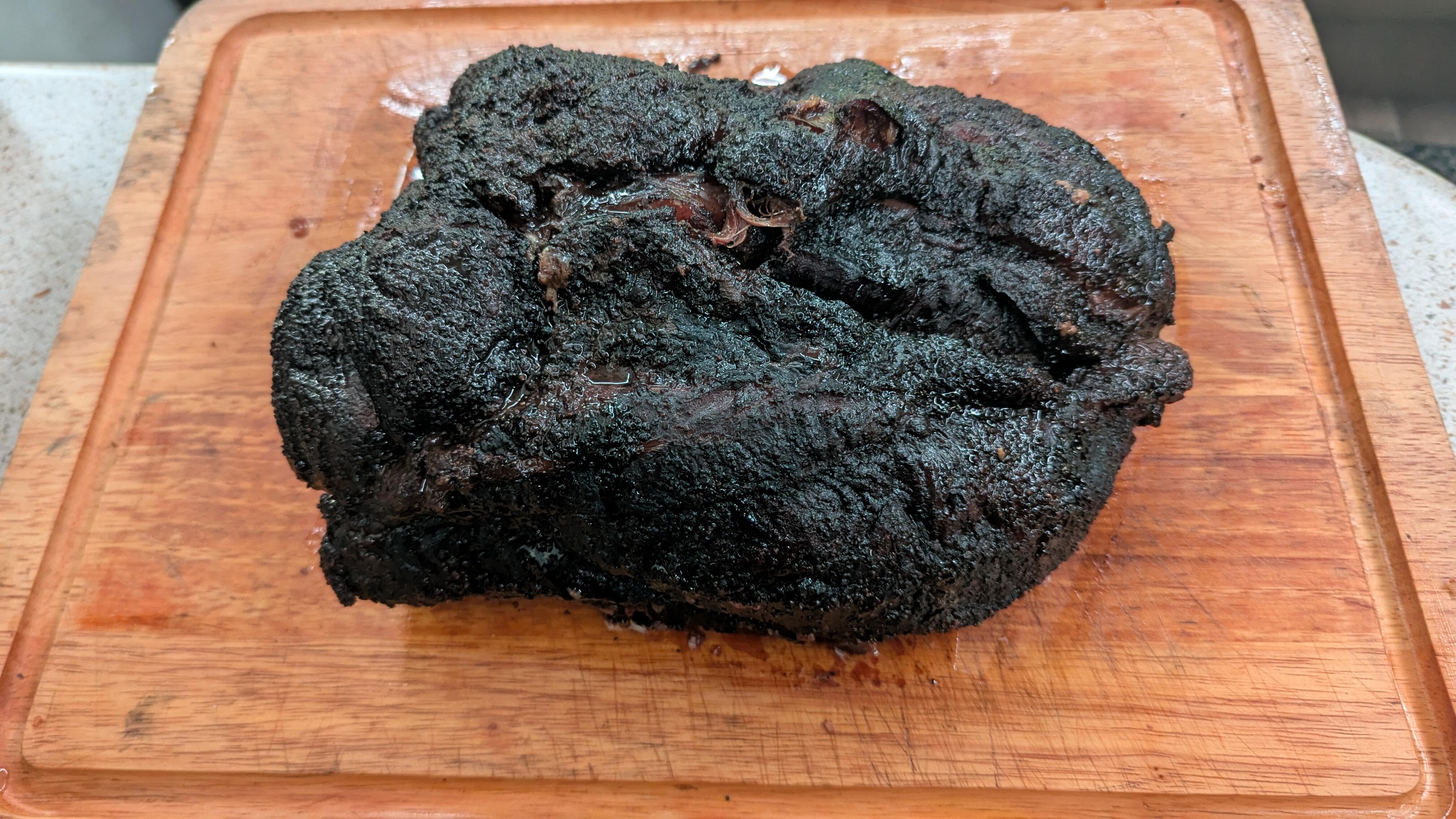
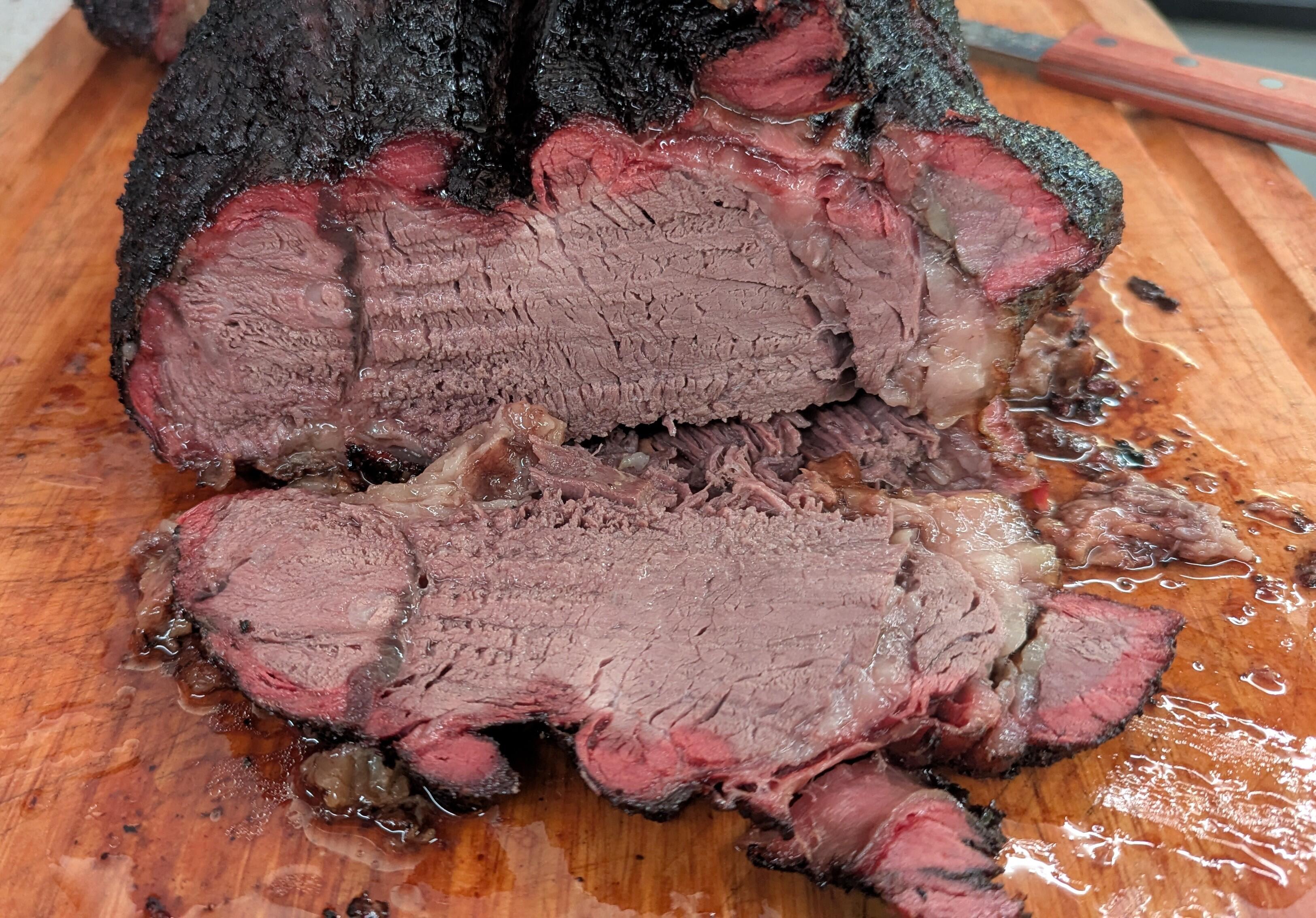
 2 points2 points12lb American Wagyu Shoulder. SnP only. 12 hours @225. Good smoke. she'll eat.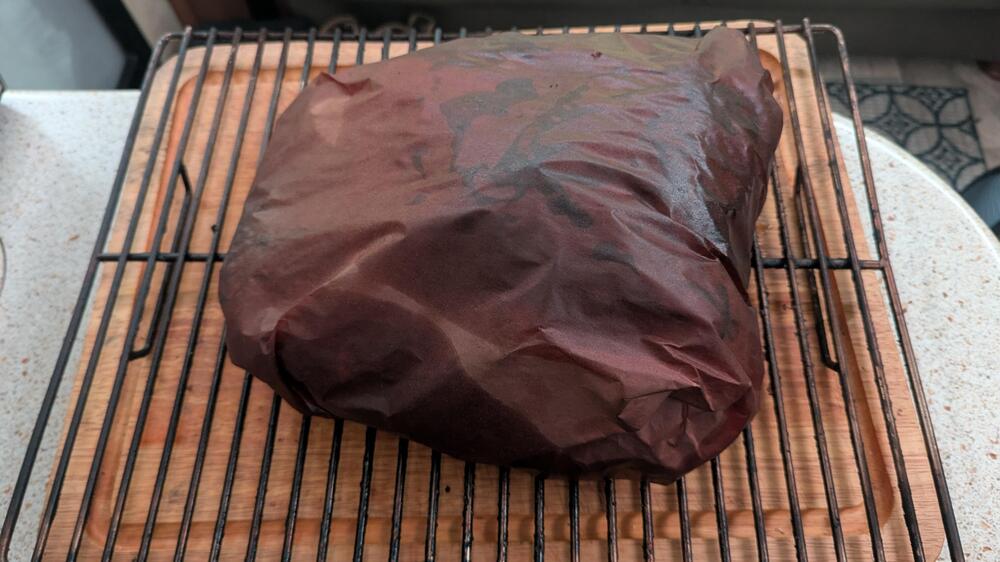
 2 pointshttps://x.com/Fremond_/status/2022292369748508794?s=20https://x.com/Fremond_/status/2022292369748508794?s=20https://x.com/Fremond_/status/2022292369748508794?s=202 points




Important Information
By using this site, you agree to our Terms of Use.