

Leaderboard




Popular Content
Showing content with the highest reputation on 02/26/26 in all areas
-
We Like It Here by Snarky Puppy (2014) https://open.qobuz.com/album/aazibgbisyolb Example: Killer set. After some research this was a Live in Studio - which they filmed. So: Playlist. I do like me some snarky.4 points
-
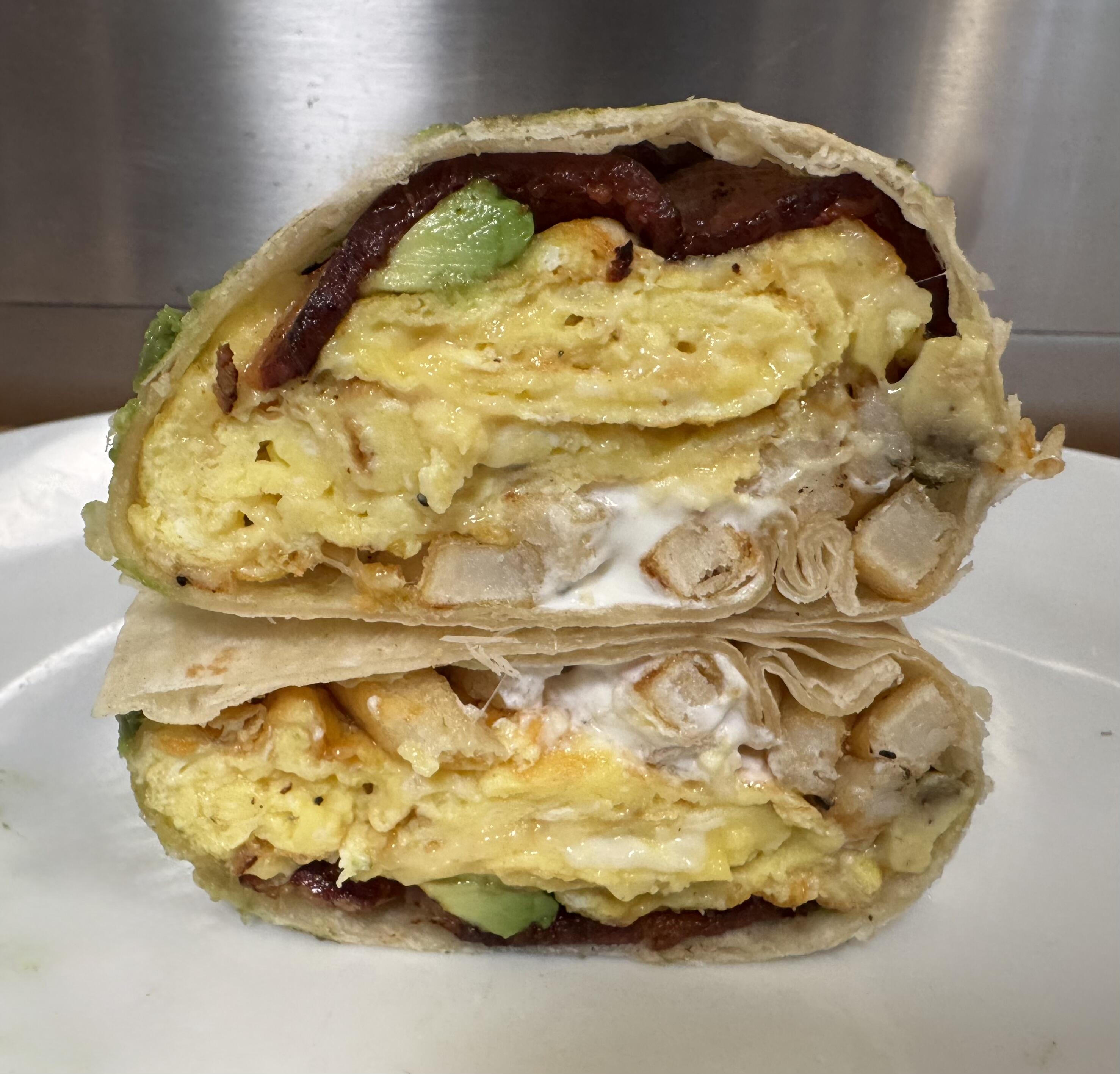
3 pointsI read an article about the best breakfast burrito in the Bay Area and the winner had cheesy scrambled eggs, bacon, beef tallow tater tots, crema and avocado. I didn't have tots so I heated up some fries and then fried them in the bacon fat. Adding a bit of salsa as I eat. It's almost too decadent and I'm considering going back to bed.
 3 points
 -
Heard this on the local college radio station the other day and kind of liked it. Need to look into them more.2 points
-
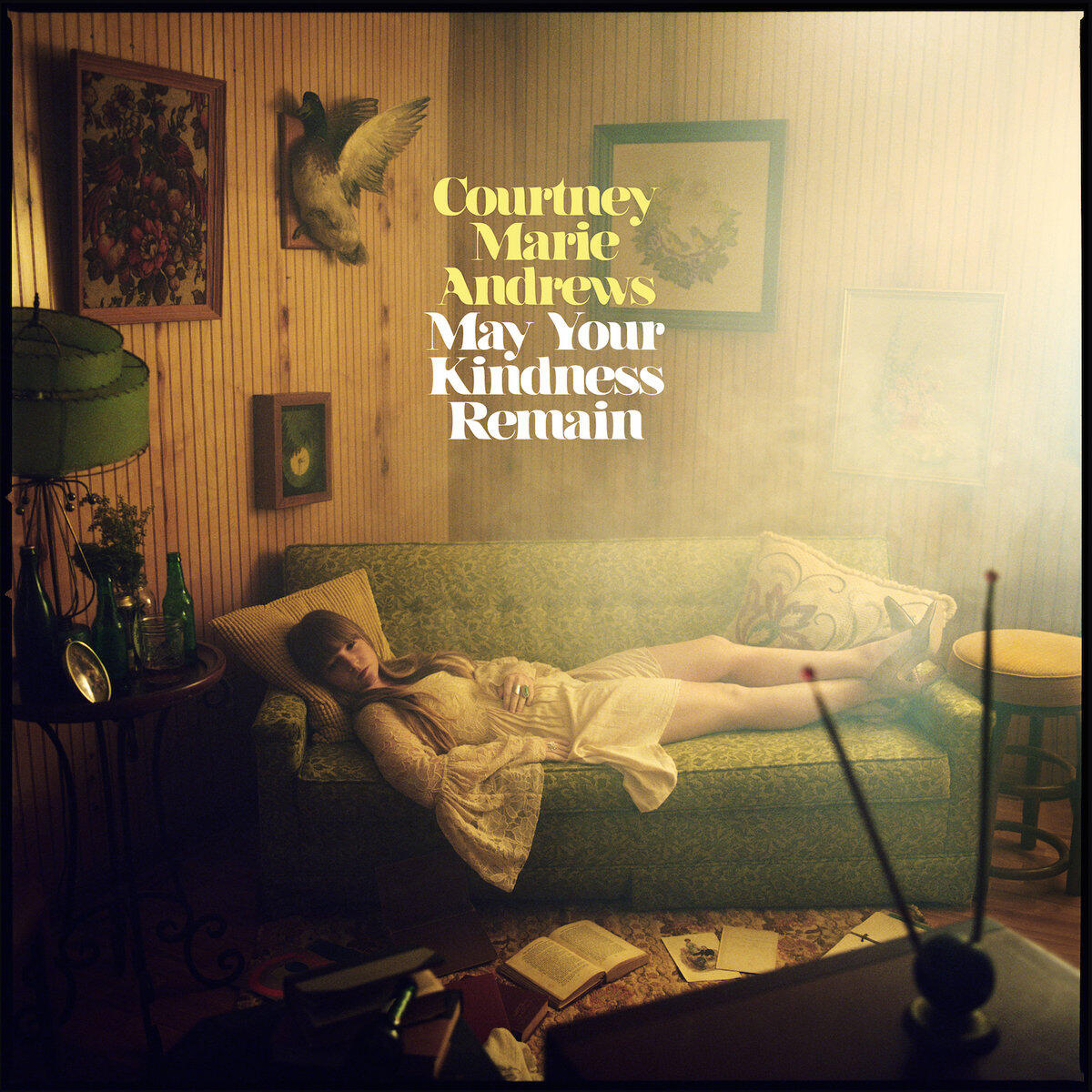
Digging deeper into Courtney Marie Andrews. May Your Kindness Remain and the Covid-era Loose Future. Ex.
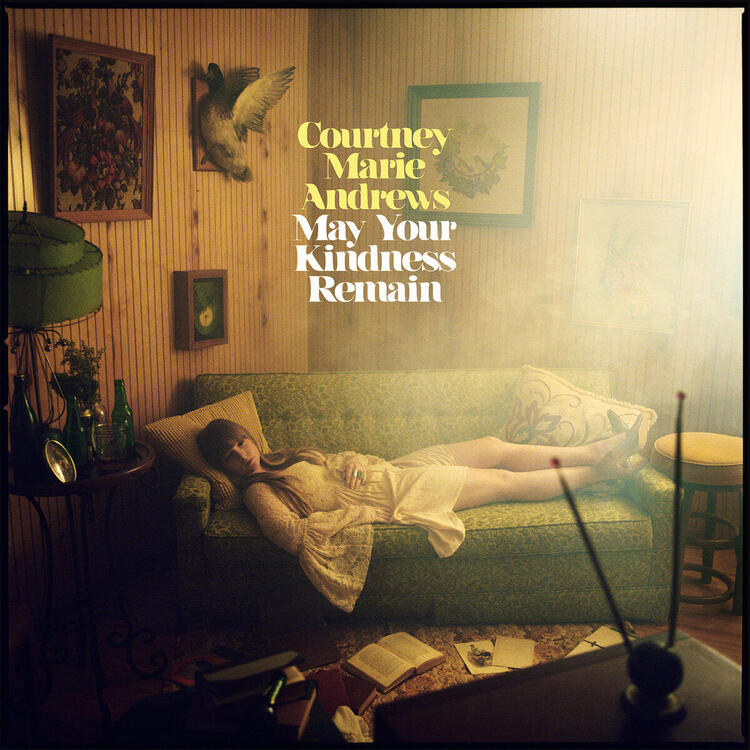
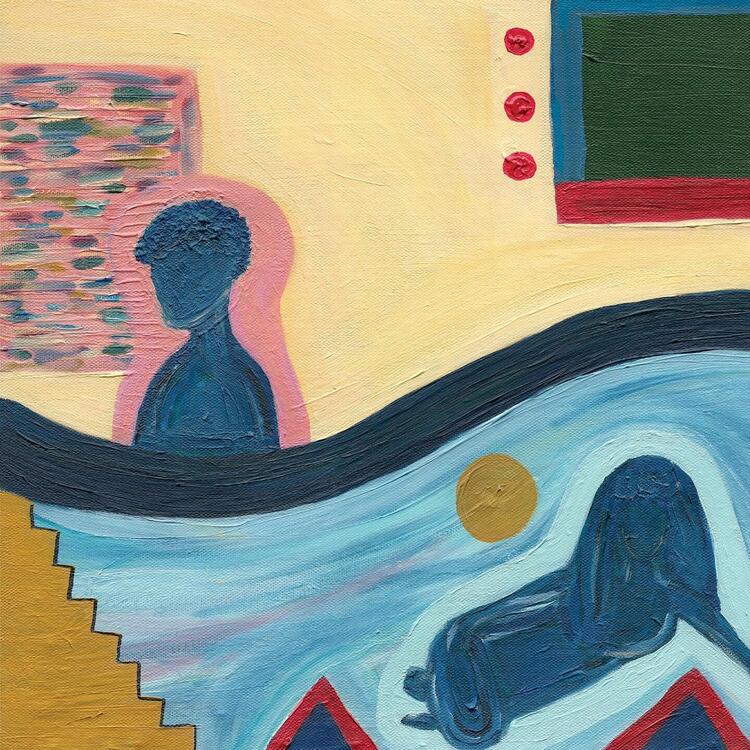 2 points
 -
1 point
-
1 point
-
Glad you enjoyed it! Pelageya has been one of my favourite singers for the past 10 years or so, she has a really good feel for the music and how to interpret it. She could be singing anything from Soviet love songs to new age pop and it all somehow sounds right. Singing in Portuguese, just because And back to Soviet love songs1 point
-
1 pointAfter 21 years we finally get a video (also is there a setting to not auto play the dailymotion videos?}1 point1 point




.thumb.jpg.e56950ebbdfabfb46c42ffd725ee1ba0.jpg)

Important Information
By using this site, you agree to our Terms of Use.