


blessingx
High Rollers
-
Joined
-
Last visited
Everything posted by blessingx
-
If you haven’t given Qobuz a try, I’d definitely recommend a go. It’s my favorite for overall catalog organization and discoverability. That said I believe the Head-Case solution would be a personal relay satellite you could control.
-
A little more Xmas fun.
-
It is a beautiful shot. https://www.theguardian.com/uk-news/2023/dec/24/photo-of-swansea-police-arresting-drunk-likened-to-renaissance-art

-
Seems like it has everything I love in cinema.
-
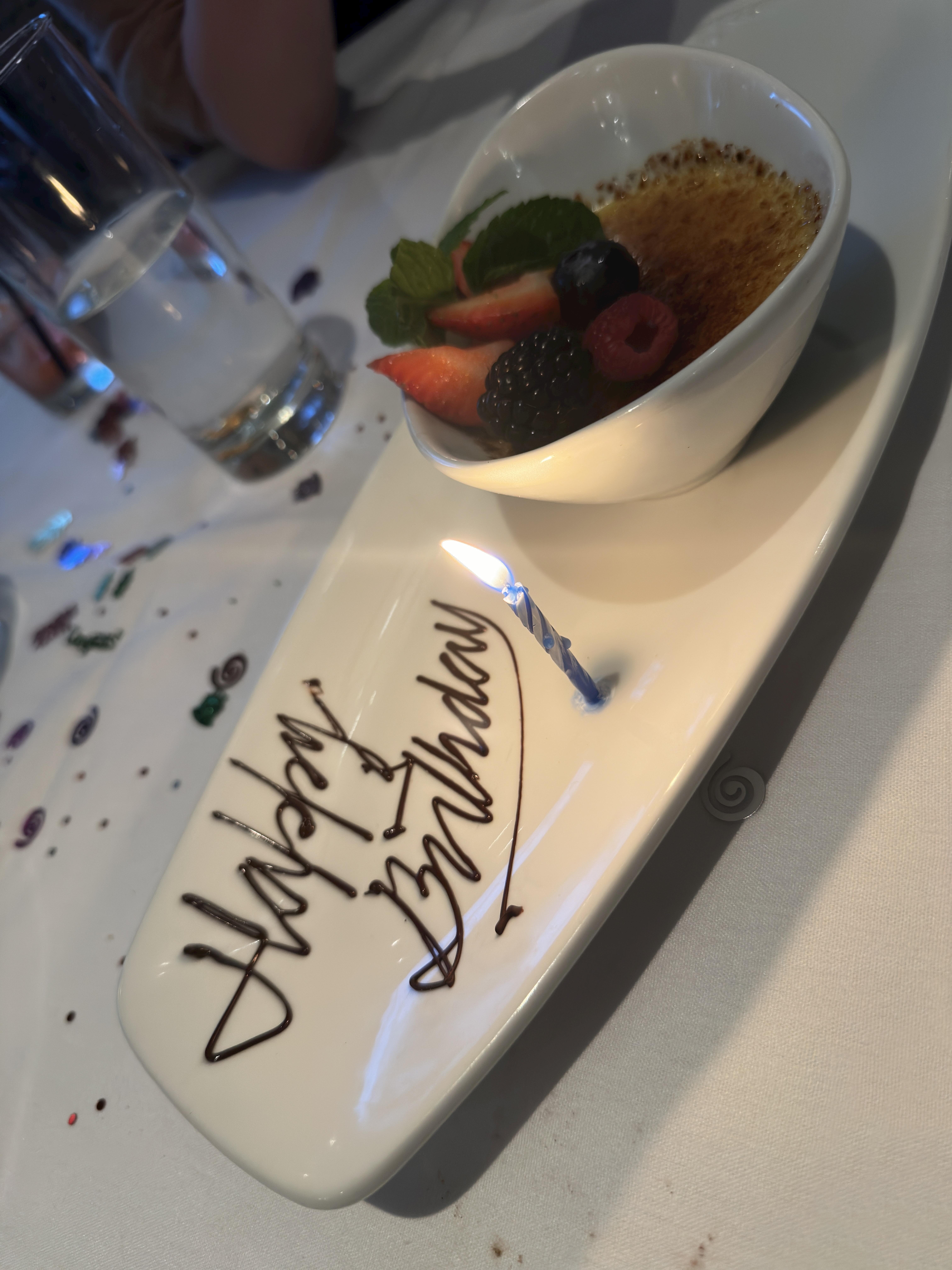
Thanks everyone. Hoping you all are having a great Christmas and/or break. We’re doing a sous vide turkey for Thanksgiving 2.0 tonight and the last 24 highlights included a Ruth’s Chris visit, an authentic Californian fake white Christmas, and a happy Esmé on the morning treasures. And thanks @Grahame. $1.99 rental on Prime!!!
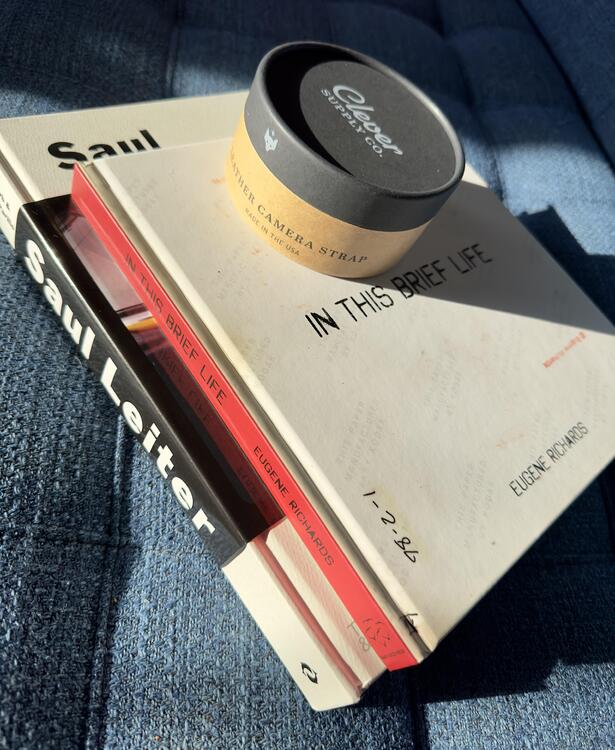
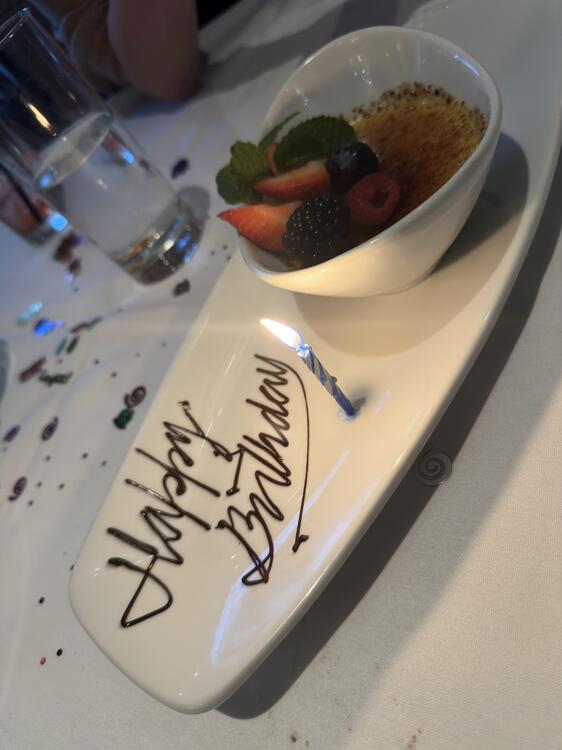

-
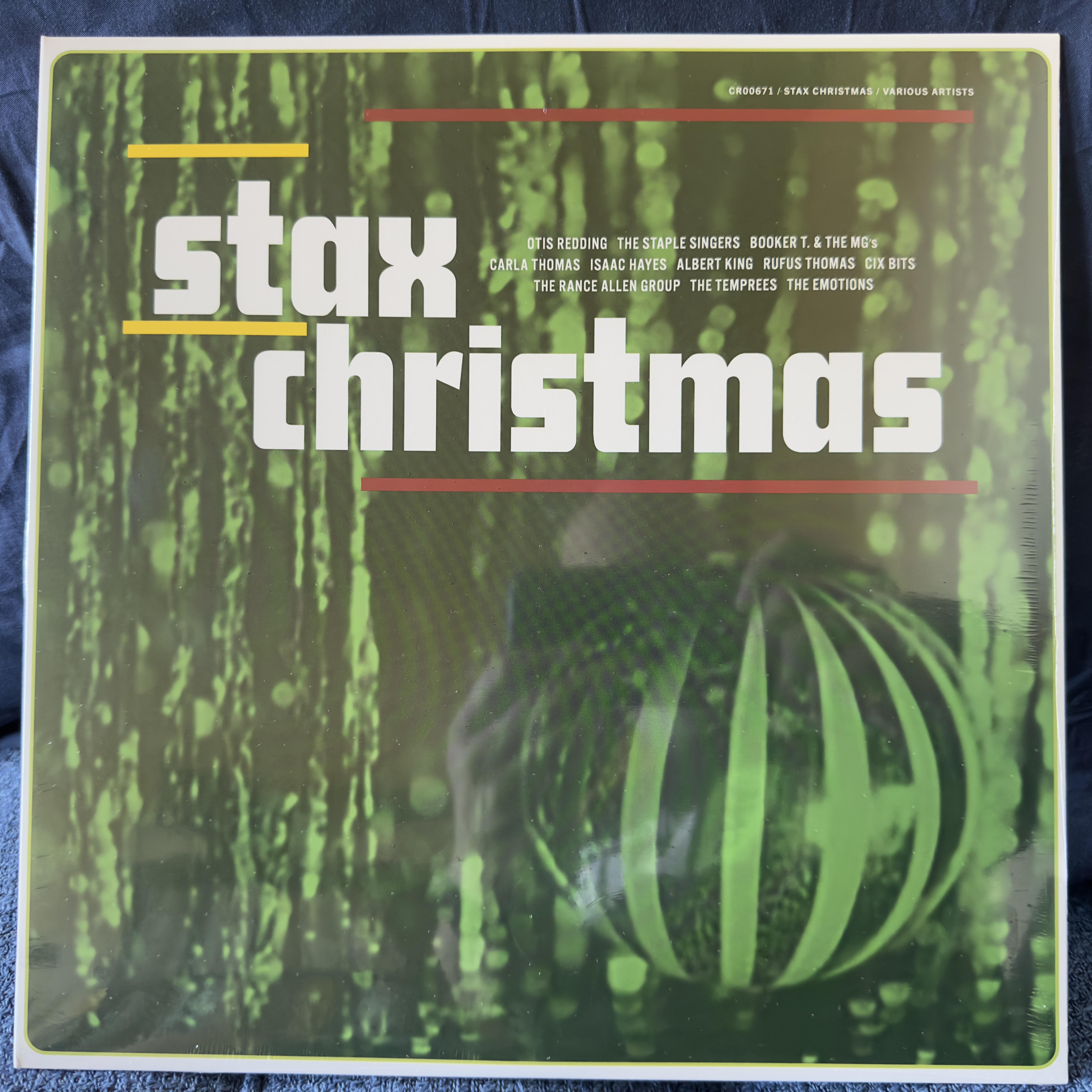
They cut it a little close shipping the vinyl (arrived yesterday), but the new Stax Christmas. ex.
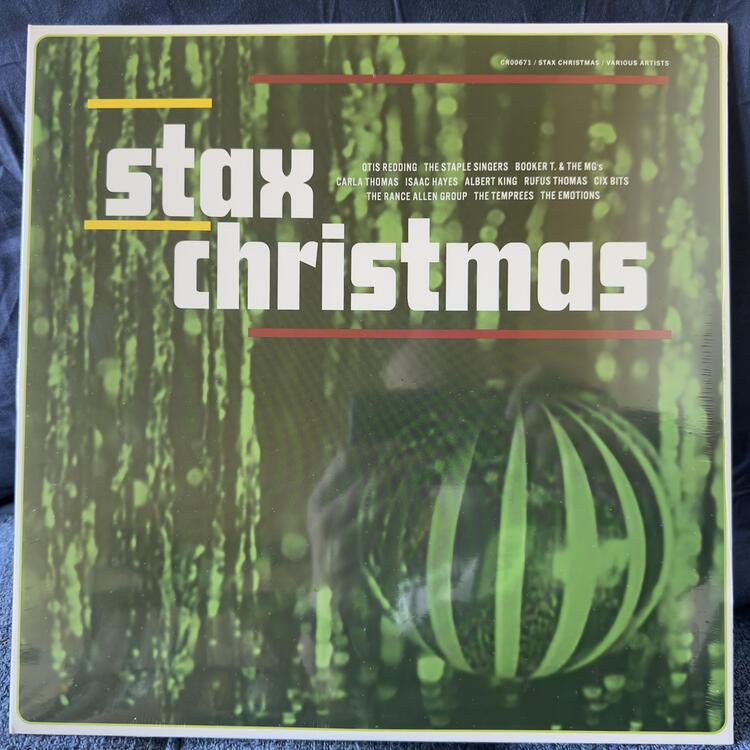 I found this in a local deep dive earlier in the year and played a few times in prep for the season, but what do you know Amy Sedaris just posted a clip this morning on the gram so offering up this odd, but wonderful, concert for anyone else. Bob Green seemed like a great guy. Battle of the Bulge to Julliard to years of Christmas specials in the heart of Silicon Valley - Mountain View's public access channel.Rankin/Bass day here Bonus:Not sure if you still shoot the system nearly a decade later, but someone is...Disney star, opening Eras Tour act, and niece of the voice of Bart Simpson, so still anyone’s guess.Tough to say. I don't know current OpenAI sexual innuendo status.Sabrina Carpenter's Fruitcake EP ex.
 Yeah, I'm not sure he ever got his big break in cinema. I was hoping. It's a little hard to watch Homicide as everyone else was just trying to keep up with his acting (though Melissa Leo and Yaphet Kotto, both underused, at least were in the same universe). Braugher talking Vincent D'Onofrio through his last hour of life or begging his cardiologist to go off drugs for a few days to make love to his wife on their anniversary... so many scenes. I was sure he was going to jump fully to film after, but upon completion of Homicide he said his wife had sacrificed everything for his career and now it was time to reverse that. Minor roles in a few films, then success again in Brooklyn.
 It’s worth reposting…So long Ryan https://people.com/tatum-oneal-speaks-out-about-late-father-ryan-oneal-death-8413778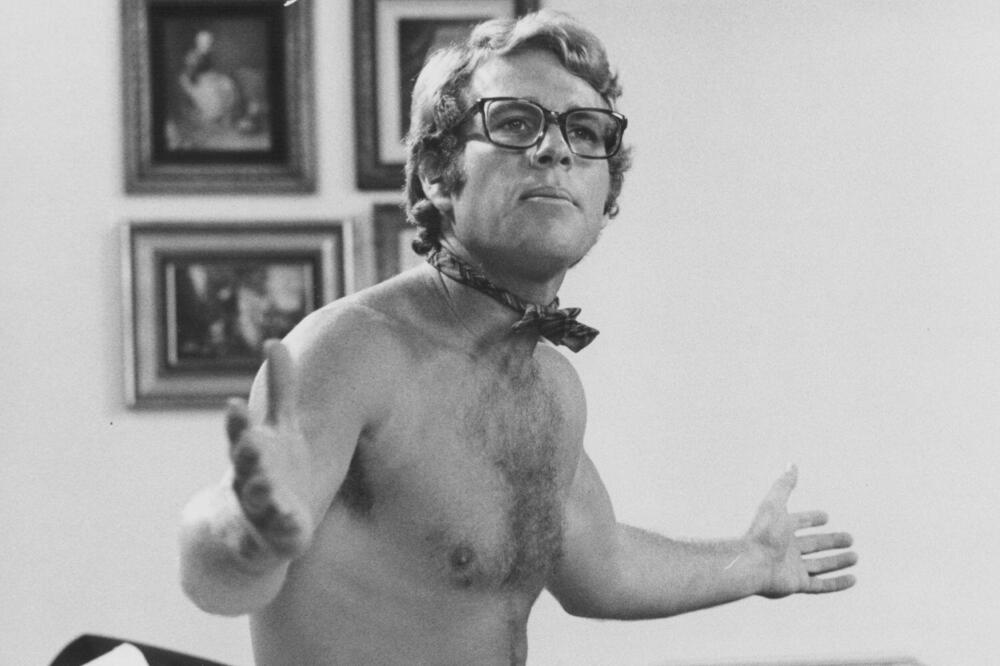

 Correct, plus backup to whichever one gets run over.#1 stocking stuffer idea! Or if you prefer Open Box deals only $629.10 https://www.adorama.com/Als.Mvc/nspc/Product/GetUsedWaysToSave?productVersion=1664&lcuVersion=279650&SKU=IFIMIDSDF&PageType=productPage&type=UsedThis is a fun surveySwift may be as bigger than Elvis. Next… Mike Reed - The Separatist Party ex. https://wejazzrecords.bandcamp.com/album/the-separatist-party
 So much to love, but oddly Mary Hartman, Mary Hartman, a show I can’t remember a single scene, was the one that hovered always overhead just out of my childhood reach.















Important Information
By using this site, you agree to our Terms of Use.
Account
Navigation
Search
Configure browser push notifications
Chrome (Android)
- Tap the lock icon next to the address bar.
- Tap Permissions → Notifications.
- Adjust your preference.
Chrome (Desktop)
- Click the padlock icon in the address bar.
- Select Site settings.
- Find Notifications and adjust your preference.
Safari (iOS 16.4+)
- Ensure the site is installed via Add to Home Screen.
- Open Settings App → Notifications.
- Find your app name and adjust your preference.
Safari (macOS)
- Go to Safari → Preferences.
- Click the Websites tab.
- Select Notifications in the sidebar.
- Find this website and adjust your preference.
Edge (Android)
- Tap the lock icon next to the address bar.
- Tap Permissions.
- Find Notifications and adjust your preference.
Edge (Desktop)
- Click the padlock icon in the address bar.
- Click Permissions for this site.
- Find Notifications and adjust your preference.
Firefox (Android)
- Go to Settings → Site permissions.
- Tap Notifications.
- Find this site in the list and adjust your preference.
Firefox (Desktop)
- Open Firefox Settings.
- Search for Notifications.
- Find this site in the list and adjust your preference.