


Grahame
High Rollers
-
Joined
-
Last visited
Everything posted by Grahame
-
OFFICIAL ACT Turkey Burger and Chips
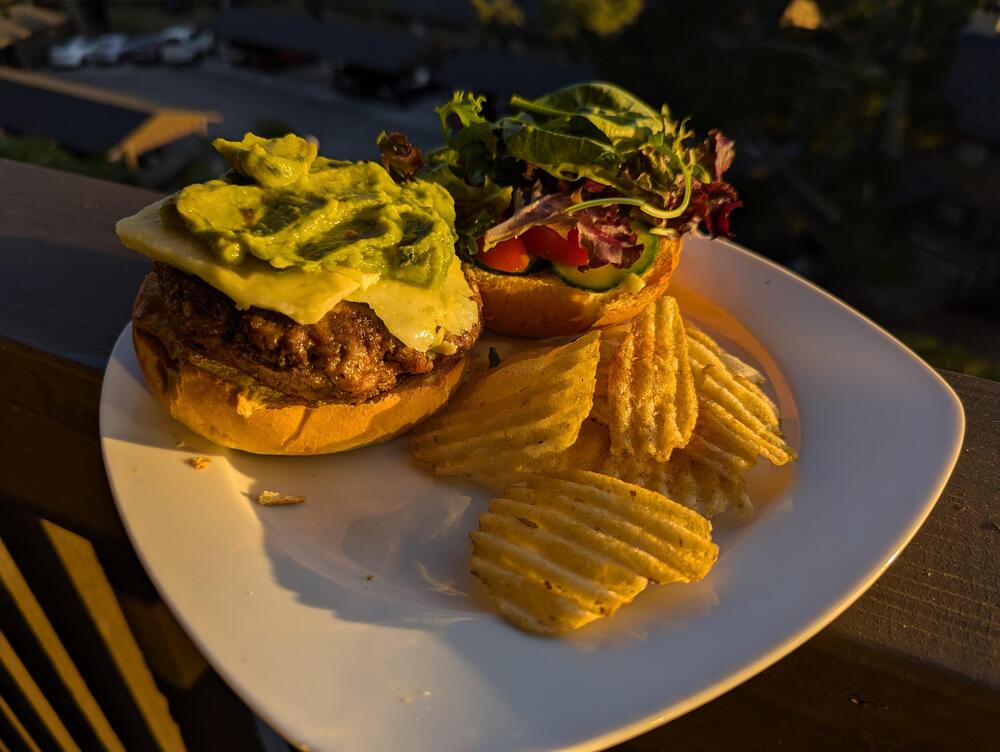
-
Deck Halibut with lemon rice and peas

-
-
If we're into "immersive experiences" how about Paddington Bear? 🐻 🐻 🐻 https://www.bbc.com/news/videos/cv22gydyym9o https://paddingtonbearexperience.com/
-
Clickbait thumbnails? You be the judge?
-
Sniper free* Deck Brunch *But how would you know, really?

-
Because? Or
-
The grassy knoll was taken.
-
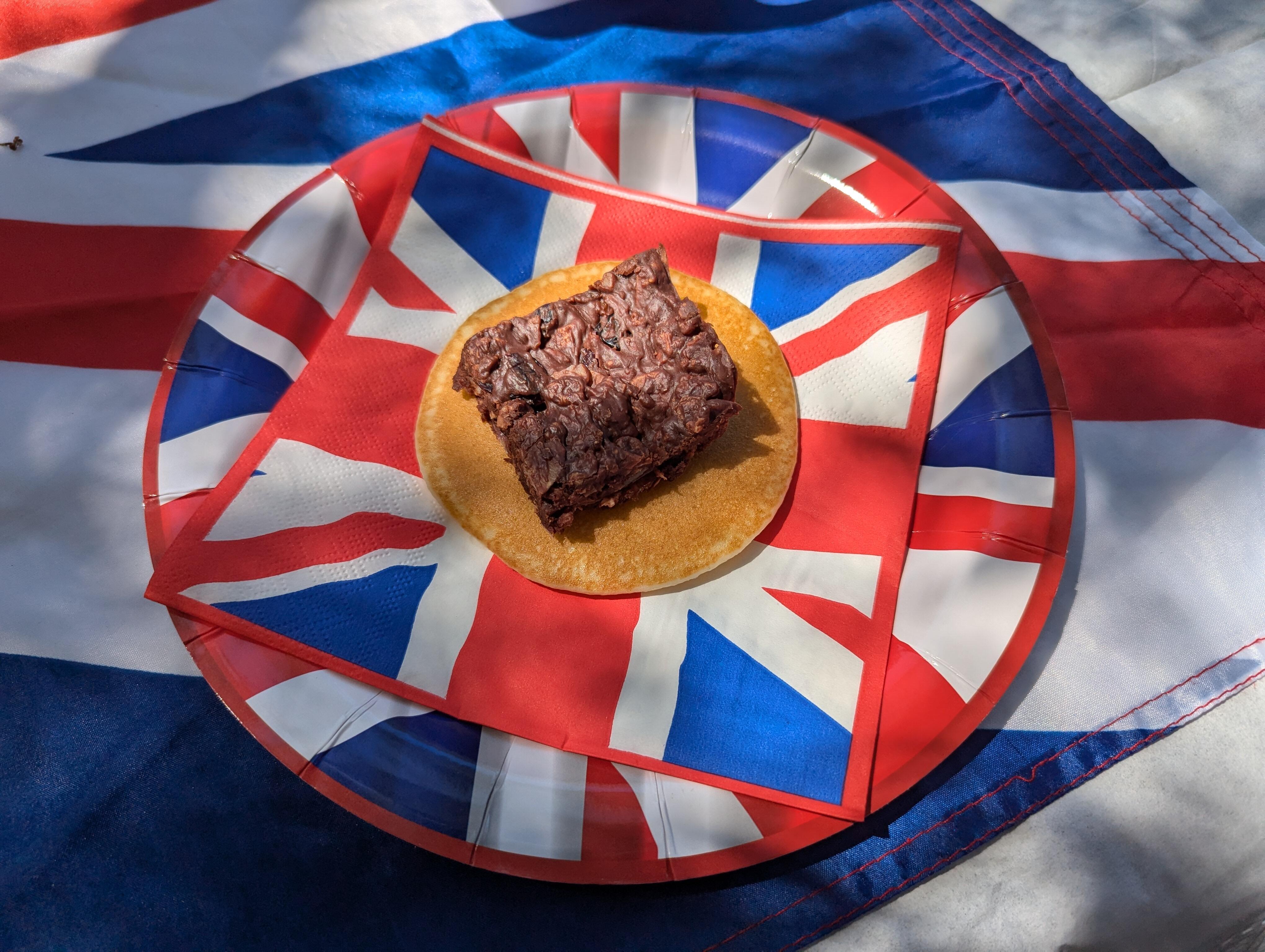
Al fresco, with the Brits
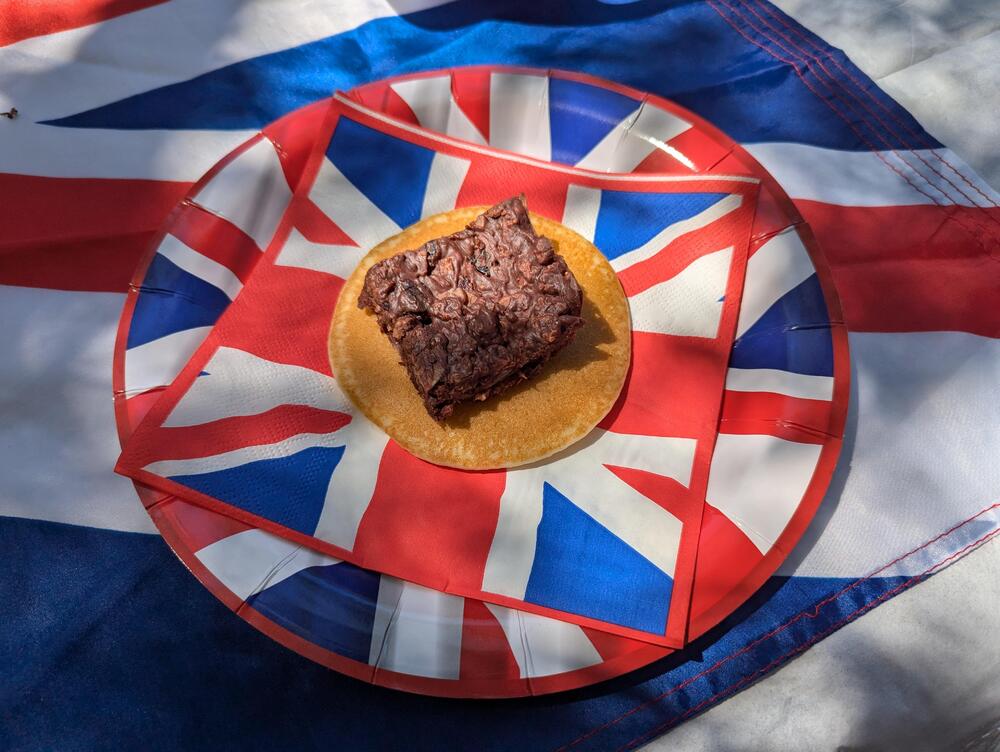


-
Did he do it "his way"?
-
That Jesper, what a character.You should register with "Fishy Mike" for the next time he has Halibut (from Nextdoor last weekend) "Hi neighbors, i’m a local commercial Halibut fisherman happy to announce that I’ll be selling fresh caught local Halibut today in Corte Madera. 34 seawolf passage Corte madera today Sunday 6/23 2-4pm. Txt me direct to put you on my list as I have a limited amount. $12/lb whole fish but fillet your fish complementary after purchase. Fish average 9lbs. Thanks, Mike 415-847-3092"
 Deck halibut pilaf
 Old man, shouting at clouds, again.Non AI generated Deck Brunch
 Went on a behind the scenes tour of The Marine Mammal Center, organized by the Belvedere/Tiburon Library, accompanied by some of the Brits
 Hello Downtown Novato! With Pop Rocks























Important Information
By using this site, you agree to our Terms of Use.
Account
Navigation
Search
Configure browser push notifications
Chrome (Android)
- Tap the lock icon next to the address bar.
- Tap Permissions → Notifications.
- Adjust your preference.
Chrome (Desktop)
- Click the padlock icon in the address bar.
- Select Site settings.
- Find Notifications and adjust your preference.
Safari (iOS 16.4+)
- Ensure the site is installed via Add to Home Screen.
- Open Settings App → Notifications.
- Find your app name and adjust your preference.
Safari (macOS)
- Go to Safari → Preferences.
- Click the Websites tab.
- Select Notifications in the sidebar.
- Find this website and adjust your preference.
Edge (Android)
- Tap the lock icon next to the address bar.
- Tap Permissions.
- Find Notifications and adjust your preference.
Edge (Desktop)
- Click the padlock icon in the address bar.
- Click Permissions for this site.
- Find Notifications and adjust your preference.
Firefox (Android)
- Go to Settings → Site permissions.
- Tap Notifications.
- Find this site in the list and adjust your preference.
Firefox (Desktop)
- Open Firefox Settings.
- Search for Notifications.
- Find this site in the list and adjust your preference.