Everything posted by Grahame
-
Tokyo Olympics
Meanwhile ... https://www.theguardian.com/sport/2021/jul/26/australian-swimming-coach-dean-boxalls-wild-celebration-goes-viral-after-ariarne-titmus-wins-gold
-
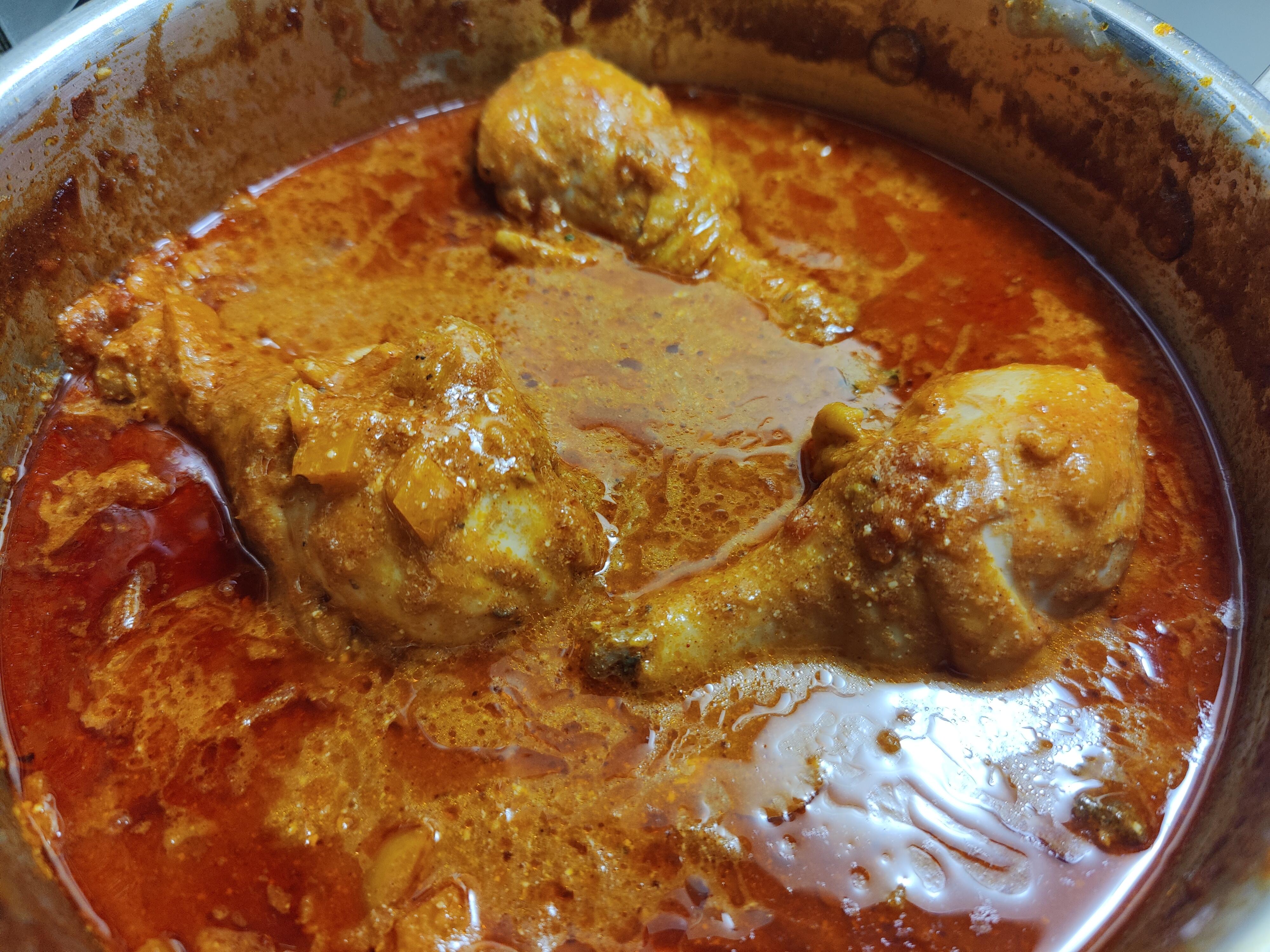
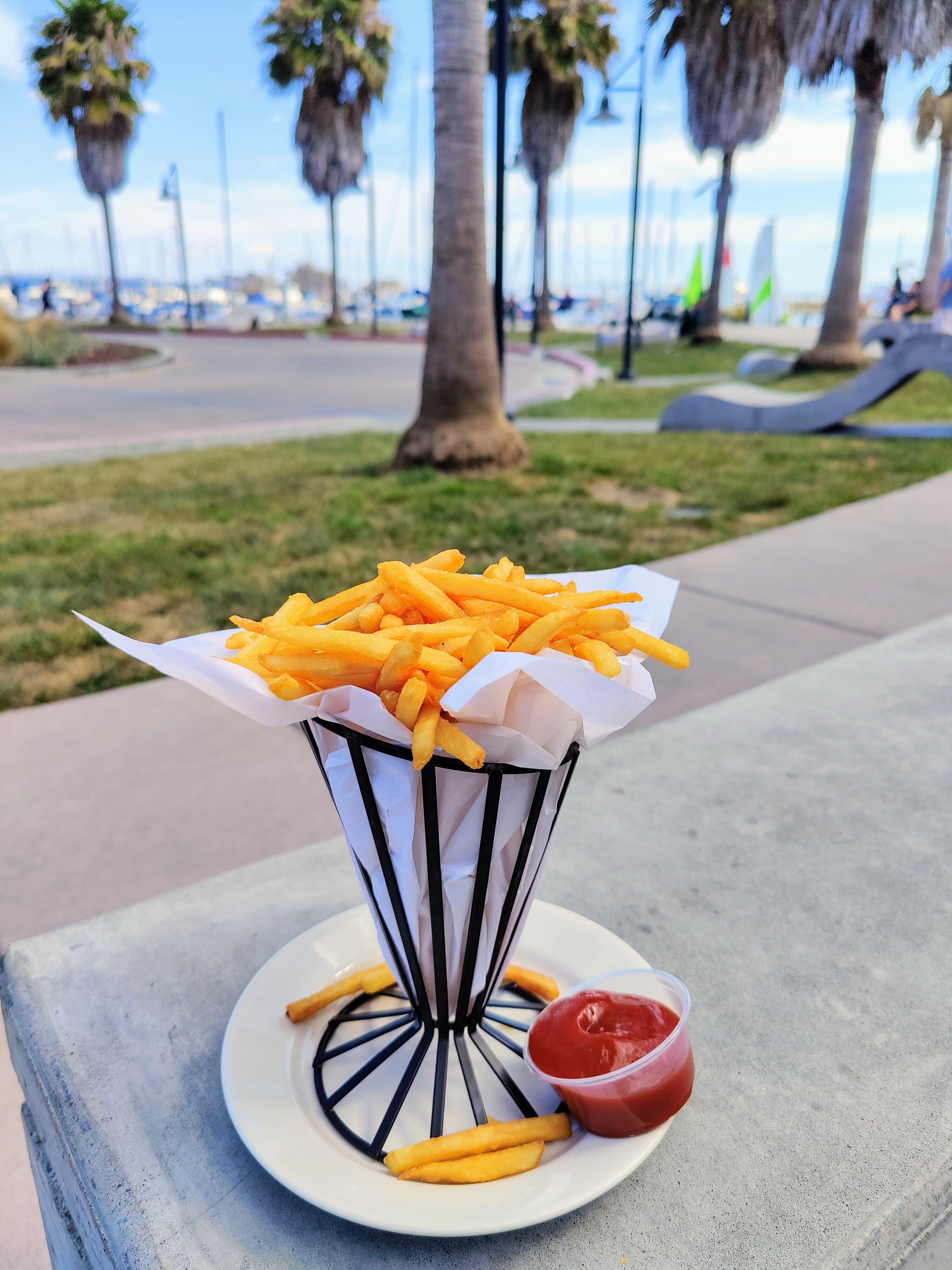
What are you EATING right now?
- Tokyo Olympics
NBC has it (interrupted/delayed) this afternoon, and on demand on peacock tomorrow morning because: reasons Well ... Those nice people on the internet have suggested cbc.ca or BBC iPlayer if you can teleport your eyes to the relevant geographic location- The Knuckledragger 3rd Memorial Slow Forum Post
- What TV show are you watching now?
- Tokyo Olympics
And in less clickbaity news BBC News - Olympics opening ceremony director sacked for Holocaust joke https://www.bbc.co.uk/news/world-asia-57924885- Tokyo Olympics
"Tokyo Olympics: 10 Storylines That Make These Summer Games Unique" #5 will shock @cetoole https://www.npr.org/sections/tokyo-olympics-live-updates/2021/07/20/1018180729/tokyo-olympics-preview-biles-rapinoe-ledecky-gymnastics-track- Tokyo Olympics
In related news ... https://www.nbcnews.com/news/sports/teen-tennis-star-coco-gauff-tests-positive-covid-will-sit-n1274319 BBC News - Tokyo 2020: Athletes 'probably very worried' after positive Covid test in village https://www.bbc.co.uk/sport/olympics/57872739 BBC News - Tokyo Olympics: First Covid cases in athletes' village and Team GB have eight self-isolating https://www.bbc.co.uk/sport/olympics/57844406 Also ... https://www.complex.com/sports/olympic-athletes-sleep-cardboard-discourage-sex-covid-19- Head Case Motorsports
The folks at waymo would be disappointed with your assessment https://www.wired.com/story/waymos-self-driving-jaguars-arrive-new-homegrown-tech/ https://techcrunch.com/2020/03/06/inside-the-next-gen-tech-on-waymos-self-driving-jaguar-i-pace/ https://blog.waymo.com/2020/03/introducing-5th-generation-waymo-driver.html?m=1- What are you EATING right now?
https://www.newbelgium.com/siteassets/location/san-francisco/4.6.21_nbb_food-menu_8.5x14-vertical.pdf- What are you EATING right now?
- Head Case Motorsports
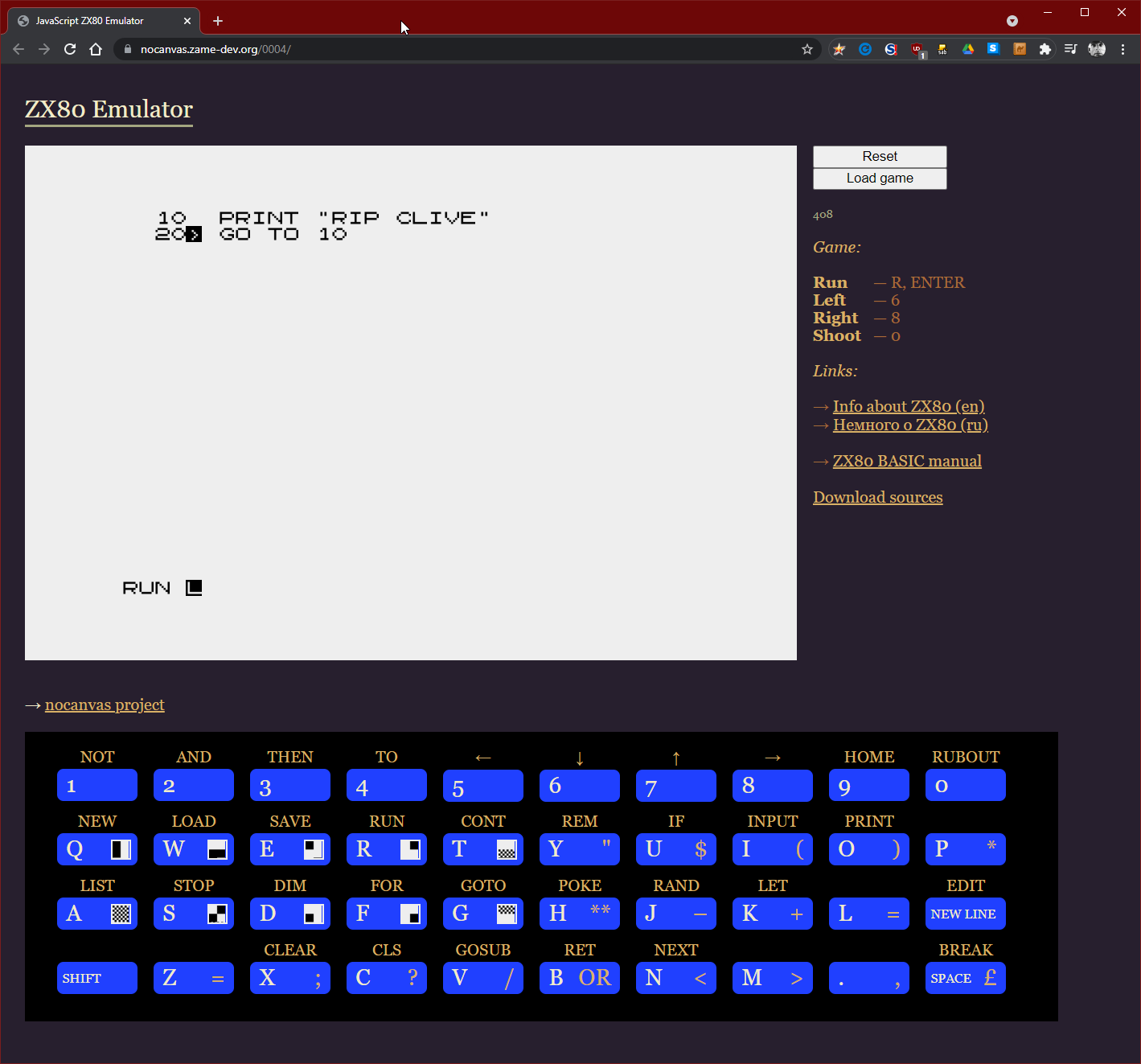
- RIP someone or another
Meanwhile, RIP Mill Valley Beerworks https://www.instagram.com/p/CRXfd9hlgha/ https://www.sfchronicle.com/food/article/Fort-Point-Beer-s-first-brewery-in-Mill-Valley-16319619.php- Head Case Motorsports
- Head Case Motorsports
- What are you EATING right now?
- What's up with the little rocket logo, on the lower left side of our avatars?
Yes you do! On mobile tap on it, scroll down and all will be revealed you 1%er! No stinkin' badges either.- What are you Grilling now?
Meanwhile ... https://www.engadget.com/traeger-grills-wireless-meat-thermometer-meater-acquisition-183944452.html- Happy Birthday jose!
Happy Birthday? No way, Jose. Have a great one.- What are you EATING right now?
- What are you EATING right now?
- Happy Birthday Greg!
Happy Birthday, Greg!- Ye Macce Threade
Maybe there is a market for an enterprising head-fi-er, to not only re-master (re-eq?) your tracks but also to re-spatialize(?) your favorite tracks and sell them back to you?- RIP someone or another
John McAfee Obituary https://www.theguardian.com/us-news/2021/jun/27/john-mcafee-obituary - Tokyo Olympics
Important Information
By using this site, you agree to our Terms of Use.
Account
Navigation
Search
Configure browser push notifications
Chrome (Android)
- Tap the lock icon next to the address bar.
- Tap Permissions → Notifications.
- Adjust your preference.
Chrome (Desktop)
- Click the padlock icon in the address bar.
- Select Site settings.
- Find Notifications and adjust your preference.
Safari (iOS 16.4+)
- Ensure the site is installed via Add to Home Screen.
- Open Settings App → Notifications.
- Find your app name and adjust your preference.
Safari (macOS)
- Go to Safari → Preferences.
- Click the Websites tab.
- Select Notifications in the sidebar.
- Find this website and adjust your preference.
Edge (Android)
- Tap the lock icon next to the address bar.
- Tap Permissions.
- Find Notifications and adjust your preference.
Edge (Desktop)
- Click the padlock icon in the address bar.
- Click Permissions for this site.
- Find Notifications and adjust your preference.
Firefox (Android)
- Go to Settings → Site permissions.
- Tap Notifications.
- Find this site in the list and adjust your preference.
Firefox (Desktop)
- Open Firefox Settings.
- Search for Notifications.
- Find this site in the list and adjust your preference.