VPI
High Rollers
-
Joined
-
Last visited
Everything posted by VPI
-
That sounds great Jacob.
-
I always thought in-n-out were some of the worst fast food burgers I have ever had.
-
Happy Birthday Mike.
-
Had a shorter ride with Chris this weekend but it seemed like a much greater workout. I would have thought the 830ft elevation gain over 15.5 miles was more than double that based on the climbing. Great workout that I think is really paying off as the hills I thought were tough not too long ago seem like nothing now. This was my first ride with my bars dropped another 20ish mm so I had to get used to that. It was really a great day for a ride, even if I thought that last big hill coming home was going to kill me.
-
That is okay, you can just drop me when you need to head back and actually get a nice work out on the way home.
-
I am up for a ride. Made some adjustments on my stem spacers I want to try out. Hopefully the front wheel doesn't fall off.
-
You must have been really small at your lowest Chris, as you are pretty freakin thin now. I am hoping to put some miles on this weekend as it is really nice outside.
-
Happy Birthday Grahame.
-
The link is just to a description of paypal. You have to choose Paypal in the drop down to the left of the Paypal Logo.
-
Done. As a Type 1 myself I am really looking forward to riding in the Virginia event this year.
-
-
Ended up being a great ride down to Mt. Vernon in the mist and fog. I went really slow and had trouble on some of the hills so I think Chris did not get much of a workout but it was really fun.
-
21.3 miles back at Chris' place.
-
-
Absolutely great deal. We really need to plan for a HC MTB trip somewhere.
-
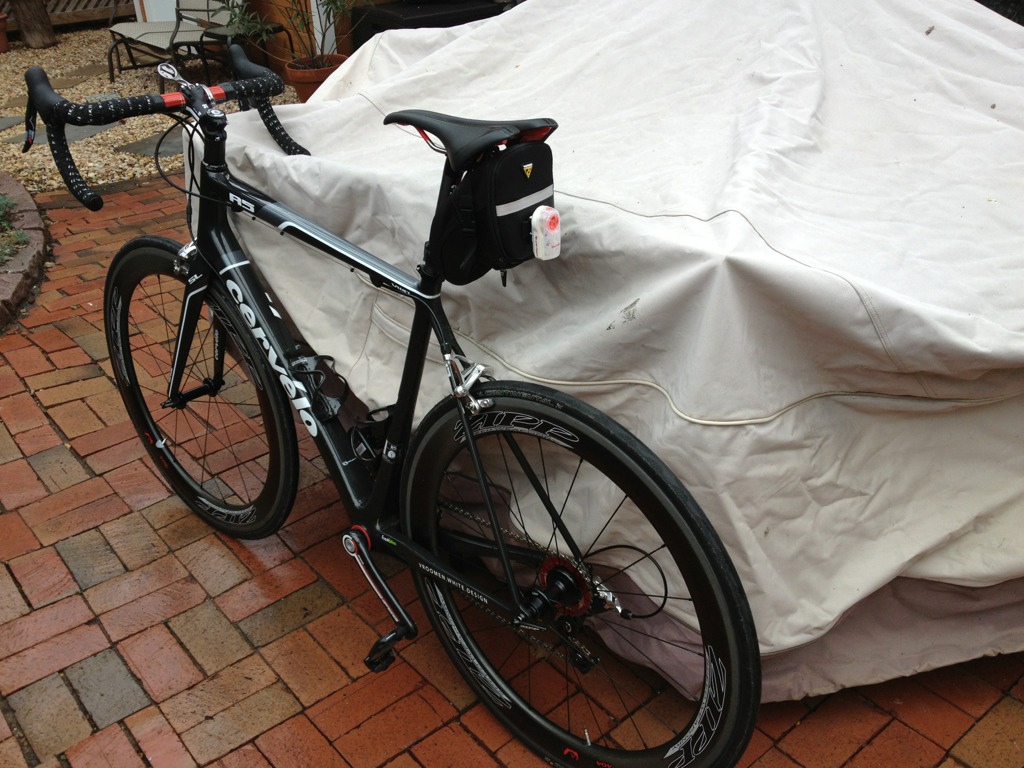
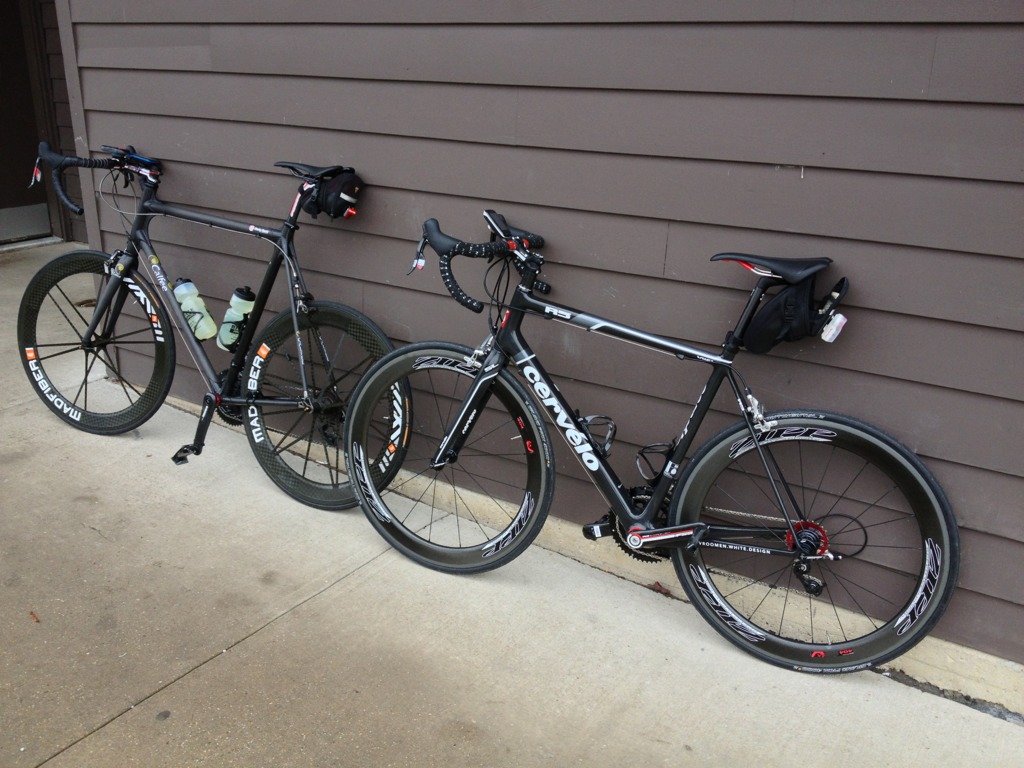
I thought you might be the friend Nate was going to pass that bike on to. Looks like a really nice bike. What do you ride now Ian?
-
Definitely up for a Sunday ride. Where do you want to ride?
-
Yeah, I have been out to Leesburg on the trail but it is fairly rough out there with lots of bad bridges and cracks that make me wonder if I should try that trail on the river.
-
Hoping to find a new bike path to ride tomorrow. My little bit is getting kind of boring. Should be a great weekend for January in the mid to high 60s. Hopefully I will be able to get a longer ride in.
-
Sorry to hear that Peter. I am around if you want to go out and celebrate the great 20 years you had with Luvbug.
-
Hero Comparison Really boring attempt at 720p 120fps slow motion.
-
I'll take one that doesn't hear itself and try to switch to some cheesy app in the middle of a show. Or one that actually sees you when you are trying to use the hand controls and not only when you move your hand to grab a drink. I could sit there for ten minutes telling it to turn on and it will not hear me but every time it hears something about netflix, or youtube or hulu TV or exercise it switches the TV to a whole new interface that is a pain to get back out of.
-
^Maybe they will finally make one that works.
-
Does the current 800 keep track of your segments/PRs like the 810? I never actually dug deep into the 800 so I am sure it does many things I am not aware of.
-
New Garmins coming. http://www.bikerumor.com/2013/01/07/new-garmin-edge-810-510-add-mobile-sync-live-ride-tracking-weather-updates-more/