


morphsci
High Rollers
-
Joined
-
Last visited
Everything posted by morphsci
-
Happy Birthday, Jeffy!Nice! I loved my Adcom 565s. They were beasts.K710?Waiting for my curbside pickup
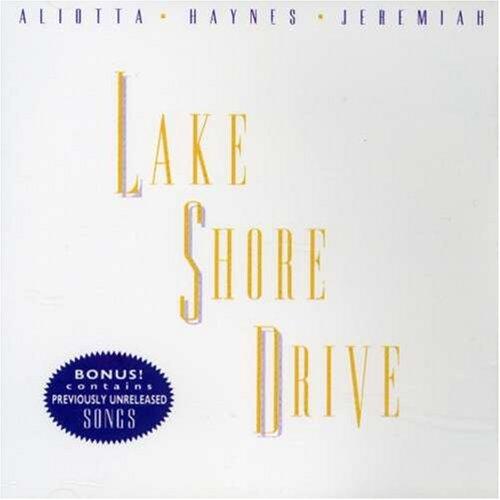
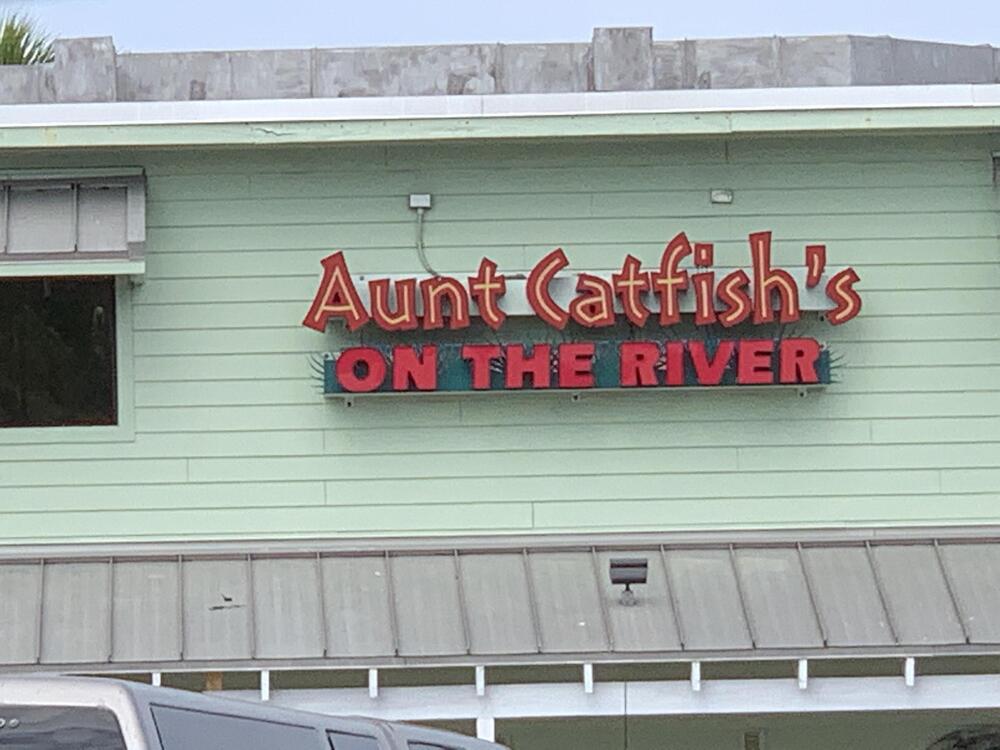 And now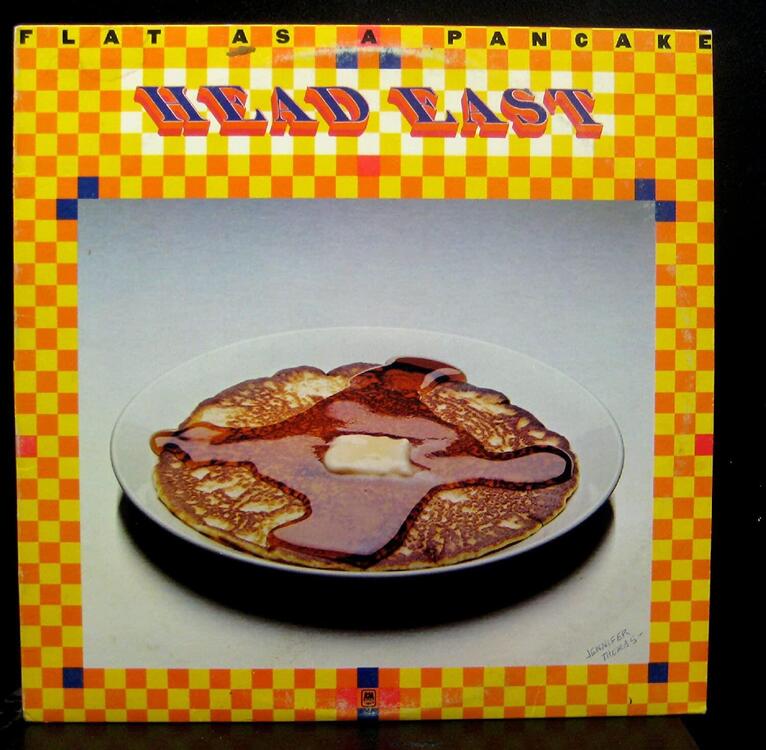
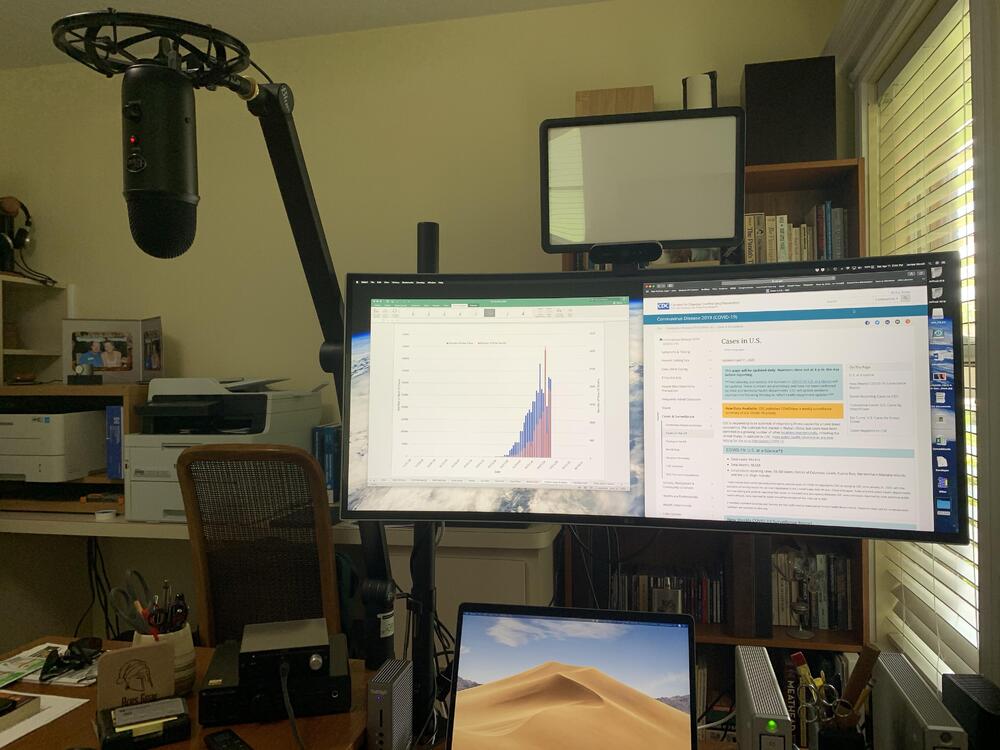
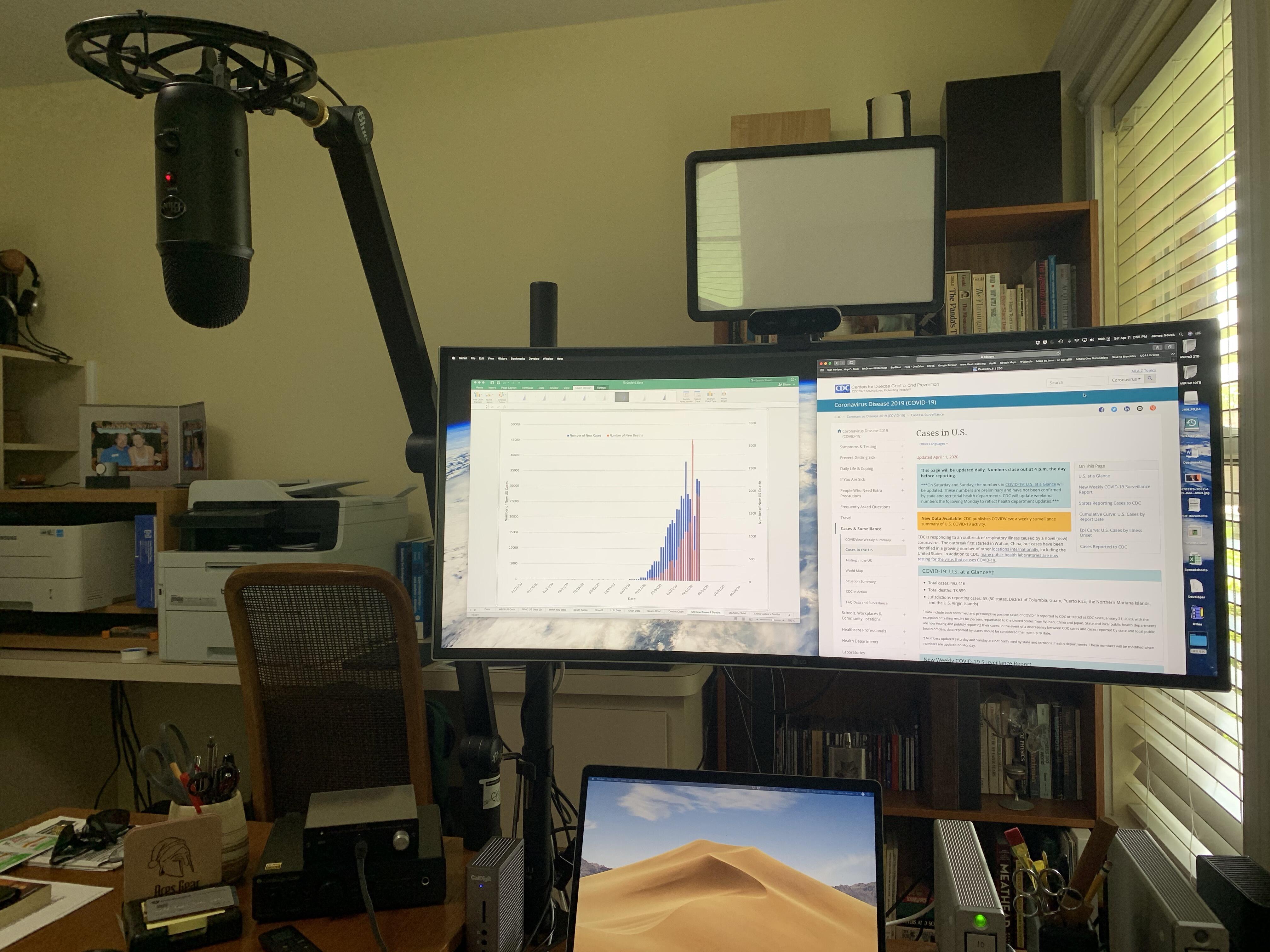
 Thanks. 1. 2019 MacBook Pro 15” 2. LG 34CB99-W monitor attached to a 3. Wali vertical desk post and single-arm mount 4. Logitech Brio 5. Blue Microphones Yeticaster 6. Godox LEDP260C Bi-Color LED Panel attached to 3 via an 7. Impact Super Clamp + Manfrotto 143N Magic Arm 8. Various audio devices to play incoming audio in a fairly large number of possible permutations. No pop shield as I haven't noticed much popping in my recordings. On the outside handle of the closed door of course.I forgot to comment on how gorgeous Steve and Al's table and bench set and Doug's wooden version of mjolnir are. Excellent work gentlemen, your craftsmanship is exceptional. Me today: finished the last touches on my "Imus at Home" studio.
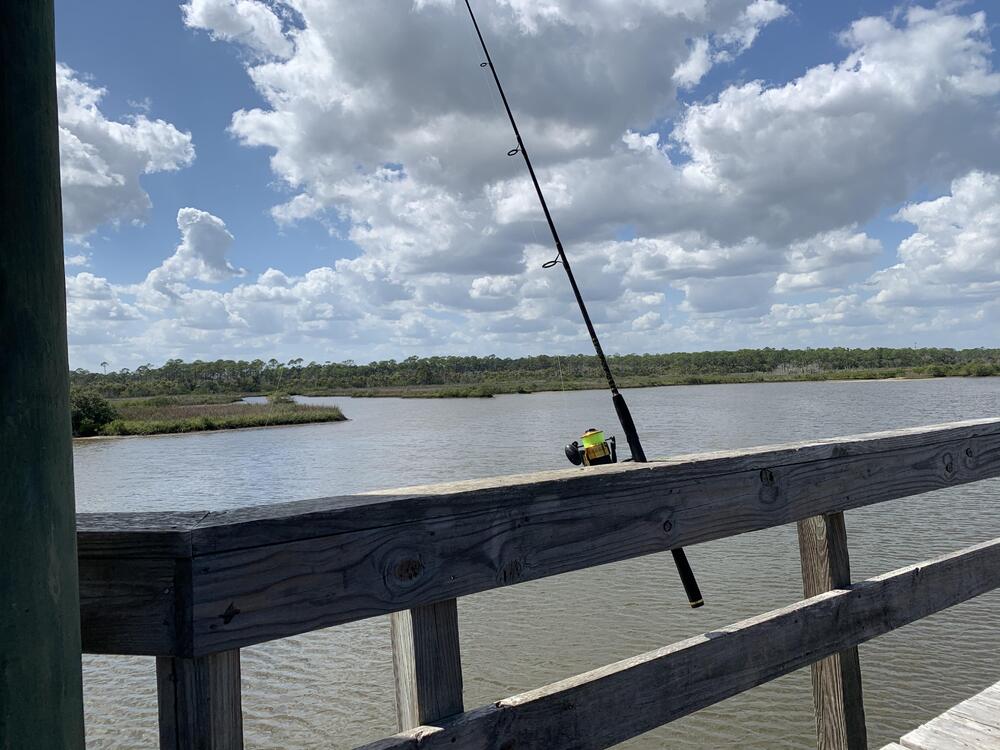
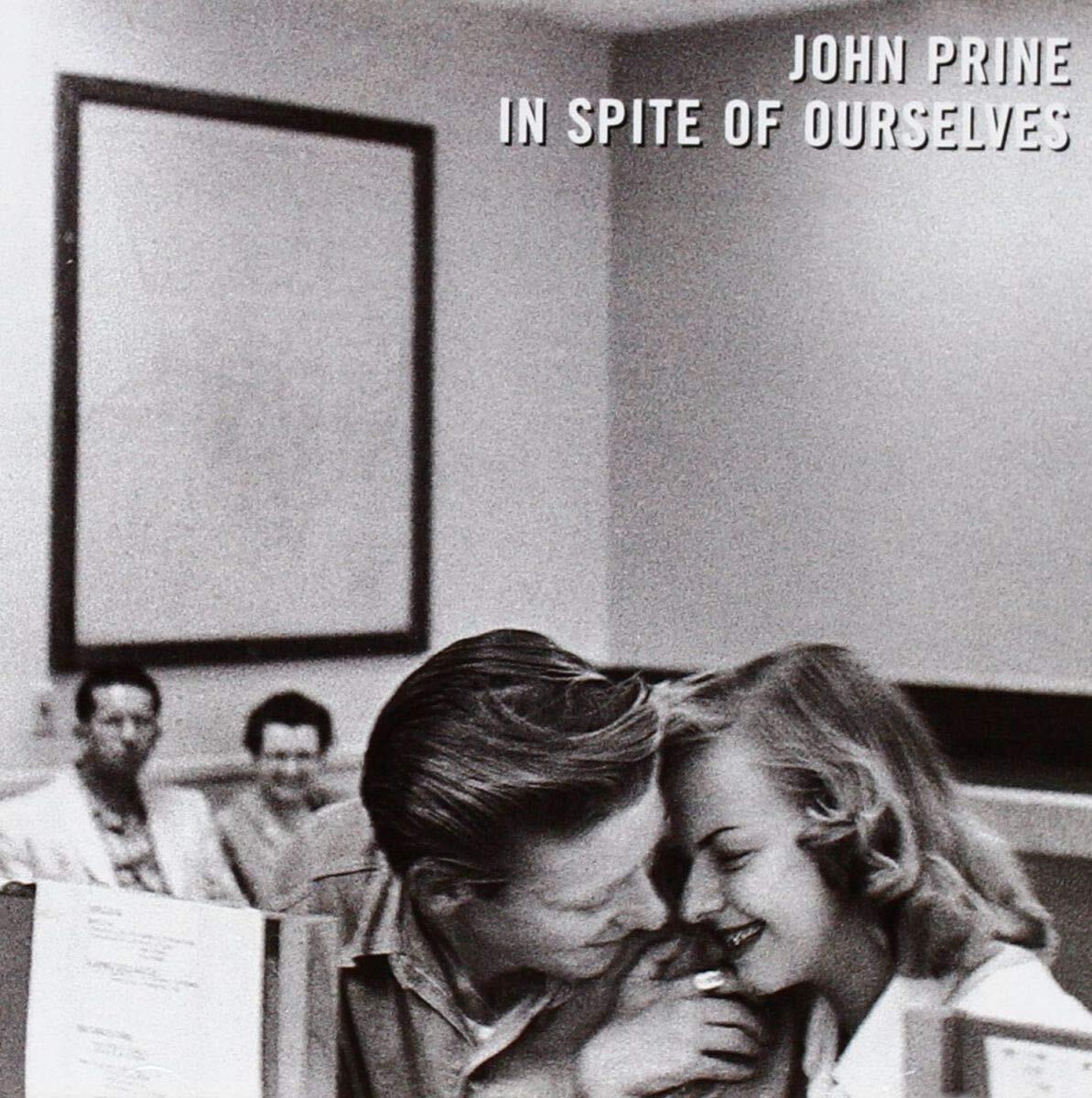
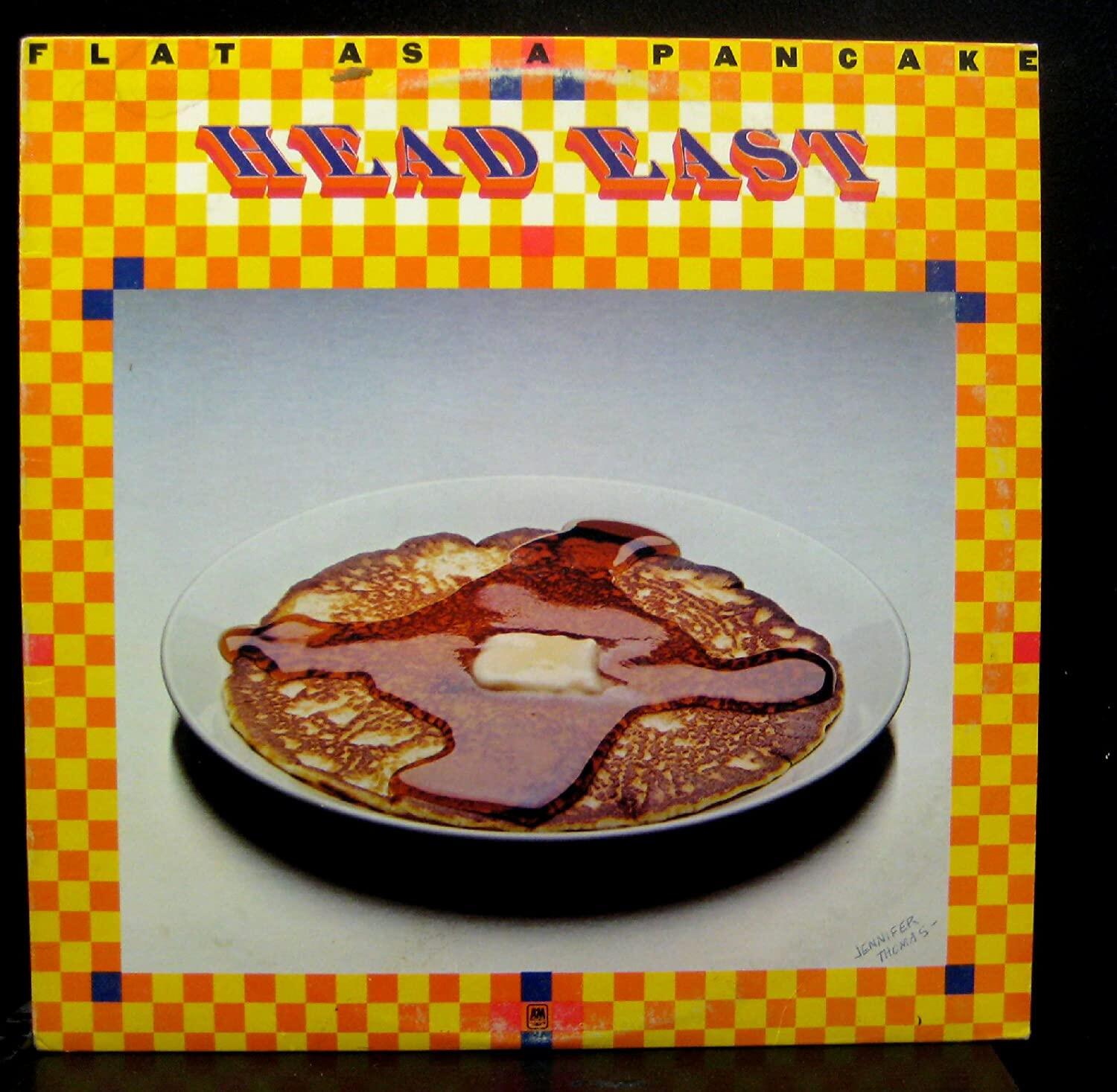
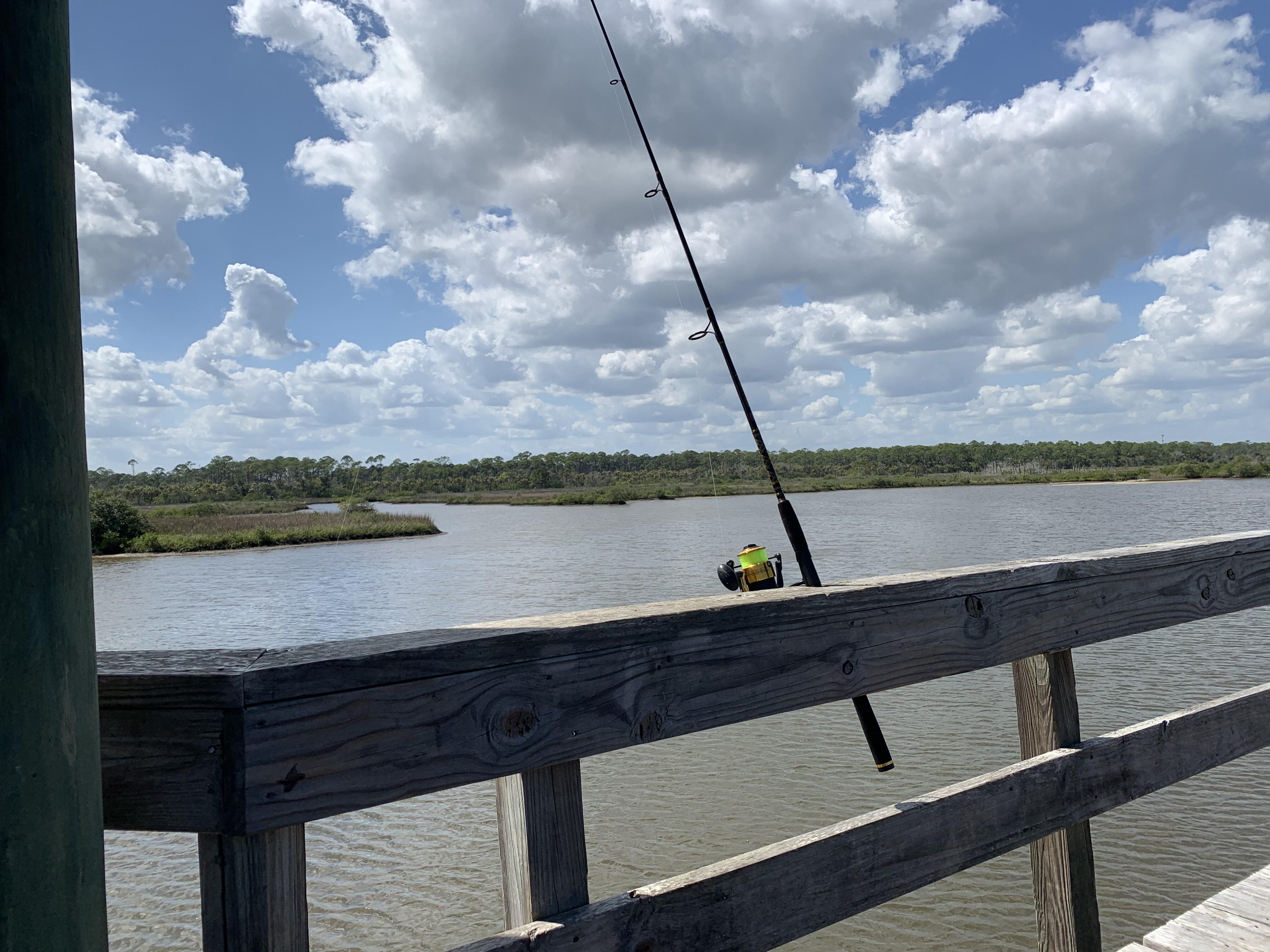
 That is my favorite John Prine song. For me it sums him up perfectly as a musician.^^ Nice. May I ask where you obtained your precious?I tried using Roon but it was never an easy proposition and I think k that is why I gradually shifted over to Tidal. I also tried to get Roon to run on my NAS ()which is pretty capable) but it is not reliable. Because of the above comments I am going to try Qobuz as an addition to Tidal.That was fucking awesome! That is definitely the most new (to me) artists I discovered in under 6 minutes. THIS is the Rolling Stone article about the video.I listen to Tidal probably 75% of the time now. If that percentage gets much higher I am likely to ditch the Mac mini. I am pretty happy with the GUI of the MacOS Tidal app and its audio quality.So much this. Me too (I even practiced). I miss Pushy. (Someone had to say it)RIP Curly, I am so glad I had seen the Globetrotters with Curly as a kidFuck that! RIP Kenny. Agree with Ken, Ruby was my favorite.The vinyl sounds nice, but no fire here, 88 today.Fishin’
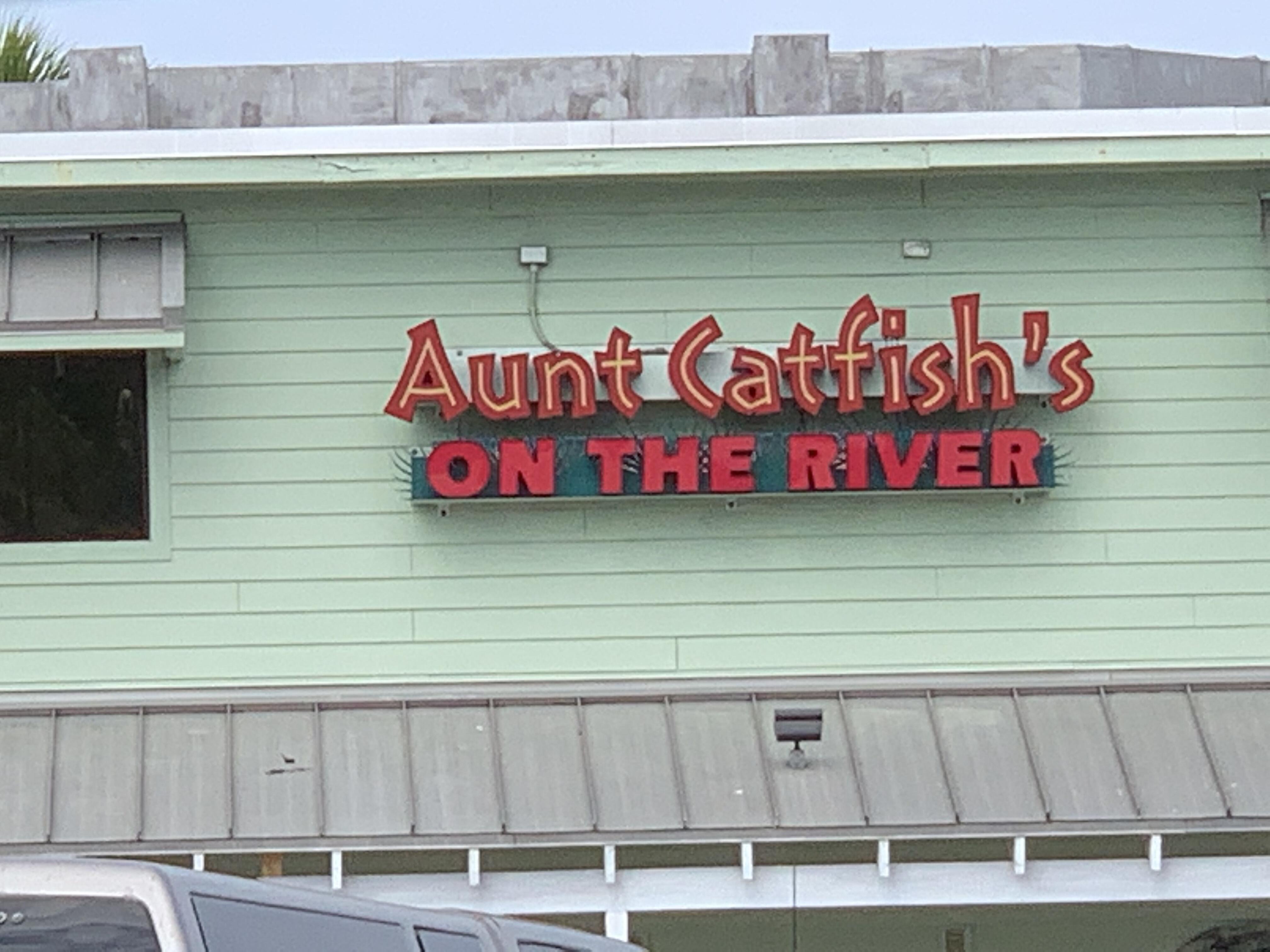
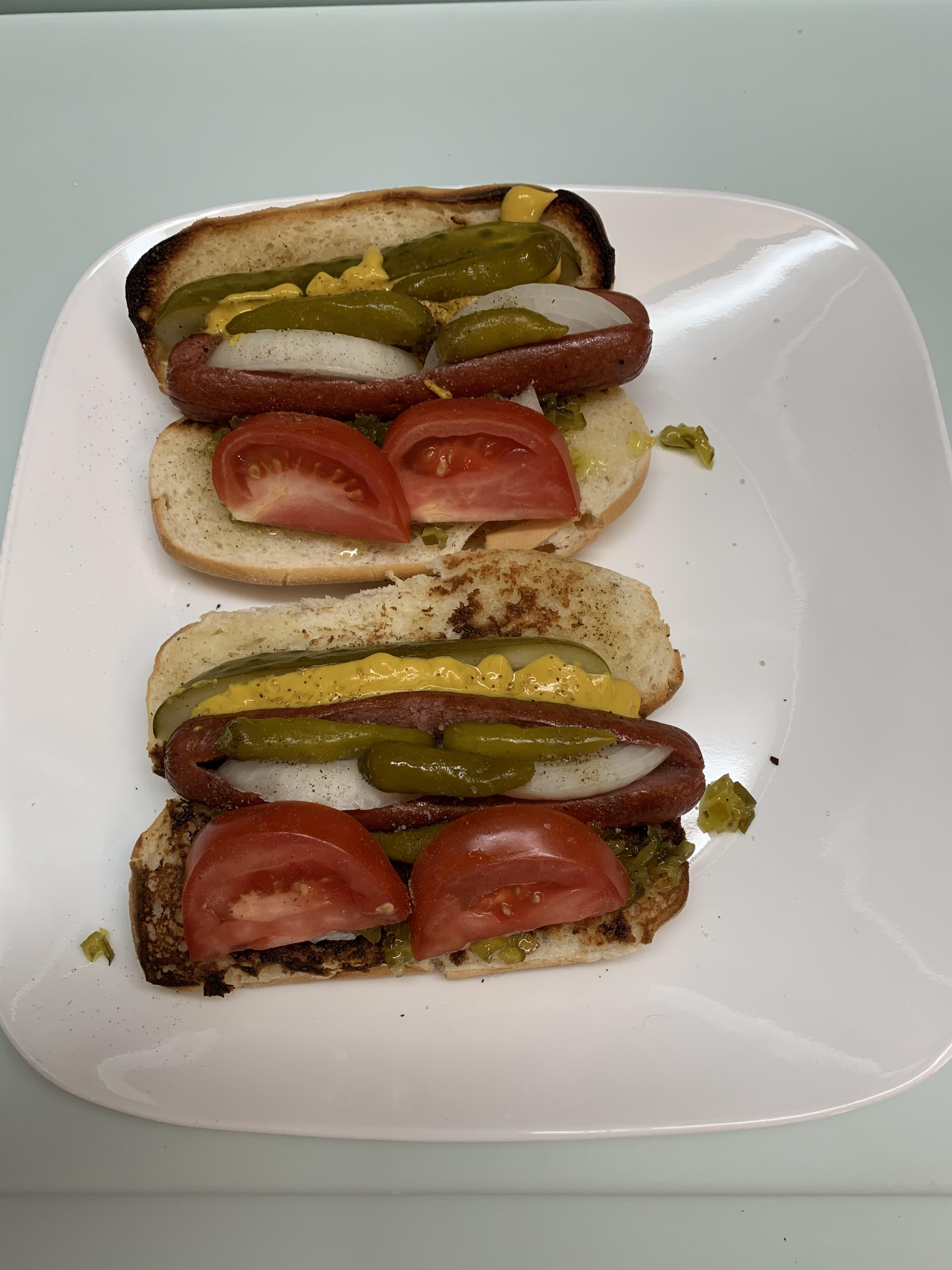
 The only real Chicago style hot dogs I have been able to find in Florida are at Portillo's. The nearest one is a little over 100 miles away in Brandon FL so I make my own.This is now my new theme song.That is pricey, but when my keyboard folio bites it I will likely get the magic keyboard, because magic. (Typed on my keyboard folio).





Important Information
By using this site, you agree to our Terms of Use.
Account
Navigation
Search
Configure browser push notifications
Chrome (Android)
- Tap the lock icon next to the address bar.
- Tap Permissions → Notifications.
- Adjust your preference.
Chrome (Desktop)
- Click the padlock icon in the address bar.
- Select Site settings.
- Find Notifications and adjust your preference.
Safari (iOS 16.4+)
- Ensure the site is installed via Add to Home Screen.
- Open Settings App → Notifications.
- Find your app name and adjust your preference.
Safari (macOS)
- Go to Safari → Preferences.
- Click the Websites tab.
- Select Notifications in the sidebar.
- Find this website and adjust your preference.
Edge (Android)
- Tap the lock icon next to the address bar.
- Tap Permissions.
- Find Notifications and adjust your preference.
Edge (Desktop)
- Click the padlock icon in the address bar.
- Click Permissions for this site.
- Find Notifications and adjust your preference.
Firefox (Android)
- Go to Settings → Site permissions.
- Tap Notifications.
- Find this site in the list and adjust your preference.
Firefox (Desktop)
- Open Firefox Settings.
- Search for Notifications.
- Find this site in the list and adjust your preference.