


morphsci
High Rollers
-
Joined
-
Last visited
Everything posted by morphsci
-
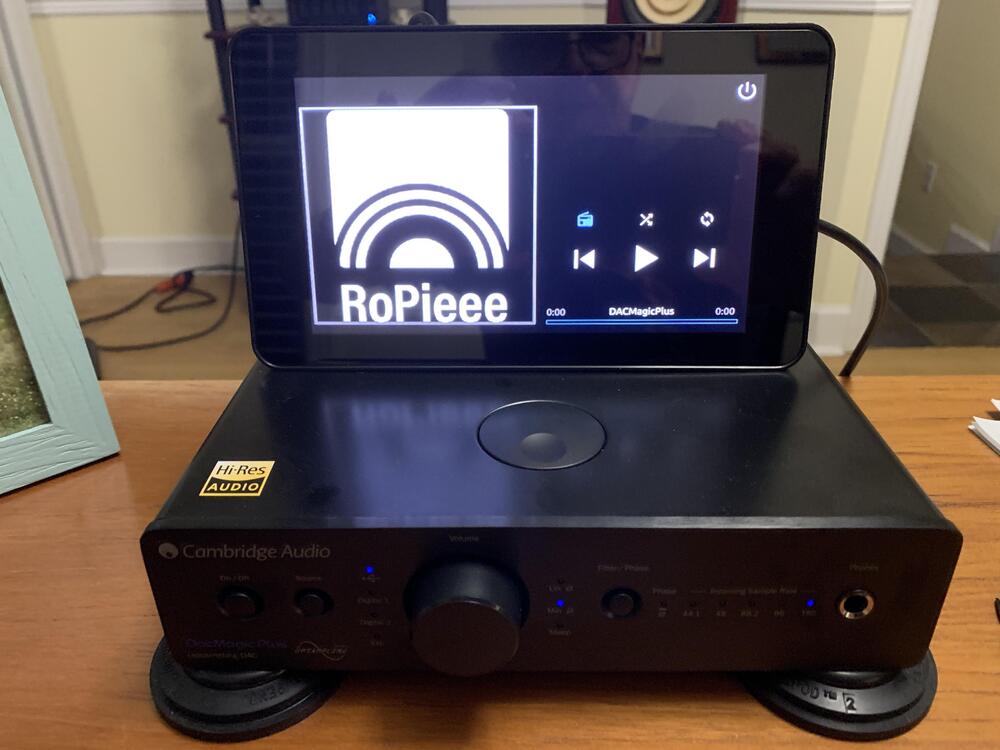
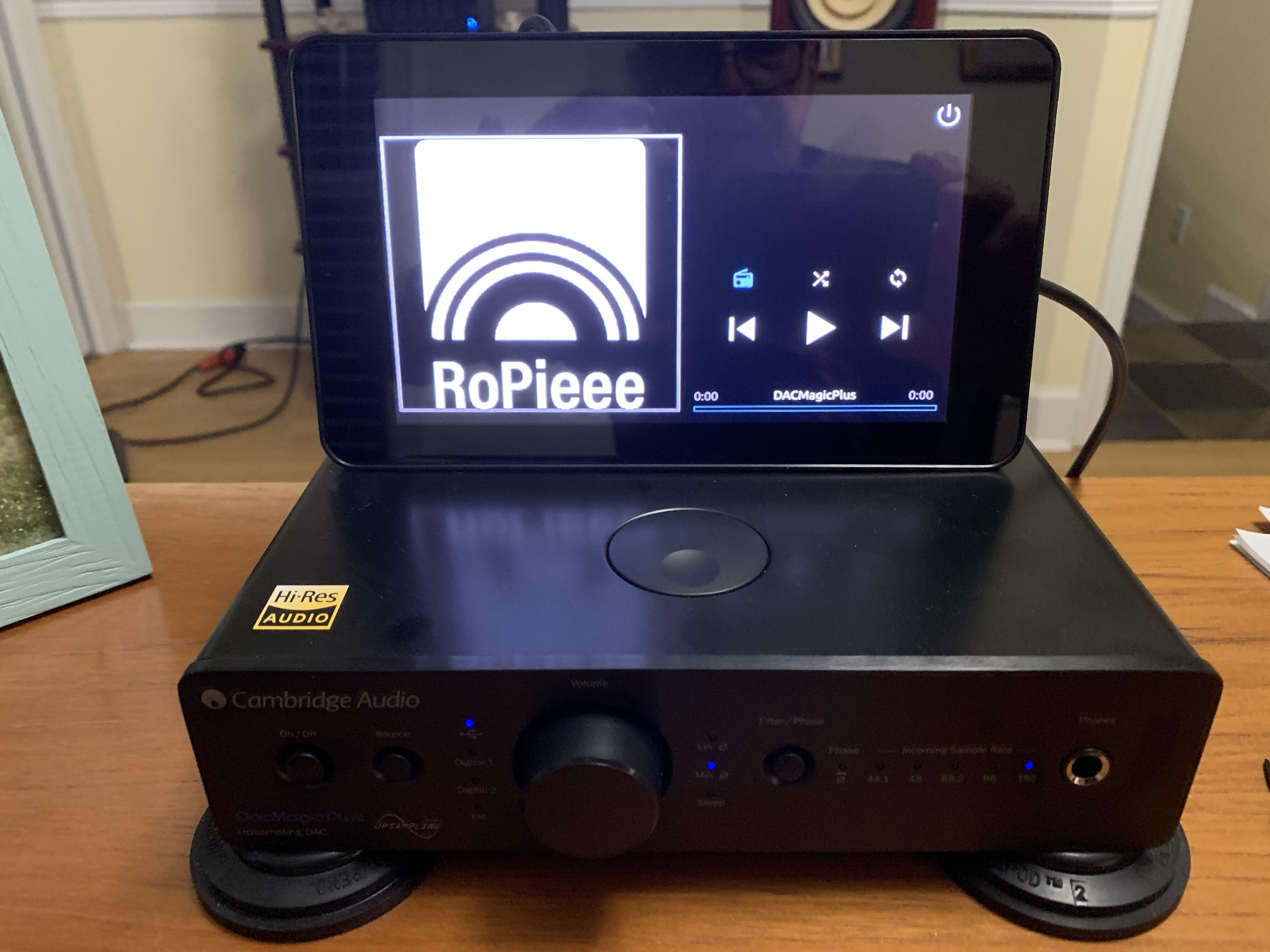
That is absolutely beautiful. Again, the craftsmanship is just superb.The mineral oil worked fine for the HF-1 and HF-2 (thanks Bryan and Ryan) and it was easy since I had some in the house. The Alessandro MS-Pro will require more work so I ordered some linseed oil soap (thanks Doug and Al).I know we do not discuss headphones much anymore but I have question for the Grado experts. I have to replace the pads on a couple of my Grados (actually one is an Alessandro) due to the infamous pad disintegration issue. There is some residue on the wooden cups that I would like to clean off. It is pretty clean just using a soft cloth and soft brush but there is some residue that I would like to remove without harming the finish. Any suggestions would be most welcome.Built another Ropiee appliance. This time used RopieeXL and the 7" Pi touchscreen display.
 Happy Birthday, Chris!
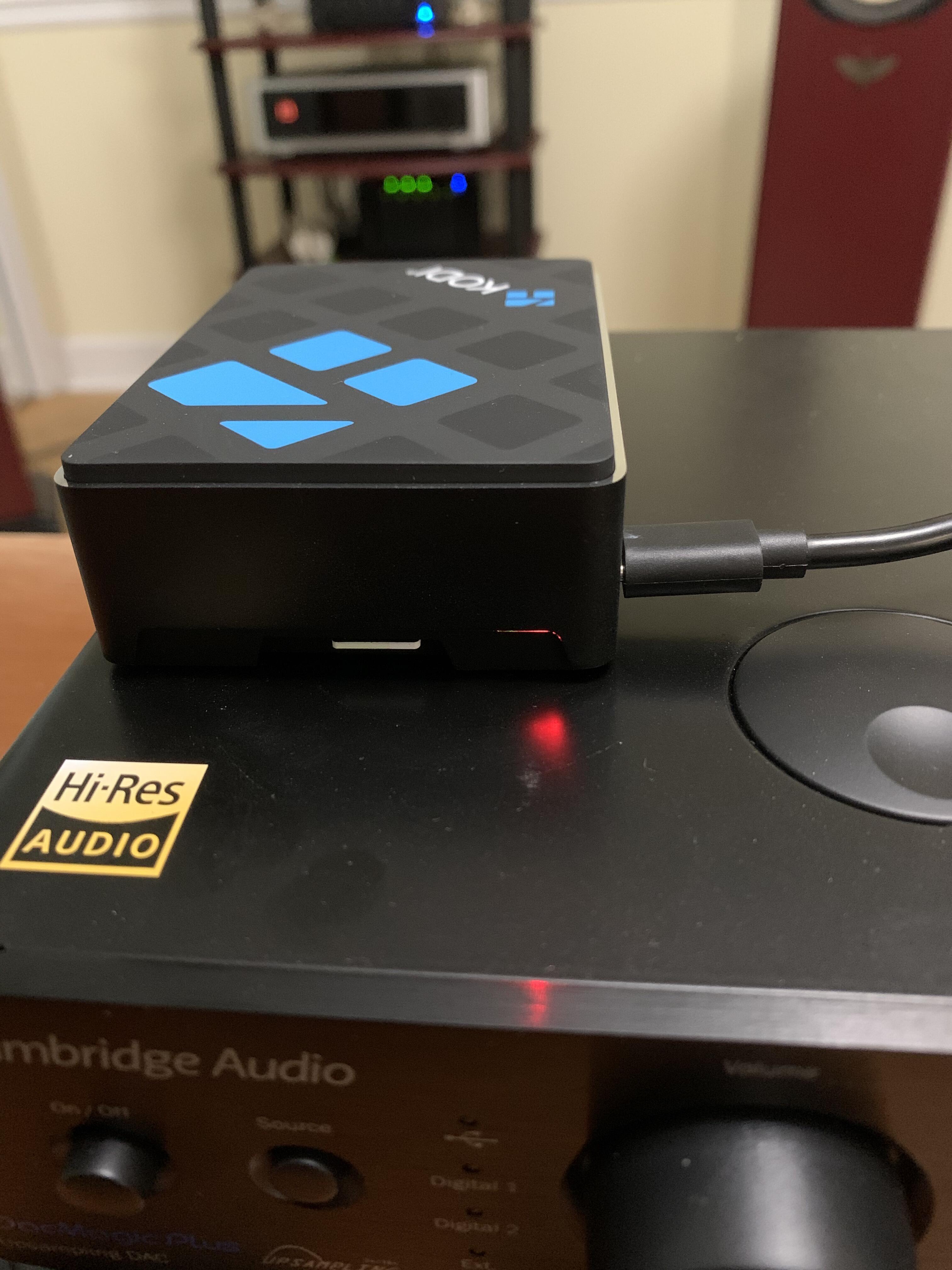
 I was so burned out yesterday, that went totally over my head.It makes anything you connect one to a Roon endpoint. The one in the photo is sitting on and connected via USB to my DacMagic Plus. It is also connected wirelessly to my network (or you can leave it wired). Roon sees it when it is turned on because of the Ropiee software (Linux running Roon Bridge). It is a single purpose network appliance so I do not have to mess around with Linux per se. RopieeXL can also be used for DLNA, airplay and Spotify. Edit: But Ric's video makes a much more compelling case.Three that you inspired.Before the days of social distancing.
 Let's make that a triple.
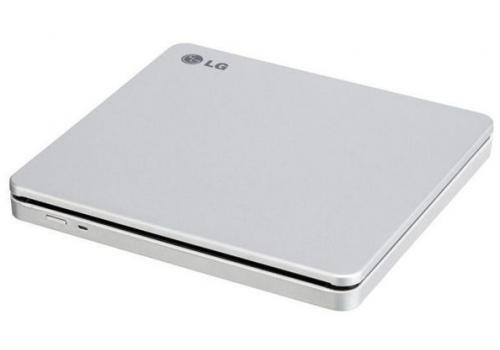
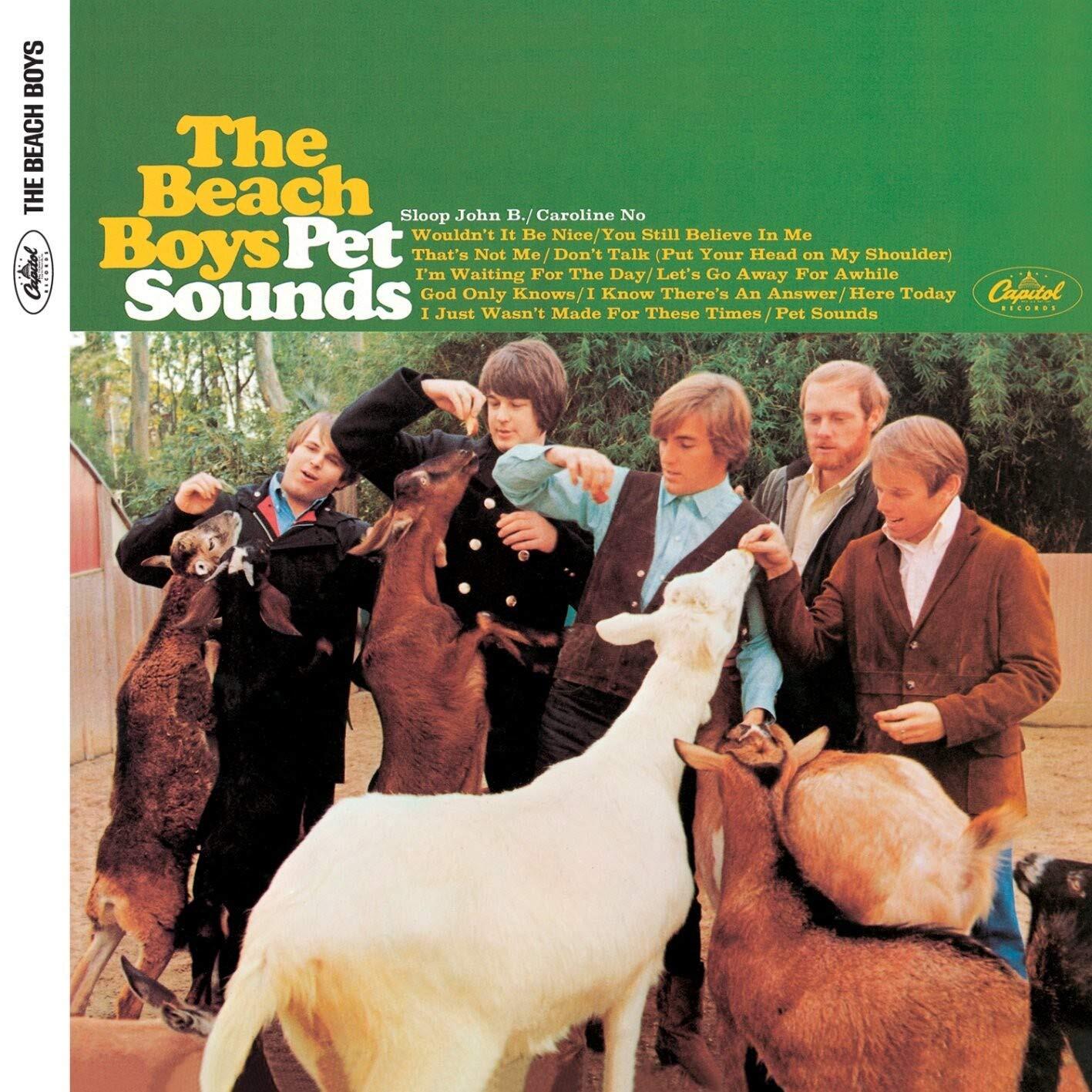
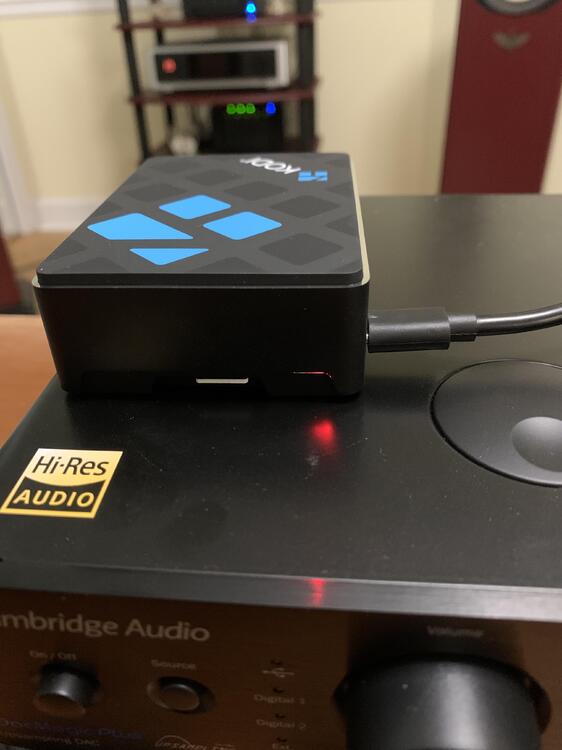 ???? Am I on the wrong forum?I think you may need another DAC. #TheNextDinnyDecided to take trip back in time so I downloaded a copy of dbpoweramp and ripped all of the CDs that have accumulated over the last couple of years. Halfway through I also had to replace my cheap-ass DVD writer with this which worked really well.
 Might just be time for a Mad Dog Margarita.
 Happy Birthday, Matt!Happy Birthday, Shelly!
 OK I have to change my mind on Roon. I spent the morning reinstalling my Roon Core and now it all works flawlessly. Since both Roon as well as my infrastructure has changed significantly since the last time I used it I do not know what caused this improvement, but I am happy. Seamless integration of my collection as well as Tidal and Qobuz and easy switching of where I want it to play. I now see its popularity.The last time I did a headless install I ended up hitting the device.Make sure to get a HDMI-Micro HDMI cable 😉Happy Birthday, Manuel!Mmmmmm .... camel milk ...I don't know why, but this just seemed appropriate now







Important Information
By using this site, you agree to our Terms of Use.