morphsci
High Rollers
-
Joined
-
Last visited
Everything posted by morphsci
-
Decided to take a break from unpacking and setting shit up so we drove over to the local beach 10 minutes away. We bought a yearly beach pass that includes all beaches from Ormand Beach to New Smyrna and also Lighthouse Point Park. Then spent a few hours boogie boarding. Very nice day.
-
I guess I should pay more attention to post dates. At least I am catching up as I am only about a week behind. Sorry about the bad experience.
-
http://vintagedancer.com/1930s/1930s-men-fashion-guide/
-
Happy Birthday, Scott!
-
Happy Birthday, Justin!
-
Happy Birthday, Kerry!
-
Happy Birthday, David!
-
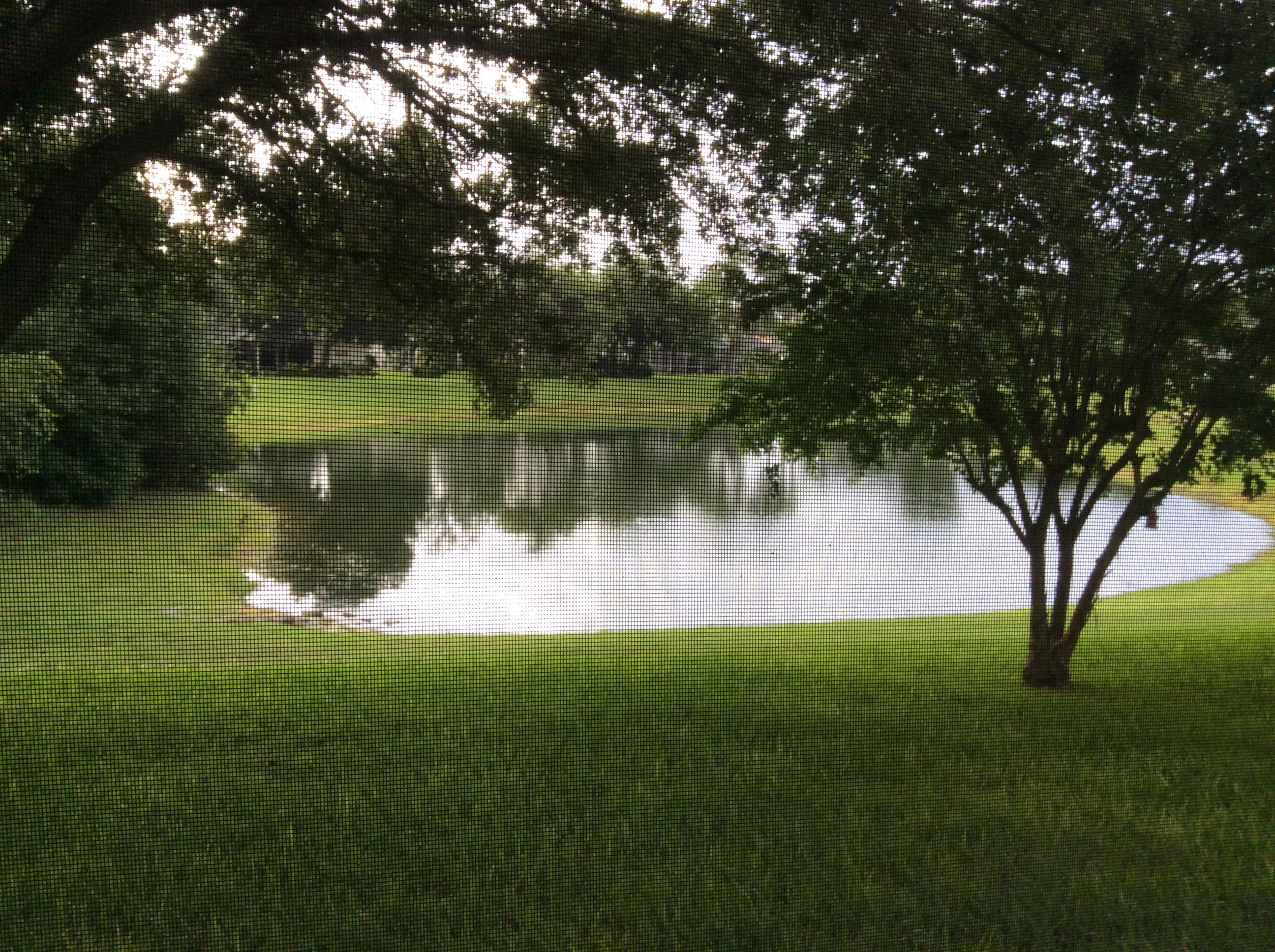
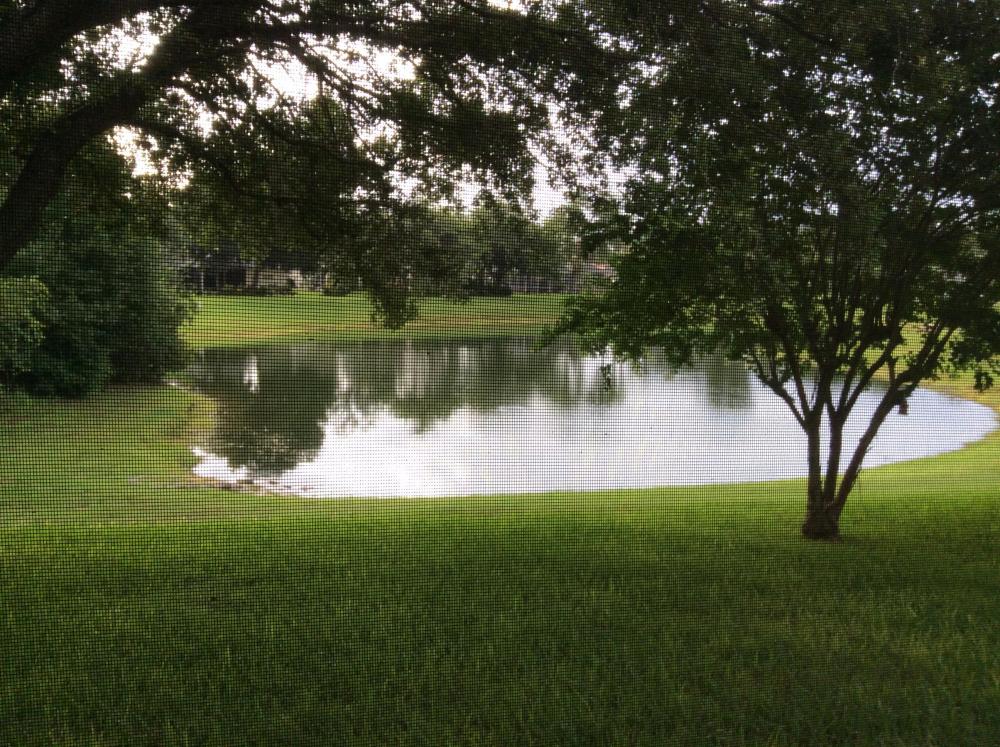
View from our new screened back porch
-
Happy Birthday, Ben!
-
-
Well, it is called "Diptrace" after all.
-
For some reason whenever I see Toronto being referred to as the raptors I hear craptors ... I wonder why?
-
Totally agree.
-
Happy Birthday, Brent!
-
Happy Birthday, Raffy!
-
-
How the fuck did I miss this? A Belated Happy Birthday, Chris! Edit: Even more face-Palm worthy because I didn't.
-
Awesome job Emily! Congrats to you and the proud parents.
-
-
Condolences Brent. RIP Sam. @Guy Clark - Keep trusting your cape Mr. Clark.
-
Happy Birthday, Chris!
-
Condolences, Todd. RIP Mike.
-
Happy Birthday, Ari!
-
Happy Birthday, Justin!
-
Been there. Done doing that!