Hopstretch
High Rollers
-
Joined
-
Last visited
Everything posted by Hopstretch
-
Meanwhile the hand-picked new producer has bailed out. http://www.radiotimes.com/news/2015-12-22/chris-evans-loses-his-top-gear-executive-producer-lisa-clark-after-just-five-months How did I possibly miss the latter?
-
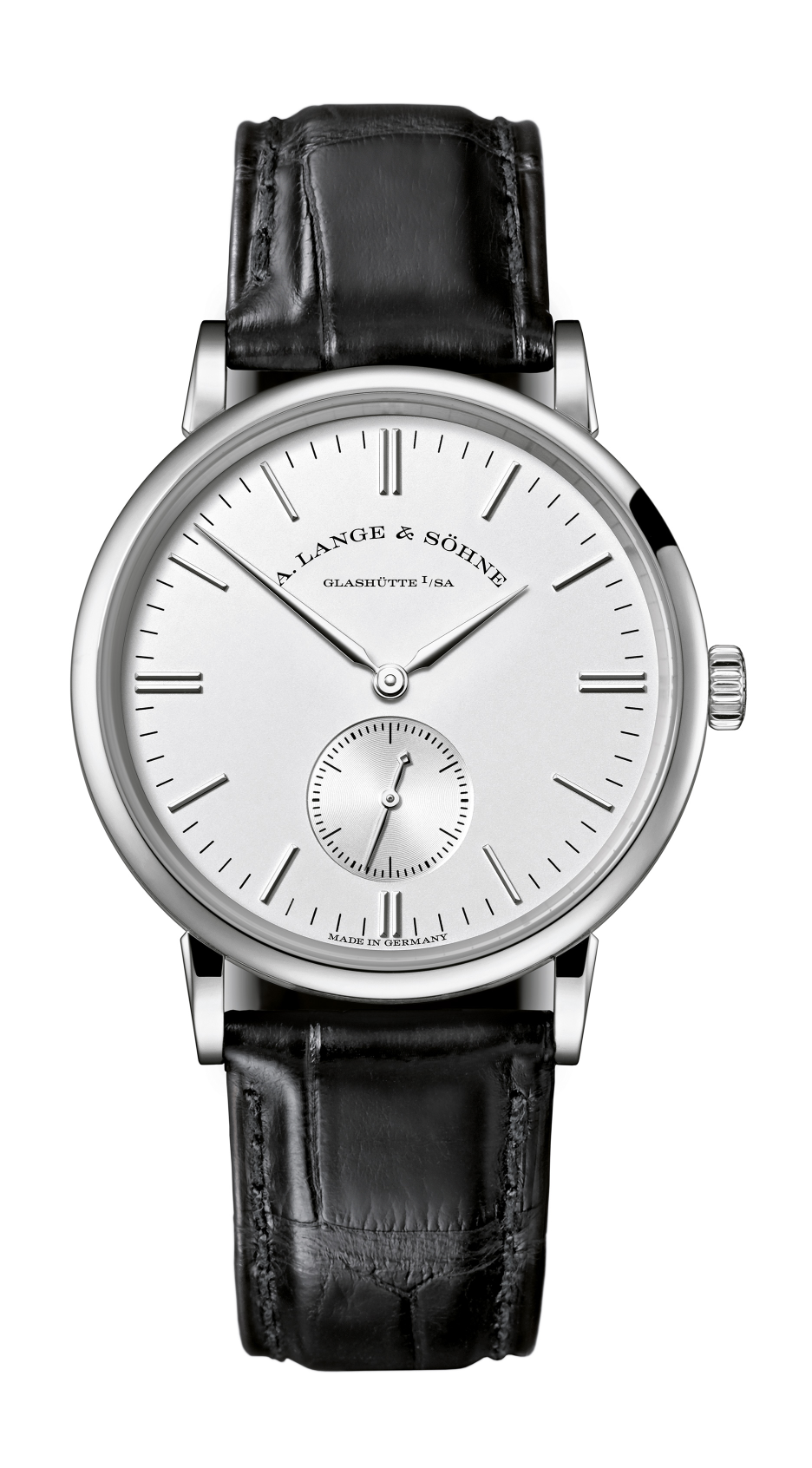
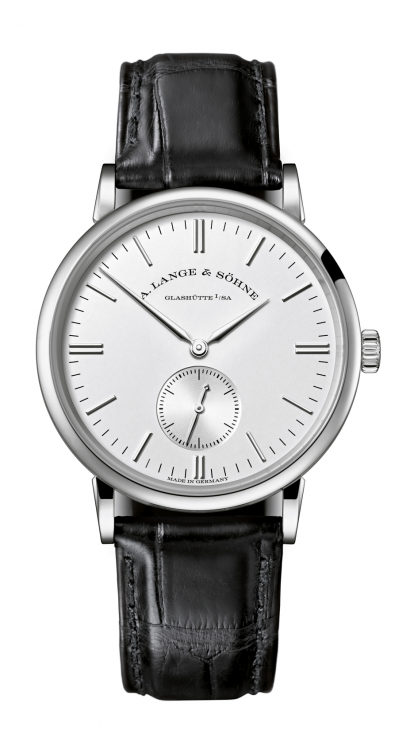
Extended Christmas best Christmas. There was a minor flurry of last-minute watch buying and selling here too. Resulting in a decent deal on a Lange Saxonia manual. Very clean and classic from ze Chermans, I think.
-
Built To Spill -- The Normal Years
-
My hints are so hot, they land before the request for them! The big key is knowing exactly what you want (which car, and which options) and how much (realistically) you should have to pay for it. Having your own finance in place beforehand is always good, too.
-
Have bought our last two cars sight unseen, by email. One was in Aberdeen and the other in Birmingham. Reasonable offer (with promise of immediate payment by bank wire), quick acceptance, electronic document exchange, funds transfer, car dropped off in driveway a few days later. Super low friction.
-
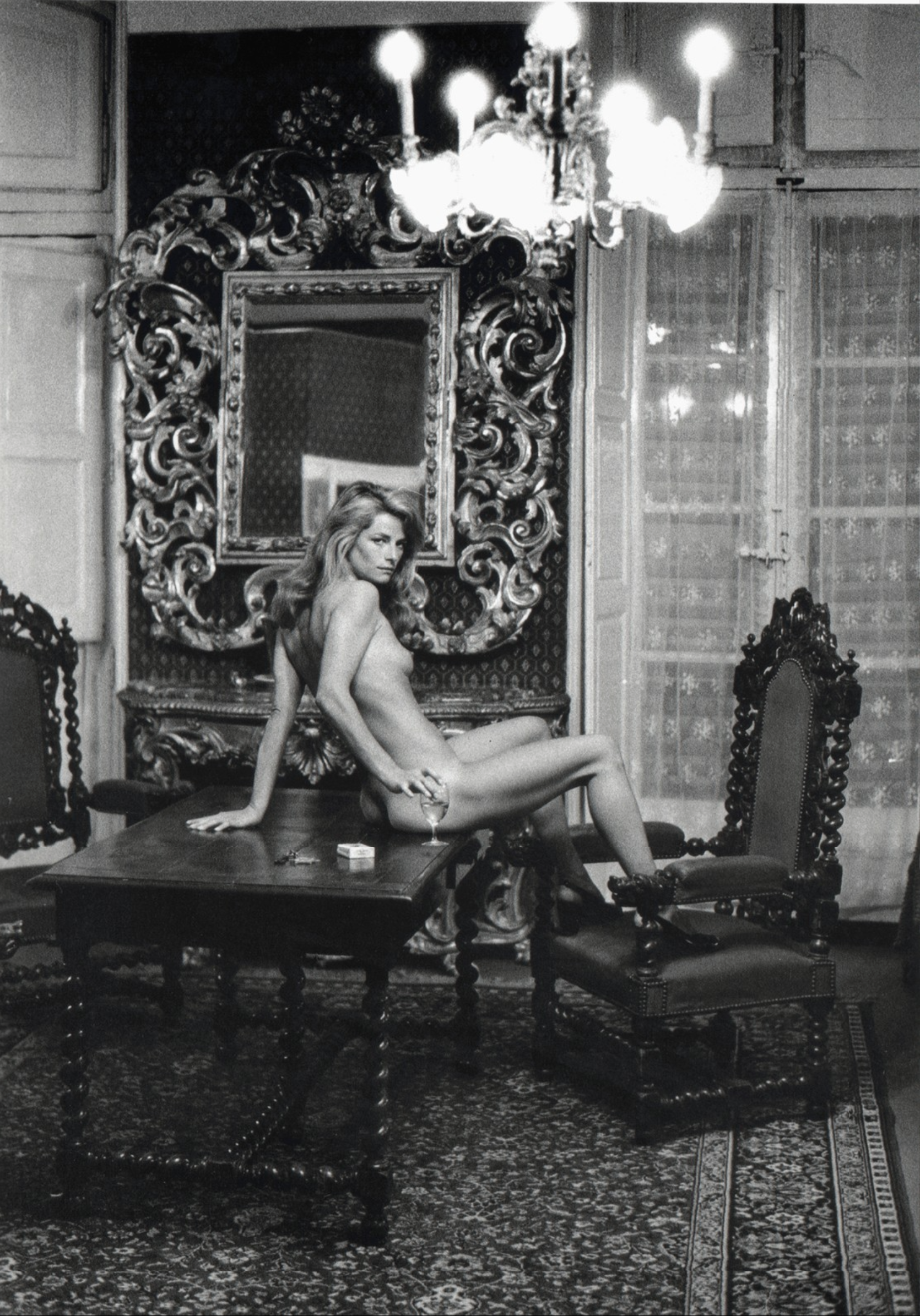
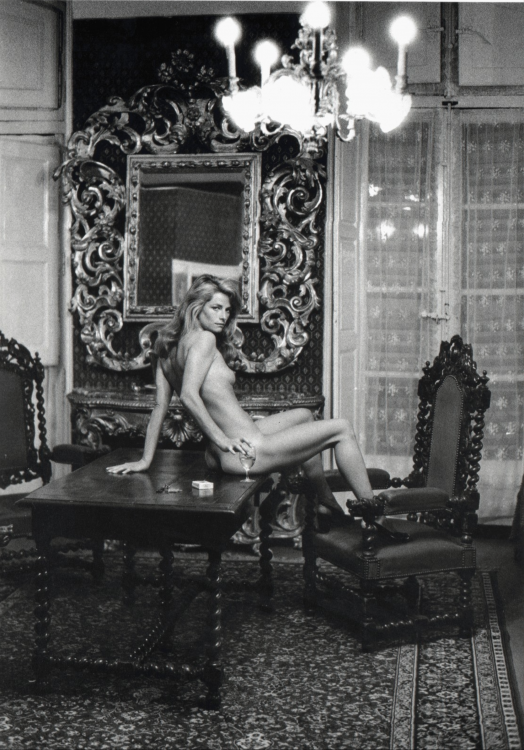
I always preferred her other famous Helmut Newton shoot.
-
^^^ So good. Right now:

-
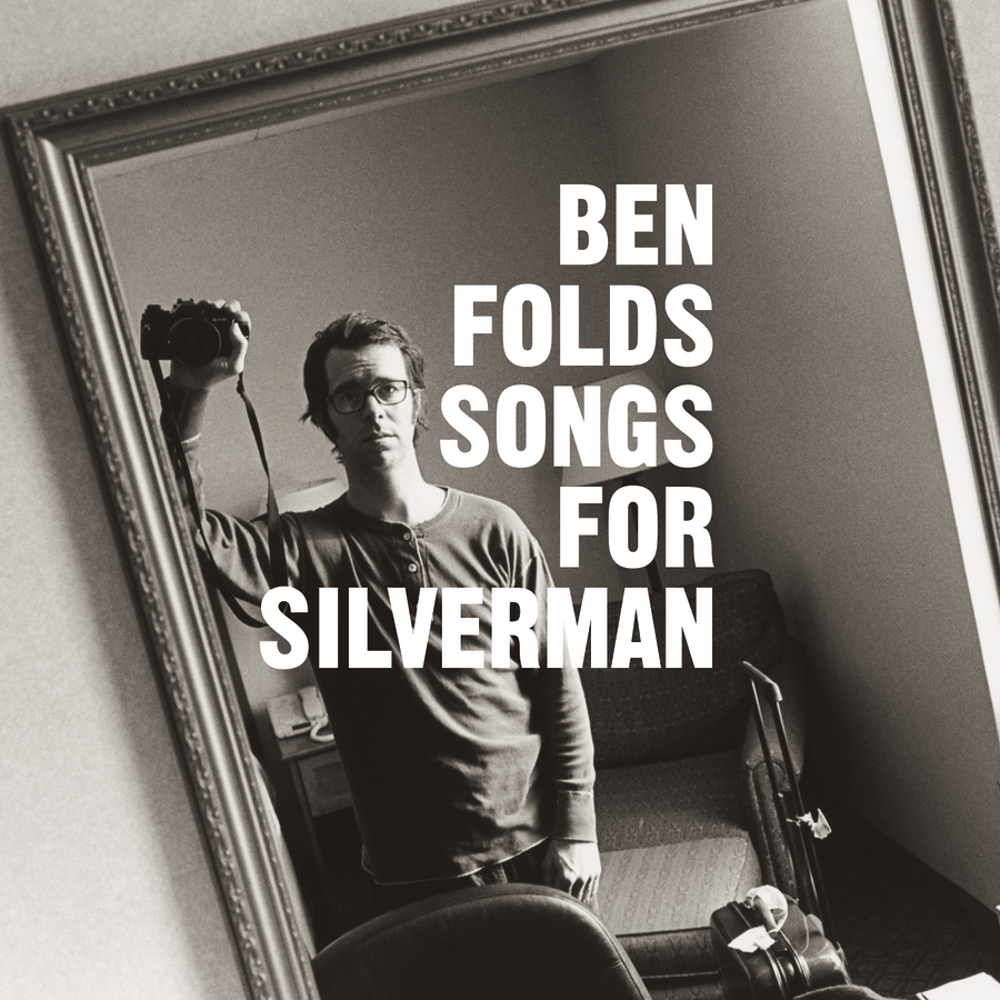
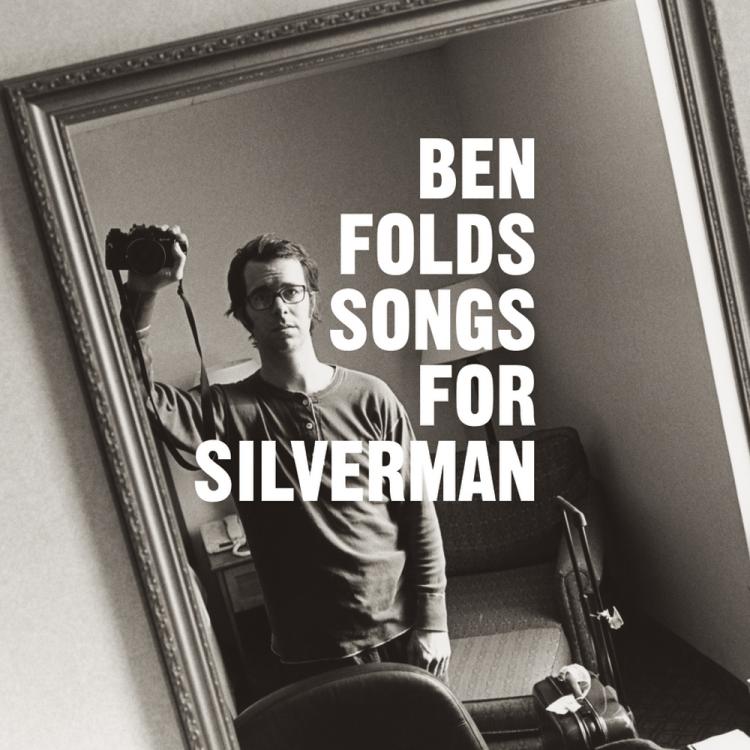
Ben Folds -- Songs For Silverman
-
Bacon! http://www.independent.co.uk/news/science/vegetarian-diet-bad-for-environment-meat-study-lettuce-three-times-worse-emissions-bacon-a6773671.html (A Christmas gift to Grahame, surely?)
-
What's the point of a watch that doesn't keep time? [emoji3]
-
My theory is they actually want to stay in business.
-
We had the Christmas menu. Sorry Rudolph, you were delicious.
-
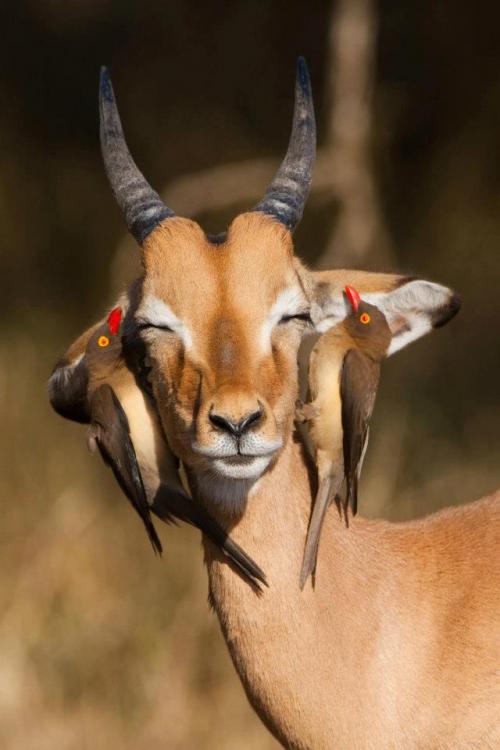
All Sandwiches Matter Suck #yolocarb Just close your eyes and enjoy the beautiful, beautiful music ...
-
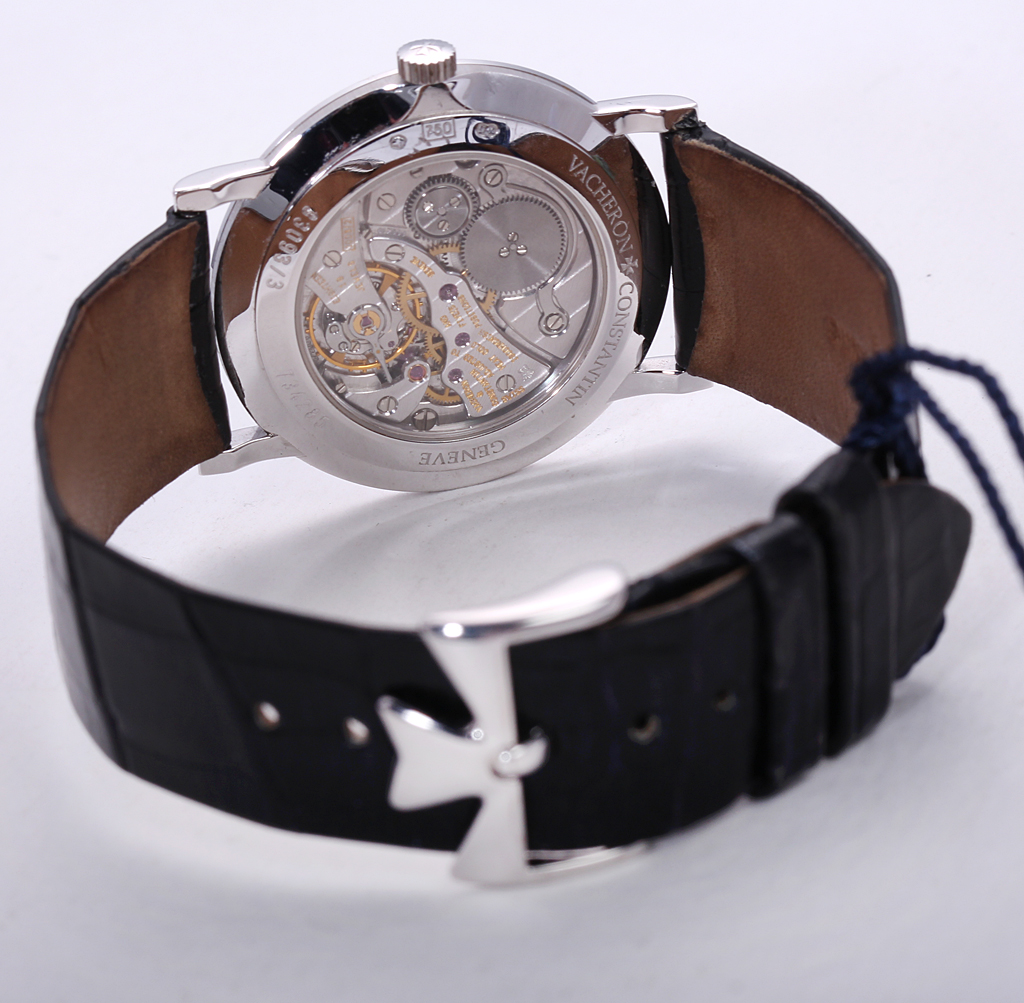
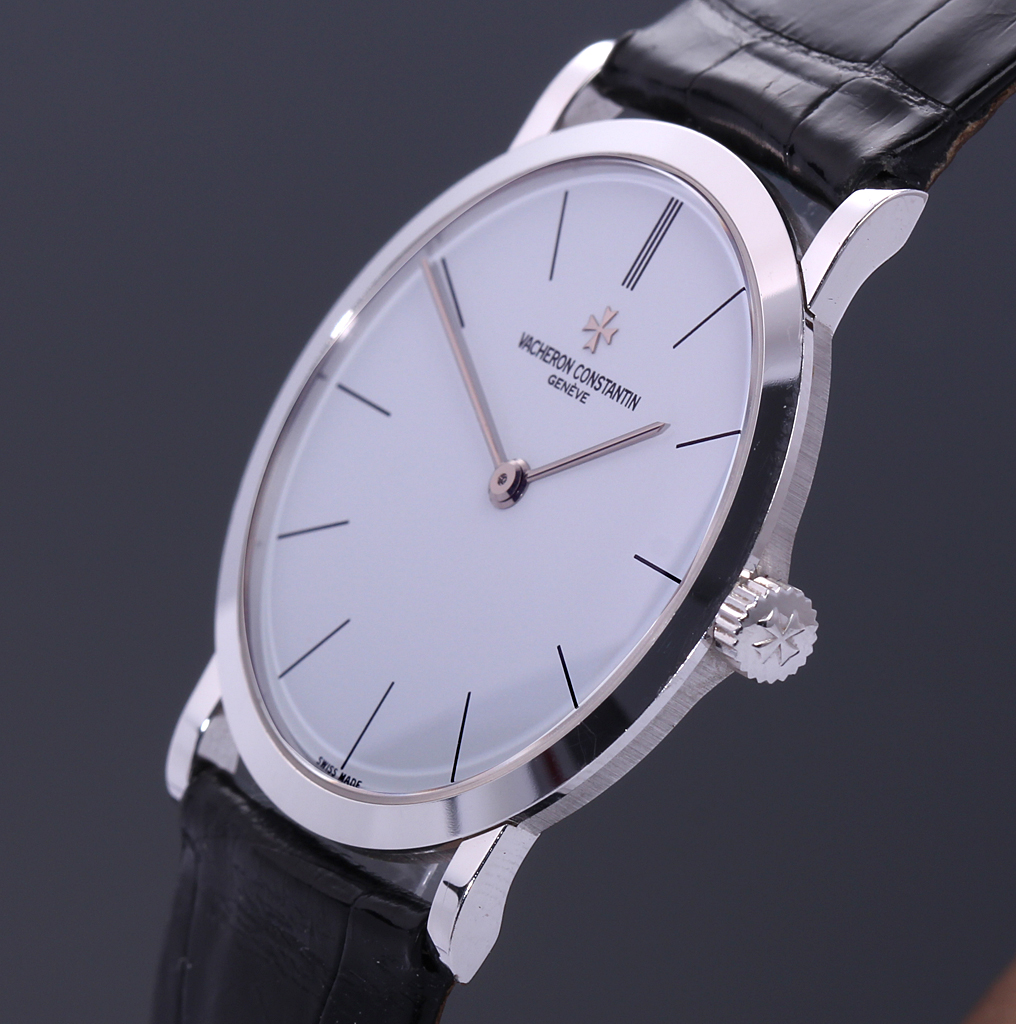
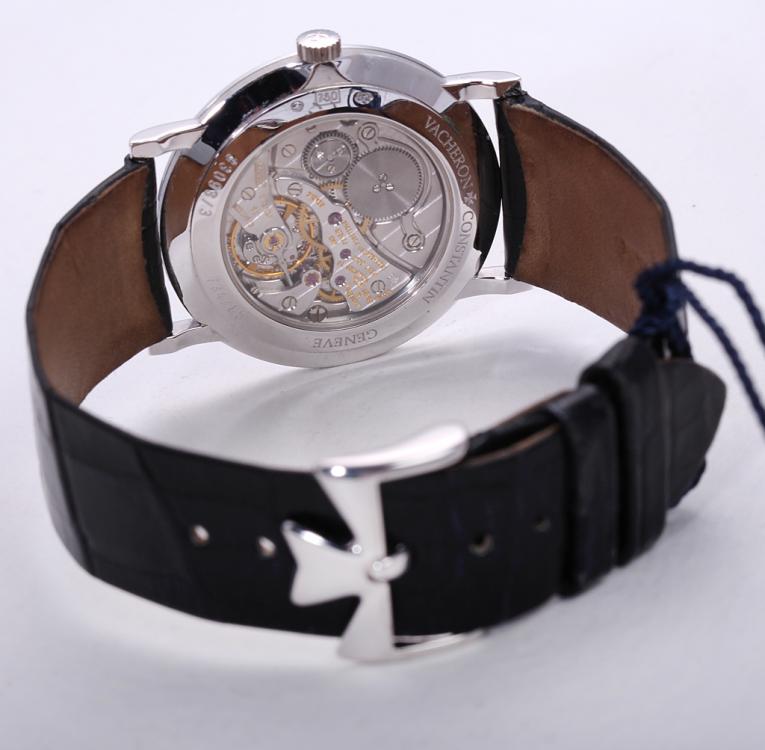
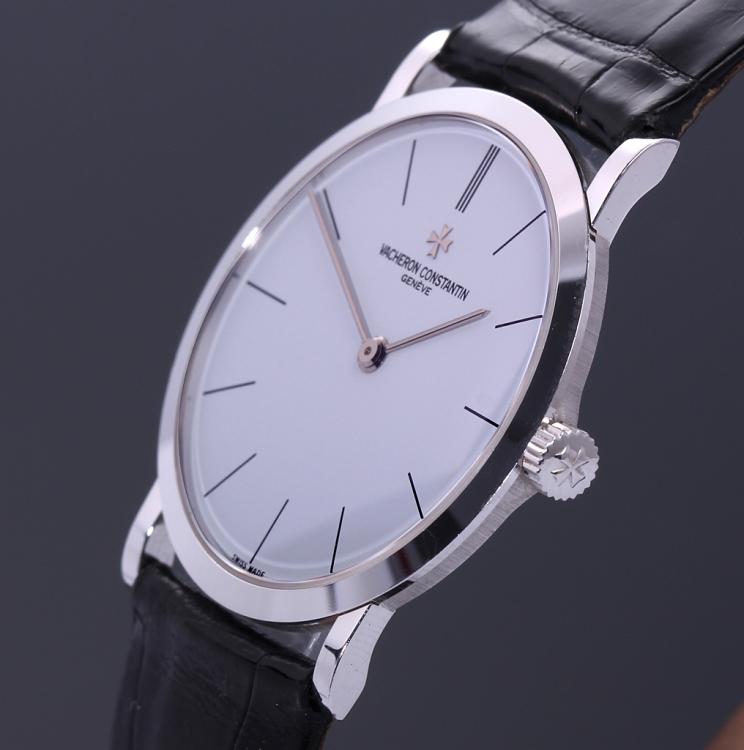
Very nice Marc! Lots of respect for GS. The Mrs. has been wanting a classic dress two-hander and doesn't love Calatravas, so I found her an older VC ultra thin (33093/3) for Christmas that I think will do the job.
-
This!
-
Planning on running dual mono?
-
Met up with an old college friend for the first time in 25 years. He was the same super chill guy I remember but has done well and seems really happy. It was nice. [emoji846] (We had proper Dover soles, grilled, on the bone, with brown butter. They were nice.)
-
They're all fine, too.
-
Happy Birthday Todd!
-
Happy Birthday!
-
Double Dutch Rudder.
-
Much better. I actually went to check the libations thread and was all like: "WTF, he only posted about the food"?
-
Needs moar wine.
-
Sweet! * starts listening to Muse *
-
Today I finally gave up on a recent, desultory attempt to join the beardy boys club -- conceding that patchy and grey wasn't a winning combo for me. Went out in style, at least, with a full hot towel and straight razor performance at the original Trumpers in Curzon St. And if there's anything better that doesn't involve either wine or private parts, it hasn't happened to me yet.