


Hopstretch
High Rollers
-
Joined
-
Last visited
Everything posted by Hopstretch
-
Happy Birthday Doug!They've done this live for years but don't think previously recorded it.Happy Birthday Al. Dog walk tomorrow to keep you limber?I dedicate this, obviously, to @Grahame.Mogwai -- As The Love ContinuesReleased 34 years ago today.
 Enjoying this a lot.
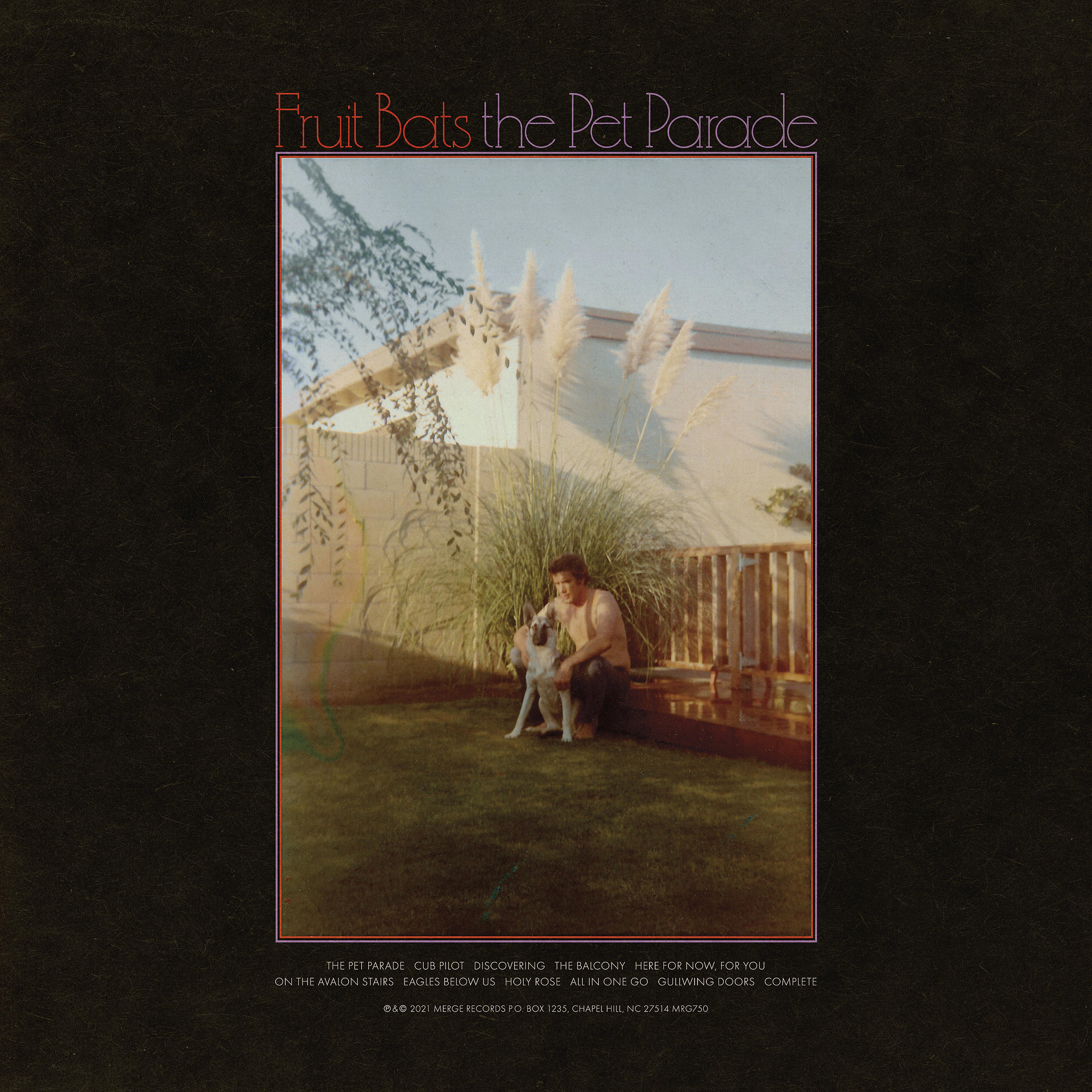
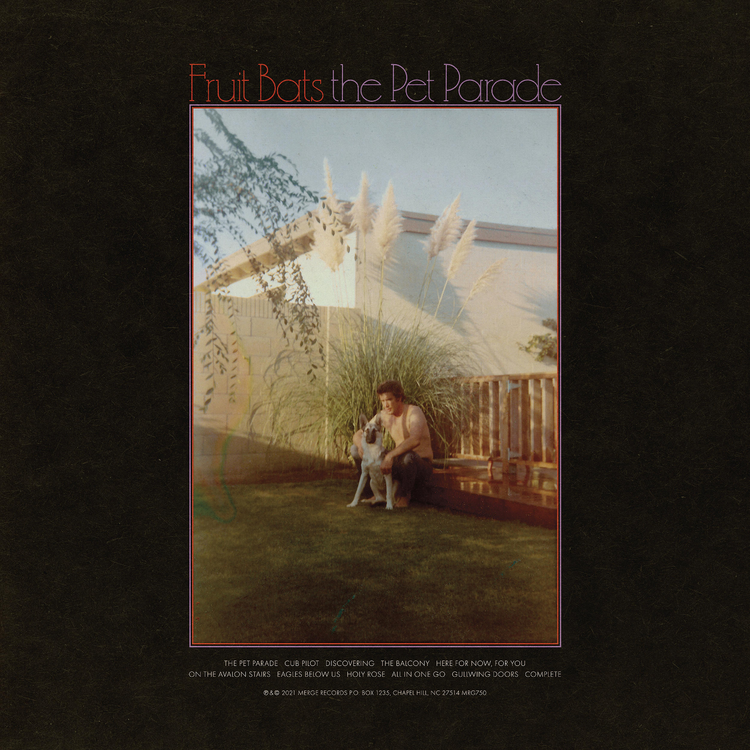 Happy Beerthday Nate!Happy Birthday Colin!Occasionally, I wish I believed in Hell.Loved their first album, which was very 80s/90s pop. This one seems to have jumped forward 20 years or so. Pastiche? They do it well and I enjoy it so who cares ...Happy Birthday Steve!Indie folk about a rough breakup in the middle of a pandemic. If you're in that kind of mood.
 Belated best wishes!I thought this coda was quite interesting on how the musical income model is changing.No idea if this is of interest here but I support Lloyd Cole on Patreon because he's one of my favorite artists and he recently posted this about his home setup. (Think we used to have a Home Studio Porn thread but not sure if it survived the great Reks nuking?)

 Happy Birthday!










Important Information
By using this site, you agree to our Terms of Use.
Account
Navigation
Search
Configure browser push notifications
Chrome (Android)
- Tap the lock icon next to the address bar.
- Tap Permissions → Notifications.
- Adjust your preference.
Chrome (Desktop)
- Click the padlock icon in the address bar.
- Select Site settings.
- Find Notifications and adjust your preference.
Safari (iOS 16.4+)
- Ensure the site is installed via Add to Home Screen.
- Open Settings App → Notifications.
- Find your app name and adjust your preference.
Safari (macOS)
- Go to Safari → Preferences.
- Click the Websites tab.
- Select Notifications in the sidebar.
- Find this website and adjust your preference.
Edge (Android)
- Tap the lock icon next to the address bar.
- Tap Permissions.
- Find Notifications and adjust your preference.
Edge (Desktop)
- Click the padlock icon in the address bar.
- Click Permissions for this site.
- Find Notifications and adjust your preference.
Firefox (Android)
- Go to Settings → Site permissions.
- Tap Notifications.
- Find this site in the list and adjust your preference.
Firefox (Desktop)
- Open Firefox Settings.
- Search for Notifications.
- Find this site in the list and adjust your preference.