


Hopstretch
High Rollers
-
Joined
-
Last visited
Everything posted by Hopstretch
-
Me too. Instabuy.
-
Having already done this, can confirm it’s a good plan!
-
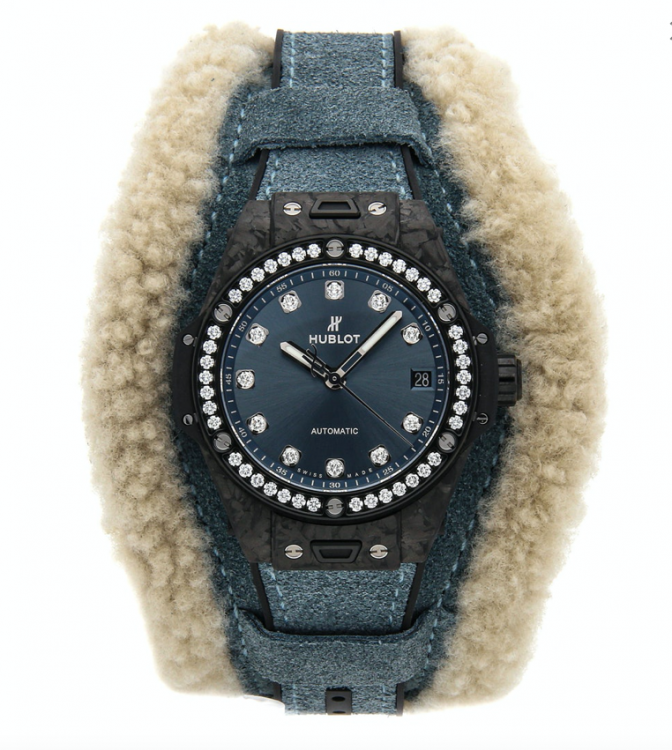
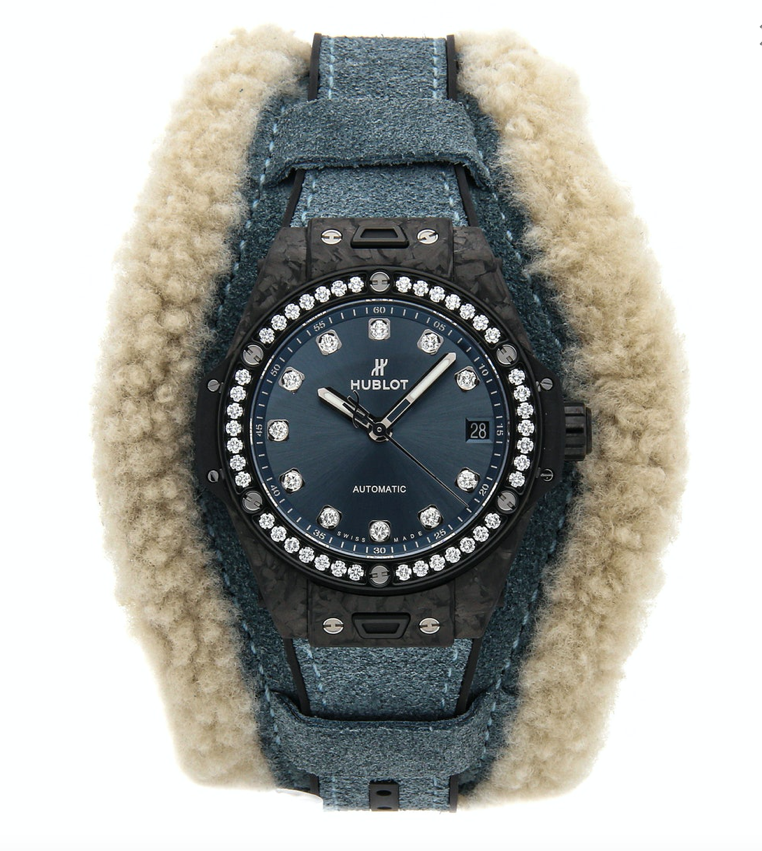
Did someone say Hublot? Let's fuckin' do this! Woo!
-
-
Happy Birthday Peter! * purple party favor noise *
-
^^^ Love that. Speaking of (power) poppy guilty pleasures, I commend this.

-
Oh what a tangled web we weave ...
-
Happy Birthday!
-
70,000 Tonnes of Happy Birthday!
-
Happy birthday Carl.

-
Happy Birthday!
-
https://www.youtube.com/watch?v=sh4Ros6g66I
-
Updated both my Macs to Catalina and no issues. Screen on phone so far unblemished. Sky remains unfallen.
-
11 Pro Max delivered today and that is one snappy phone, yo!
-
This is also pretty much the limit of my ambitions.
-
Imposter! Do like him though.
-
Wilco -- Ode To Joy

-
Garage throwback fun?
-
-
-
Man that takes me back. Think I first read "A Wizard of Earthsea" in 1980 or so. I was going through a very regrettable Westerns phase (Louis L' Amour etc.) at the time and it was what really drew me into Fantasy.Popped up on shuffle today. I still dig it.




Important Information
By using this site, you agree to our Terms of Use.