johnwmclean
High Rollers
-
Joined
-
Last visited
Everything posted by johnwmclean
-
I use momentary switches, they have a nice tactile feel, something like this works well: https://au.mouser.com/ProductDetail/Schurter/124166311120000?qs=lNltUIKtpkeBG%2Br9r7bWEA%3D%3D I really dislike the the tarty, latching and overused illuminated switches. So then you can use a a solo LED for the power indicator, I find it helps your amp from not looking like a door bell. You’ll need a driver switch circuit of some sorts with a relay, but well worth the effort.
-
Magic Quackery Assured. Fleecing the masses has never been easier.
-
They vary in voltage depending on which series, I have used these 651-1730159, it’s has a 400V rating.
-
I think SPOX are limited to 250V, in saying that they are great connectors from my experience.
-
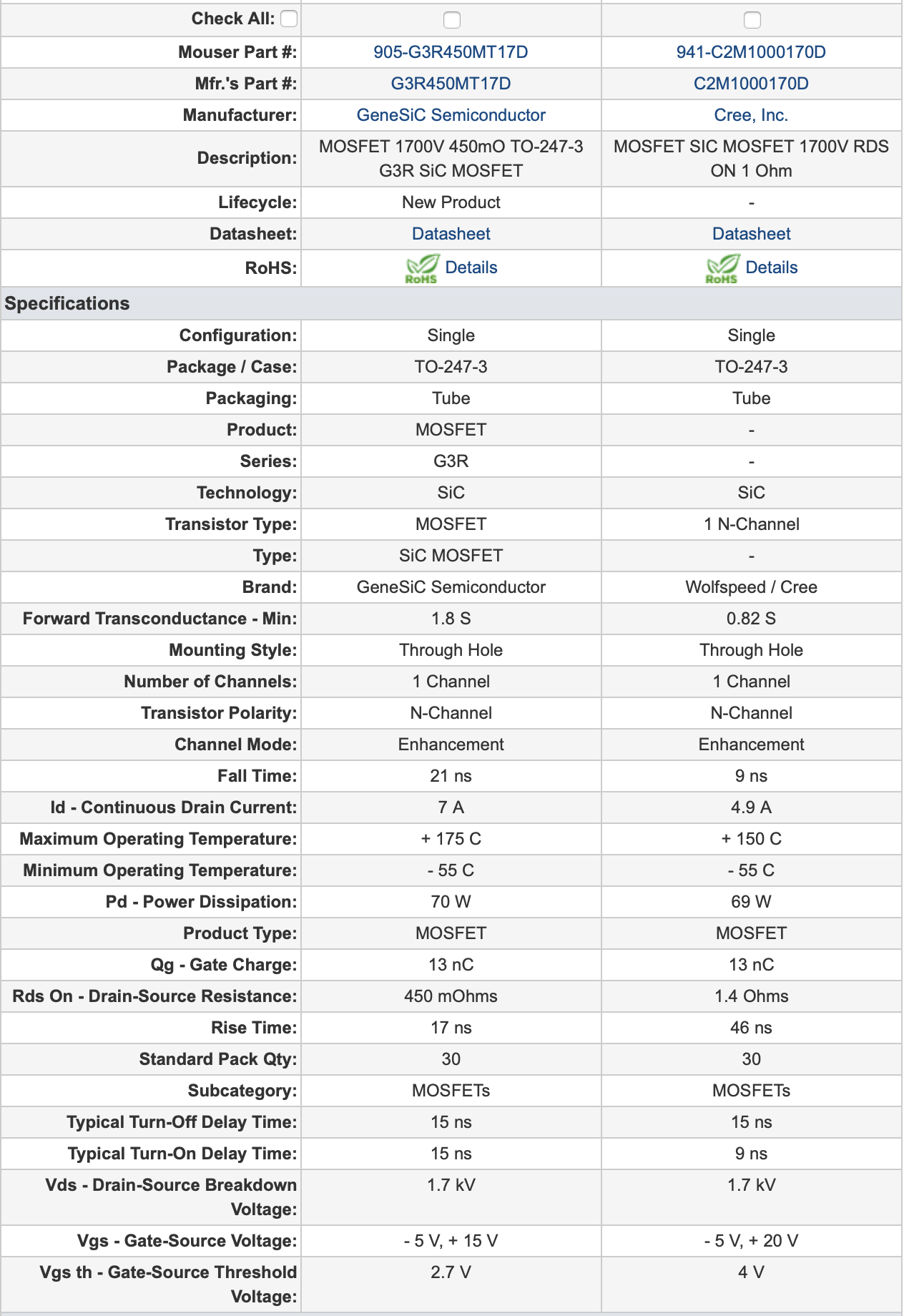
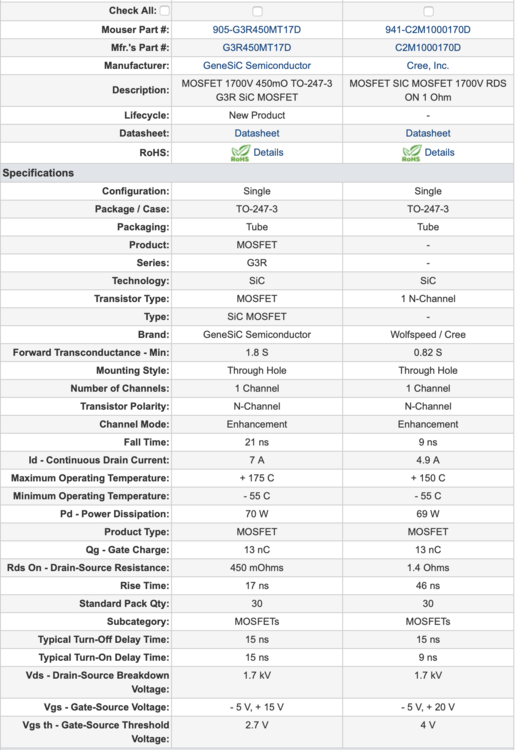
Another candidate for C2M1000170D replacement could be G3R450MT17D.
-
Happy Birthday Chris!
-
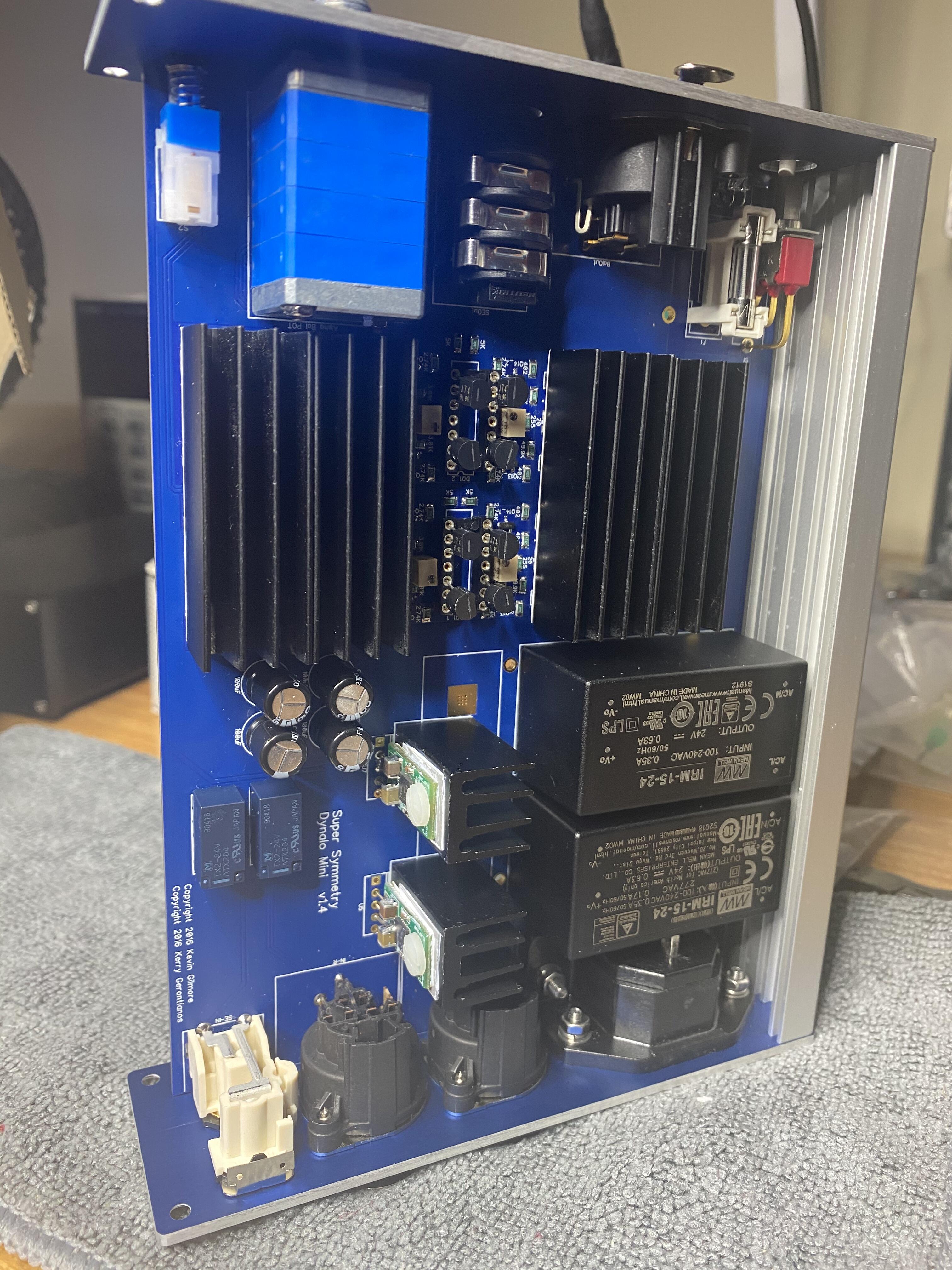
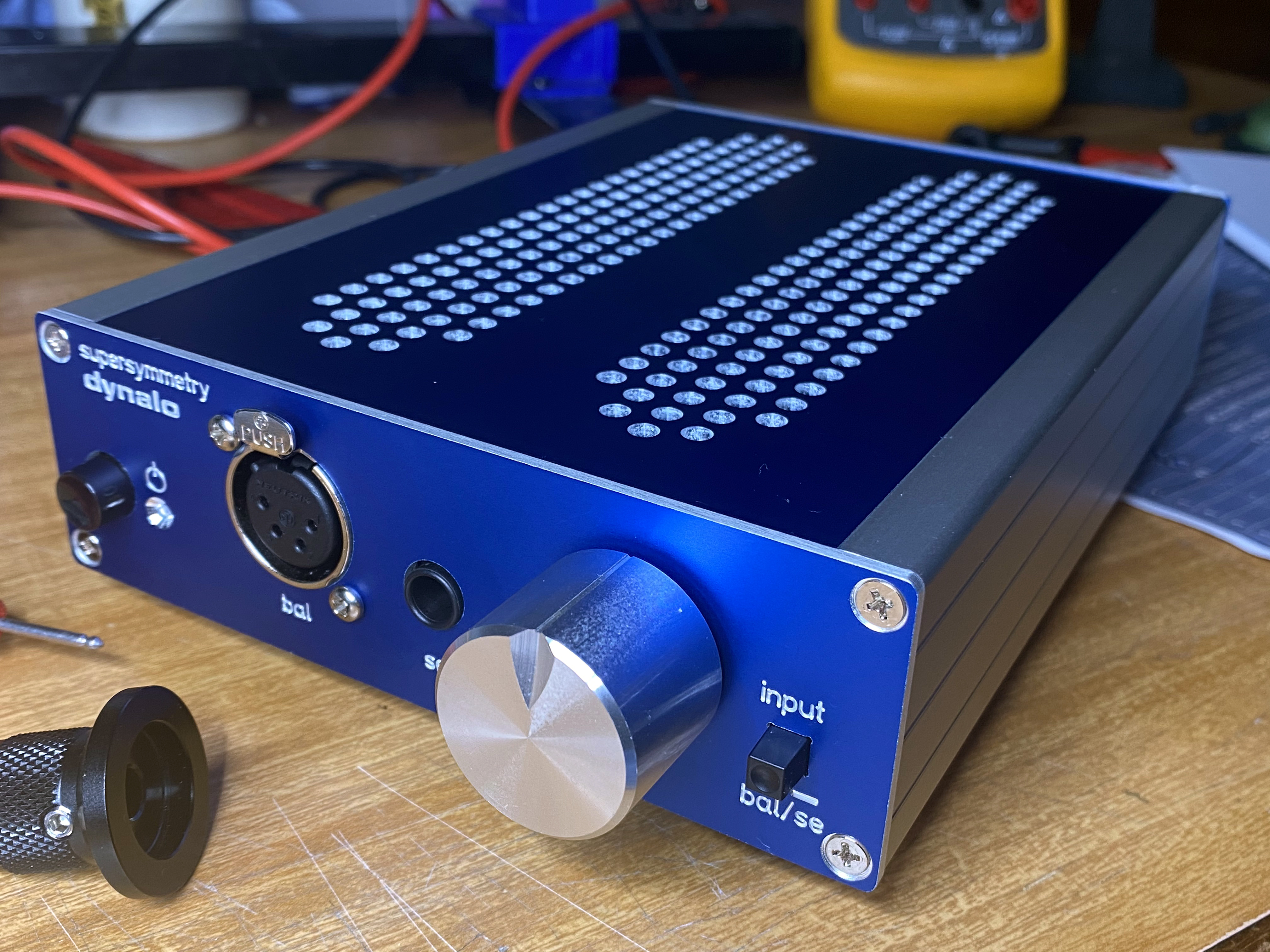
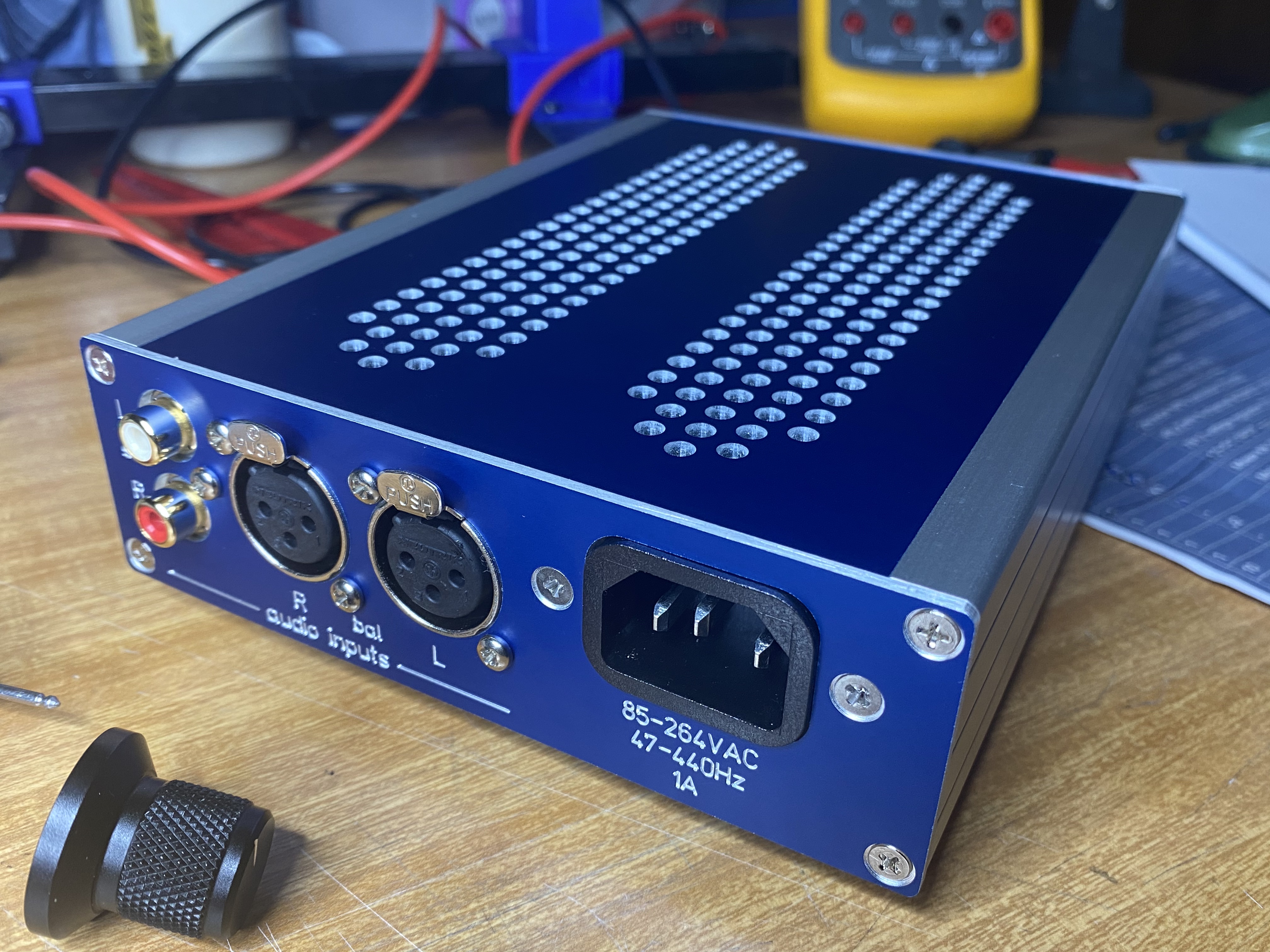
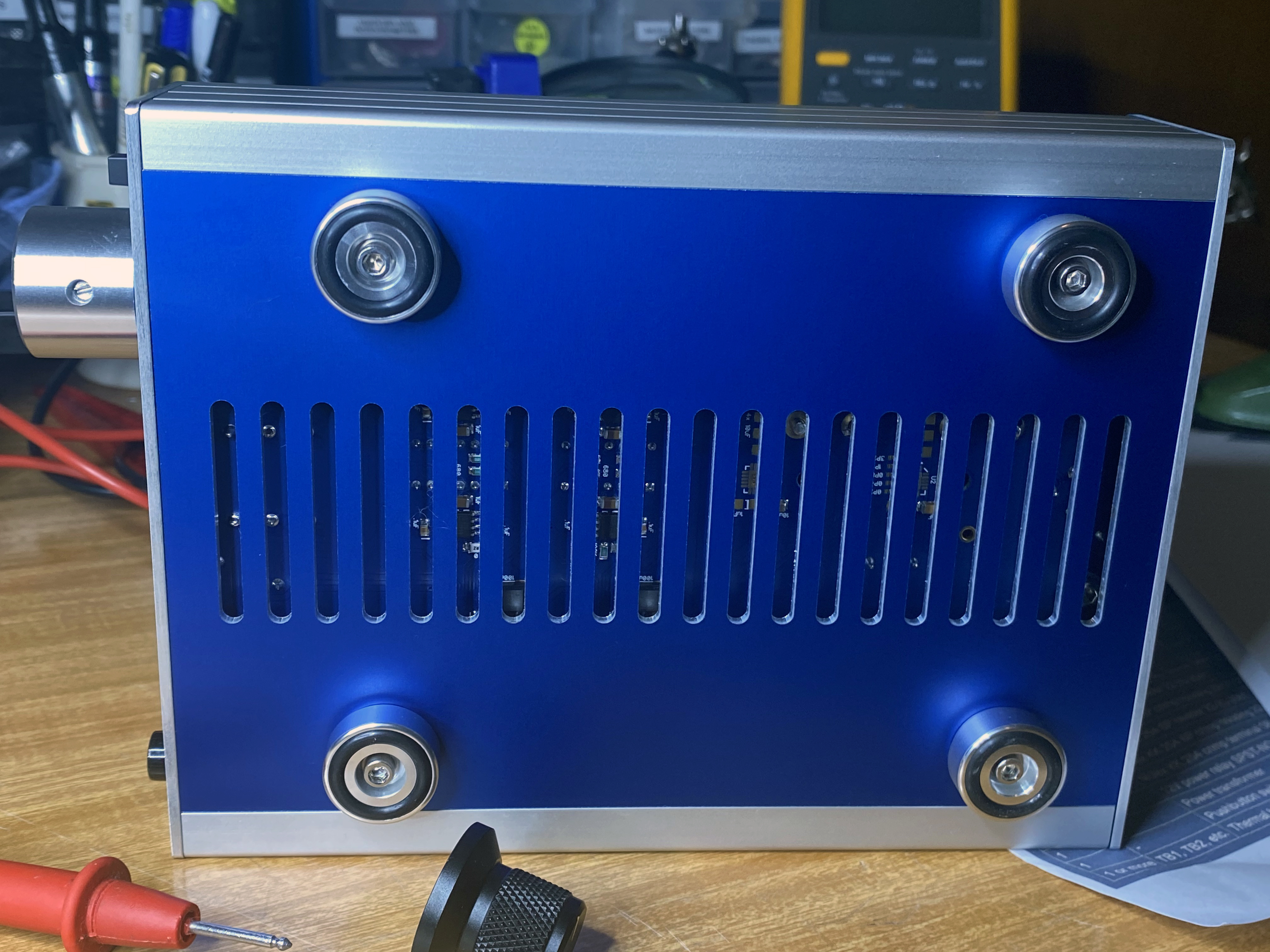
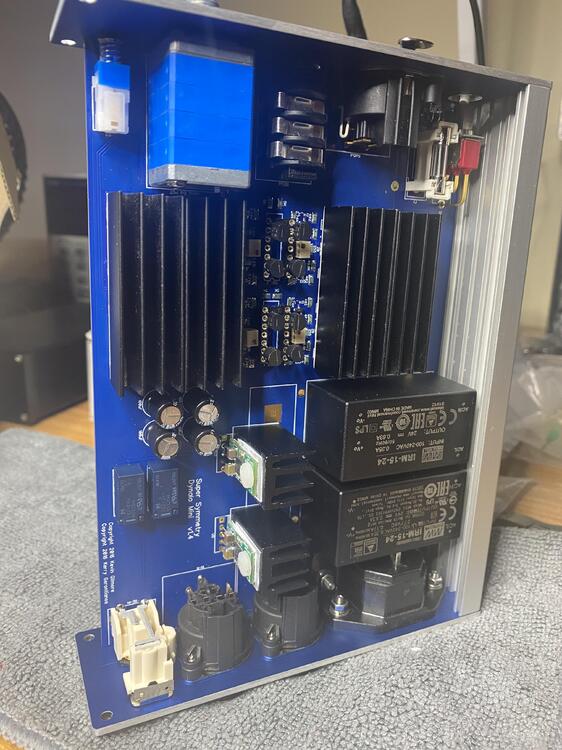
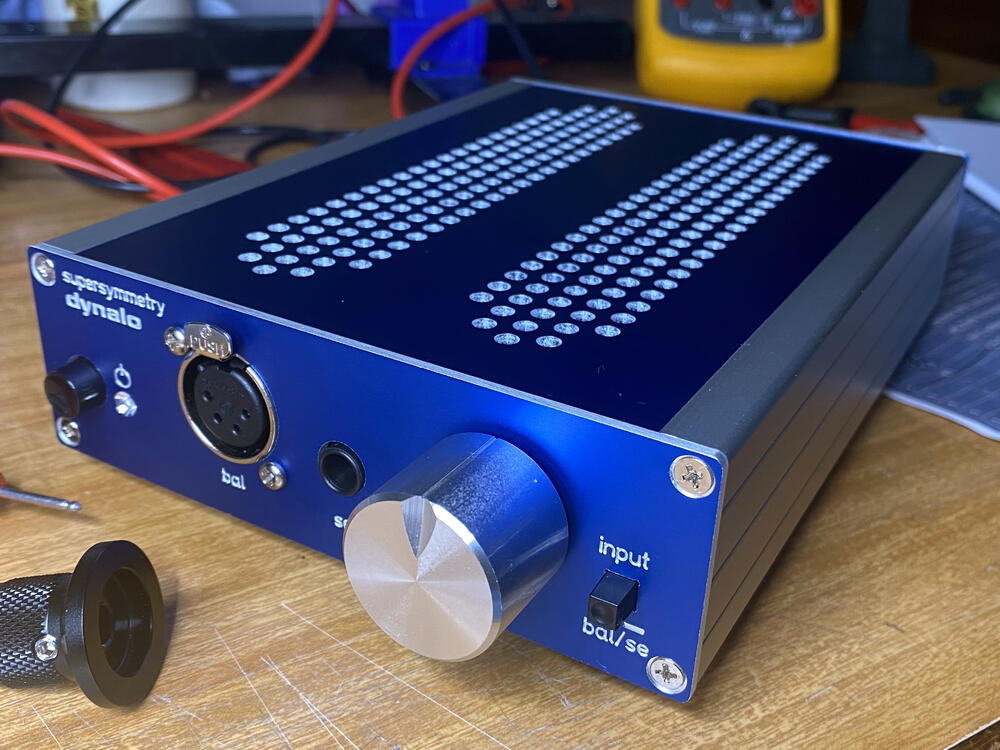
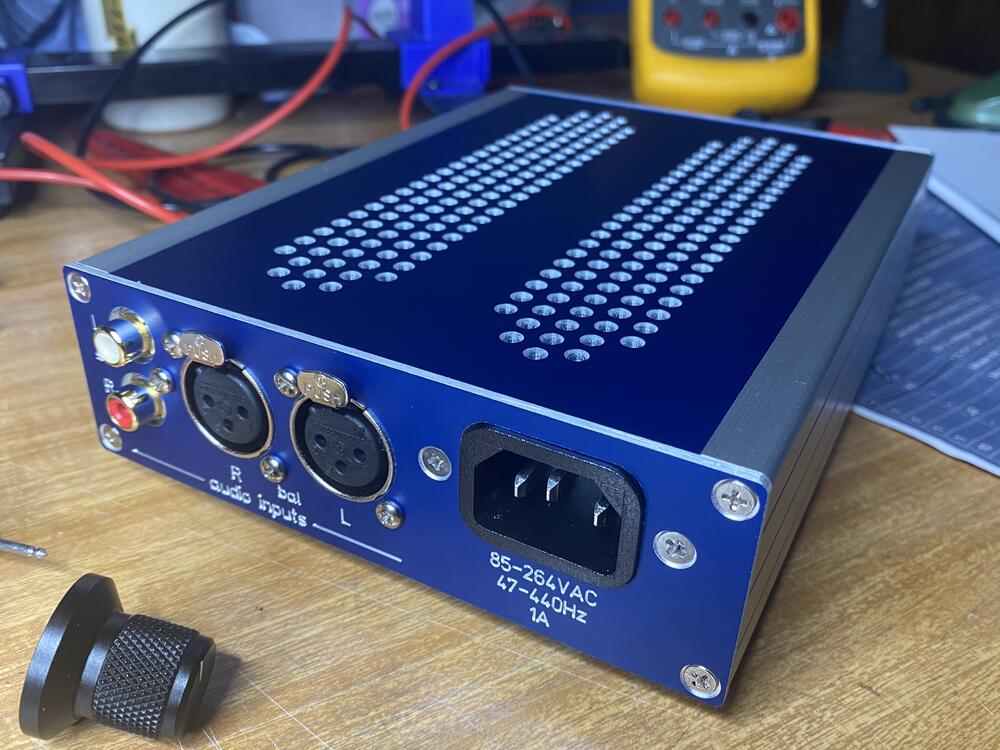
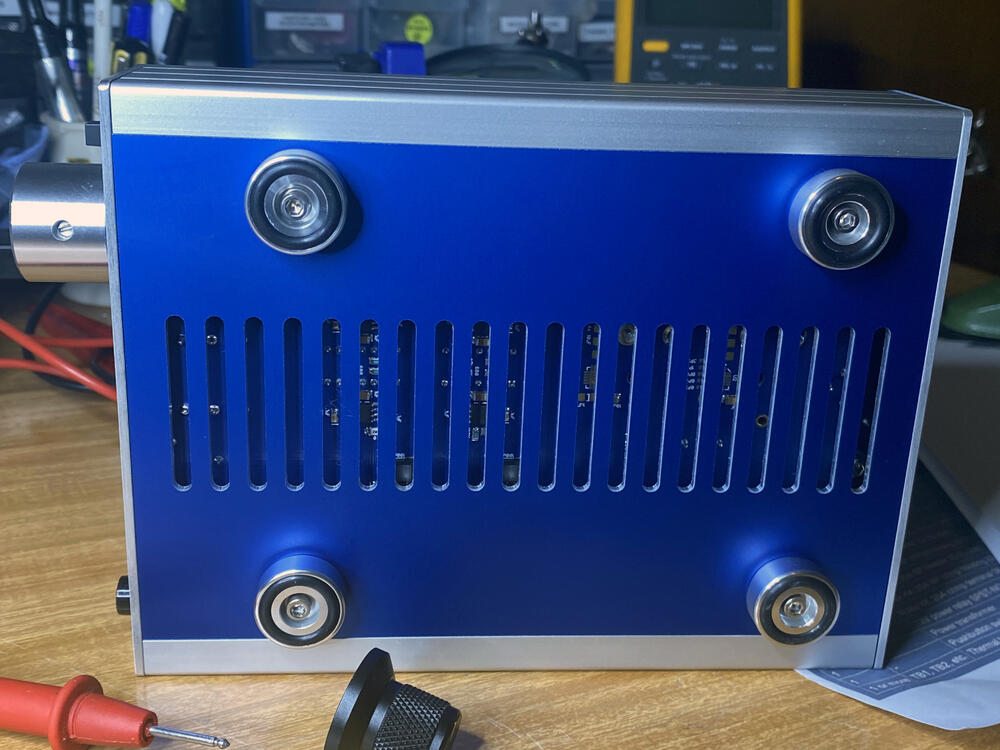
Another one in blue this time,
-
-
13297 pcs of cree C2M1000170D https://www.micro-semiconductor.com/products/Cree-Wolfspeed/C2M1000170D Way too cheap.... but looks legit.
-
HaPpY bIrThDaY KeViN!
-
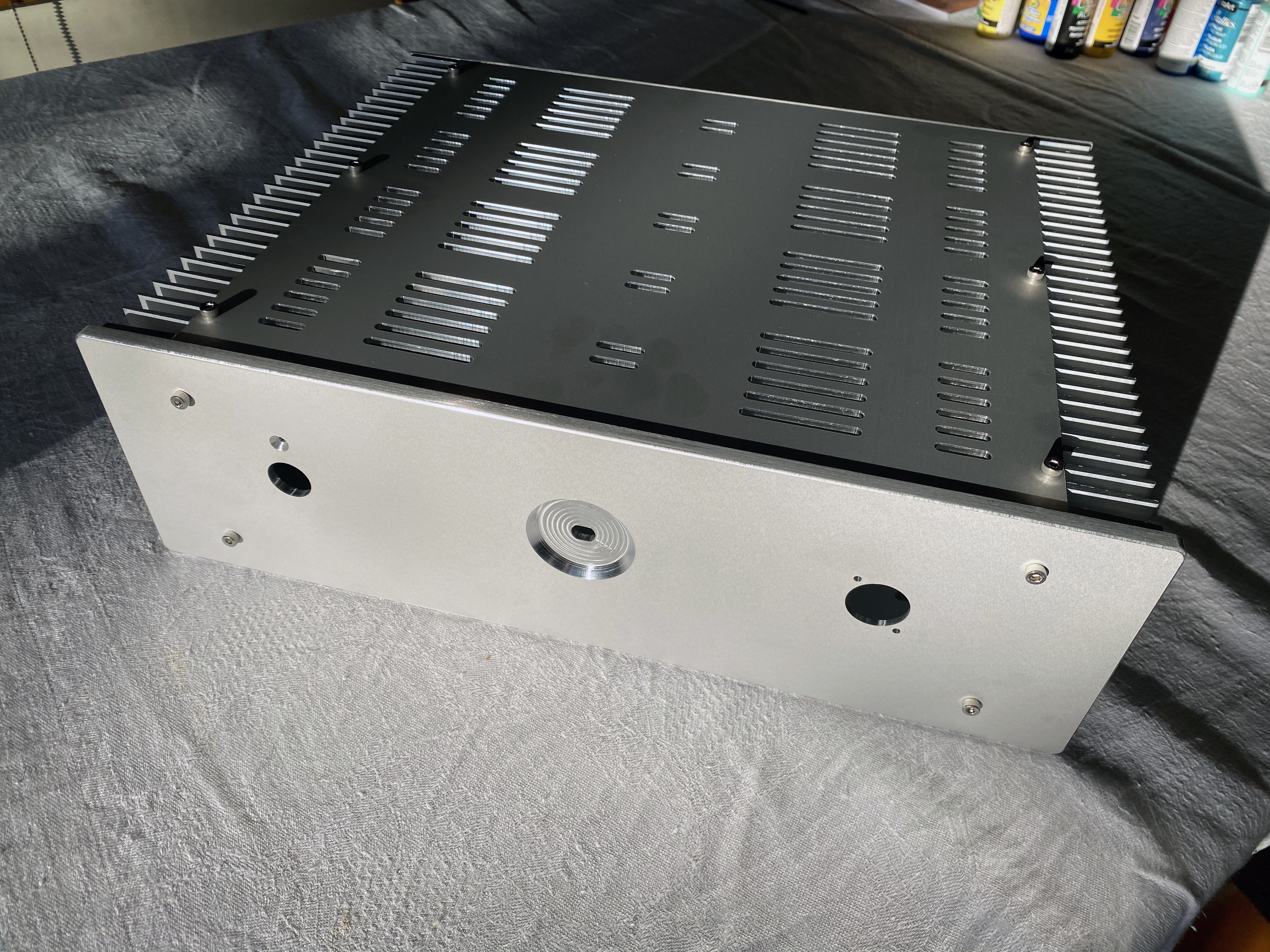
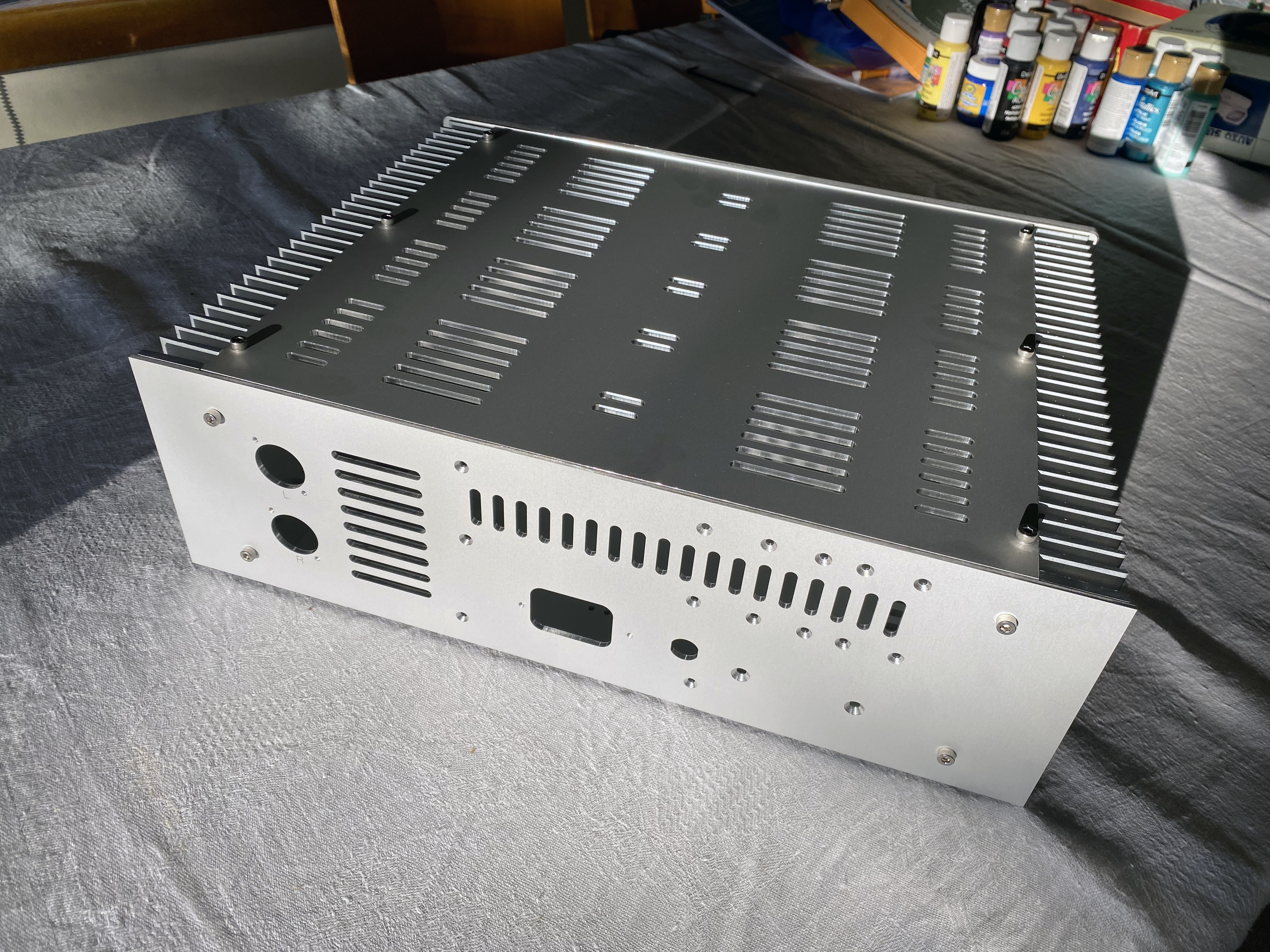
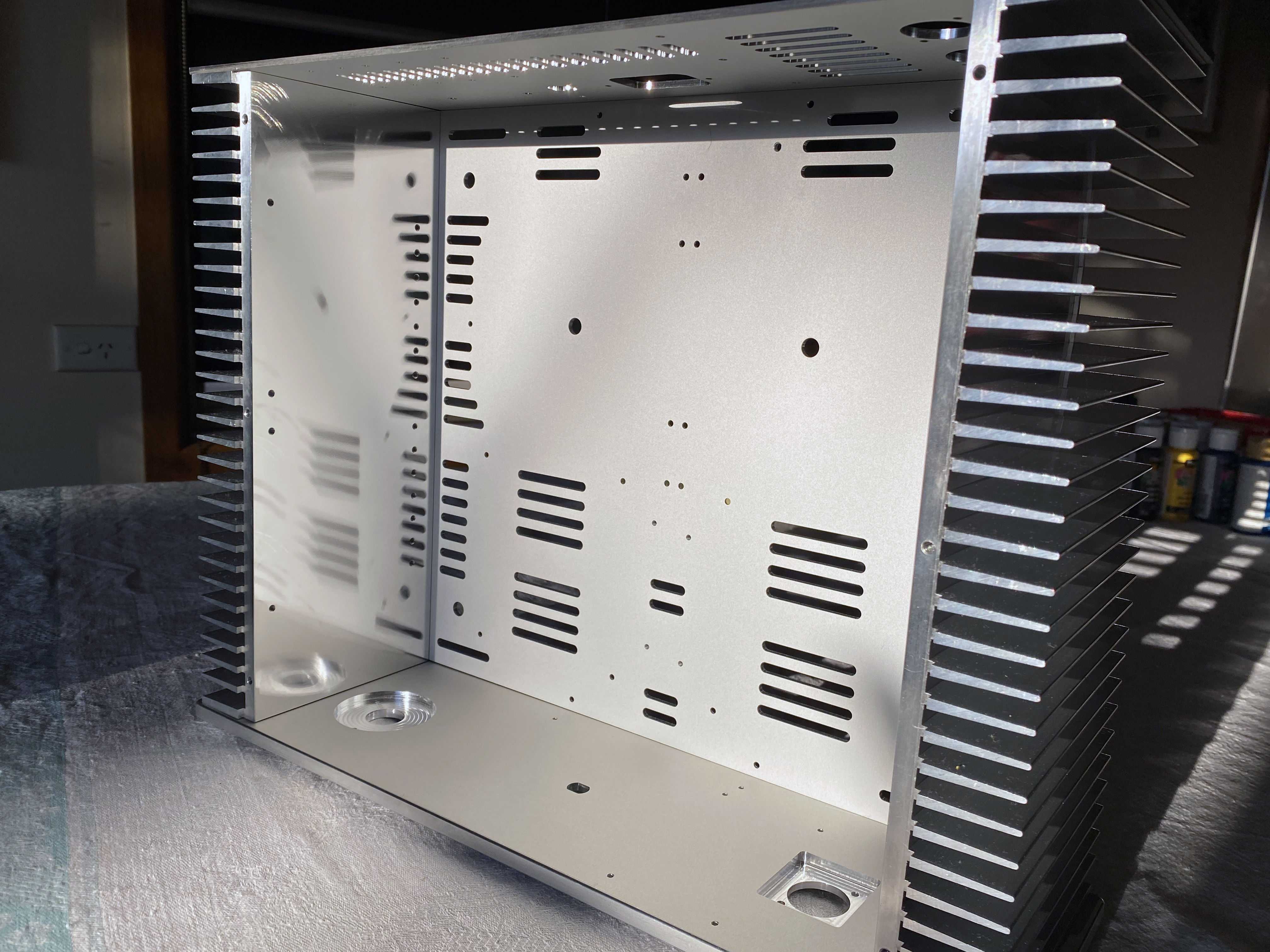
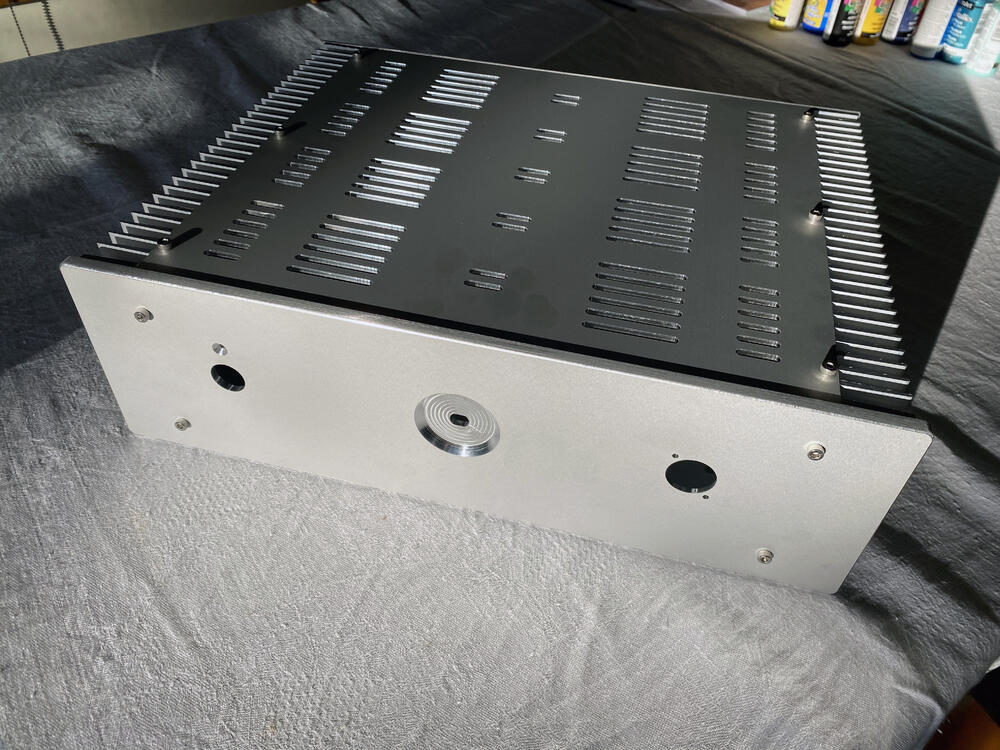
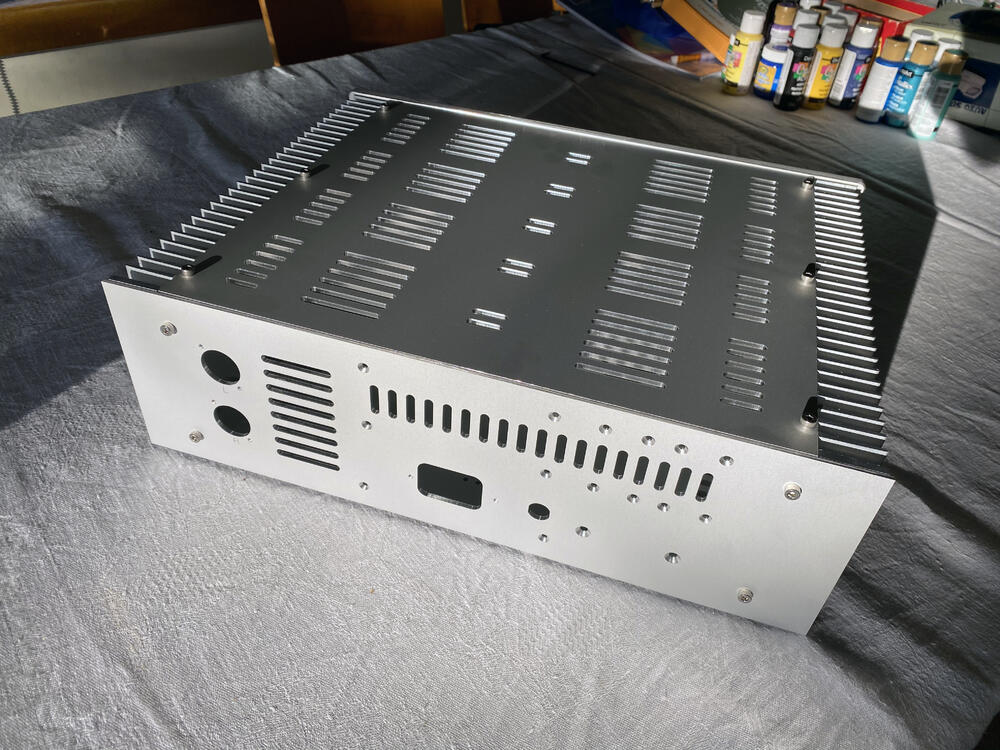
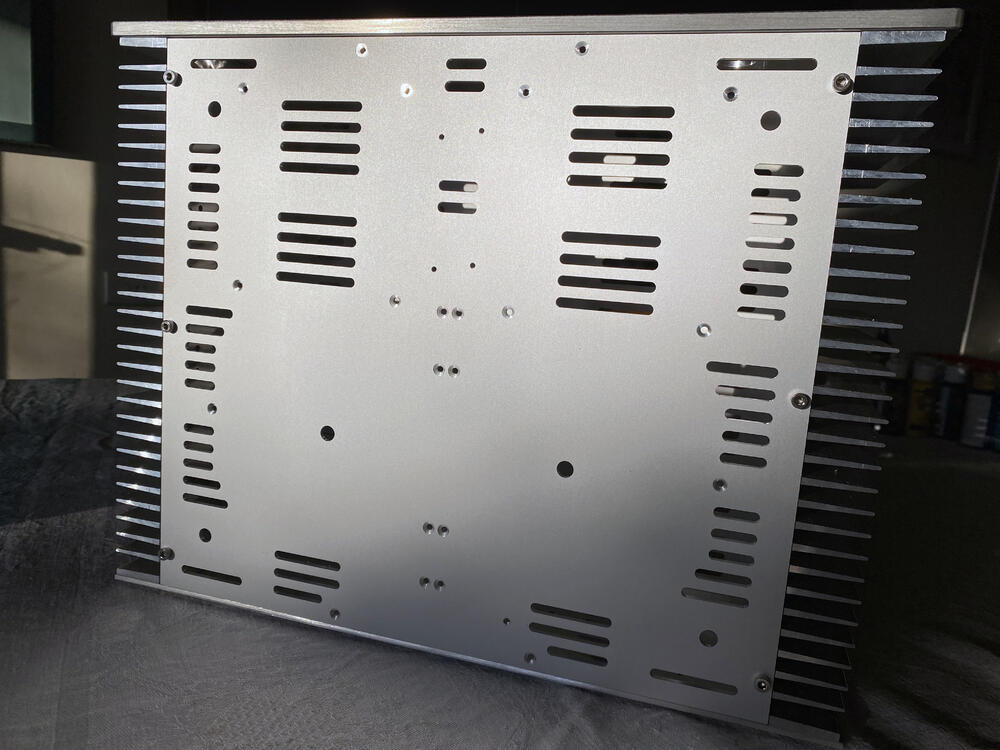
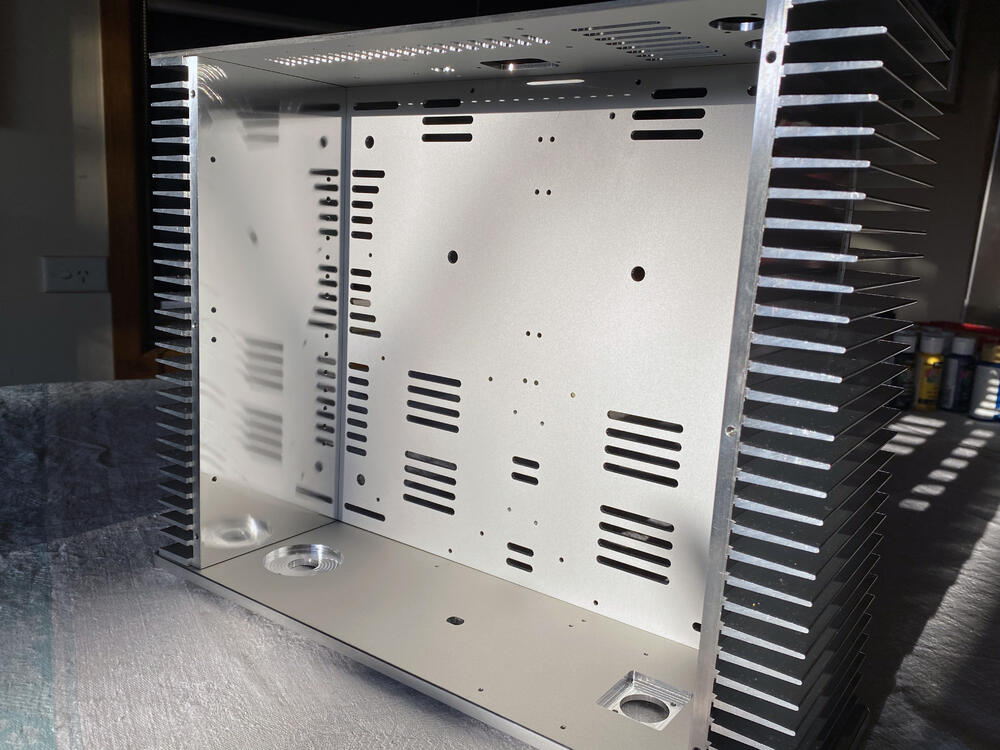
Long time between drinks, been working on this for a few months and finally got my panels back. It’s going to be a dual mono GRLV PS with a quartet of CFA2’s, balanced in and out using a Goldpoint 10k 47 position stepper.
-
I like the wireless II’s a lot, the app is solid and very intuitive, the sound improvement is impressive, all aspects seem to have taken a performance leap. My main gripe with the first generation beside the shitty app is treble harshness, which is more evident since the II’s arrived. I still like the old version though, it’s doing still doing duties in an upstairs system and sounds great. Not a fan of the II’s matte finish... and titanium looked much better in photos.
-
That makes sense now, and after re-reading the data sheet the default value is 50K, but it does state they can accommodate 10K, 20K and 100K... probably as a special order of no less than 200pcs haha. Earlier today I reached out to Alps Alpine, I may get lucky, if not there's a 10K Goldpoint 47 stepper.
-
Cannot find a quad 10k RK50 pot anywhere, mouser have the 50k in stock... Is 50k pot ok for CFA2?
-
Happy New Year!
-
Just as an FYI mouser are now stocking LT1021.
-
Sorry to hear the news, dear Matlida RIP.
-
Does anybody see an issue using MMBTA56LT1G/MMBTA06LT1G now that MMBTA56/MMBTA06 are obsolete?
-
The ones on eBay are only suitable for 15/25VA sizes. https://www.ebay.com.au/itm/Bare-PCB-mounting-PCB-install-circuit-board-for-Talema-seal-transformer-Square/132276238616?ssPageName=STRK%3AMEBIDX%3AIT&_trksid=p2057872.m2749.l2649 Would be pretty simple to breadboard, ensuring you use stand-offs and insulate the underside.
-
awww... many thanks guys! Had a great day hiking and swimming!
-
The Okto research DAC8 looks to a top notch performer. I’ve caved and bought a RMR ADI-DAC 2 FS.
-
Same goes here I have a few to spare.... 😀 if anyone’s interested.
-
A combination of a very late night and no sleep... I know see where I was going wrong, thanks for jolting my brain.
-
Kevin two UHP-350-24 connected in series is +/-48V. Should we be using two UHP-350-12 in series for +/-24V? I’ve ordered UHP-350-24....
-
Thanks Kevin appreciate the help!