

Leaderboard
-
Hopstretch
High Rollers4Points16809Posts -
VPI
High Rollers2Points9103Posts -
Sherwood
High Rollers2Points3995Posts -
shellylh
High Rollers2Points18863Posts




Popular Content
Showing content with the highest reputation on 05/18/14 in all areas
-
2 points
-
1 pointMy other favorite team won today too! Nice first game for the Hawks. Seven wins in a row at home this playoff season. Pretty well dominant on home ice.1 point
-
1 pointKinda funny,.. Mike was sitting just a couple of chairs down from you when you were at the Bottlehead booth at RMAF so many moons ago. BTW, Mike is a really nice guy but he buys into some "iffy" shit.1 point
-
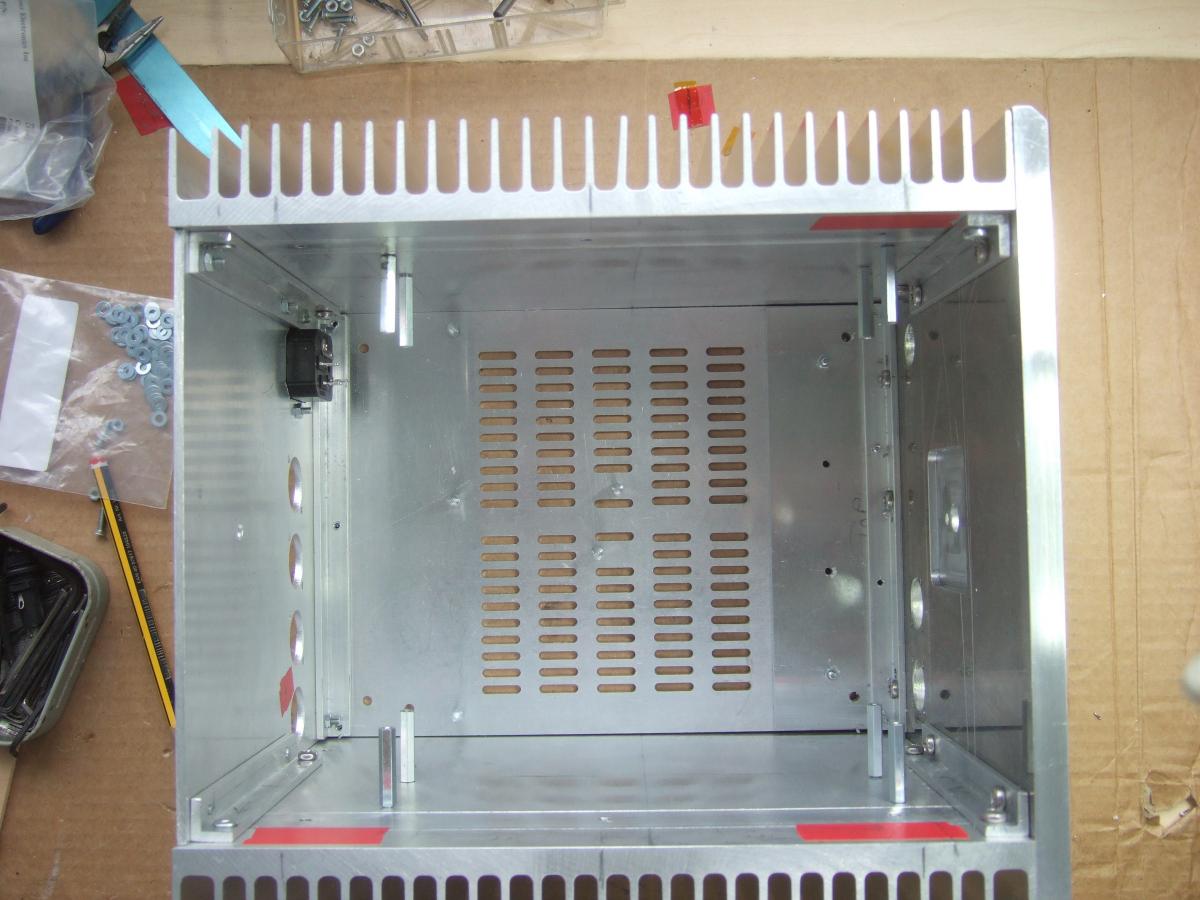
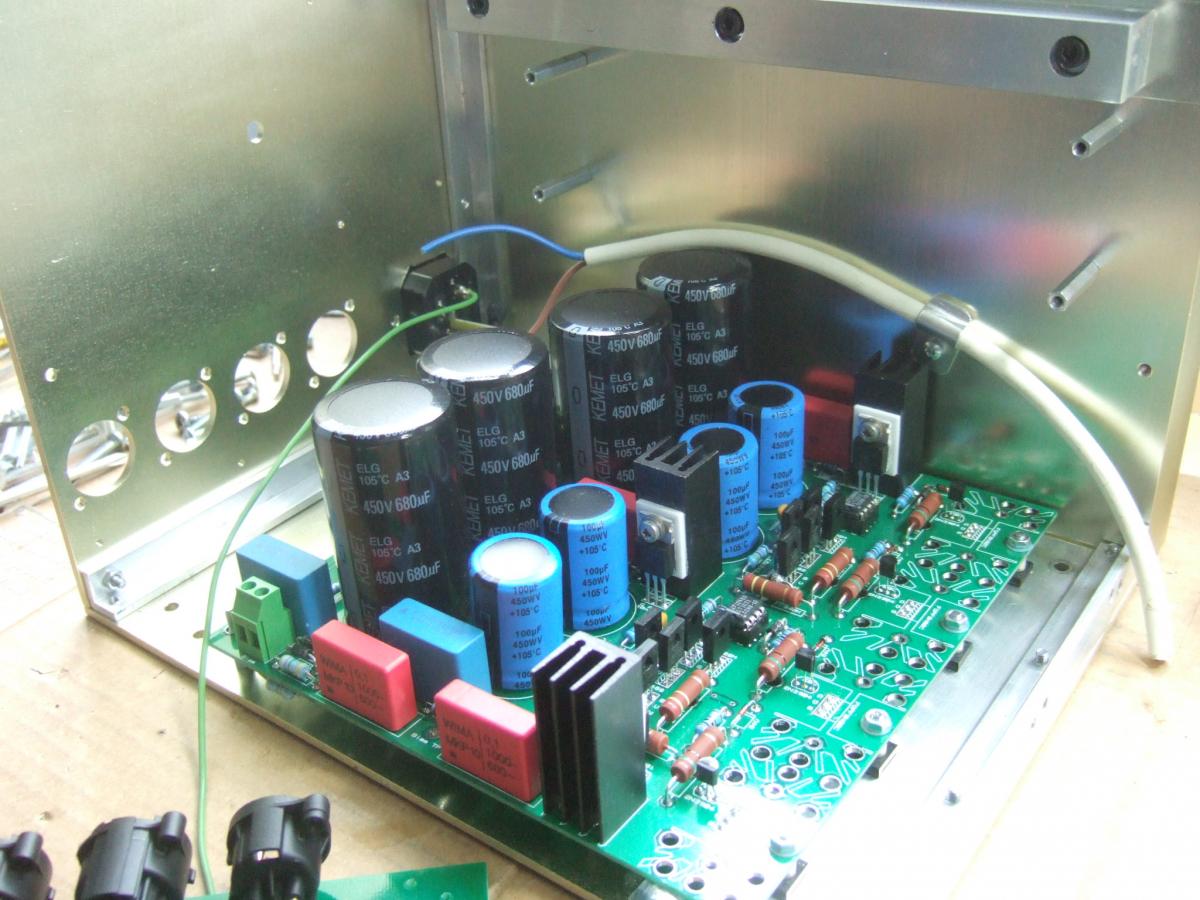
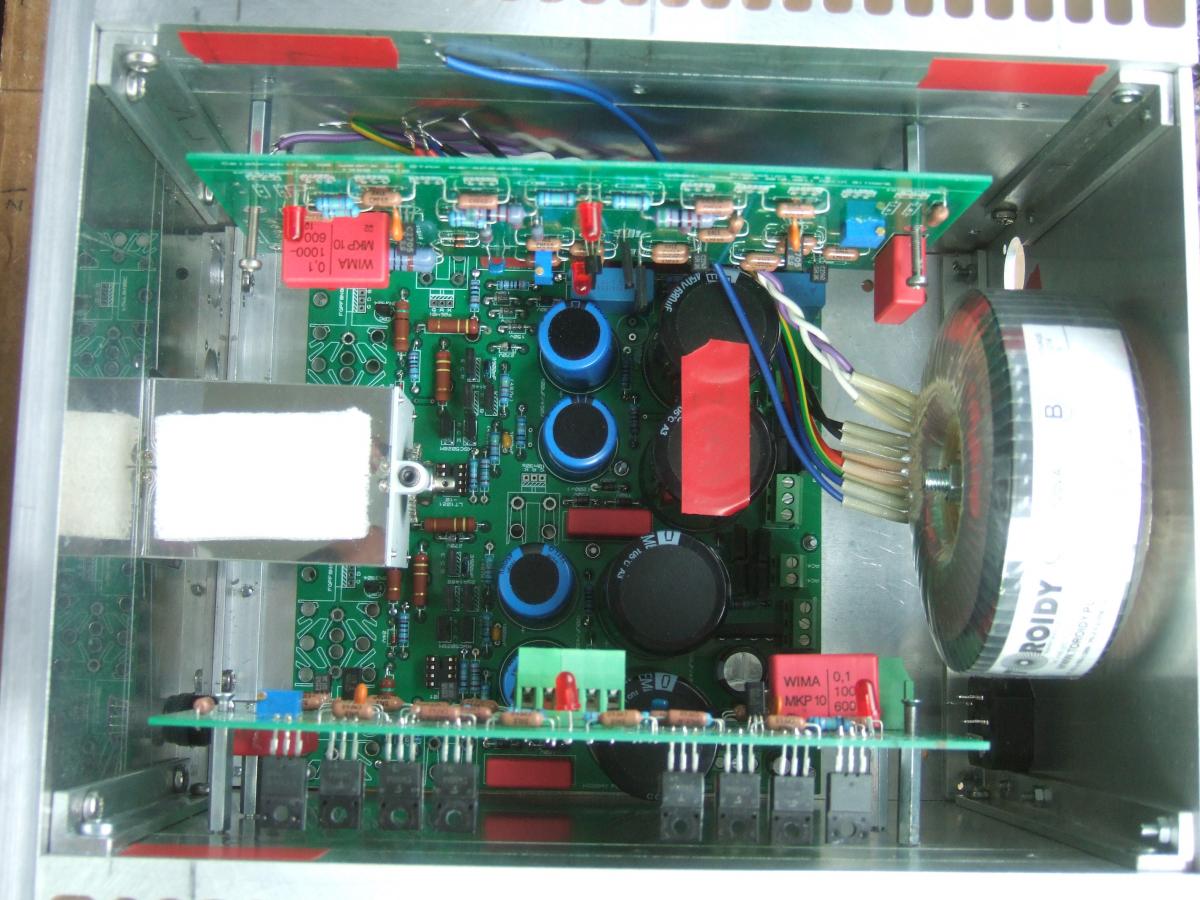
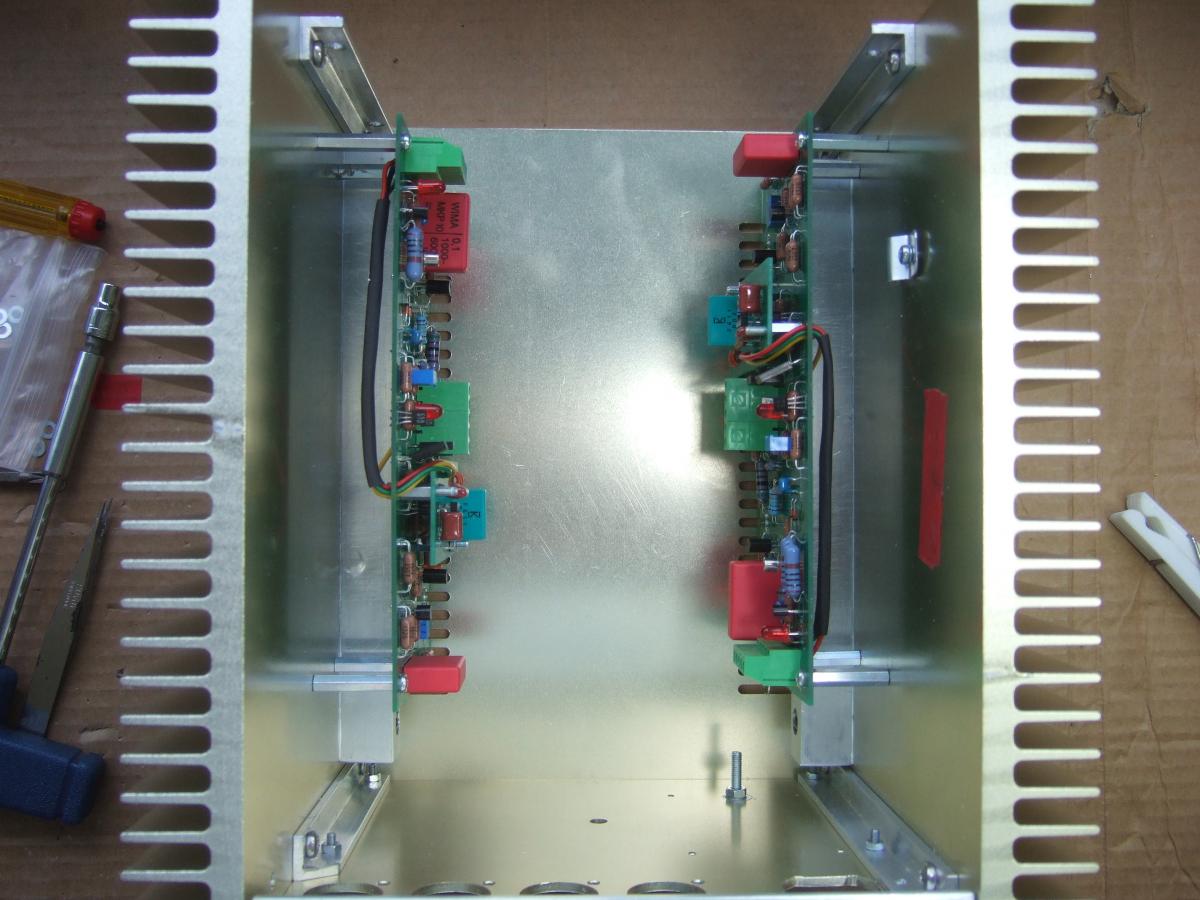
1 pointThese show how it goes in. It is very tight when it comes to screw up the terminals, am looking into alternatives to make for an easier assembly. I should mention for the eagle eyed that the trial assembly did not use both the final amps. They are different.
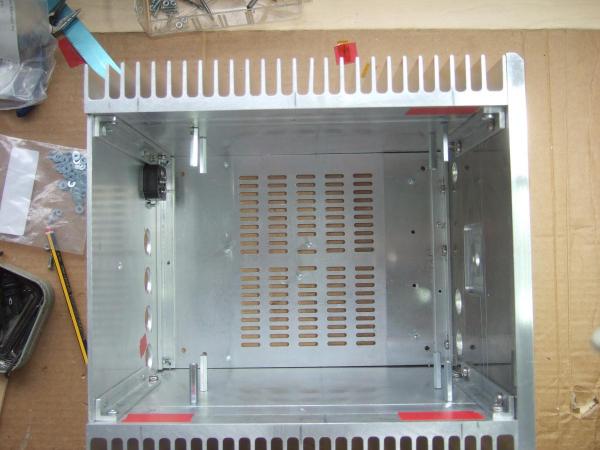
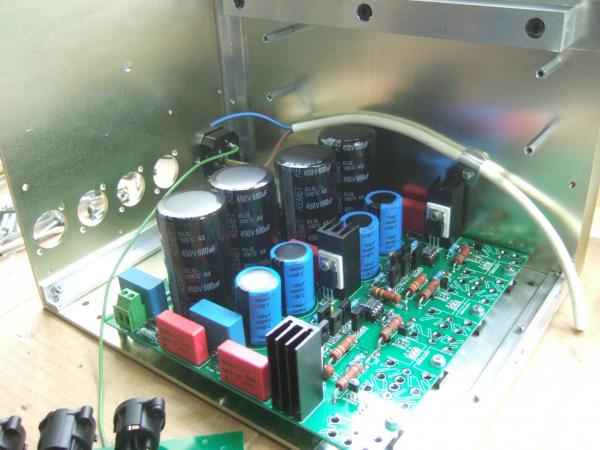
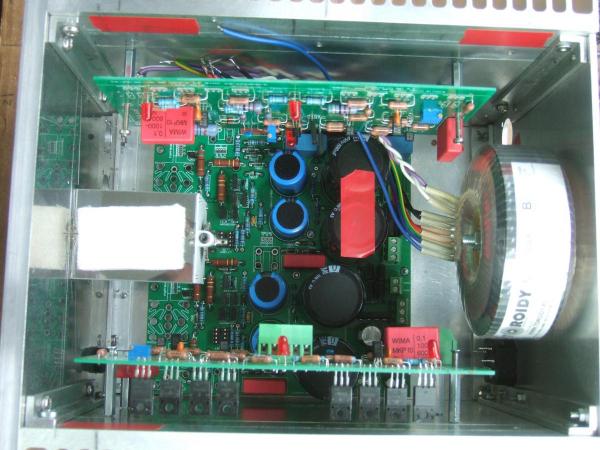
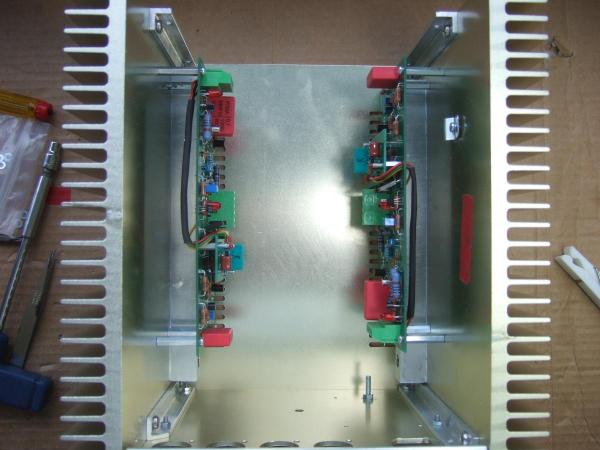 1 point
 -
1 point
-
1 point1 point1 point1 pointTyll, you have a reputation which most long time headphone aficionados know of and respect. IMHO you have to honor it being honest and giving your opinion. You're not a sell out nor a shill, so probably the way to go is saying what you think. OTOH it's a well known fact that Stereophile, Innerfidelity editors try not to piss off large (or not that large but publicity space paying) brands with bad reviews, so they just don't write them. Maybe just acknowledging you've used the cans, you've measured them and that you are refusing to write the full review, is enough for those in the knowledge.1 point




Important Information
By using this site, you agree to our Terms of Use.