

Leaderboard




Popular Content
Showing content with the highest reputation on 11/19/15 in all areas
-
5 pointsNot to dilute from Jacob, but I think I finally got a job :)5 points
-
2 pointsCongratulations Jacob & Chris!! Financial planning today. I'm going to run out of time to achieve my financial goals but I can retire with dignity ... just not today :)2 points
-
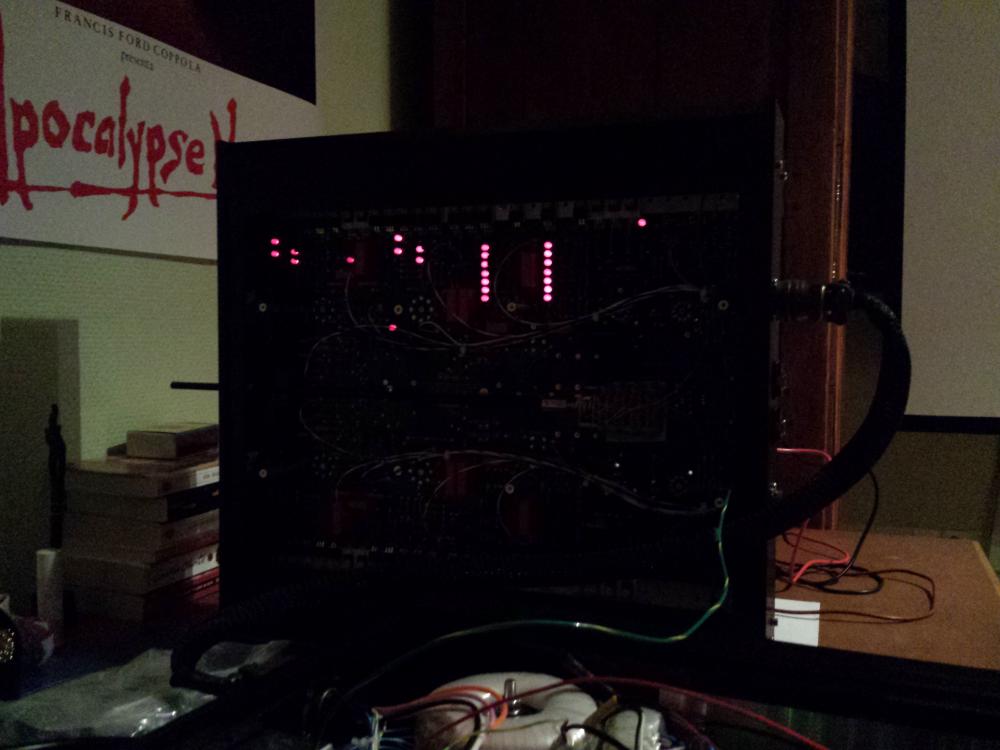
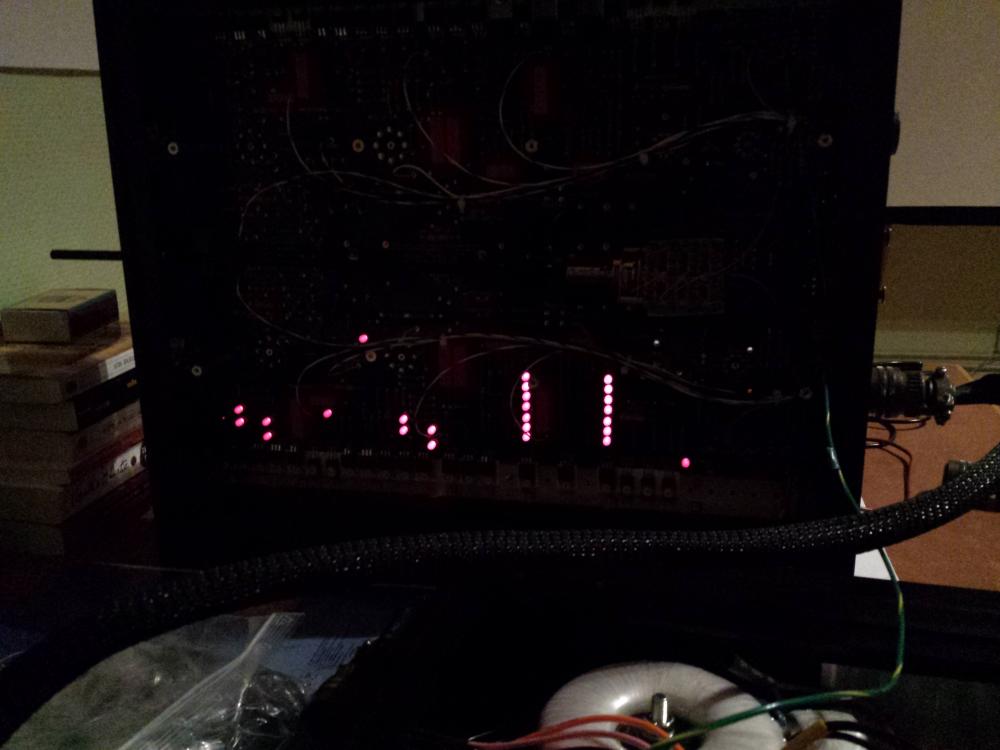
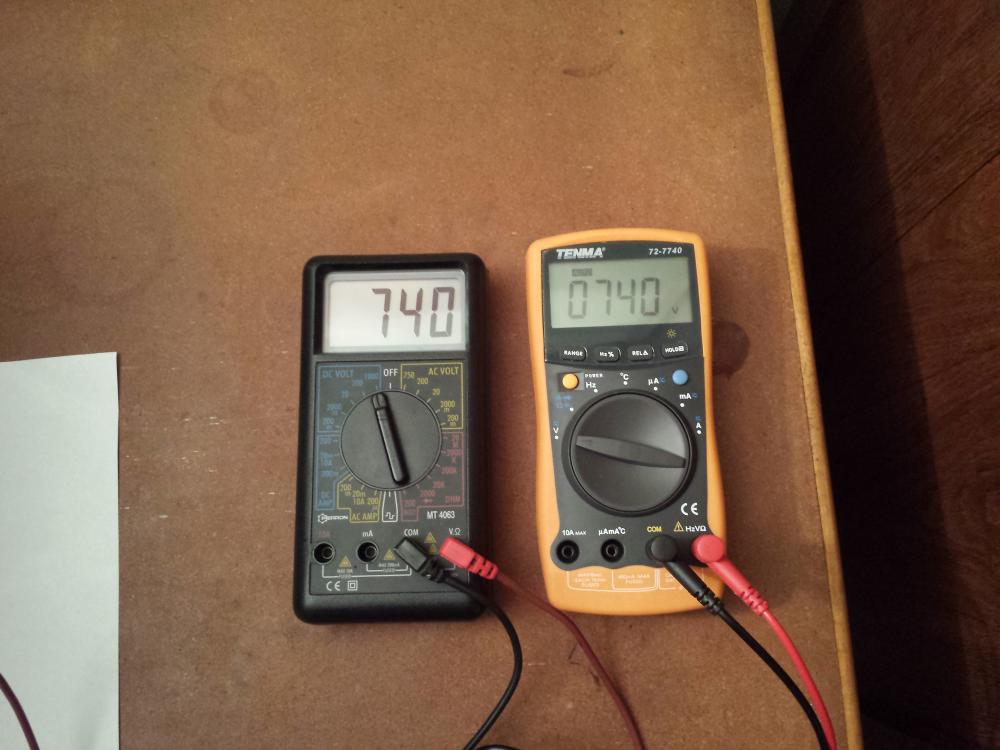
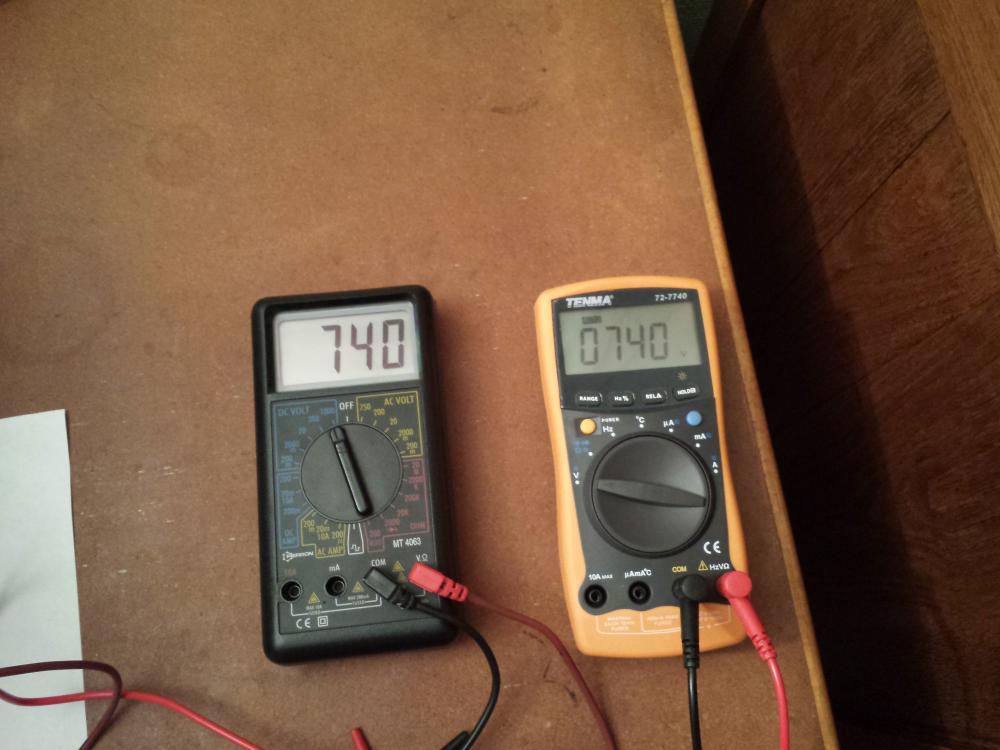
1 pointGentlemen, I sweat beyond reason, but it's getting somewhere. So exciting !
 1 point
 -
1 point1 point1 point1 pointSo I've been GASsing for this: But I really don't want to pay Private Stock prices -- I figured if I put the right pickups into my SC-J, I could get most of the way there. I think I've settled on Fralins, but can't decide which ones. Based entirely on videos, I really like his Sunbuckers: ...but he recommended the underwound P92s he has in his black strat (starts at 1:44): ...and I have to admit, I liked them, too, maybe in the neck position? I actually have several cheap guitars that could use pickup upgrades, too, so I'm tempted to just get several and try different flavors.1 point






Important Information
By using this site, you agree to our Terms of Use.