

Leaderboard
-
Dusty Chalk
Moderators11Points49160Posts -
MexicanDragon
High Rollers11Points8373Posts -
Augsburger
High Rollers9Points13165Posts -
Hopstretch
High Rollers9Points16809Posts




Popular Content
Showing content with the highest reputation on 05/27/18 in all areas
-
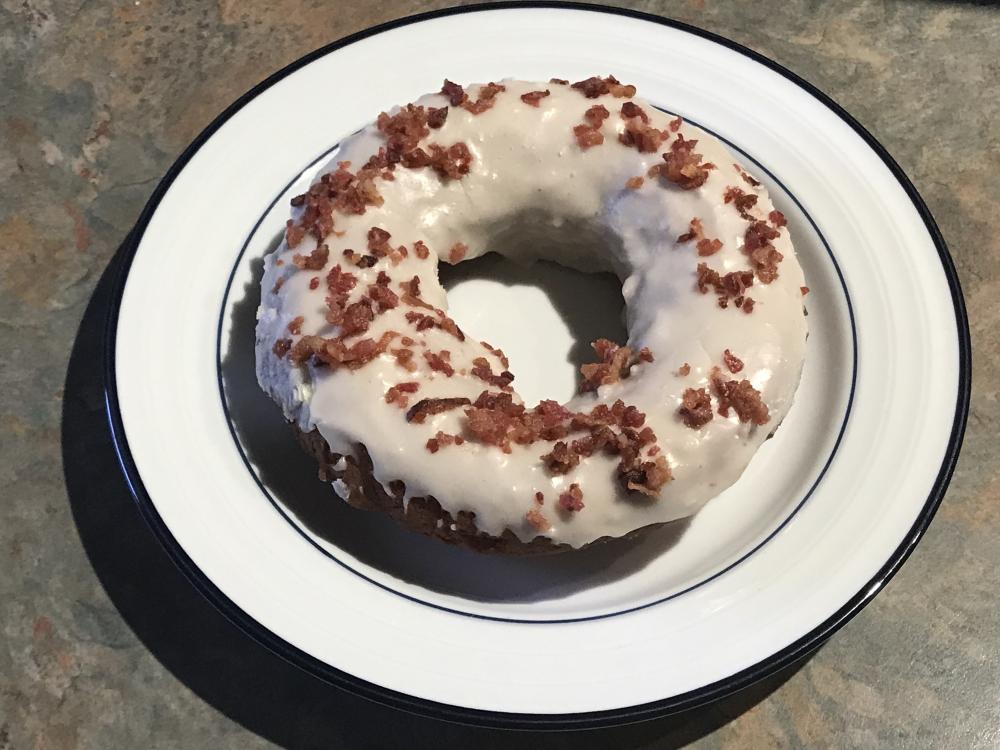
5 pointsProper start to Sunday morning thanks to Donut Love. Maple Bacon
 5 points
 -
4 pointsWalk of shame. 2.4 miles to get my car abandoned last night due to too drunk to drive in about an hour, all uphill. No hangover today, though, so I had that going for me. If you've seen me post those enormous margaritas at El Paso, those are the mediums. I had a large last night. It was almost large enough to swim in!4 points
-
3 points
-
2 pointsYeah, not ashamed that we made the right decision last night. Plus the fresh (filtered) air and exercise always does me good.2 points
-
2 points
-
ordered both loveless and isn’t anything vinyl bundle from the bands website direct, these are the recent AAA all analog transfers from the master tapes.
 2 points
 -
1 point
-
1 pointThank you so much for all your advices. I've finally fixed the problem. The C2M1000170 and 10M90S on my board have gone bad for some reasons. I replaced C2M1000170 with a SCT3080KLGC11 from a local store, and luckily it worked. I parallel the 5R with one more 5R, and now the power supply is working perfectly. The amp has been running for at least 2 hours with no problem. I couldn't have fixed it without your help, Kevin, Blueman2, and Soren. Thanks again.1 point
-
1 point20% off sitewide at HDTracks this weekend with code HDMEMORIAL18 (need to buy 2+ items )1 point
-




Important Information
By using this site, you agree to our Terms of Use.