chinsettawong
High Rollers
-
Joined
-
Last visited
-
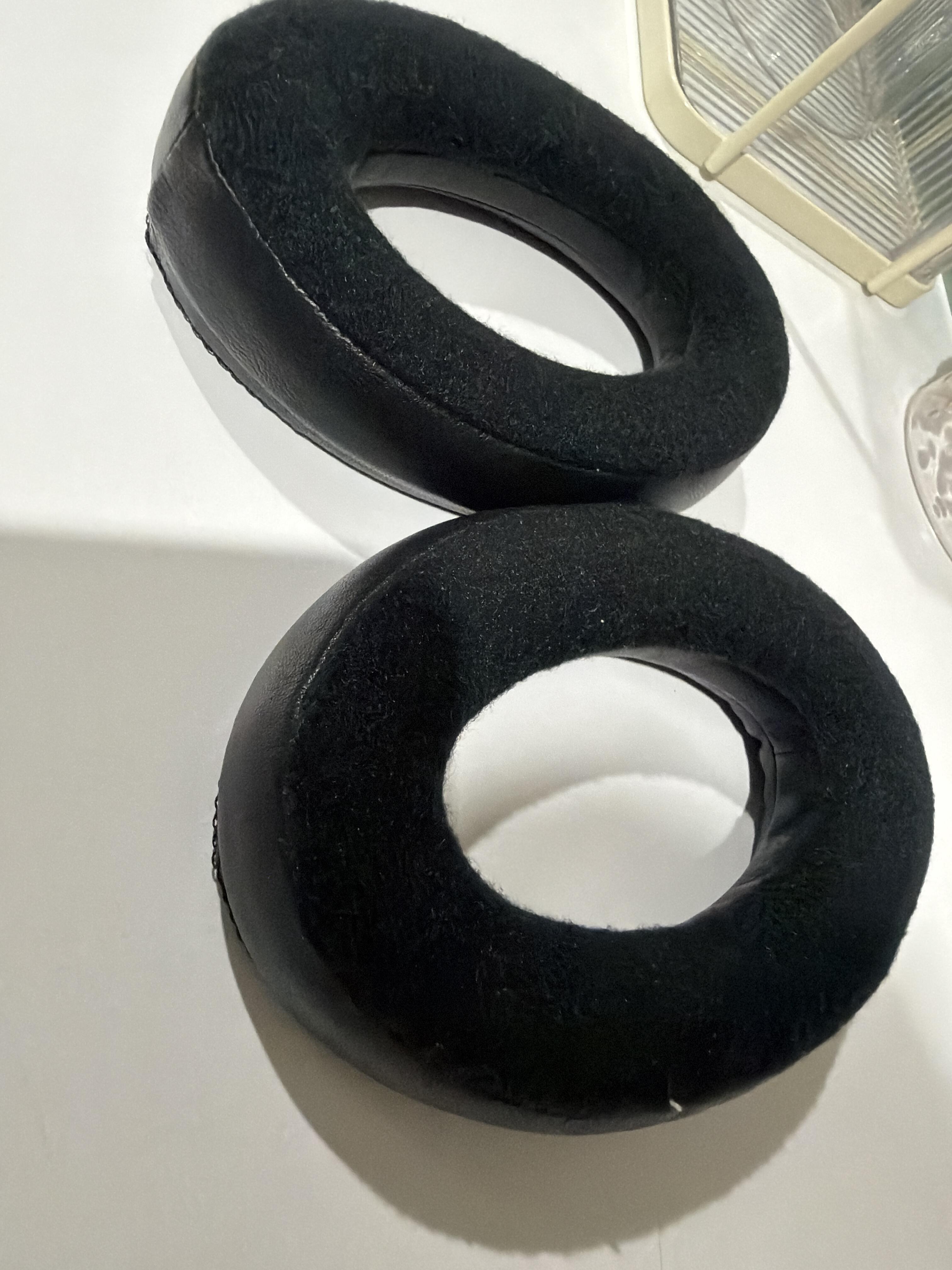
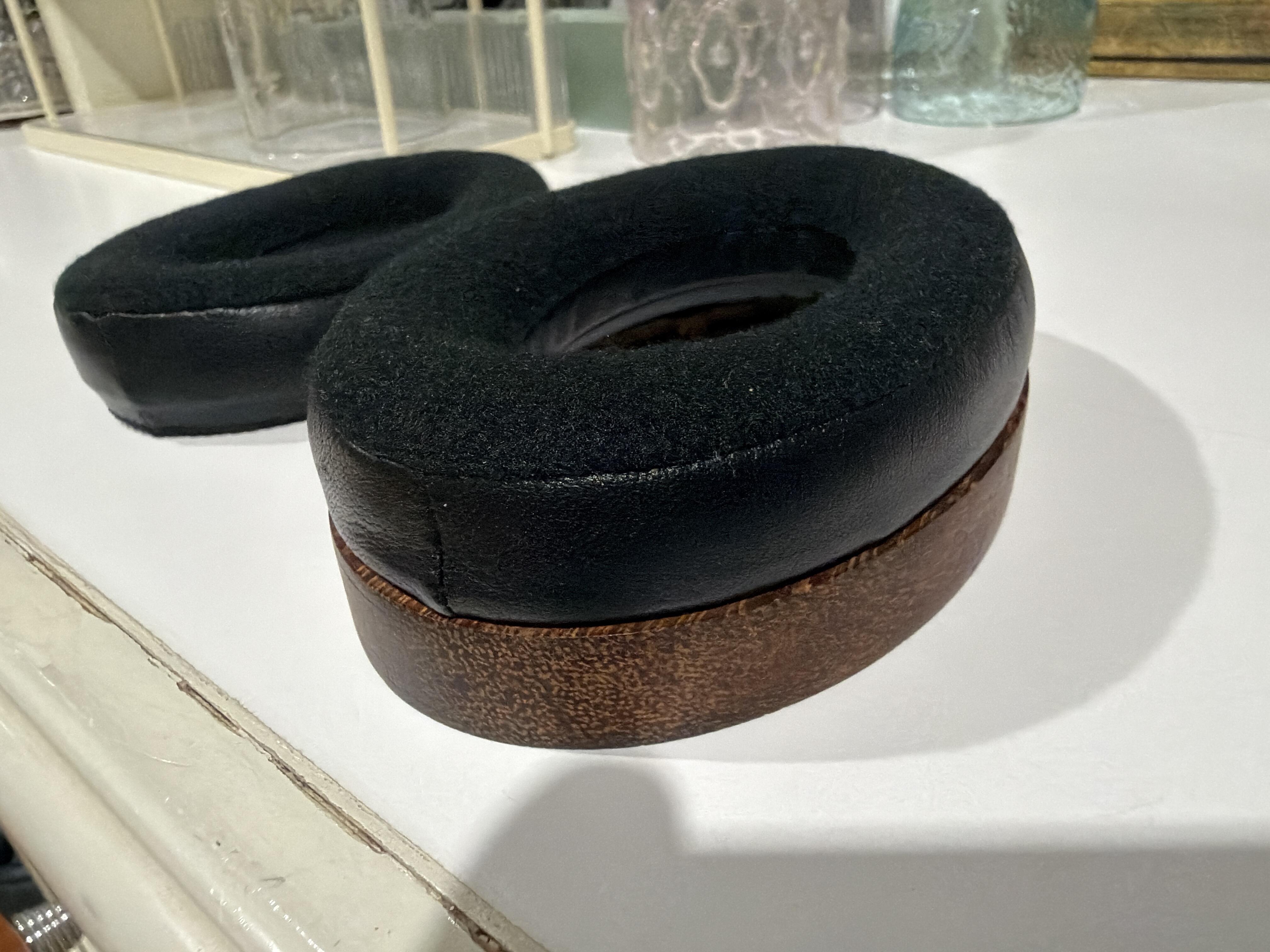
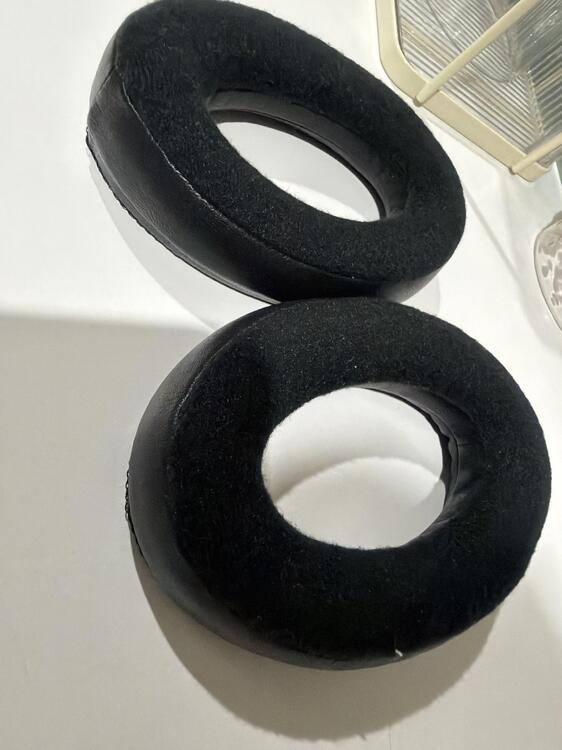
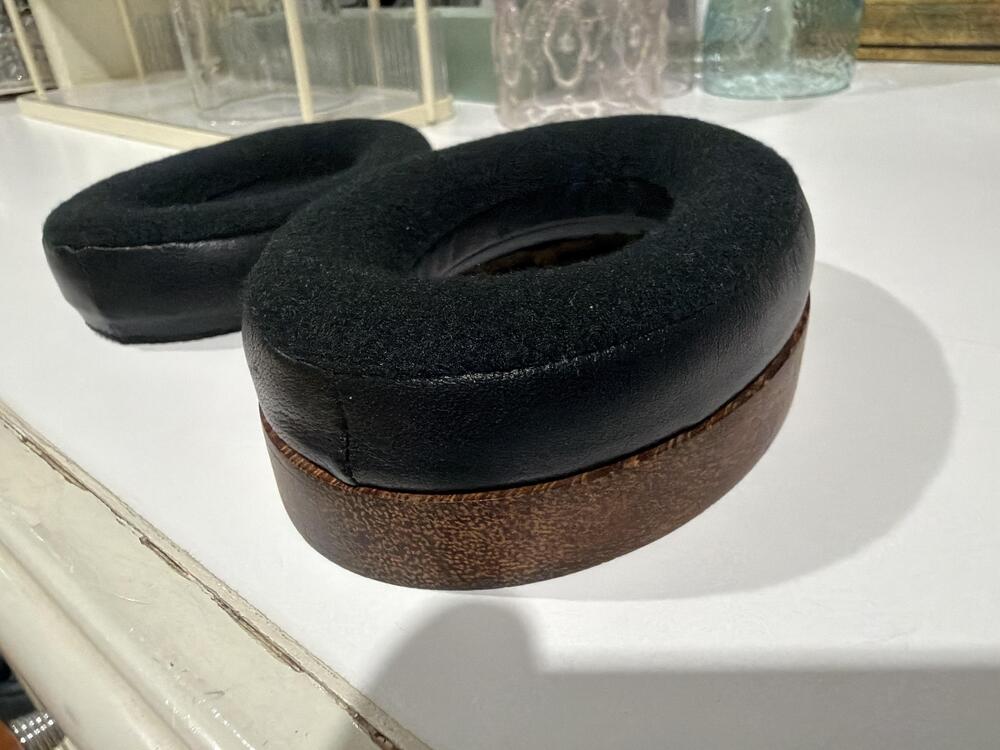
Very nice! I happened to have some ear pads made locally, and they come out to be pretty close to HE90’s. I can send you a pair if you like. 😁
-
They look nice! I'm sure they can produce good sound.
-
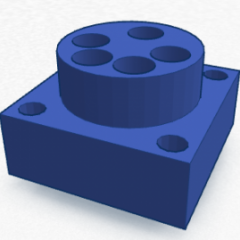
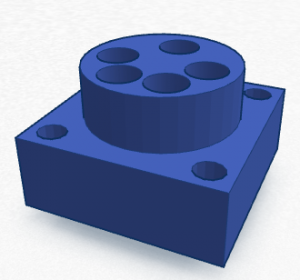
If you have some designs and need to make 3d printed parts, I might be able to help.
-
Does it have enough power to driver the Jackling Float?
-
Humidity is always a problem. We'll just have to try and see.
-
Aumkar suggested to apply it with an airbrush, but I simply put a little on microfiber cloth and wipe it on the diaphragm. After it dries, I buff it off. It’s dirt cheap and working very well.
-
Aumkar suggested using "Comfort" fabric softener for coating, and I have been using it for a few months now. It works very well.
-
It’s SR-007S. 😁 https://stax.co.jp/product/sr-007s/
-
Happy birthday, Kerry!
-
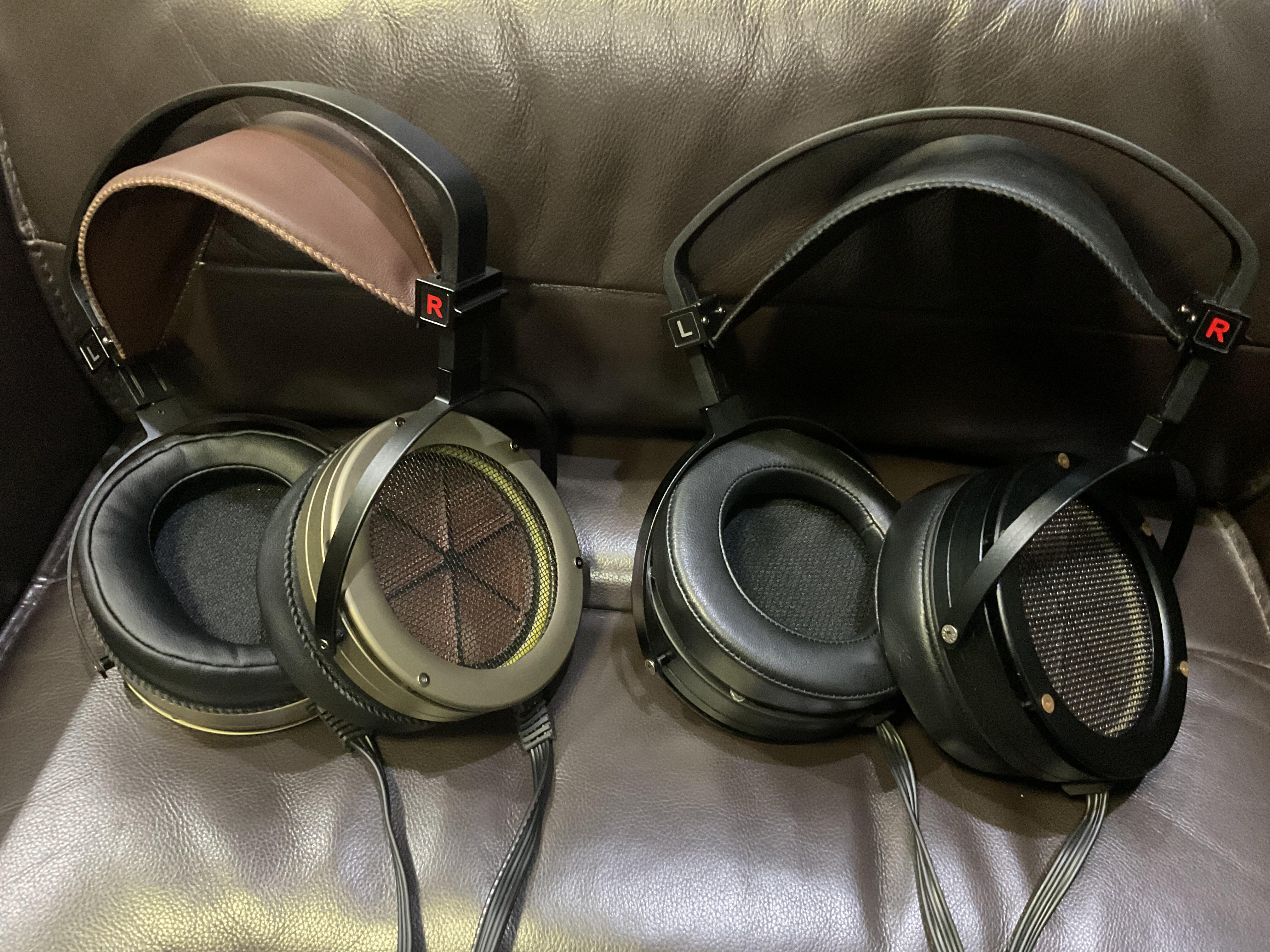
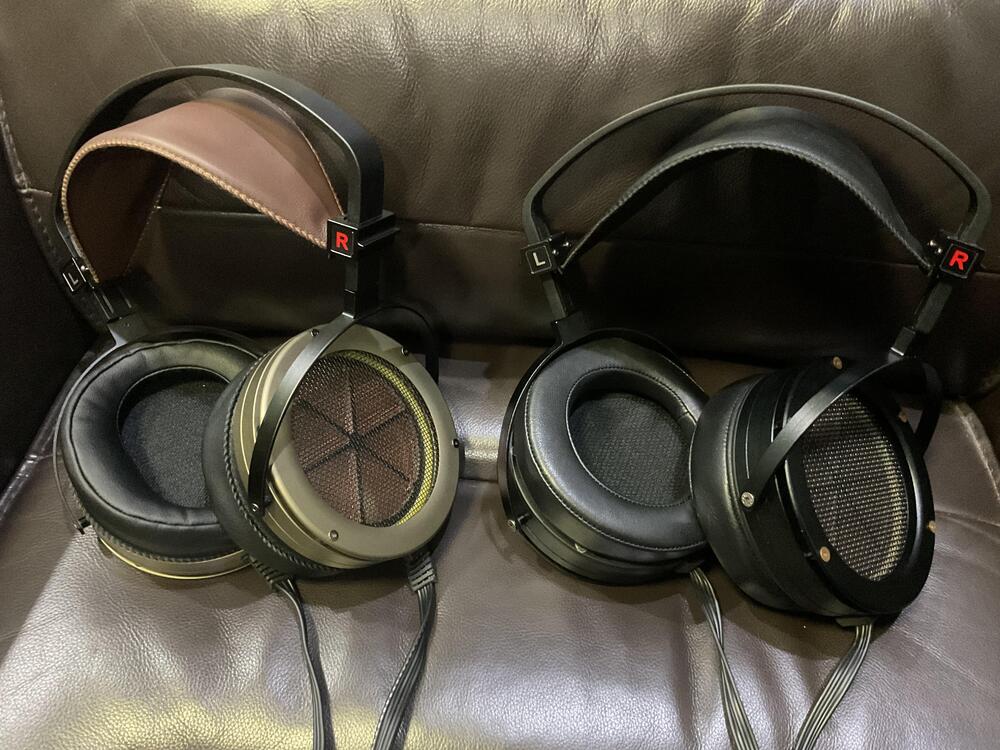
I’ve got my ES2a for a while now. The biggest improvement over the ES1a, in my opinion, is the headband. With the proper clamping force, they don’t fall off my head like the ES1a. So, I ordered the new headband to replace the one on my ES1a. Now my ES1a feels like different headphones. It’s well worth the upgrade. 😄
-
Very nice! 👍 They look very professionally made. What material do you use for dust cover?
-
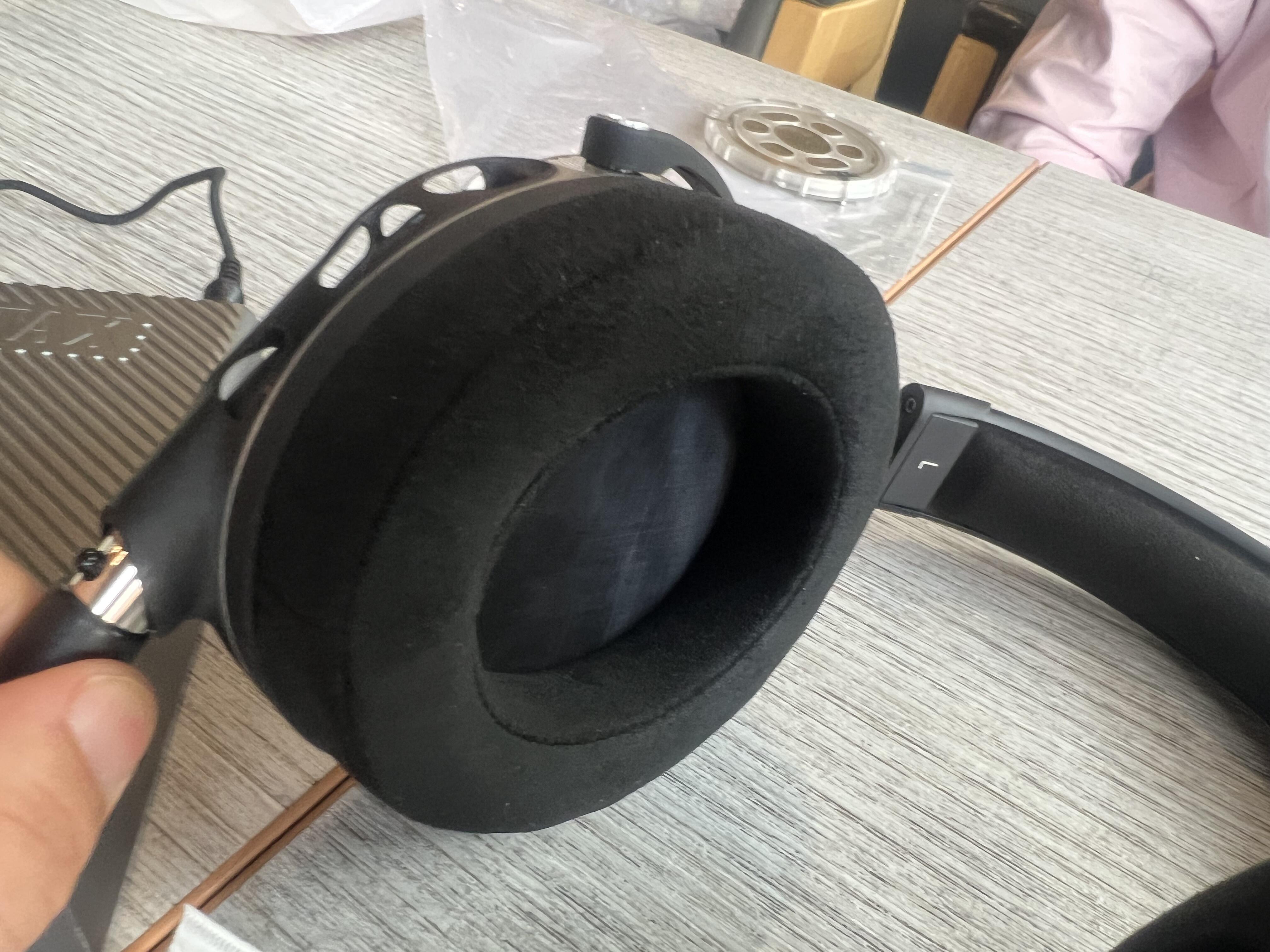
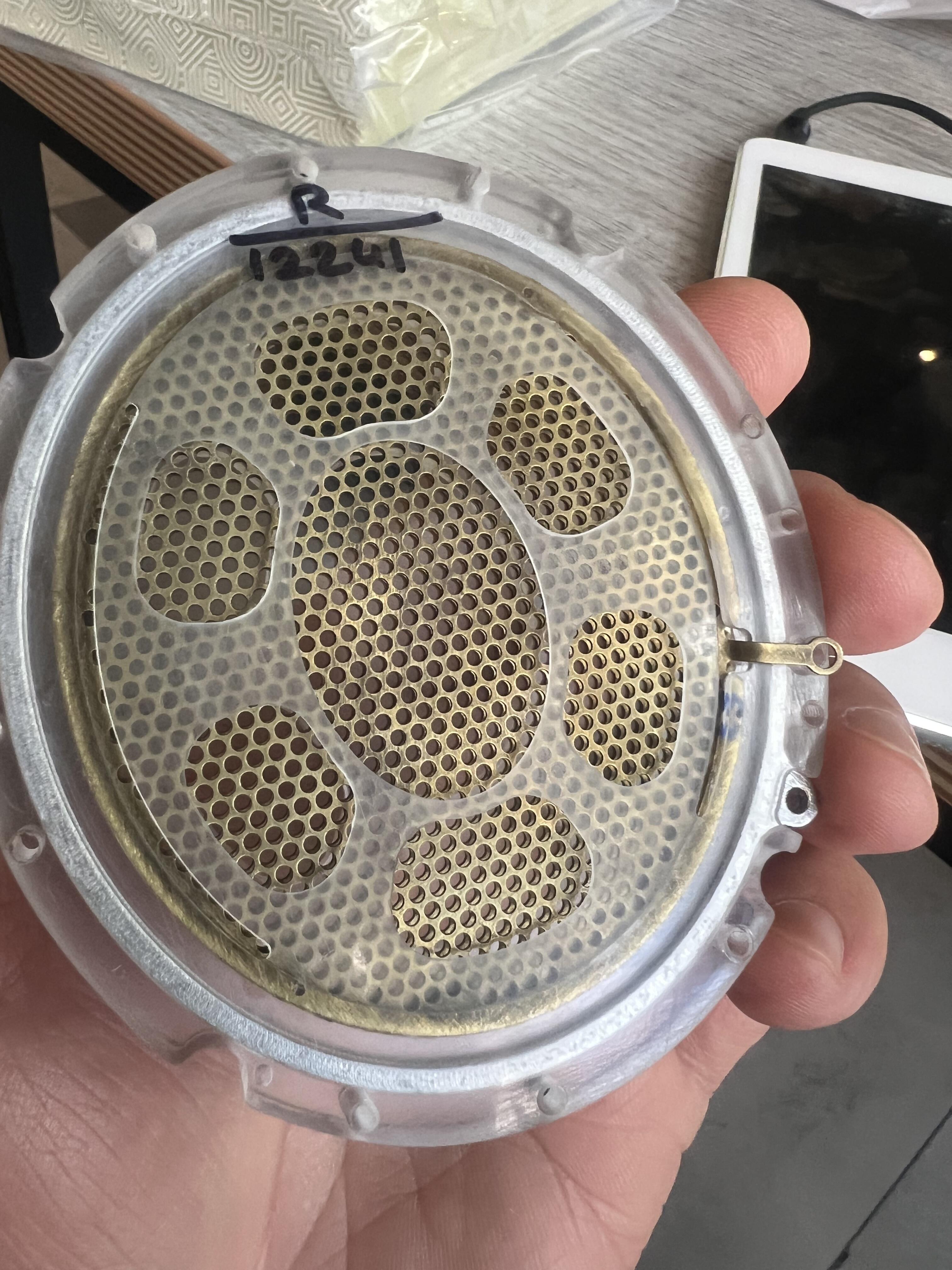
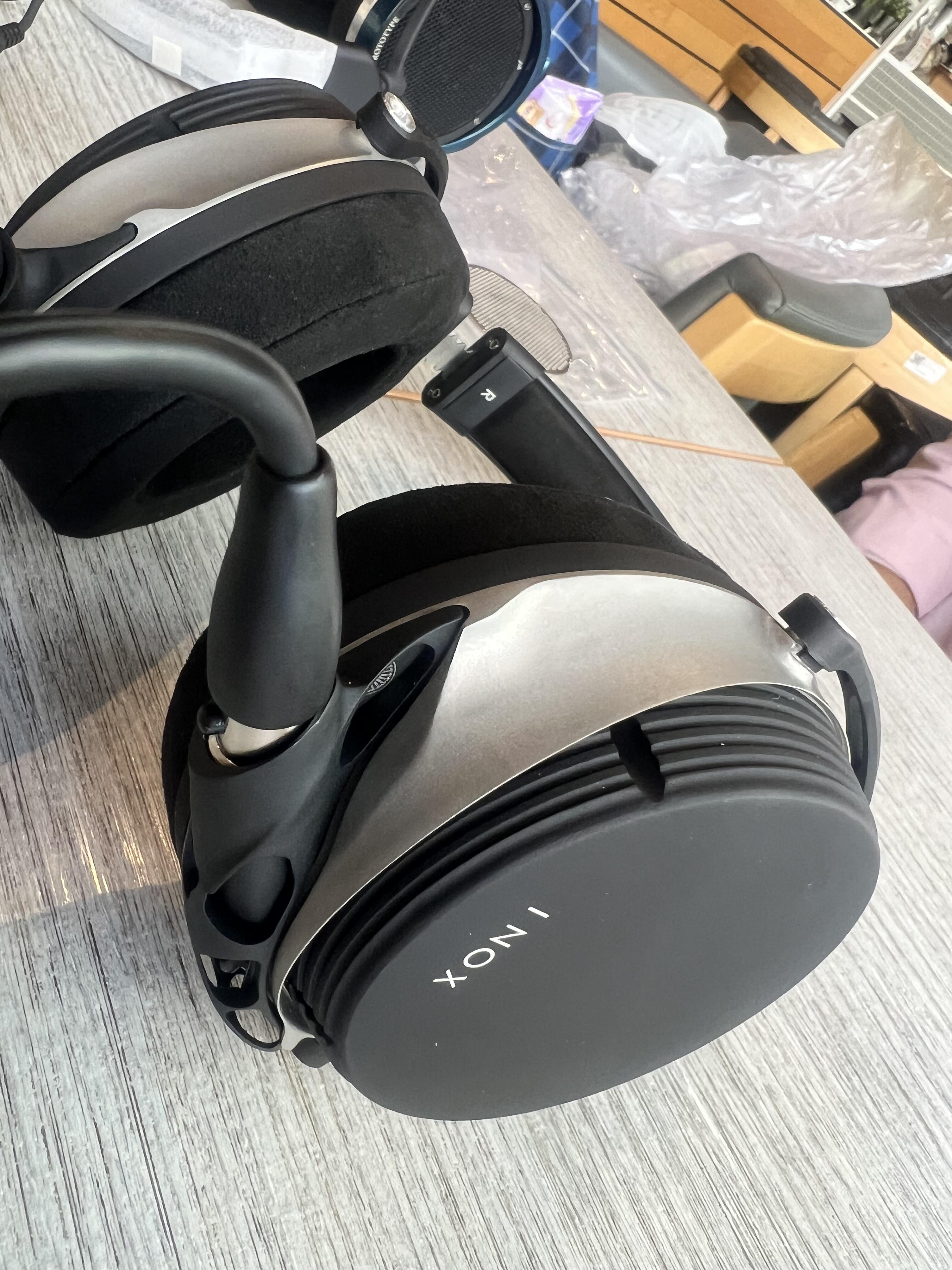
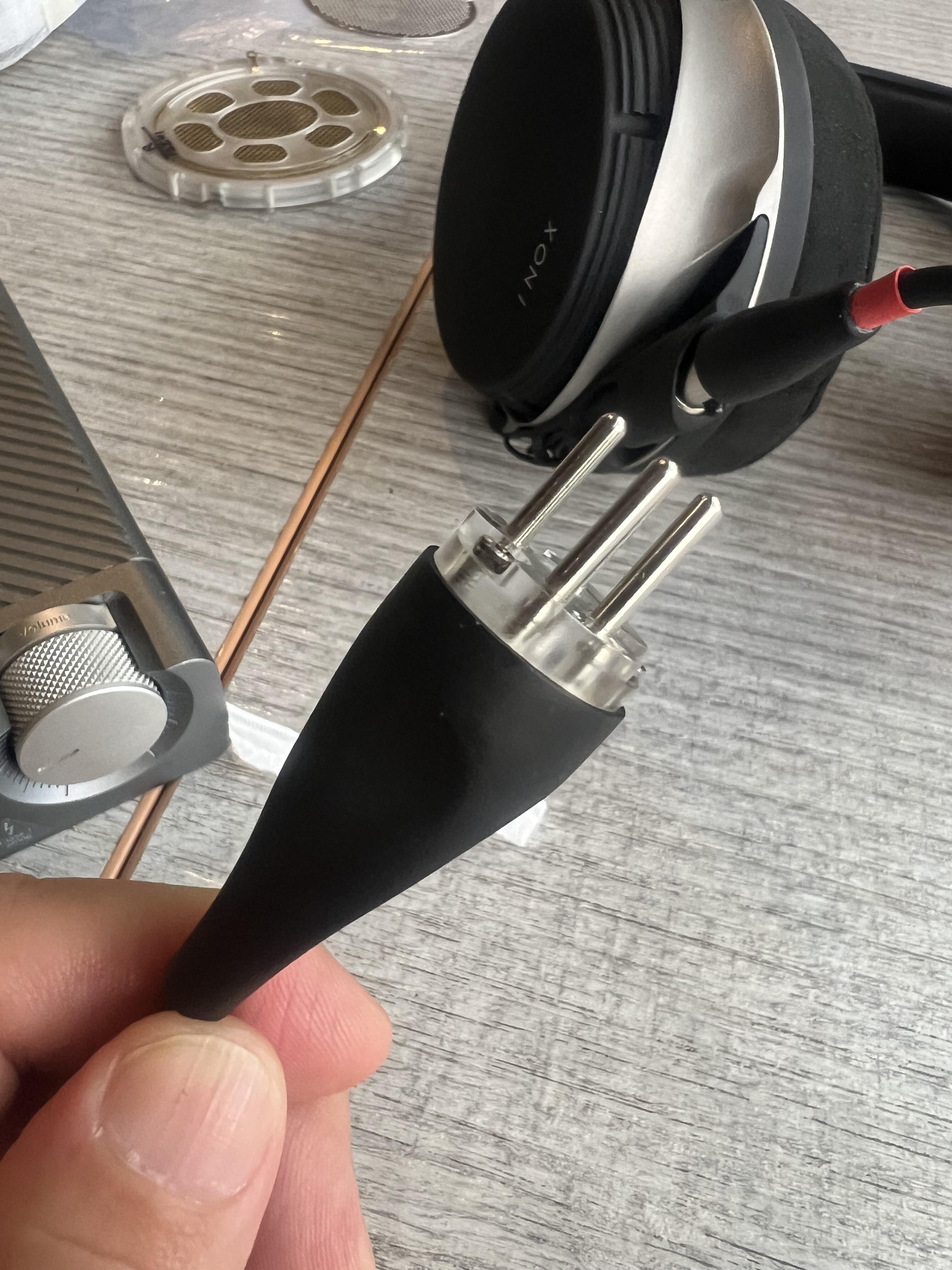
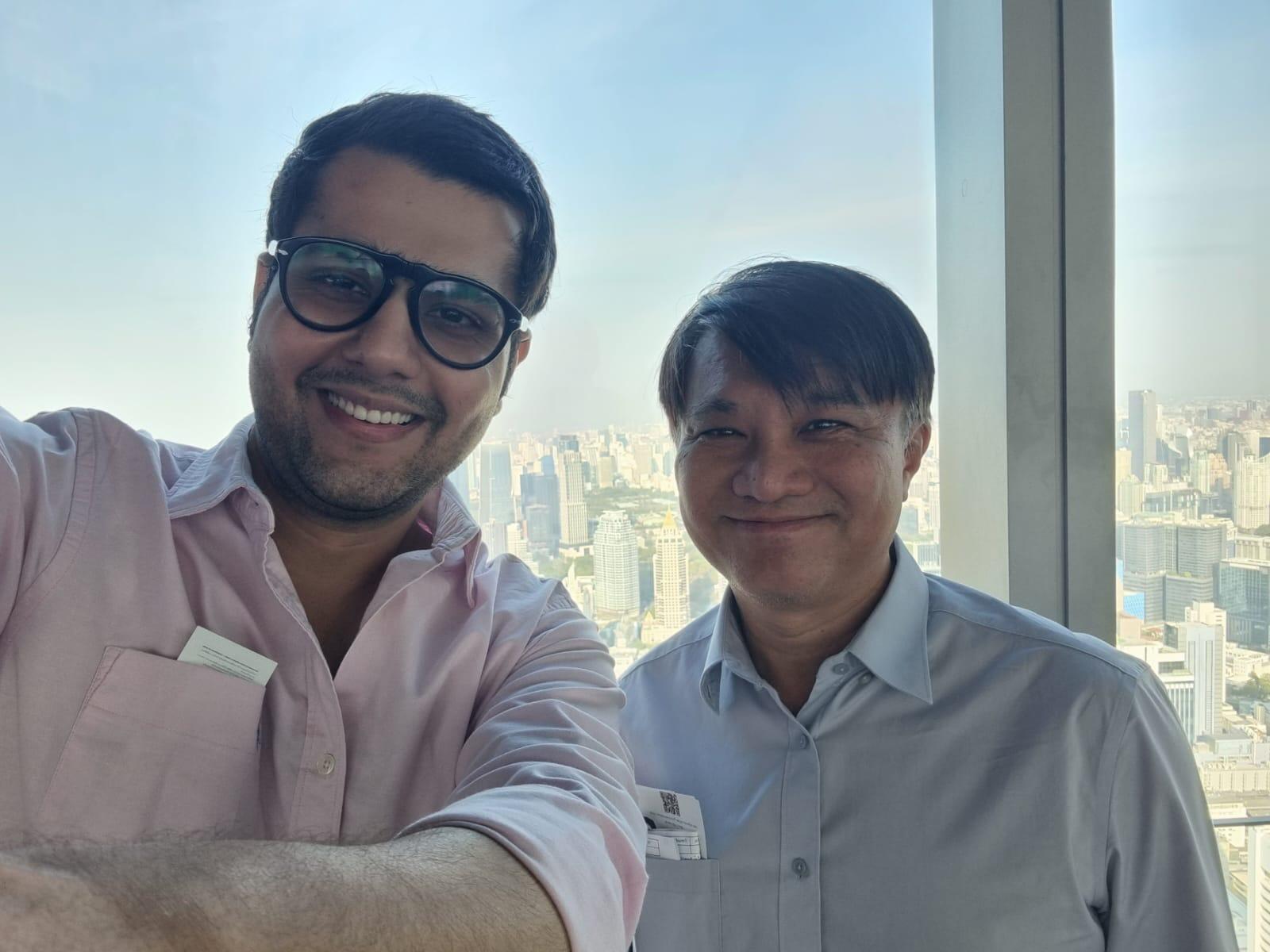
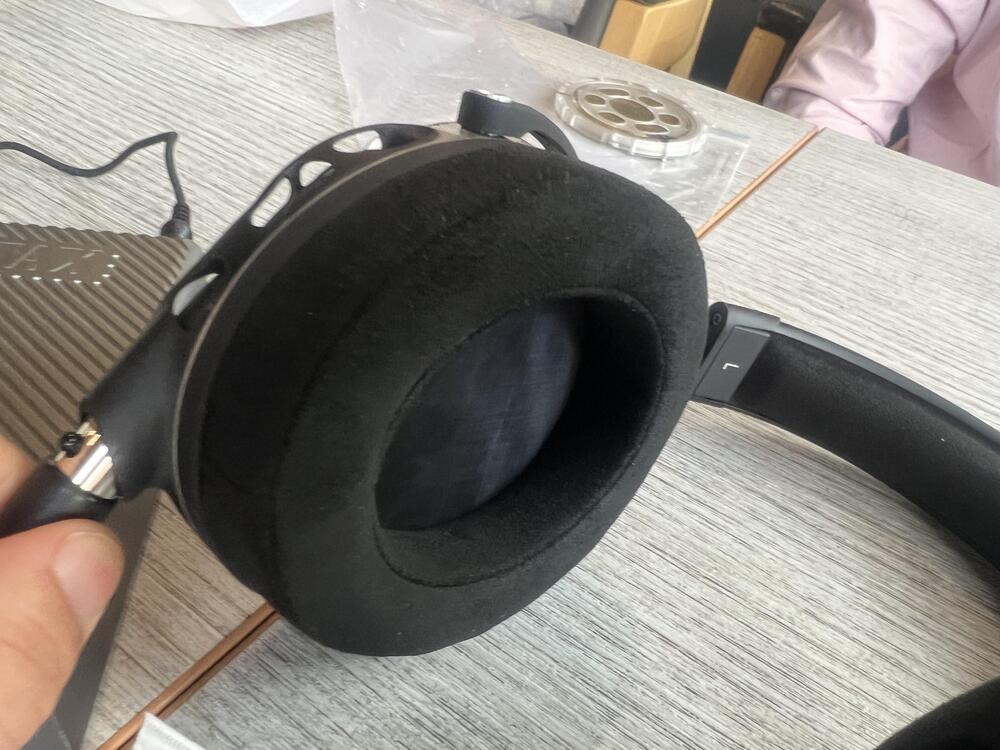
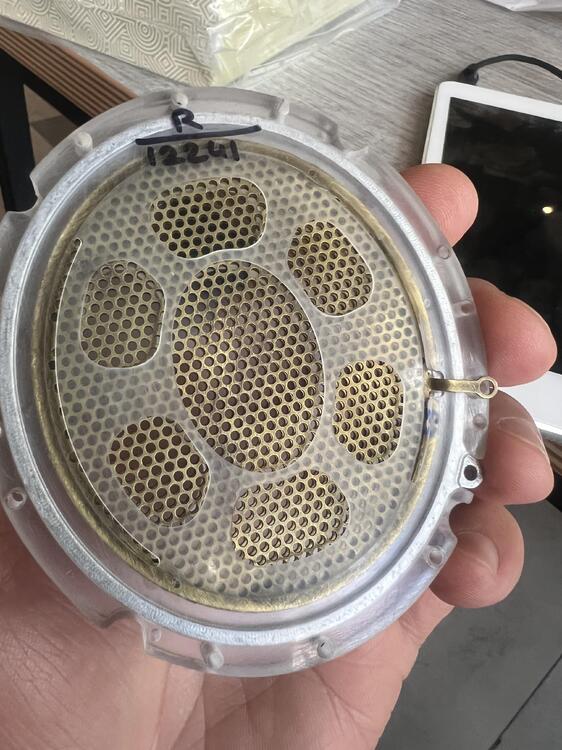
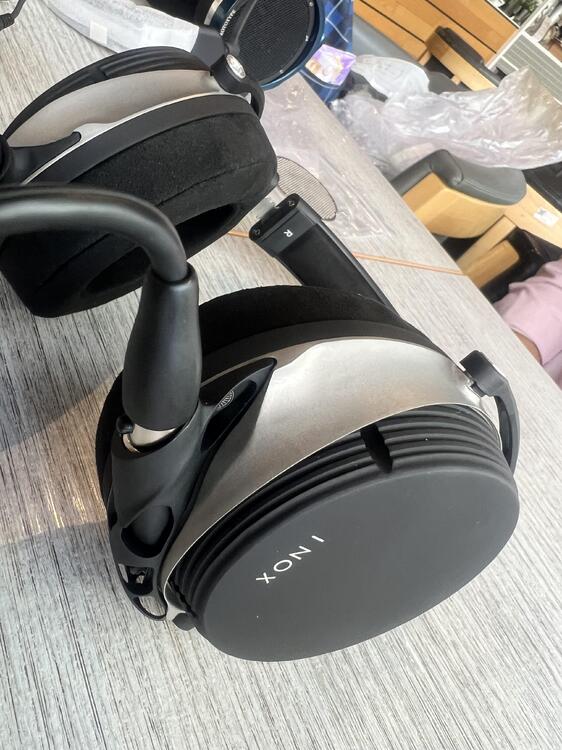
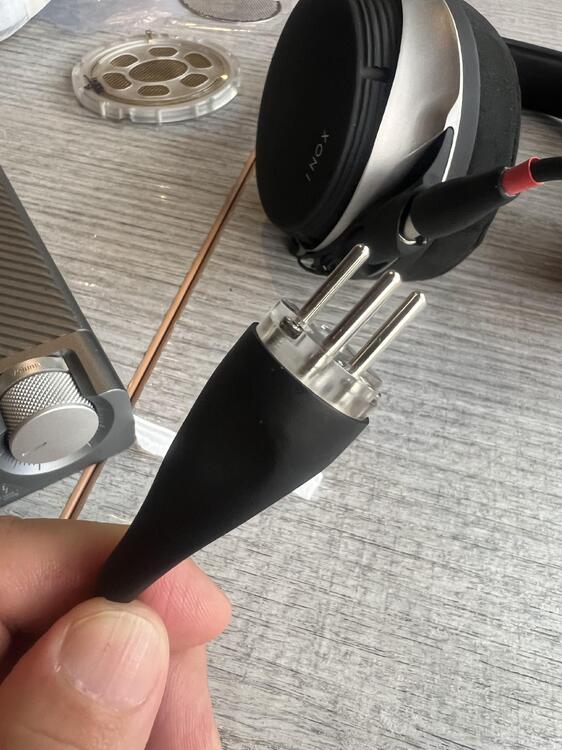
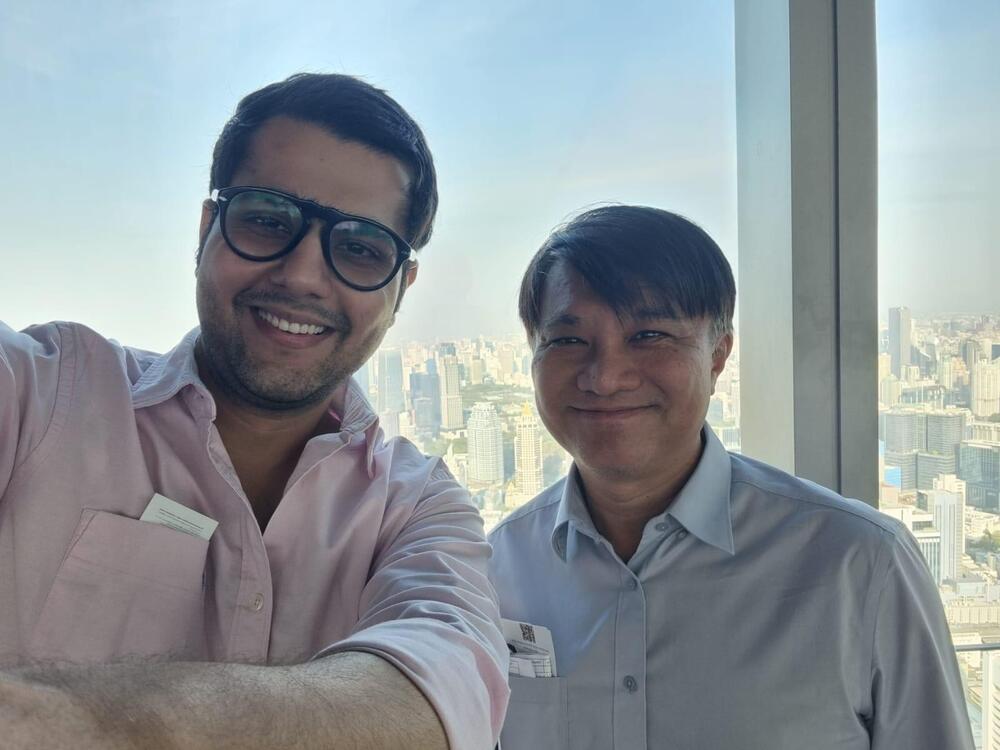
Aumkar came to see me in Bangkok and let me try his INOX. It sounded really nice.
-
Happy birthday!
-
Happy birthday!
-
Happy birthday 🎁🎉🎈🎂🎊