

Leaderboard
-
acidbasement
High Rollers13Points2988Posts -
SeaWolf
Returning Member9Points328Posts -
Augsburger
High Rollers7Points13165Posts -
Aura
High Rollers7Points6886Posts




Popular Content
Showing content with the highest reputation on 12/13/18 in all areas
-
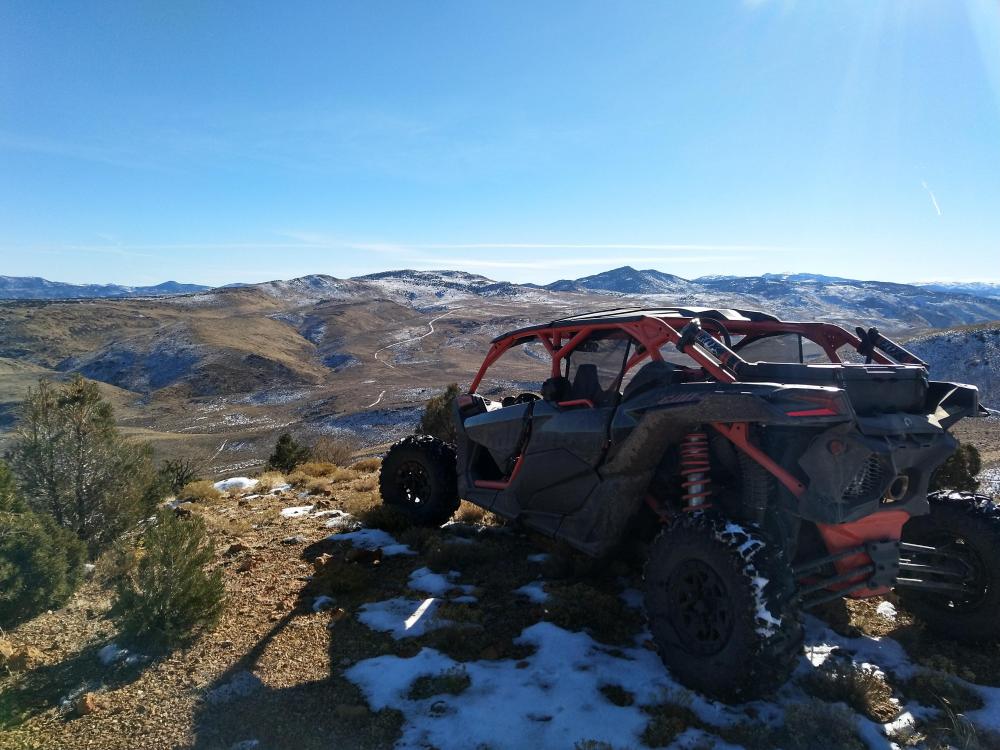
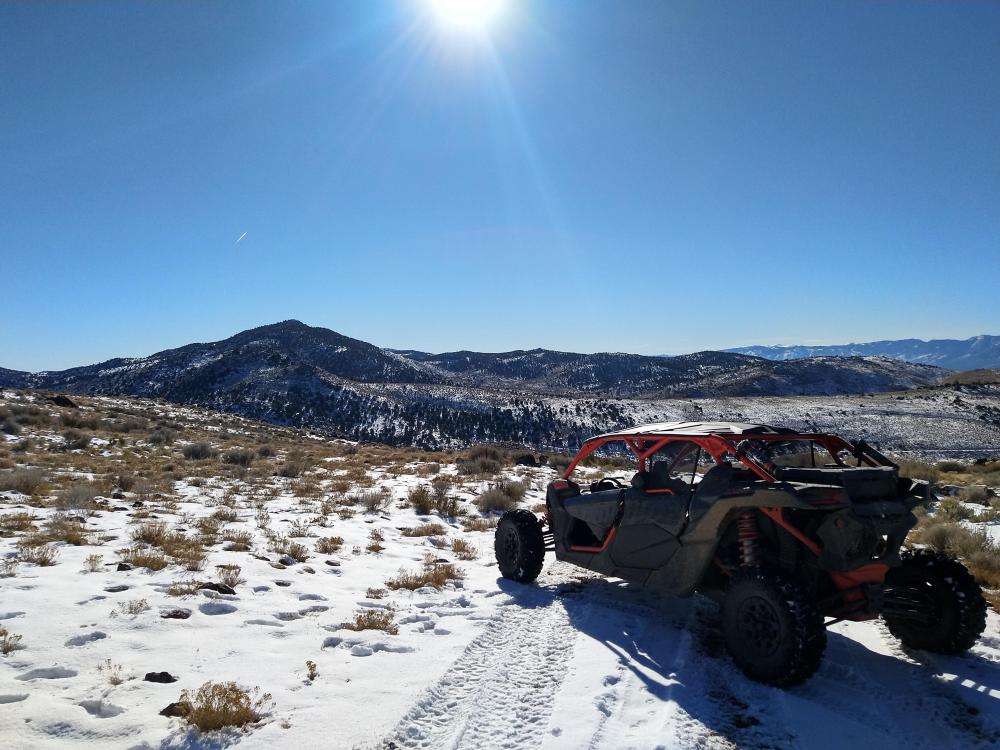
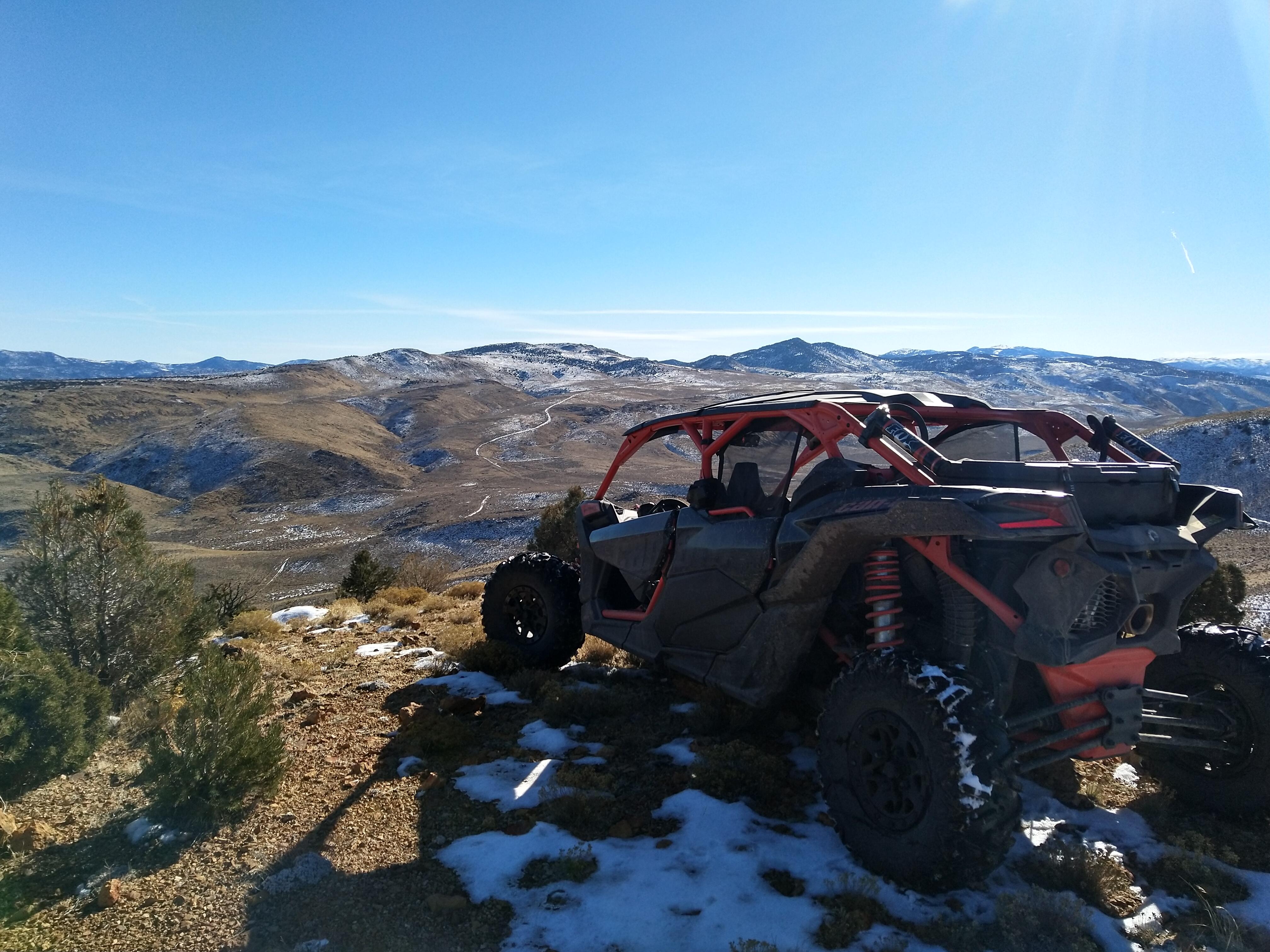
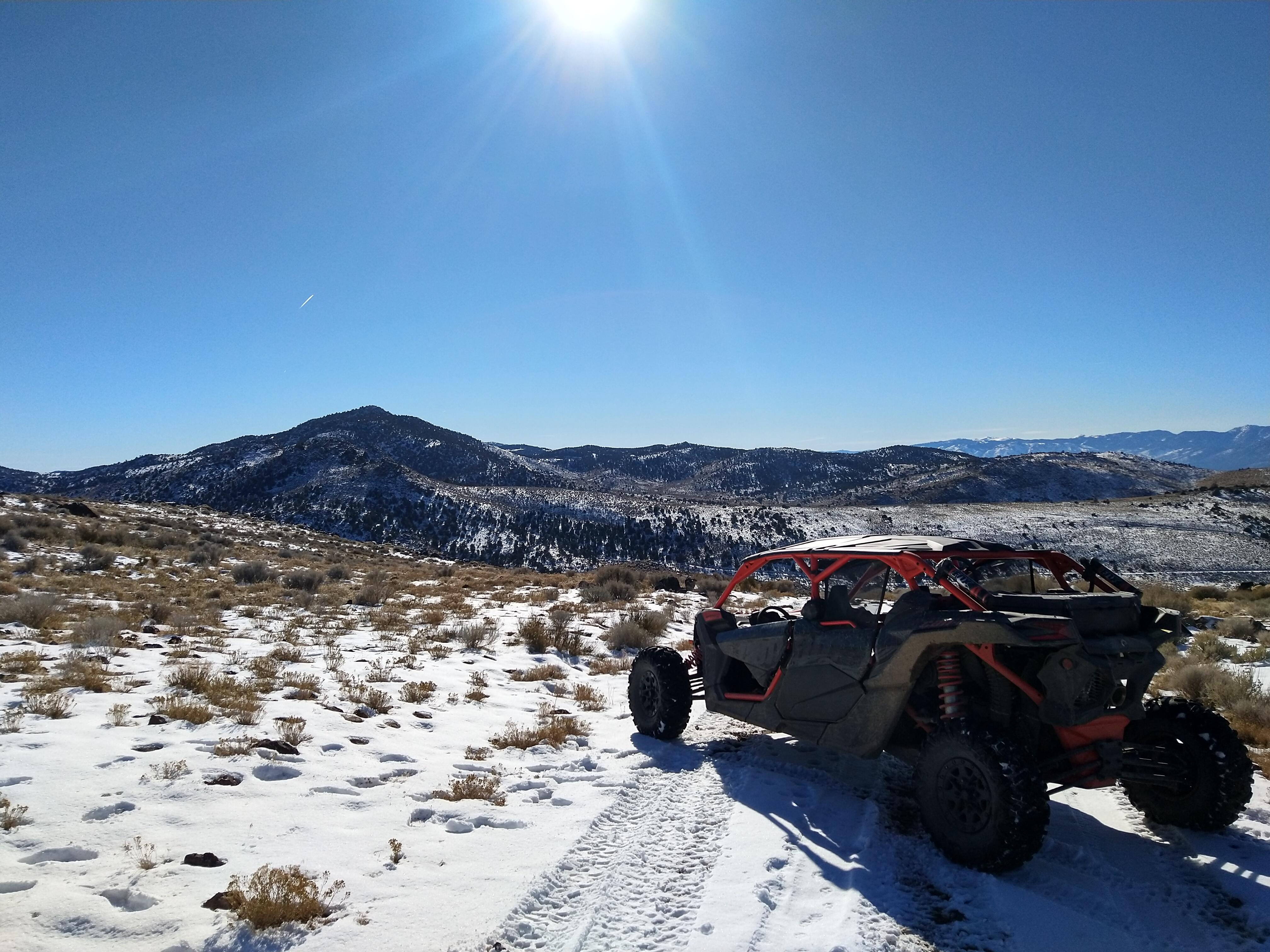
9 pointsNice and sunny here again after a few cloudy days, rare here, so time to take the can-am out.
 9 points
 -
Kings Canyon, California. Weinheim, Germany. Sunrise at Rundle Mountain, Banff. Canada. Sunset at Big White, Canada. Trona Pinnacles [Fujifilm X-T100].3 points
-
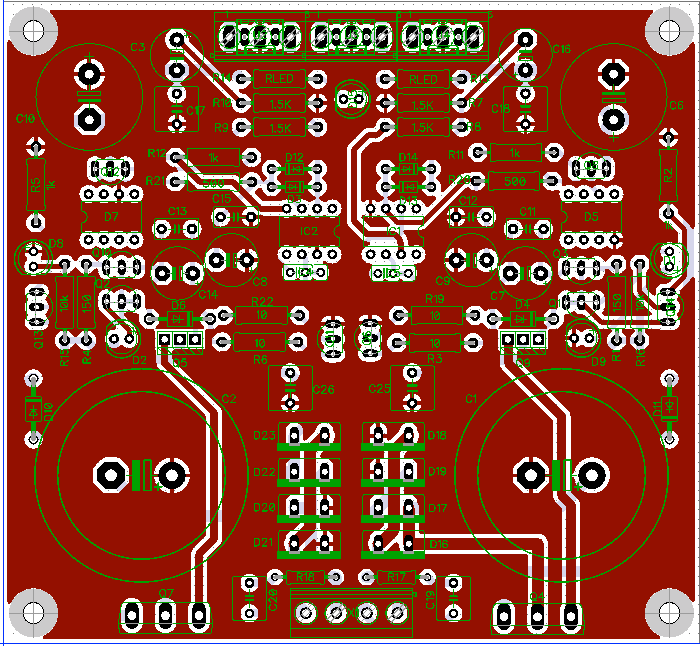
These are the boards; I had seeed run 10 of them. Guess I'll have to build one up and see if it works... The board is a bit larger at 116 x 107mm, so new build only. Mounting holes are inset 5mm (x,y).
 2 points
 -
feeling nostalgic for my childhood amidst the cornfields of Indiana ...2 points
-
1 point
-
Simply beautiful. The alpina rims give a touch of distinction.1 point
-







Important Information
By using this site, you agree to our Terms of Use.