Leaderboard
-
Grahame
High Rollers12Points16831Posts -
mikeymad
High Rollers7Points13850Posts -
Hopstretch
High Rollers6Points16809Posts -
Aura
High Rollers6Points6886Posts




Popular Content
Showing content with the highest reputation on 12/17/18 in all areas
-
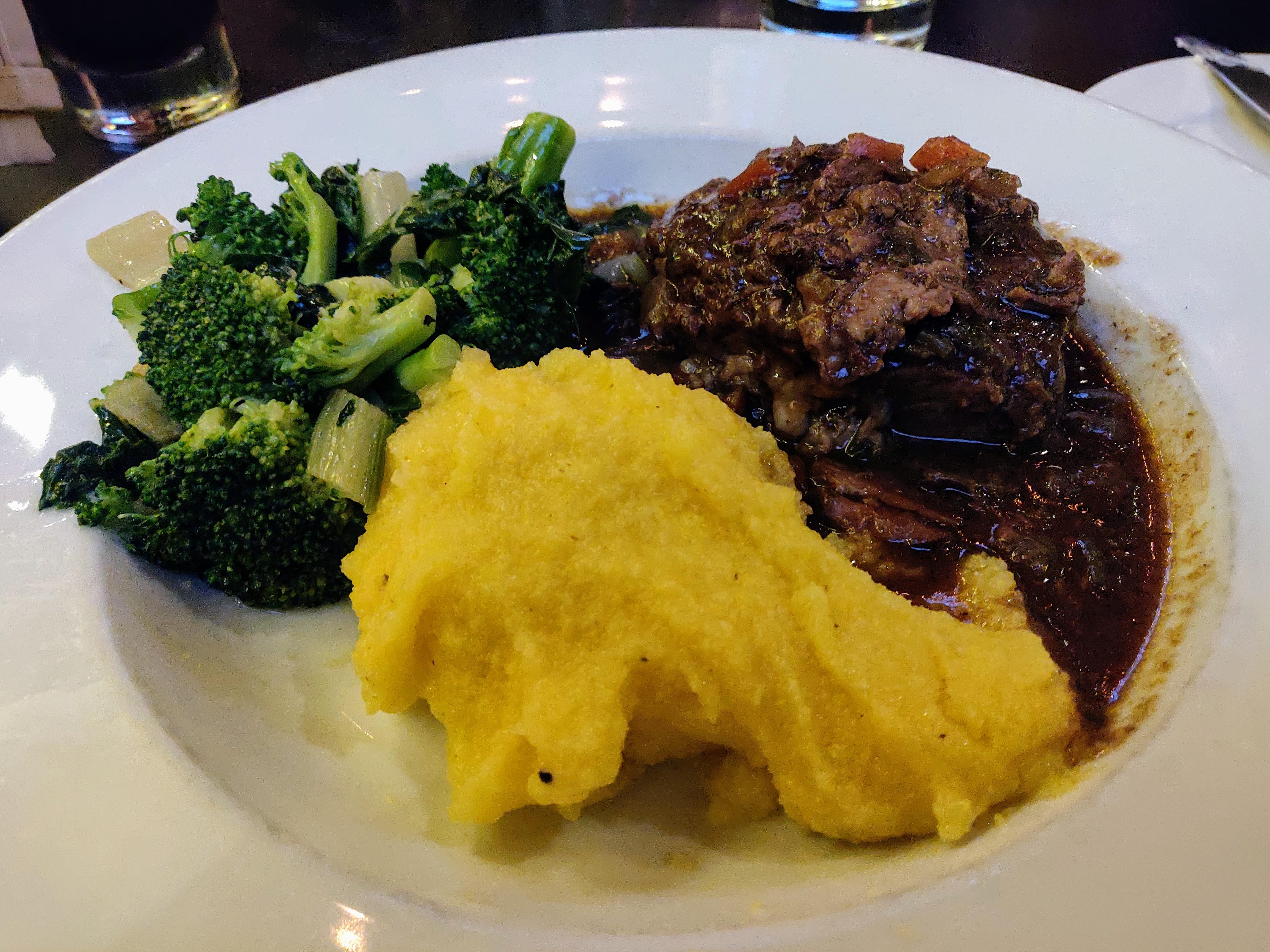
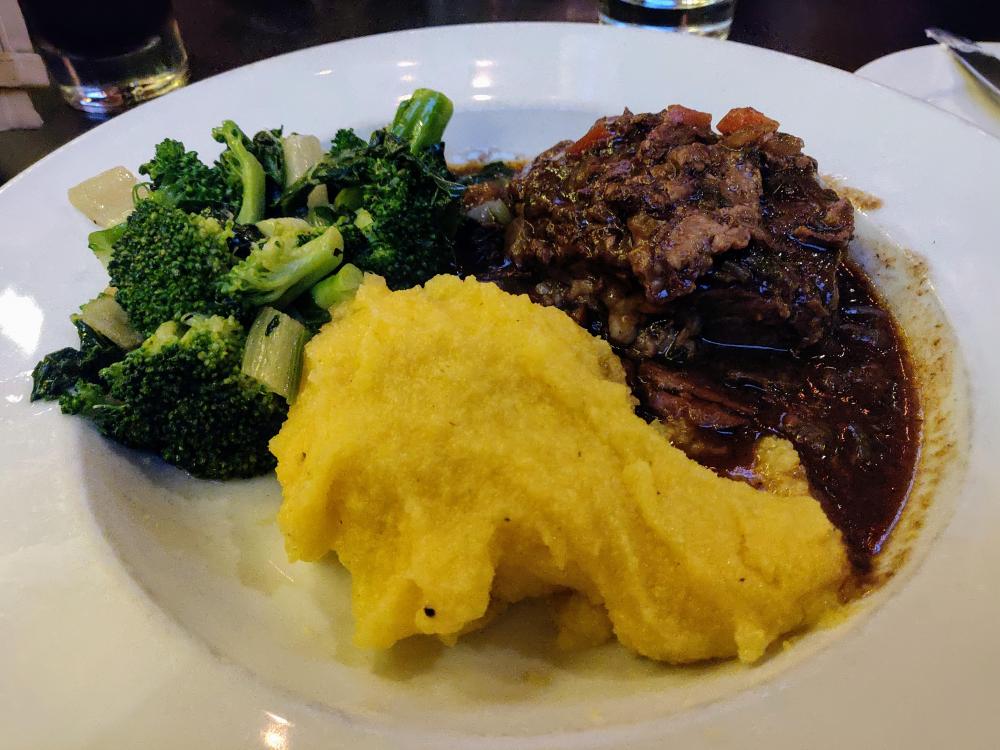
3 pointsBeef Short Rib and polenta Pescatore pasta Affogato Cappuccino


 3 points
 -
1 point
-
1 pointA while back my PS-X7 stopped maintaining platter speed and resulted in a really weird Beck album before I caught it. I put it to the side to troubleshoot for a bit. Now it maintains speed just fine and I live in fear of the Eldritch god of chaos that now lives in my turntable. They prefer Wilco over Beck. Sounds good though.1 point
-
1 point
-
1 point
-
1 pointNeat. Alternatively build one out of Ikea bits https://www.pinterest.co.uk/pin/508766089133499234/1 point
-
1 pointhttps://thevinylfactory.com/news/new-modular-turntable-can-be-3d-printed-at-home/ Print it1 point
-
1 point