Leaderboard




Popular Content
Showing content with the highest reputation on 11/03/19 in Posts
-
3 points
-
2 points
-
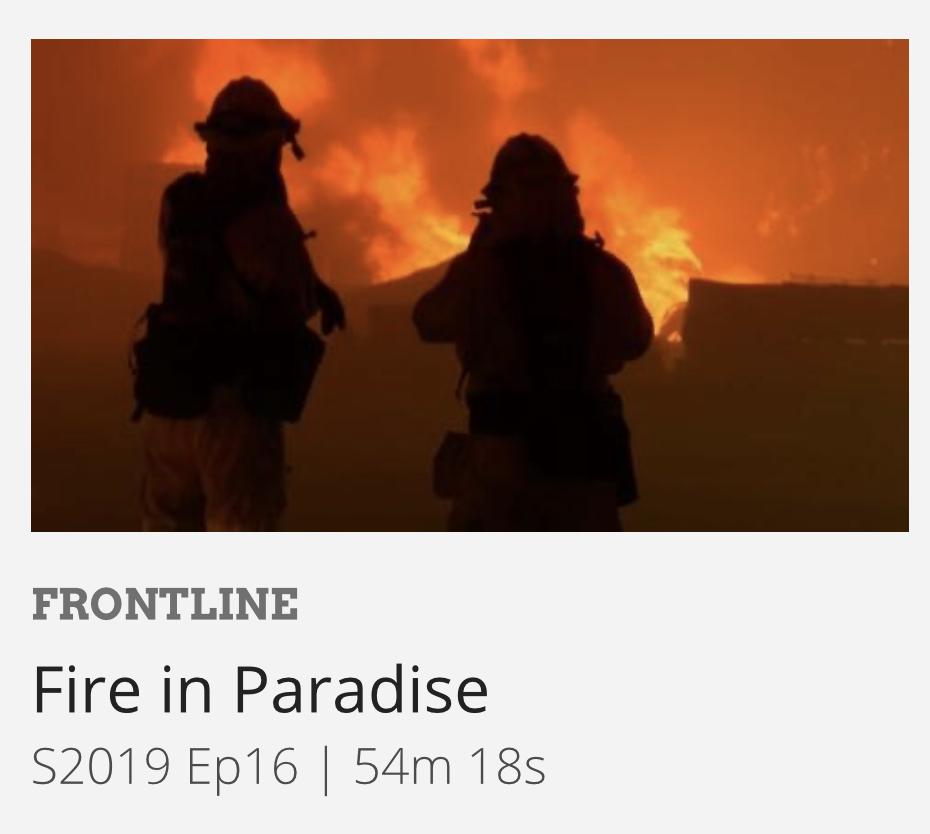
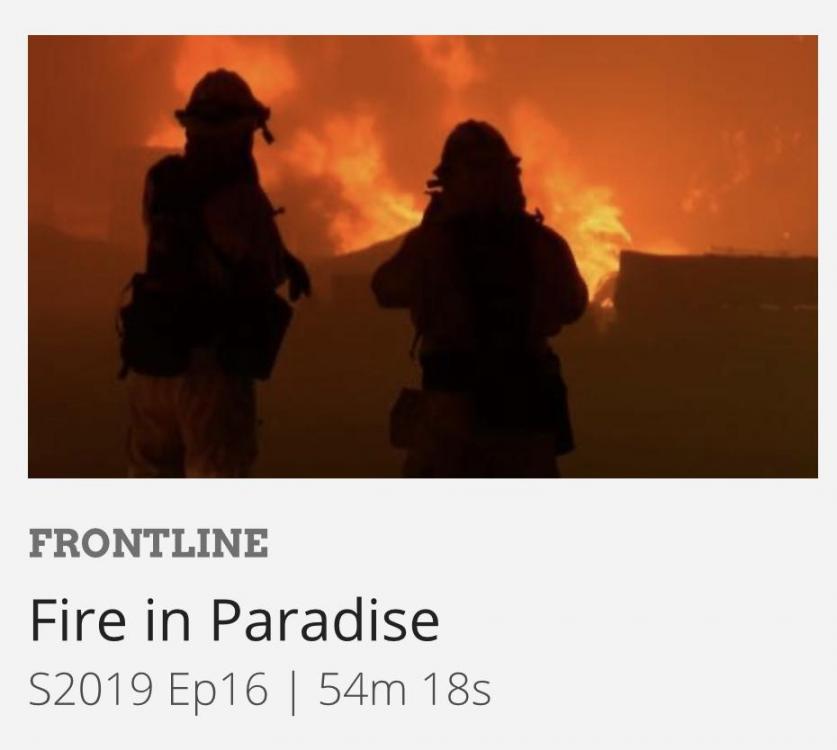
2 pointsFrontline looks at the Paradise Fire. Unreal footage. Scarier than any horror movie I have seen. The radio chatter and the recorded 911 calls are heartbreaking. https://www.pbs.org/video/fire-in-paradise-ncamrn/
 2 points
 -
1 point
-
1 pointI’m sorry, I’ll shut up, please feel free to continue to share your progress, I doubt I’m the only one interested.1 point
-
1 pointJust watched using the PBS app. Chilling. Pairs with; https://www.pbs.org/wgbh/nova/video/inside-the-megafire/1 point
-
1 point
-
1 point
-
1 pointI haven't tried a new one in a few years but I might pickup a fresh set just to try out. Speaking of the 007's just see what Stax dropped on Youtube...1 point
-
1 pointChernobyl miniseries on HBO. How close they came to making the whole region a wasteland.1 point
-
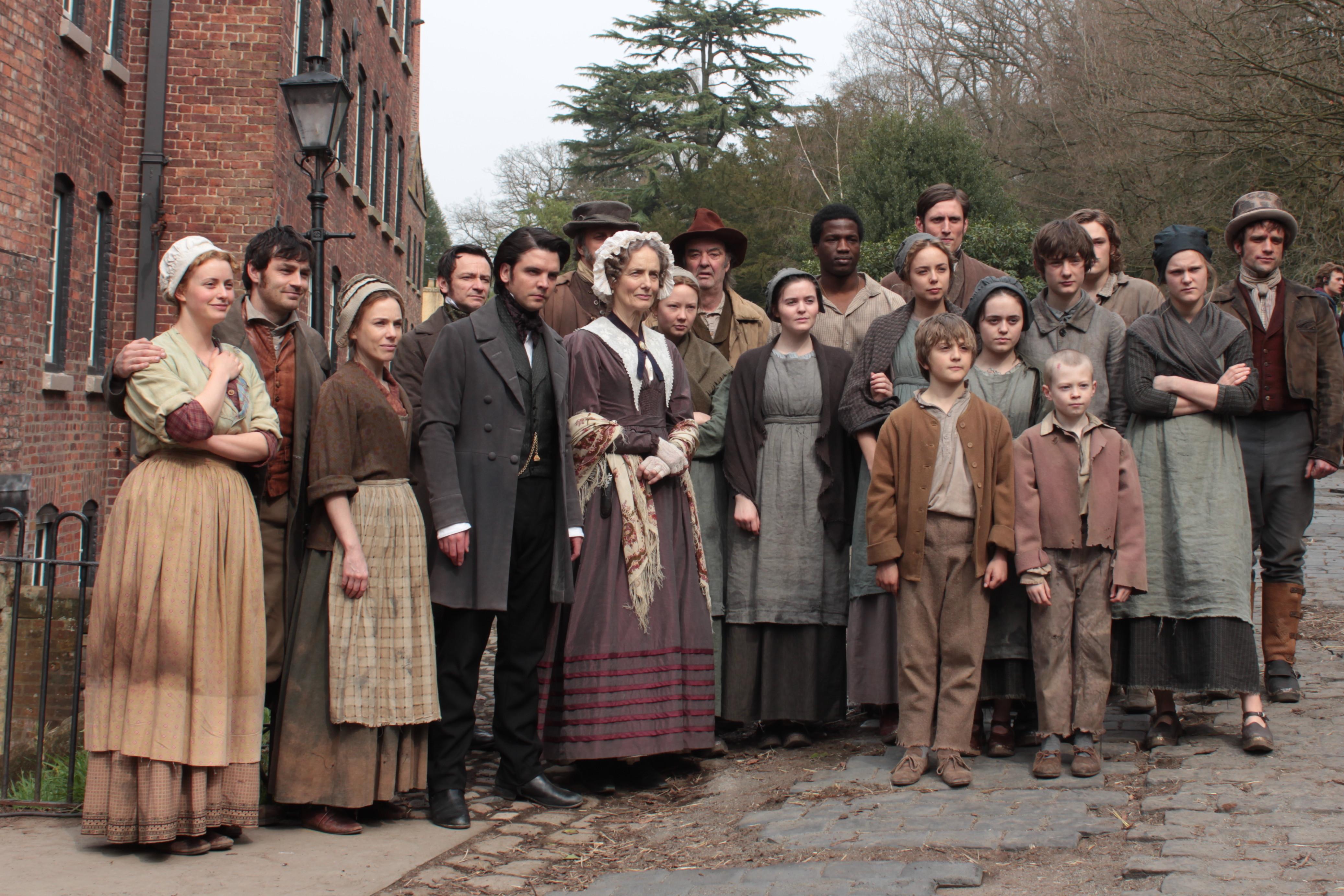
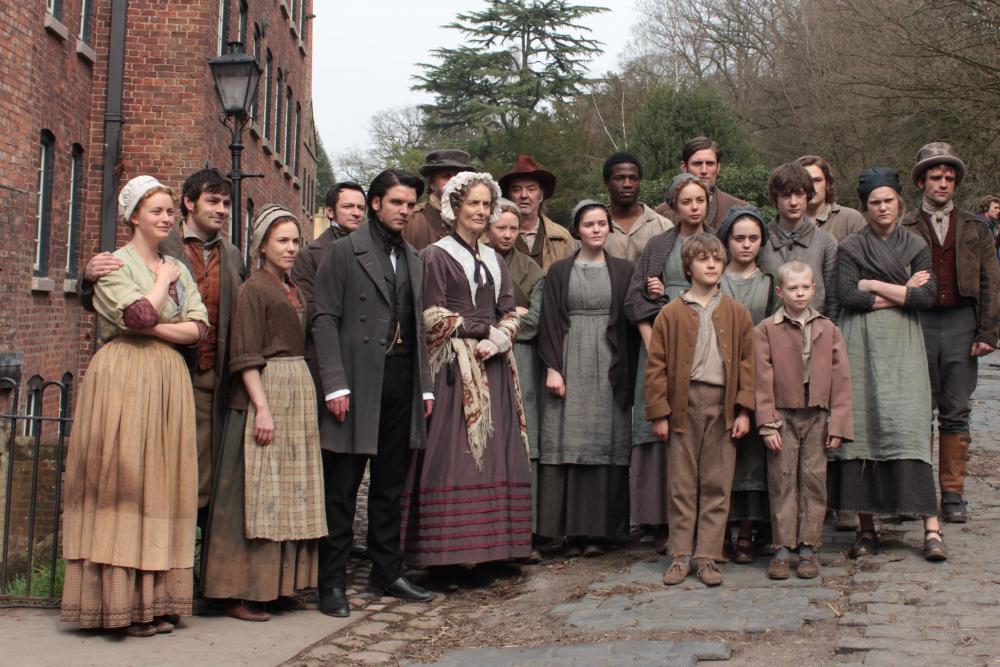
0 points^ Going to stream. Anyone watch The Mill (a few years old BBC series streaming on Prime)? Any good? Sat down with Melissa and Esmé to watch after reading a review that said it was “great for the family”, but we have a rule that if in the first two minutes of a series a girl is raped, but then that rape is interrupted by a boy getting his arm mangled in machinery, we hit pause and reconsider. So we’re just under three minutes in at this point. Feedback appreciated.
 0 points