

Leaderboard
-
Hopstretch
High Rollers11Points16822Posts -
Voltron
High Rollers10Points34632Posts -
n_maher
Administrators7Points27522Posts -
Augsburger
High Rollers6Points13165Posts




Popular Content
Showing content with the highest reputation on 12/09/19 in Posts
-
4 pointsThere was the original Abyss, then Abyss Phi, then Phi CC, and now Abyss Phi TC... I don't know what came over me, but the 10% Black Friday sale didn't help. 1208191031_HDR by drjlo2, on Flickr4 points
-
4 pointsA night out in the rain with the X-Pro2 & XF 23 f/2



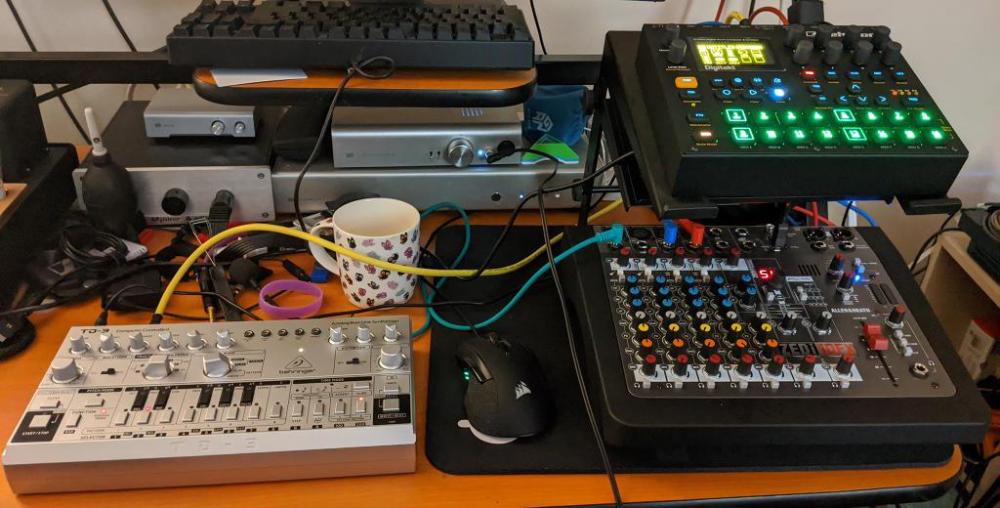
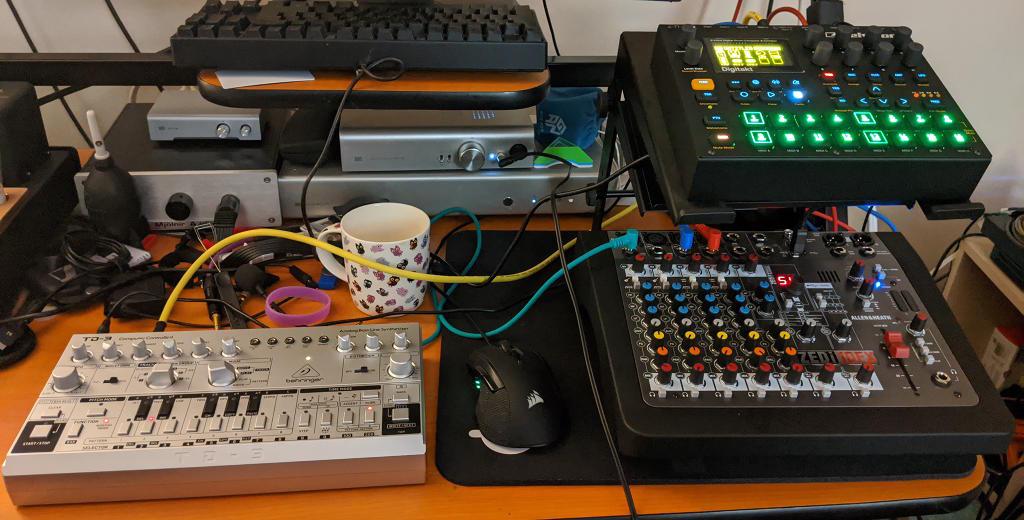
 2 points1 pointYou're not helping! I'm currently gathering patch cables and software and trying to get running again- I have a weakness for small, quirky machines, I admit. My Sunday was a bit:
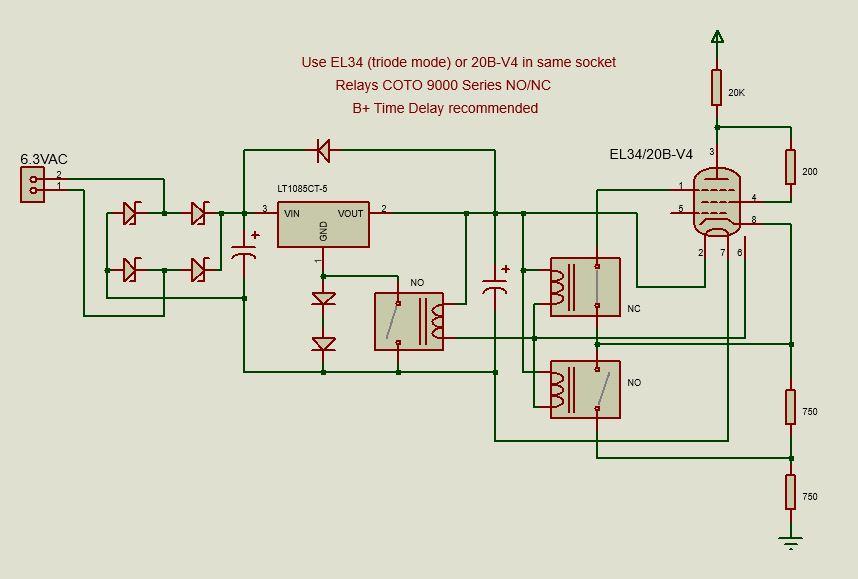
 1 point1 pointsure, here's the schematic again. the way it works is the relays flip when you plug in the 20B. because there should always be a time delay on the high voltage and I'd hope nobody is hot swapping the tubes it should be completely safe
 1 point1 pointWeek after week I kept waiting for this show to disappoint and week after week it just gets better and better. HBO has something special here. What a pleasant surprise this show has been!1 point1 point1 point1 point1 point














Important Information
By using this site, you agree to our Terms of Use.