

Leaderboard




Popular Content
Showing content with the highest reputation on 09/19/23 in Posts
-
4 points
-
3 points
-
Anyone seen a plane around here? I found it!2 points
-
I'm sorry they won't work with you. That really blows! I hope you can get this resolved.1 point
-
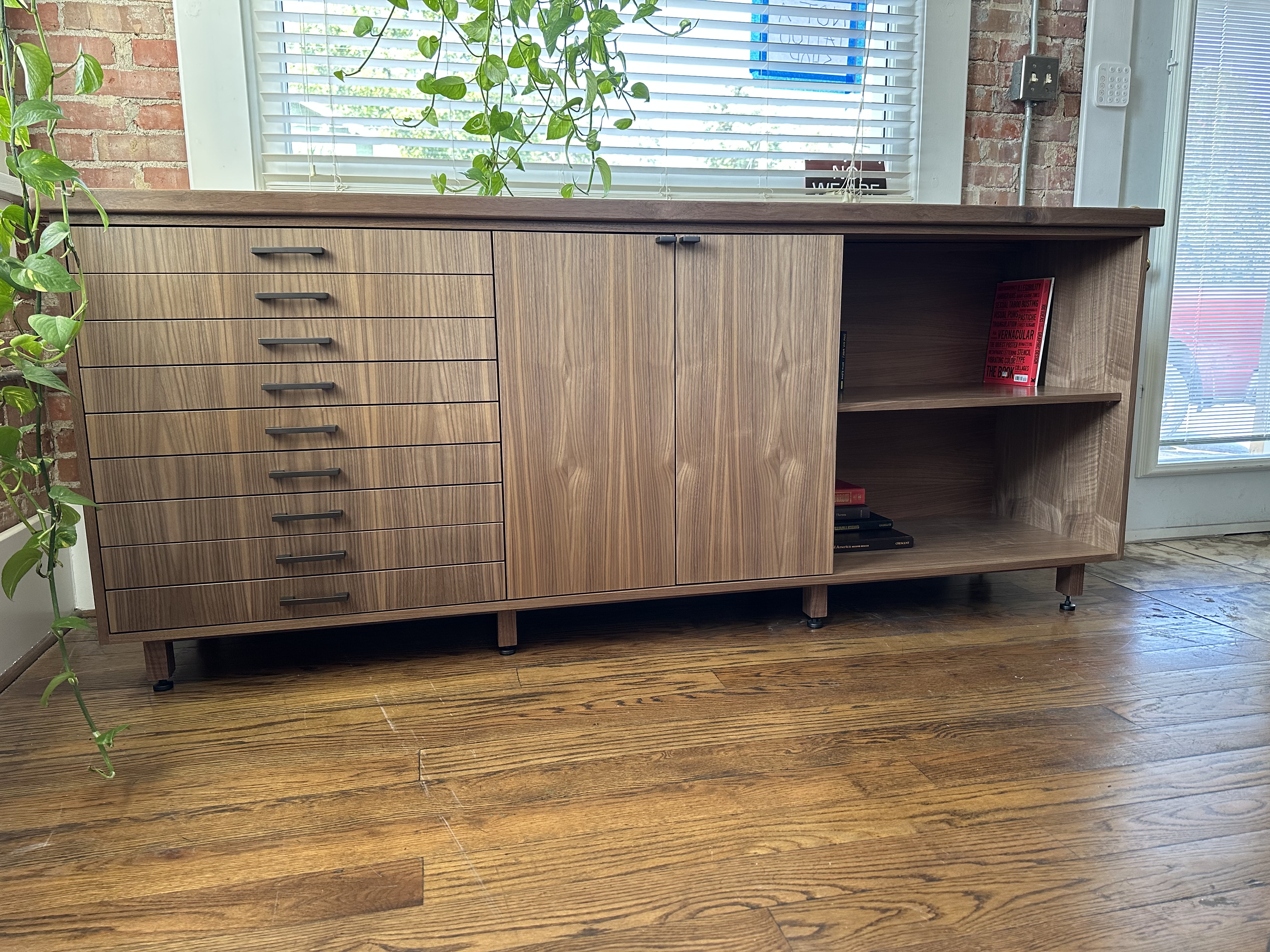
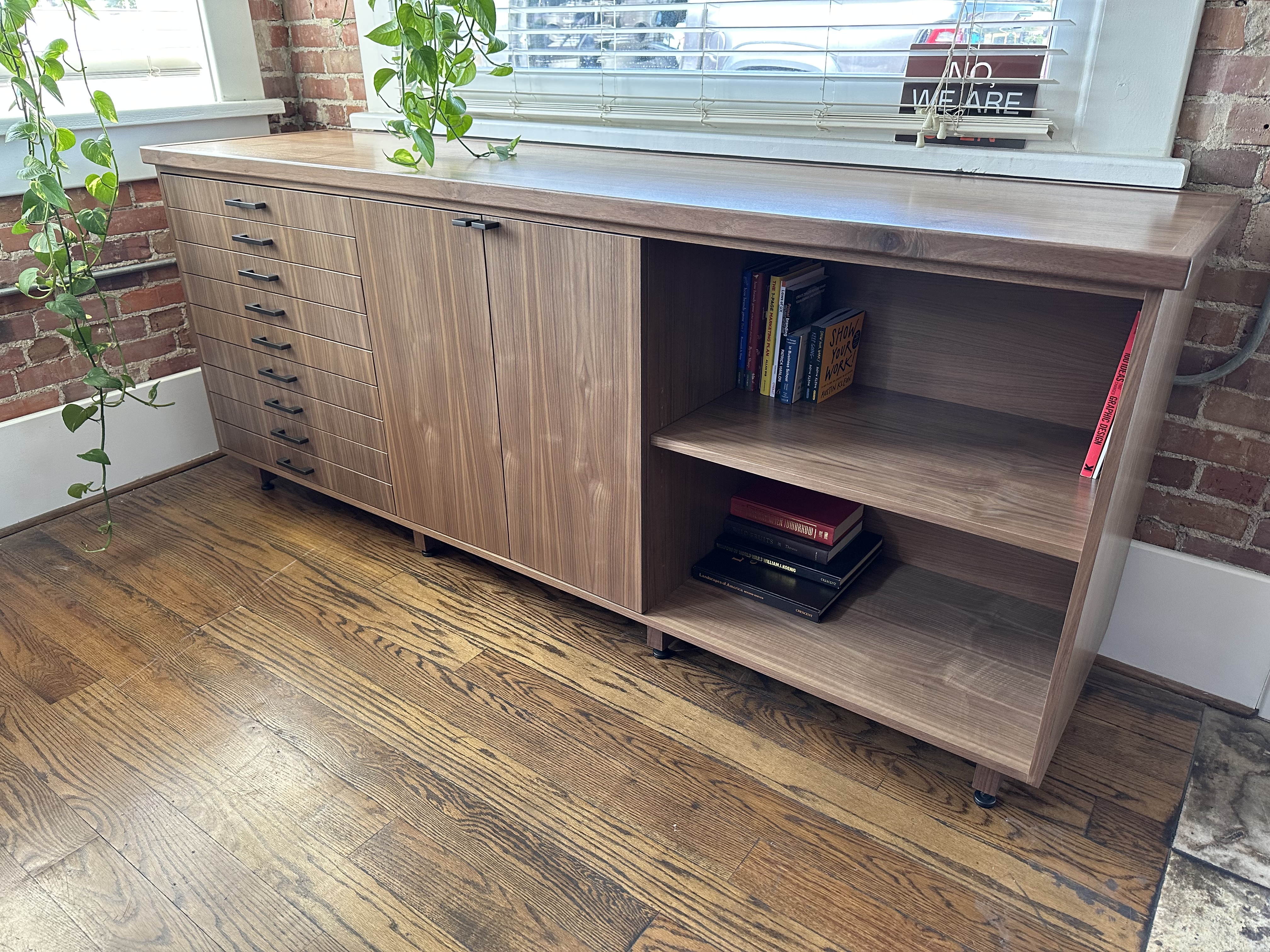
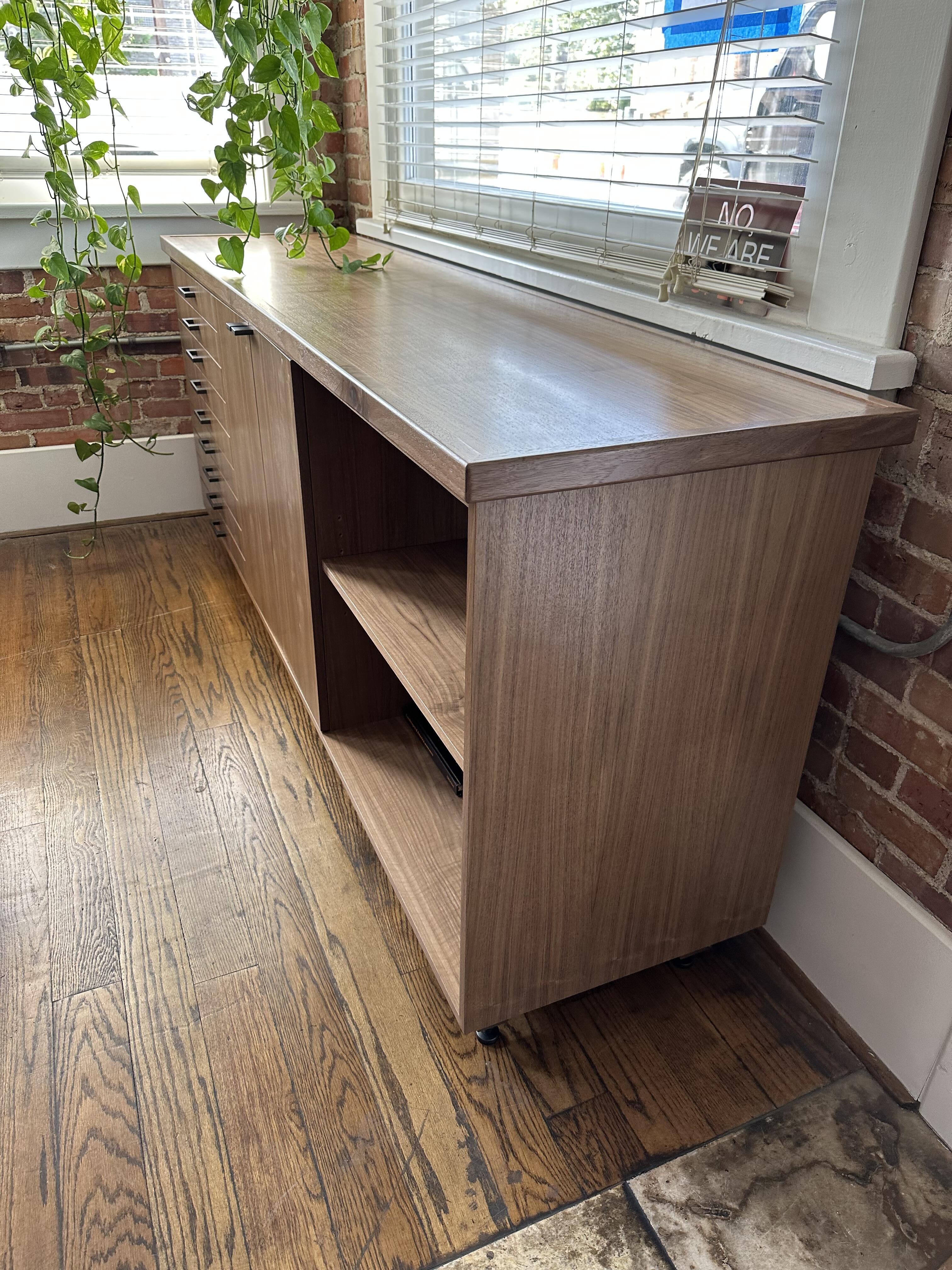
1 pointCustomer paperwork/artwork. They are a two man web/design/marketing company. Thank you!1 point
-
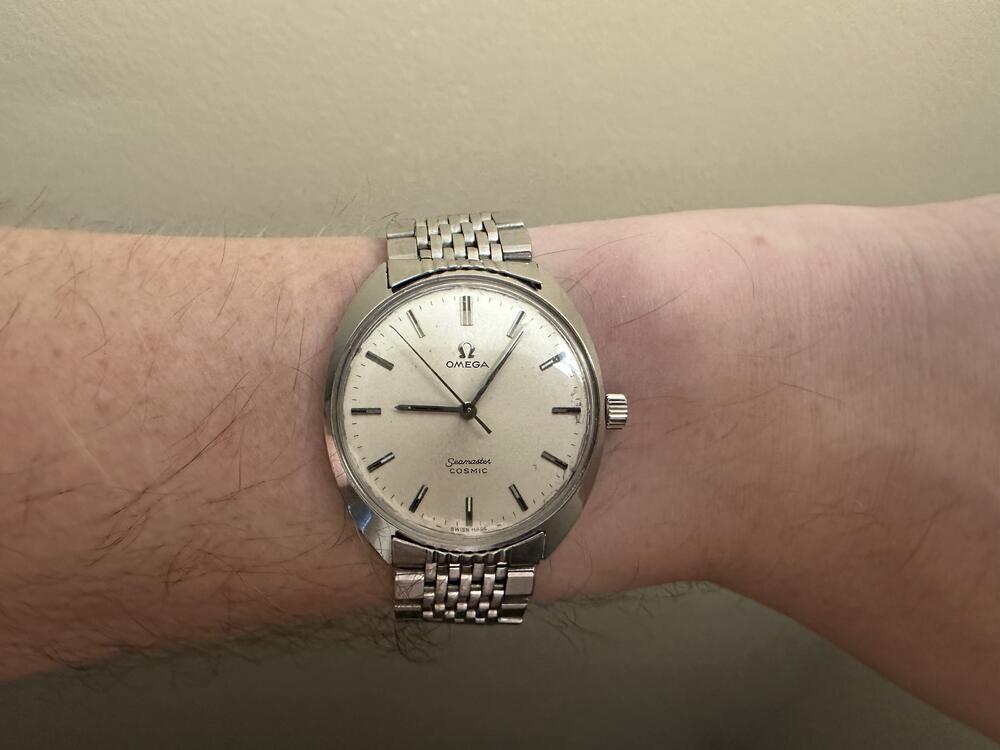
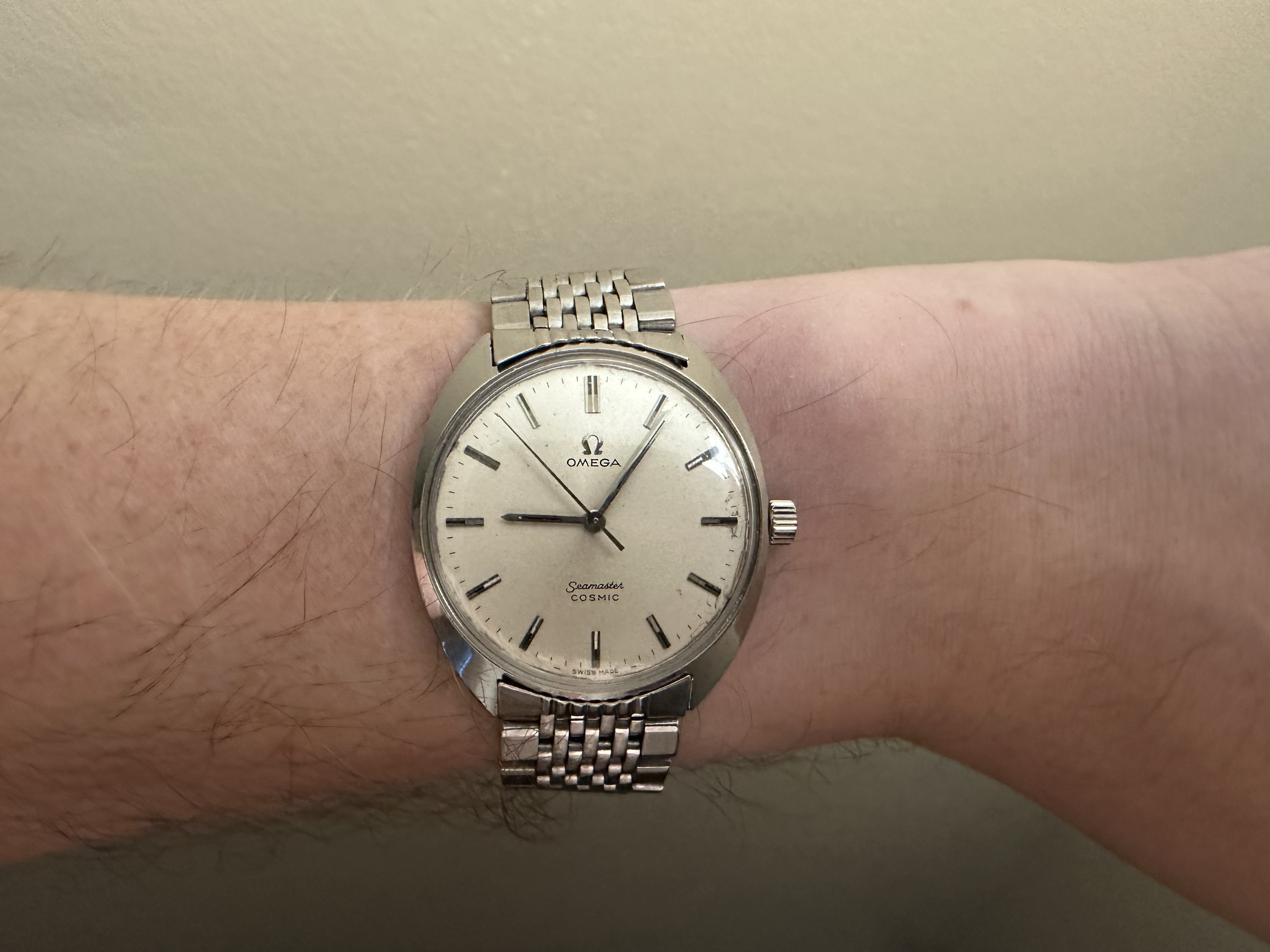
1 point1 point1 pointI've been immersing myself in Quantum Computing so have been listening to The New Quantum Era.1 pointLive album from the Rumors tour in '77. Pretty solid! I think Lindsay's guitar and Mic's drums sound great. The complex vocal harmonies do suffer a bit in a live setting though. Chris McVie's voice can get lost in the mix at times. https://music.apple.com/us/album/rumours-live/16968299621 pointI'm not sure how I feel about looking at this thing. There is a lot to be said for excess, I guess... HS1 point1 pointI don’t know how the links come out of this (looks like pin and collar, but isn’t, at least not a version I can seemingly remove), but an original beads of rice just about fits me on my Seamaster Cosmic, fresh from a service. I think it looks pretty great. It wears wonderfully: like an extra thin vintage DateJust. It rattles and is perfectly comfortable. It will get a lot of wear in the spring and summer, at least once I get it sized.
 1 point









Important Information
By using this site, you agree to our Terms of Use.