

Leaderboard




Popular Content
Showing content with the highest reputation on 12/06/23 in Posts
-
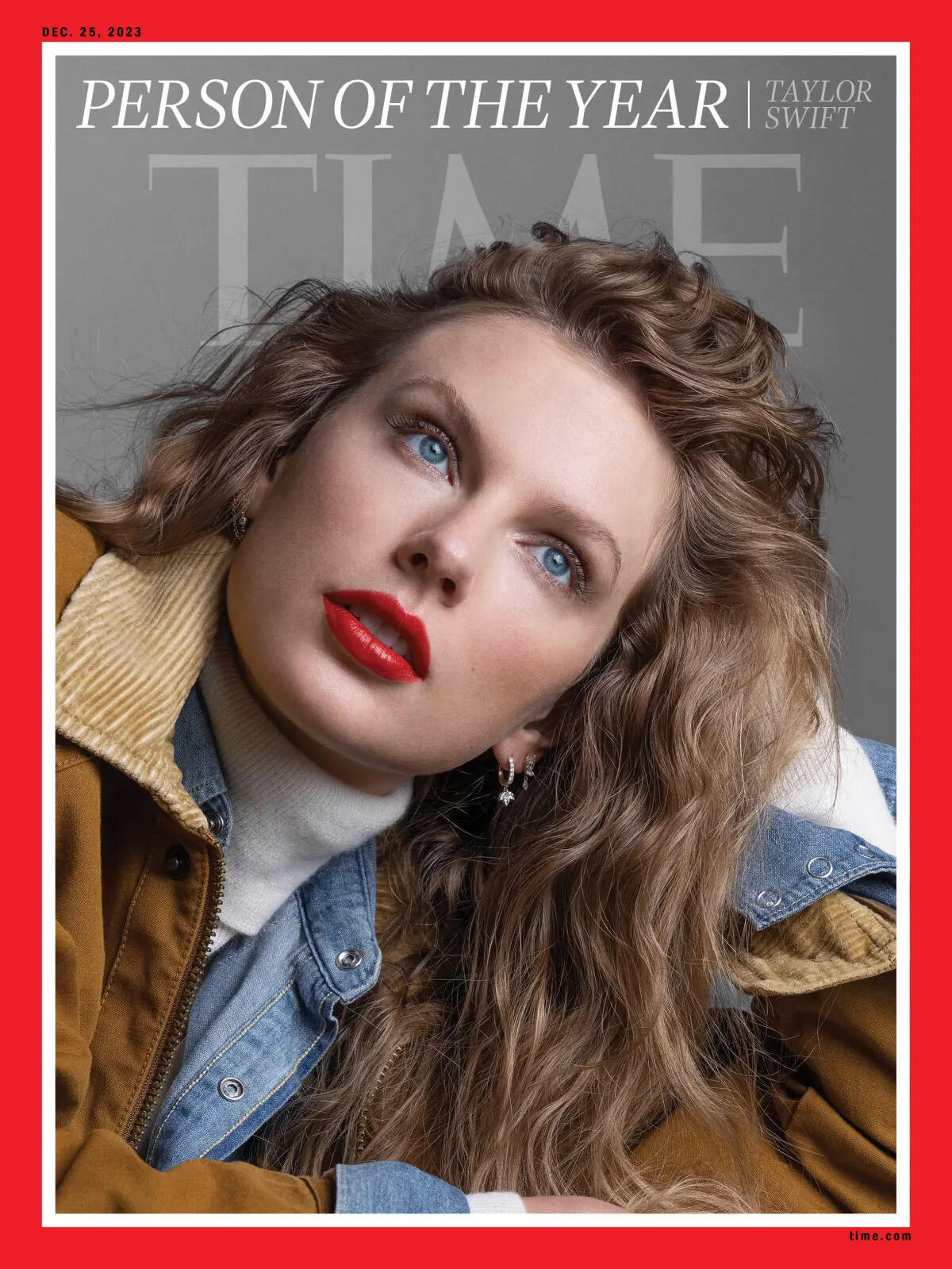
Glad for her fans. For the rest of us who are agnostic, hope we see a bit less of her in 2024. It has been suffocating, to say the least.4 points
-
4 points
-
Time for everyone to play Taylor https://time.com/6342806/person-of-the-year-2023-taylor-swift/ https://www.bbc.co.uk/news/entertainment-arts-67638424 [ Vladimir Putin was a finalist ]
 2 points
 -
Iggy Pop welcomes Tom Waits on the Confidential Show https://www.bbc.co.uk/sounds/play/m001st7l
 2 points
 -
1 point
-
1 pointhttps://www.scientificamerican.com/article/lettuce-produces-more-greenhouse-gas-emissions-than-bacon-does/ * https://www.sfgate.com/science/article/Lettuce-worse-than-bacon-for-environment-6699787.php * Per Calorie.1 point
-
1 point
-
1 point
-
1 point1 point1 point1 point1 point1 point1 point1 pointHappy birthday to a Head-caser who is still chasing great sound and having fun doing it. Between your birthday and Hanukkah, I hope you will be swimming in new gear! Cheers!
 1 point1 point0 pointsRIP Norman Lear.. (101) Ed: It got me thinking about how much I have watched, and enjoyed his stuff. All in the Family - some, but it was not a staple The Jeffersons - yes and yes Sanford and Son - Hell yes (ya big dummy) Good Times - yup Maude - nope Mary Hartman, Mary Hartman - nope One Day at a Time - yup And that is the short list. Now you know why I am as I is.0 points











Important Information
By using this site, you agree to our Terms of Use.