Leaderboard
-
Grahame
High Rollers6Points16859Posts -
Augsburger
High Rollers5Points13165Posts -
blessingx
High Rollers4Points17839Posts -
n_maher
Administrators4Points27522Posts




Popular Content
Showing content with the highest reputation on 01/25/24 in all areas
-
2 points
-
*** Mod's delete or move if this isn't the best place *** Shameless plug for Orchard Audio, and me. I really like their streamers and amps, great sound for relatively small $. As some know, I use multiples of their Pecan Pi (or + version) streamer/DAC. Leo @ Orchard is starting an affiliate program, you can get a bit off ($25) an order and I get a referral bonus. Referral Link: https://orchardaudio.com/tddsmst?nocache=1 Or, just use tddsmst as a discount code on checkout (may not work for sale items, not sure). They sell some boards so you can DIY, as well as finished products. Enjoy! Or ignore....1 point
-
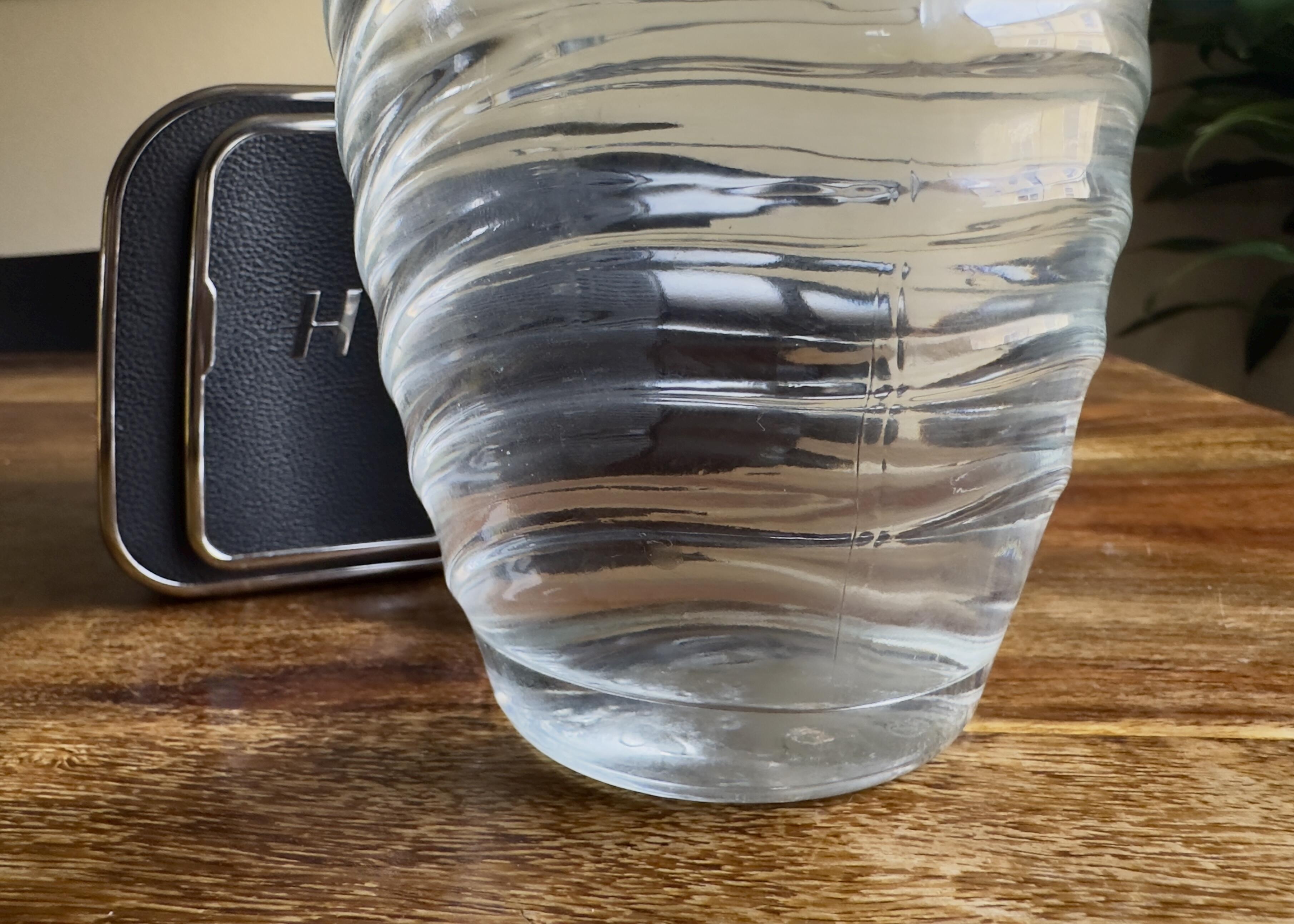
^I think there should be a movement that requires every picture of a nice camera must credit the camera with which said photo of camera was taken. #mostphotostakenwithacellphone1 point
-
The now poor man’s 50MP version still looks cool, right?
 1 point
 -
^^ well, yes.. but no.... Also I had to see what Kai had to say.. Mostly mucking about.1 point
-
1 point
-
1 pointI cropped one of the joints... You can see that the upper piece is slightly darker than the lower piece. But it's a nice, tight joint.
 1 point