Leaderboard




Popular Content
Showing content with the highest reputation on 03/24/24 in all areas
-
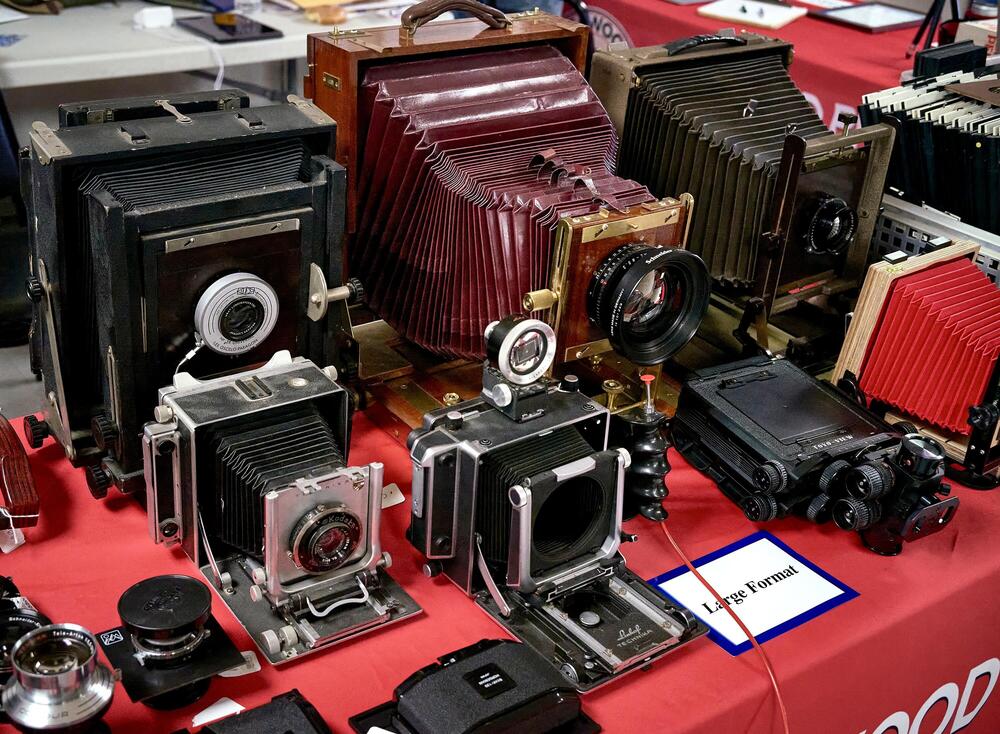
^ I think you misunderstood Mike. That is a small portion of Ric's collection that he took to the event. 😋4 points
-
3 pointsLast night I had dinner at a local French restaurant with Al's Niece Dorothy, Al's Sister Corrine and our friend Blake. Then Fairfax scoop. Then back to Dorothy's to play two games of Pegs and Jokers. Blake, who had never played before, brutally took us down swiftly both games. Even losing at Pegs and Jokers is still a great night IMO. And my discovery that said French restaurant has on it's menu possibly the best burger I've had anywhere since leaving Alaska.3 points
-
2 points
-
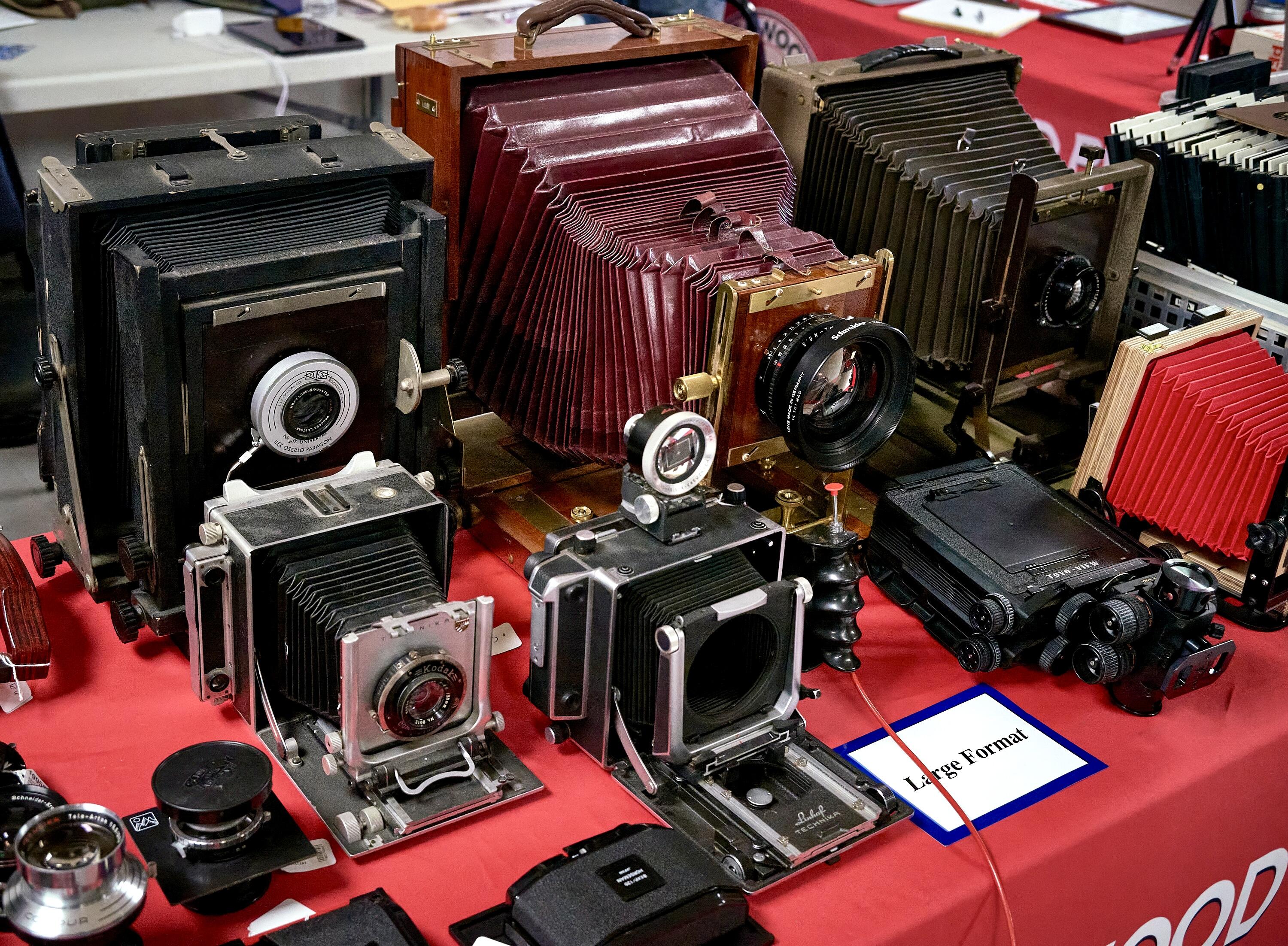
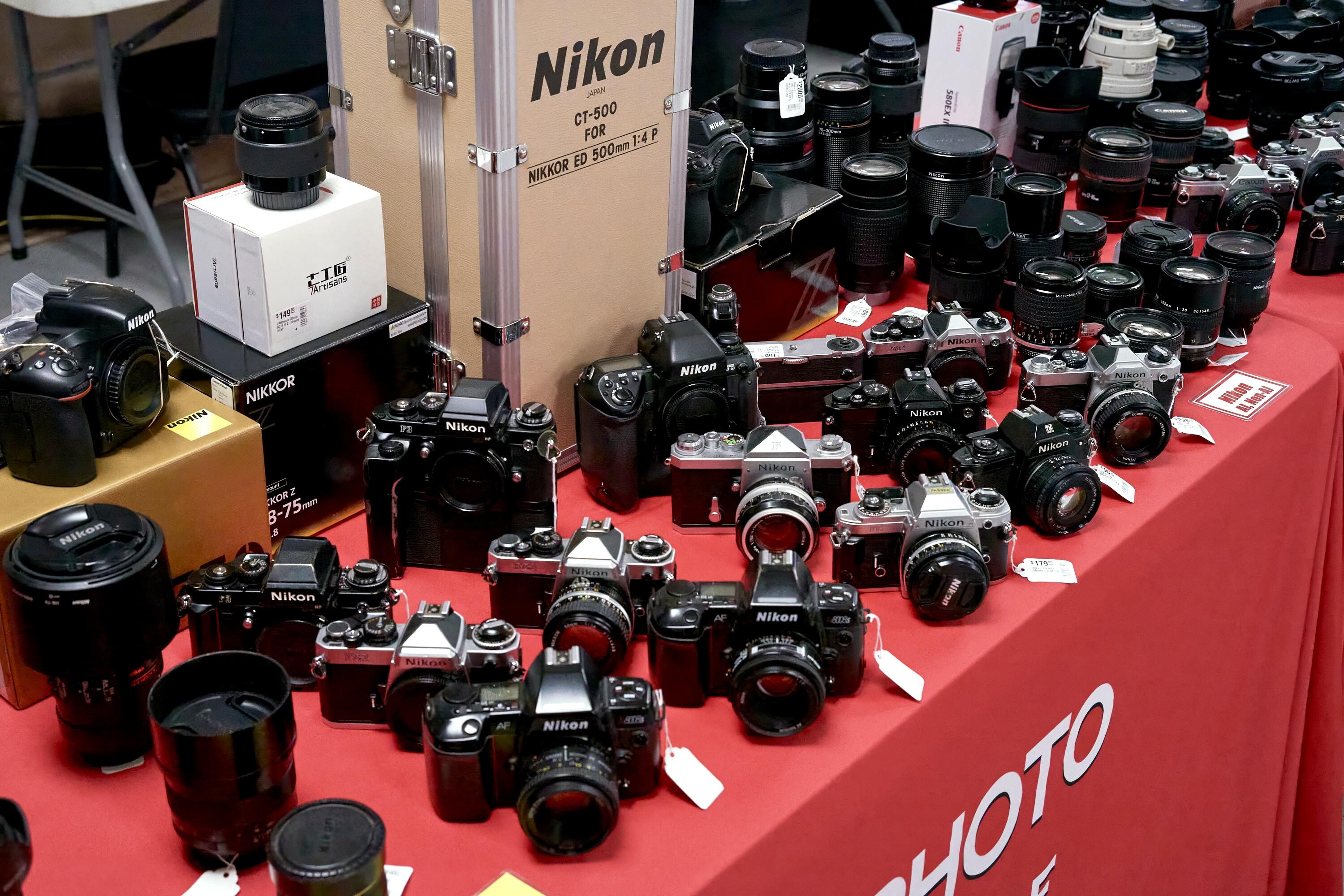
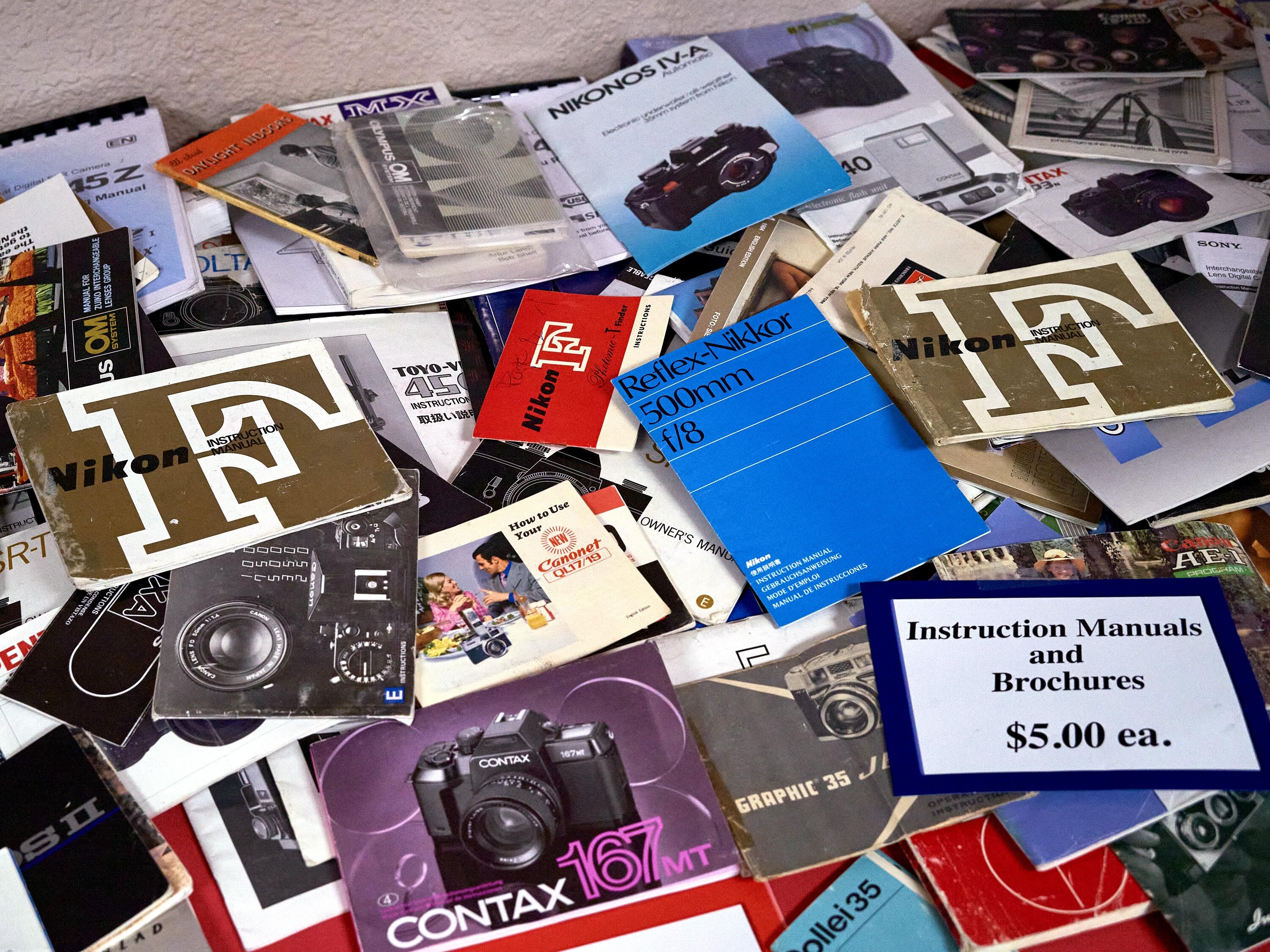
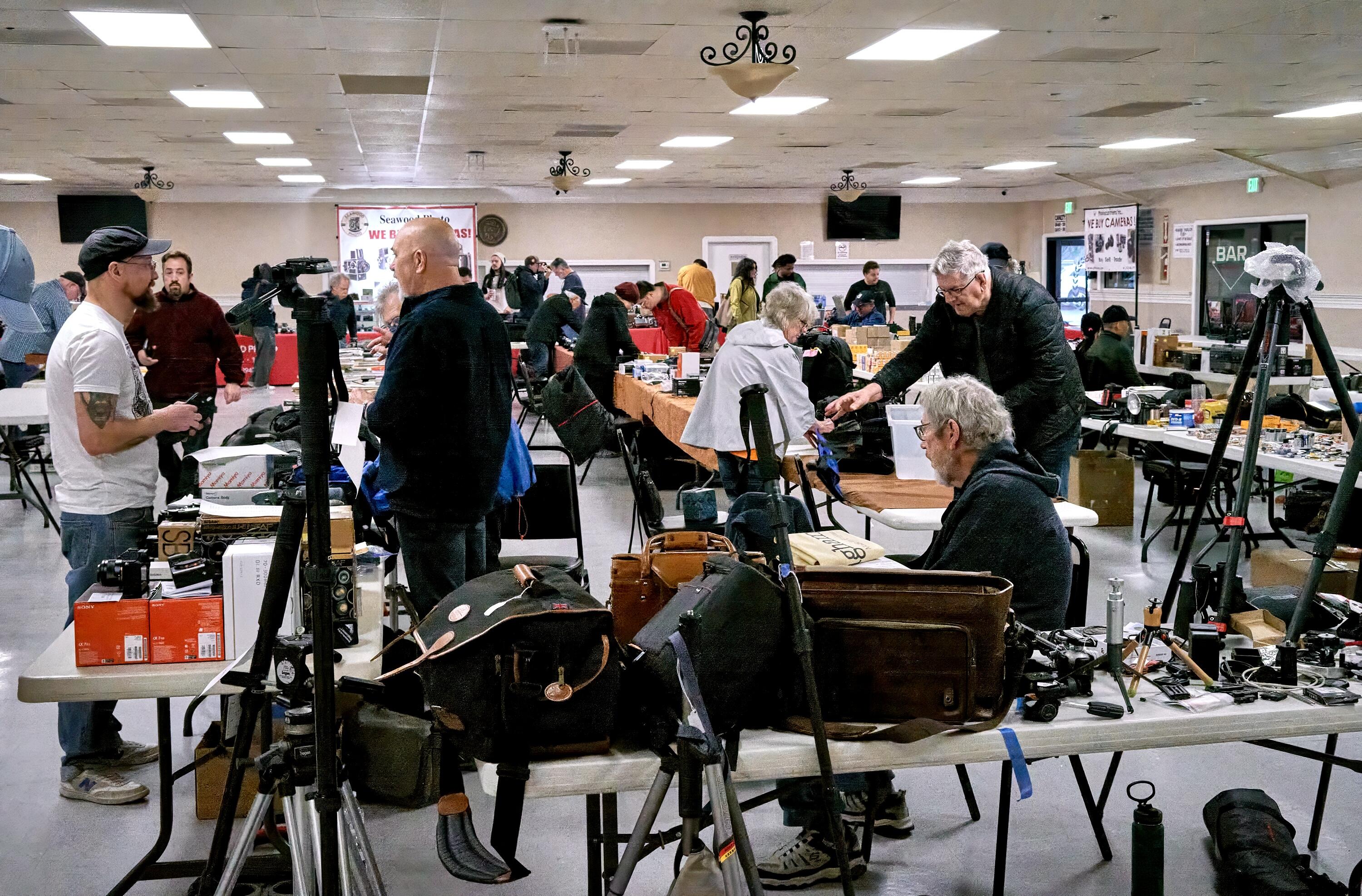
A few snaps from another PhotoFair. Just like headphone meets, but without the fun, cool people.
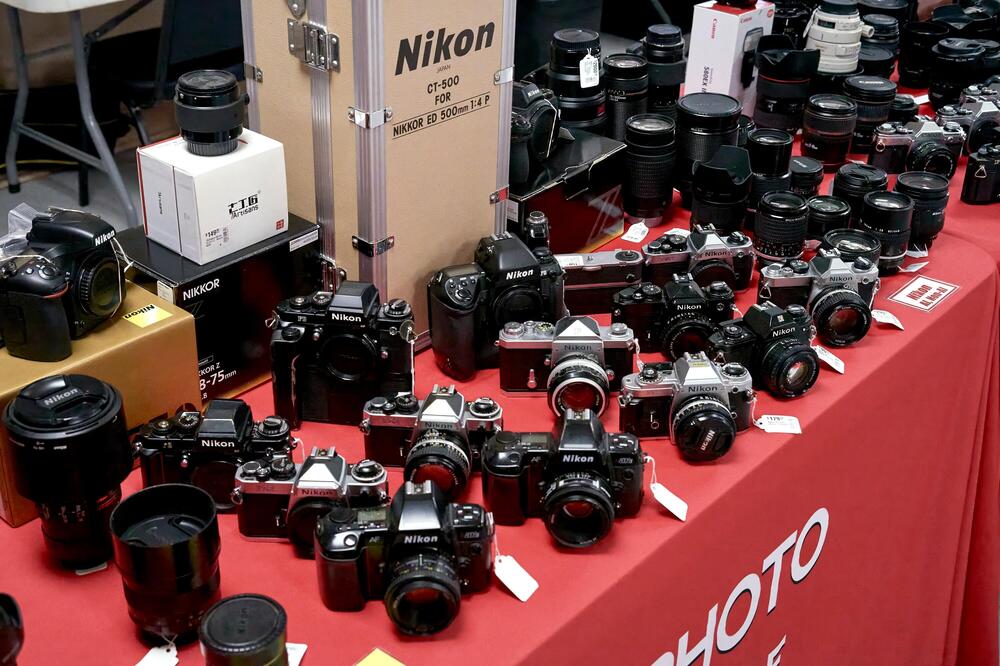
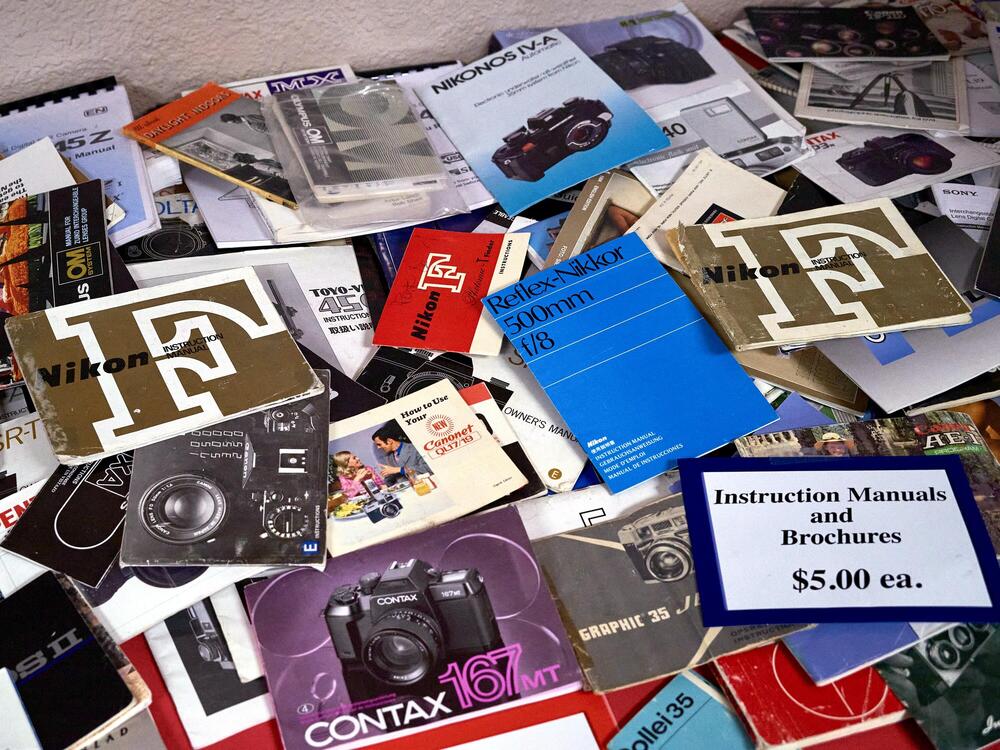
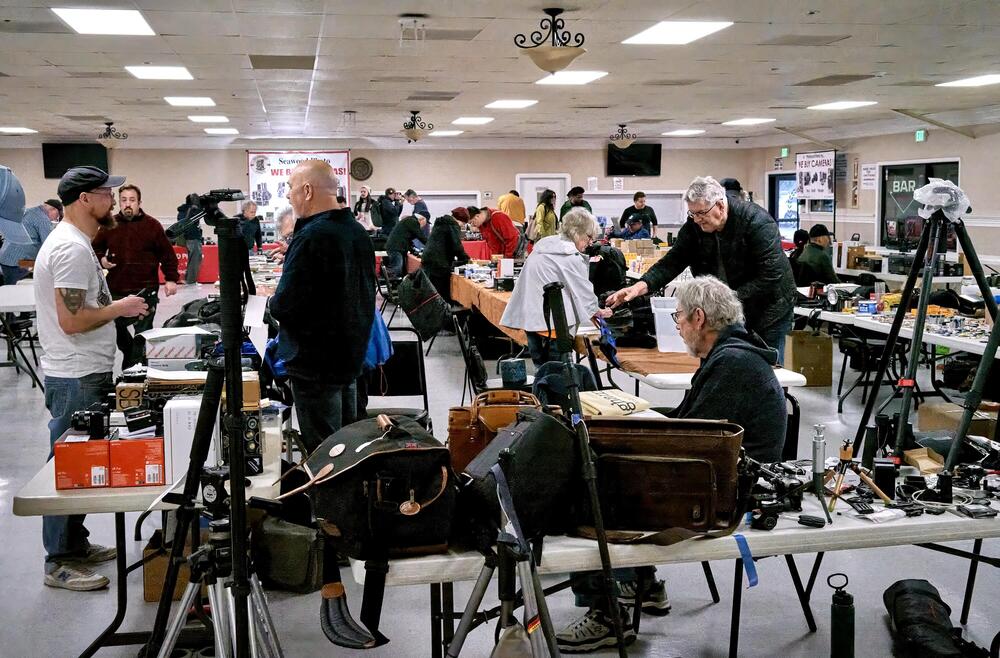 2 points
 -
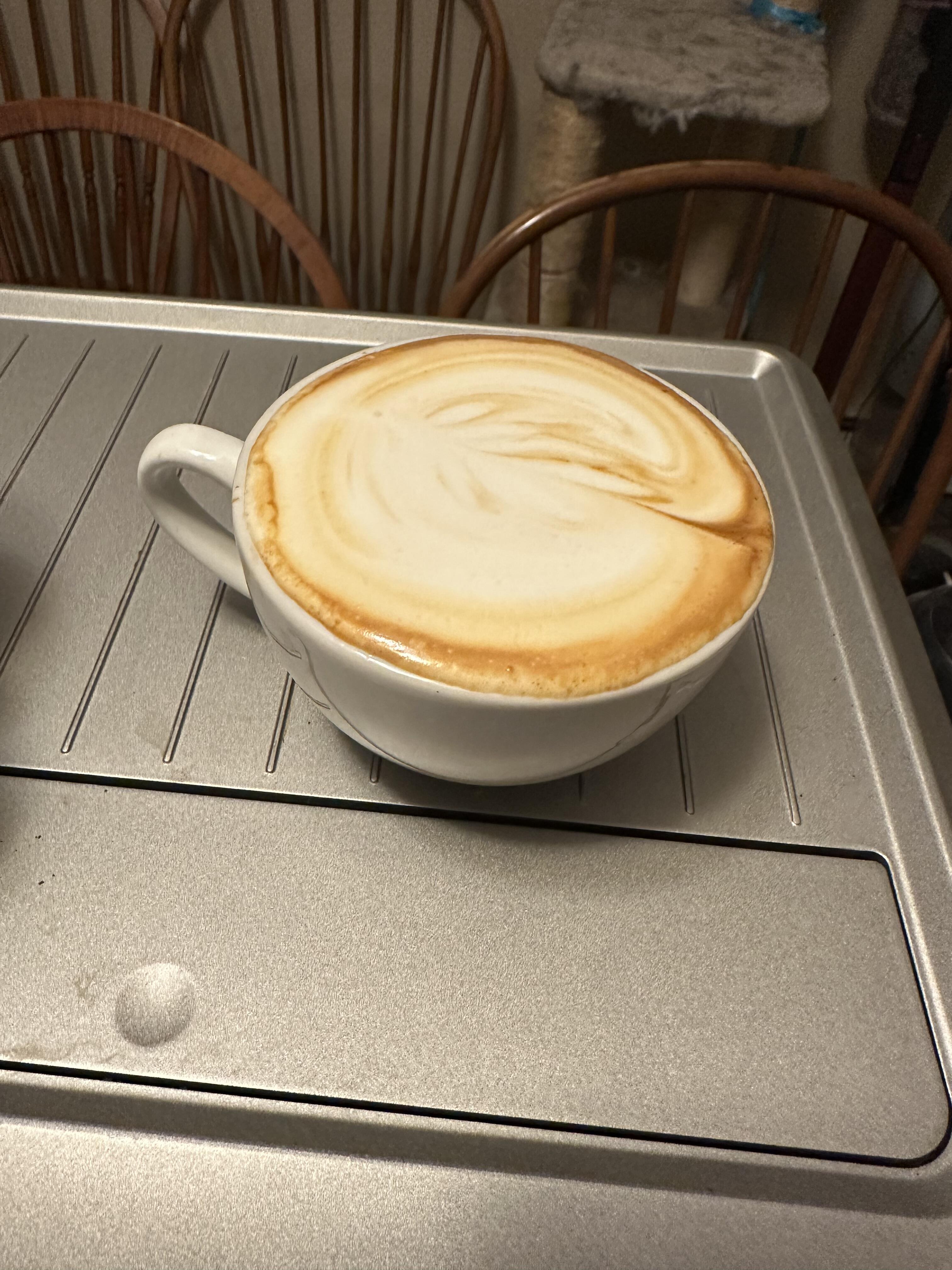
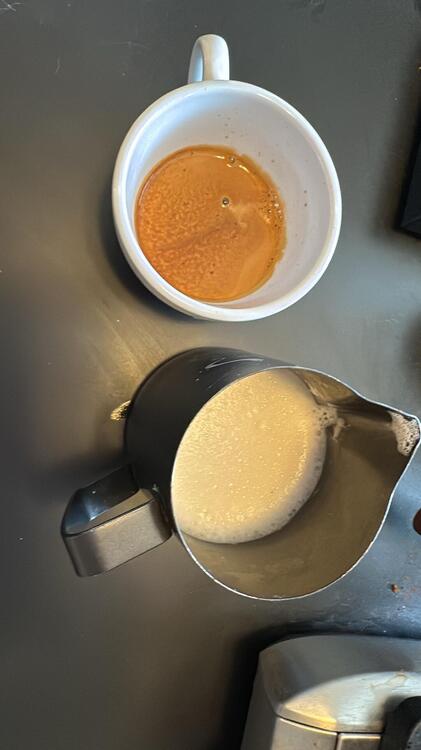
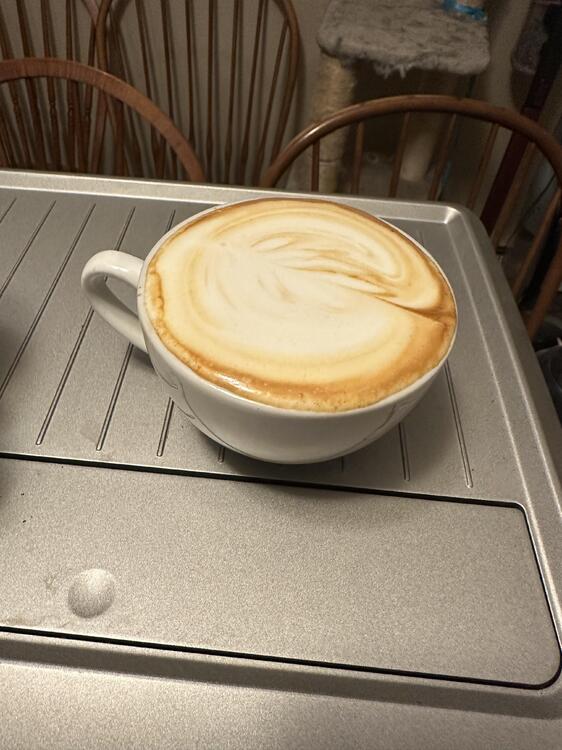
Not my best. But I only do one to two a day. Getting better!
 1 point
 -
1 point
-
Eye In The Sky by The Alan Parsons Project (1982) https://album.link/i/1205670750 Example: I was going to post Mammagamma or Old and Wise. But the title track is just so good. Like most of Alan's albums, they are just so good to listen to. And for something different. Spaces by Yosi Horikawa (2019) https://album.link/i/1463826014 Example: If you like a lot of looping of natural sounds. Tosi is the ticket. I am not sure how it got into my queue, but it really gave me an Art of Noise vibe - and that is a very good thing.1 point
-
1 point