

Leaderboard
-
Voltron
High Rollers10Points34627Posts -
jose
Returning Member8Points1936Posts -
Hopstretch
High Rollers7Points16821Posts -
mikeymad
High Rollers7Points13883Posts




Popular Content
Showing content with the highest reputation on 08/19/24 in Posts
-
6 pointsThat one hits close to home. ☹️ Greg Kihn was a fixture in the Bay Area club scene and then Rock Kihn Roll came out and MTV played Jeopardy on rotation and he was a brief national celebrity. I mean, when Weird Al parodies your song, you know you've made it! RIP to a Bay Area legend.6 points
-
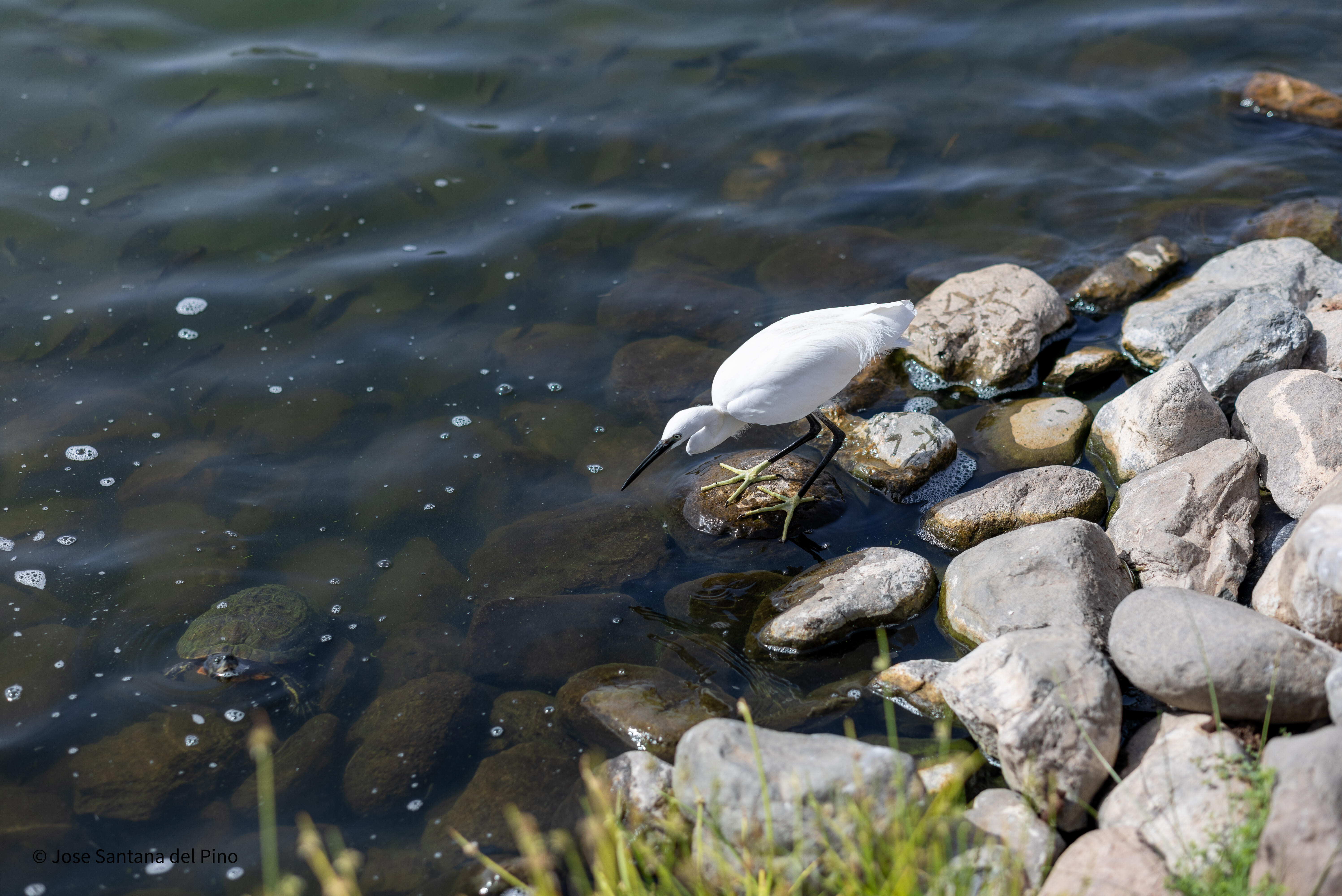
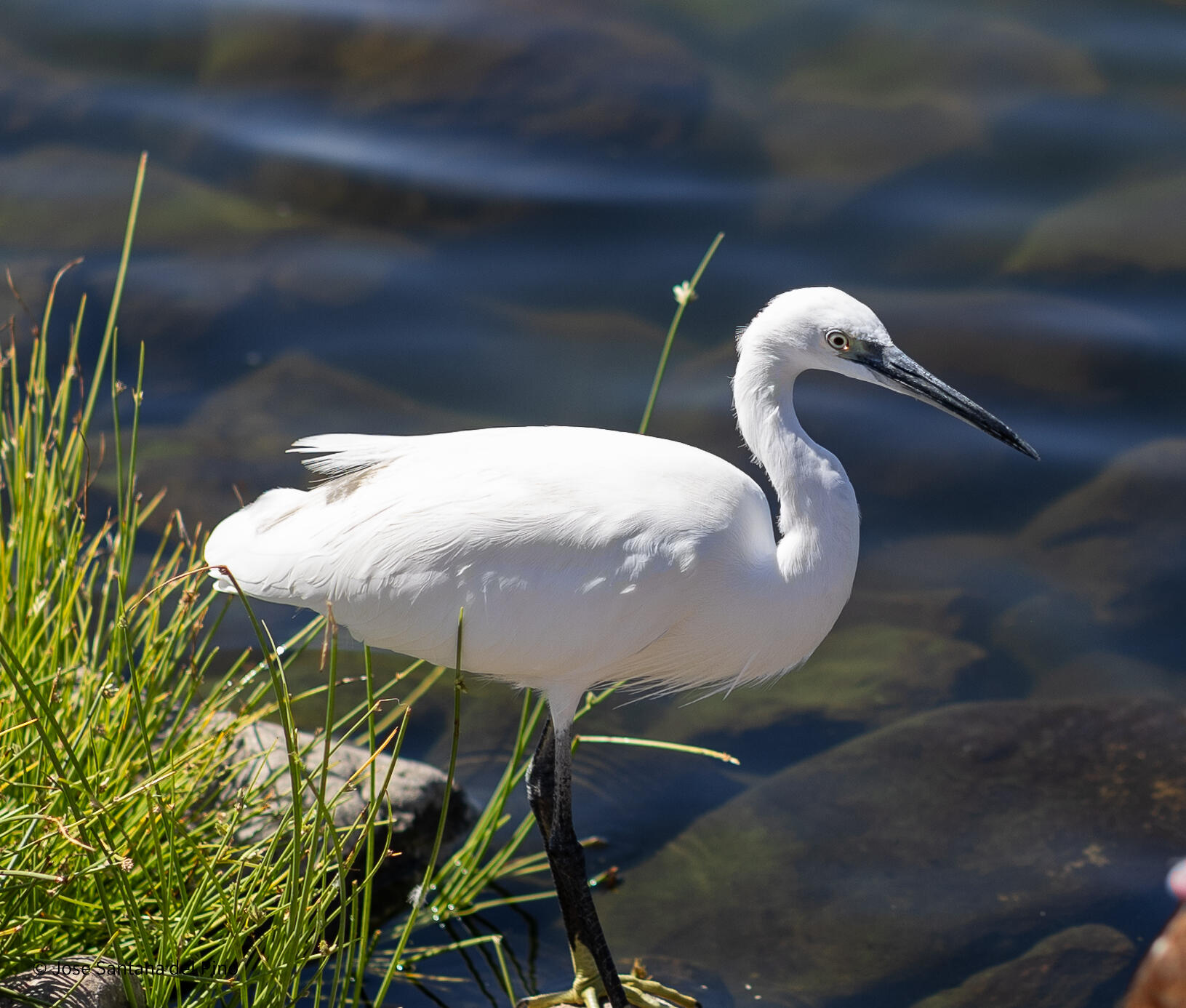
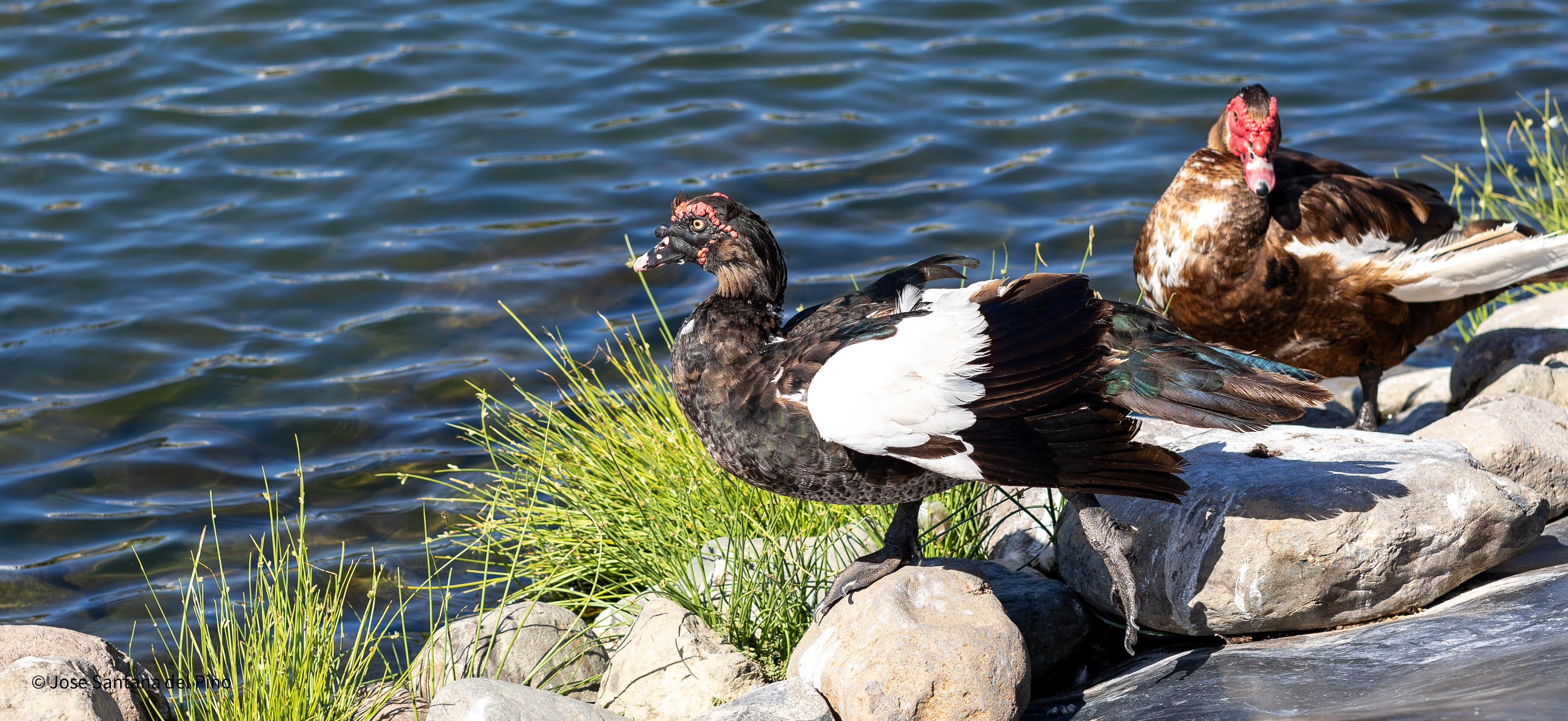
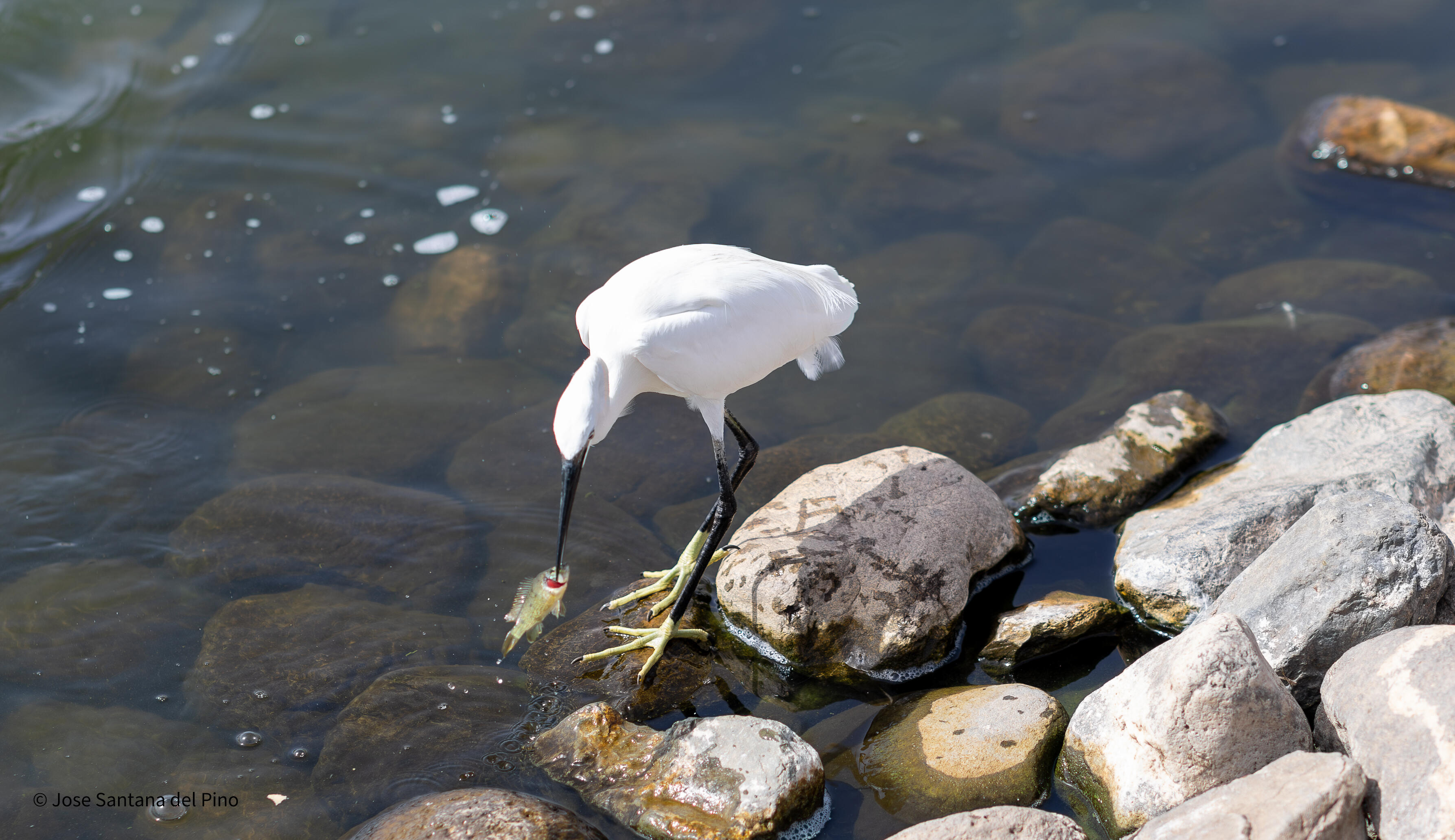
I feel very comfortable using the 85mm f/1.4L but I must continue working and learning. The special nature reserve of the Dunas de Maspalomas is a beautiful place for holidays.
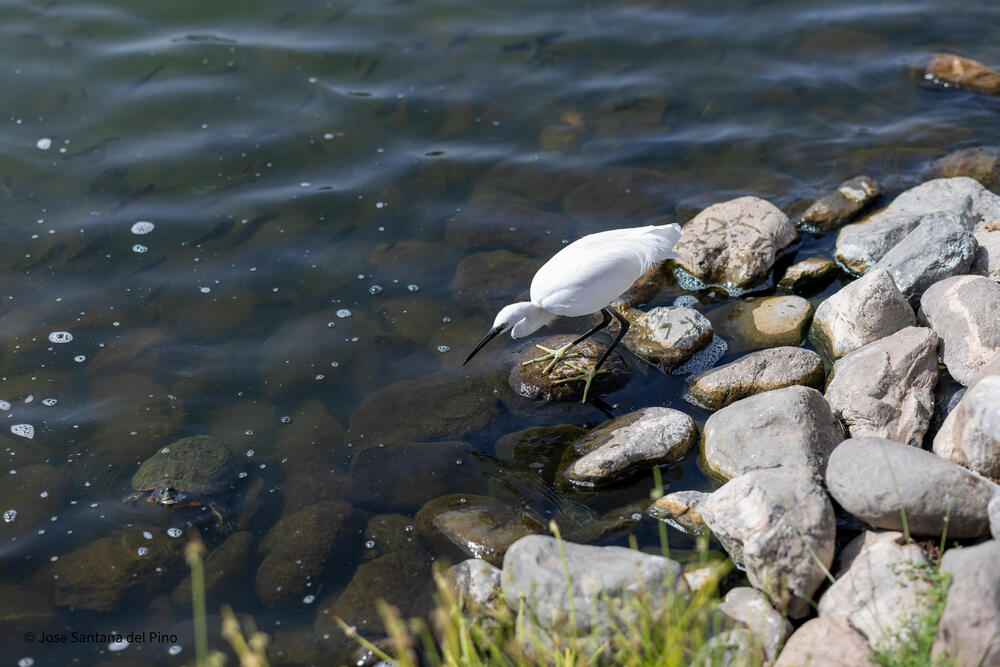
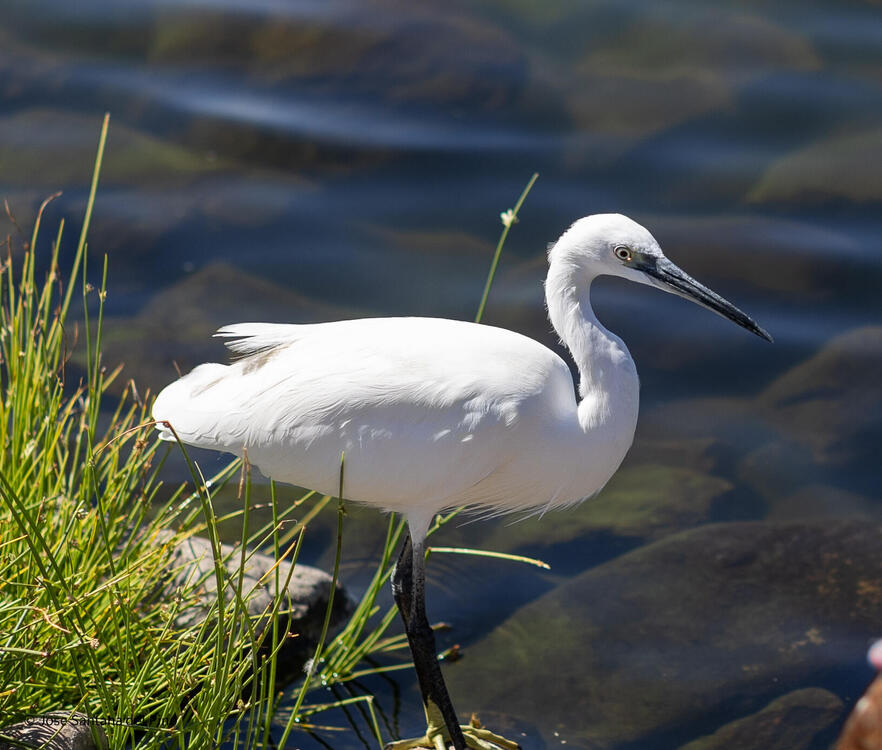
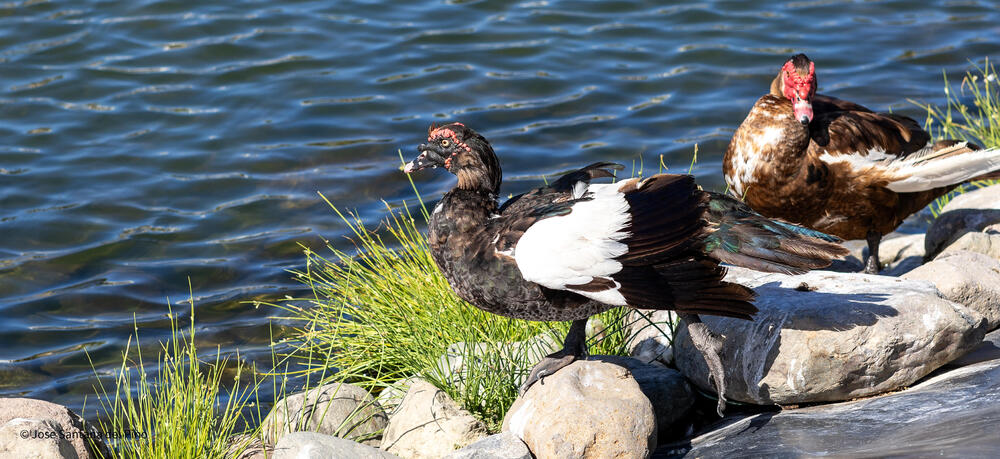
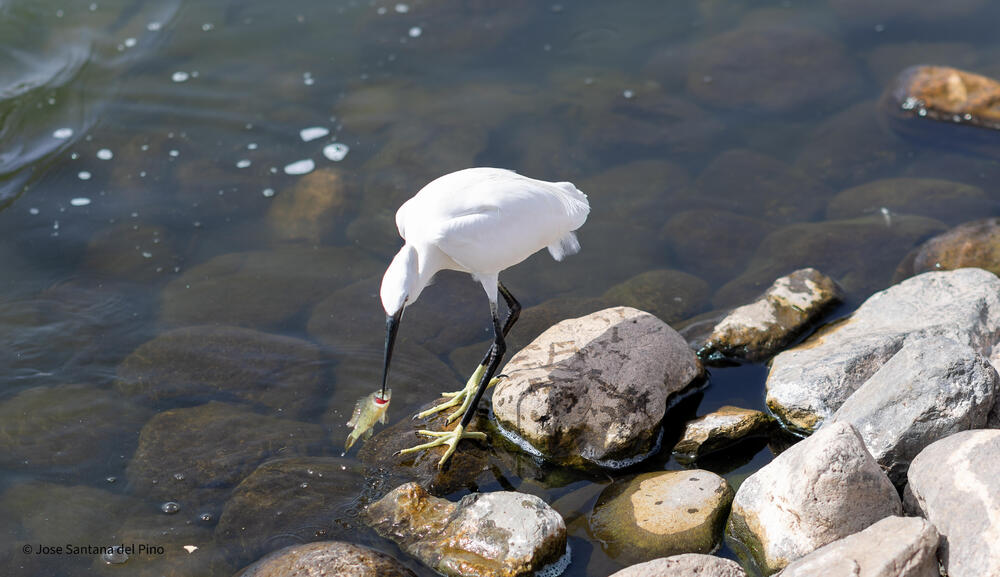 4 points
 -
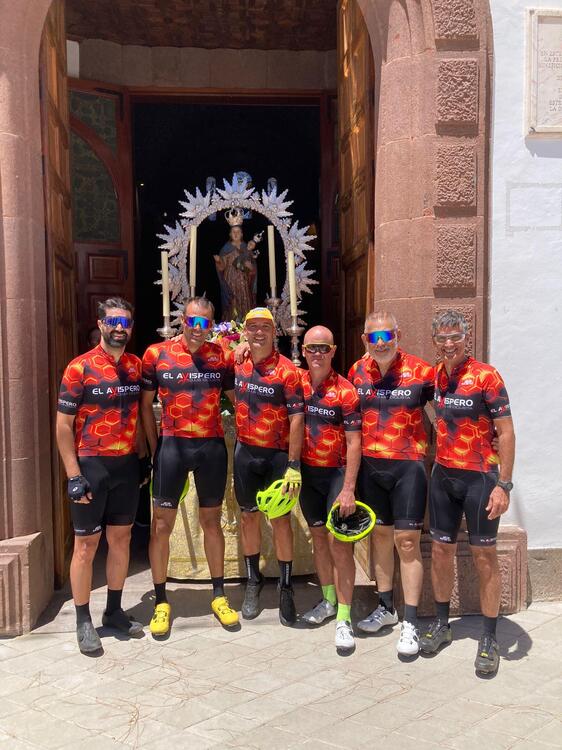
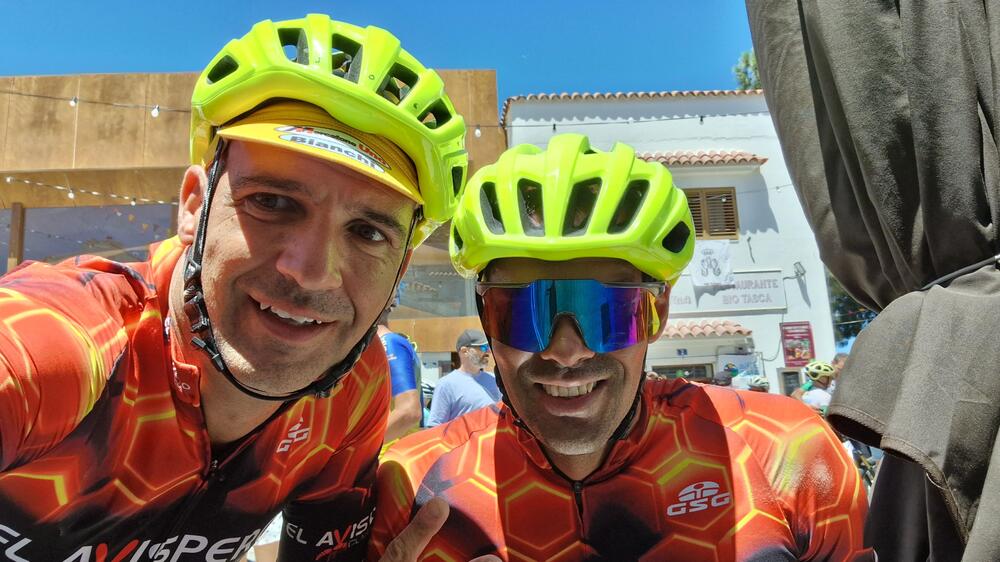
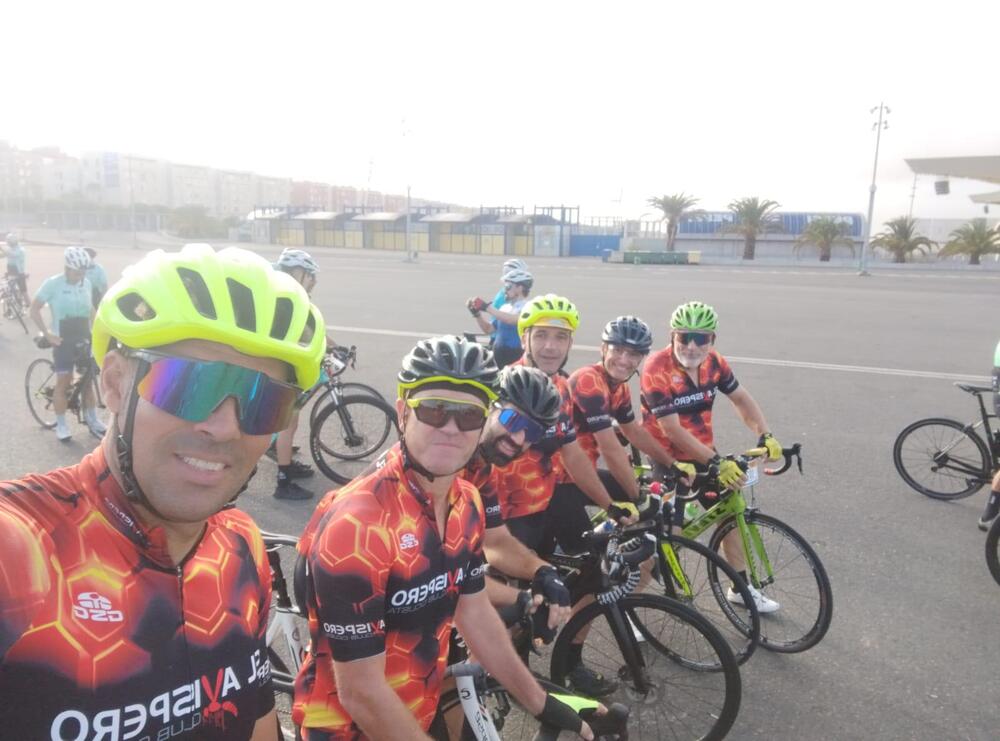
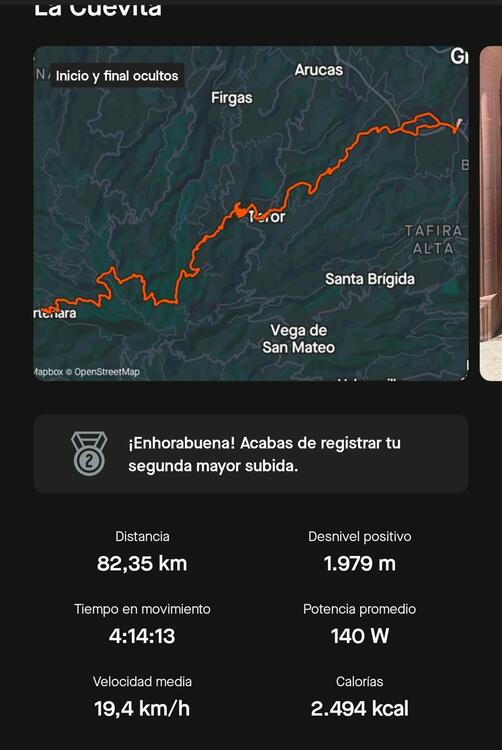
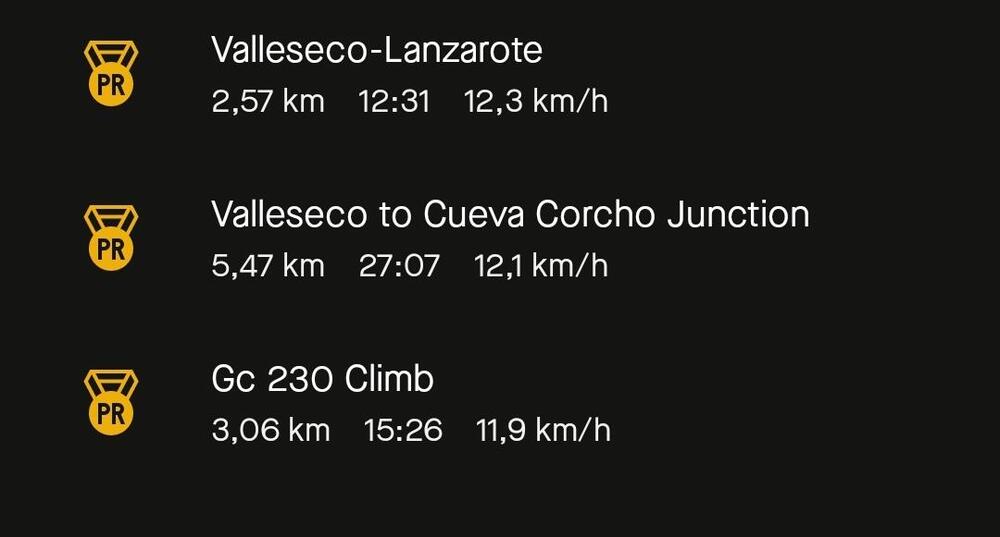
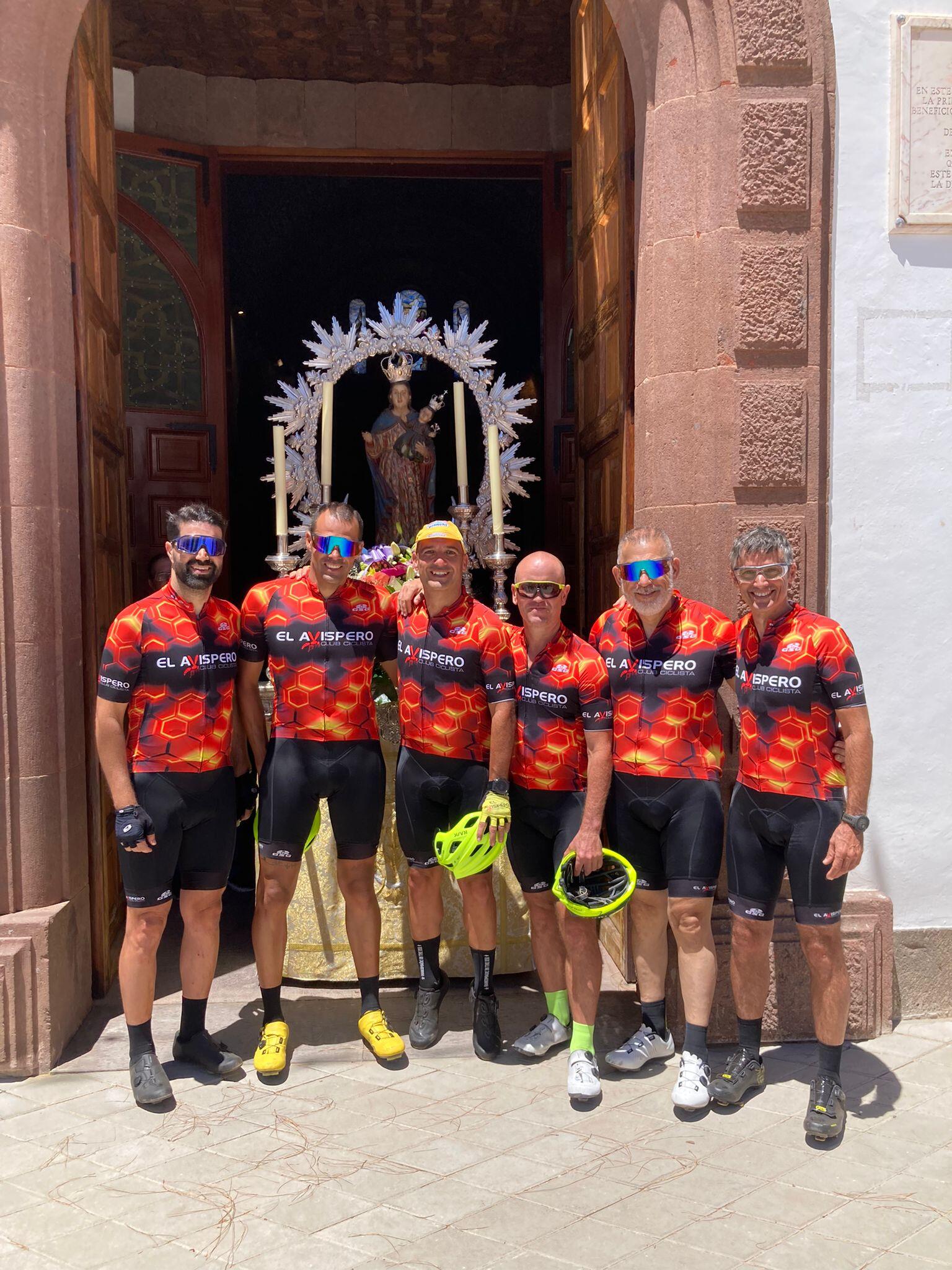
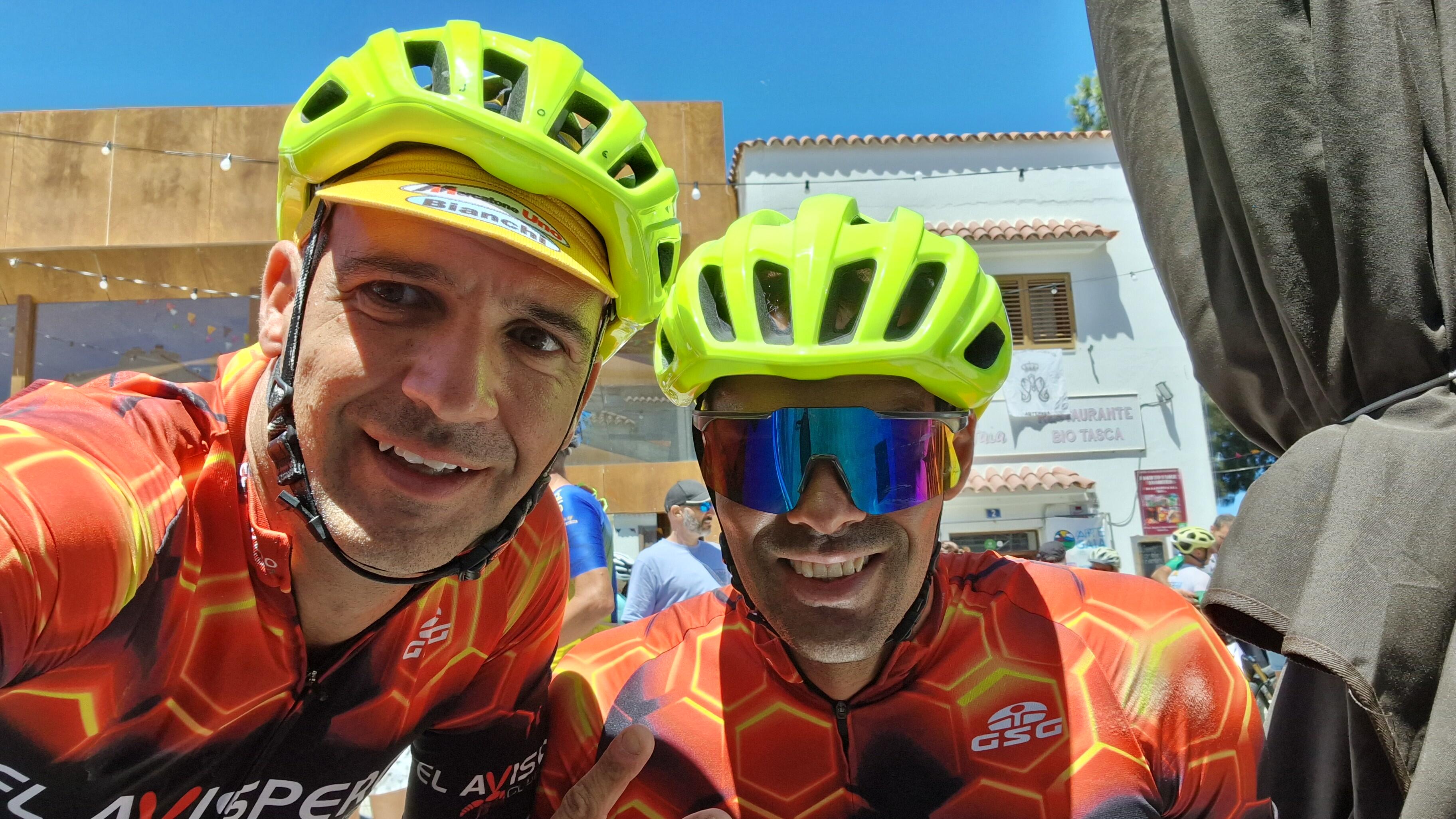
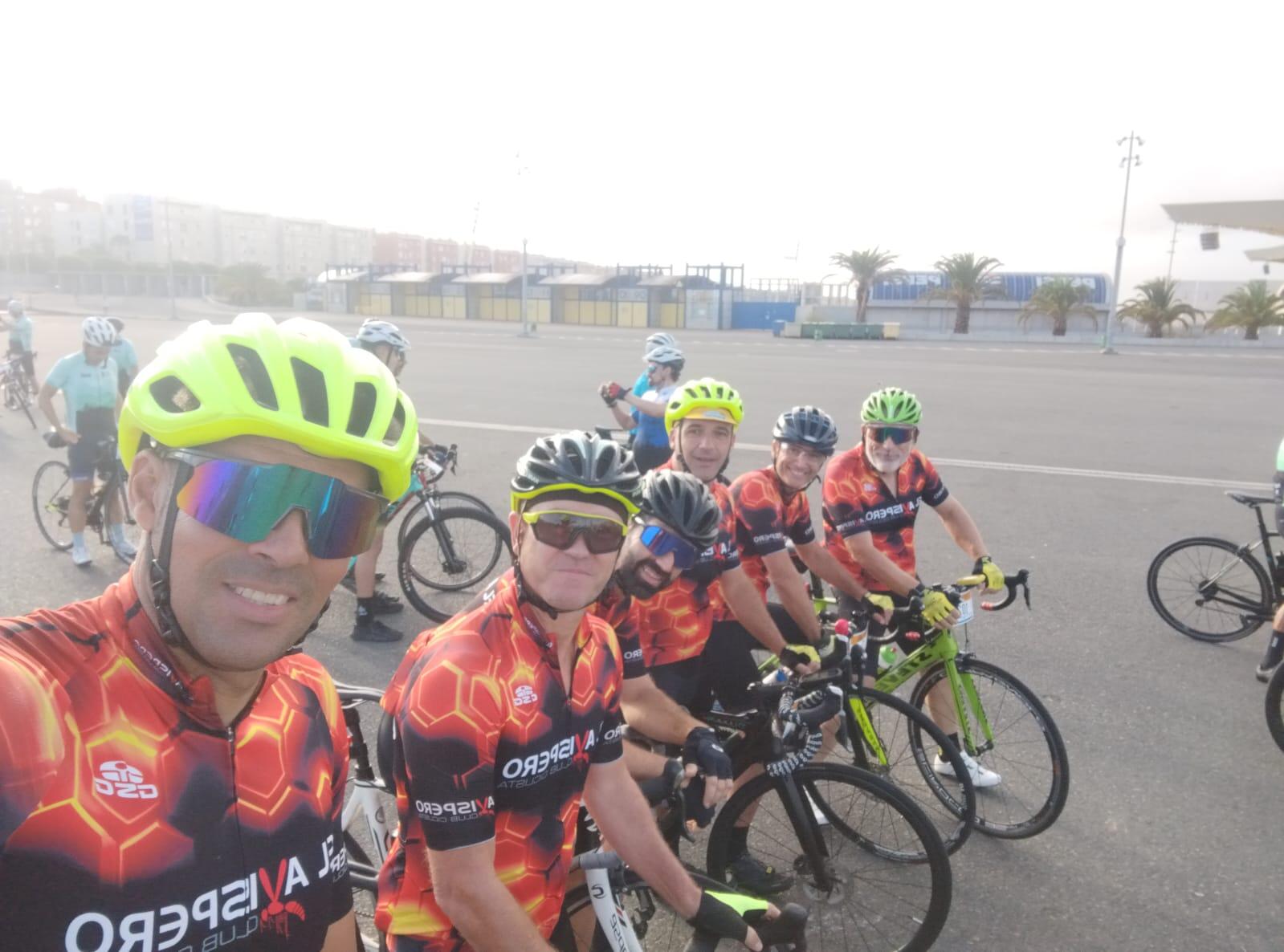
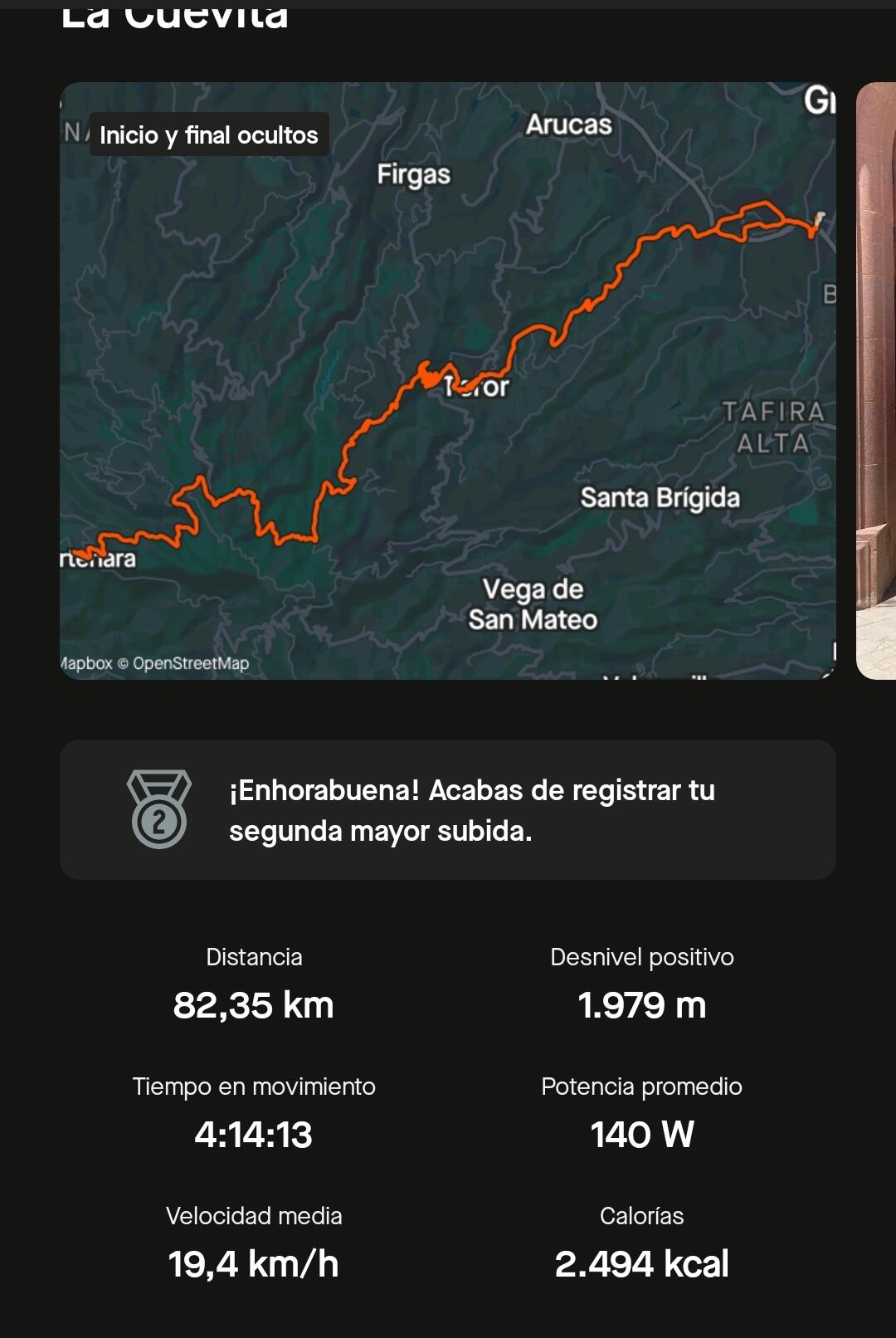
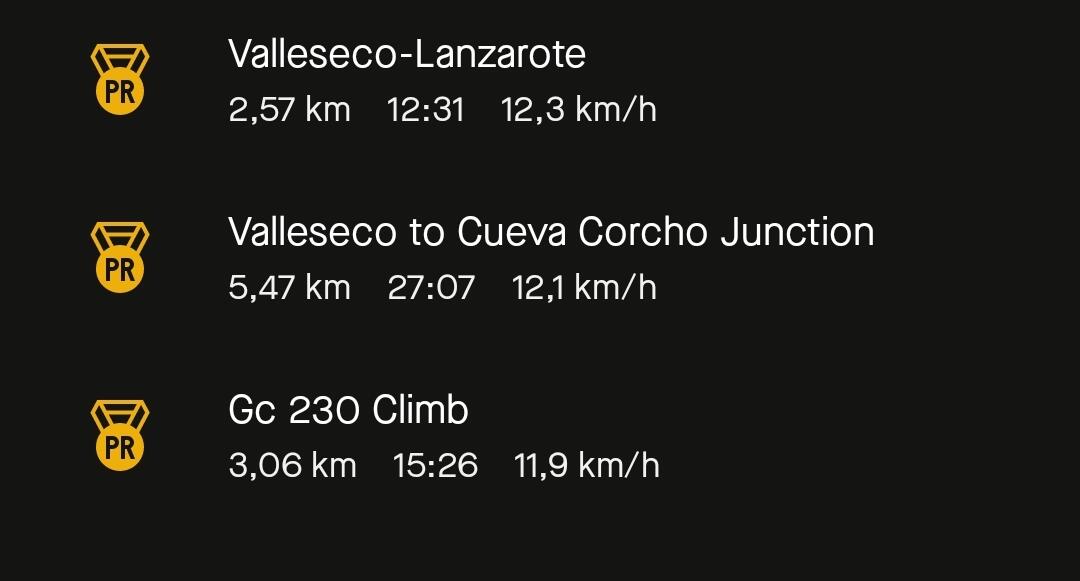
4 pointsBeautiful day. I've had my best times in the toughest sections and I have stayed right behind the car that opens the race all the time even in the toughest stages...so I'm happy. This year has been a real piece of shit
 4 points
 -
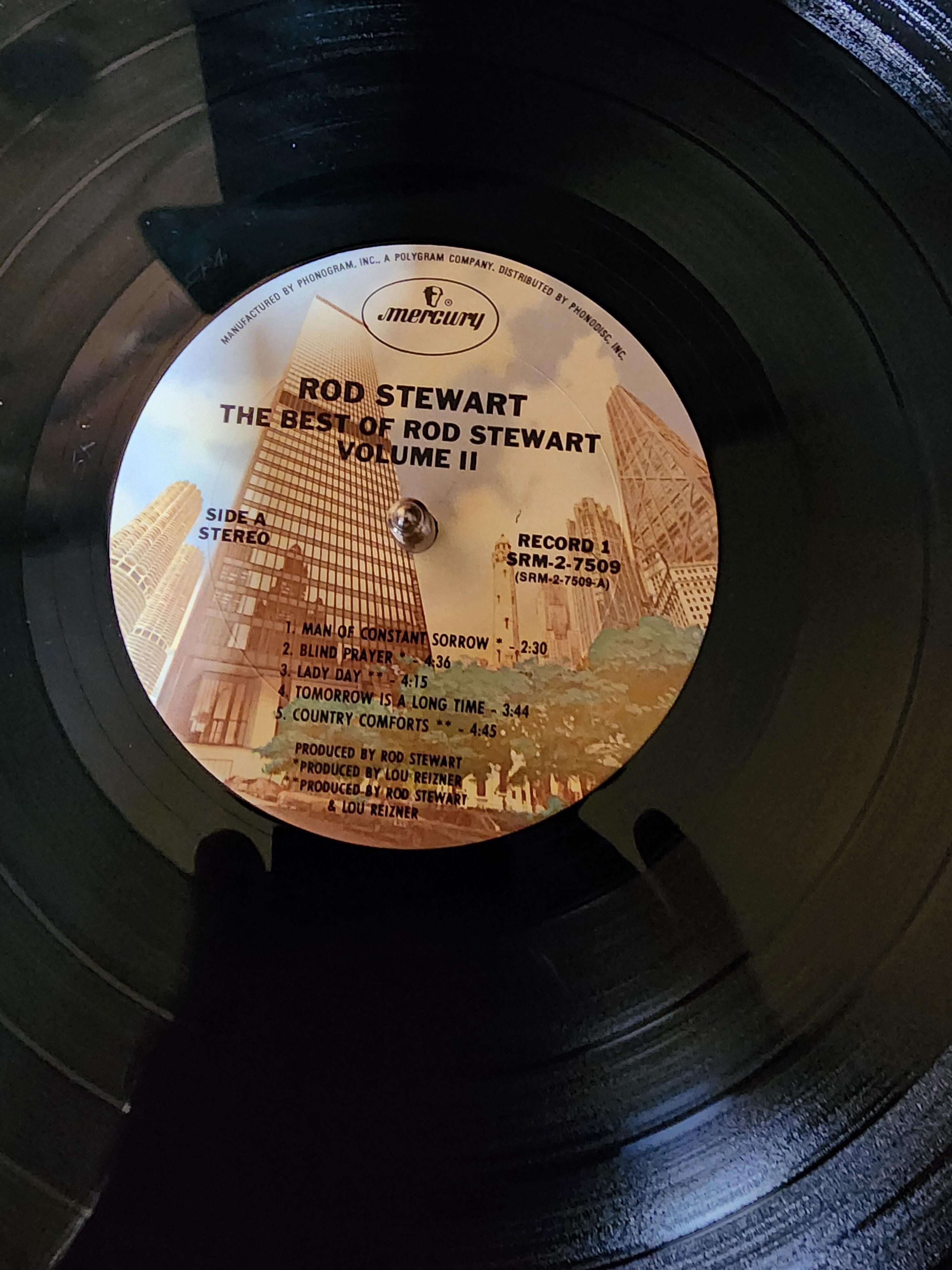
The Paragons - The Tide Is High3 points
-
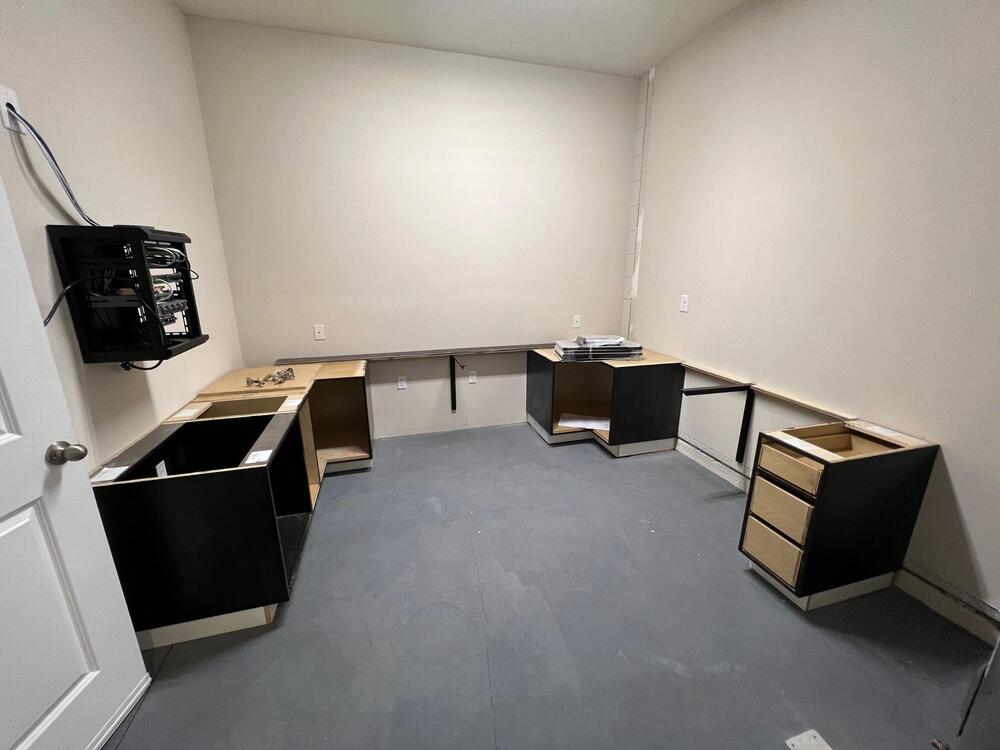
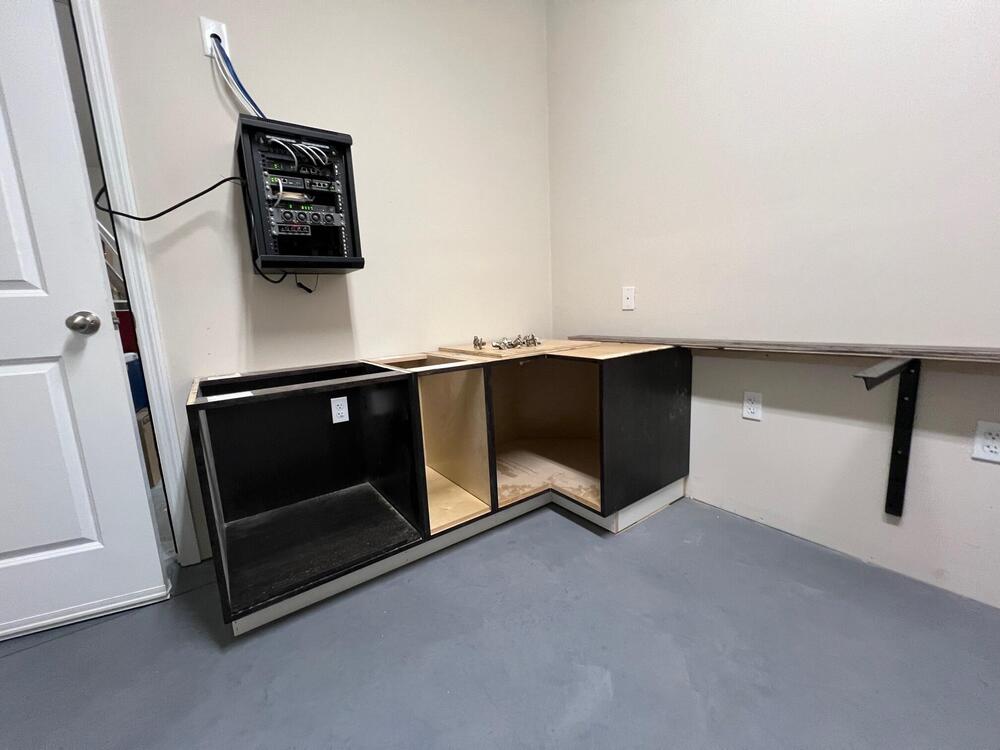
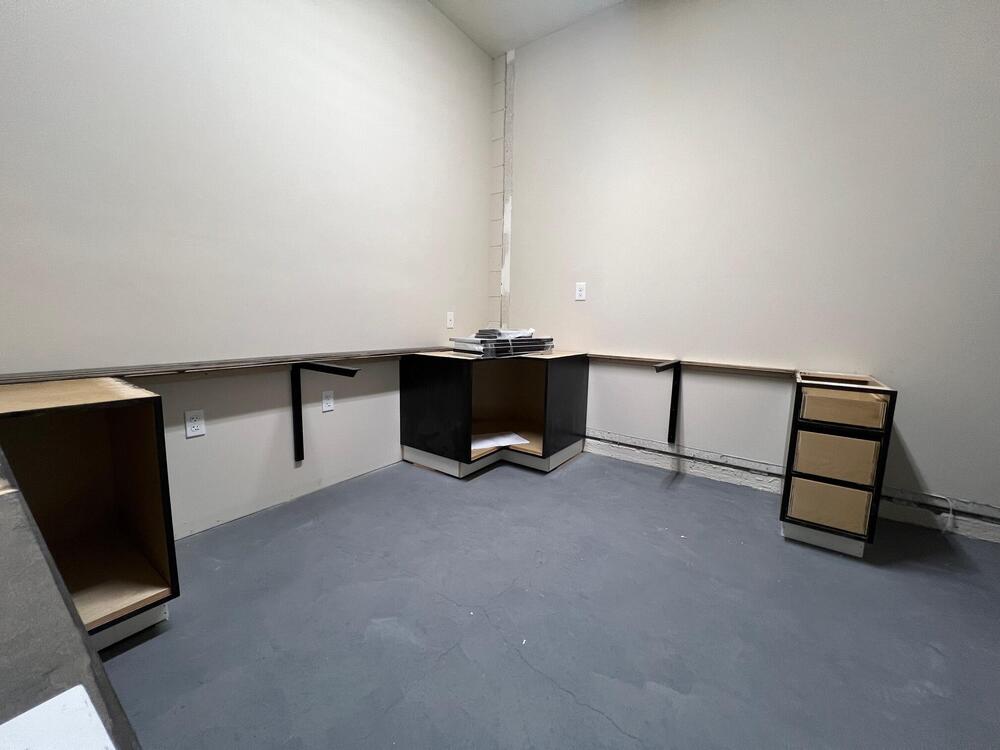
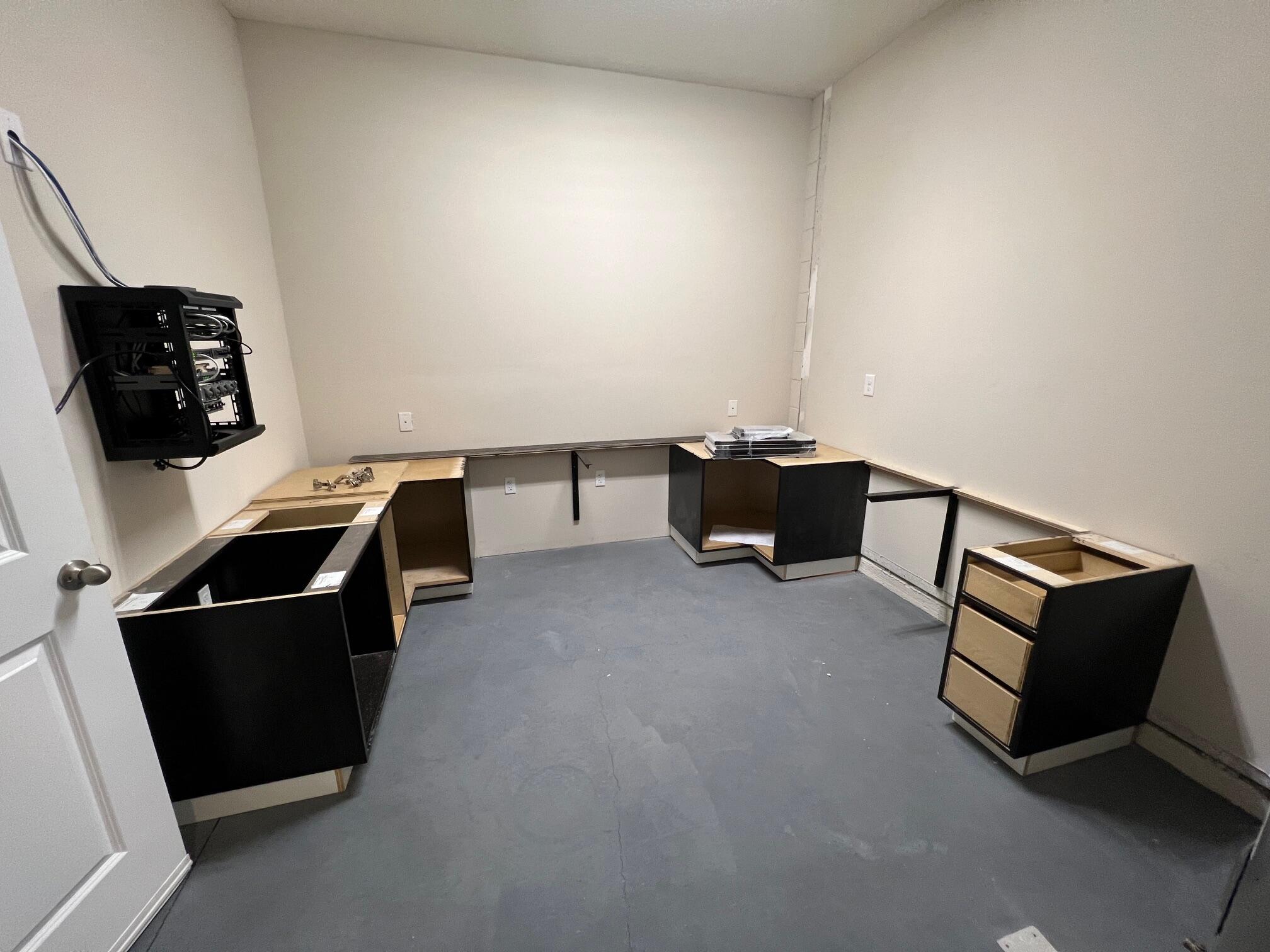
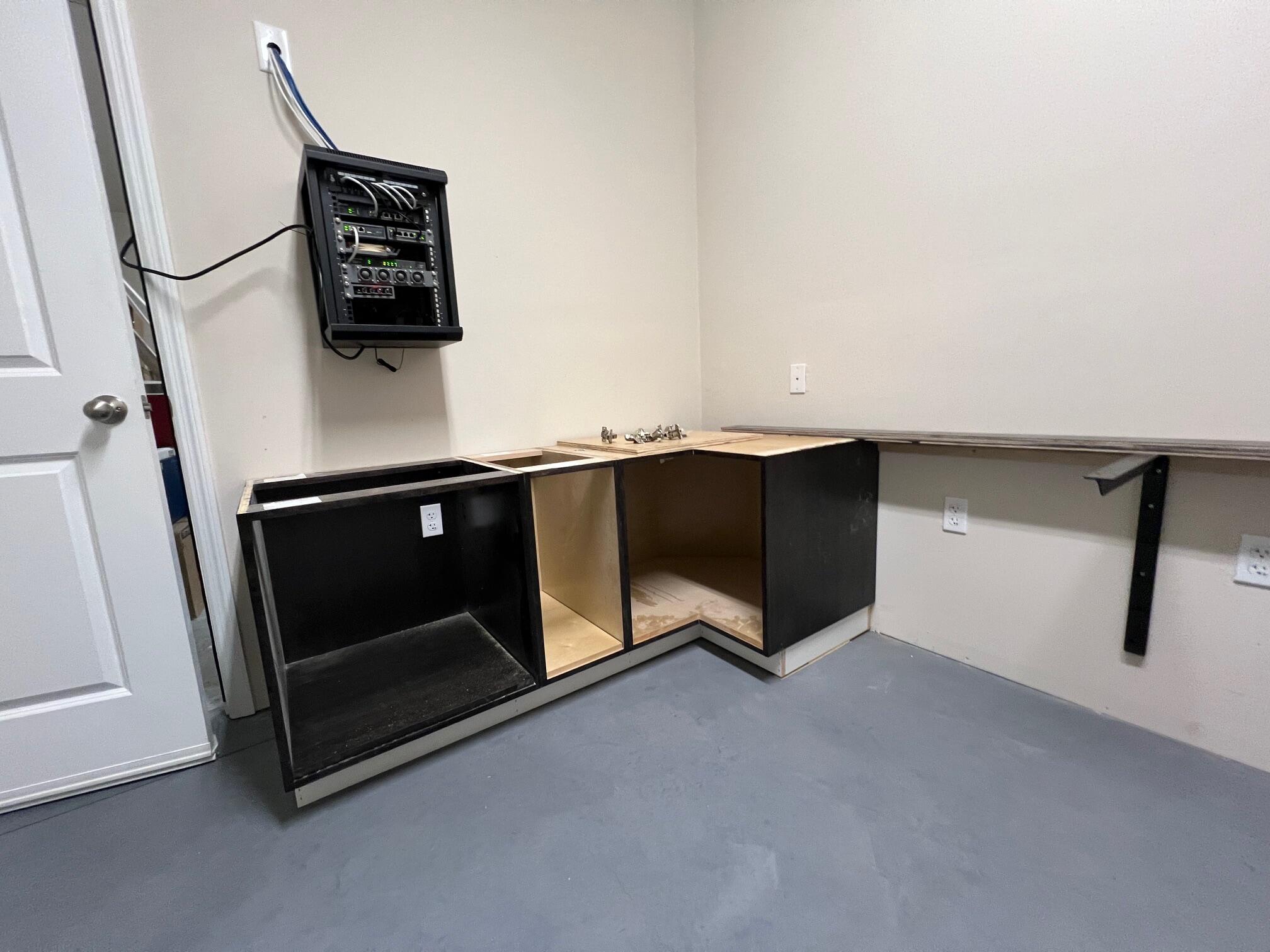
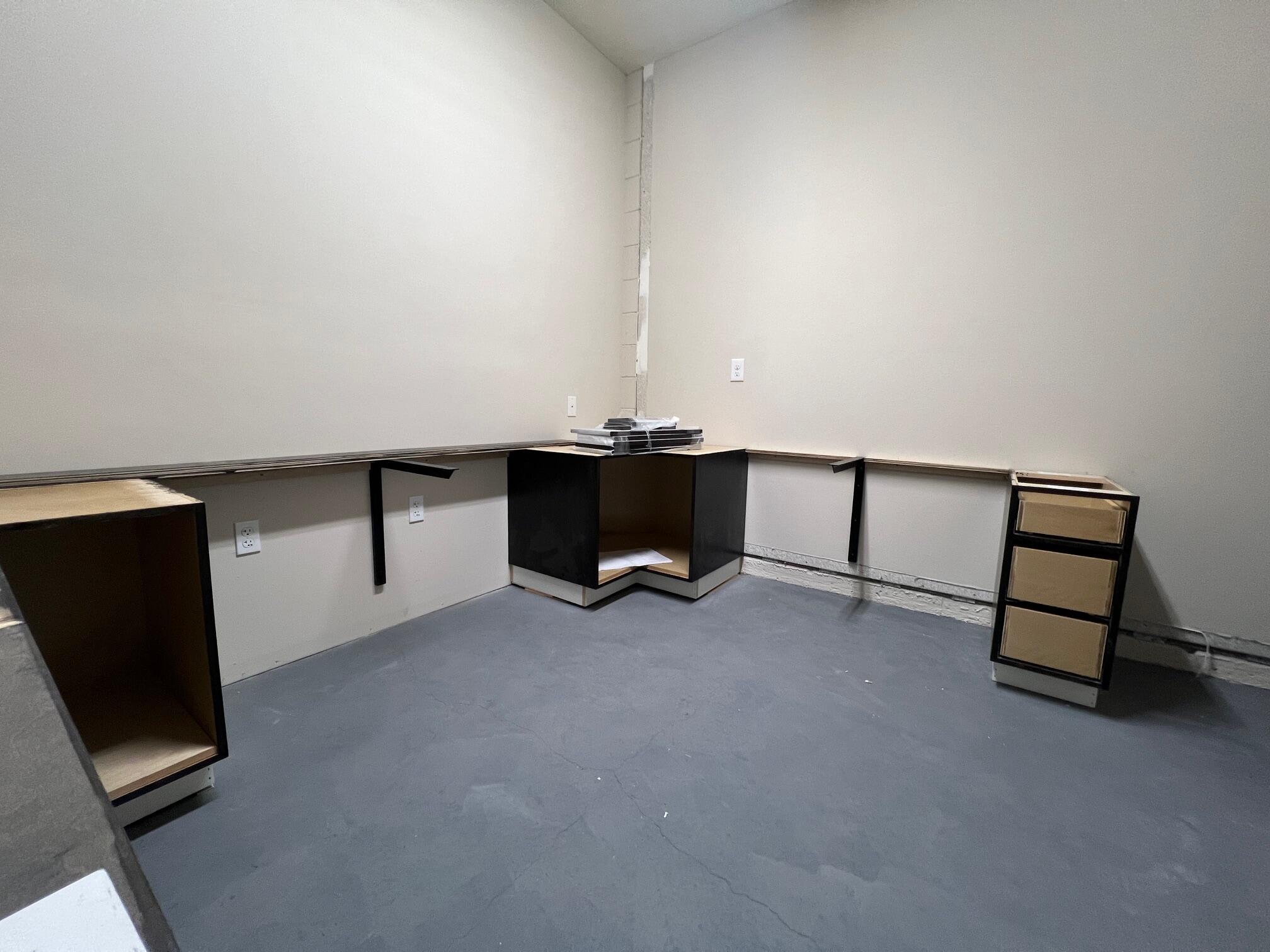
3 pointsImagination - Belouis Some2 points2 points1 pointRIP - Greg Kihn, You may not have known him by name - like me - but I did know his work.1 point.1 point1 point1 pointBand-Maid, World Domination Killing Joke, MMXII Tokyo Gegegay, Jyuuyonsai Karano Ongaku1 point1 pointHere's where it's at now... Toe kick, drawer fronts, doors, and hardware tomorrow. Countertop as well
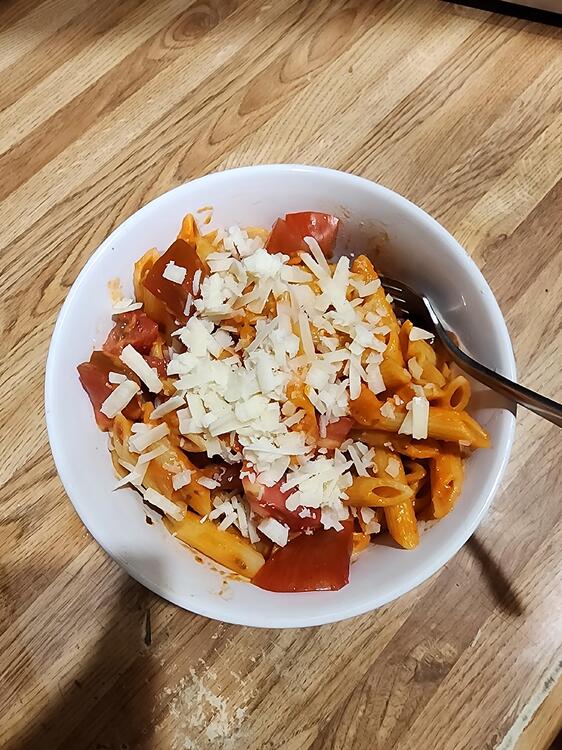
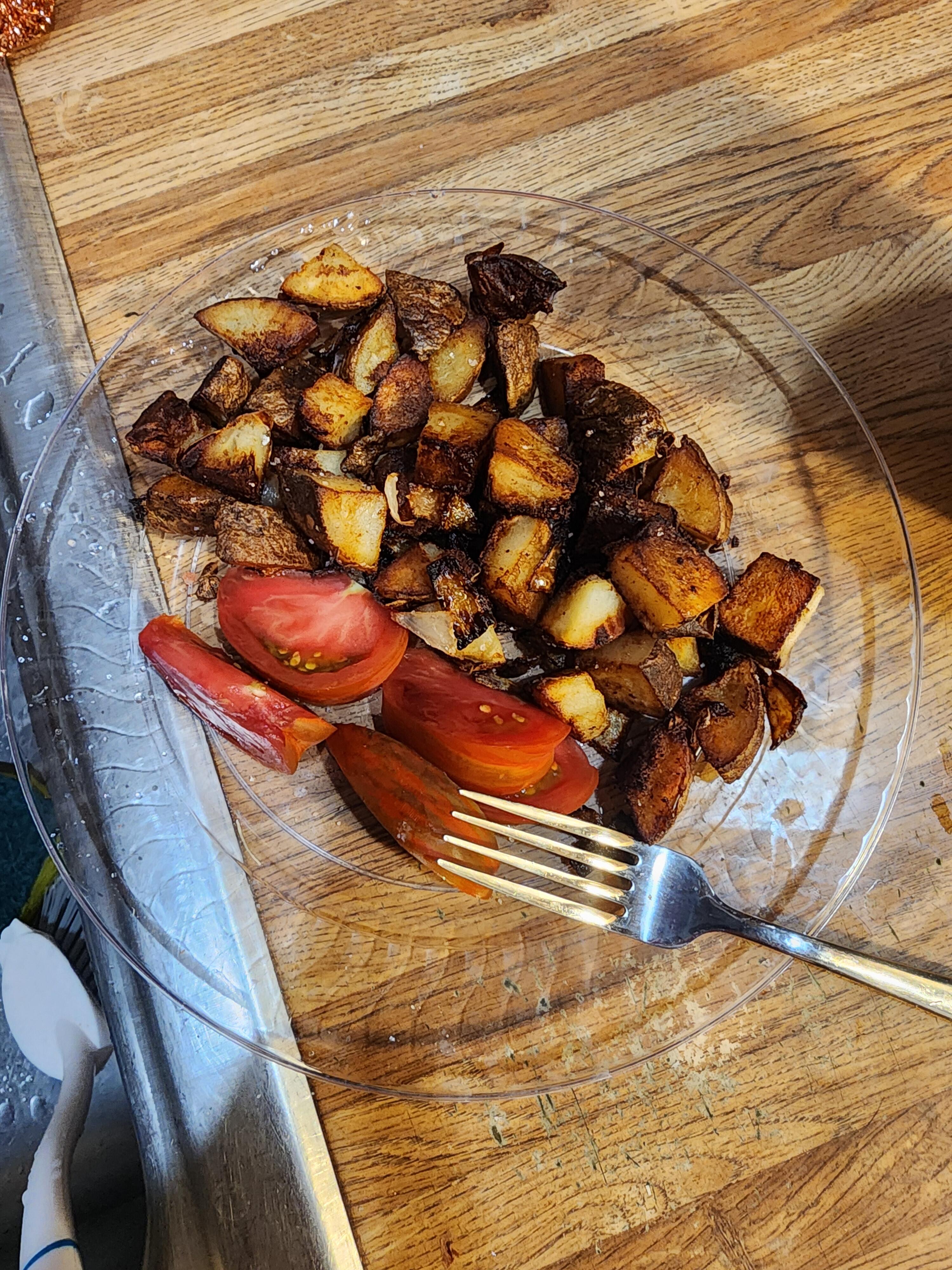
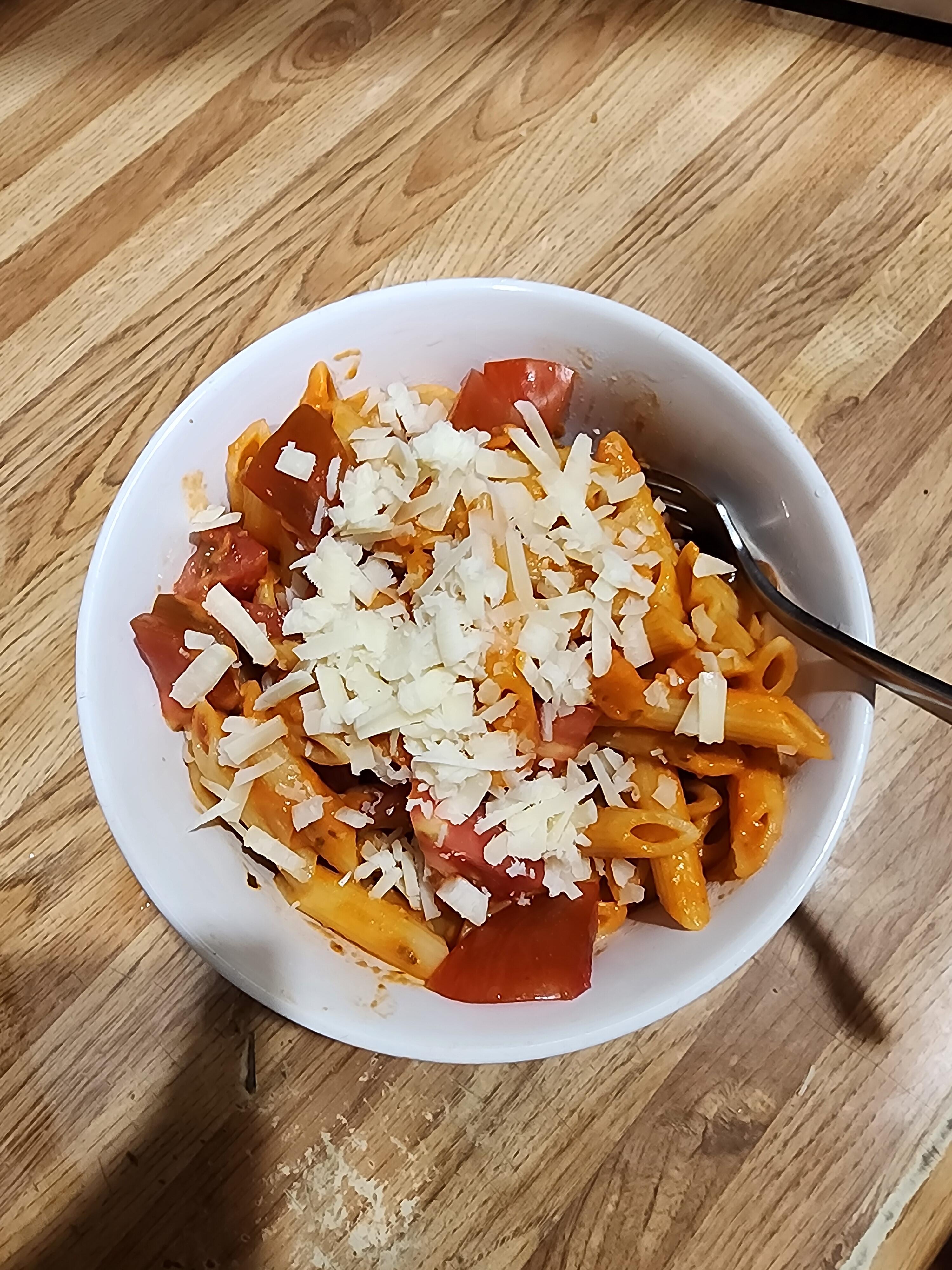
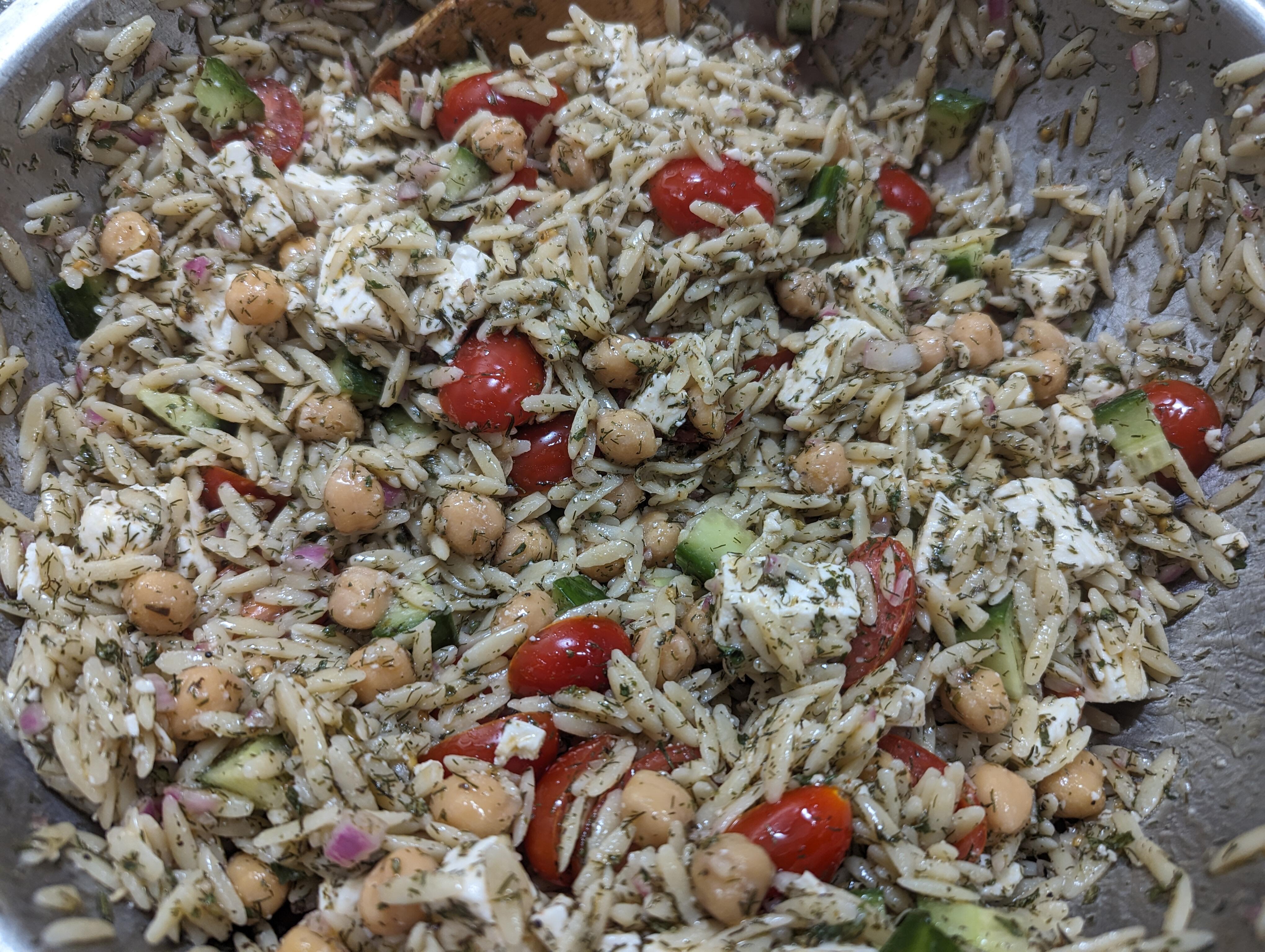
 1 point1 pointOne of my coworkers brought in some heirloom tomatoes to share, so pasta was on the dinner menu.
 1 point1 pointGena Rowlands was a force of nature. I'd put her up there with Streep, though she never got that kind of credit. R.I.P. Gena.1 point1 point1 point1 point0 pointsRIP, Gena Rowlands @ 94, https://apnews.com/article/gena-rowlands-dead-7c5b10d7a3544200987a57238afc6a37 I have watched many of her works, and was always captivated.0 points







Important Information
By using this site, you agree to our Terms of Use.
Account
Navigation
Search
Configure browser push notifications
Chrome (Android)
- Tap the lock icon next to the address bar.
- Tap Permissions → Notifications.
- Adjust your preference.
Chrome (Desktop)
- Click the padlock icon in the address bar.
- Select Site settings.
- Find Notifications and adjust your preference.
Safari (iOS 16.4+)
- Ensure the site is installed via Add to Home Screen.
- Open Settings App → Notifications.
- Find your app name and adjust your preference.
Safari (macOS)
- Go to Safari → Preferences.
- Click the Websites tab.
- Select Notifications in the sidebar.
- Find this website and adjust your preference.
Edge (Android)
- Tap the lock icon next to the address bar.
- Tap Permissions.
- Find Notifications and adjust your preference.
Edge (Desktop)
- Click the padlock icon in the address bar.
- Click Permissions for this site.
- Find Notifications and adjust your preference.
Firefox (Android)
- Go to Settings → Site permissions.
- Tap Notifications.
- Find this site in the list and adjust your preference.
Firefox (Desktop)
- Open Firefox Settings.
- Search for Notifications.
- Find this site in the list and adjust your preference.