Leaderboard
-
Voltron
High Rollers6Points34627Posts -
n_maher
Administrators4Points27522Posts -
Hopstretch
High Rollers4Points16821Posts -
jose
Returning Member3Points1936Posts




Popular Content
Showing content with the highest reputation on 09/25/24 in all areas
-
3 points
-
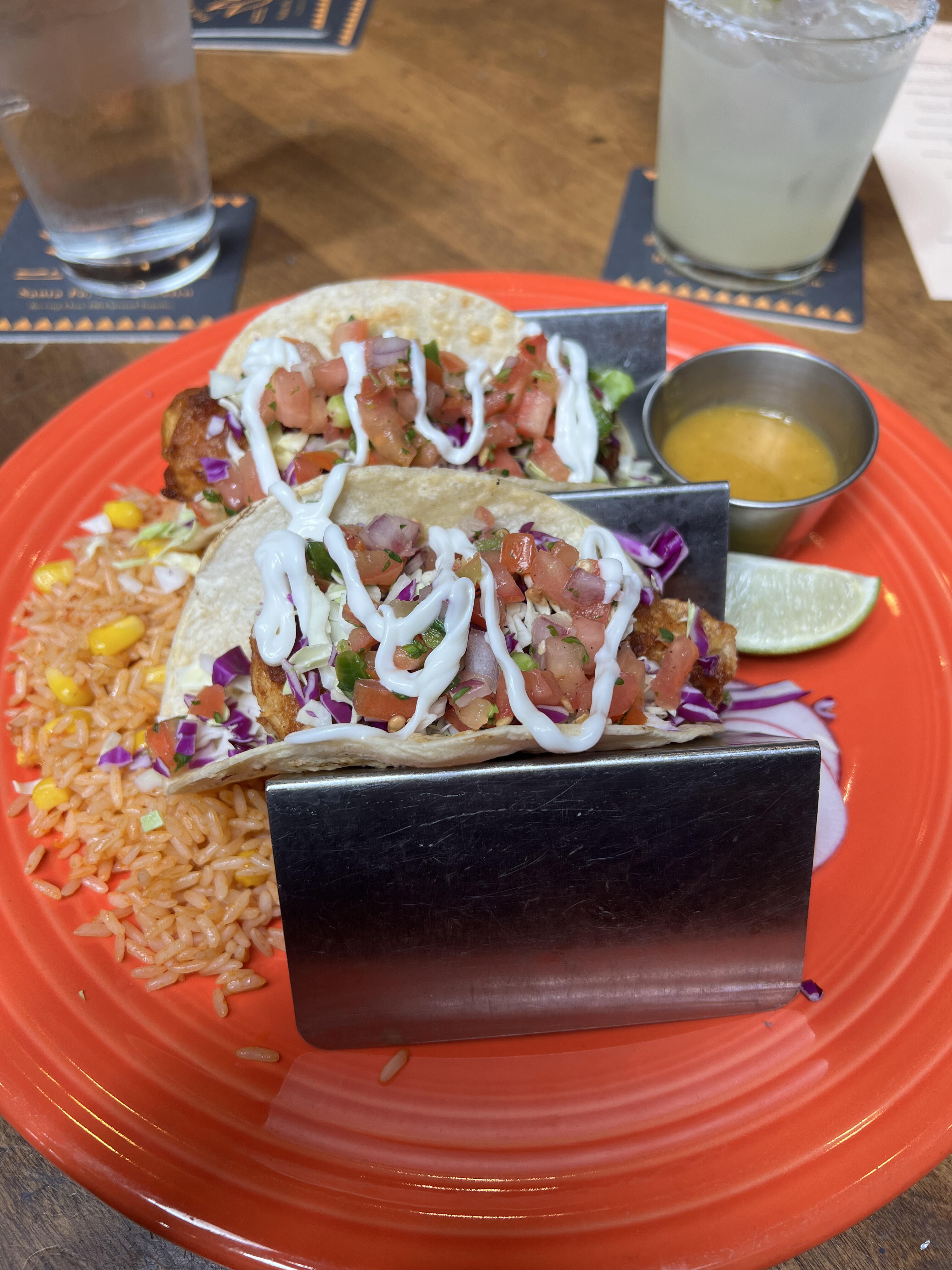
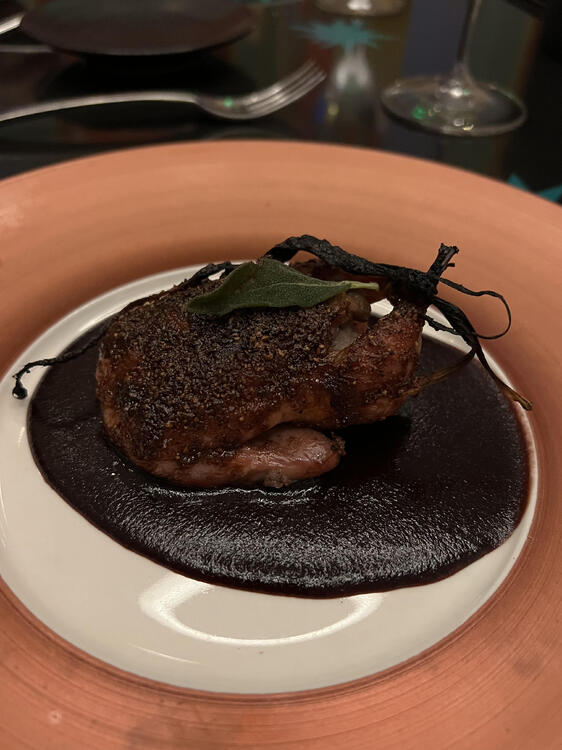
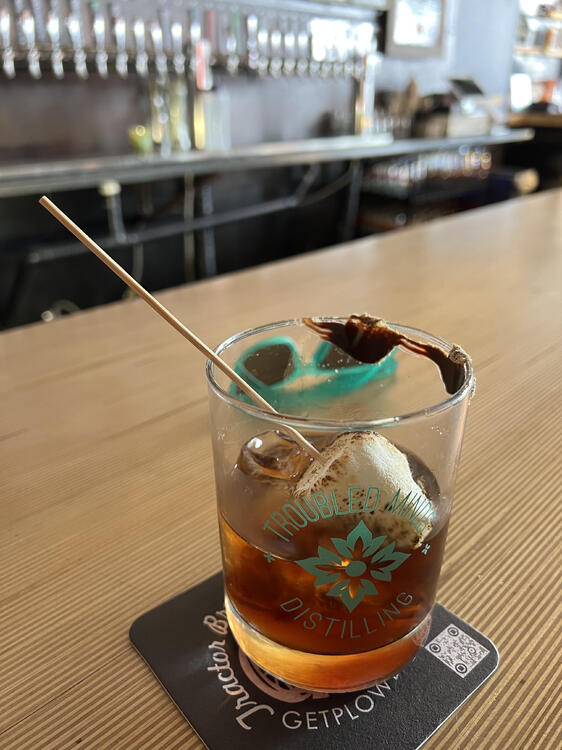
2 pointsA few plates from a New Mexico golf trip with friends.... HS


 2 points
 -
1 pointI would have never guessed you were a day older than 60, but a millennium? Wow!1 point
-
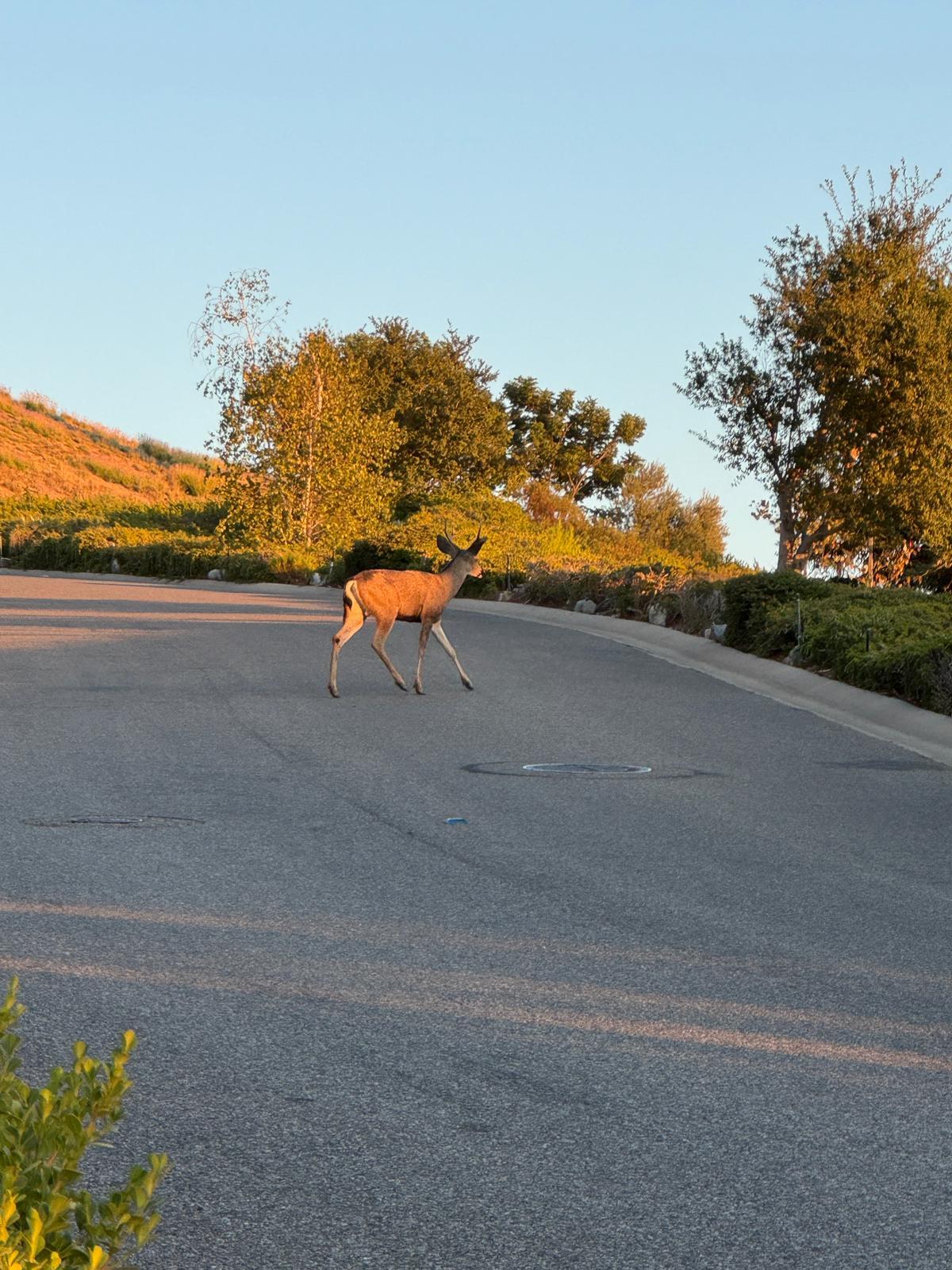
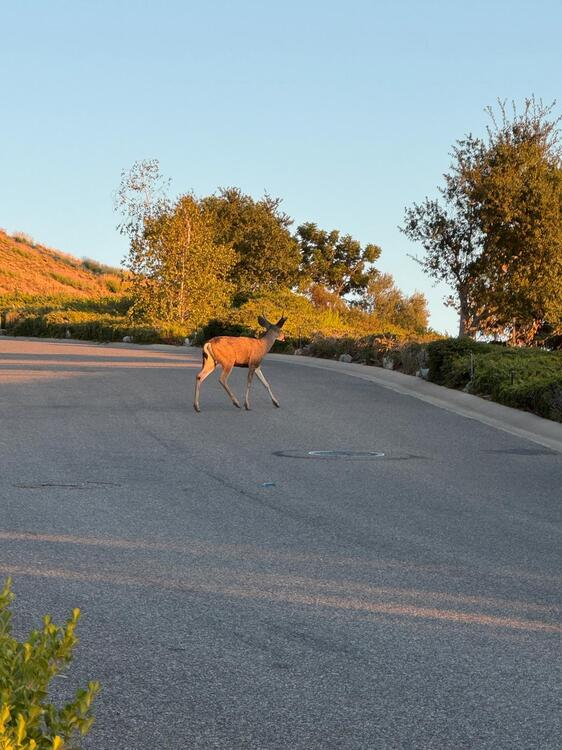
1 pointThe cooler weather has brought an end to rattlesnake season and the beginning of deer season.
 1 point
 -
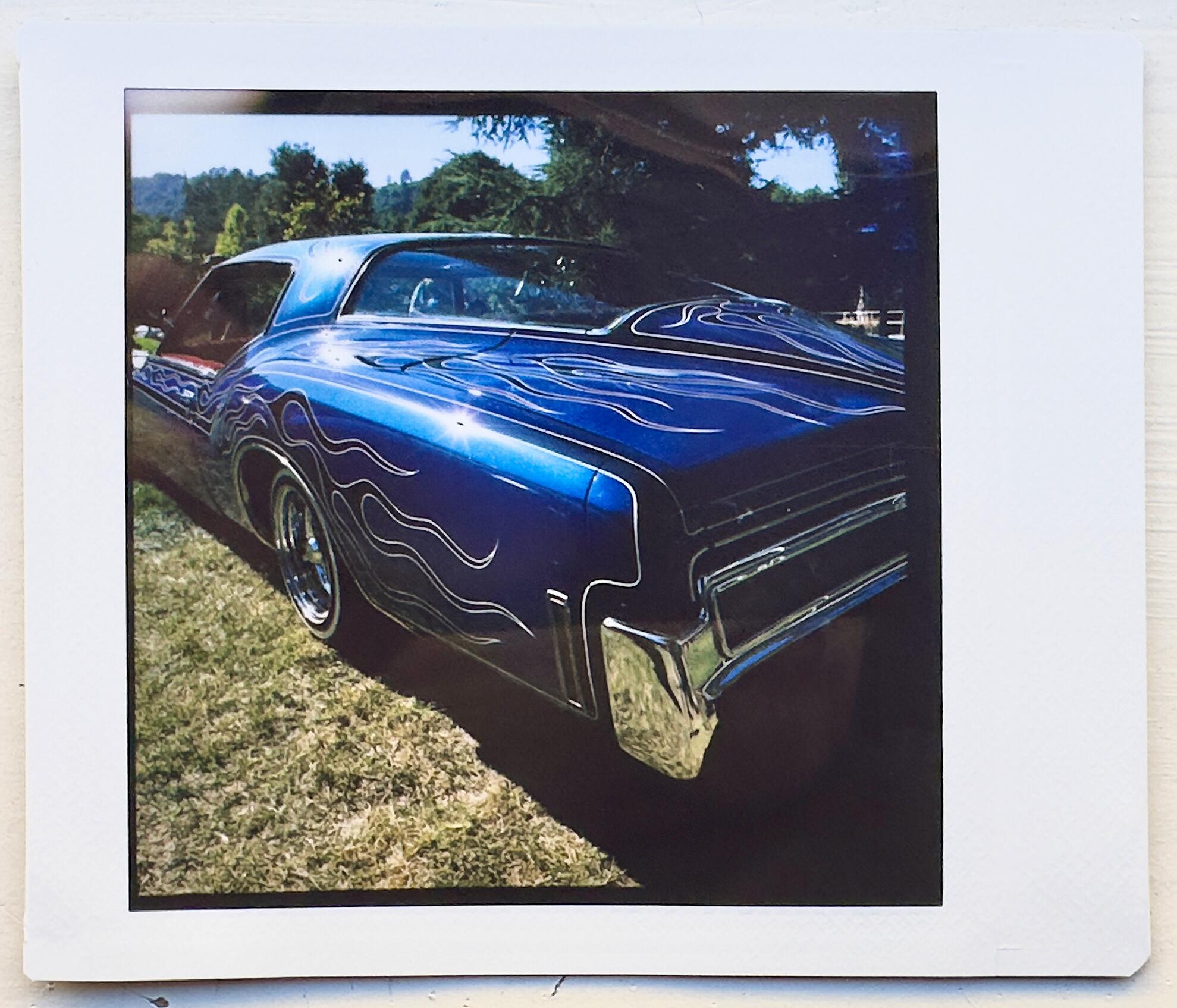
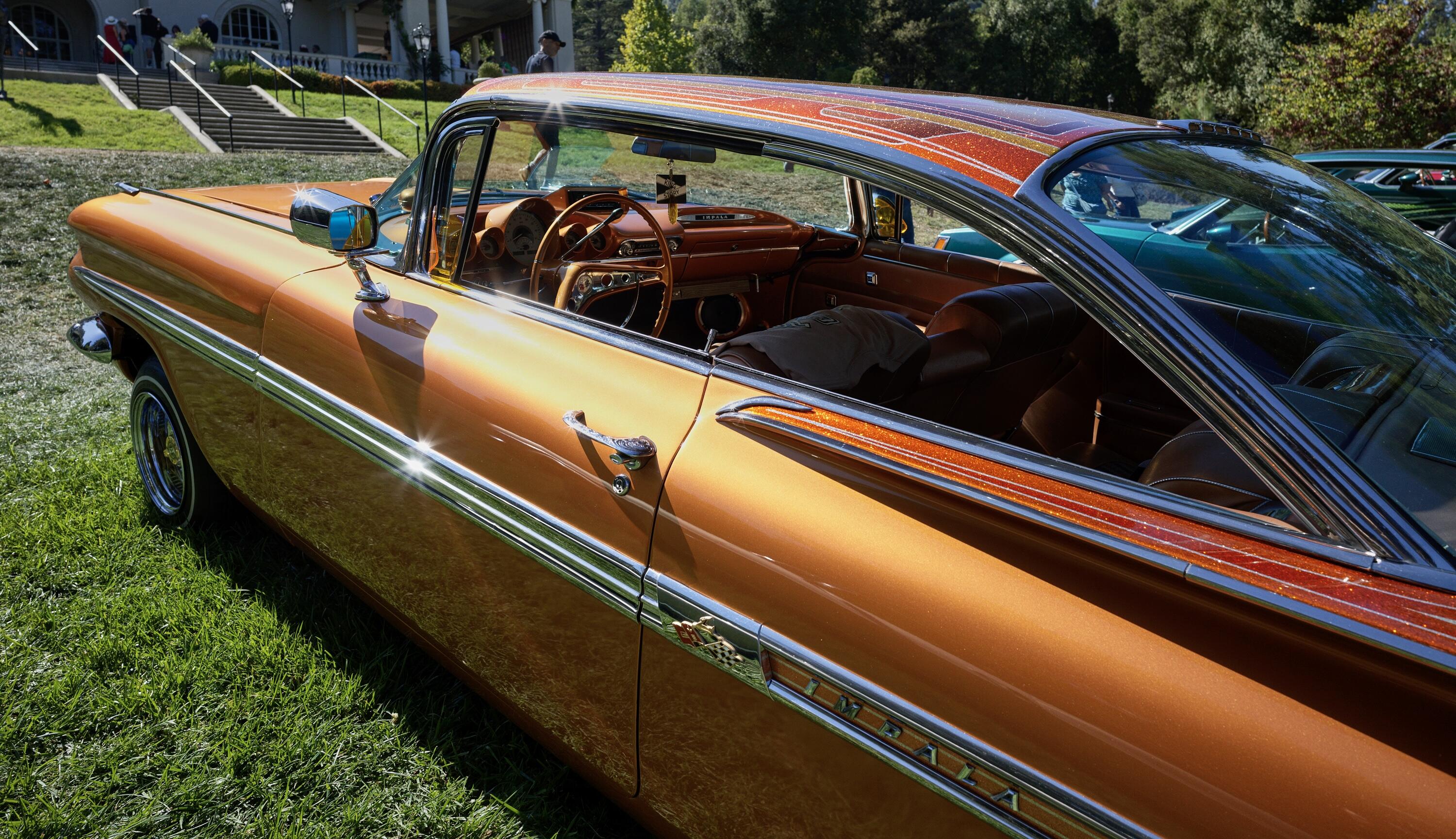
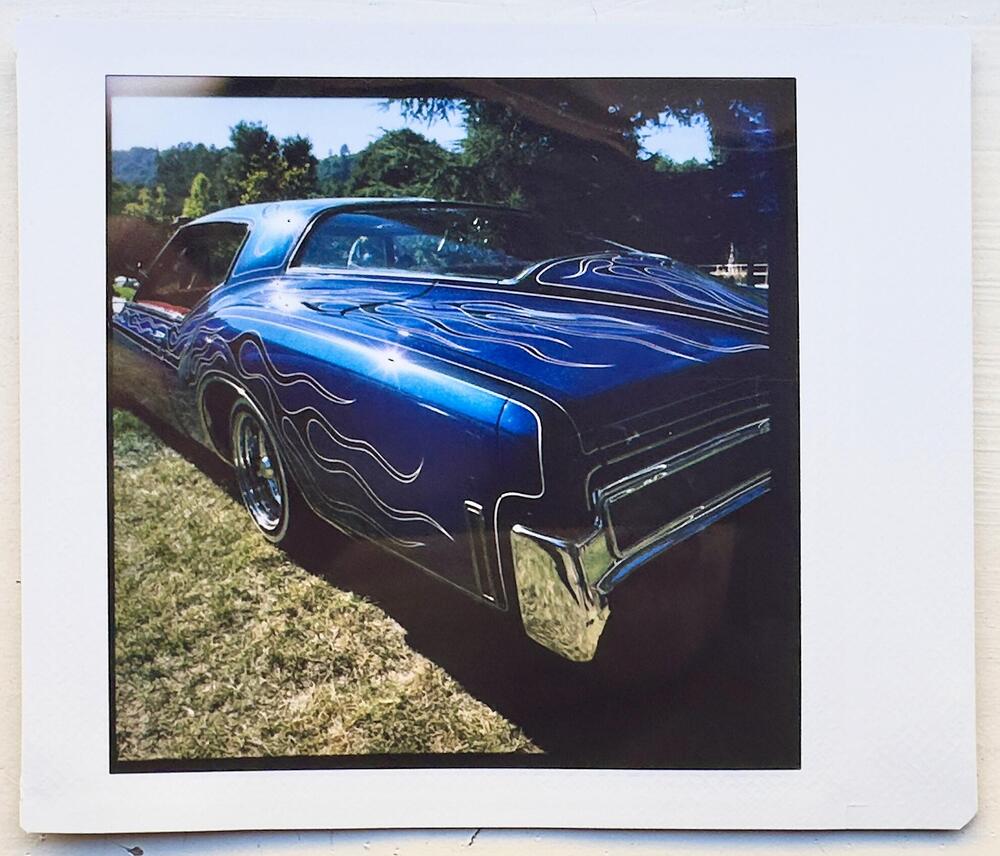
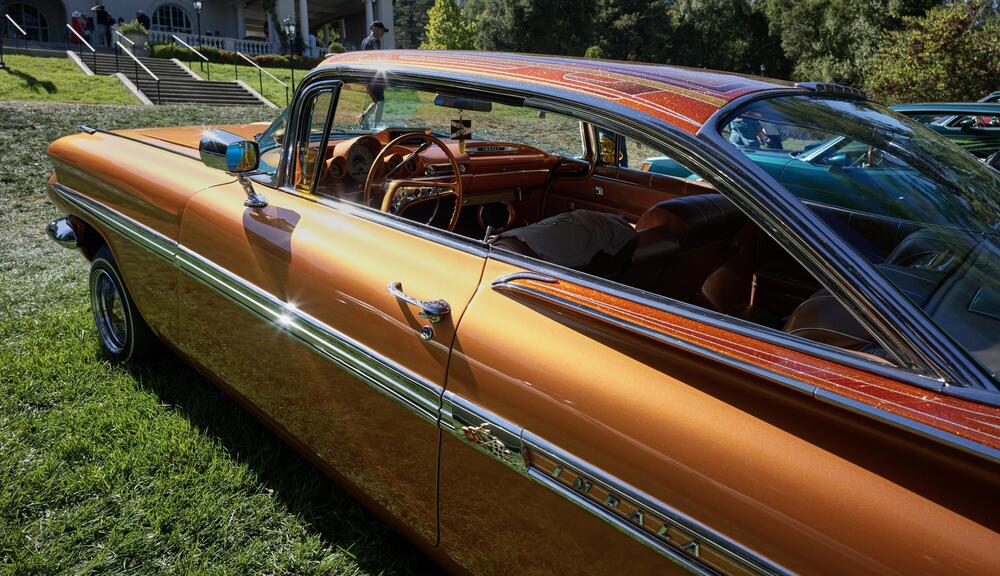
Still need to do some color work, but here are a few snaps from a Lowrider event yesterday. Hassy 907x II 50c and 28p lens. Also starting to experiment with a NONS Instax Square back on a Hassy 500c, but really need to work on the exposure (the dynamic range is thin). Finally and best, met up with @robm321 as we solved the world problems over sugar.





 1 point
 -
1 pointThat looks a lot better than the camp food I got on my recent NM trip. On the plus side, I highly recommend Romo's Restaurant in Holbrook, AZ. It served the best Mexican food I've had this millennium.1 point
-
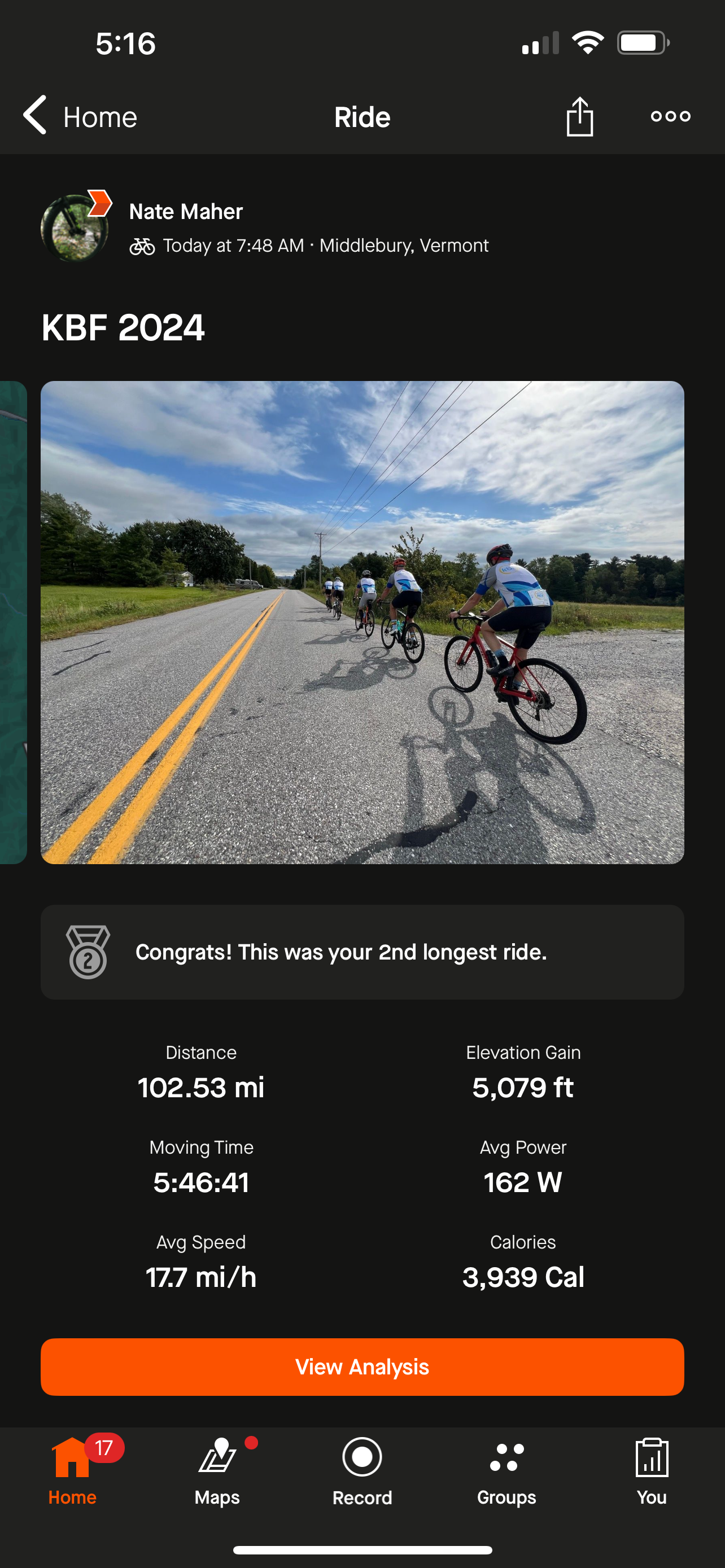
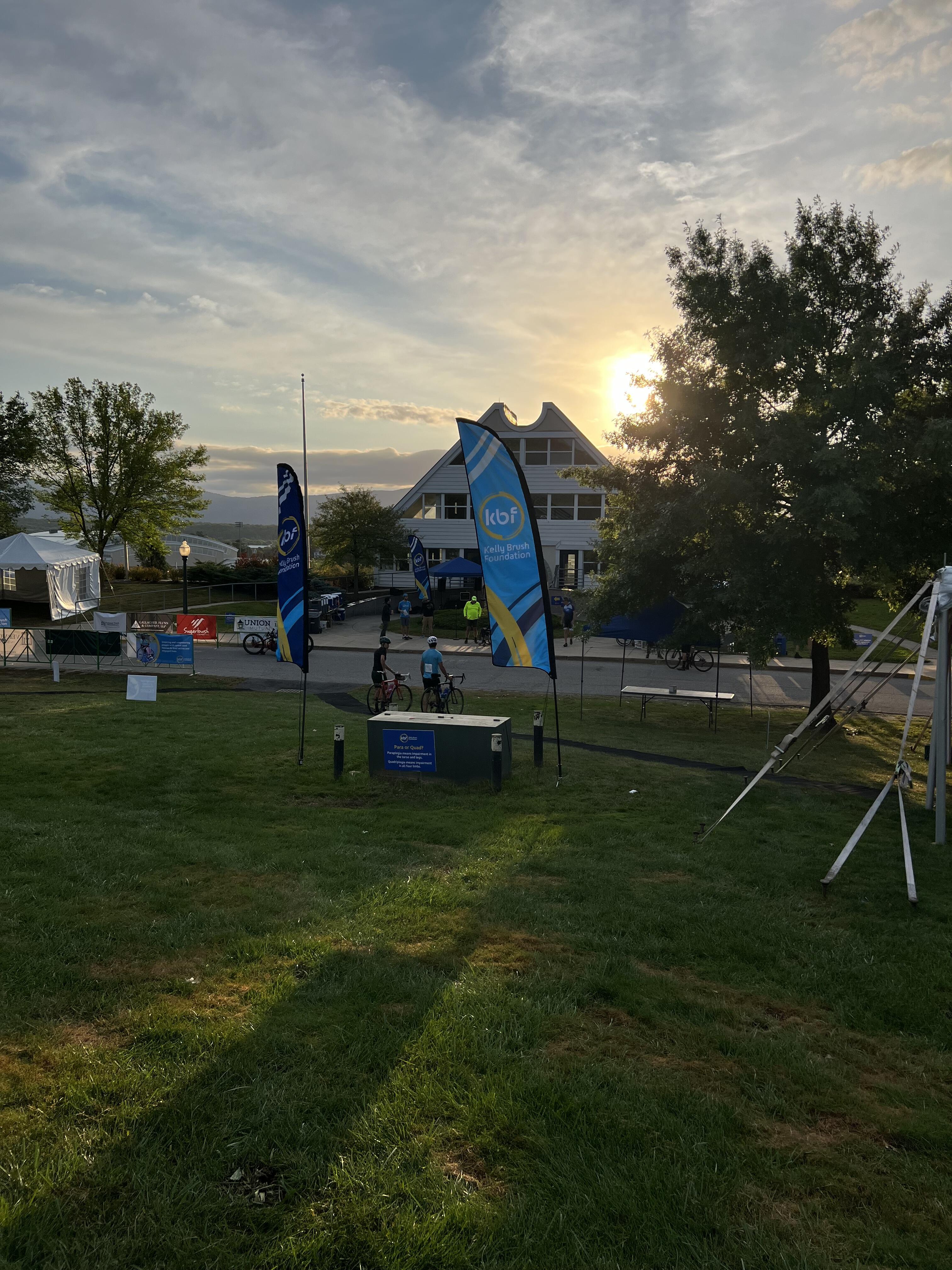
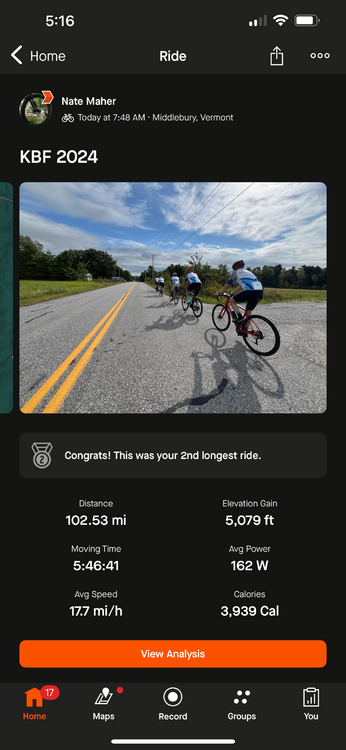
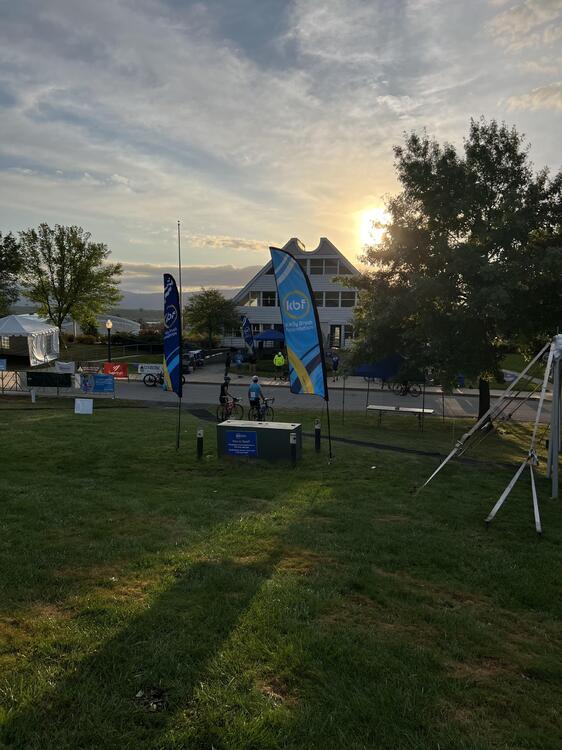
Job done. Great day, some hurtful winds but survived.
 1 point