

Leaderboard
-
luvdunhill
High Rollers7Points13728Posts -
Hopstretch
High Rollers6Points16821Posts -
dsavitsk
High Rollers5Points4972Posts -
Craig Sawyers
High Rollers5Points5524Posts




Popular Content
Showing content with the highest reputation on 03/17/25 in Posts
-
4 pointsI moved into the new place this weekend. Moving sucks, but hopefully that was the last move I need to make in a good while.4 points
-
3 points
-
2 points
-
2 points
-
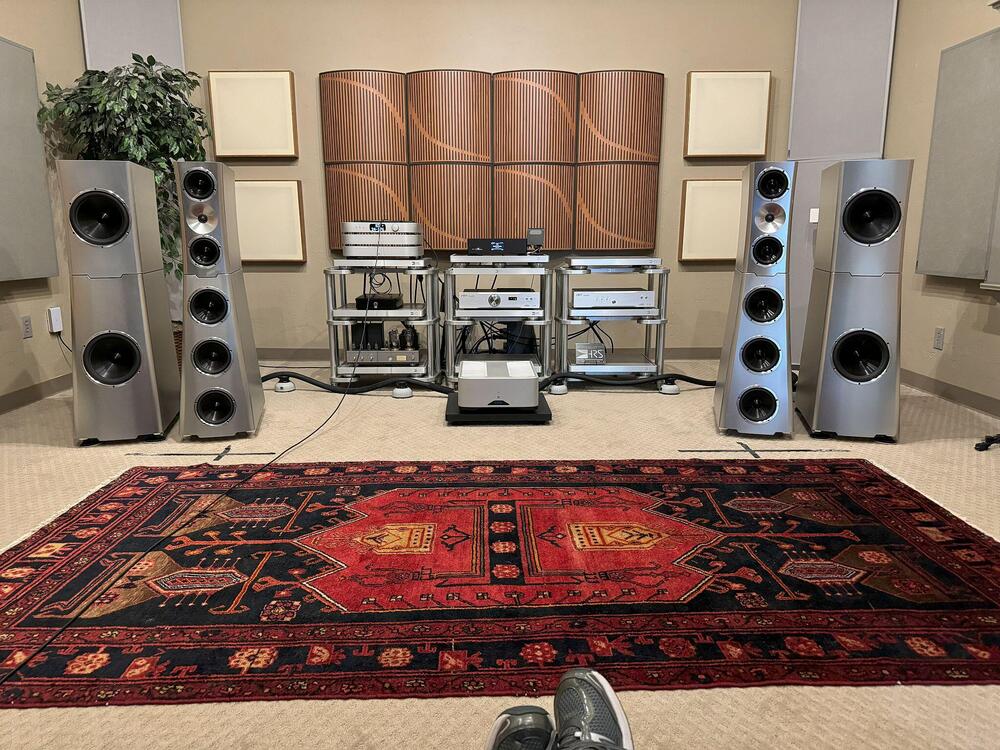
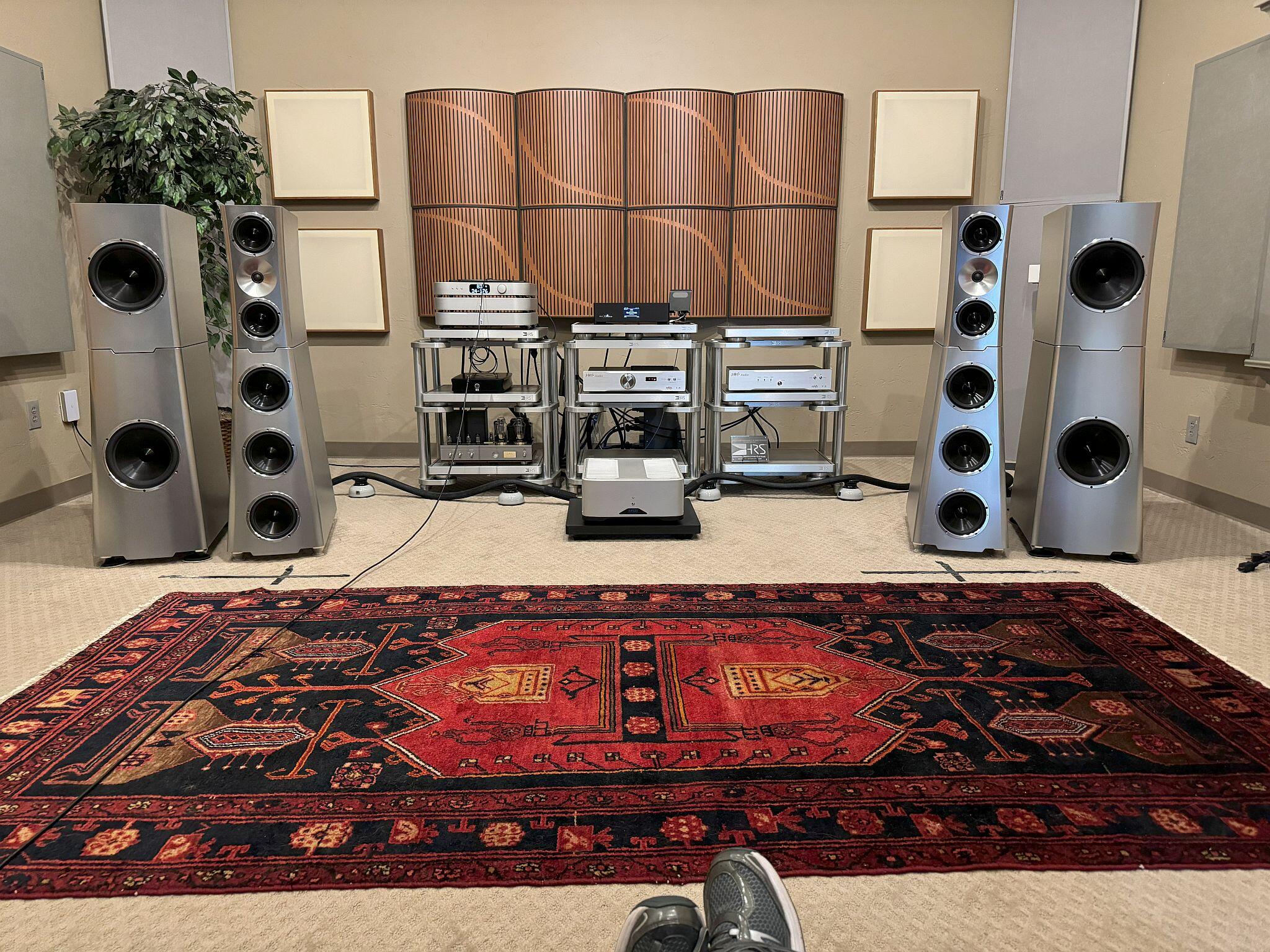
2 pointsDid a little "audio therapy" last weekend with an audio buddy. Visited one of my 2 favorite dealers and did some nice listening to YG Acoustics....have loved their stuff for years.
 2 points
 -
1 point
-
I ended up using STP8NK80Z(FP) in place of those FQP ones and they work all good if that's what you asking? Should be available from major vendors still.1 point
-
1 point
-
1 pointLeprechaun 8-Film Collection (Digital Bundle) $9.99 The Leprechaun comes to life in this collection of eight films including LEPRECHAUN, LEPRECHAUN 2, LEPRECHAUN 3, LEPRECHAUN 4 IN SPACE, LEPRECHAUN IN THE HOOD, LEPRECHAUN: BACK 2 THA HOOD, LEPRECHAUN: ORIGINS, and the new release, LEPRECHAUN RETURNS. https://athome.fandango.com/content/browse/details/title/1288372
 1 point
 -
1 pointMy favorite version of my favorite song by REM. I saw this concert and the extra drumstick on the chair was really effective live1 point










Important Information
By using this site, you agree to our Terms of Use.