Leaderboard
-
Knuckledragger
High Rollers7Points16523Posts -
spritzer
High Rollers5Points14712Posts -
Hopstretch
High Rollers4Points16821Posts -
Grahame
High Rollers3Points16859Posts




Popular Content
Showing content with the highest reputation on 08/07/25 in all areas
-
4 pointsWoo Audio and Lampazitor in the same system... damn this one is a glutton for punishment4 points
-
Click da link! 🫡4 points
-
3 points$280K speakers, $150K in amps, $60K DAC, all stuffed into a room the size of a foyer.3 points
-
2 points
-
Yesterday was an Isao Tomita kind of day: Today is a Vangelis kind of day:1 point
-
1 point
-
1 point
-
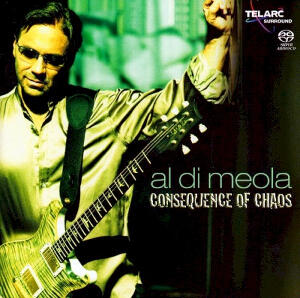
Some morning Al
 1 point
 -
1 pointI think they are HD650 pads but they were just some I found in my stash of earpads. I had to trim off the plastic ring at the bottom and attach them with double sided adhesive but it fits nicely on there.1 point
-
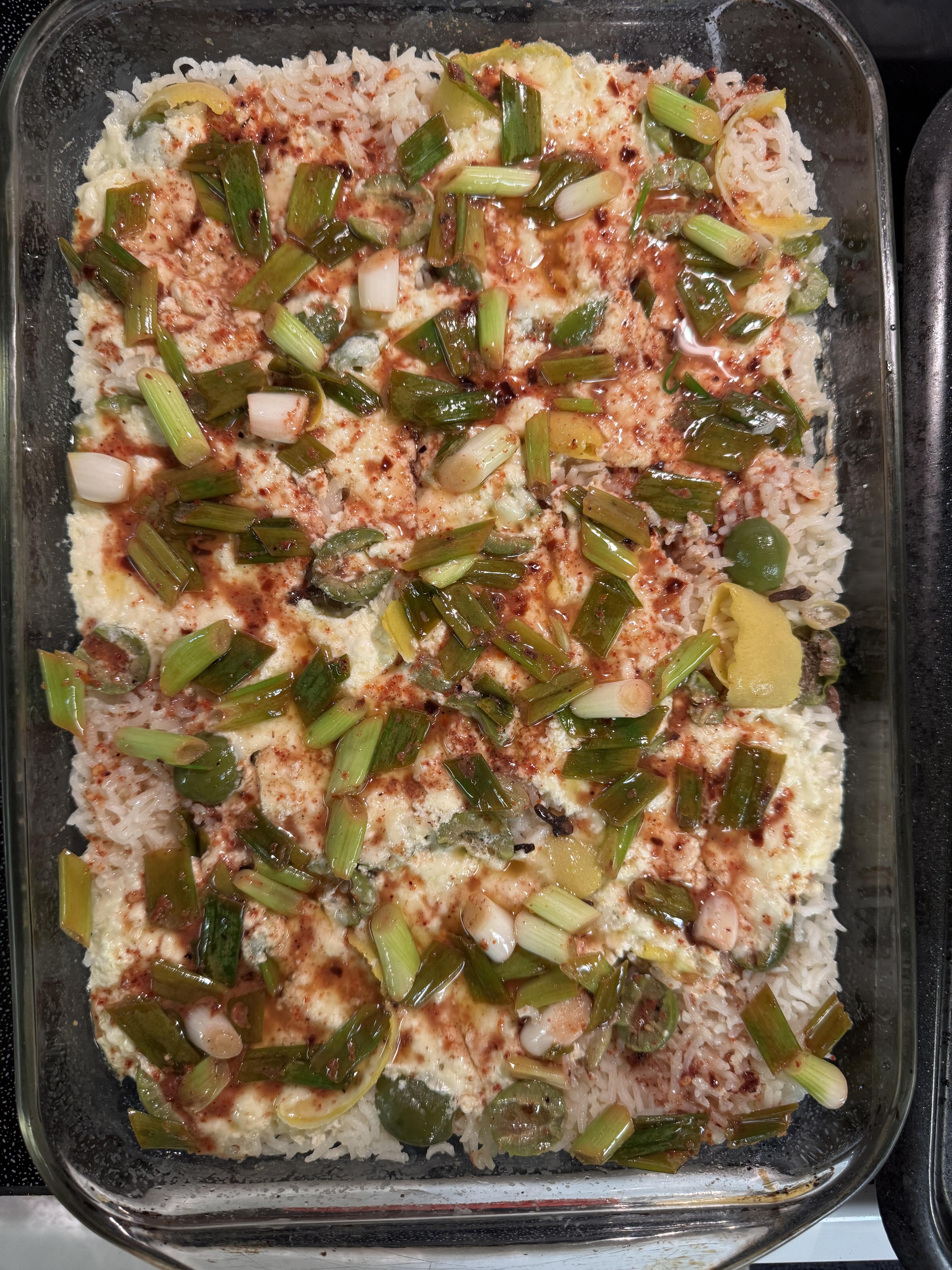
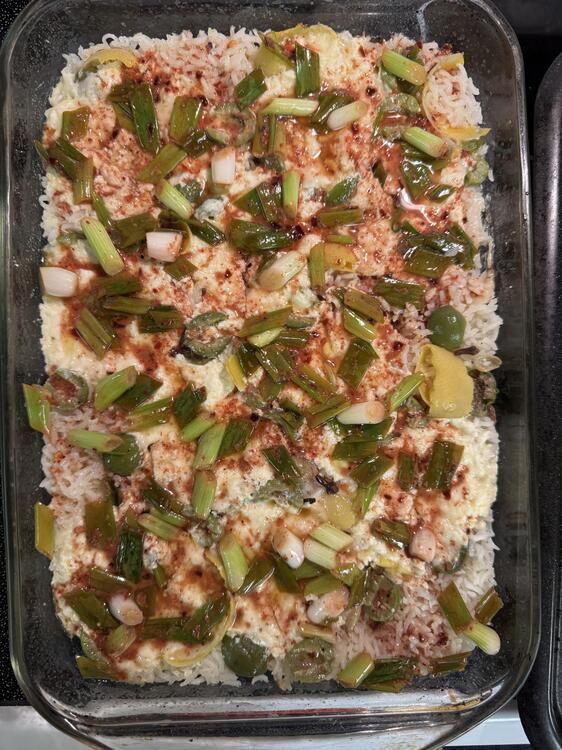
1 pointOttolenghi's cheeseball lemon rice with chile butter, which is very much as it sounds and is delicious as well. Served with grilled asparagus for a delightful vegetarian meal.
 1 point
 -
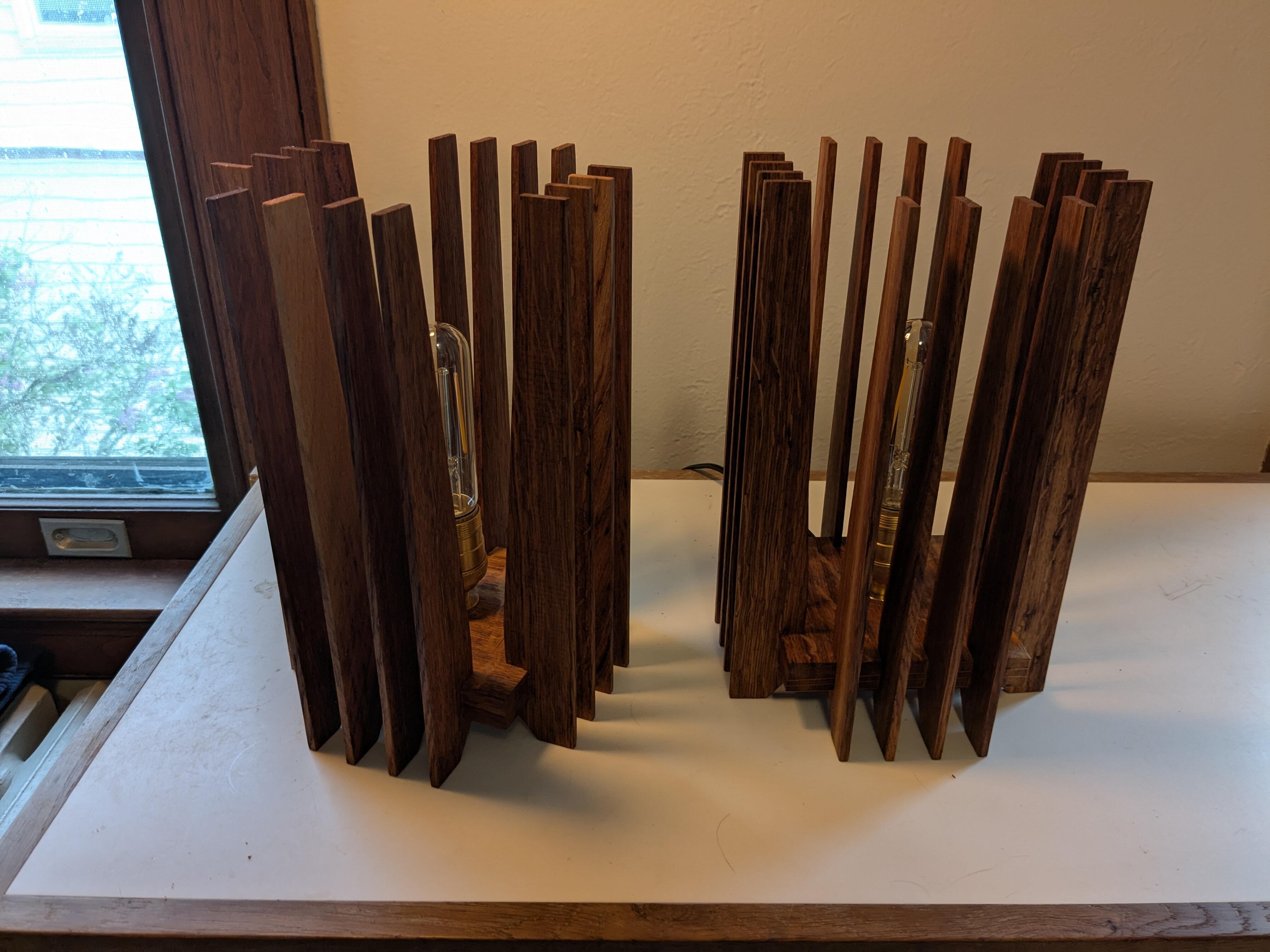
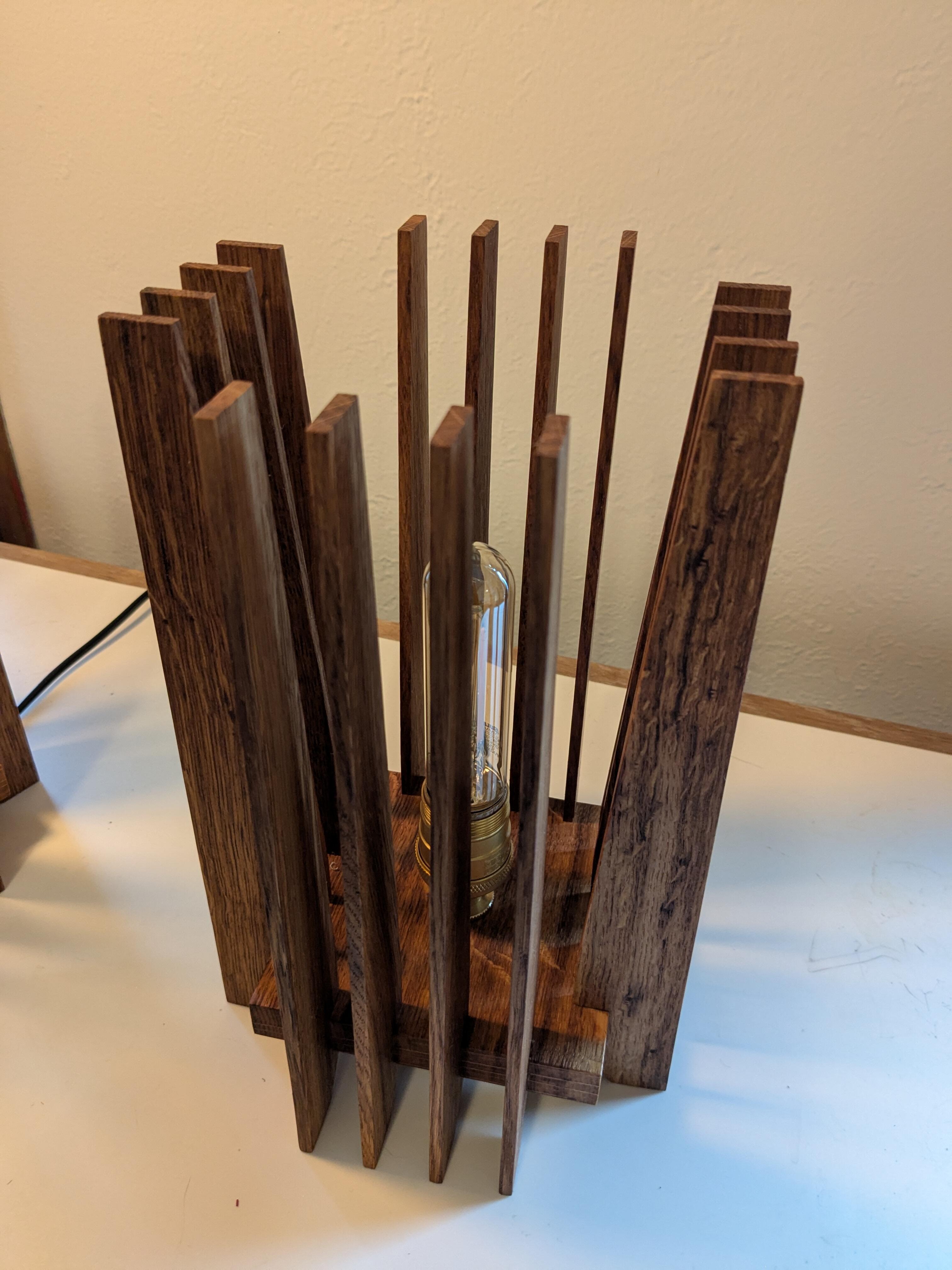
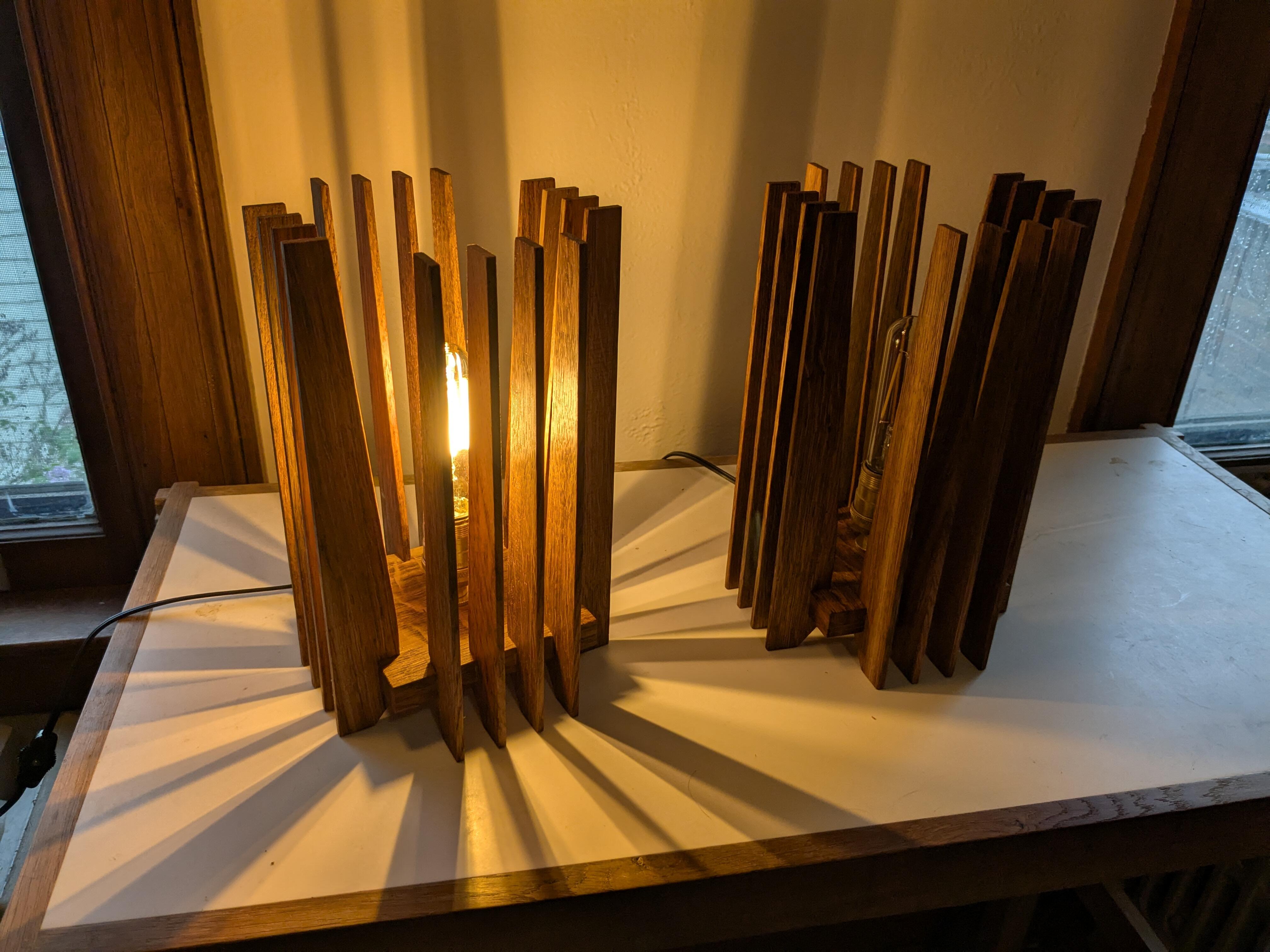
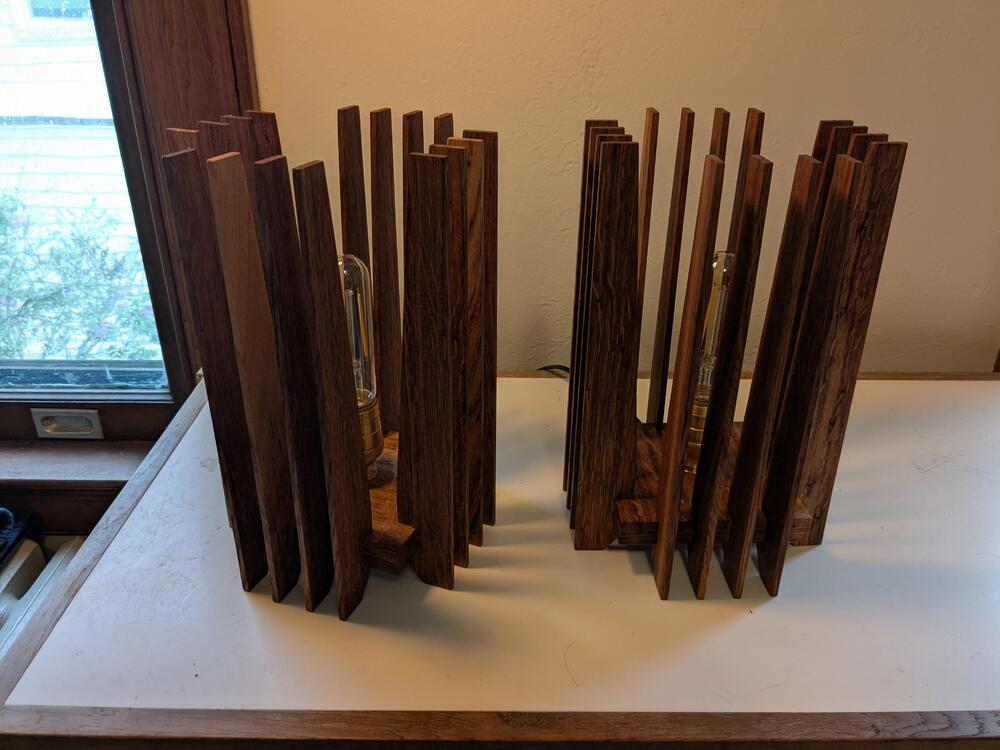
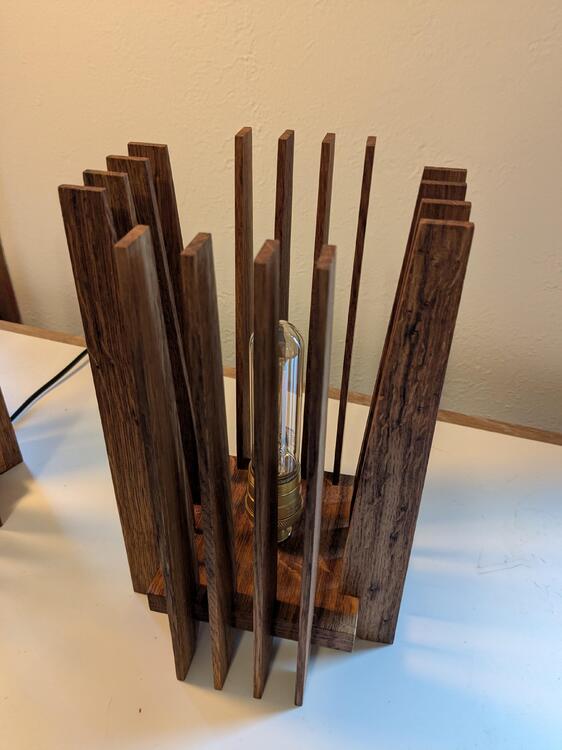
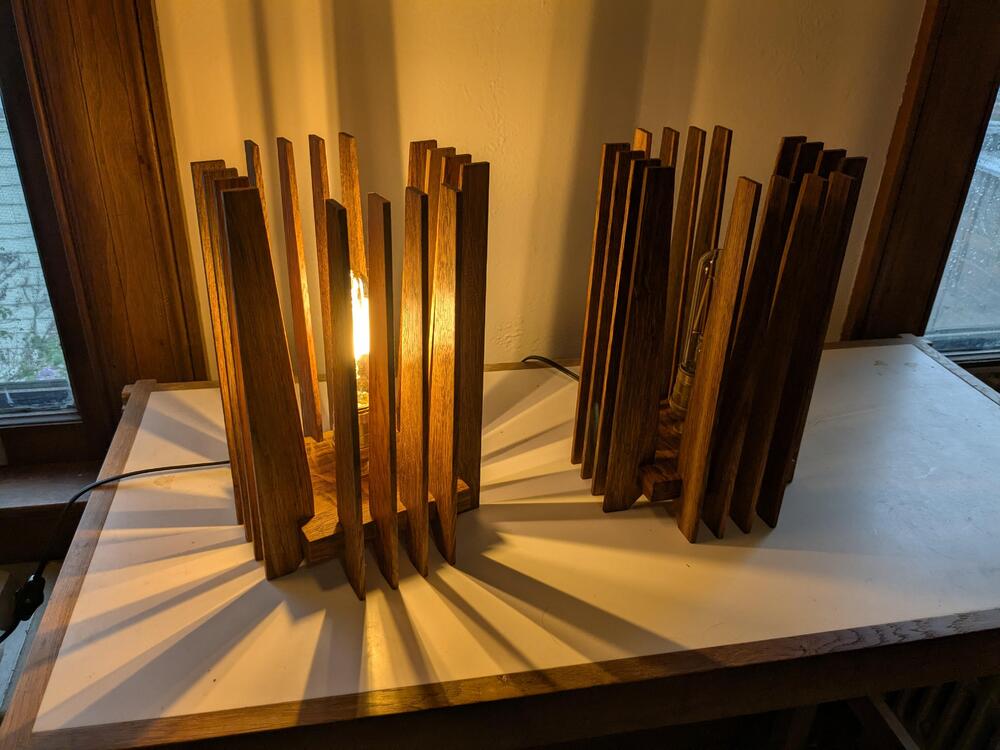
1 pointThe cats broke the glass lamp in our entryway, so I needed a non-glass replacement. Similar to a design I made a few years ago, but smaller and with some refinements.
 1 point
 -
1 point