

Leaderboard
-
Voltron
High Rollers16Points34626Posts -
grawk
Administrators13Points29549Posts -
Grahame
High Rollers10Points16859Posts -
Hopstretch
High Rollers8Points16821Posts




Popular Content
Showing content with the highest reputation on 05/16/26 in all areas
-
7 points7 points7 pointsHad a MRI. I passed. (Apparently, I'm very good at laying very still.) They want me back to repeat the procedure on different equipment, so they can calibrate the equipment. 🙃 Kinda reminded me of a concert I saw where Pan Sonic played one long drone and manipulated the timbre so that different parts of audience members' bodies resonated. (The concert was a very visceral experience.)7 points6 points5 points3 points2 points2 pointsMr Noods in Grover Beach pork noodle soup. Was the best broth I can remember.
 2 points1 pointPost Brit Meetup, (The New, $19.7M) Larkspur Library, Mt. Tam View, Picnic.
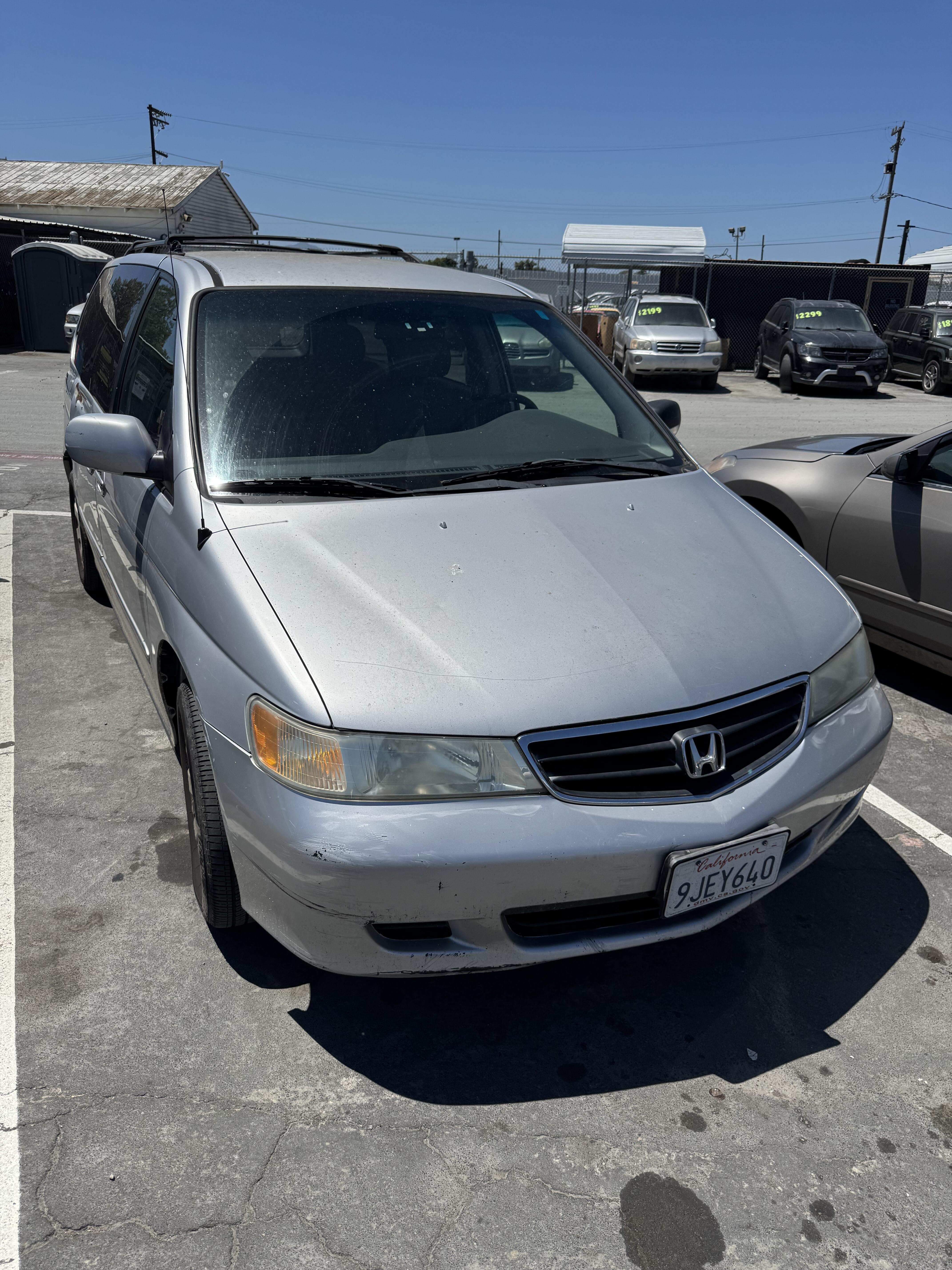
 1 point1 pointIt's always interesting when classically trained singers step outside of the opera world1 point1 pointThe Last Ride of the Skanky Van... to the salvage yard. RIP RIP trusty steed.
 1 point1 point1 pointSpeaking of which A.I. “Gingery Wonton & Prawn Dumpling Noodle Soup"
 1 point












.thumb.jpg.e56950ebbdfabfb46c42ffd725ee1ba0.jpg)

Important Information
By using this site, you agree to our Terms of Use.
Account
Navigation
Search
Configure browser push notifications
Chrome (Android)
- Tap the lock icon next to the address bar.
- Tap Permissions → Notifications.
- Adjust your preference.
Chrome (Desktop)
- Click the padlock icon in the address bar.
- Select Site settings.
- Find Notifications and adjust your preference.
Safari (iOS 16.4+)
- Ensure the site is installed via Add to Home Screen.
- Open Settings App → Notifications.
- Find your app name and adjust your preference.
Safari (macOS)
- Go to Safari → Preferences.
- Click the Websites tab.
- Select Notifications in the sidebar.
- Find this website and adjust your preference.
Edge (Android)
- Tap the lock icon next to the address bar.
- Tap Permissions.
- Find Notifications and adjust your preference.
Edge (Desktop)
- Click the padlock icon in the address bar.
- Click Permissions for this site.
- Find Notifications and adjust your preference.
Firefox (Android)
- Go to Settings → Site permissions.
- Tap Notifications.
- Find this site in the list and adjust your preference.
Firefox (Desktop)
- Open Firefox Settings.
- Search for Notifications.
- Find this site in the list and adjust your preference.